WMS/Industries/Wholesale
WMS for wholesale and distribution
Big orders out. Full pallets in. No paper in between.
Raptool WMS runs the wholesale floor from the supplier order to the loaded pallet. Every delivery is checked in on a handheld, every order is picked along the pick path, and stock stays right in your ERP.
- Supplier orders from low stock
- Wave picking with carts
- Pallets and parcels booked
- Two-way sync with your ERP

Connects to the systems wholesale teams already run
On the floor
The usual problems, solved where the work happens.
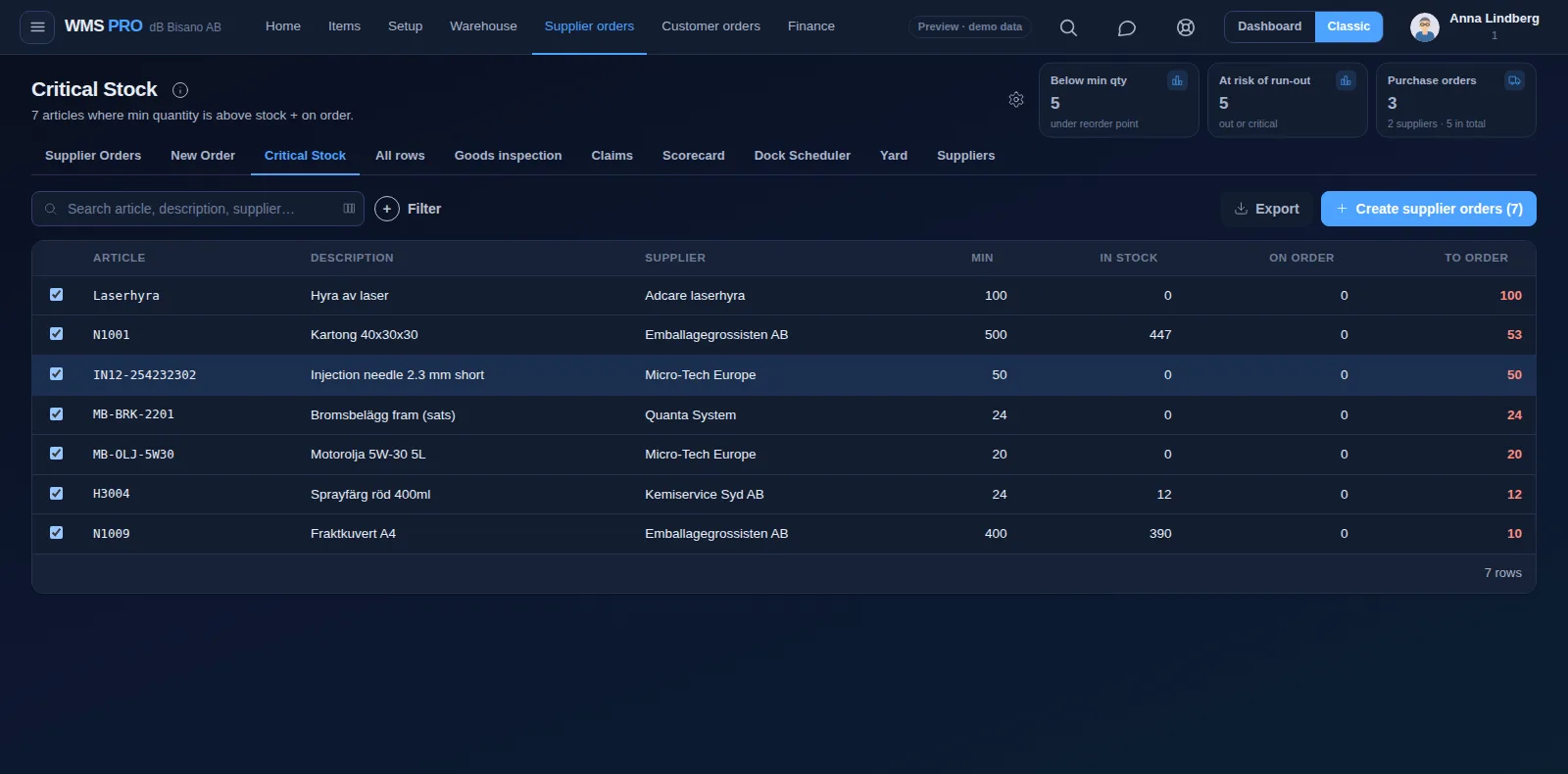
Critical Stock lists everything below its minimum, and Risk of Run-out compares days of cover with each supplier's lead time.
Check every line in against the purchase order at the dock, and turn short or damaged goods into a claim with photos.
Wave picking groups lines along the pick path, and carts hold each order in its own QR-coded slot.
How the work flows
A wholesale warehouse, step by step.
Pick a step to see what happens on the handheld and in the office.
Step 1 of 6
Order before the shelf runs empty
Start from the articles that fell below their minimum and email the supplier order from the same screen.
- Critical Stock creates the orders in one click
- Risk of Run-out suggests how much to order
- A supplier scorecard grades accuracy and on-time delivery
Step 2 of 6
Check in what really arrived
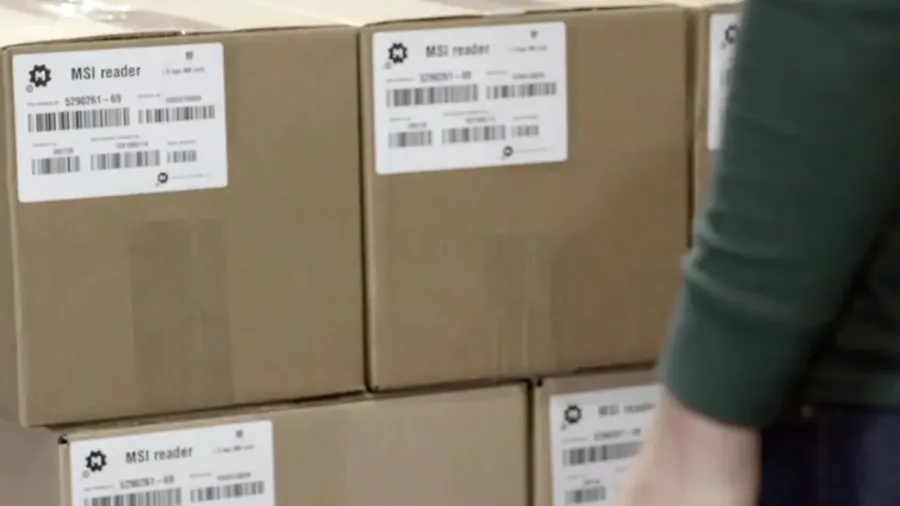
Scan the delivery in on the handheld against the purchase order. Record shelf, batch, expiry and pallet on each line.
- Goods inspection holds flagged lines
- Claims with photos go straight to the supplier
- Several barcodes per article, supplier and own
Step 3 of 6
From the dock to the right shelf
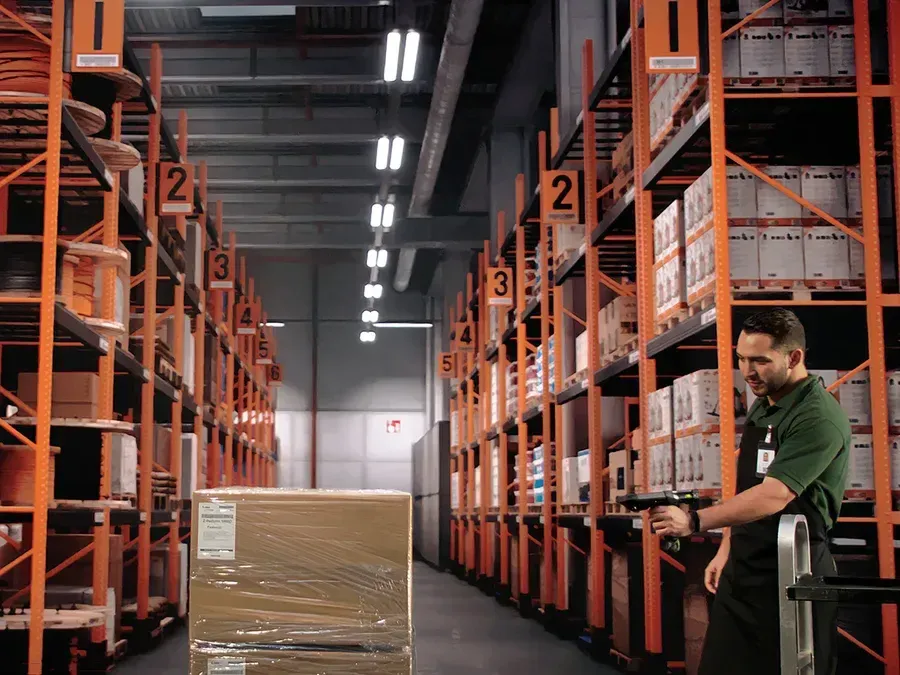
Scan the pallet, then the shelf. Pallet IDs show what stands on each pallet and where it is.
- A move is capped by what stands on the shelf
- Replenishment refills pick faces from bulk
- Slotting moves fast movers closer to packing
Step 4 of 6
Many orders, one walk
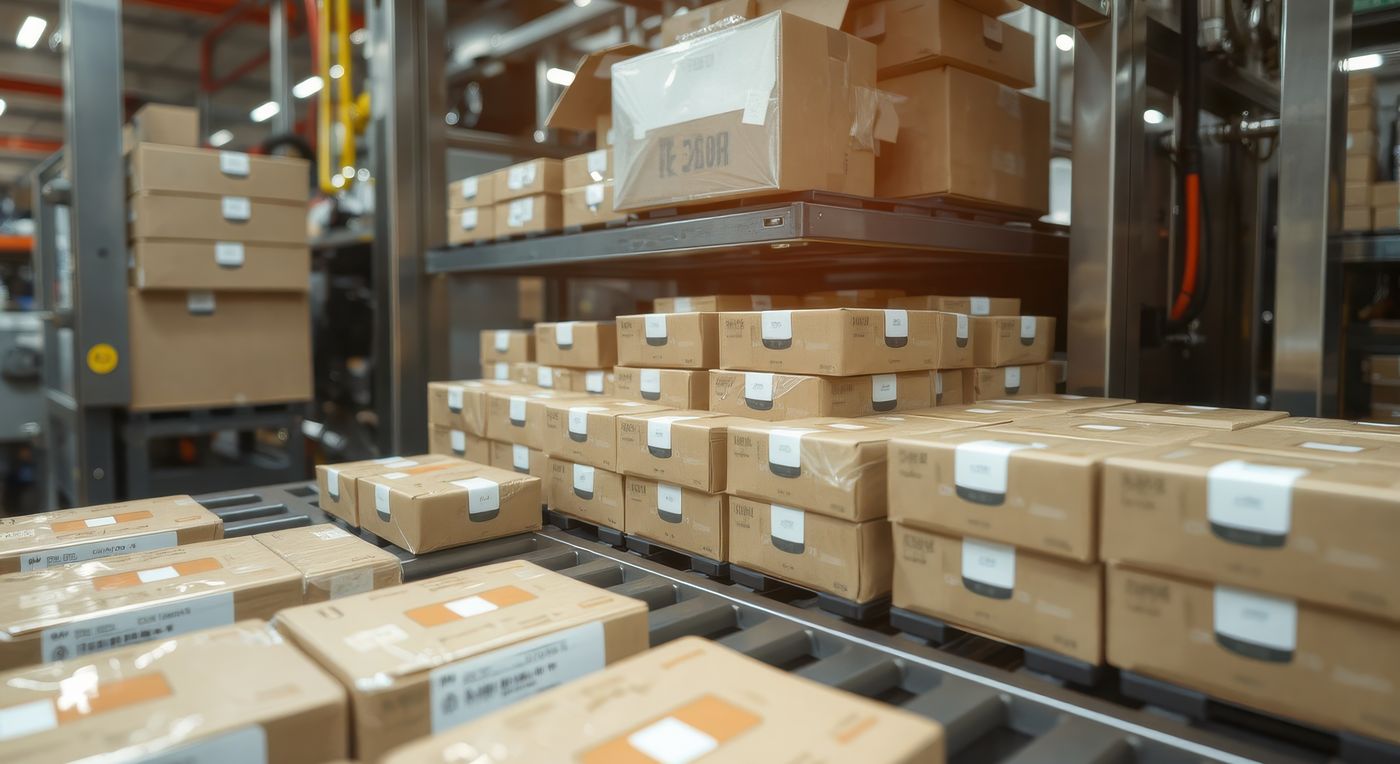
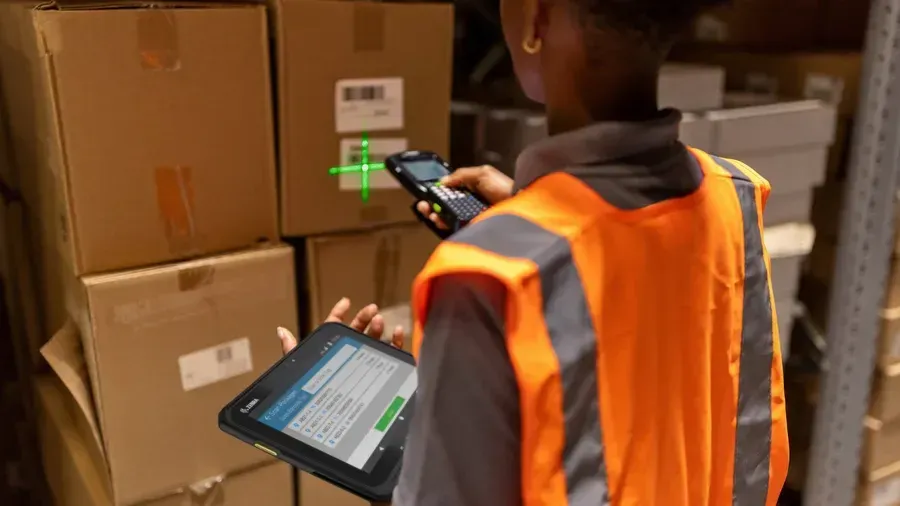
Group orders into a wave that follows the pick path, or join them into one list. The handheld shows one line at a time.
- Picking carts with a QR-coded slot per order
- A wrong location code is rejected
- Voice picking keeps hands free
Step 5 of 6
Parcels and pallets, ready to go
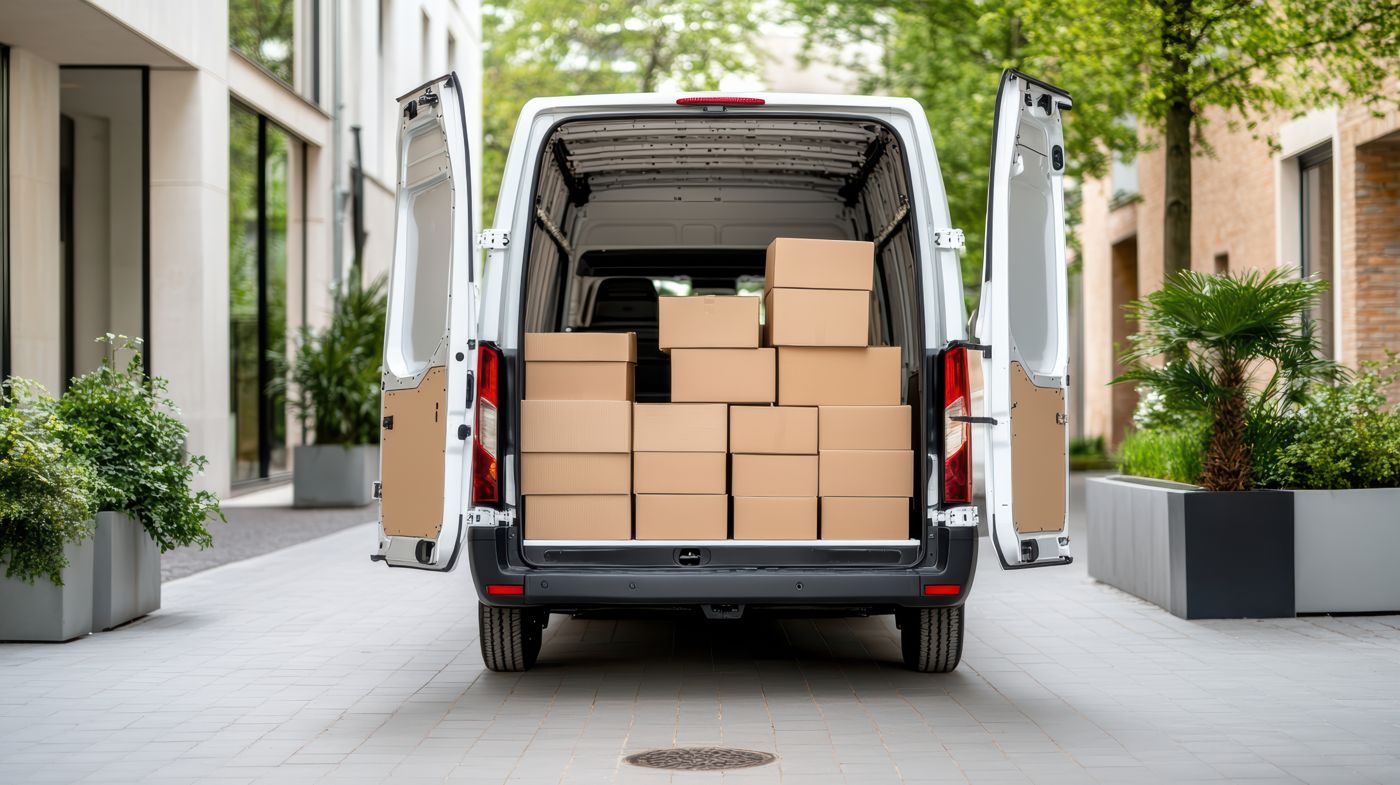
Pack into parcel types S, M, L, half pallet or EUR pallet, each with a weight. Pack audit re-checks a sample before dispatch.
- The order moves from Picked to Packed
- Pallet labels from Label Designer templates
- Pack audit catches mistakes before they leave
Step 6 of 6
Book the carrier, track the delivery
Book PostNord, DHL, Bring, Schenker or UPS and store the tracking number on the order. Carrier APIs create labels through nShift or Shipmondo.
- A tracking number on every order
- Labels straight from the carrier API
- Raptool TMS for your own delivery routes
Example values
Features
The features wholesale teams use most.
Devices
The right device for every job on the floor.
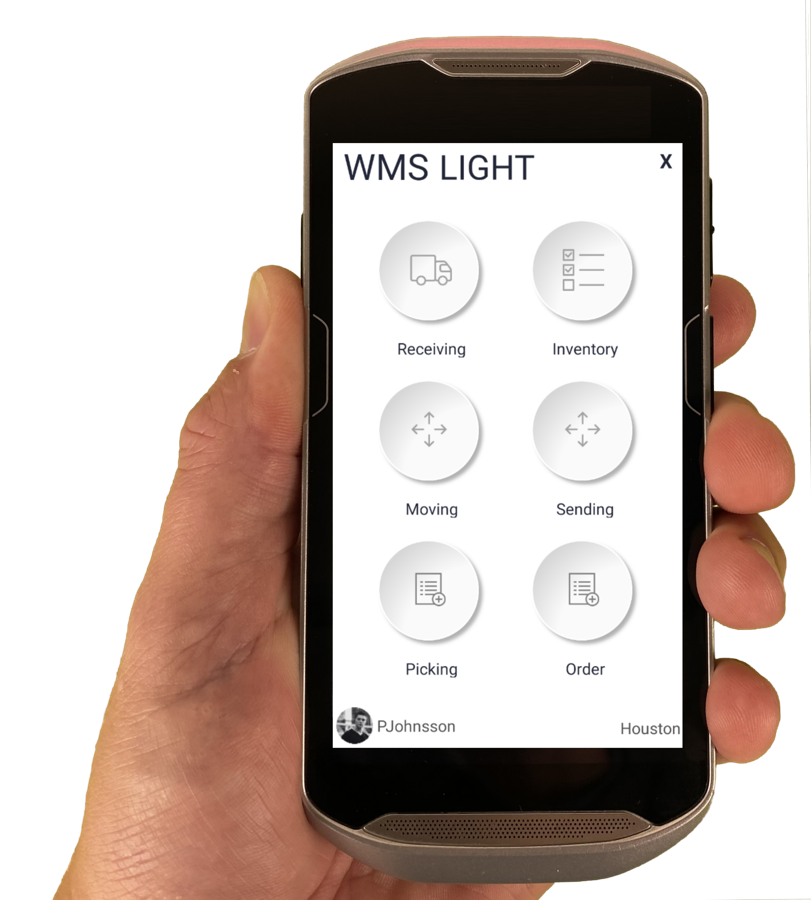
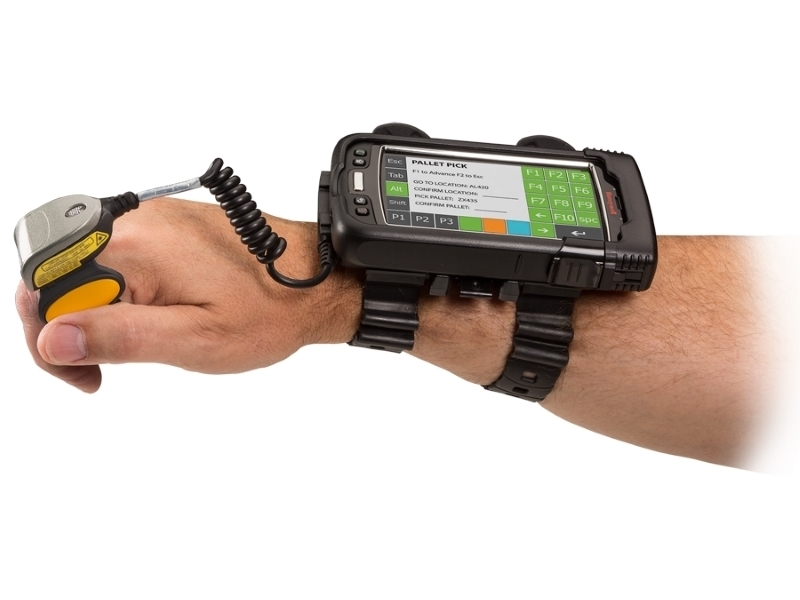
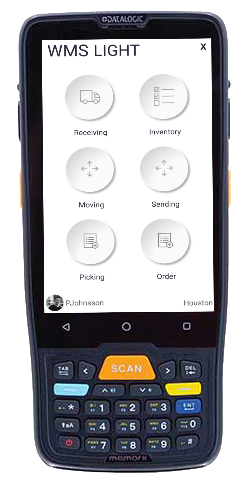
The Raptool Client is a native app for Android, iOS, Windows and Mac. Mix phones, tablets and rugged scanners in the same warehouse.
FAQ
Questions from wholesale teams
Quick answers about running a wholesale warehouse on Raptool WMS.
More questions? See the full FAQCan Raptool WMS handle full pallets as well as parcels?
Yes. Pallet IDs track what stands on each pallet and where, and packing supports half pallets and EUR pallets alongside parcel sizes S, M and L.
How do customers place orders?
Orders come in from your ERP or webshop, and customers can also order at their contract prices in a web and app portal. Every order lands in the same pick queue.
Which ERP systems does it connect to?
Raptool WMS syncs both ways with Fortnox and connects to systems such as Visma.net, Business Central, SAP S/4HANA and NetSuite, or to any ERP through web service, SQL, JSON or files.
Can we use the scanners we already have?
The Raptool Client runs on Android, iOS, Windows and Mac, so you can mix phones, tablets and rugged scanners from makers such as Zebra, Honeywell and Datalogic.
See Raptool WMS in your own wholesale warehouse.
Pick the way that suits you. We are happy to help either way.