WMS/Industries/Hardware
WMS for hardware
Screws, kits and everything between. Counted by the scanner.
Raptool WMS keeps track of thousands of small articles, builds kits from their components, and tells you how many kits you can put together right now.
- Kits built from components
- Buildable stock per kit
- A reorder point per component
- Several barcodes per article

Connects to the systems hardware teams already run
On the floor
The usual problems, solved where the work happens.
Kits are built from components, and buildable stock shows how many you can make with what is on the shelf.
A reorder point per component turns low stock into a supplier order before it runs out.
Picture picking shows a photo of each article, and the scan confirms the right one.
How the work flows
A hardware warehouse, step by step.
Pick a step to see what happens on the handheld and in the office.

Step 1 of 5
Bulk deliveries, checked in
Scan deliveries in against the purchase order, using the supplier's barcode or your own.
- Several barcodes per article
- Claims for short or damaged goods
- Shelf recorded on each line

Step 2 of 5
Kits from their components
Build kits from components, and see how many you can make with the stock on the shelf.
- A recipe per kit
- Buildable stock per kit
- Components drawn from stock
Step 3 of 5
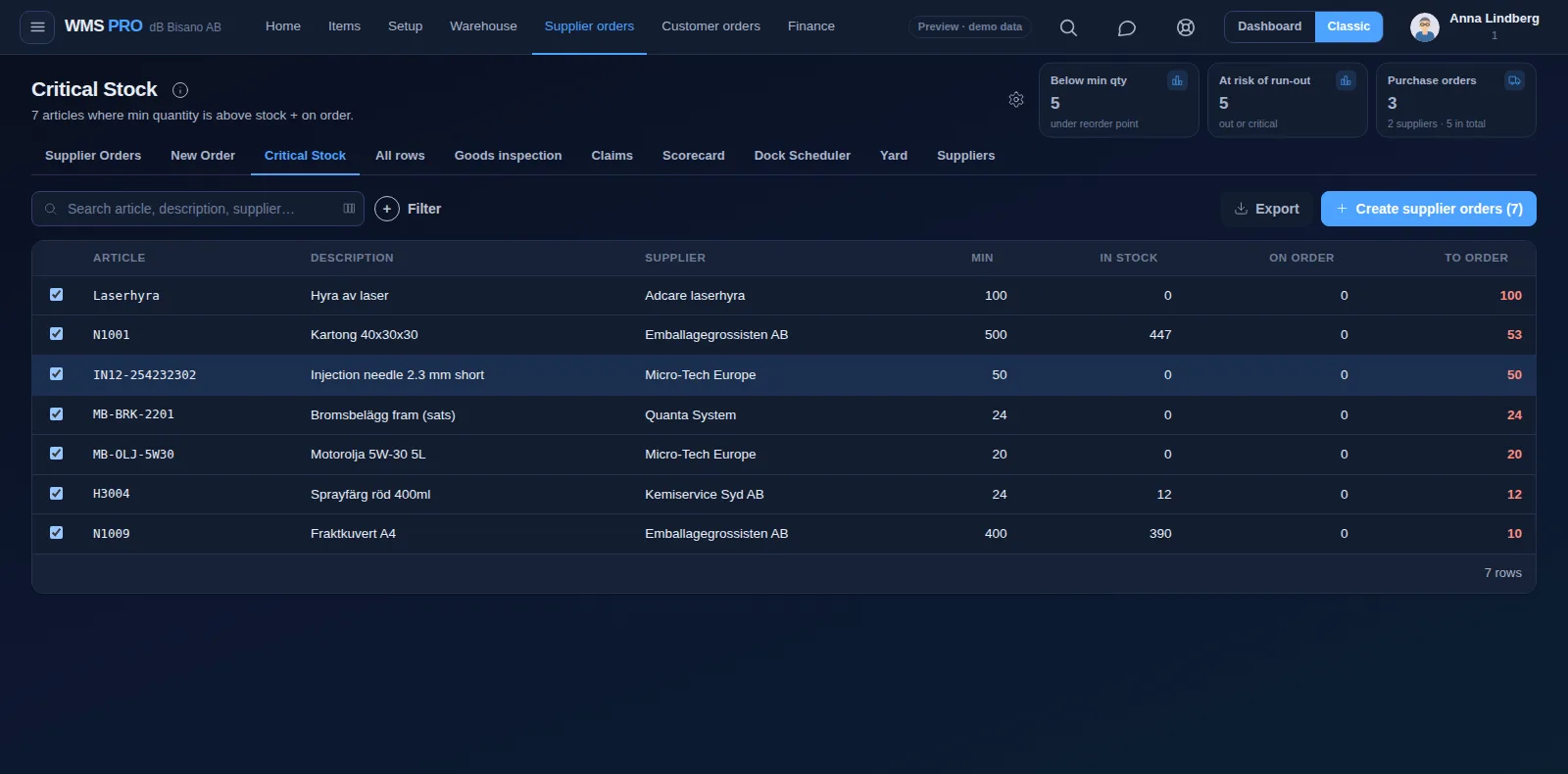
Components ordered in time
A reorder point per component turns low stock into a supplier order, and Risk of Run-out suggests how much to order.
- A reorder point per component
- Supplier orders in one click
- Suggested quantities

Step 4 of 5
The right small part, every time
Picture picking shows each article on the scanner, and join picking merges small orders into one round.
- A photo on every pick line
- Join picking for small orders
- Wrong location rejected

Step 5 of 5
Webshop orders in the same queue
Orders from your webshop and your ERP land in the same pick queue, and stock goes back out to the shop.
- Shopify, WooCommerce, Magento, Amazon and CDON
- One pick queue for every channel
- Labels through nShift
Example values
Features
The features hardware teams use most.
Devices
The right device for every job on the floor.
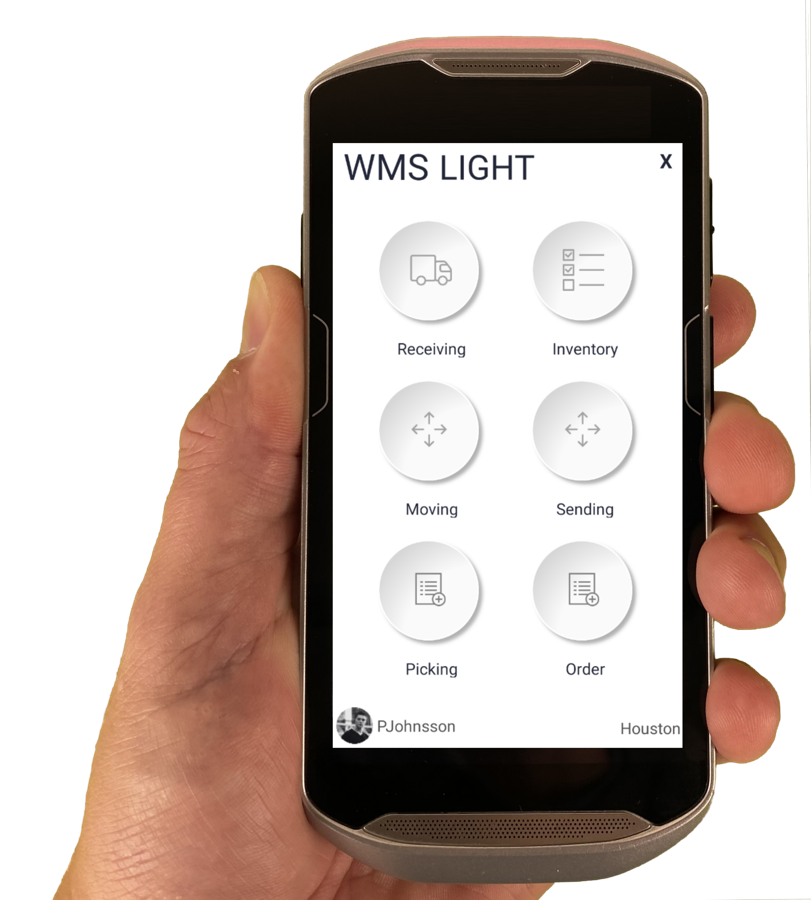
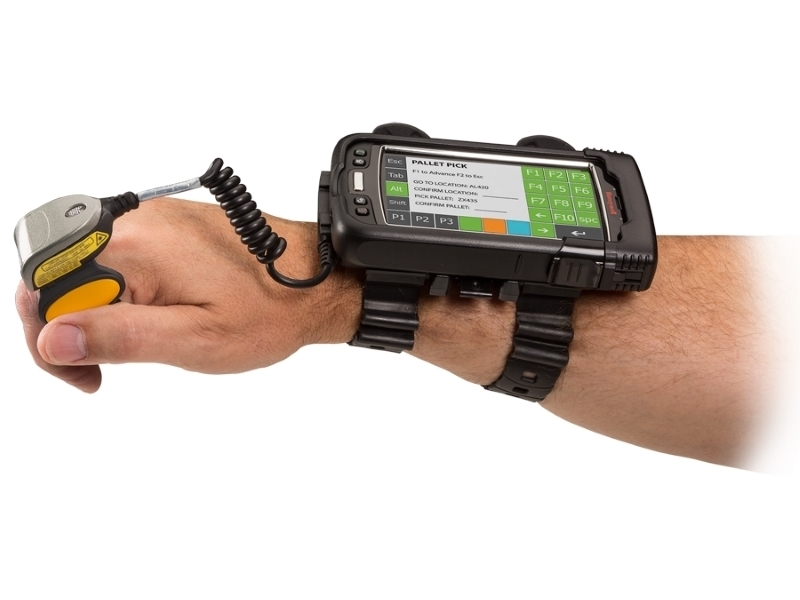
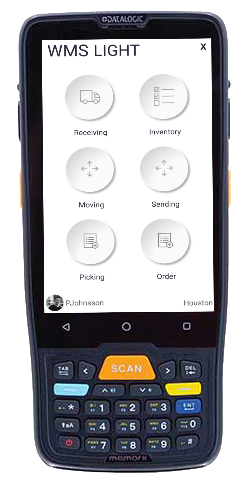
The Raptool Client is a native app for Android, iOS, Windows and Mac. Mix phones, tablets and rugged scanners in the same warehouse.
FAQ
Questions from hardware teams
Quick answers about running a hardware warehouse on Raptool.
More questions? See the full FAQCan Raptool WMS build kits?
Yes. Kits are built from components, and buildable stock per kit shows how many you can put together right now.
Can we set a reorder point for each component?
Yes. Every article, kit components included, can have its own minimum, and Critical Stock creates the supplier orders.
Can one article have several barcodes?
Yes. An article can have several barcodes, so supplier codes and your own codes both work.
Do webshop orders go to the same pick queue?
Yes. There are connectors for Shopify, WooCommerce, Magento, Amazon and CDON, and web orders land in the same queue as ERP orders.
See Raptool in your own hardware warehouse.
Pick the way that suits you. We are happy to help either way.