Raptool Client
One client for every app and device
Raptool Client is the app that runs your Raptool apps on phones, handhelds, PCs and more. It opens Raptool 8, Raptool 7 and HTML apps and works with your scanners and printers.
- Raptool 8, Raptool 7 and HTML apps
- iOS, Android, PC, Mac, Web and Linux
- Local SQL, printing, barcode, RFID
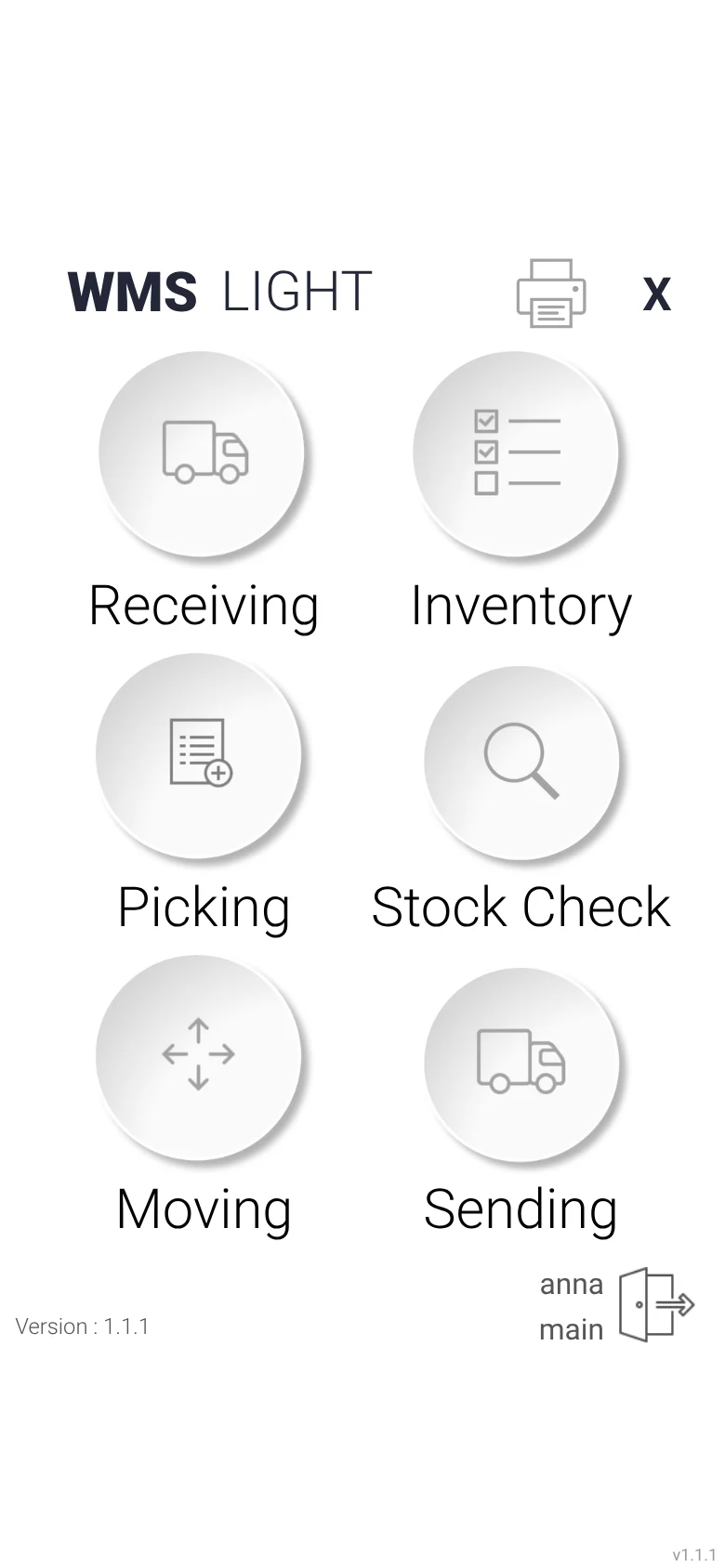
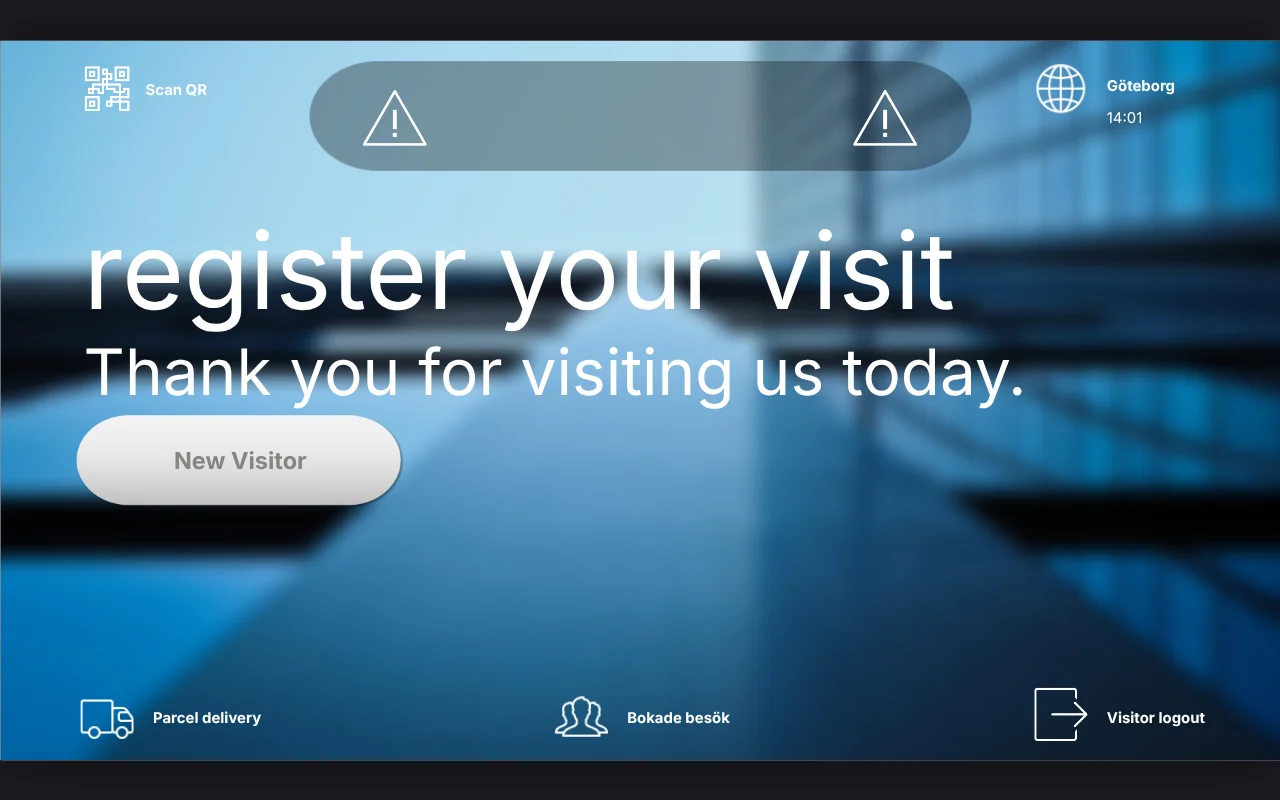
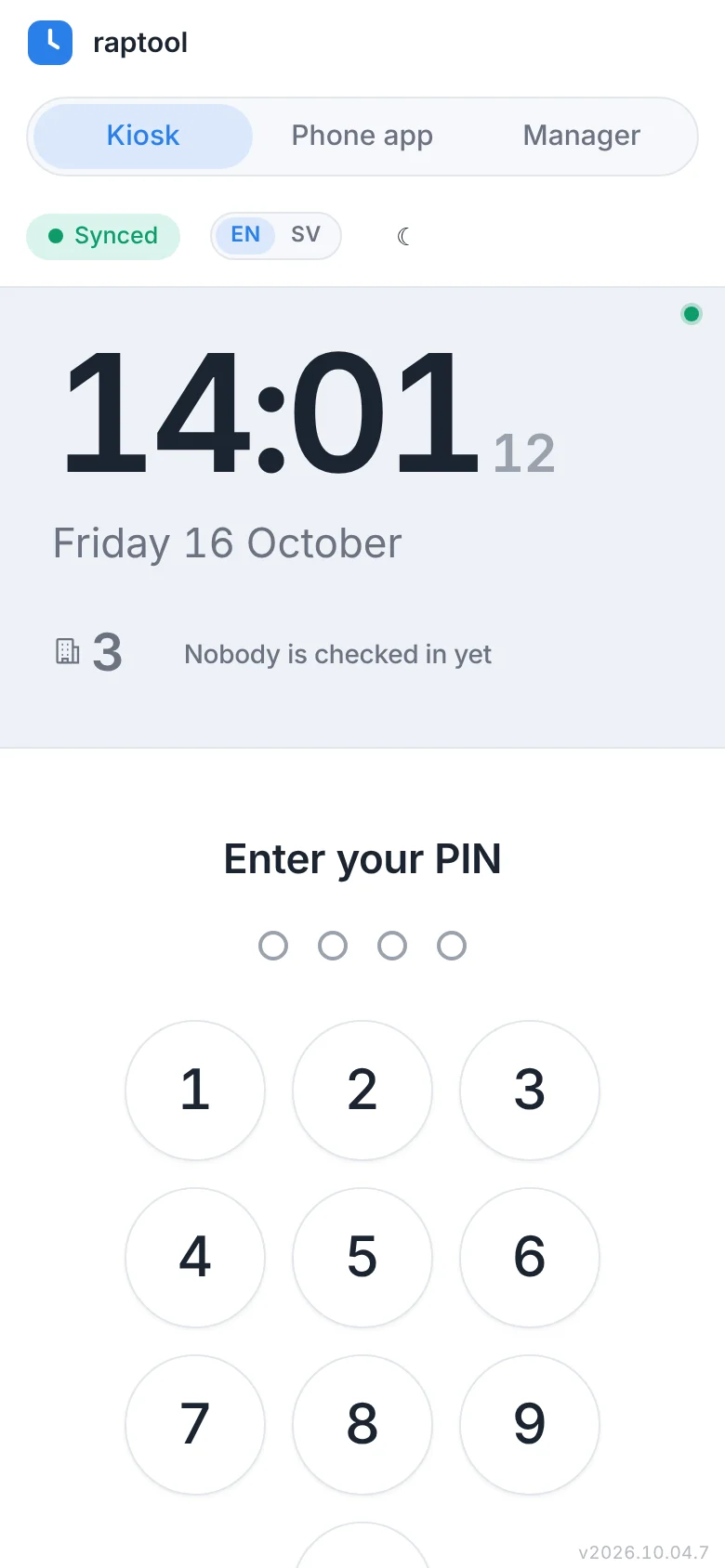
Apps running in the Raptool Client
What it is
One client for every app and device
Raptool Client is the app that runs your Raptool apps. Install it on a phone, handheld, tablet or computer and open the apps your team needs.
It runs Raptool 8 apps, Raptool 7 apps and HTML apps, so old and new apps live side by side. It also talks to the hardware around you, such as printers, barcode scanners and RFID readers.
- Runs Raptool 8, Raptool 7 and HTML apps
- iOS, Android, PC, Mac, Web and Linux
- Works with local SQL, printing, barcode and RFID
What you get
One client, everything connected
Run your apps and use the hardware in your hands, all from the same client.
Raptool 8, Raptool 7 and HTML apps
Open Raptool 8 apps, Raptool 7 apps and HTML apps in the same client.
iOS and Android
Run apps on phones, handhelds and tablets with iOS or Android.
PC, Mac, Web and Linux
Use the same apps on PC, Mac, Linux or in a web browser.
Local SQL
Use local SQL on the device to keep data close to the app.
Printing
Print labels and documents straight from your app.
Barcode and RFID
Read barcodes and RFID tags with the hardware you already have.
How it works
Install. Open. Work.
Three steps from a new device to a working app.
Install the client
Put the Raptool Client on your phone, handheld or computer.
Open your app
Open a Raptool 8, Raptool 7 or HTML app. Build your own with the Raptool Designer.
Use your hardware
Scan, print and read RFID tags directly from the app.
Who it is for
For teams that work on many devices
The same client, wherever your people work.
Warehouse and logistics
Scan and print on the floor with handhelds.
Office and kiosks
Run apps on PCs, Macs and kiosks.
Smart things
Connect smart things and other hardware to your apps.
FAQ
Client questions, answered
What is the Raptool Client?
It is the app that runs your Raptool apps. You install it on a device and open your Raptool 8, Raptool 7 or HTML apps.
Which devices does it run on?
It runs on iOS, Android, PC, Mac, Web and Linux.
Can it use scanners and printers?
Yes. The Raptool Client has hardware integration for local SQL, printing, barcode and RFID.
Can I keep my Raptool 7 apps?
Yes. The Raptool Client runs Raptool 7 apps as well as Raptool 8 apps and HTML apps.
Can I manage many devices?
Yes. Use the Raptool Device Manager to see and control devices that run the Raptool Client.
Run your apps on any device
Tell us which devices you use and we will show you the Raptool Client in a short Teams meeting.