Ready-to-go solutions

Explore the rAppstoreEvery Raptool app in one place, with live demos
Start free trial

For your role

Ten jobs in one warehouse. One system that fits each.

The picker, the buyer and the manager all need something different from a WMS. Pick a role to follow that person's day, and see where Raptool takes work off their hands.

A day as a

Warehouse manager

Works onWeb appHandheld

Keeps the day on track: what needs picking, where the work piles up and what to fix first.

  1. Check the day

    The dashboard shows orders to pick, open orders, stock value and occupancy per zone.

  2. Release the work

    Join orders into one pick list, or group them into waves that follow the pick path.

  3. Clear a bottleneck

    Replenishment refills pick locations from bulk, most urgent first, before pickers run dry.

  4. Plan ahead

    Slotting suggestions move fast sellers closer to the golden zone.
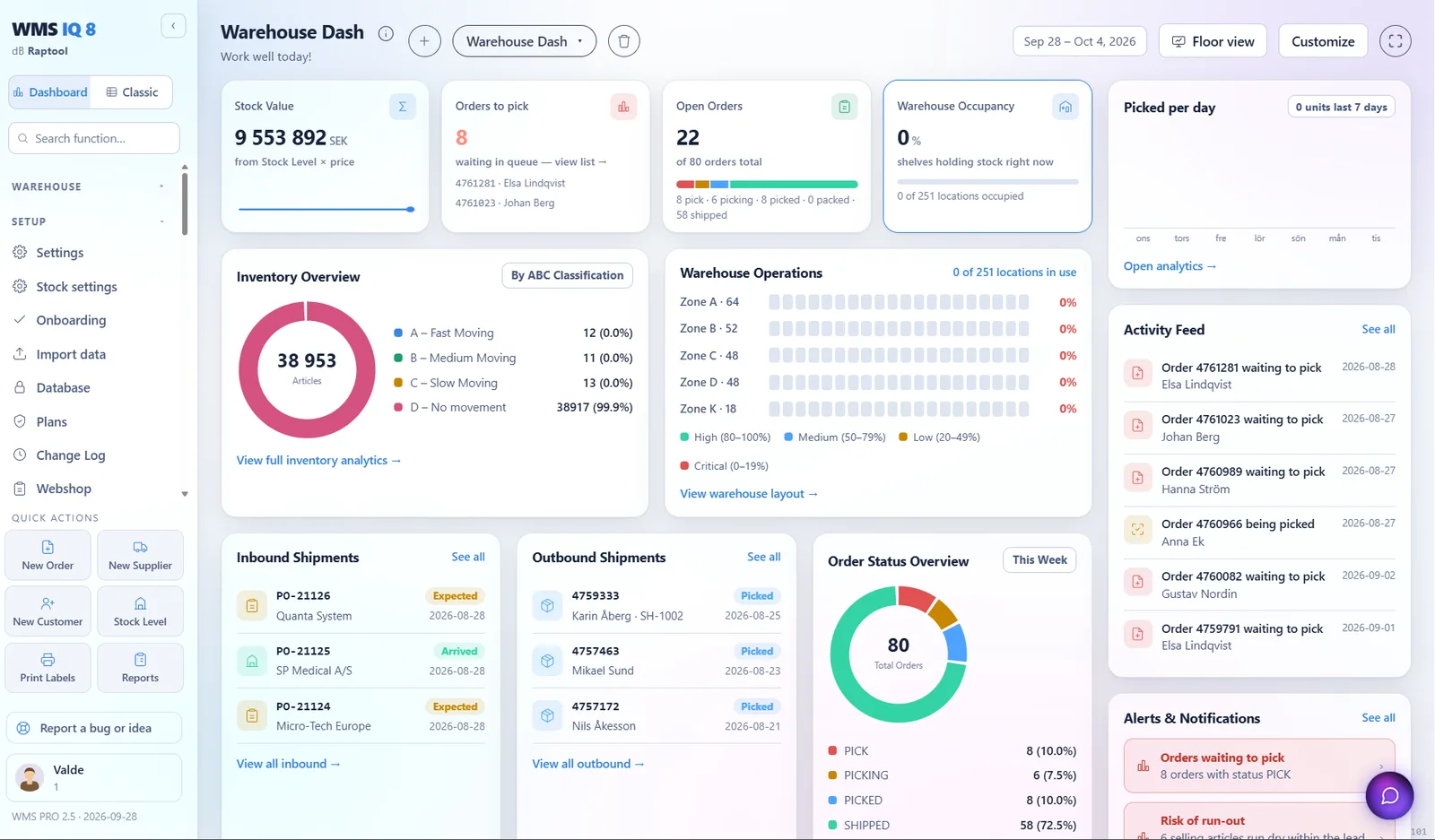
Raptool WMS dashboard
8orders to pick

A day as a

Purchaser

Works onWeb app

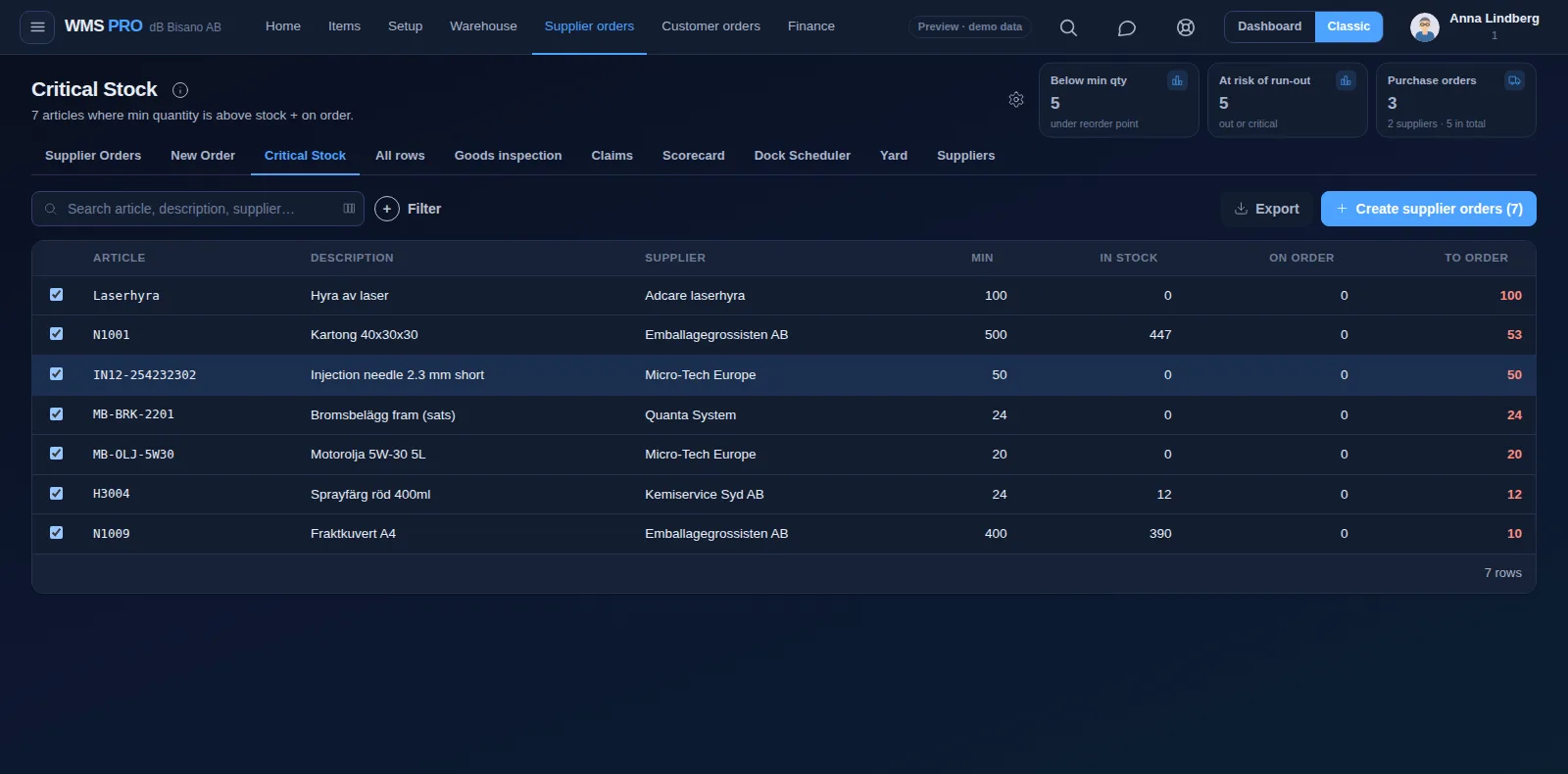
Makes sure stock arrives before it runs out, without tying up cash in slow sellers.

  1. See what is low

    Critical Stock lists every article below its minimum.

  2. Check days of cover

    Risk of Run-out compares days of cover with each supplier's lead time and suggests what to order.

  3. Send the orders

    Create the supplier orders in one click, and email each one from the same screen.

  4. Review suppliers

    The supplier scorecard grades accuracy, on-time delivery and inspection quality.

Critical Stock screen in Raptool WMS
PO-21127Sent to supplier

A day as a

Goods-in operator

Works onHandheld

Checks every delivery as it arrives, so mistakes are caught at the dock and not by the customer.

  1. Truck at the dock

    Scan the delivery in on the handheld against the purchase order, or without one.

  2. Record the details

    Enter shelf, batch, expiry and pallet on each line as it comes in.

  3. Something is wrong

    Report short, wrong or damaged goods as a claim with photos, sent straight to the supplier.

  4. Hold for inspection

    Goods inspection holds flagged lines until they pass or fail.

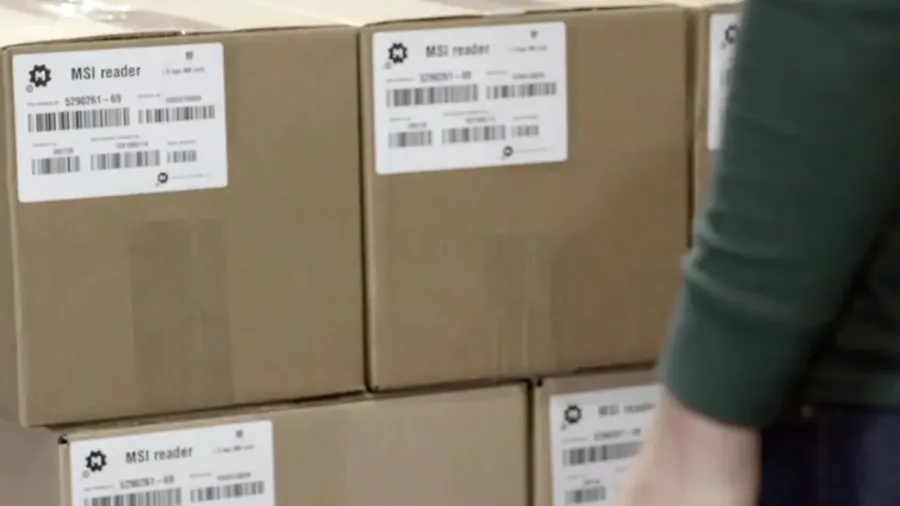
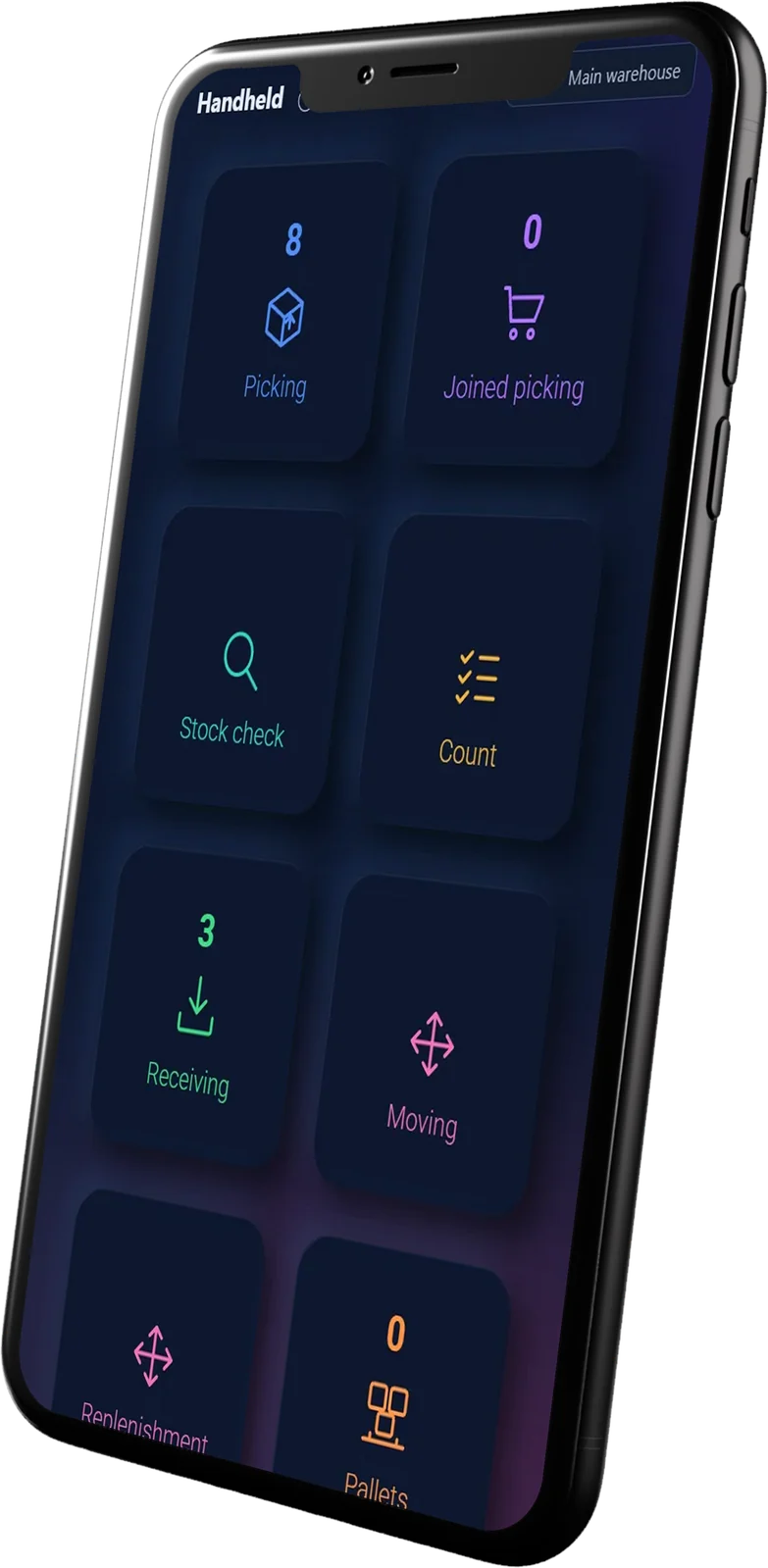
Boxes with barcode labels at goods-inRaptool handheld app on a phone
11 / 12 received1 damaged, claim sent

A day as a

Put-away and forklift driver

Works onHandheldForklift scanner

Gets goods from the dock to the right shelf, and keeps the pick faces full.

  1. Put the delivery away

    Scan the item, then the shelf. The move is booked when the scan is confirmed.

  2. Refill pick faces

    Replenishment lists which pick locations to refill from bulk, most urgent first.

  3. Find a pallet

    Pallet IDs show what stands on each pallet and where it is.

  4. Use a new spot

    A shelf that does not exist yet is created on the spot.

Forklift in a warehouse aisle
A-14 → B-02Scan confirmed

A day as a

Picker

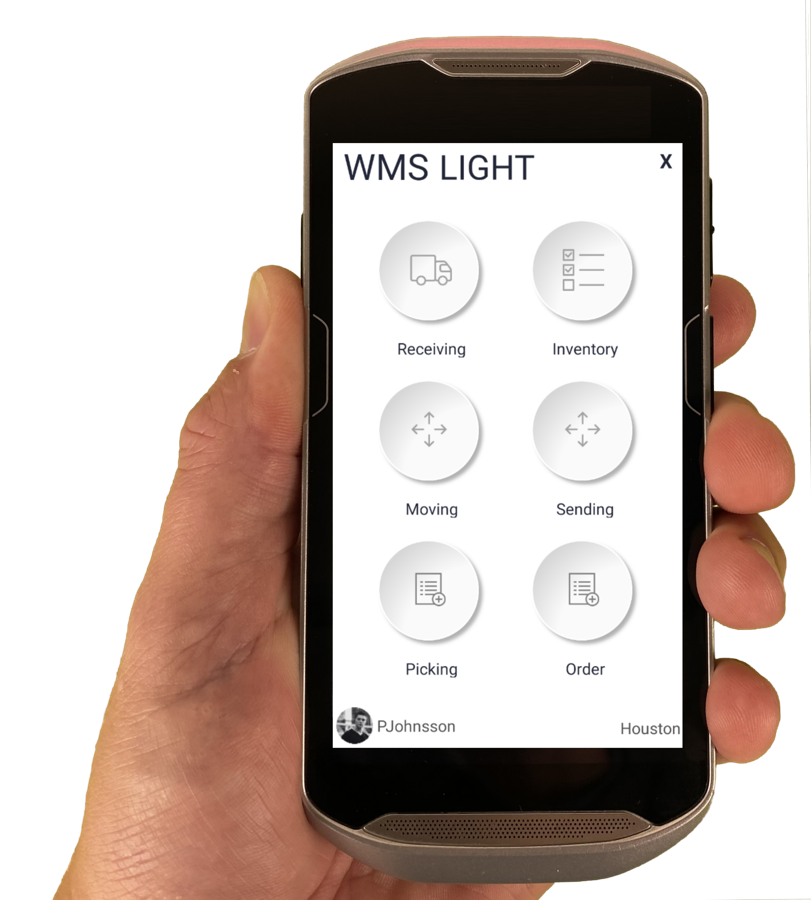
Works onHandheldWearable

Walks the warehouse to collect orders, quickly and without picking the wrong item.

  1. Start a round

    Pick several orders in one round with a cart, each order in its own QR-coded slot.

  2. Follow the screen

    The handheld shows one pick line at a time, in pick-path order.

  3. Scan to confirm

    A wrong location code is rejected before the item leaves the shelf.

  4. Keep hands free

    With voice picking the app reads out location, item and quantity.

Picking cart with boxes in an aisleRaptool handheld app on a phone
Pick line 2 / 4B-02-1 · 10 pcs

A day as a

Packer and dispatch

Works onPacking stationLabel printer

Puts the right items in the right box, then gets the parcel booked and labelled.

  1. Pack the order

    Pack picked orders into parcel types S, M, L, half pallet or EUR pallet, each with a weight.

  2. Double-check

    Pack audit re-checks a sample of packed orders before they leave.

  3. Book the carrier

    Book PostNord, DHL, Bring, Schenker or UPS. The tracking number is stored on the order.

  4. Print the label

    Carrier APIs create the label straight through nShift or Shipmondo.

Printing a shipping label for a parcel
DHL · Parcel 1Label printed, size S

A day as a

Stock controller

Works onHandheldWeb app

Keeps the numbers in the system equal to what is really on the shelf.

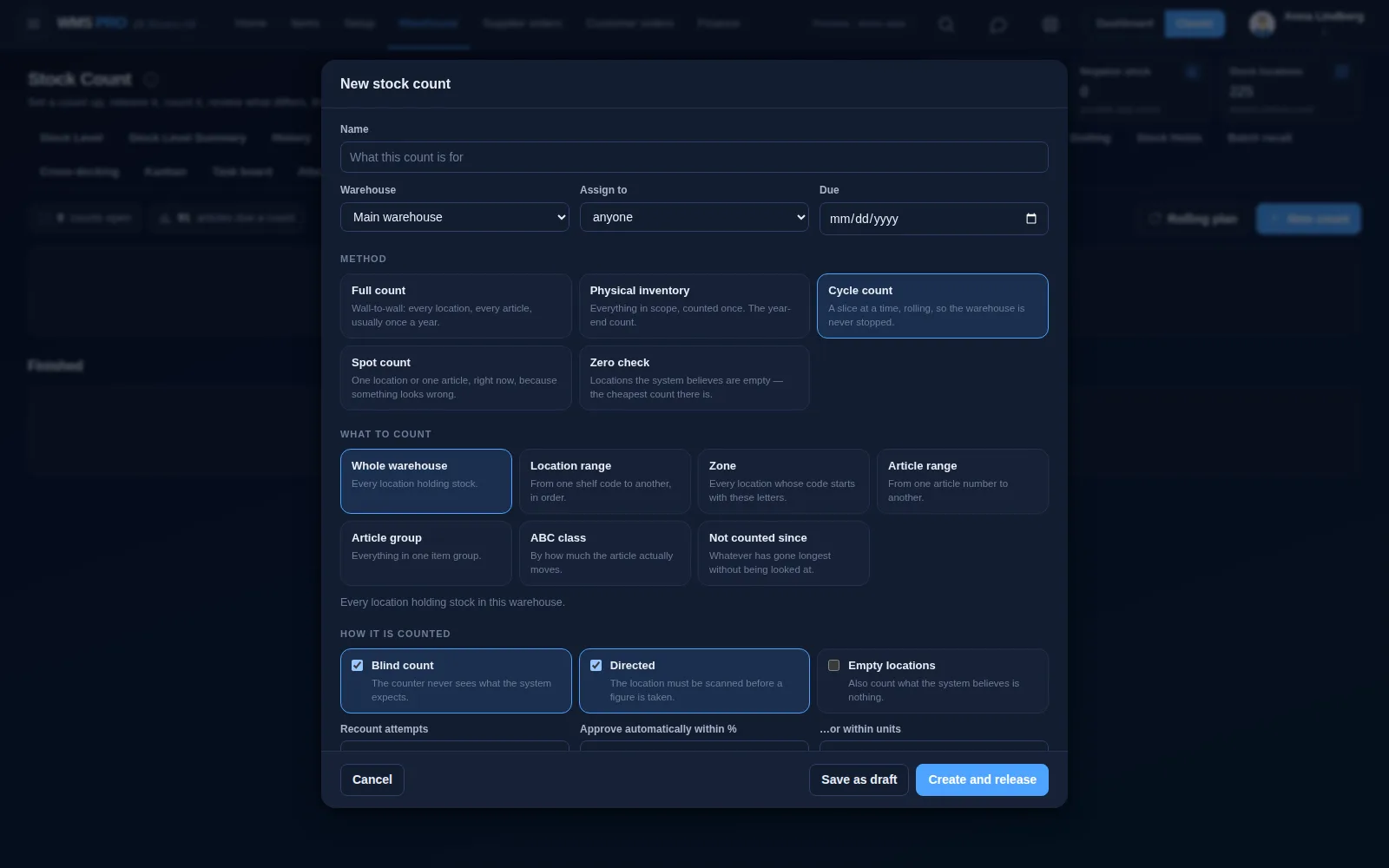
  1. Plan the counts

    Cycle counting schedules A articles monthly, B quarterly, and C and D yearly.

  2. Count blind

    Blind counts hide the system figure from the person counting.

  3. Review differences

    Check what differs before it changes your stock. Every difference is logged.

  4. Trace a batch

    See which customers got a batch, and lock a recalled batch everywhere it sits.

Stock count screen in Raptool WMS
Bin A-14Expected 23, counted 24

A day as a

Customer service and sales

Works onWeb app

Answers the question every customer asks: where is my order?

  1. Where is my order?

    The statuses New, Picked, Packed and Shipped show where every order is.

  2. When will it arrive?

    The tracking number is stored on the order.

  3. Can I order again?

    Customers can order at their contract prices in a web and app portal.

  4. Which unit was it?

    The serial number shows which exact unit went to which order.

Order #4761281Webshop
  1. New
  2. Picked
  3. Packed
  4. Shipped
CarrierPostNord
TrackingSE 4761 281 09
On its way to the customer

Example values

A day as a

Delivery driver

Works onPhone

Takes the goods the last mile and confirms every stop.

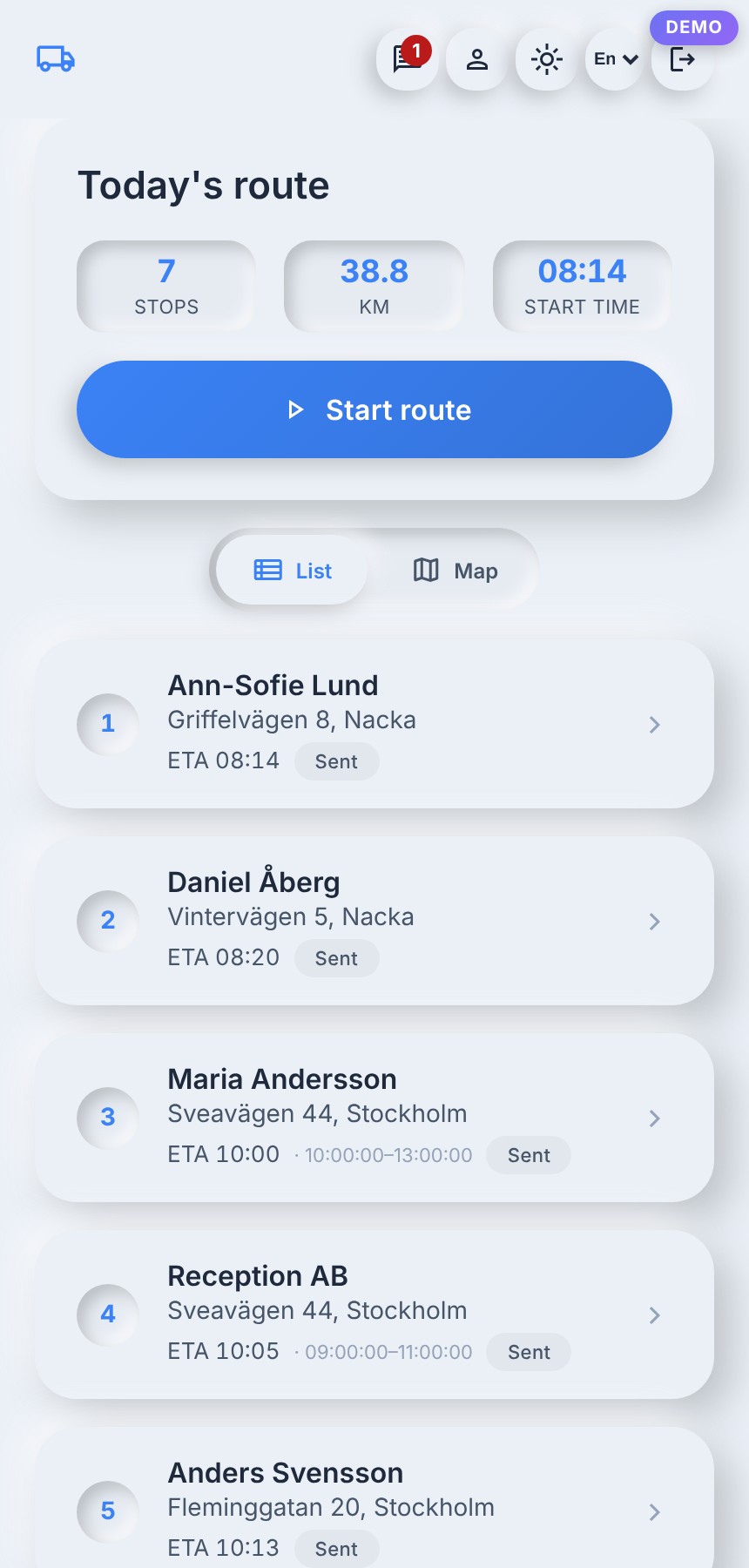
  1. See today's route

    The driver app shows today's route with every stop in order.

  2. Get to the door

    Navigate to the stop, or call the customer, from the app.

  3. Confirm it

    Tap arrived at each stop.

  4. Close the day

    The dispatcher sees completed, failed and late stops, and the on-time rate.

Raptool TMS driver app with today's route
Stop 3 of 7Arrived 10:02

A day as a

IT and system owner

Works onWeb app

Connects the WMS to the rest of the business and keeps it running.

  1. Connect the ERP

    Use a ready connector, or connect through web service, SQL, JSON or files.

  2. Roll out devices

    The Raptool Client runs on Android, iOS, Windows and Mac, so phones, tablets and rugged scanners can be mixed.

  3. Choose hosting

    Run on Raptool's servers or on your own.

  4. Change a screen

    Adjust it in Raptool Designer, a free no-code tool, or describe the change to the AI framework.

Zebra handheld running the Raptool app
FortnoxTwo-way sync running
42 devicesAndroid, iOS and Windows

Working together

Everyone works on the same numbers.

When the goods-in operator scans a delivery, the picker can pick it and customer service can promise it. Nobody waits for a spreadsheet.

One stock, live

Every scan updates the stock, orders and history that everyone else sees.

The right screen for each job

The floor works on handhelds, one task at a time. The office works in the web app.

Change it when jobs change

Raptool Designer lets you adjust a screen without code when a role or a routine changes.

Show your team how it would work for them.

v2.0.194