One app. 128 looks.
Pick a complete design system for your business app in one click. Dashboards, tables, forms, date pickers, phone screens, kiosks and web pages all change with it. Tune it, save it and hand it to your team or your AI.
Same app, same data. Only the design style changes.
From blank app to finished look in three steps.
No designer needed and no CSS to write. Every style is a full system, so every screen stays consistent.
Pick
Browse 128 styles, or let the Style Wizard ask a few simple questions and suggest the right one.
Tune
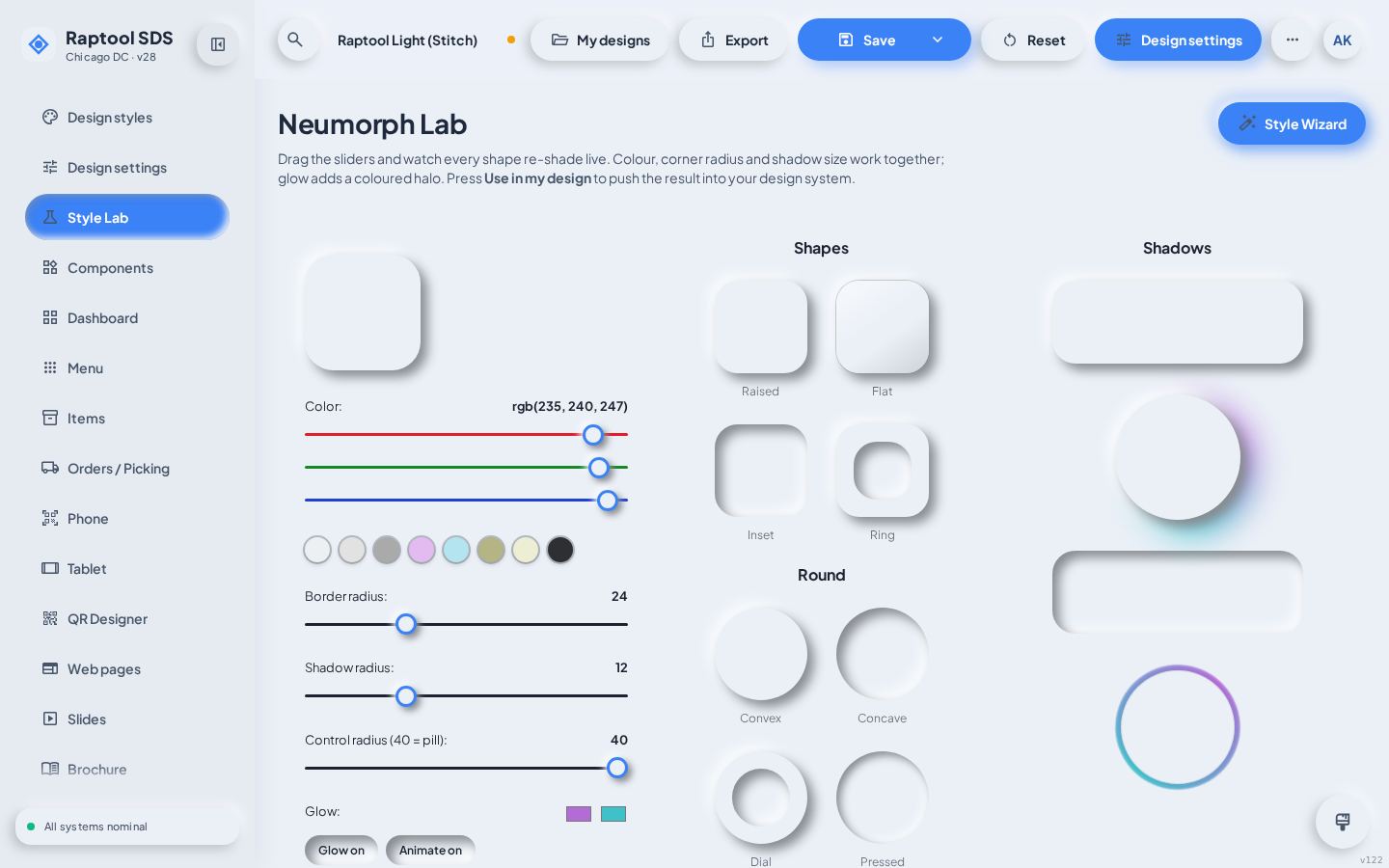
Change colours, fonts, corners, depth and dark mode in the Style Lab. You see every change live on real screens.
Export
Save it as your own design and export a design-system zip, a web page, slides, a brochure or a Word document.
Make it yours.
Start from any style and push it further. Drag the colour picker, swap fonts, soften shadows or sharpen corners. The Style Lab keeps the whole system in balance, including contrast.
- Colours, fonts, corner radius, shadow depth and spacing
- Light and dark mode for the styles that support both
- Save as many of your own designs as you like
- Style Wizard for people who'd rather answer than tweak
Everything a design system needs, already done.
128 complete styles
From Neumorphism and Material 3 to Windows XP, Vice City neon and 30 kiosk systems. Each one is a full system, not a colour swap.
Every screen styled
Dashboards, KPI tiles, charts, tables, forms, menus, scanner screens and phone home screens all follow the style.
Its own date and time pickers
No default browser controls. Every style has its own calendar, time picker and controls to match.
Phone, tablet and handheld
Preview on desktop, tablet, phone and warehouse handhelds. Layouts adapt; nothing scrolls sideways.
Web pages and kiosks
Landing pages, pricing, blog and portal templates, plus burger, coffee, retail and hardware kiosks in your style.
Export in six formats
AI design-system zip (tokens.json + DESIGN.md), HTML web page zip, slides (.pptx), brochure (.pdf), Word (.docx) and PNG.
Six families. One for every brand.
Each family is a set of styles that belong together, so you can try a whole mood before you choose the exact look.
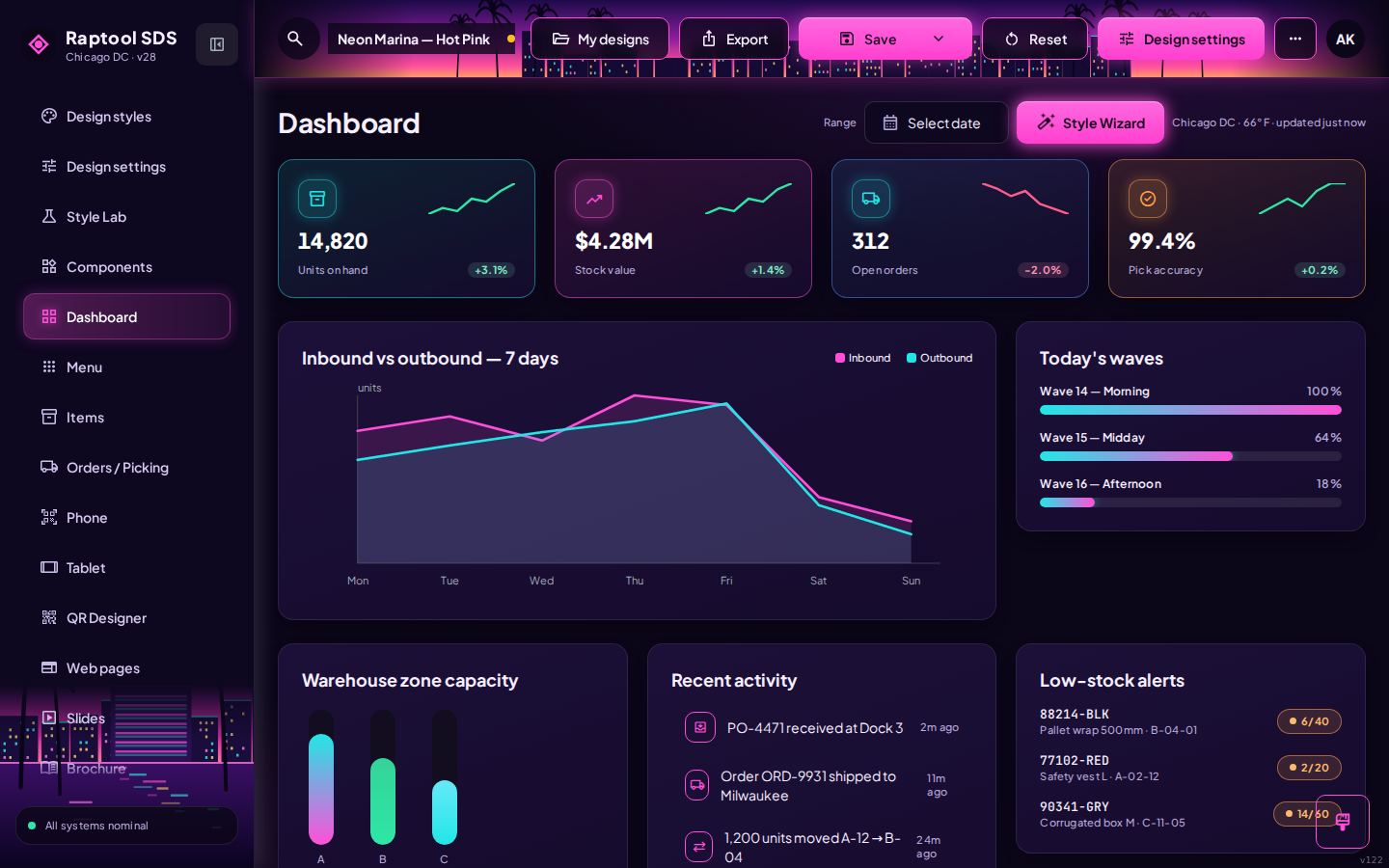
Vice City 6
1980s Miami Beach: neon, art deco, sunsets and ocean mint.
Explore the family →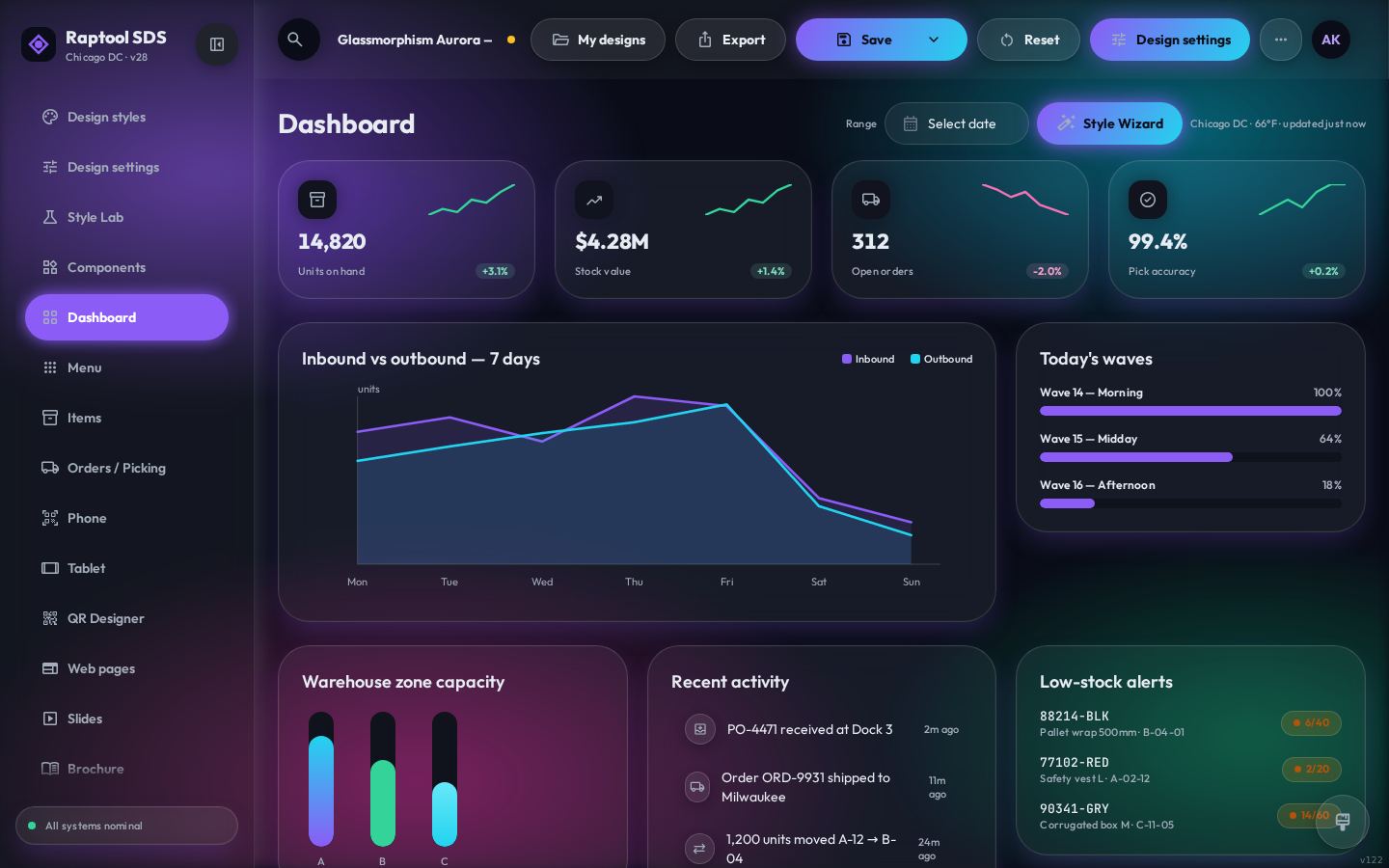
Modern
Glass, clay, neumorphism, Material 3, Fluent 2, brutalism, kanban and CRM looks.
Try in the studio →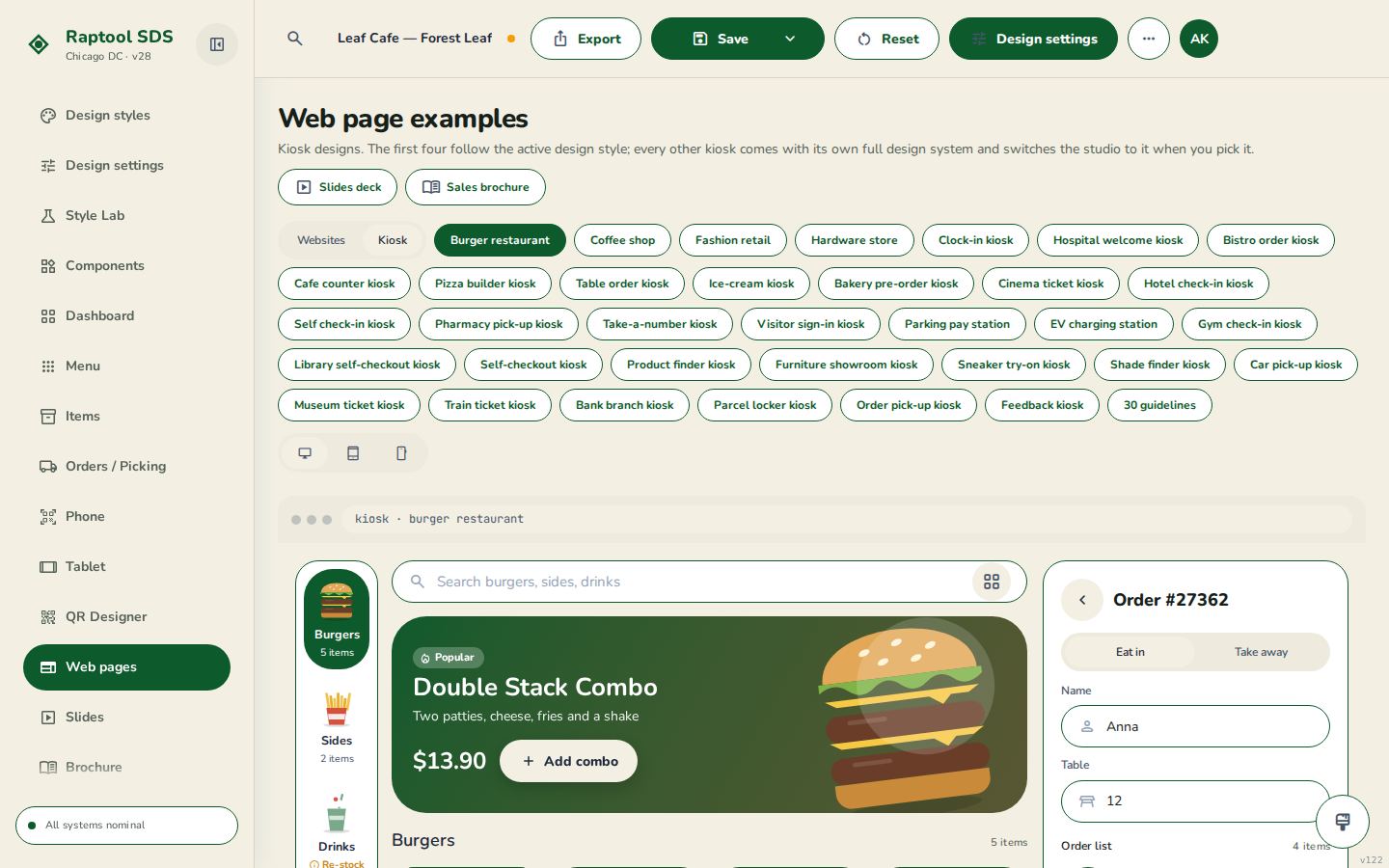
Kiosk
Self-service screens for food, retail, hotels, parking, healthcare and visitors.
Try in the studio →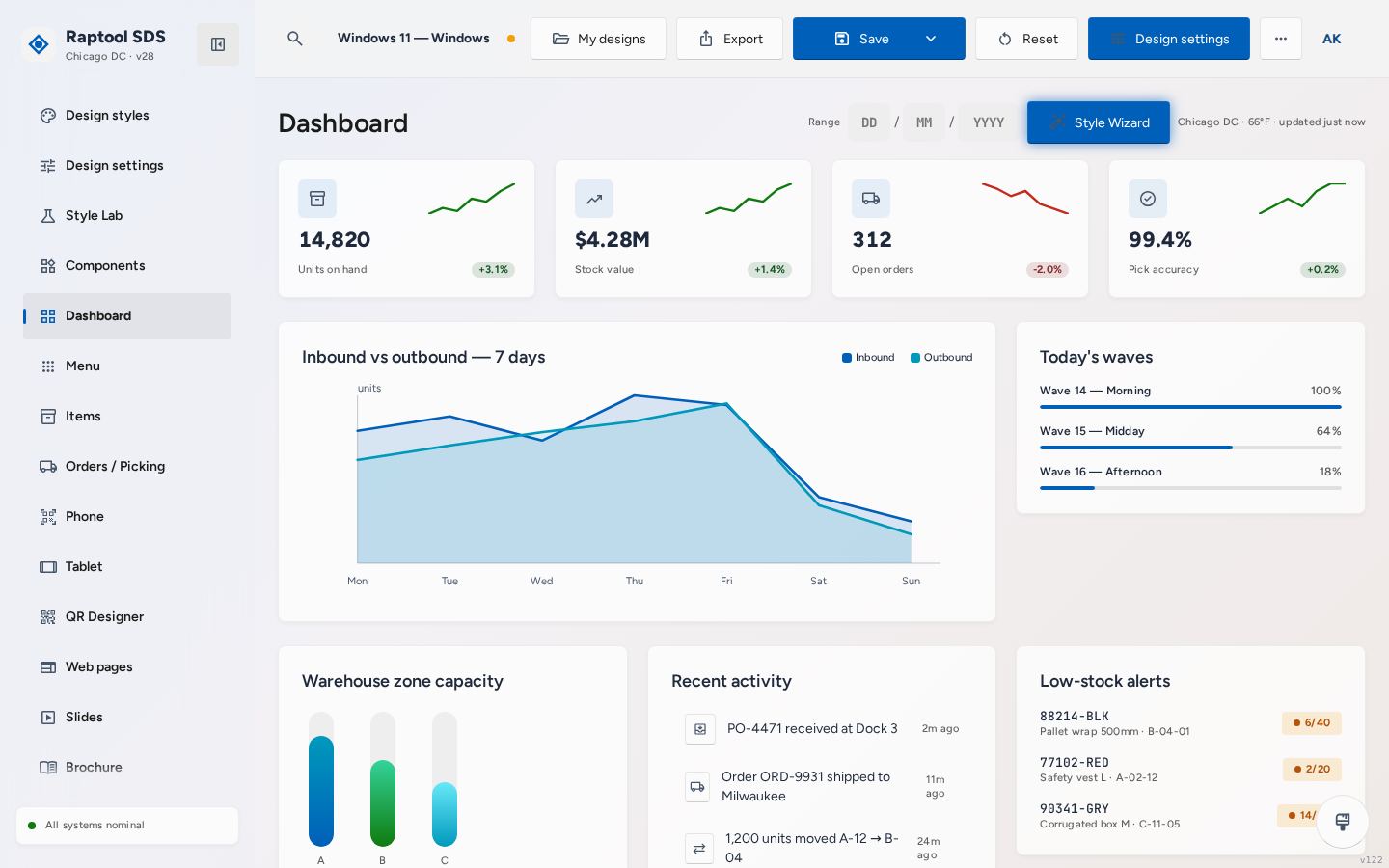
Classic OS
Windows XP, Vista, 8, 10 and 11, Mac and iOS. Instantly familiar to every user.
Try in the studio →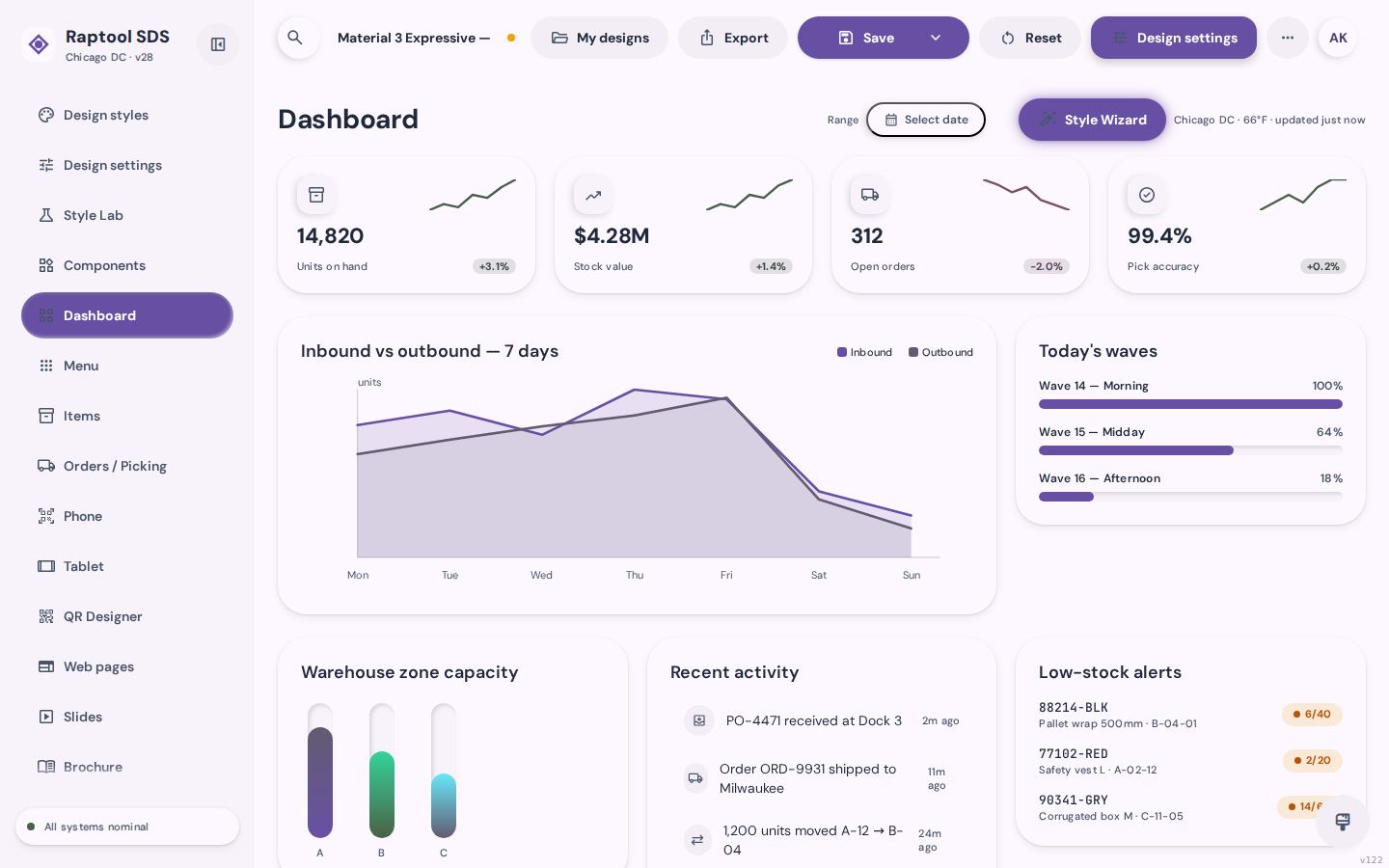
Mobile
Made for phones and handheld scanners first, with big touch targets.
Try in the studio →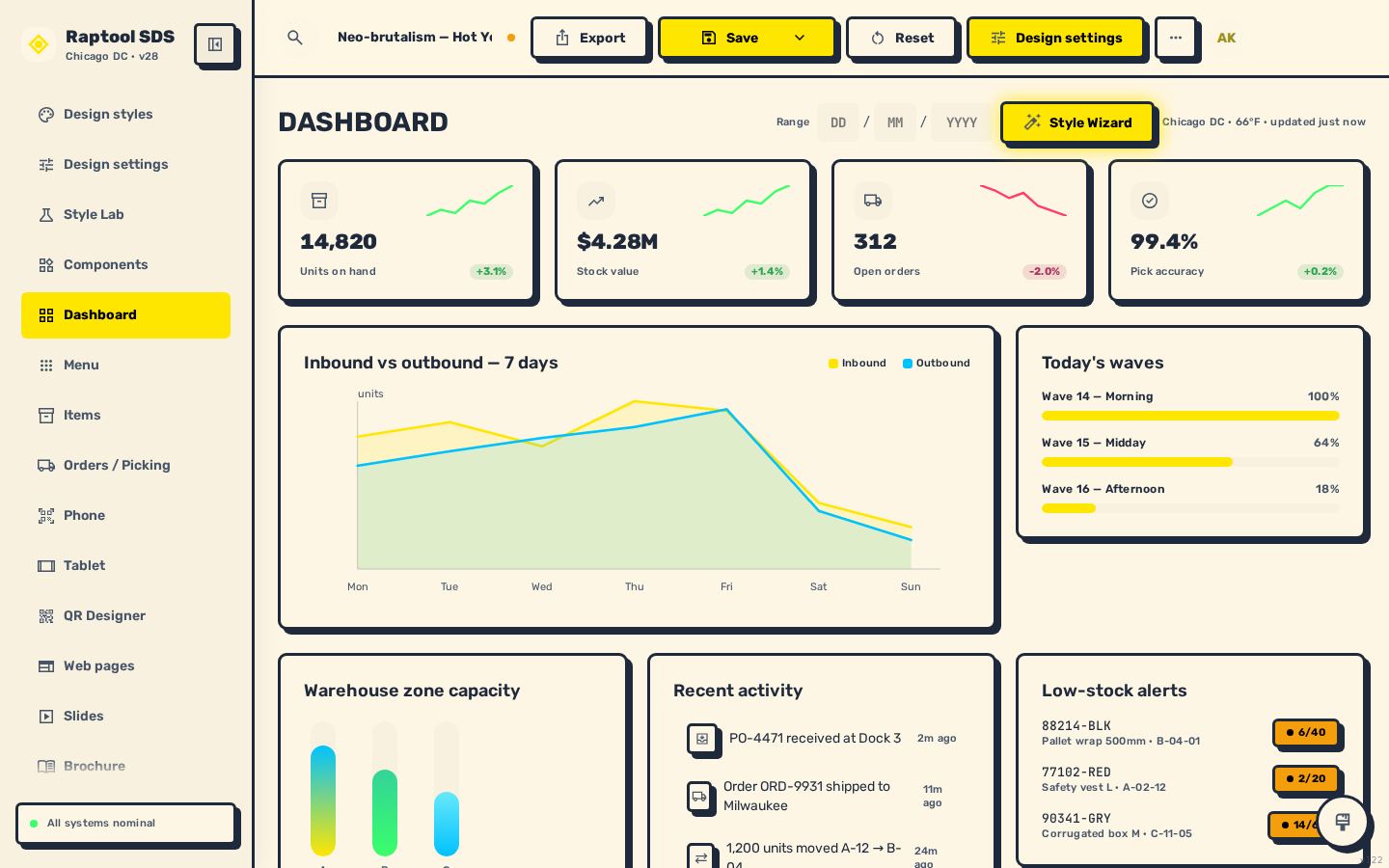
Fun
Bold, playful styles for brands that want to stand out.
Try in the studio →Looks right on the phone in their pocket.
Every style has its own phone home screen with all the task tiles, built for thumbs and gloves.
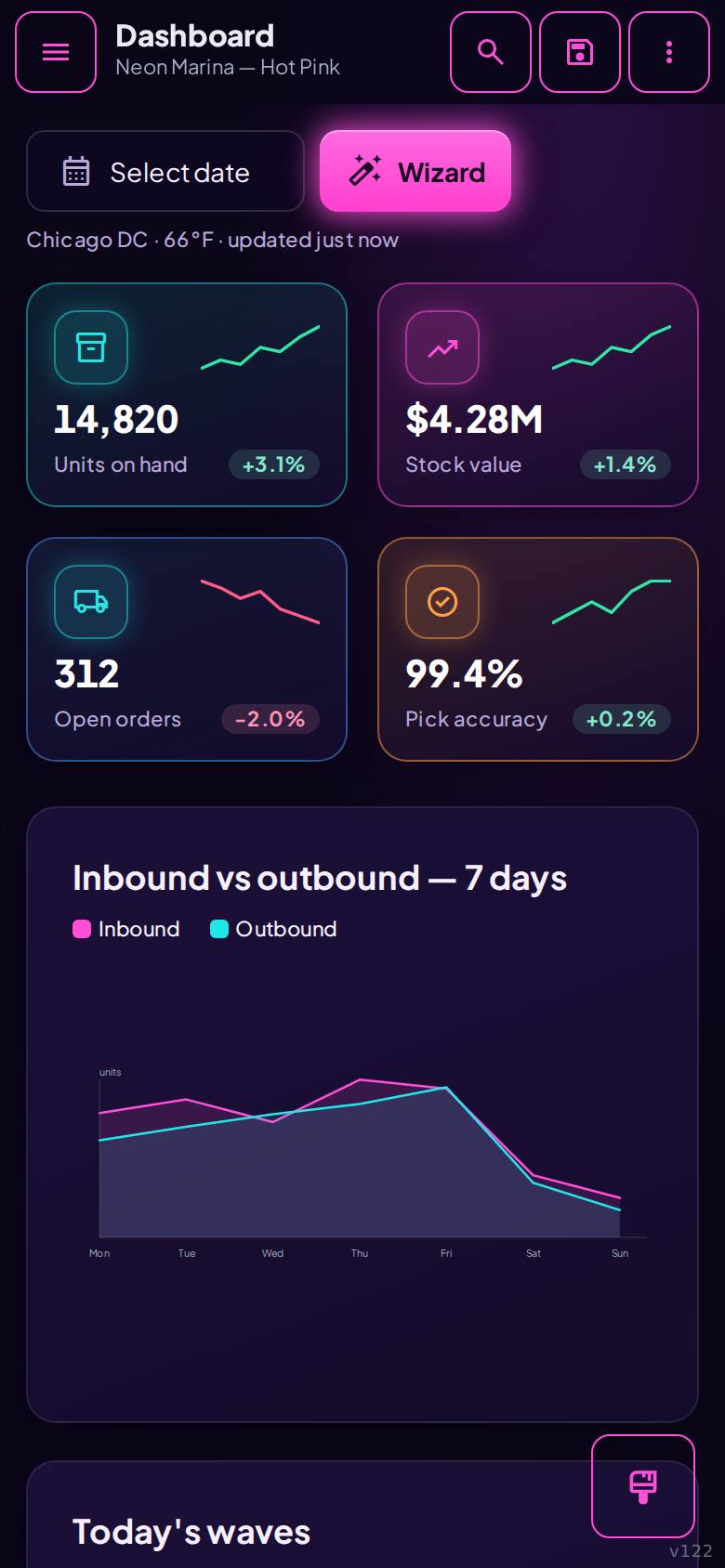
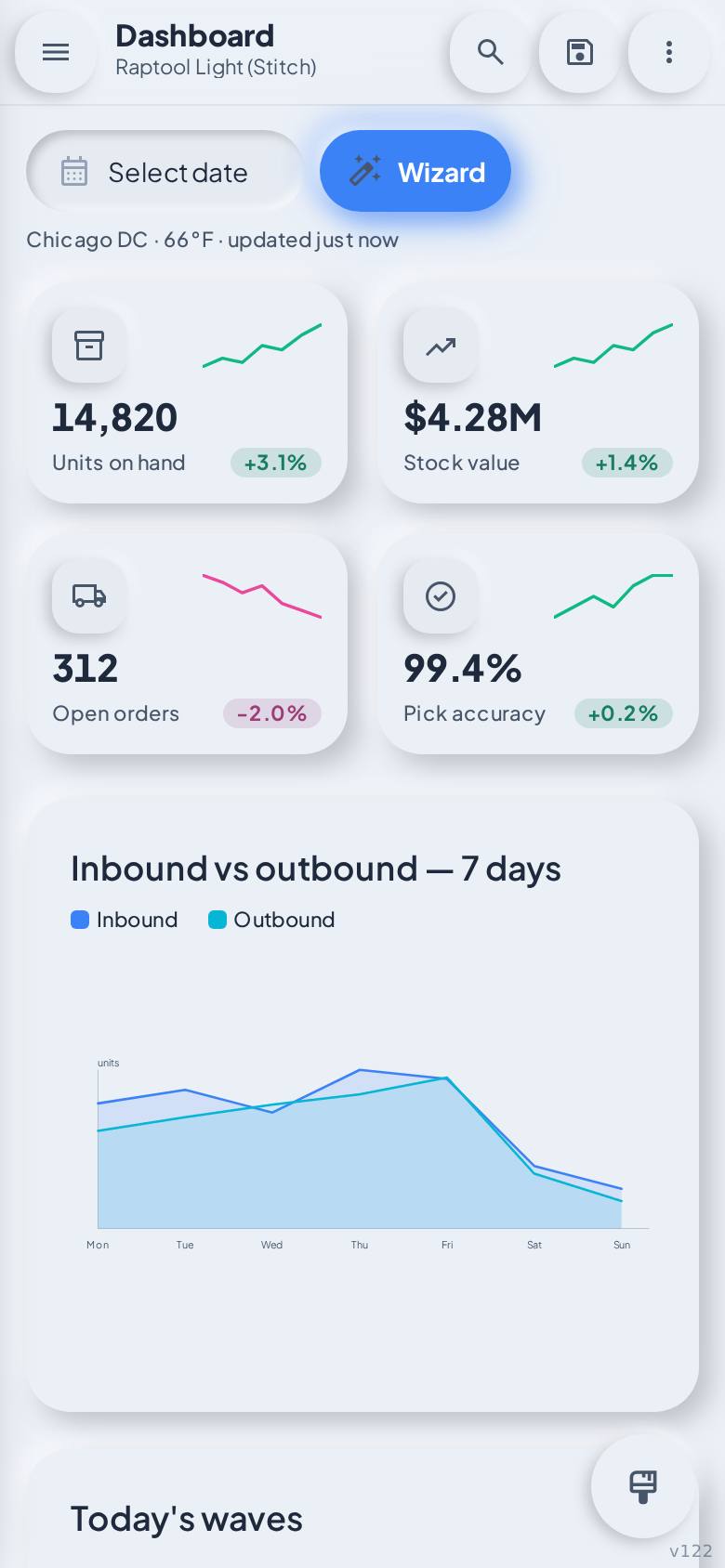
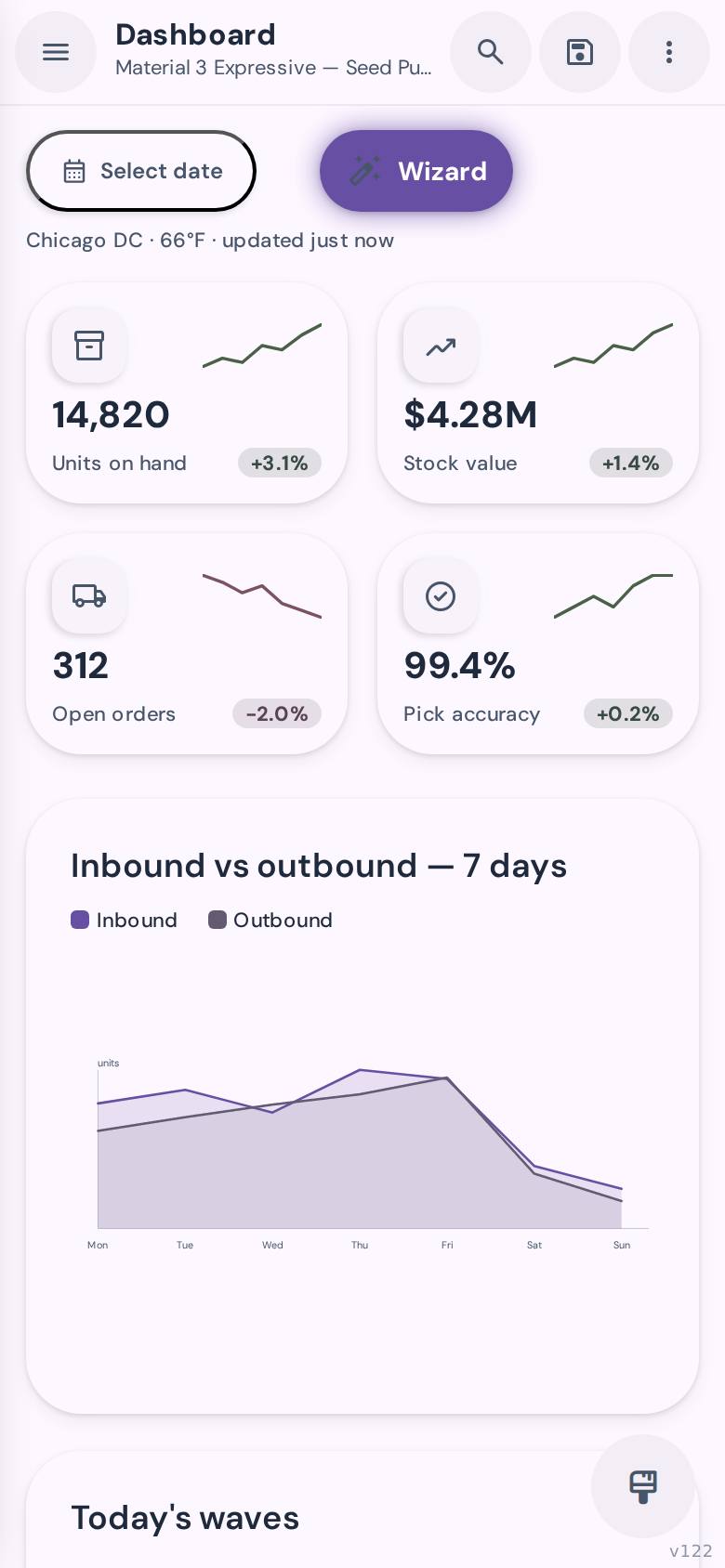
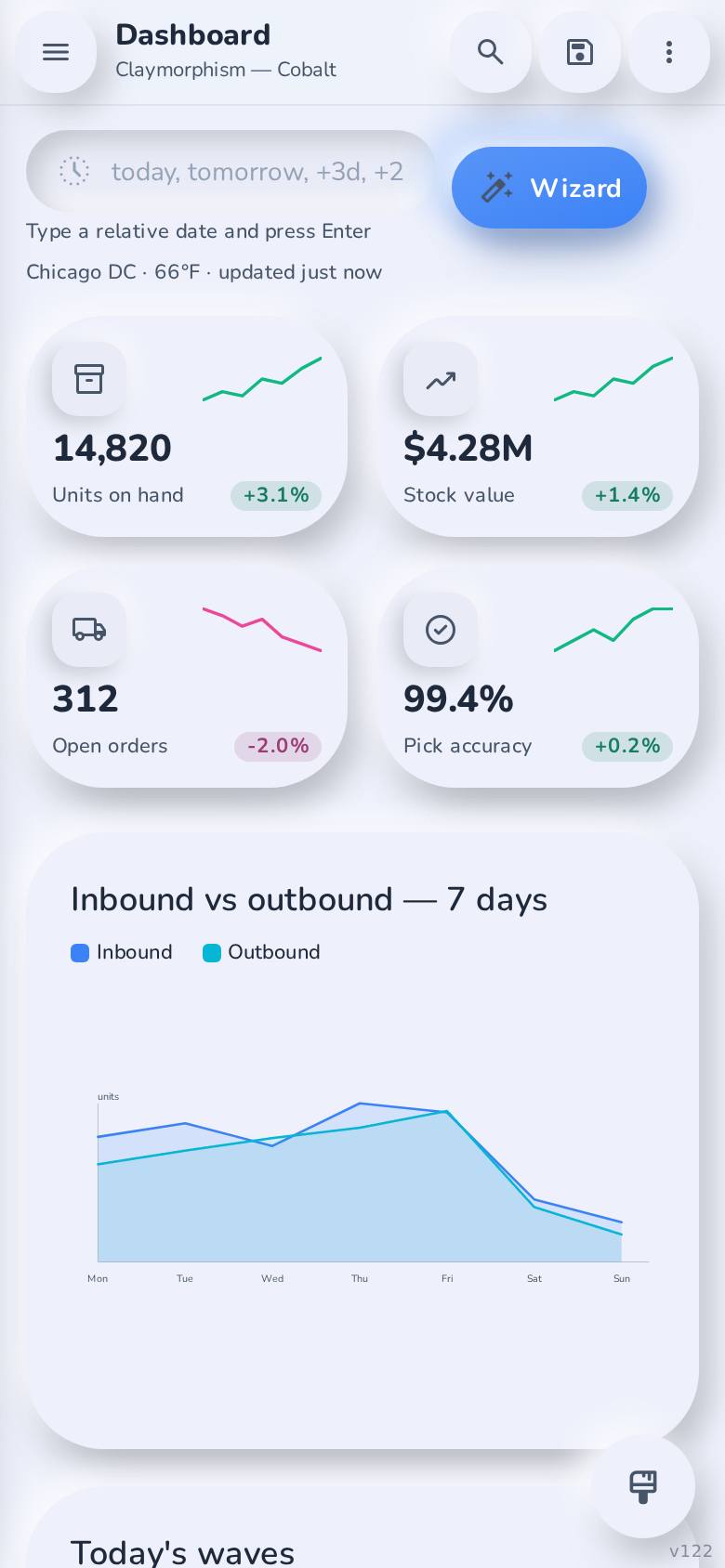
Your website and kiosks match too.
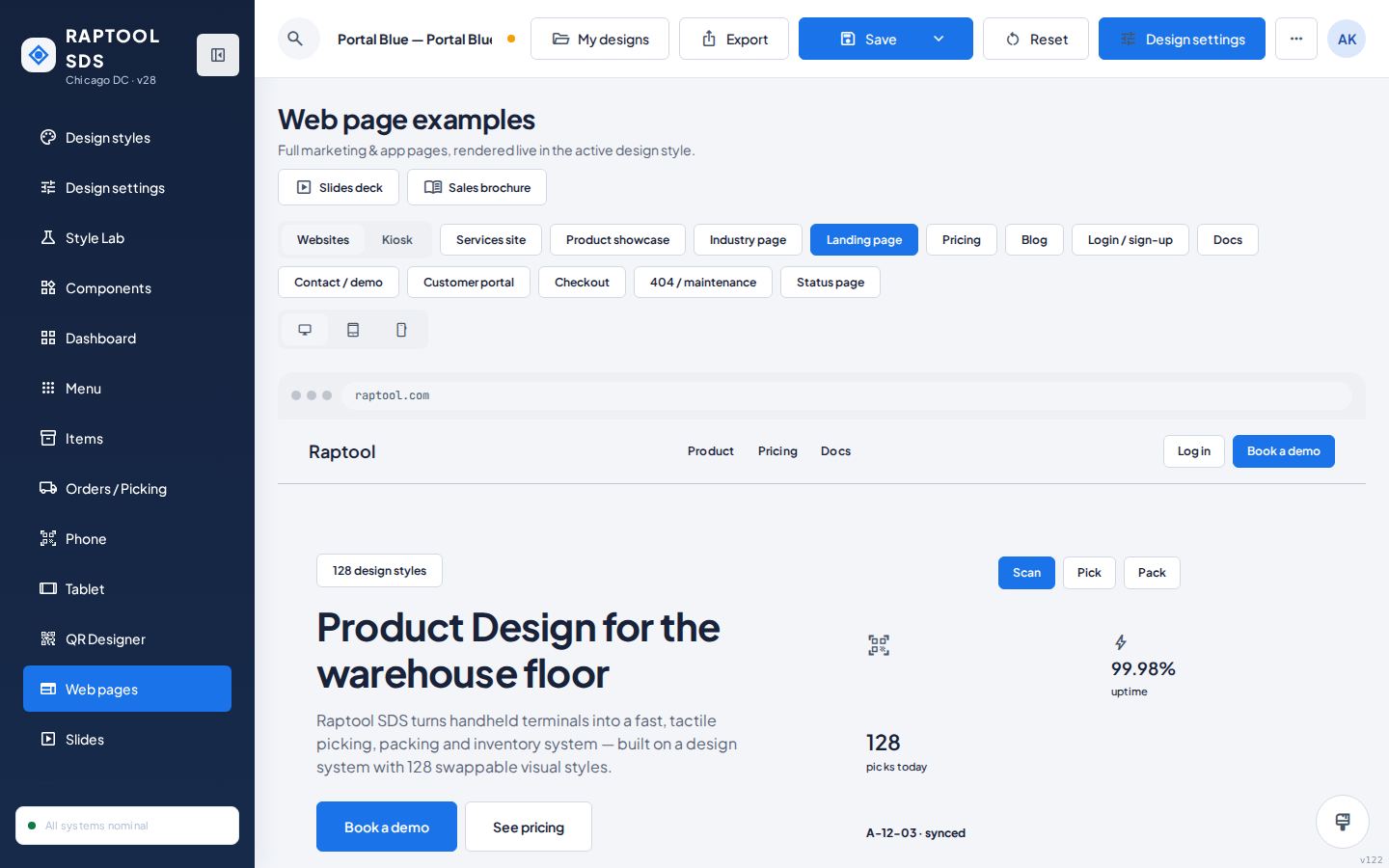
Web pages
Landing page, pricing, blog, product showcase, login, checkout and more, rendered in the active style.
Kiosk screens
30 interactive kiosk designs plus 30 guidelines for touch screens people use standing up.
Let your AI build apps in your style.
Export the AI design-system zip and give it to Claude or the Raptool AI Development Framework. DESIGN.md and tokens.json tell it exactly how every screen should look.
Frequently asked questions
What is the Raptool Design Style Studio?
A design studio with 128 ready-made design systems for business apps. You pick a style, tune it and export it. Every screen of the example app shows the style live, so you see the result before you build anything.
Do I need to be a designer or know CSS?
No. Choose a style, or answer a few questions in the Style Wizard. The Style Lab uses sliders and colour pickers, and every style is already balanced for contrast.
What do I get when I export?
An AI design-system zip with tokens.json and DESIGN.md, an HTML web page zip, slides (.pptx), a brochure (.pdf), a Word document (.docx) and PNG images.
How do I use a style in my own app?
Export the AI design-system zip. It holds the colours, fonts, sizes and rules (tokens.json and DESIGN.md) that your developers or your AI follow when they build the screens.
Does it work on phones and tablets?
Yes. You can preview every style on desktop, tablet, phone and handheld scanners, and the studio itself works on a phone.
Is it free to try?
Yes. Open the studio and try every style. Your own designs are saved in your browser.
Give your app a look people remember.
Open the studio, pick a style and see your app change in one click.