Ready-to-go solutions

Explore the rAppstoreEvery Raptool app in one place, with live demos
Start free trial

WMS features

Everything your warehouse runs on. Feature by feature.

Raptool WMS covers the whole flow, from the supplier order to the delivery van. Pick a feature to jump straight to it.

Stock moves

Move stock in seconds, not paperwork.

Scan where it stands, enter the quantity and scan the new shelf. The move is booked the moment you confirm it.

  • The quantity is capped by what stands on the shelf, so stock never goes negative.
  • A shelf that does not exist yet is created on the spot.
  • Replenishment refills pick locations from bulk in one click, most urgent first.
  • Pallet IDs show what stands on each pallet and where it is.

Forklift in a warehouse aisle
Stock moveSki gloves L
FromA-14-3ToB-02-1Qty10
Scan confirmed, max 14 on shelf
Barcode and RFID scanning

Scan it once. Get it right.

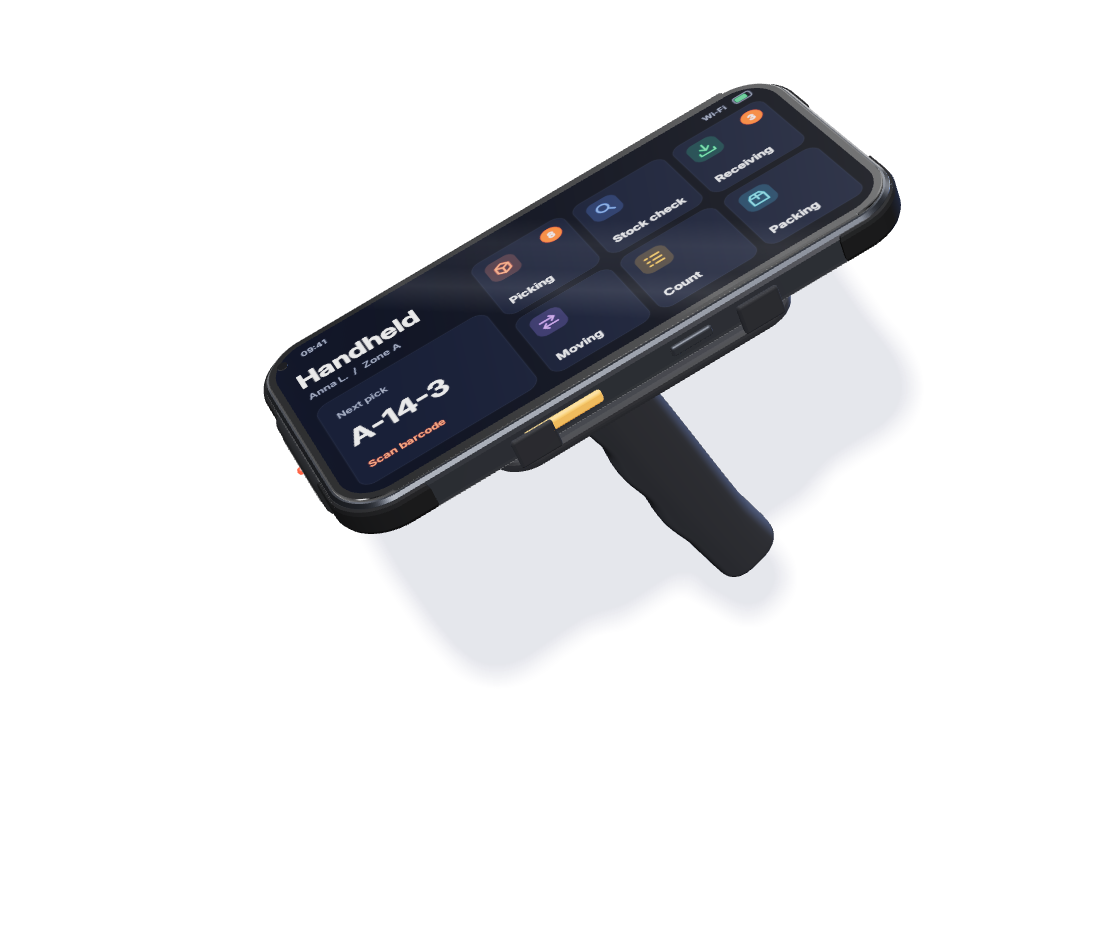
Use the camera on any Android or iOS phone, or a rugged scanner. Every scan checks the item and the location before anything is booked.

  • The handheld rejects a wrong location code.
  • Read batch, serial number and best-before date in the same scan.
  • Several barcodes per part, so both supplier and own codes work.
  • RFID reads tags from up to 15 m, without opening the box.
Handheld barcode scanner
Ski helmet M blueLocation A-14-3
Picked 1 / 1Right item, right shelf

AI in the warehouse

Let your data say what to order and where to put it.

Raptool WMS turns your scanned stock movements into suggestions you can act on. With the Raptool AI Development Framework you can also change the app by describing what you need.

  • Risk of Run-out compares days of cover with each supplier's lead time and suggests what to order.
  • Slotting suggestions move fast sellers closer to the golden zone.
  • Wave picking follows the pick path, so pickers walk less.
  • Describe a new screen in plain words and the AI builds it inside Raptool Skills. No customer data is sent to the AI.
Risk of Run-outSuggested
Ski helmet M blueLead time 14 daysOrder 40
Goggles photochromicLead time 10 daysOK
Wax kitLead time 21 daysOrder 12

Days of cover Lead time

"Add pallet height to the receiving screen"Screen updated

Example values

Bins and locations

A place for everything, and a label on every place.

Set up warehouses, zones and shelves the way your floor really looks, and print the labels to match.

  • Several warehouses, zones and locations in one system.
  • Occupancy per zone shows where there is room.
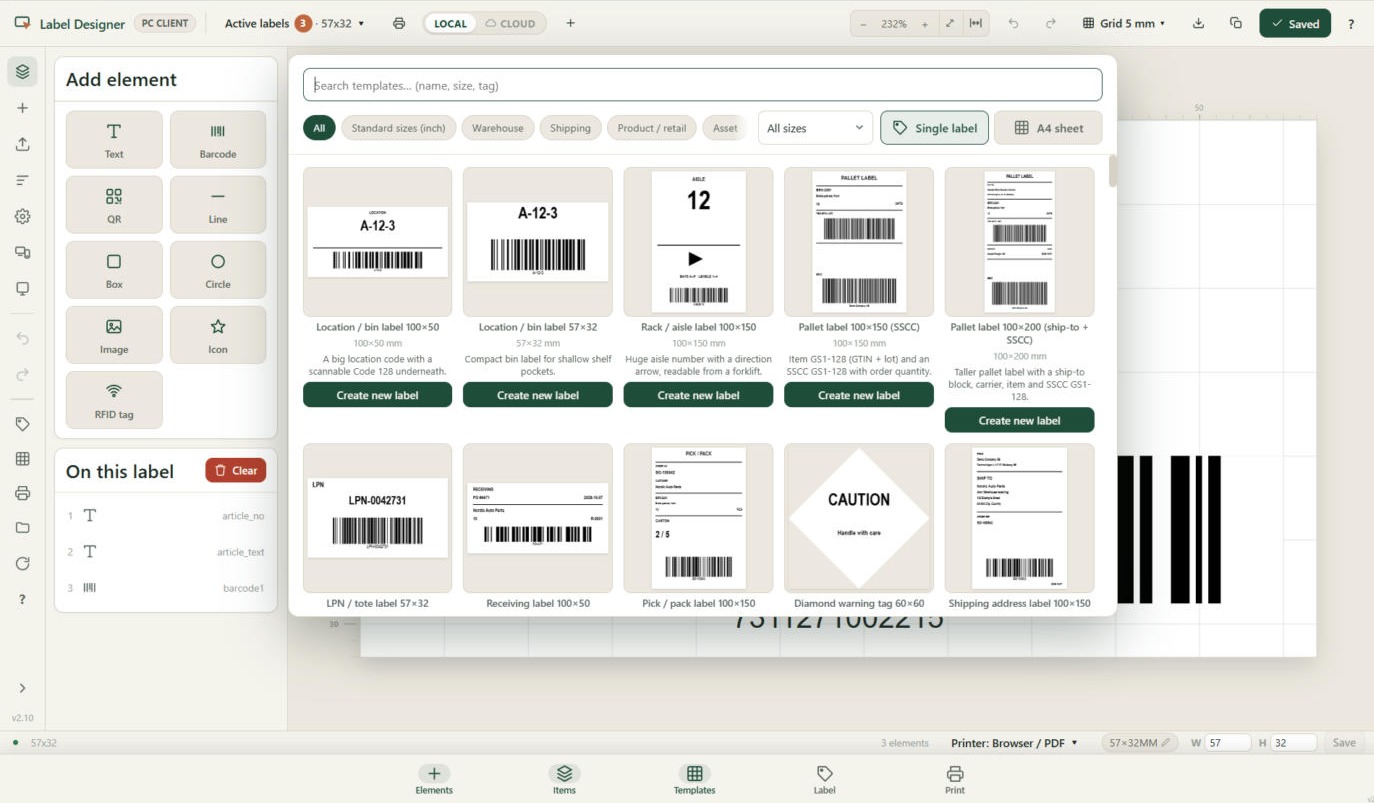
  • Bin, rack and pallet (SSCC) labels from ready templates in Label Designer.
  • Pallet IDs track what stands on each pallet.
Label templates for bins, racks and pallets
Zone A82% occupied

Purchasing and goods-in

Order on time. Check in what really arrived.

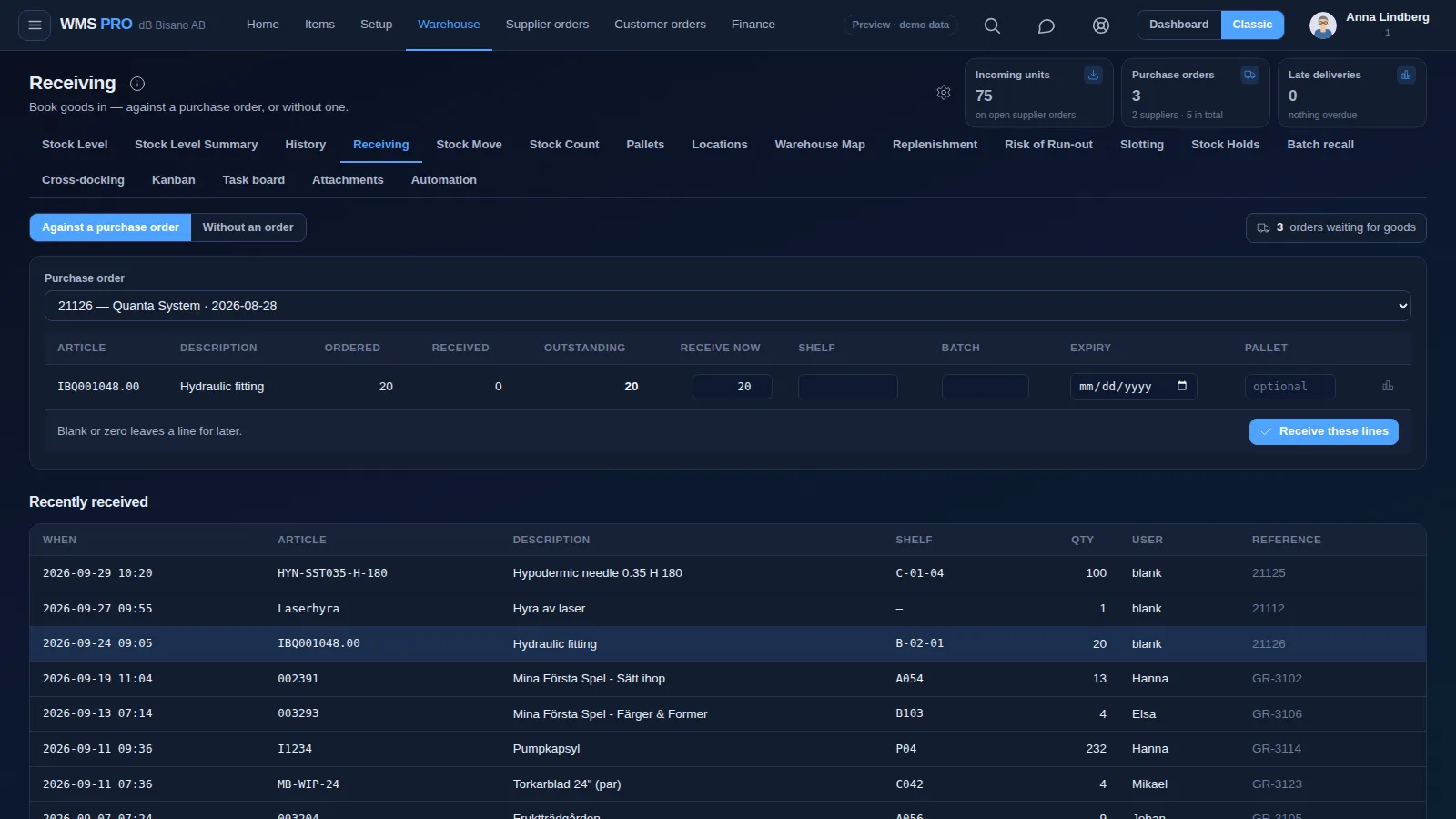
Create supplier orders from what is running low, then receive the delivery on a handheld against the order.

  • Critical Stock creates supplier orders for everything below its minimum in one click.
  • Check in against the purchase order, with shelf, batch, expiry and pallet on each line.
  • Goods inspection holds flagged lines until they pass or fail.
  • Short or damaged goods become a claim with photos, sent to the supplier.
Receiving screen in Raptool WMS
11 / 12 received1 damaged, claim sent

Guided picking, packing and put-away

The handheld shows the next step. Your team follows it.

Every pick line, put-away and parcel gets its own screen, so the next step is always in front of the person doing it.

  • One pick line at a time, with a check on the location.
  • Put-away scans the shelf to confirm the item landed in the right place.
  • Picking carts hold each order in its own QR-coded slot.
  • Pack into parcel types S, M, L, half pallet or EUR pallet, with a pack audit before dispatch.
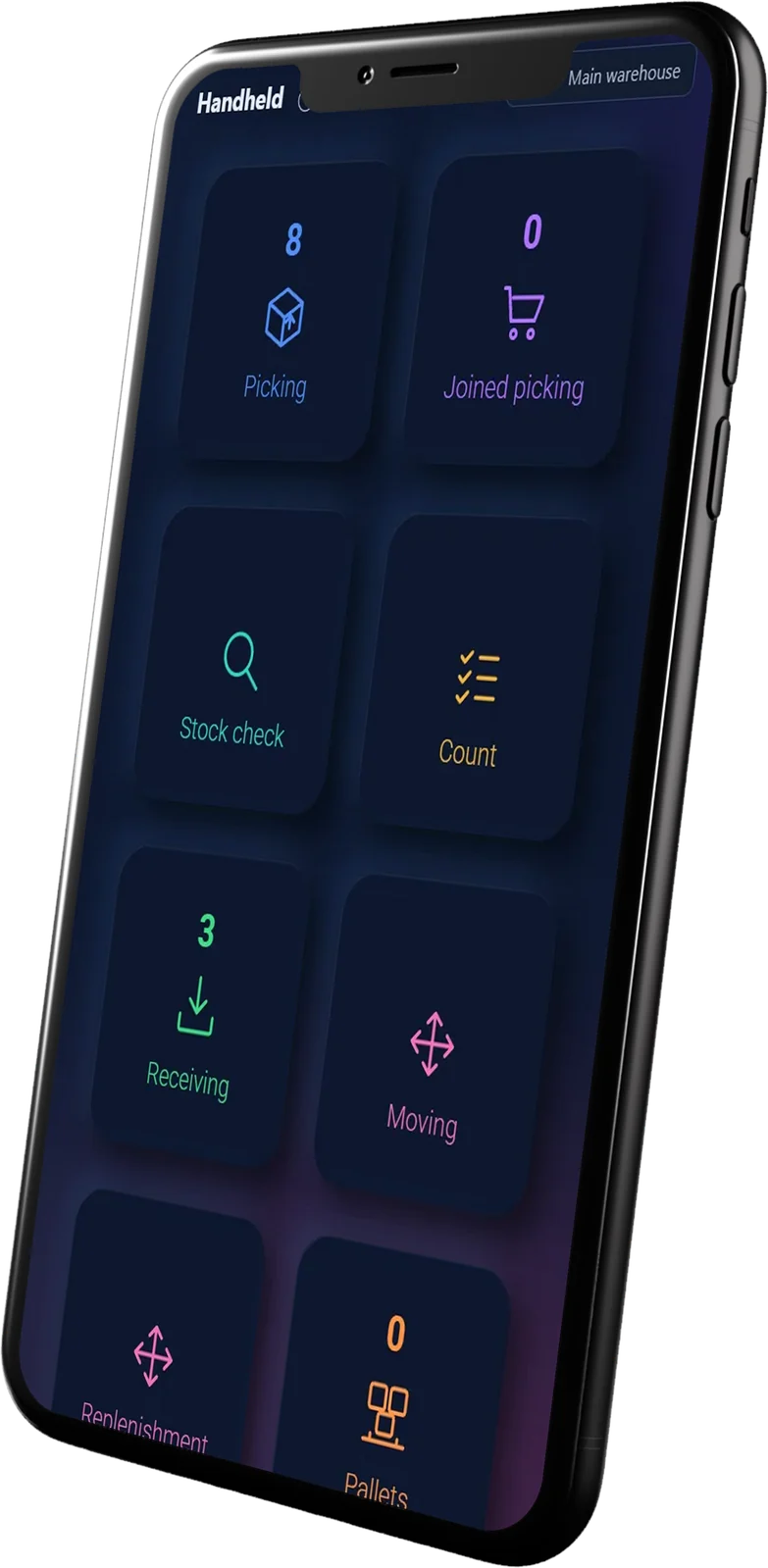
Picking cart with boxes in a warehouse aisleRaptool handheld app on a phone
Pick line 2 / 4B-02-1 · 10 pcs

Order handling

Every order, from new to shipped.

Orders from your webshop, ERP or order portal land in one queue, and each one moves through the same clear steps.

  • The statuses New, Picked, Packed and Shipped show where every order is.
  • Join or wave picking groups orders into one round.
  • Customers can order at their contract prices in a web and app portal.
  • Book the carrier and store the tracking number on the order.
New12
#4761281Webshop · 3 lines
#4761284Portal · 1 line
Picked8
#4761275ERP · 4 lines
#4761270Webshop · 2 lines
Packed5
#4761262Parcel M · 2.4 kg
Shipped31
#4761251PostNord · tracked

Example values

Inventory control

Know what you have, where it is and what it is worth.

Stock levels per location update with every scan, from one shelf to many warehouses.

  • Stock per warehouse, location, batch and best-before date.
  • A minimum per article, and a separate minimum for the pick face.
  • ABC classes for counting and planning.
  • Full counts, cycle counts, spot counts and blind counts.
Scanning a wrapped pallet in a warehouse
Ski helmet M blueClass A
A-14-3L-229112 pcs
B-02-1L-230423 pcs
Total35 pcs

Stock history and audit trail

Every move leaves a trace.

Every stock transaction stays in History, with who did it, when and where. Any number can be explained.

  • Receipts, moves, picks and count differences are all logged.
  • Trace which customers got a given batch or serial number.
  • Batch recall locks a batch everywhere it sits.
  • Count differences are reviewed before they change your stock.
History · SH-1042Ski helmet M blue
  • ALPicked to order #4761281−2
  • PJMoved A-14 → B-02±10
  • PJReceived on PO-21126+12
  • SKCounted A-14-3, difference+1
  • SKBatch L-2219 locked·

Example values

Returns handling

Take returns back without losing track.

Scan the returned item against the order it left on, note what is wrong, and decide where it goes next.

  • The serial number shows which exact unit went to which order.
  • Note the reason and photograph the condition.
  • Put it back on a shelf, or hold it for inspection.
  • Stock and your ERP update when the return is booked.
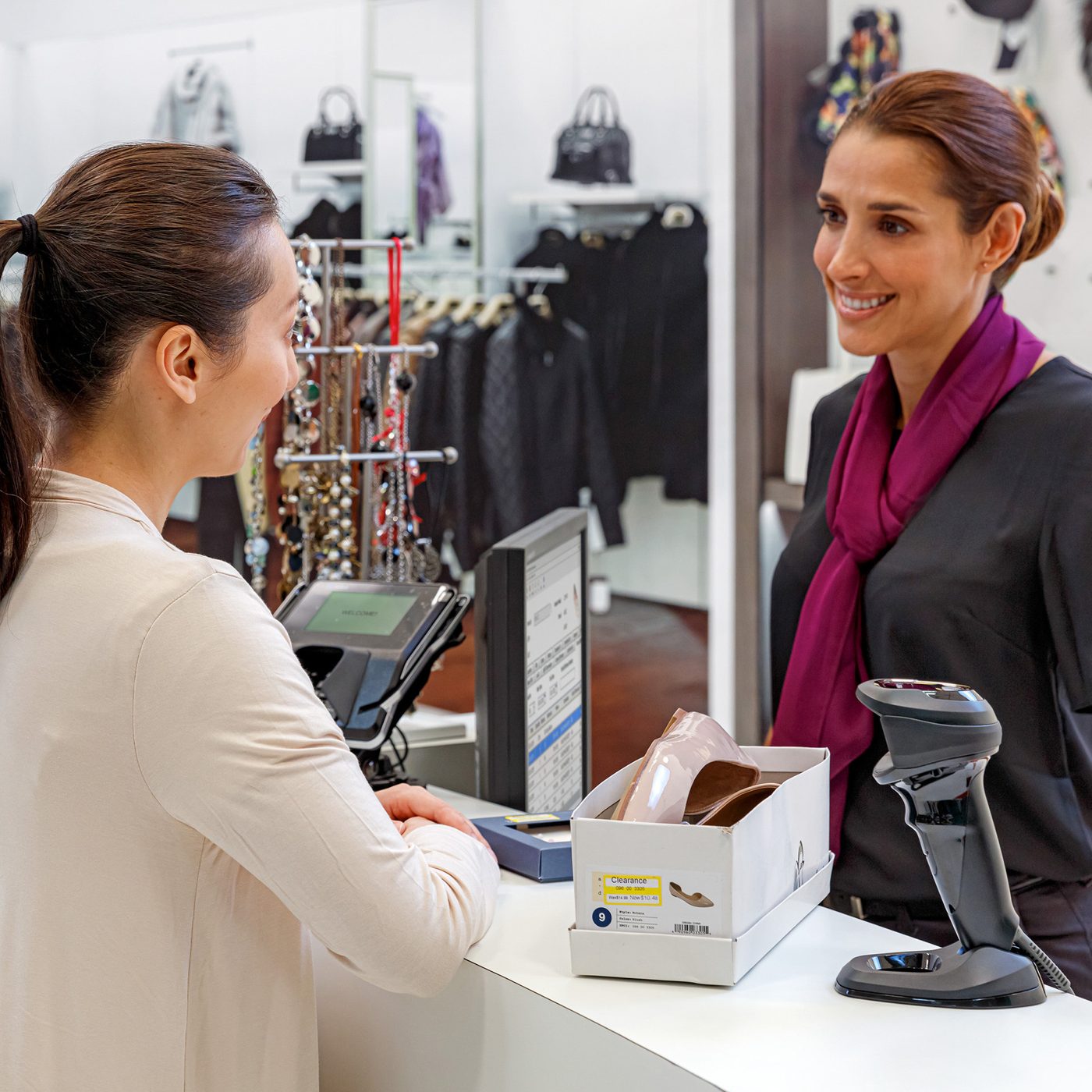
Staff scanning an item at a counter
Return · SO-4757Scanned
Item
Ski poles 120 cm
Reason
Wrong size
Condition
As new · 2 photos
Back to stock, B-02-1

Webshop stock sync

Sell only what is on the shelf.

Raptool WMS connects to your webshop. Stock goes out to the shop, and orders come back into the pick queue.

  • Connectors for Shopify, WooCommerce, Magento, Amazon and CDON.
  • Web orders land straight in the pick queue.
  • A Raptool webshop can read the stock balance live from the warehouse.
  • Ship with nShift and send the tracking number back.
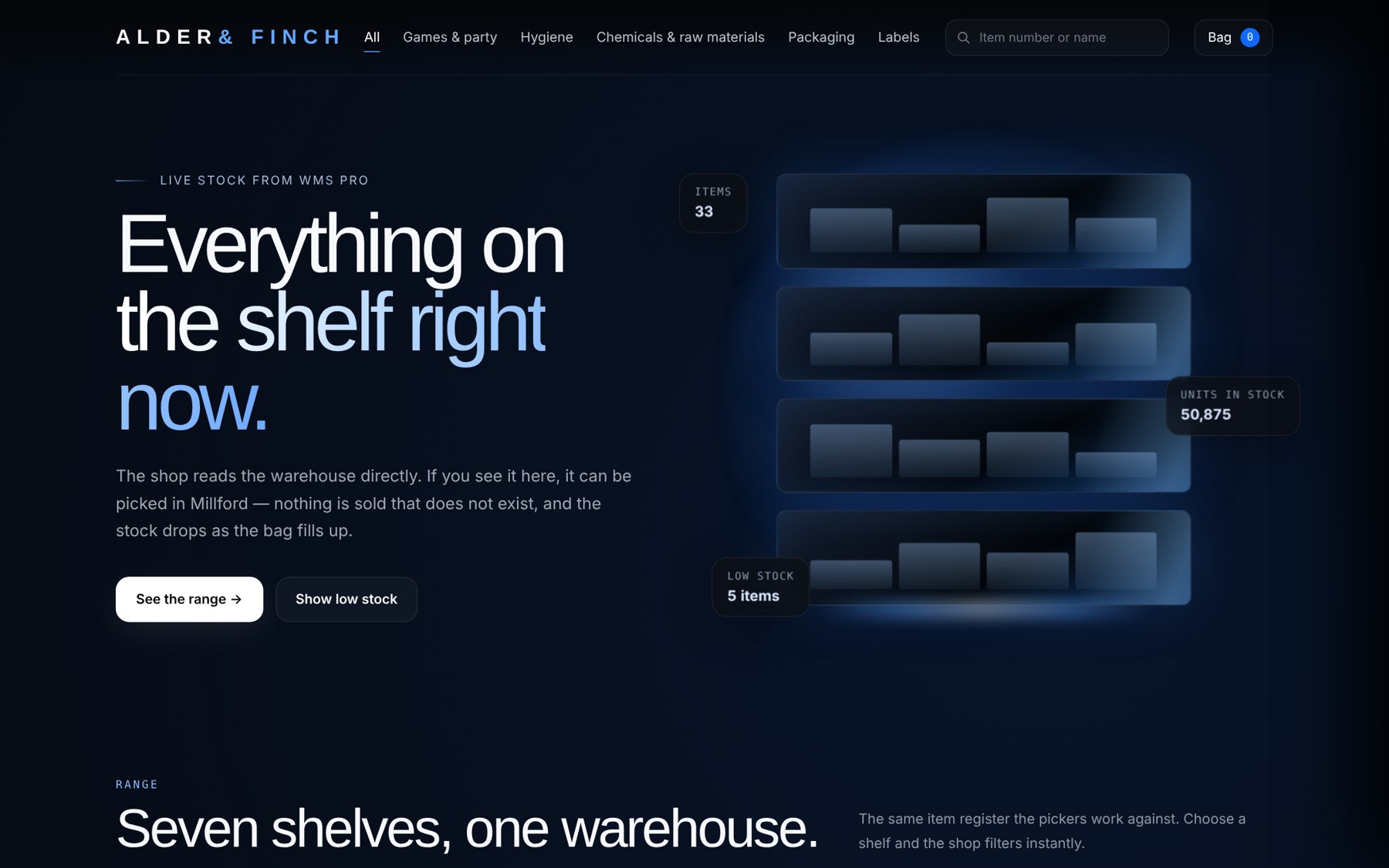
Webshop showing live stock from the warehouse
23 in stockSynced from the warehouse
#4761281Added to the pick queue

Transport and deliveries

Plan the deliveries. Follow every stop.

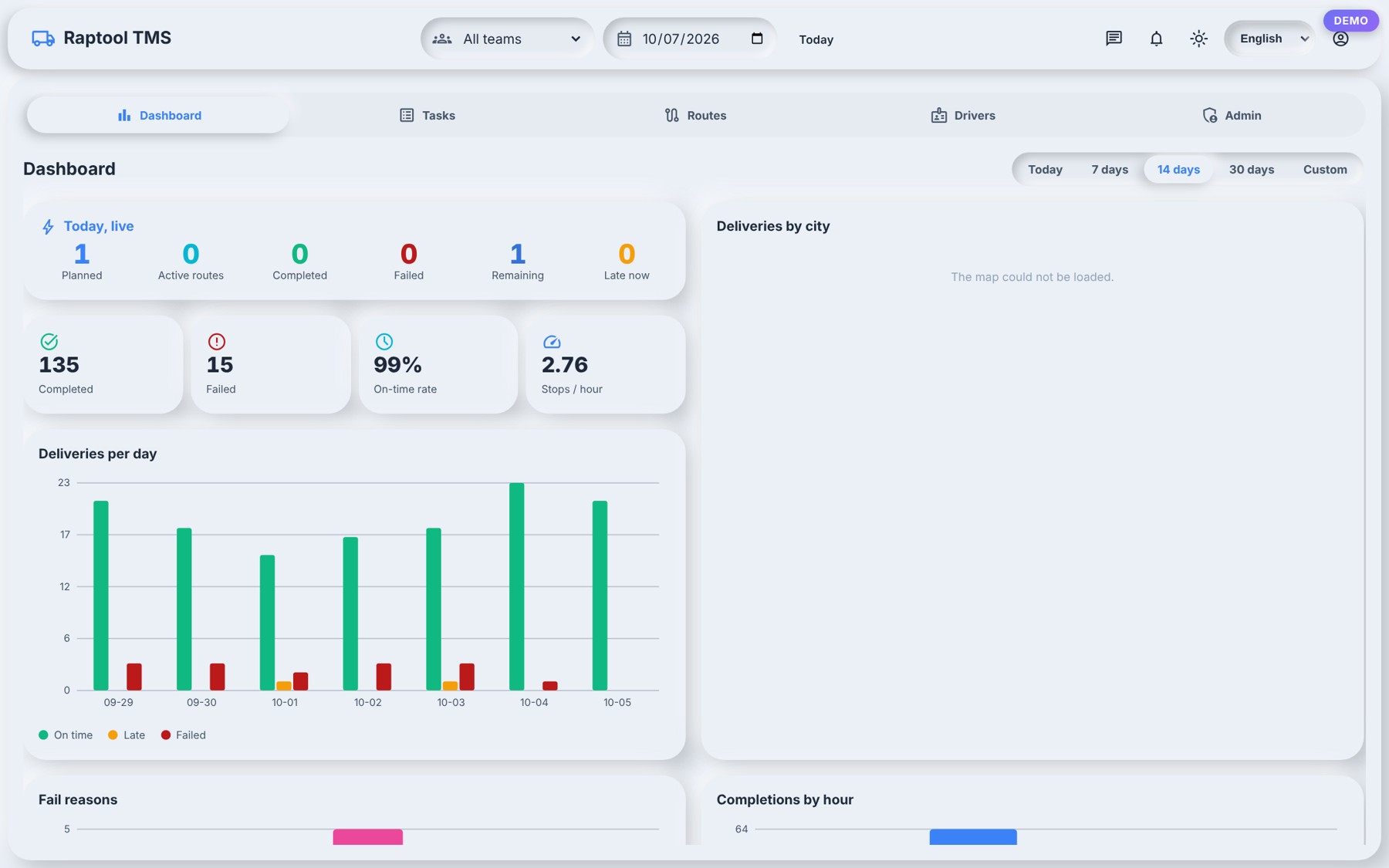
Raptool TMS picks up where the warehouse ends: plan the routes, give drivers their stops and see what is running late.

  • A dispatcher dashboard shows planned, active, completed, failed and late.
  • Routes and drivers, with CSV import and export of tasks.
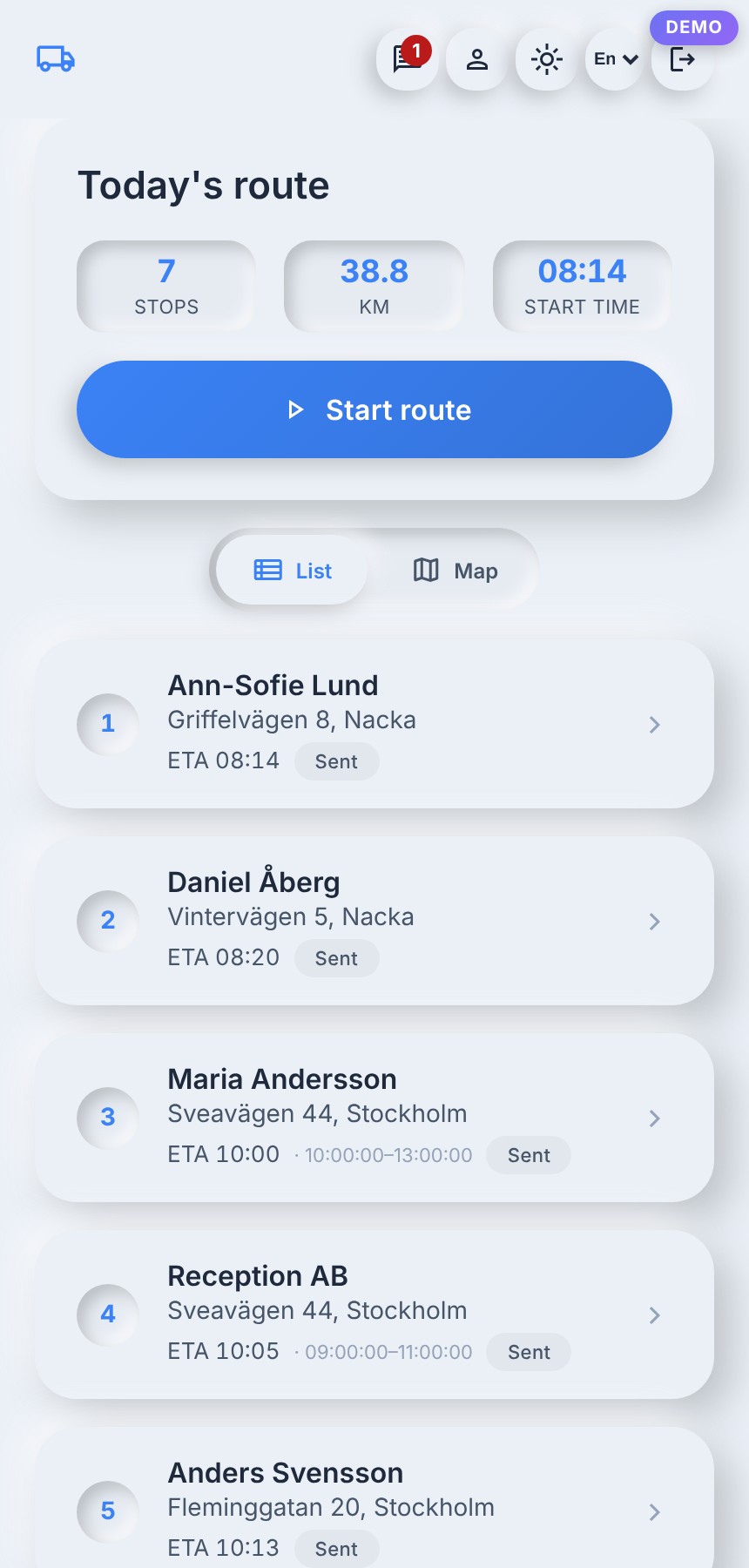
  • The driver app shows today's route, with navigate, call and arrived.
  • On-time rate and stops per hour.
Raptool TMS dispatcher dashboard
Raptool TMS driver app with today's route

Reports and dashboards

See the whole warehouse on one screen.

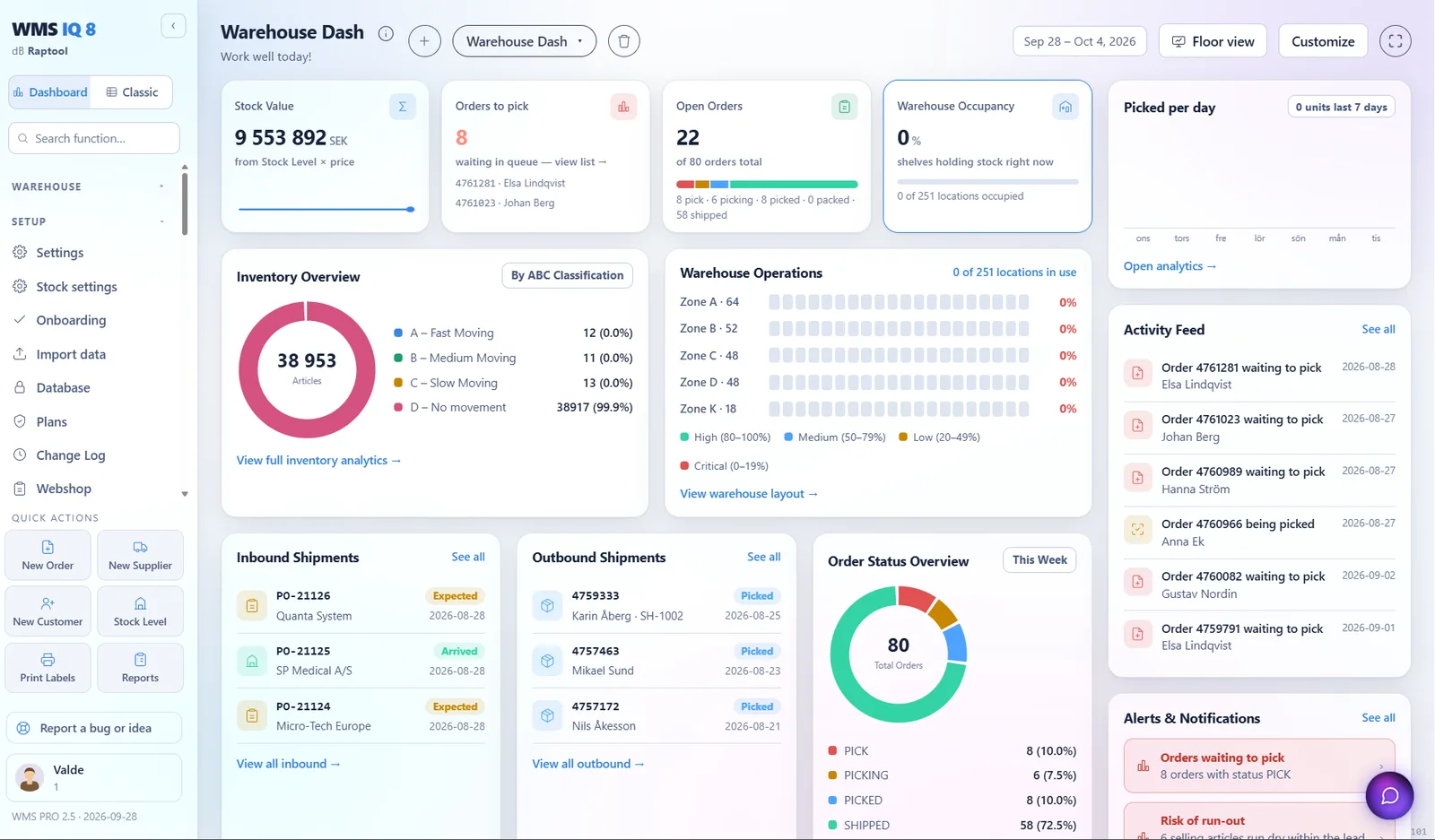
The dashboard shows how the day is going, and the reports show where to improve.

  • Stock value, open orders, orders to pick and occupancy per zone.
  • Inventory overview by ABC class.
  • A supplier scorecard for accuracy, on-time delivery and inspection quality.
  • KPIs and rate-card billing per client for third-party logistics.
Raptool WMS dashboard
8orders to pick

See these features in your own warehouse.

v2.0.194