Label Station
Design labels. Print them on command.
Raptool Label Station is a package of two: Raptool Label Designer to design your labels, and Raptool Label Distributor to print them on command to USB and network printers.
- Label Designer included
- Label Distributor print server included
- USB and network printers
- Runs as a Windows service
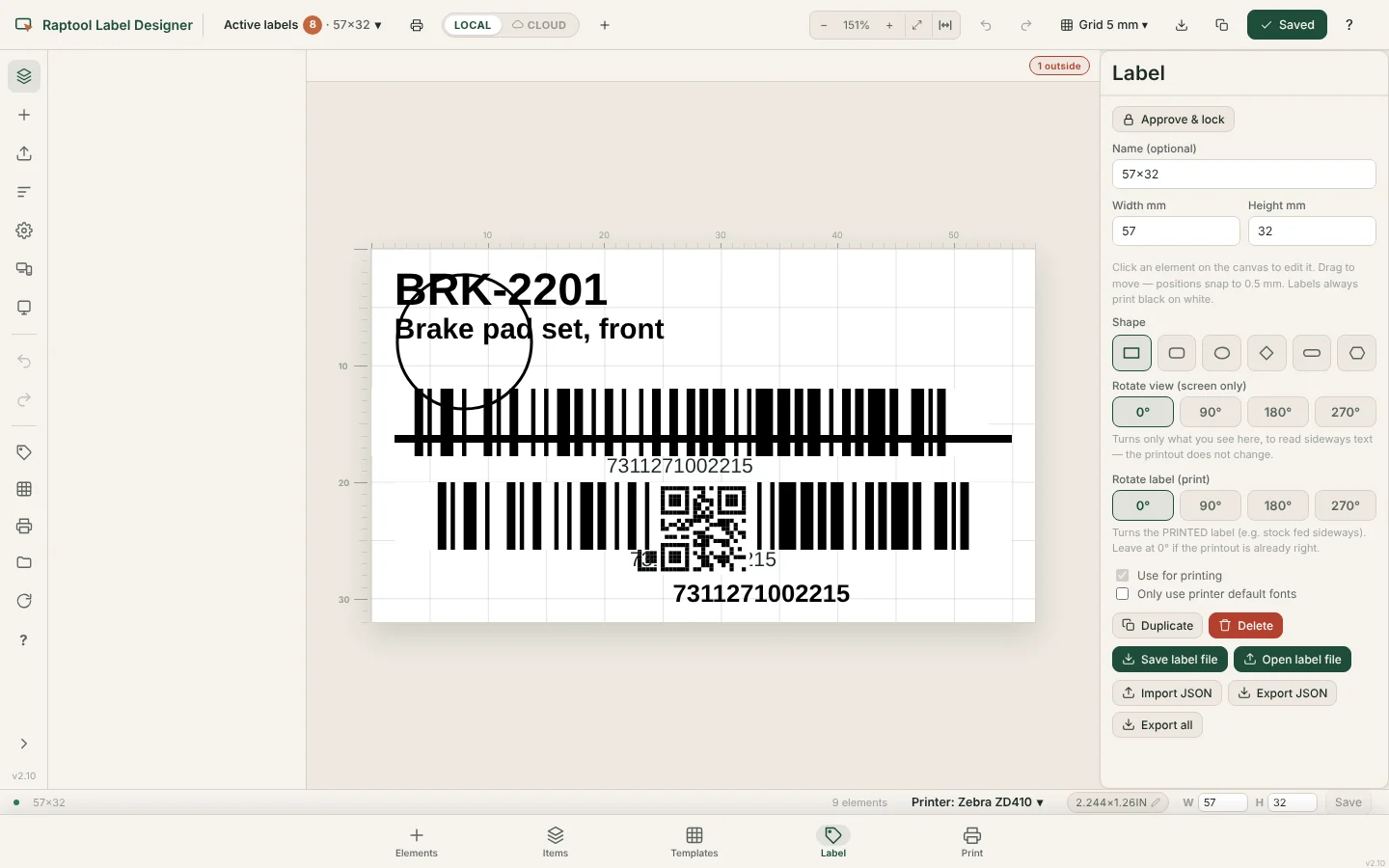
What is in the package
A designer and a print server
Raptool Label Station brings together two products. Raptool Label Designer is where you design labels. Raptool Label Distributor is the print server that prints them.
The Label Distributor prints labels on command to USB and network printers, and runs as a Windows service. Today it is described on the Label Distributor (Label Automator) page.
- Raptool Label Designer
- Raptool Label Distributor
- Prints on command to USB and network printers
Label Designer
Design the label you need
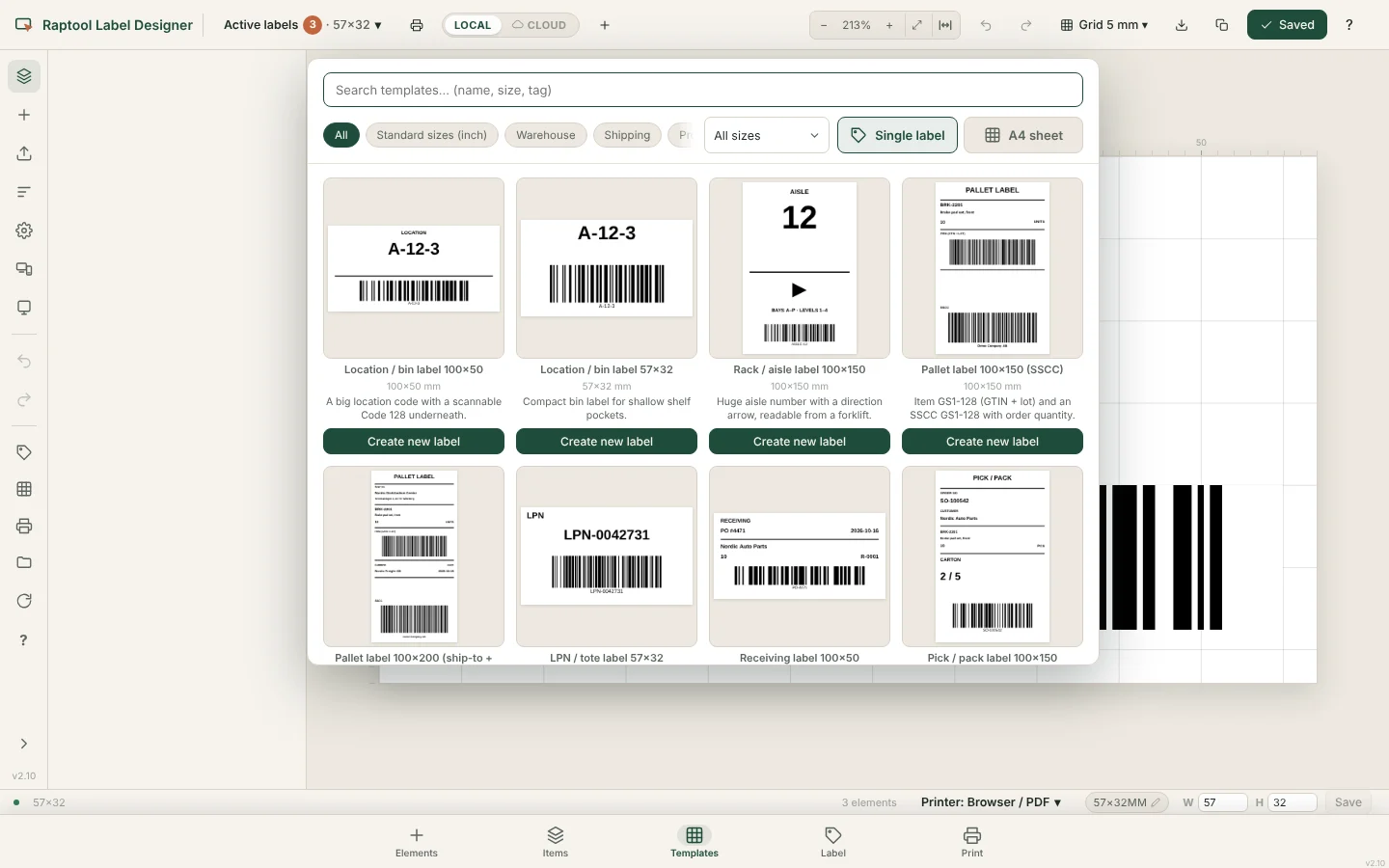
Use Label Designer to lay out your labels and keep your templates in one place. It can work from a file or connected to your data.
- Editor for laying out labels
- Templates you can reuse
- Works from a file or connected
What you get
Everything for labels
Design in one product, print with the other.
Label Designer
Design your labels and save them as templates.
Label Distributor
A print server that prints labels on command.
Windows service
The Label Distributor runs as a Windows service.
USB and network printers
Print to USB printers and to printers on your network.
On command
Print when your app or user asks for it.
Two in one
Get both products as one package.
How it works
Design. Send. Print.
From idea to printed label.
Design the label
Create the label in Raptool Label Designer.
Send the print command
Your app or user asks the Label Distributor to print.
Label is printed
The label comes out on a USB or network printer.
Who it is for
For anyone who prints labels
Wherever a label is needed, one package covers it.
Warehouses
Labels for shelves, goods and shipments.
Shops
Labels printed where the work happens.
IT teams
A print server that runs as a Windows service.
FAQ
Label Station questions, answered
What is Raptool Label Station?
A package of two products: Raptool Label Designer for designing labels and Raptool Label Distributor for printing them.
What is the Label Distributor?
It is the print server that prints labels on command to USB and network printers. It runs as a Windows service.
Which printers can I use?
USB printers and network printers.
Where is the Label Distributor described today?
On the Label Automator page. Label Distributor is the name used in Label Station.
How do I get started?
Book a demo and we will show you Label Station in a short Teams meeting.
Print your labels the easy way
Tell us what you label and we will show you Label Station in a short Teams meeting.