WMS/Industries/Service and installation
WMS for service and installation
Your vans are warehouses too. Know what is in every one.
Raptool keeps track of the stock in every service vehicle. Technicians book the material they use on each job from their phone, and the warehouse knows what to refill.
- Stock per service vehicle
- Material booked on each job
- Vans refilled by stock move
- Material cost per vehicle

Connects to the systems service teams already run
On the floor
The usual problems, solved where the work happens.
Every van has its own stock in the system, so the technician and the office can see what is on board before the job.
Technicians book the material they use on each job in the app, next to their time.
The dashboard shows material cost per vehicle, and the warehouse sees what to refill.
How the work flows
A service business, step by step.
Pick a step to see what happens on the handheld and in the office.

Step 1 of 5
Every van has its own stock
Treat each service vehicle as its own location, with its own stock and minimum levels.
- Stock per vehicle
- A minimum per item and van
- Labels for shelves and boxes in the van

Step 2 of 5
Plan the day in the office
Plan jobs in the Raptool Service backend with a calendar, work orders, projects and quotes.
- Calendar and work orders
- Customers and service agreements
- Stock and vehicles in one place

Step 3 of 5
Book material from the phone
The technician app shows today's jobs. Clock in, then book the time and material used on each job.
- My jobs on the phone
- Time and material per job
- Scan the item to book it

Step 4 of 5
Top up the van from the warehouse
Move stock from the main warehouse to the van with a stock move, so both locations stay right.
- A stock move per van
- Quantities capped by what is on the shelf
- Done by scanning
Step 5 of 5
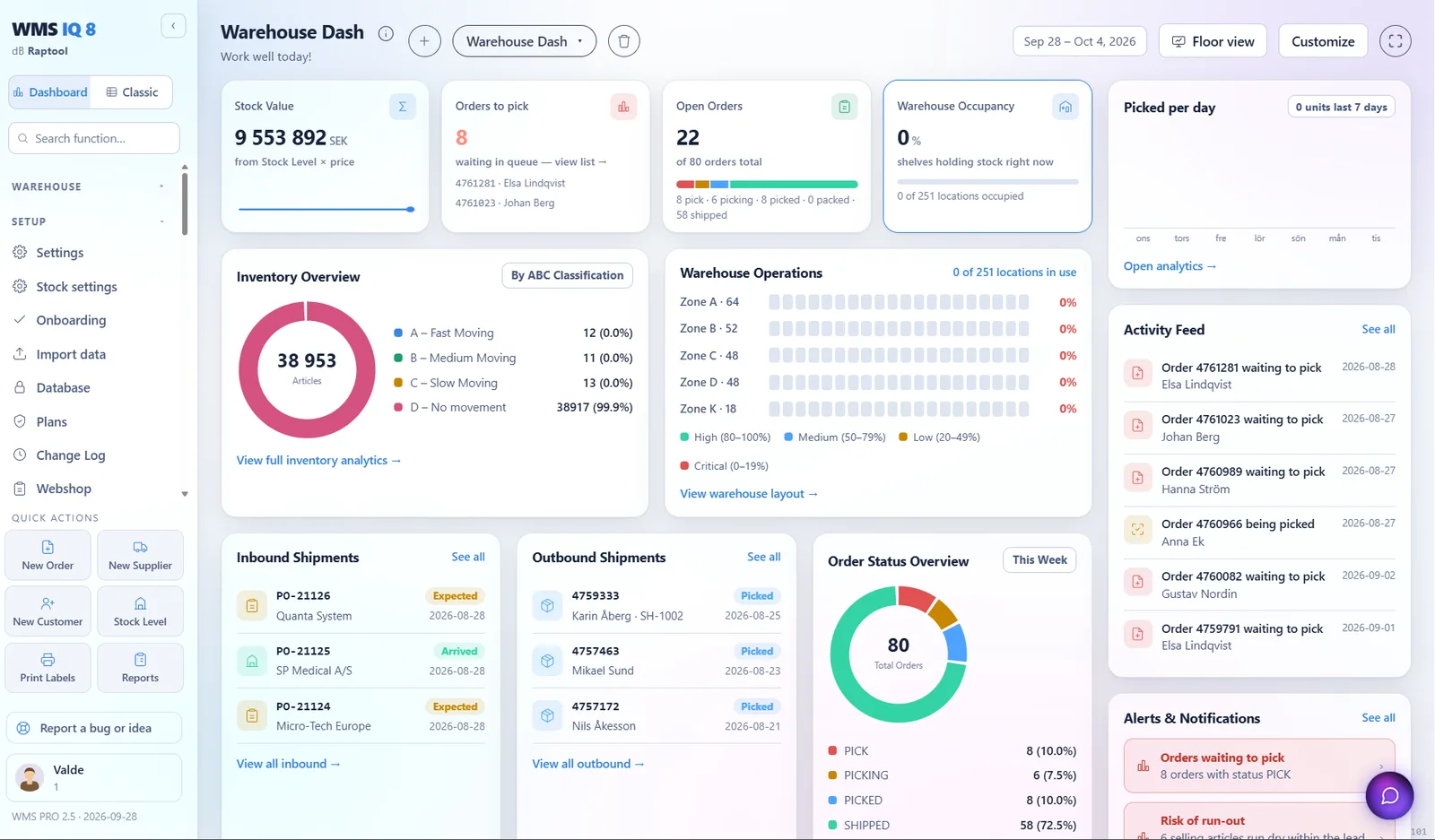
Material cost per vehicle
The dashboard shows open jobs, hours per technician and material cost per vehicle.
- Open jobs at a glance
- Hours per technician
- Material cost per vehicle
Example values
Features
The features service teams use most.
Devices
The right device for every job on the floor.
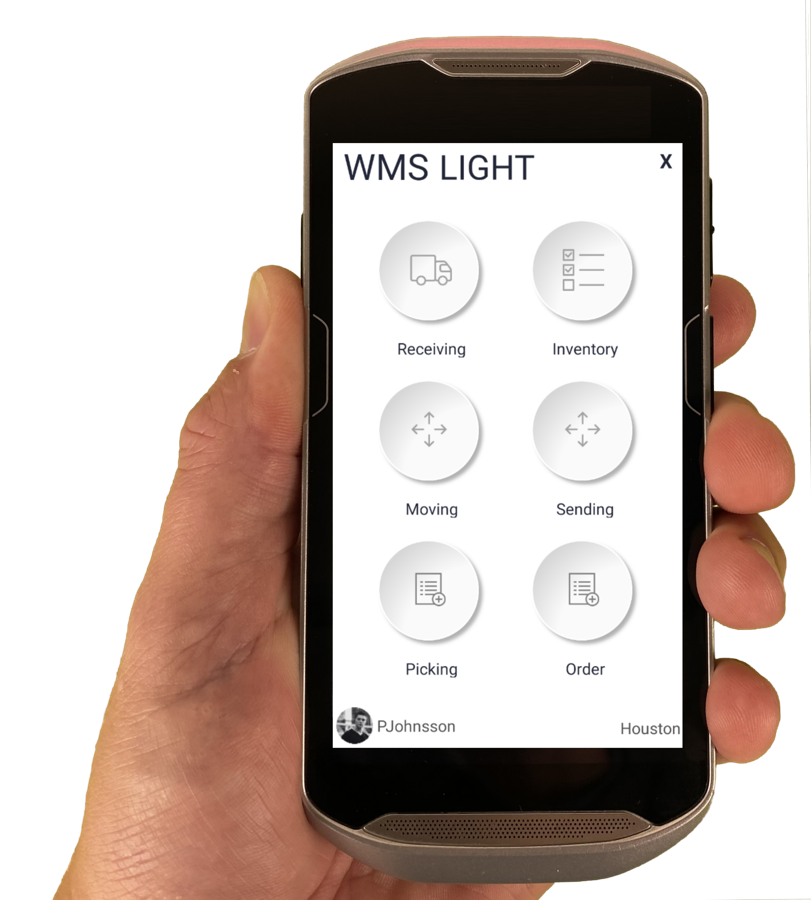
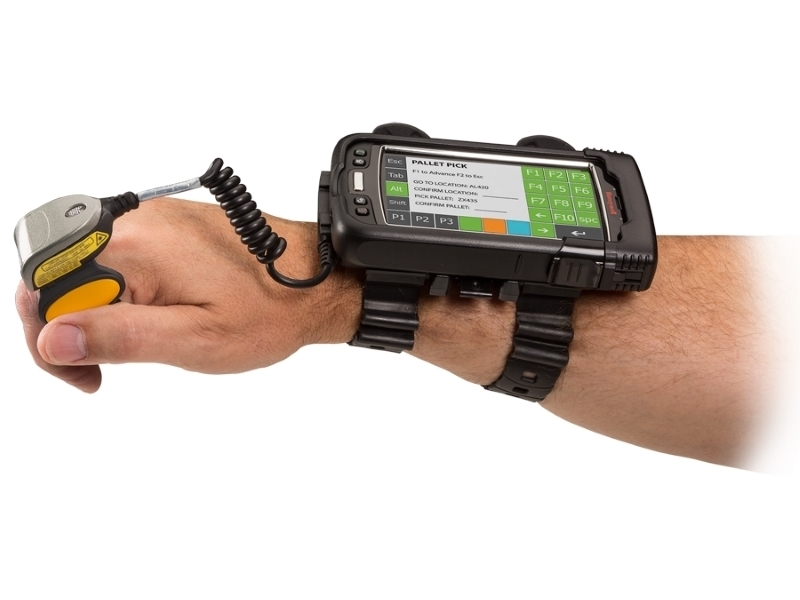
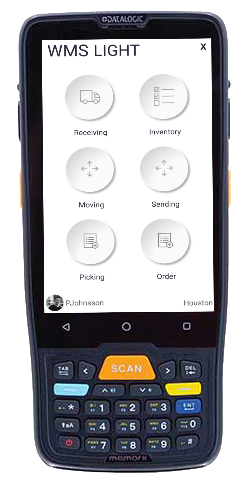
The Raptool Client is a native app for Android, iOS, Windows and Mac. Mix phones, tablets and rugged scanners in the same warehouse.
FAQ
Questions from service teams
Quick answers about running a service business on Raptool.
More questions? See the full FAQCan every van have its own stock?
Yes. Each service vehicle can hold its own stock, so technicians and the office can see what is in every van.
How do technicians book the material they use?
In the technician app they see their jobs, clock in and book time and material on each job.
How are vans refilled?
With a stock move from the main warehouse to the van, so both stock levels stay correct.
Can we see what each van costs?
Yes. The dashboard shows open jobs, hours per technician and material cost per vehicle.
See Raptool in your own service business.
Pick the way that suits you. We are happy to help either way.