WMS/Industries/Electronics
WMS for electronics
Every unit has a serial. Every serial has a history.
Raptool WMS scans the serial number of every unit at receiving and picking, so you always know which exact unit went to which customer, and which parts went into what you build.
- A serial per unit
- Serial history with parts
- Unit-to-customer tracing
- RFID when you need it

Connects to the systems electronics teams already run
On the floor
The usual problems, solved where the work happens.
The serial number shows which exact unit went to which order, so returns and warranty questions are quick to answer.
Scan the serial at receiving and picking, so it is recorded exactly as printed.
Serial history traces every produced serial and the parts that went into it.
How the work flows
An electronics warehouse, step by step.
Pick a step to see what happens on the handheld and in the office.
Step 1 of 5
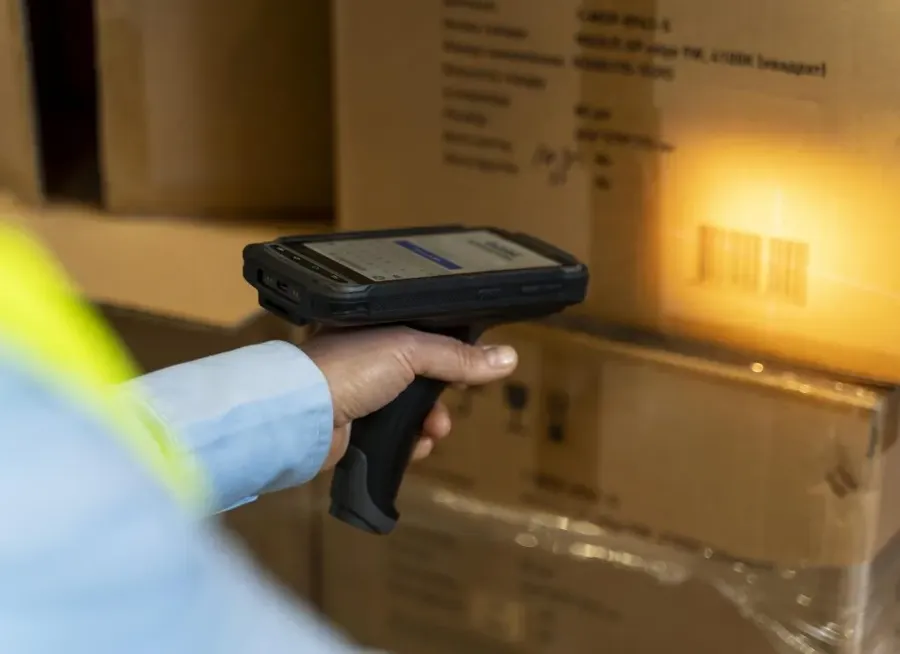
Scan every serial on arrival
Check deliveries in against the purchase order and scan the serial of each unit.
- A serial per unit
- Batch recorded too
- Claims for damaged units
Step 2 of 5
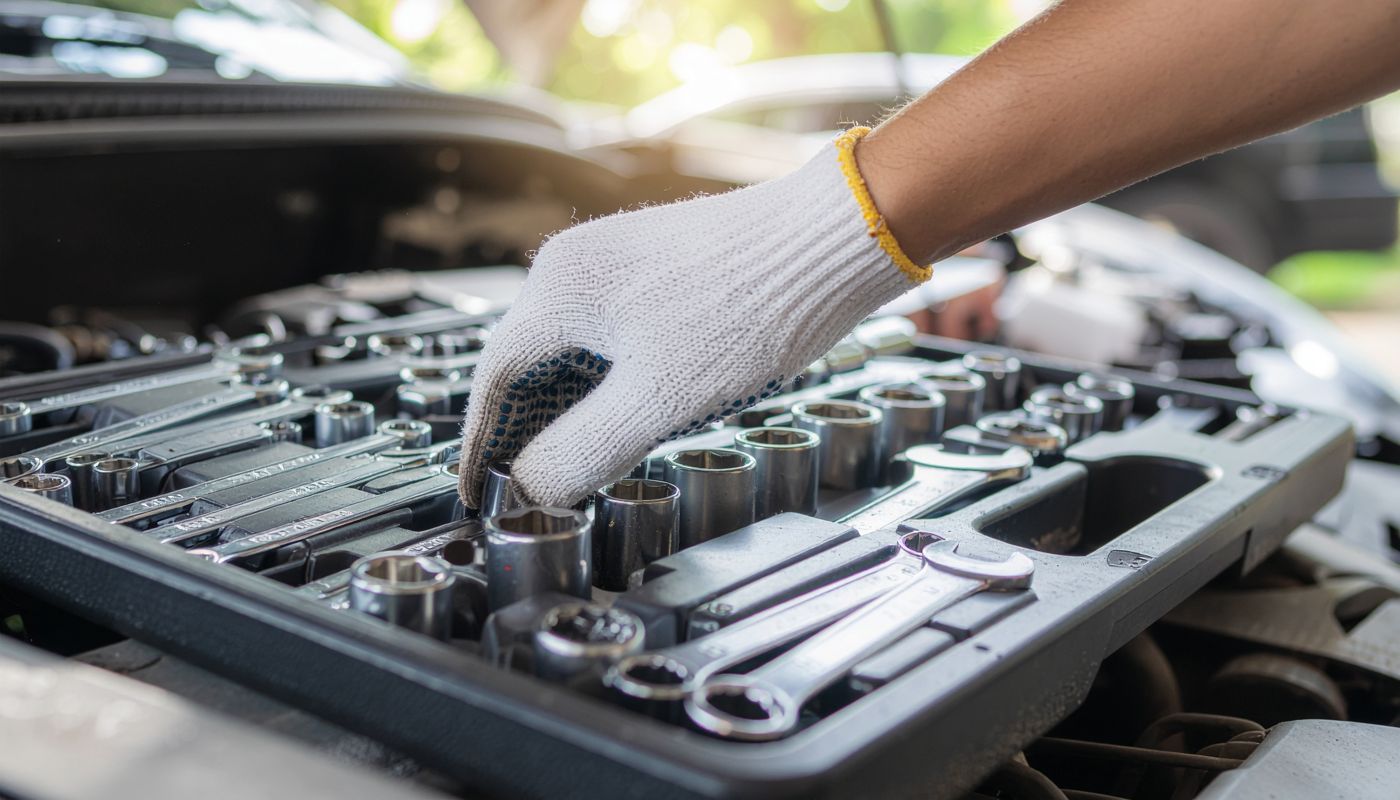
Parts traced into the product
When you build or configure units, serial history records the parts that went into each one.
- Production runs from recipes
- Parts per serial
- Kits from components

Step 3 of 5
The serial is scanned at picking
Scan the serial of each unit you pick, so the order knows exactly which units it holds.
- Serial scanned at picking
- Wrong location rejected
- One line at a time
Step 4 of 5
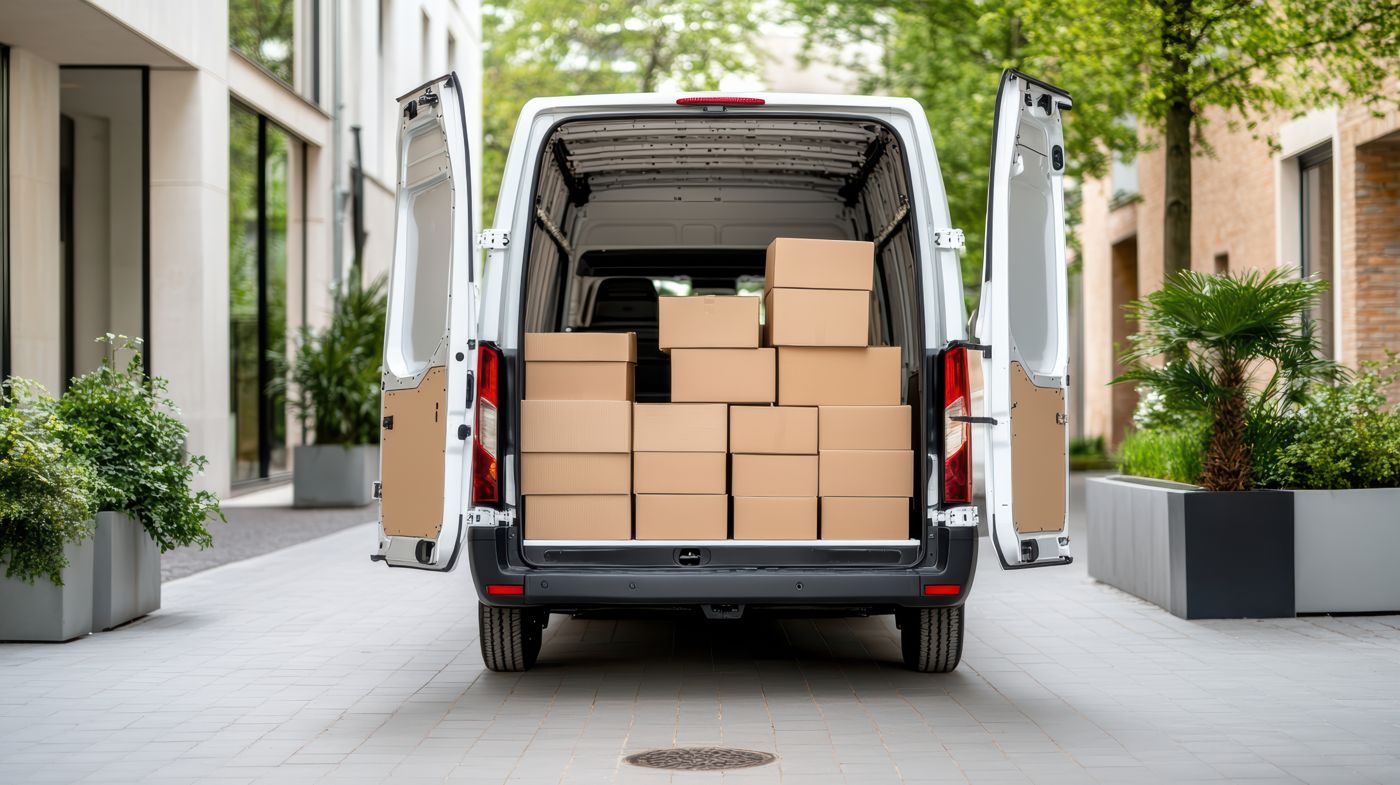
Out the door, on record
Pack, book the carrier and store the tracking number, with the serials kept on the order.
- Pack audit before dispatch
- A tracking number on the order
- PostNord, DHL, Bring, Schenker or UPS
Step 5 of 5
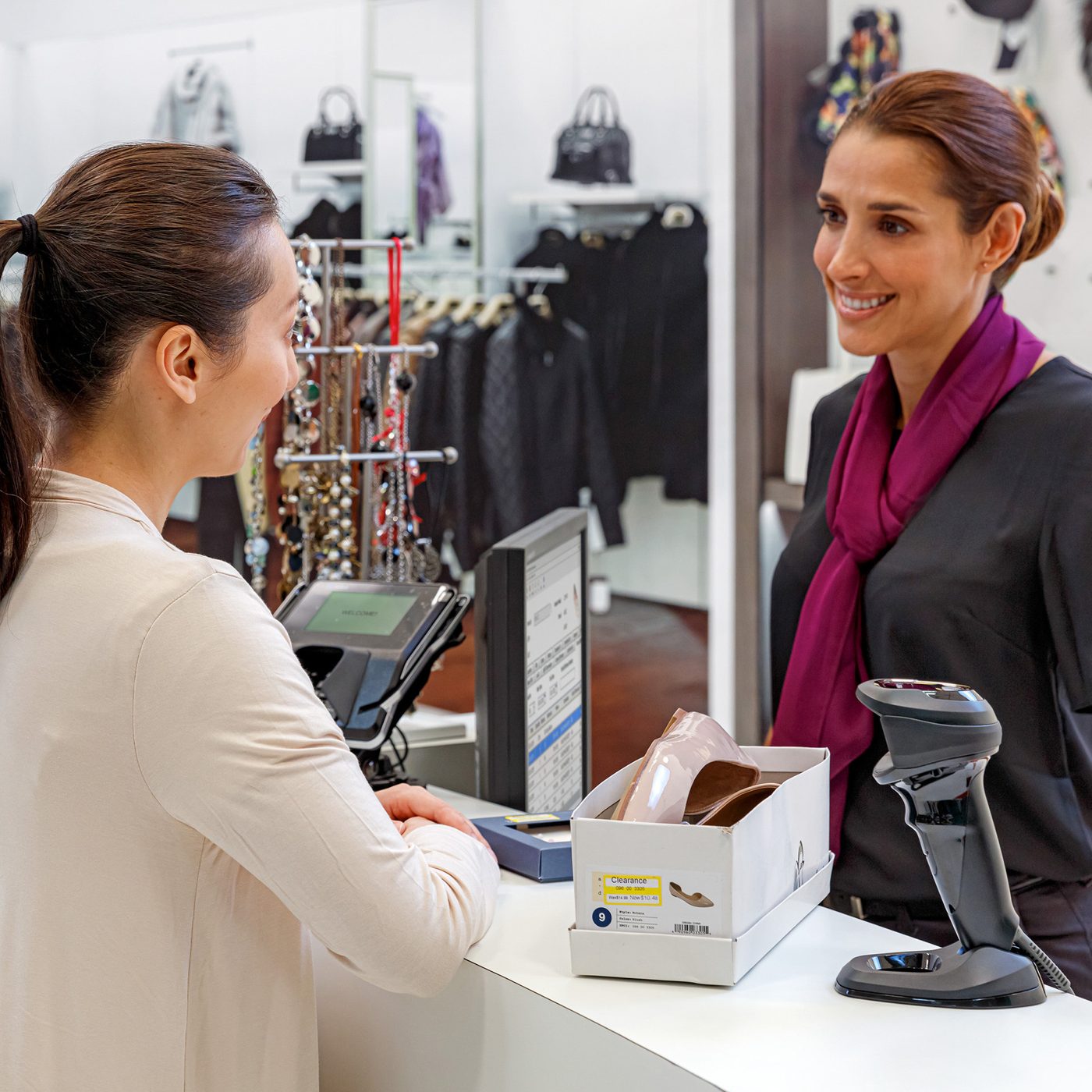
Returns and warranty, answered fast
Look up a serial to see when it was received, which order it left on and which customer has it.
- Unit-to-customer tracing
- Full history per serial
- Every move kept in History
Example values
Features
The features electronics teams use most.
Devices
The right device for every job on the floor.
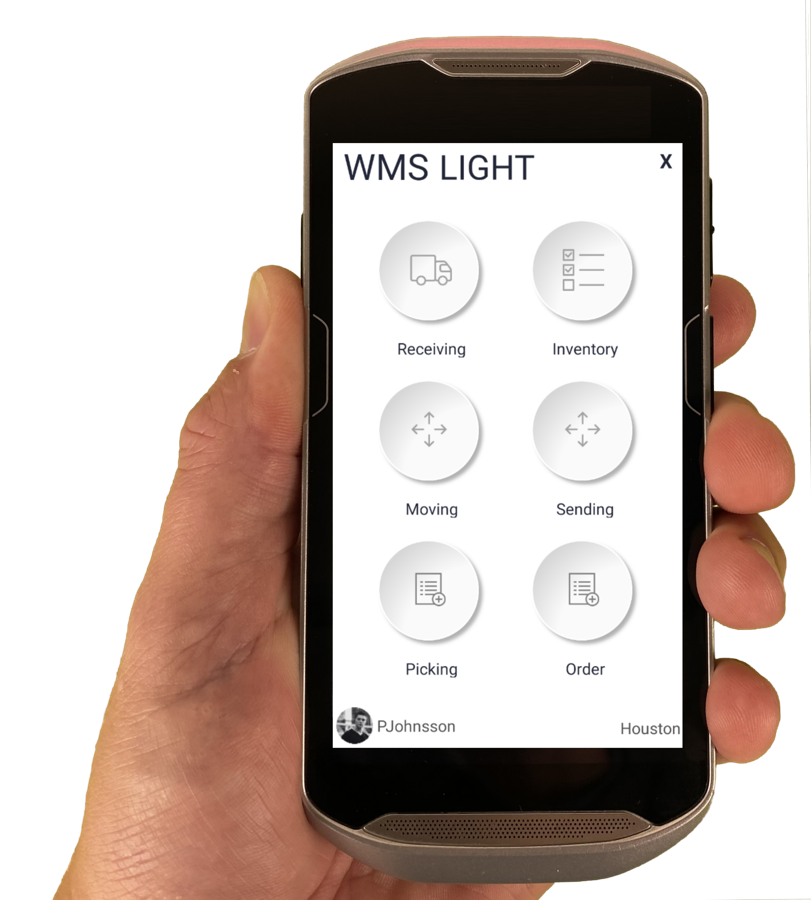
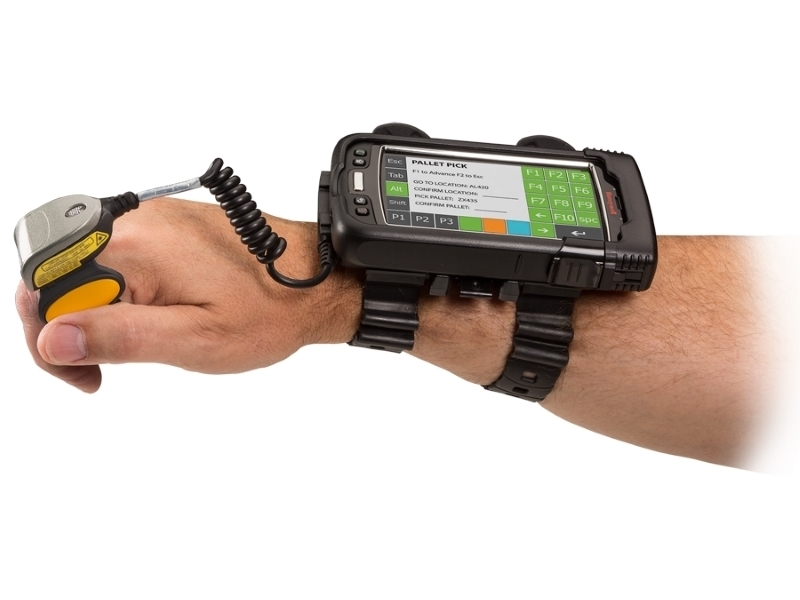
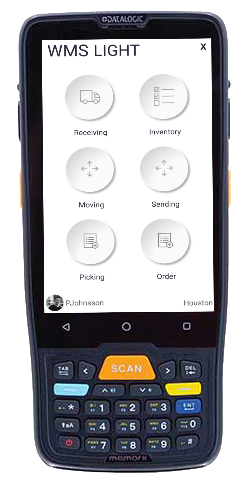
The Raptool Client is a native app for Android, iOS, Windows and Mac. Mix phones, tablets and rugged scanners in the same warehouse.
FAQ
Questions from electronics teams
Quick answers about running an electronics warehouse on Raptool.
More questions? See the full FAQCan Raptool WMS track serial numbers per unit?
Yes. The serial of each unit is scanned at receiving and picking, so every order knows exactly which units it holds.
Can we see which customer has a given unit?
Yes. Look up the serial to see which order it left on and which customer received it.
Can we trace the parts inside a unit?
Yes. Serial history traces every produced serial and the parts that went into it.
Can we add RFID later?
Yes. RFID can be added at any time. Tags go on like normal labels and read from up to about 15 m away.
See Raptool in your own electronics warehouse.
Pick the way that suits you. We are happy to help either way.