WMS/Industries/Hotels and bars
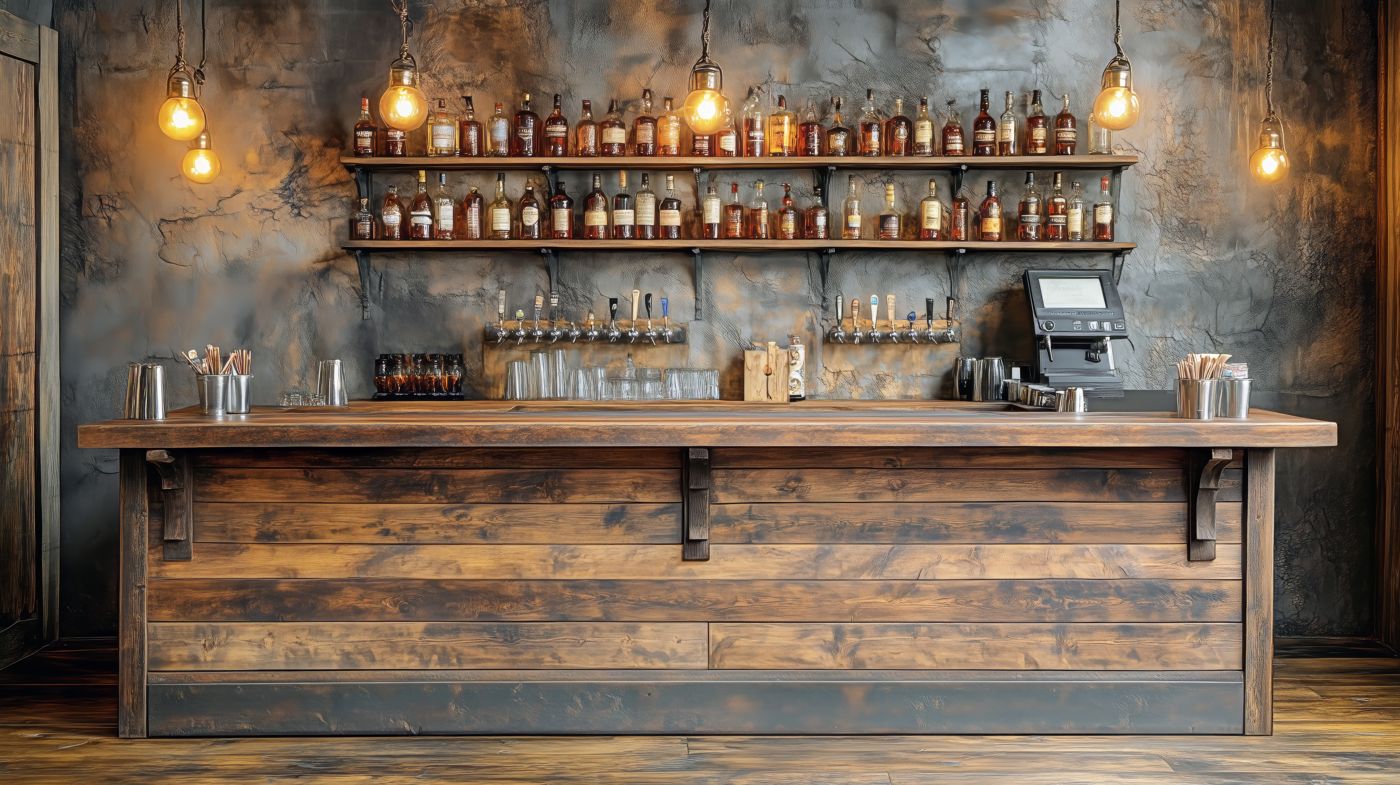
WMS for hotels and bars
Count the bar in minutes. Order up to par.
Raptool counts stock on the handheld, location by location, weighs open bottles at the bar and turns what is below par into an order for each supplier. Minibar items go straight to the room bill.
- Stock-take by weighing open bottles
- A par level per item
- Suggested order per supplier
- Minibar to the room bill
Connects to the systems hotel and bar teams already run
On the floor
The usual problems, solved where the work happens.
Count stock on the handheld by location, and weigh open bottles instead of guessing.
Set a par level per item and get a list of everything below it.
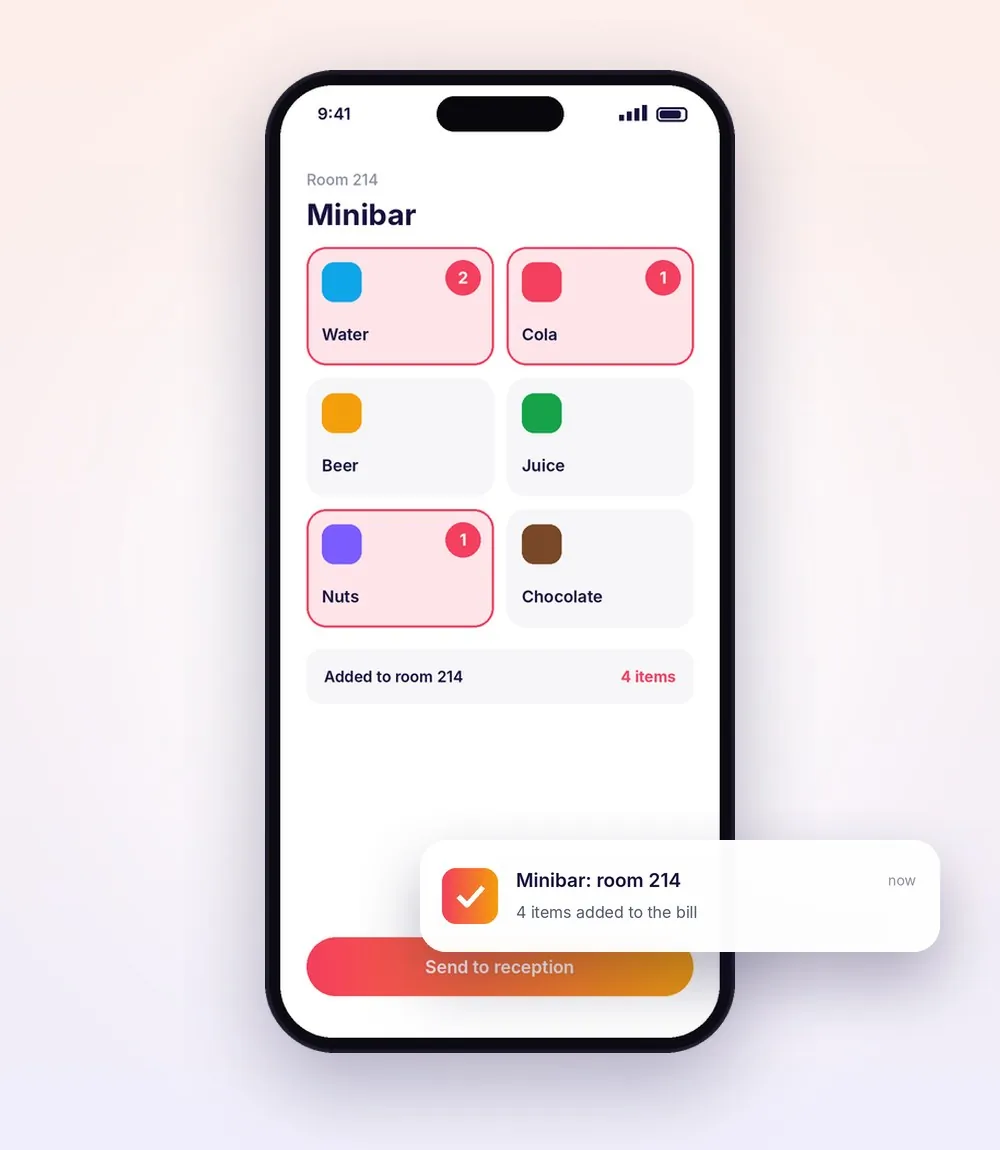
Tap what the guest took and it lands on the room bill, seen live in reception.
How the work flows
A hotel or bar, step by step.
Pick a step to see what happens on the handheld and in the office.
Step 1 of 5
Count by location
Count stock on the handheld, shelf by shelf, in the bar, the cellar and the storeroom.
- Count by location
- Online or offline
- Results straight into the system

Step 2 of 5
Open bottles, weighed
Weigh open bottles to count what is left, instead of guessing by eye.
- Stock-take by weighing
- A real count of open bottles
- Connected to the WMS
Step 3 of 5
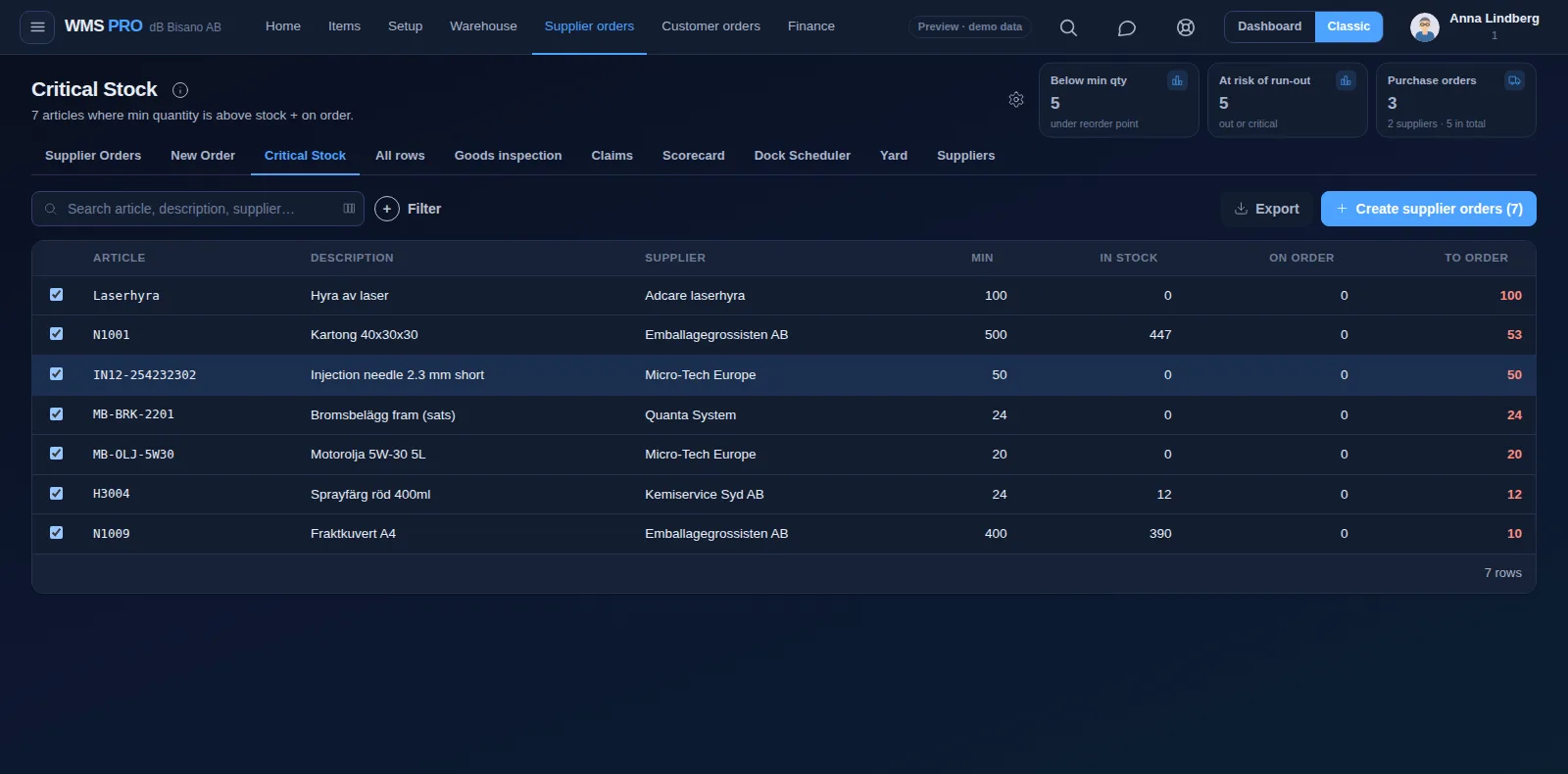
See what is below par
Set a par level per item and get a list of everything that has dropped below it.
- A par level per item
- A list of what is below par
- The count as the starting point
Step 4 of 5
One order per supplier
The suggested order is grouped by supplier, ready to check and send.
- A suggested order per supplier
- Based on your par levels
- Received on the handheld

Step 5 of 5
Minibar straight to the bill
Housekeeping taps what the guest took from the minibar, and it is added to the room number, seen live in reception.
- Tap the items taken
- Added to the room number
- Seen live in reception
Example values
Features
The features hotel and bar teams use most.
Devices
The right device for every job on the floor.
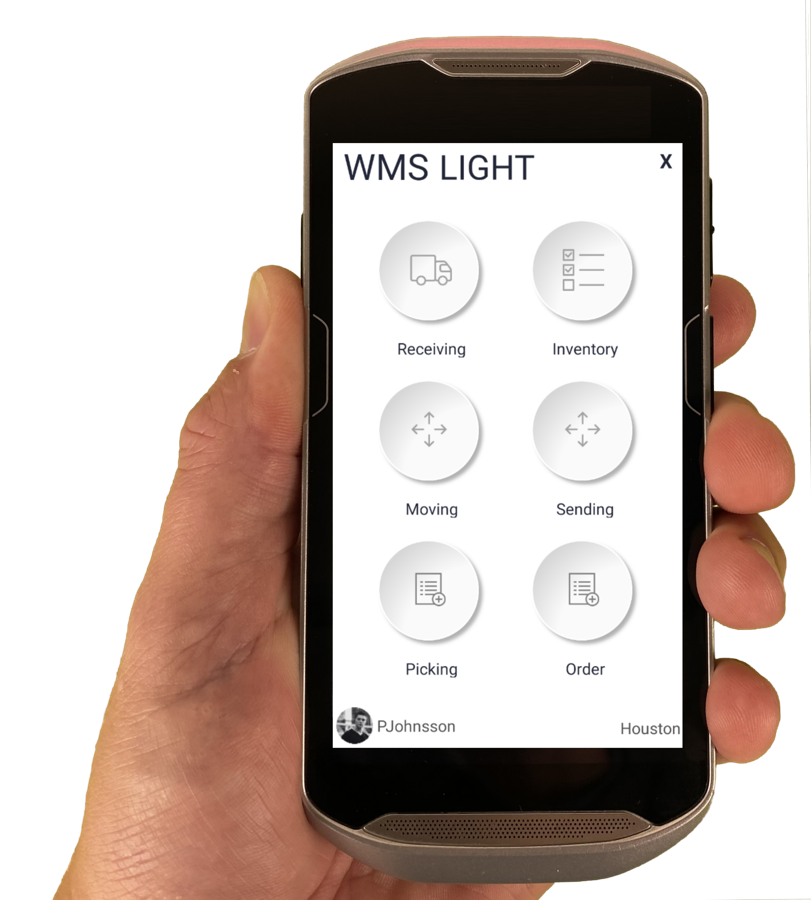
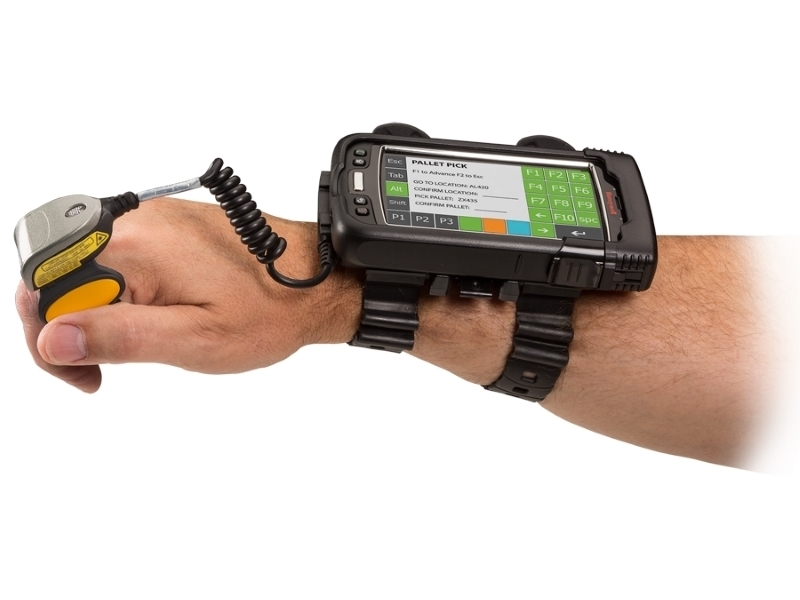
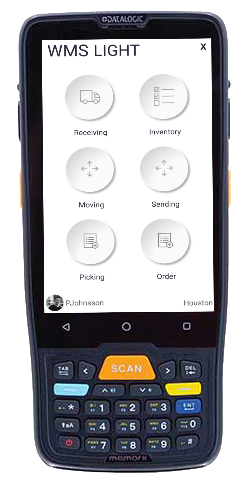
The Raptool Client is a native app for Android, iOS, Windows and Mac. Mix phones, tablets and rugged scanners in the same warehouse.
FAQ
Questions from hotel and bar teams
Quick answers about running a hotel or bar on Raptool.
More questions? See the full FAQHow does stock-take by weight work?
Open bottles are weighed instead of estimated, so the count shows how much is really left.
What is a par level?
A par level is the amount of each item you want on hand. Raptool lists everything below par and suggests an order grouped by supplier.
Can housekeeping register the minibar?
Yes. Tap the items the guest took and they are added to the room number, seen live in reception.
Do you have other hotel apps?
Yes. Raptool hotel apps also cover live cleaning status, damage reports with photos, and lost and found.
See Raptool in your own hotel or bar.
Pick the way that suits you. We are happy to help either way.