Label Designer
Design labels. Print them anywhere.
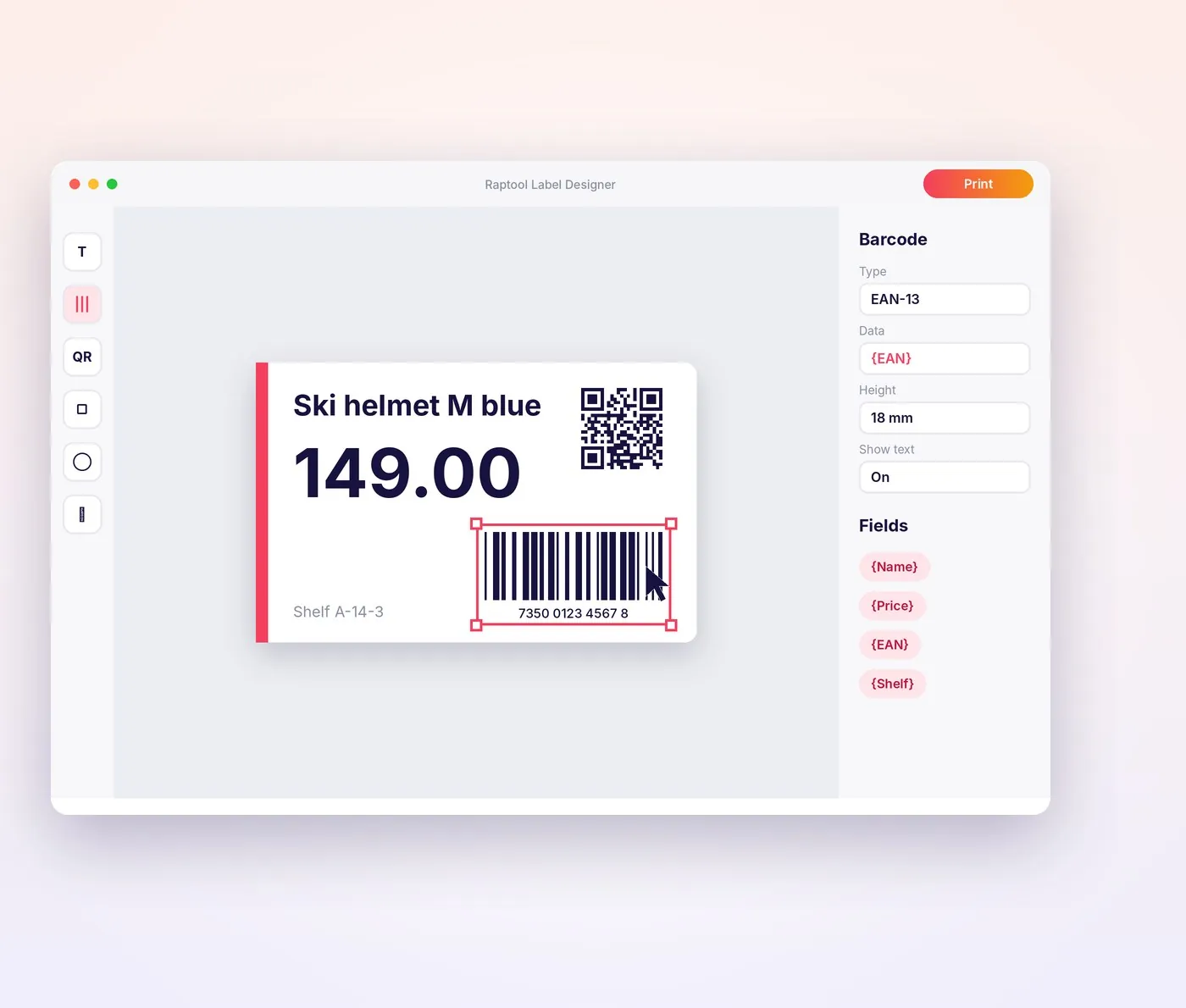
Design your labels visually in Raptool Label Designer and print them from any Raptool app, on any label printer. Shelf labels, price labels, product labels, shipping labels and visitor badges, all filled with your own data.
- Design visually, no code
- Barcodes and QR codes
- Print to any label printer
- Free 30-day trial, no credit card
How it works
Follow one label from design to scan
Design it once, fill it with your data and print it from any device. Then scan it straight back into your apps.
- 1DesignDrag text, barcodes and QR codes onto your label
- 2Add your dataFields fill in from your articles, orders or visitors
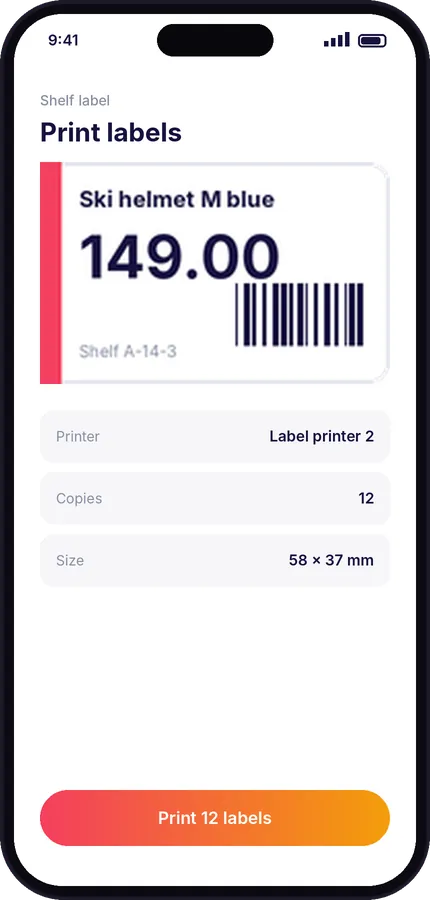
- 3Print anywhereFrom a phone, tablet or PC to any label printer
- 4Label itShelf, product, price or shipping labels
- 5Scan itEvery barcode scans straight back into your apps
- 6AutomateLabel Automator prints on command, with no clicks
Label types
A label for every job
One designer for every label your business prints, used from the apps your team already has.
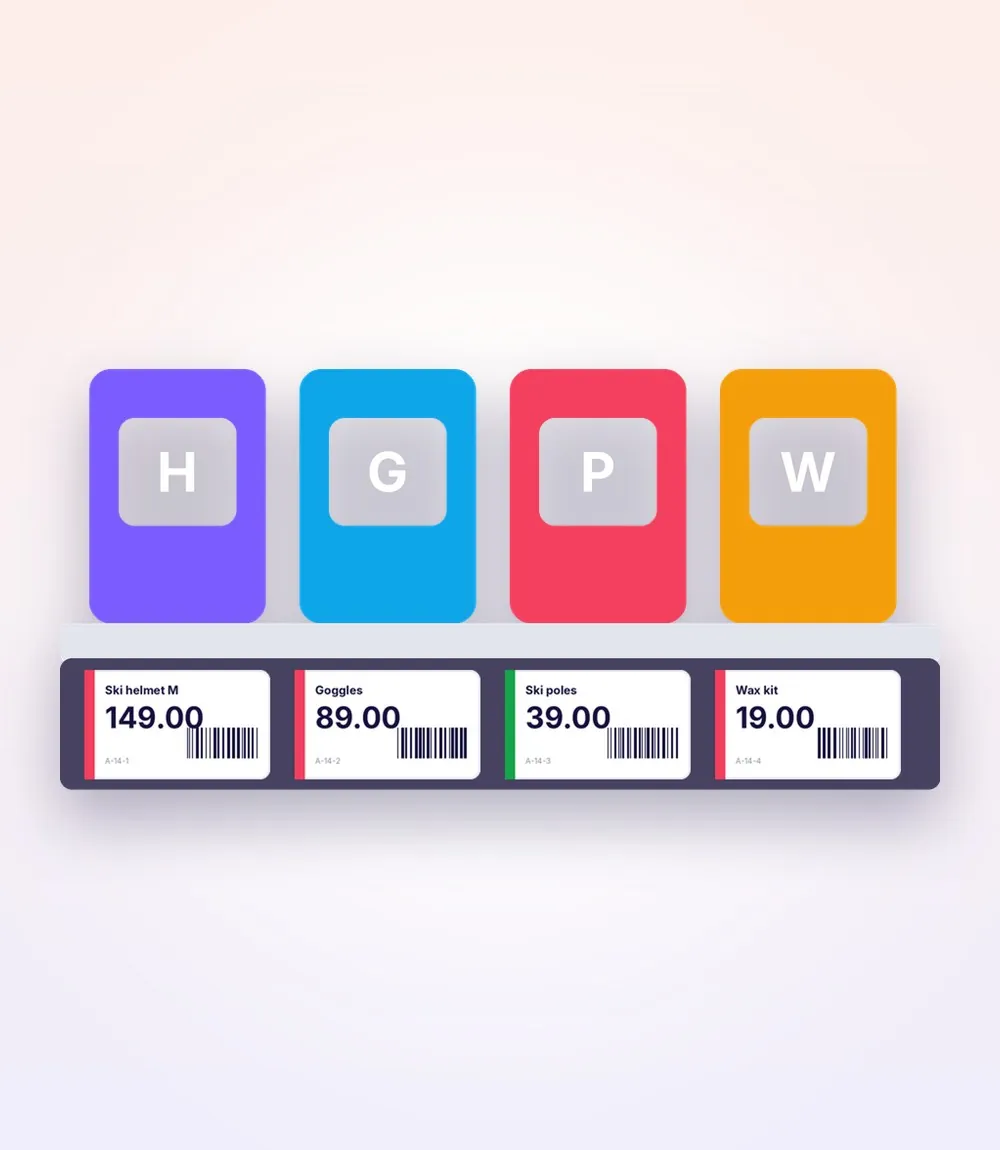
Shelf, product and discount labels
Print shelf labels, product labels or discount labels straight from the Raptool app. Check cost, price and margin in the app before you print a discount price.
- Shelf, product and discount labels
- Check the margin before printing
- Print from the shop floor
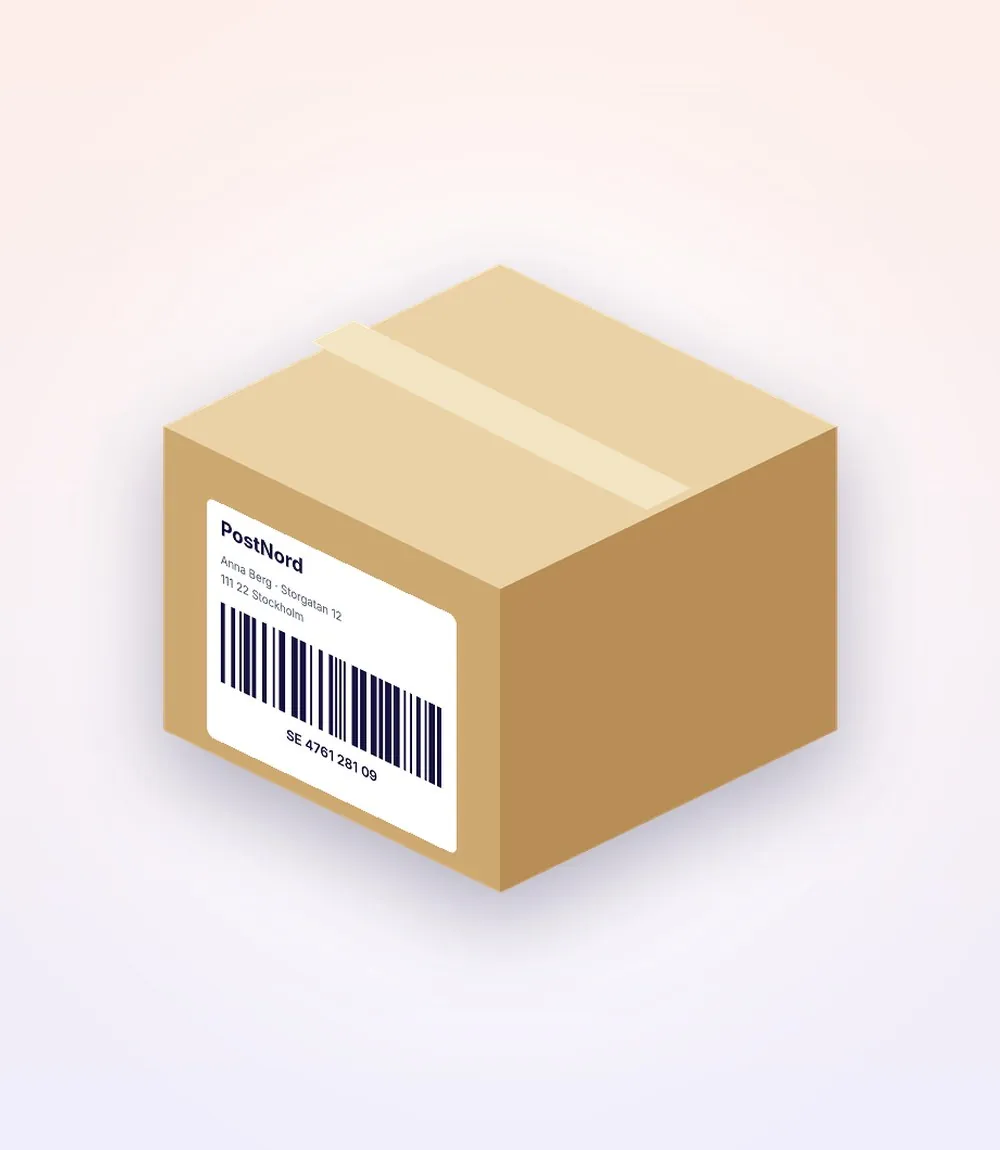
Labels that follow the goods
Print box labels when goods are received and shipping labels when orders are packed, with the barcodes your carriers and your own scanners read.
- Box labels at receiving
- Shipping labels at packing
- Barcodes for every scanner
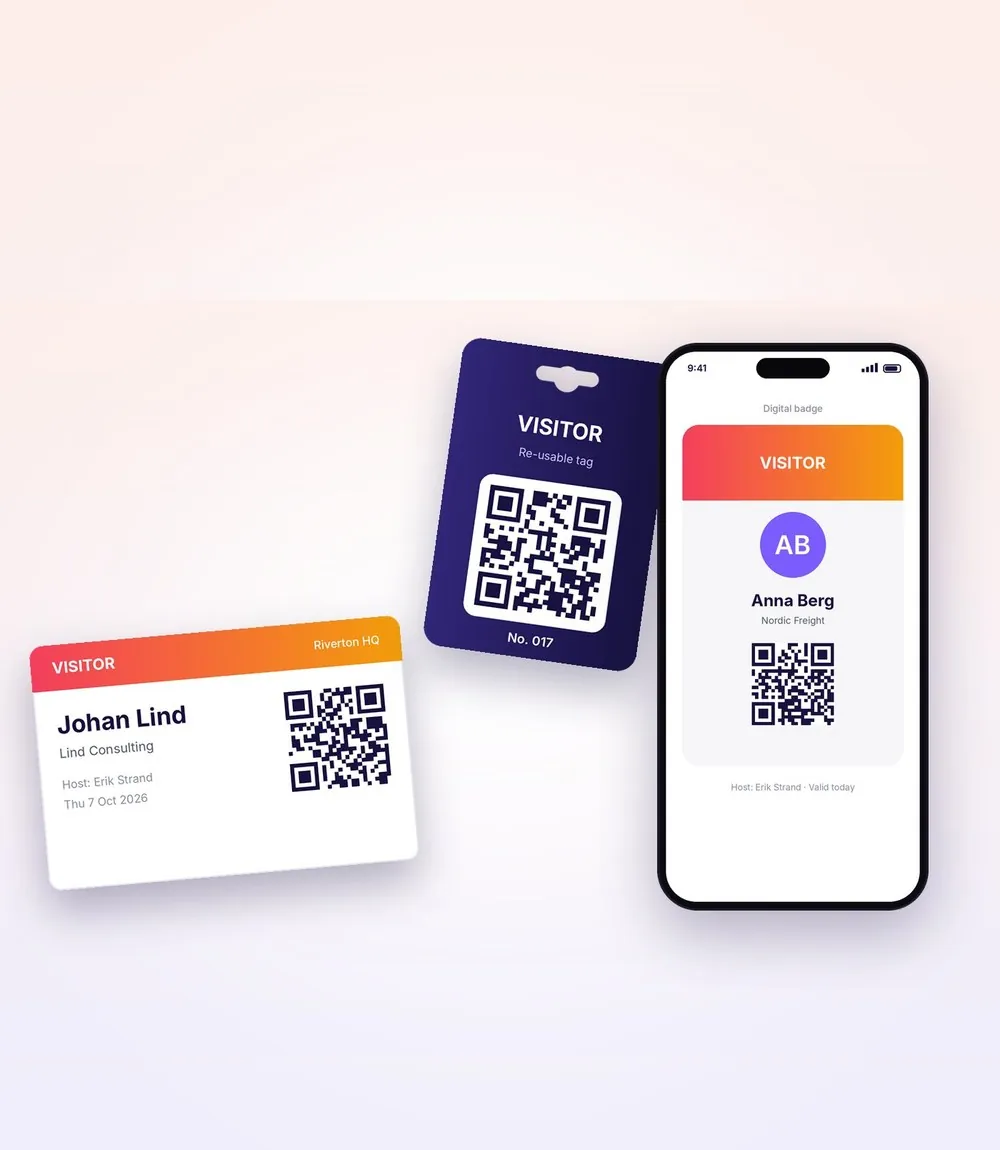
Visitor badges and parcel labels
Print paper or plastic visitor badges at reception, and print labels to keep track of parcels delivered to your office.
- Paper and plastic visitor badges
- Parcel labels with QR codes
- Your own design on every badge
Printing
Any label printer
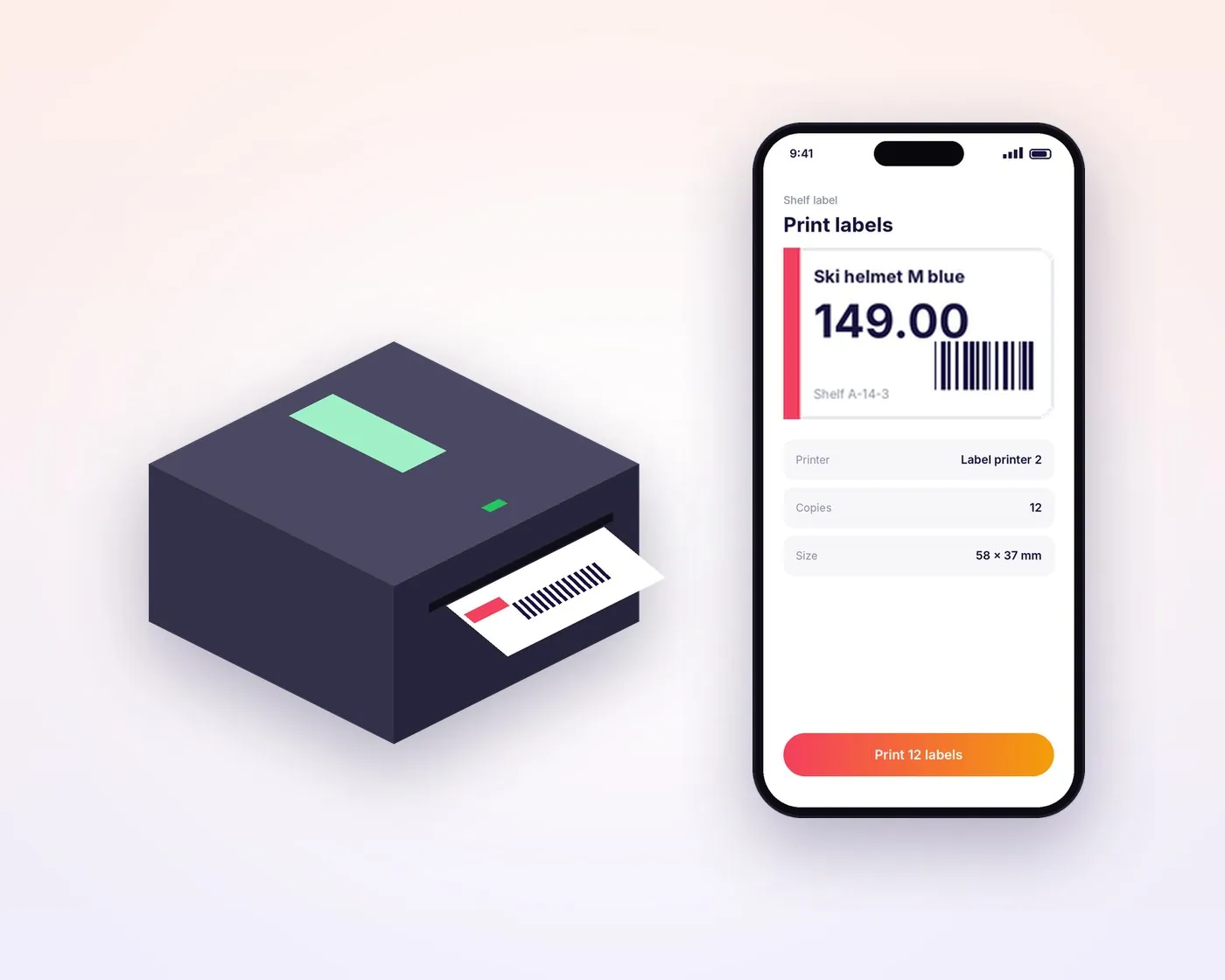
Print labels through any label printer from the Raptool app. Users can change the IP address and port for a network printer themselves, right in the app.
- Print from phones, tablets and PCs
- Network printers set up in the app
- Print PDF, Word or Excel files directly from the PC Client
- Works offline, like every Raptool app
Label Automator
Labels that print themselves
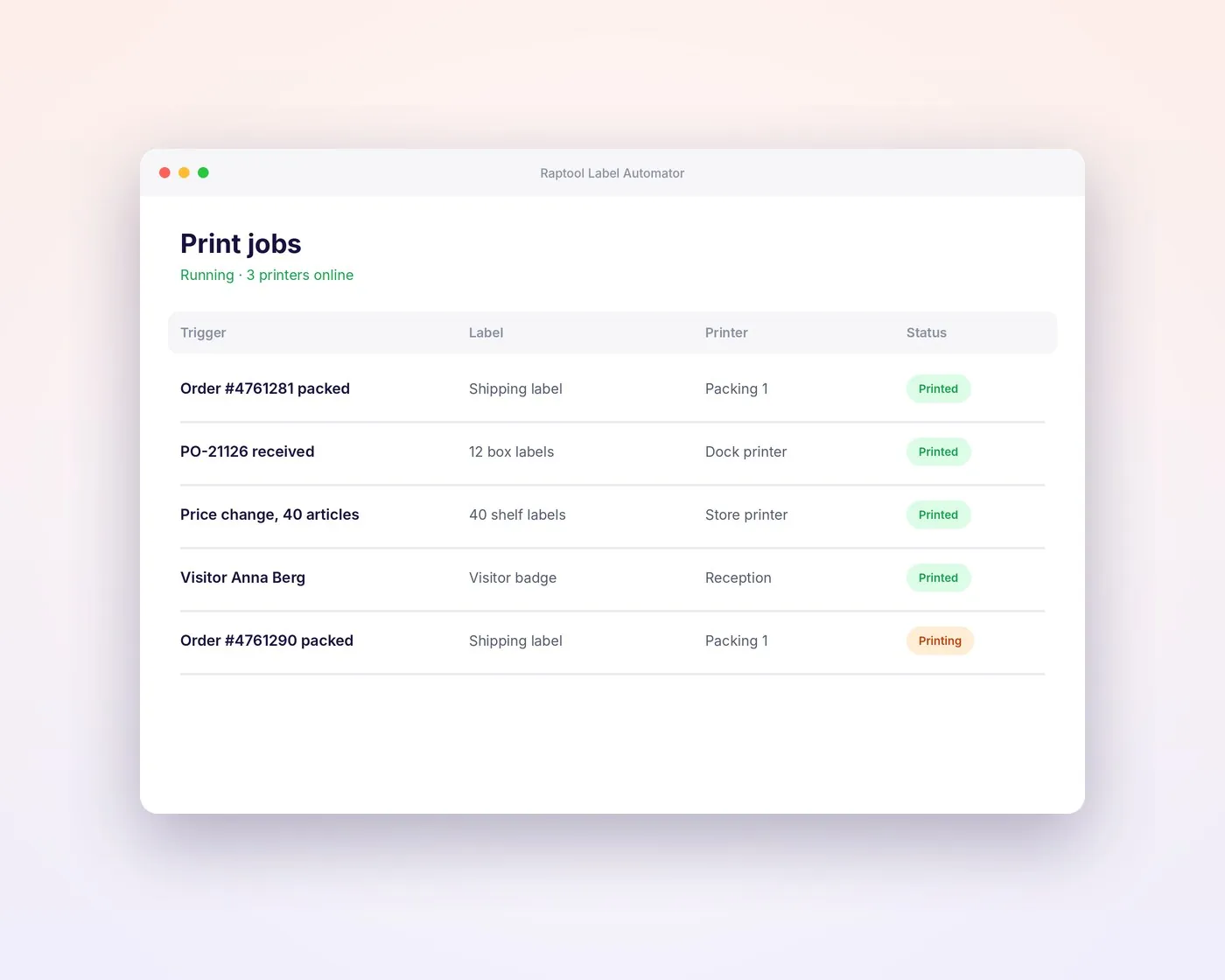
Label Automator is a print server that prints on command to any printer. Your apps send the job, and the right label comes out on the right printer.
- Prints on command, with no clicks
- Sends each job to the right printer
- A print log of every label
- Part of the Raptool App Tool Suite
Built in
Works with every Raptool app
Label Designer is an add-on to the Raptool platform, so every app can print labels.
Barcodes and QR codes
Add barcodes and QR codes that scan straight back into your apps.
Your data on every label
Fields fill in from your articles, orders, visitors or parcels.
Print from any device
Phones, tablets, handhelds and PCs can all print the same label.
Any label printer
Use the label printers you have, including network printers.
No-code design
Drag and drop text, images, barcodes and fields. No coding needed.
Scan it back
Every printed barcode can be scanned in WMS, Retail and your other apps.
Try it free for 30 days
Send us your email address and we will set up a free 30-day trial, no credit card. If you have any questions, we will set up a free Teams meeting.
Start free trial