Raptool for SAP
Raptool for SAP: mobile warehouse and scanning apps
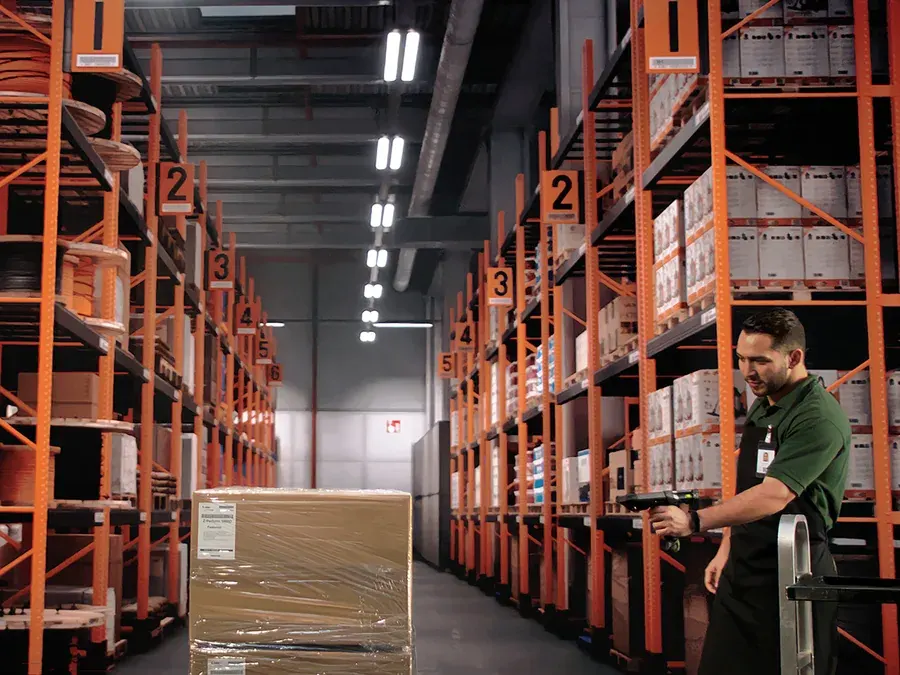
Raptool apps put receiving, picking and stock counts on handheld scanners, phones and tablets. The Raptool Integration Server connects that work to your ERP, and SAP is one of the ERPs it connects to.
- Connects through the Integration Server
- Zebra Technologies partner
- Android, iOS, Windows and Mac
- Works online and offline
What the integration does
SAP keeps the books, Raptool runs the floor
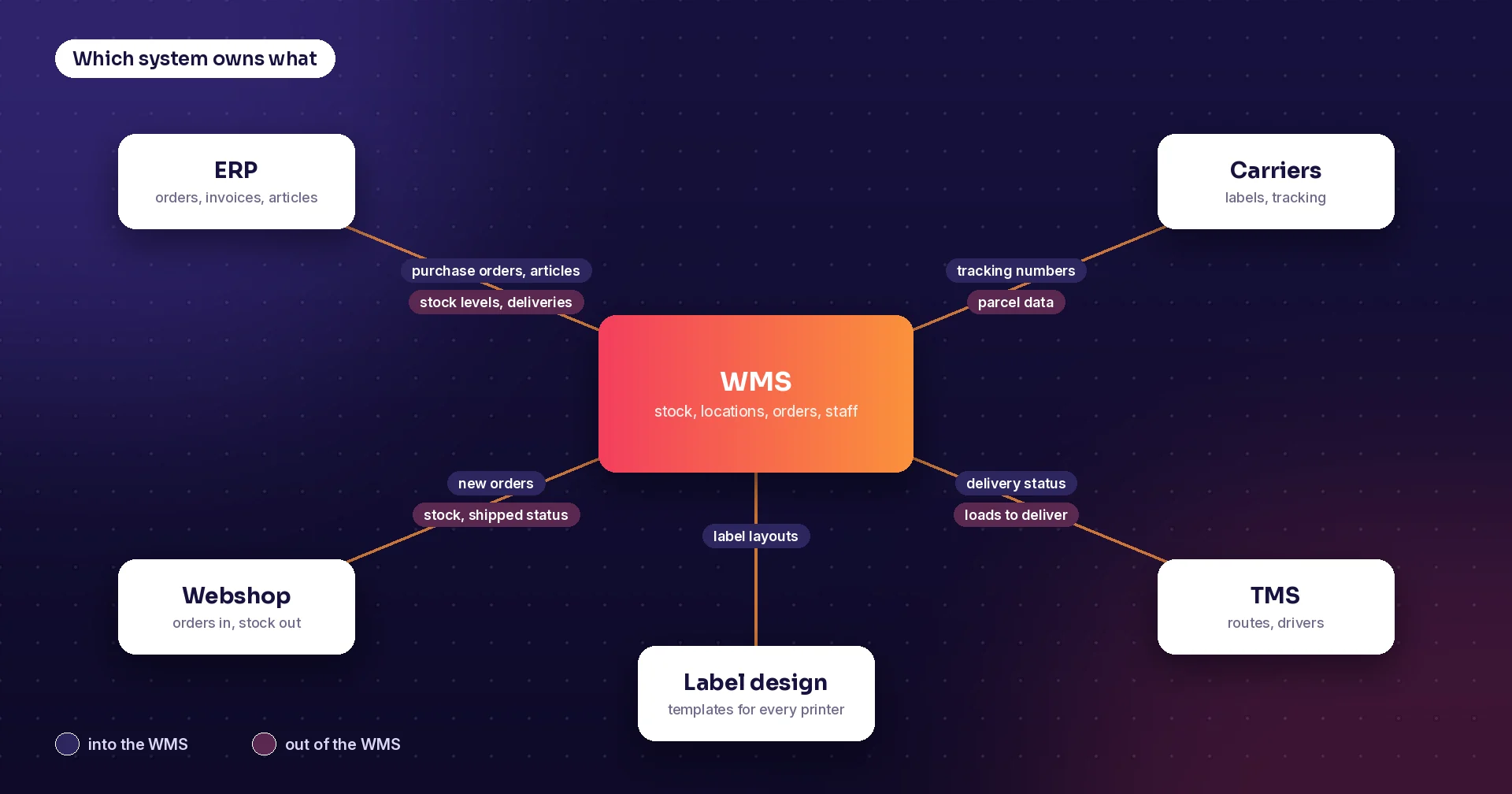
Your ERP holds customers, suppliers, articles, prices, invoices and the accounts. It knows how many of an item you own, but usually not exactly where each one is. That is the job of the warehouse system and the scanners on the floor.
The Raptool Integration Server is a no-code integration engine that connects to any ERP via web service, SQL, JSON or file exchange. SAP S/4HANA is among the systems Raptool WMS lists as connected, next to Visma.net, Business Central and NetSuite.
- Orders can come from your ERP, such as SAP
- Approved stock counts sync back to your ERP
- Connect with the Integration Server, host on SQL, or sync over USB
- Use Raptool standalone or fully integrated
Using Fortnox? Raptool also has ready-made add-ons, see Raptool for Fortnox.
Raptool apps
Apps that work next to SAP
Ready-to-go Raptool solutions that use the scanner, or build your own.
Warehouse (WMS)
Receive, put away, pick, pack, ship and count with scanners, across multiple warehouses and bins.
Raptool WMS →Handheld scanner apps
Apps for Zebra and Honeywell handhelds, plus Datalogic, Newland and ordinary phones.
Handheld scanner apps →Picture picking
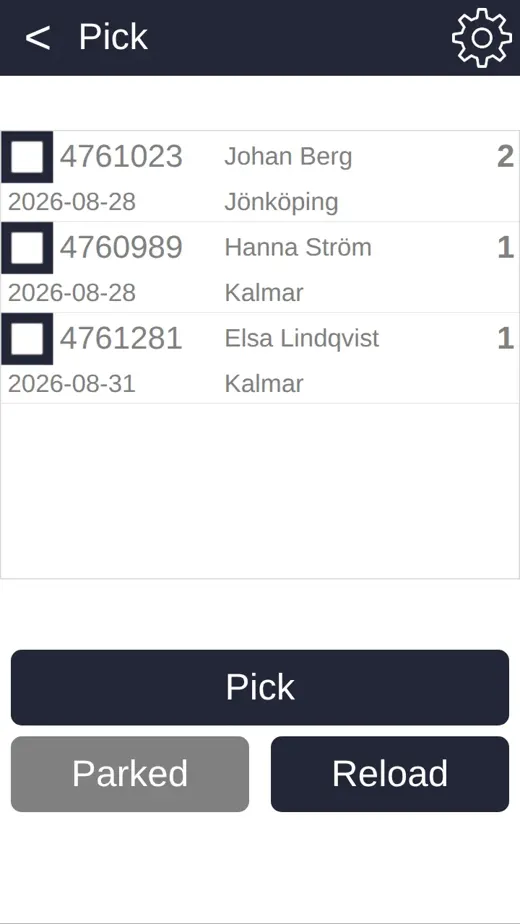
Show a product photo on the scanner for every pick line. Your orders can come from your ERP.
Picture picking →Batch, serial and best-before
Track batch numbers, serial numbers and best-before dates as you scan.
Batch control →Build your own
Build screens without code in Raptool Designer, or describe the app and let the AI Development Framework build it.
Raptool Designer →How it works
From SAP data to first scan
Install the Raptool Client
Download the Raptool Client from Play Store, App Store or our download page. It runs natively on Android, iOS, Windows and Mac.
Connect your ERP
The Raptool Integration Server connects your apps to SAP via web service, SQL, JSON or file exchange.
Scan on the floor
Receive, pick and count with the scanner, online or offline. The work flows back to your ERP through the Integration Server.
From the blog
More on ERP and warehouse work
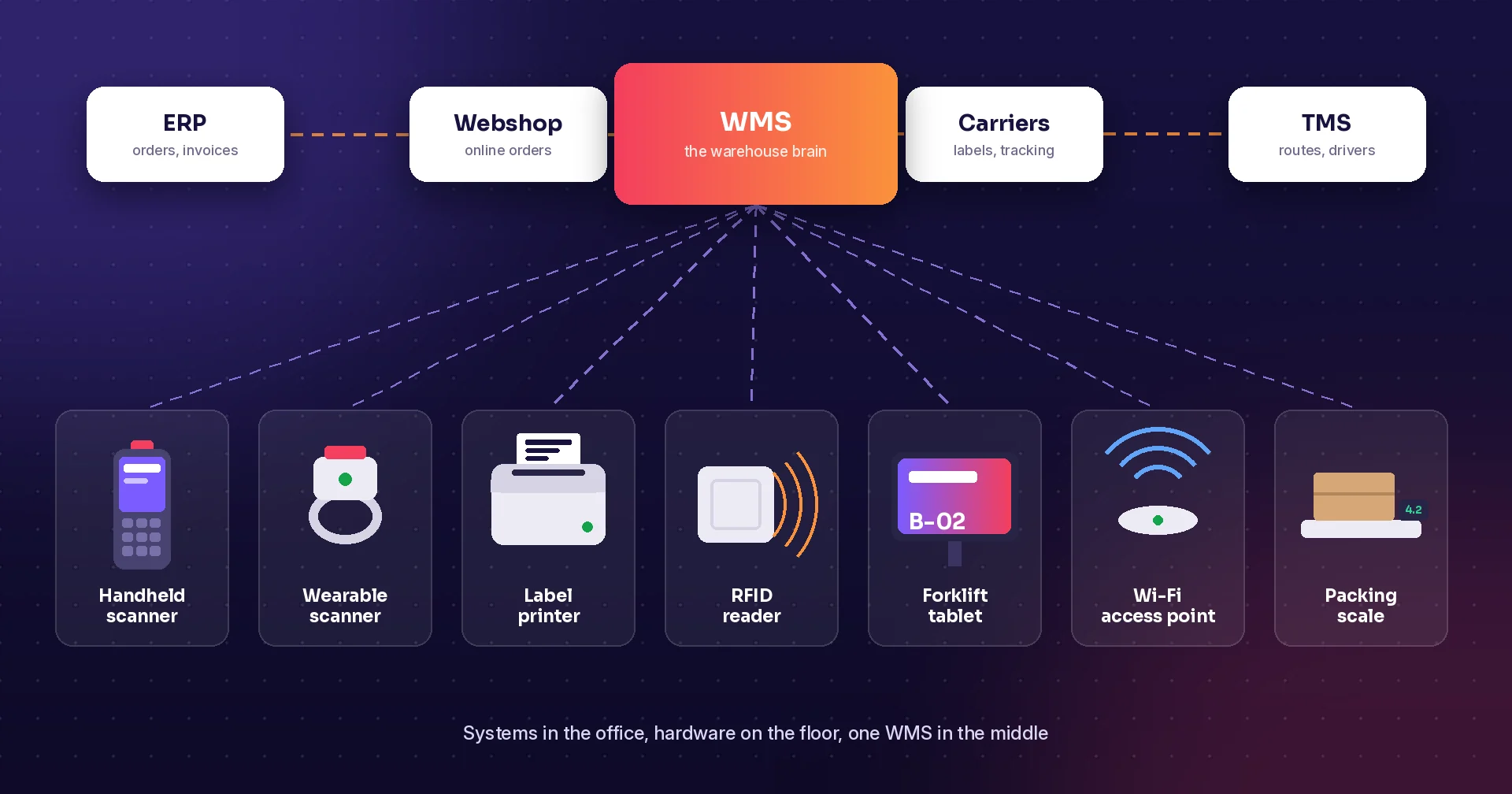
Warehouse systems and hardware
Which system owns what, from ERP and WMS to scanners and printers.
Stock counts: paper vs scanning
Compare speed, errors, cost and control.

Picture picking
A product photo on the scanner for every pick line.

Batch, serial and best-before control
Trace any batch fast and pick the oldest stock first.

Offline mode
Keep scanning when Wi-Fi drops.
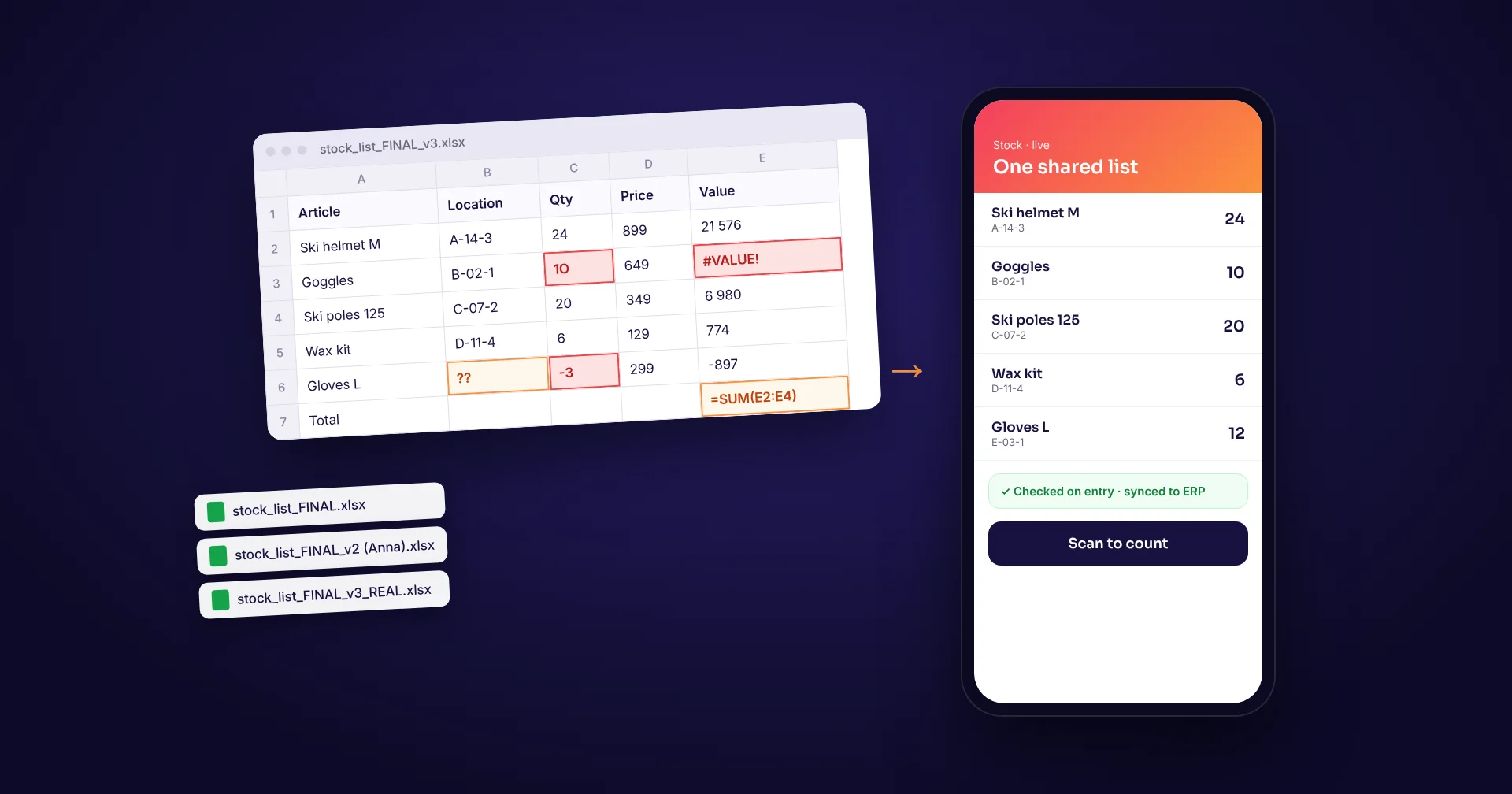
Spreadsheets vs specialised software
When to move beyond Excel.
FAQ
Raptool for SAP: common questions
Can Raptool apps connect to SAP?
Yes. The Raptool Integration Server connects Raptool apps to ERPs such as SAP, Microsoft Dynamics, Fortnox and Visma. It connects via web service, SQL, JSON or file exchange.
Does Raptool WMS work with SAP S/4HANA?
SAP S/4HANA is among the systems Raptool WMS connects to, together with Visma.net, Business Central, NetSuite, Shopify, WooCommerce, Magento and Amazon. Contact us to go through your setup.
What warehouse work can we do on scanners with SAP?
Raptool WMS lets your team receive, put away, pick, pack, ship and count with scanners. Orders can come from your ERP, such as SAP, and approved stock counts sync back to it.
Do the apps work without Wi-Fi?
Yes. The Raptool Client works online and offline. Staff keep scanning when the network drops, and data syncs when the connection is back. Read Offline mode: keep scanning when Wi-Fi drops.
Talk to us about Raptool and SAP
Tell us how you work and which systems you run, and we will show you the apps in action. Or call us on +46 8-410 808 88.