Retail/Self checkout
Self-checkout software
Let customers scan, pay and go.
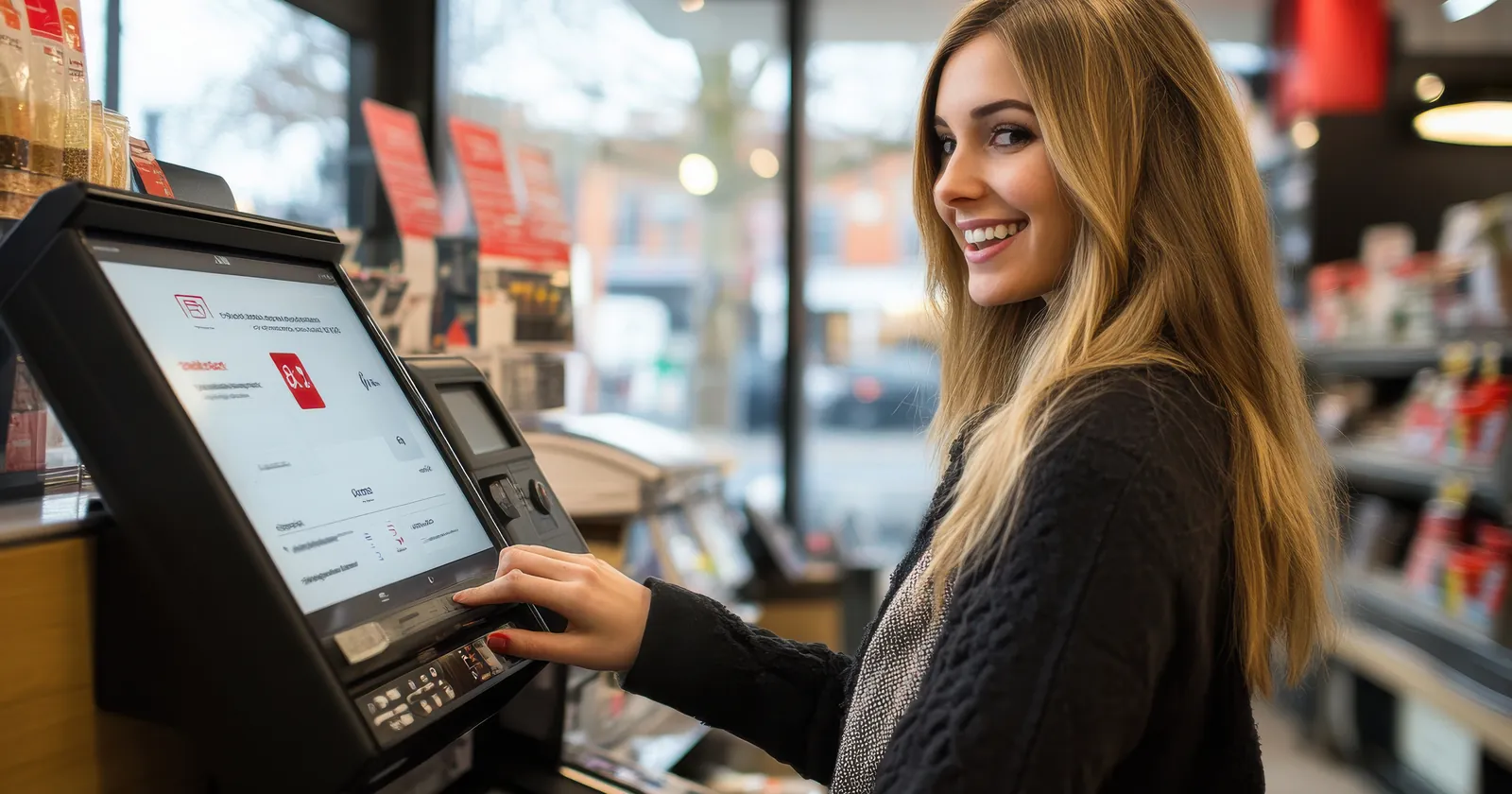
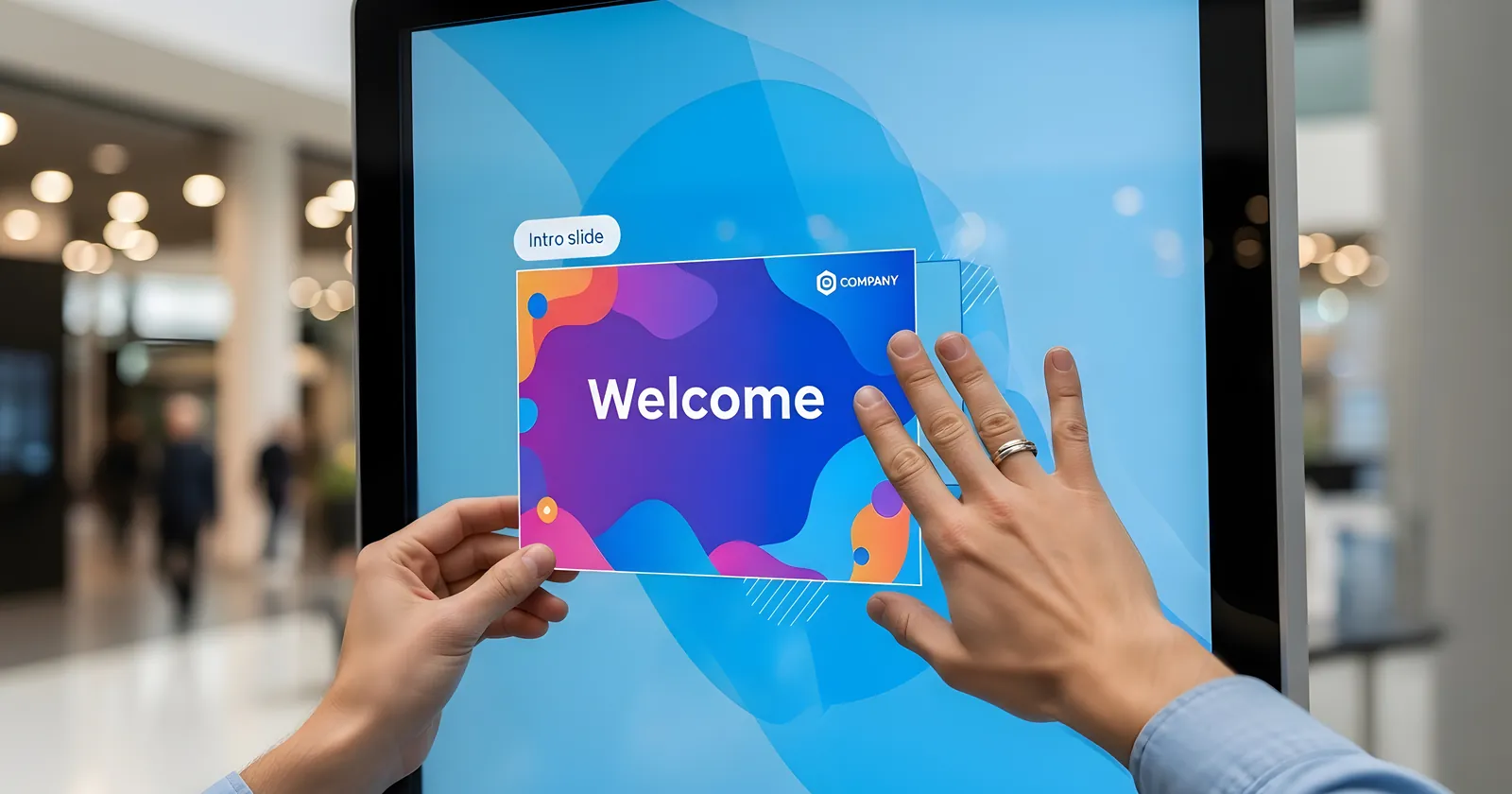
Raptool Self-Checkout turns a touch screen into a checkout. Customers scan or search their items, see the basket and pay, on the same items, prices and stock as the rest of your store.
Or start a 30-day free trial, no credit card needed.
- Scan, search or pick a category
- Membership points on screen
- Same stock as the store
- Runs on standard touch screens
Why self-checkout
Built for the way people shop today.
Self-checkout is no longer an experiment. Done well, it gives customers a faster way out and gives your team time back.
People like to serve themselves
Many shoppers would rather scan and pay on their own than wait in line, especially for a handful of items.
Shorter queues at busy times
Every self-checkout station is another place to pay, without adding staffed tills or floor space.
Built for quick trips
Small baskets and top-up shops are exactly what self-checkout handles best.
Staff where they matter
Fewer people tied to the tills means more time on the shop floor, in the stockroom and helping customers.
Three ways to check out
Pick the checkout that fits your store.
Most stores mix them. All three run on the same items, prices and stock.
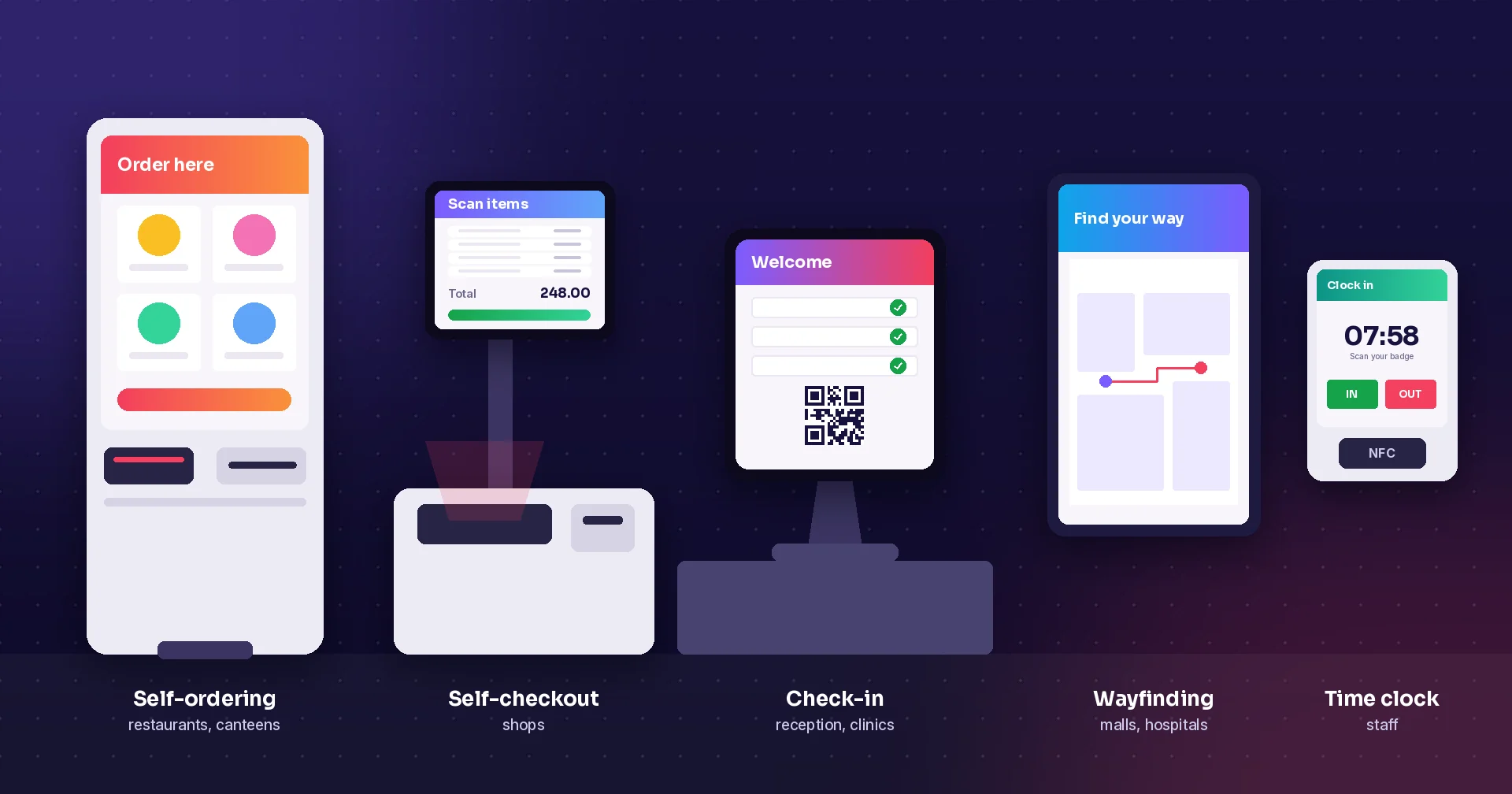
Self-checkout kiosk
A touch screen near the exit. Customers scan or search their items, see the basket and pay.
- Scan a barcode or press Search
- Category tiles for loose items
- Membership points on the welcome page
Scan as you shop
Customers scan items as they pick them, with a self-scanning device from the store or the customer app on their own phone.
- Self-scanning devices in store
- Shop and pay in the customer app
- Loyalty points and campaigns
Mobile staffed checkout
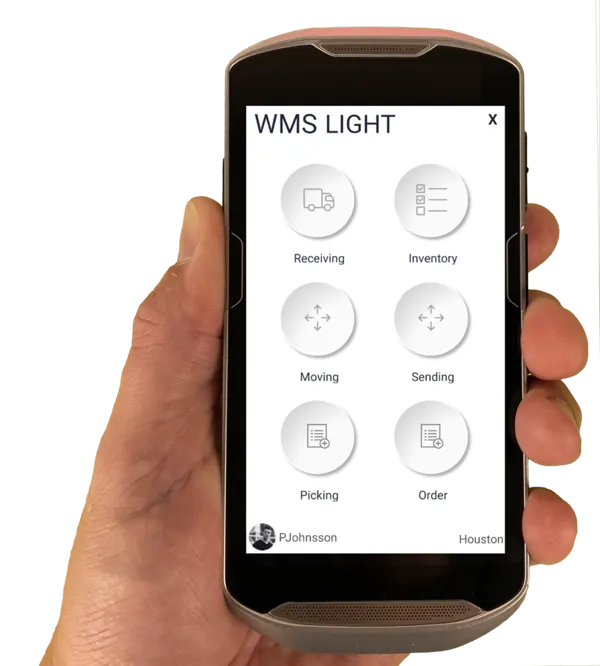
Staff take payment anywhere in the store from a handheld, to bust queues on busy days.
- Stock, prices and locations at hand
- Charge on the mobile
- Custom orders sent to the POS
The kiosk, step by step
From the first scan to paid.
These are the real Raptool Self-Checkout screens. Try them yourself in the live demo →
Step 1 of 4
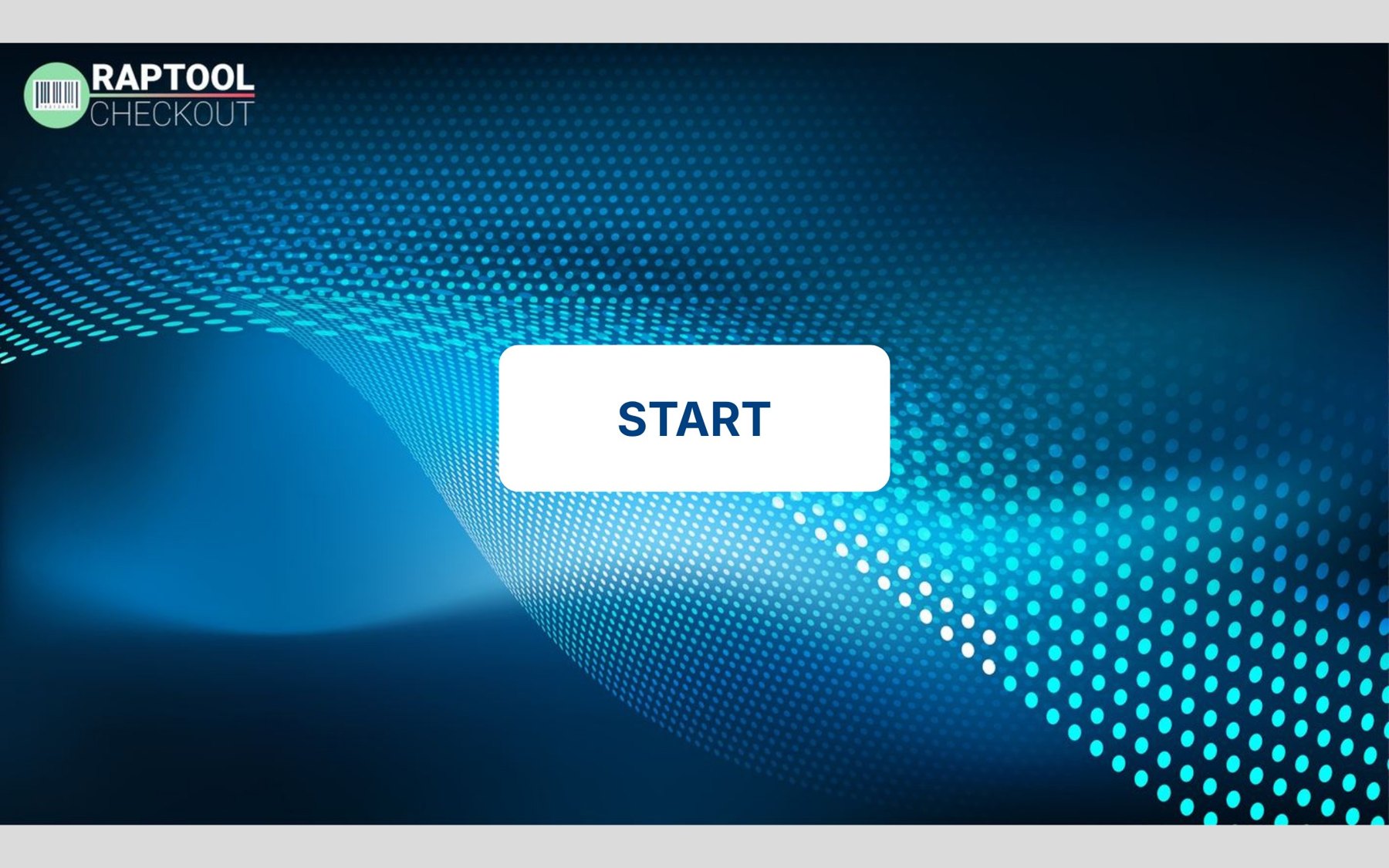
One tap to begin
A clear start screen in your own look. The customer taps Start, or simply scans the first item.
- Your own branding on the screen
- Start by tapping or scanning
- Runs as a locked kiosk app
Step 2 of 4
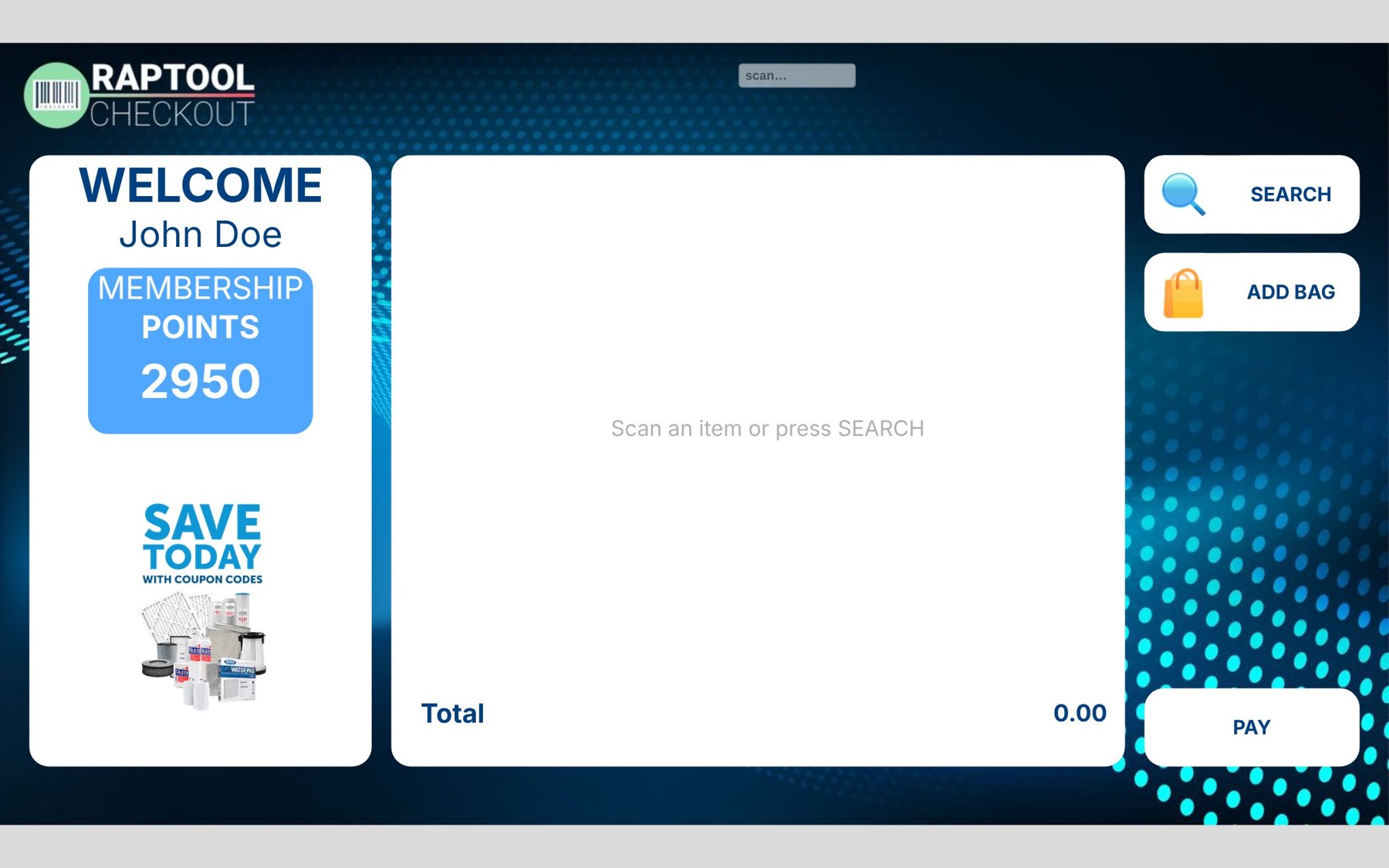
Greet members by name
The welcome page shows the customer's name and membership points, with room for today's offers.
- Membership points on screen
- Space for campaigns
- Works without a membership too
Step 3 of 4
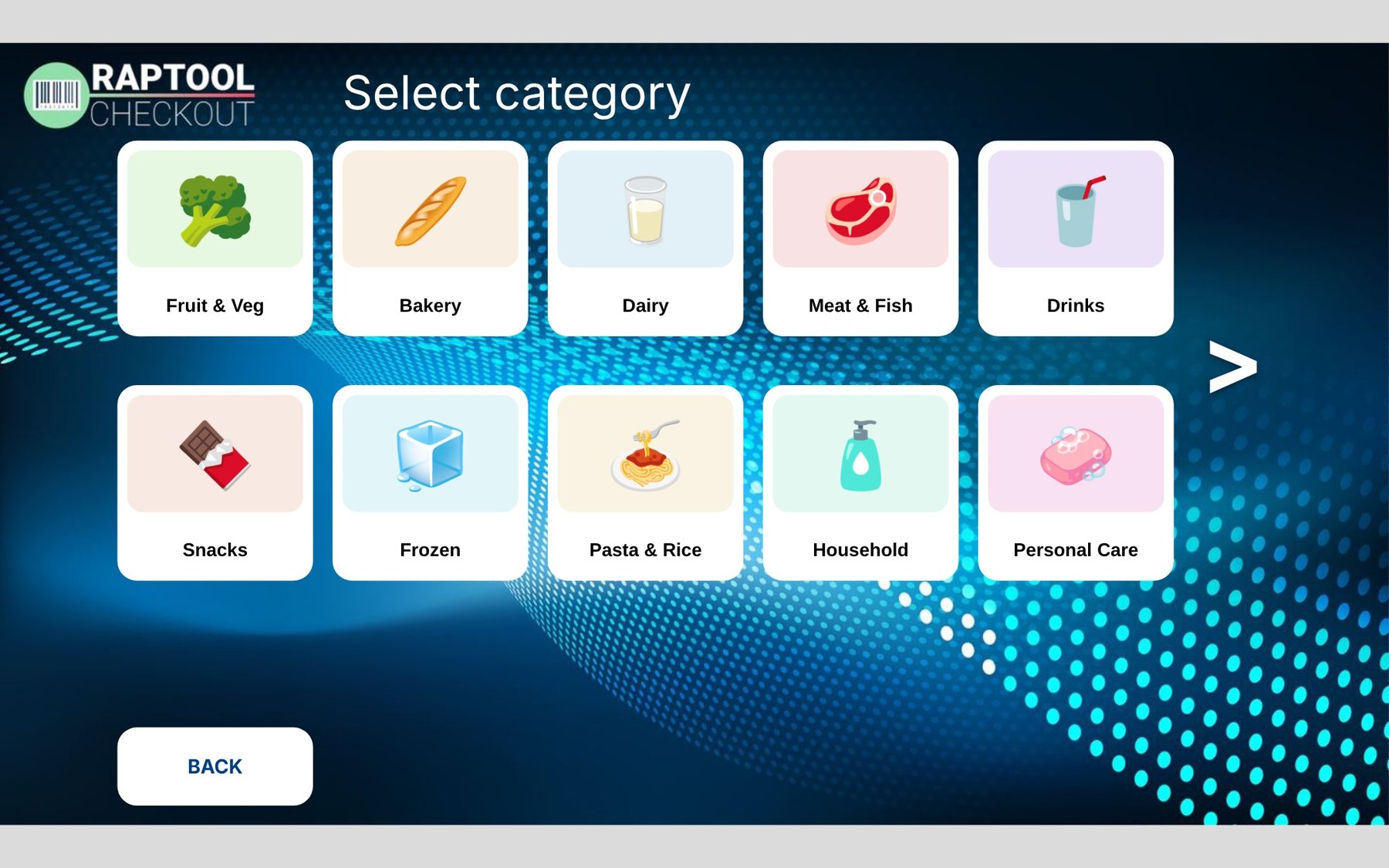
Scan, search or pick a category
Scan a barcode, press Search, or pick a category tile such as Fruit & Veg, Bakery or Dairy for items without a barcode.
- Barcode or search
- Category tiles for loose items
- Prices from the same item register as the store
Step 4 of 4
Add a bag, then pay
The basket keeps a running total. The customer adds a bag if needed and presses Pay.
- Running total on the basket
- Add bag button
- Pay to finish
Common worries
The usual worries, and how to handle them.
Raptool Self-Checkout is software, so it runs on standard touch screens and kiosks on Windows and Android. Start with one station and add more where the queues are.
Self-checkout uses the same items, prices and stock as the rest of Raptool Retail and your warehouse, and connects to your ERP or POS. Change the screens yourself in Raptool Designer.
Plan for it like any open till: keep an attendant near the stations and use cameras and weight checks where it matters. RFID tags in your labels can be added at any time.
Give people a choice: a kiosk, scan as you shop on their phone, or a member of staff with a handheld. Show membership points and offers to make the self-service route worth it.

Example values
One system
Connected to everything else.
Self-checkout is not an island. It runs on the same platform as your store apps, your warehouse and your ERP.
- Same items and pricesOne item register for the tills, the kiosk and the shelf labels.
- Live stockSales update stock right away, for the store and the warehouse.
- Loyalty and campaignsMembership points, customer-specific campaigns and stock in other stores.
- Change it yourselfAdjust screens in Raptool Designer, or build with the AI Development Framework.
Hardware
Runs on the screens you choose.
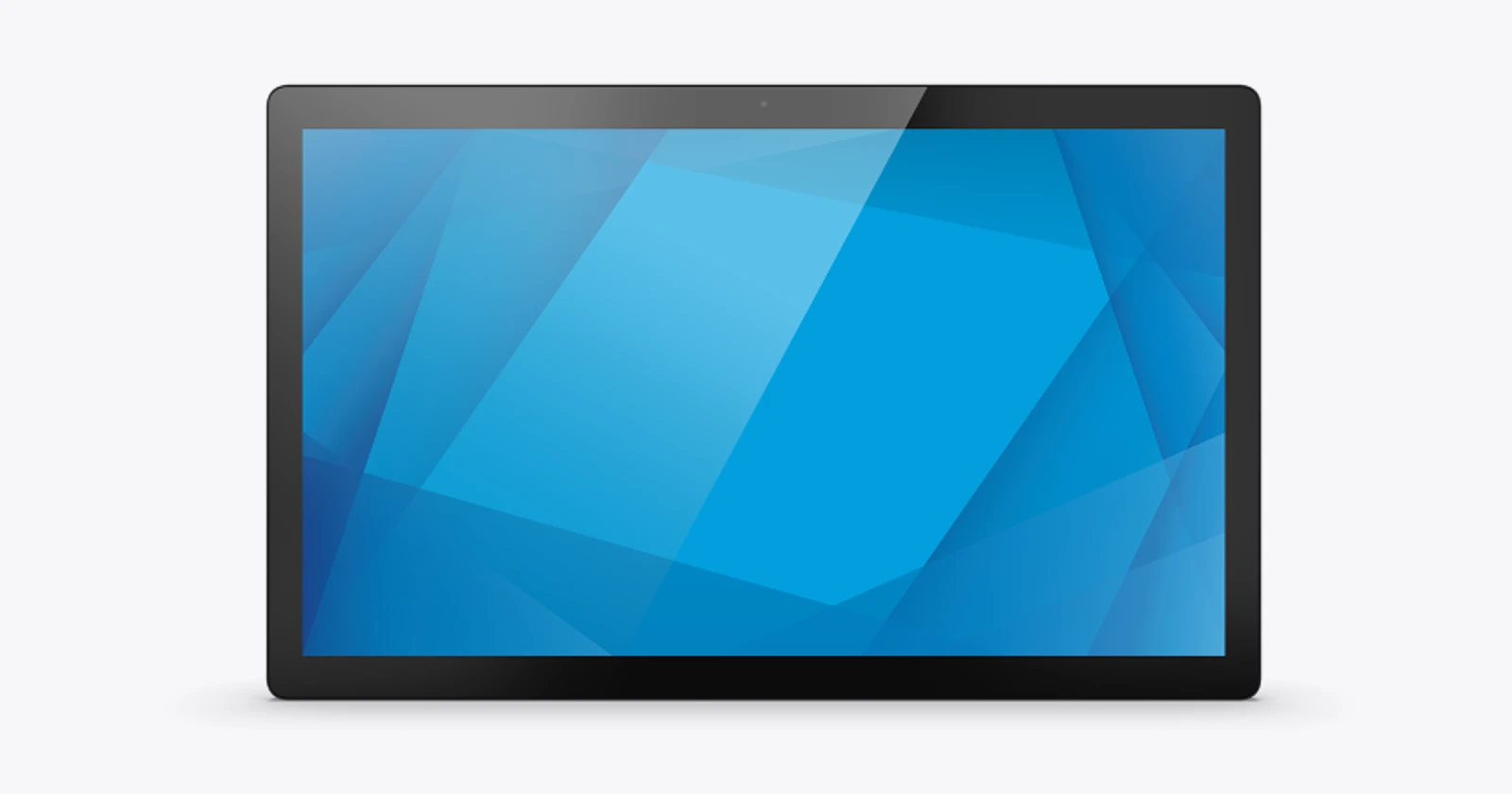
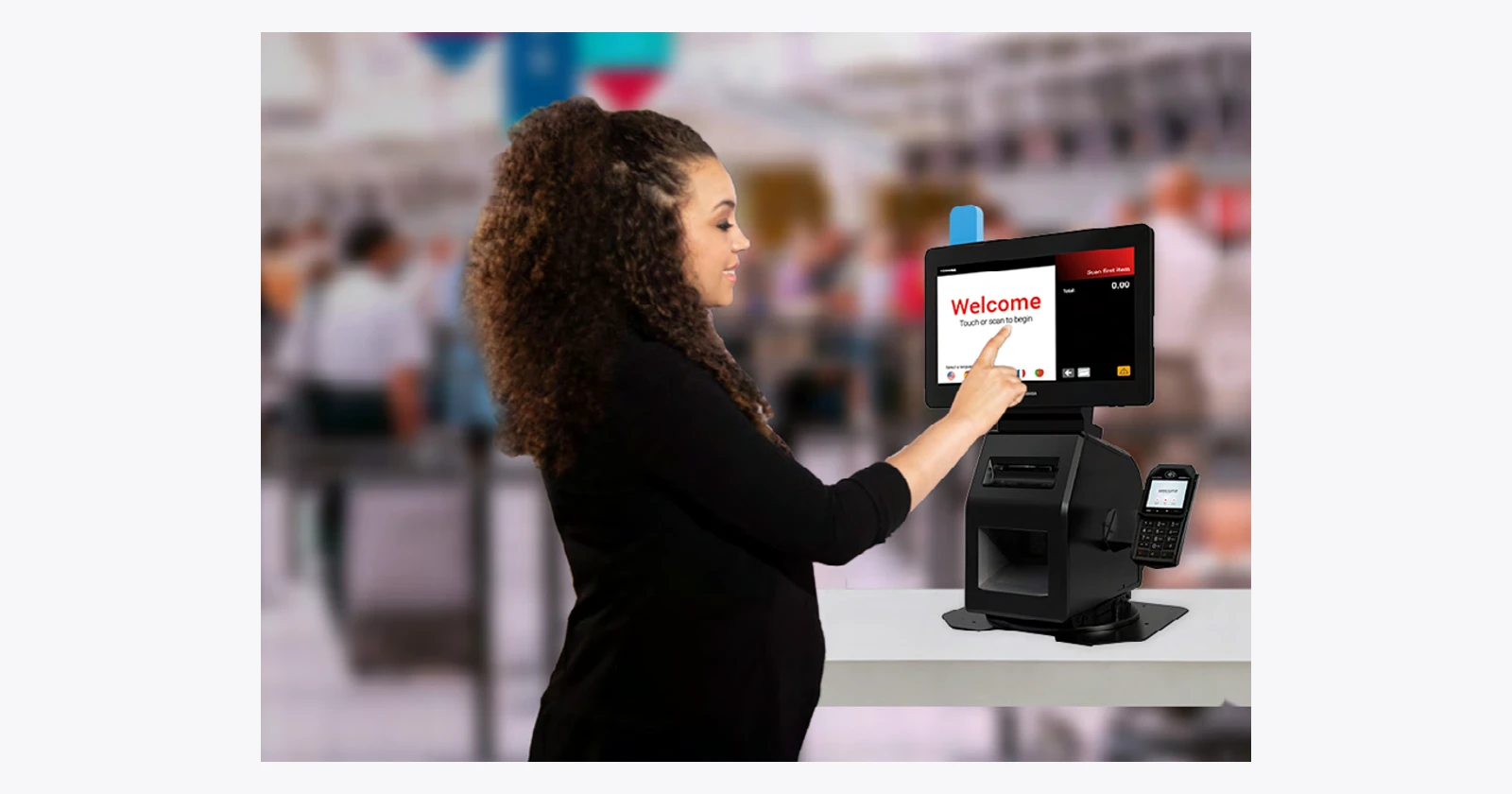
Raptool apps run natively on Android, iOS, Windows and Mac, so you are not tied to one brand of kiosk.
Q&A
Self-checkout questions
Short answers about running self-checkout with Raptool.
More questions? See the full FAQWhat does Raptool Self-Checkout do?
Customers scan their own items on a touch screen and pay at the end. They can scan a barcode, search, or pick a category tile, and the basket shows a running total with Add bag and Pay buttons.
Does it use the same items and prices as our store?
Yes. It works on the same item register and stock as Raptool Retail and the warehouse, and connects to your ERP or POS through the Integration Server.
Can customers scan with their own phone instead?
Yes. Customers can scan as they shop with a self-scanning device from the store or the customer app, and shop and pay in the app.
Which hardware does it run on?
Raptool apps run natively on Android, iOS, Windows and Mac, so self-checkout can run on standard touch screens and kiosk hardware, for example from Elo or Toshiba.
Can we try it first?
Yes. Open the live demo on this page, or start a free 30-day trial with no credit card needed.
Give your customers a faster way out.
Pick the way that suits you. We are happy to help either way.