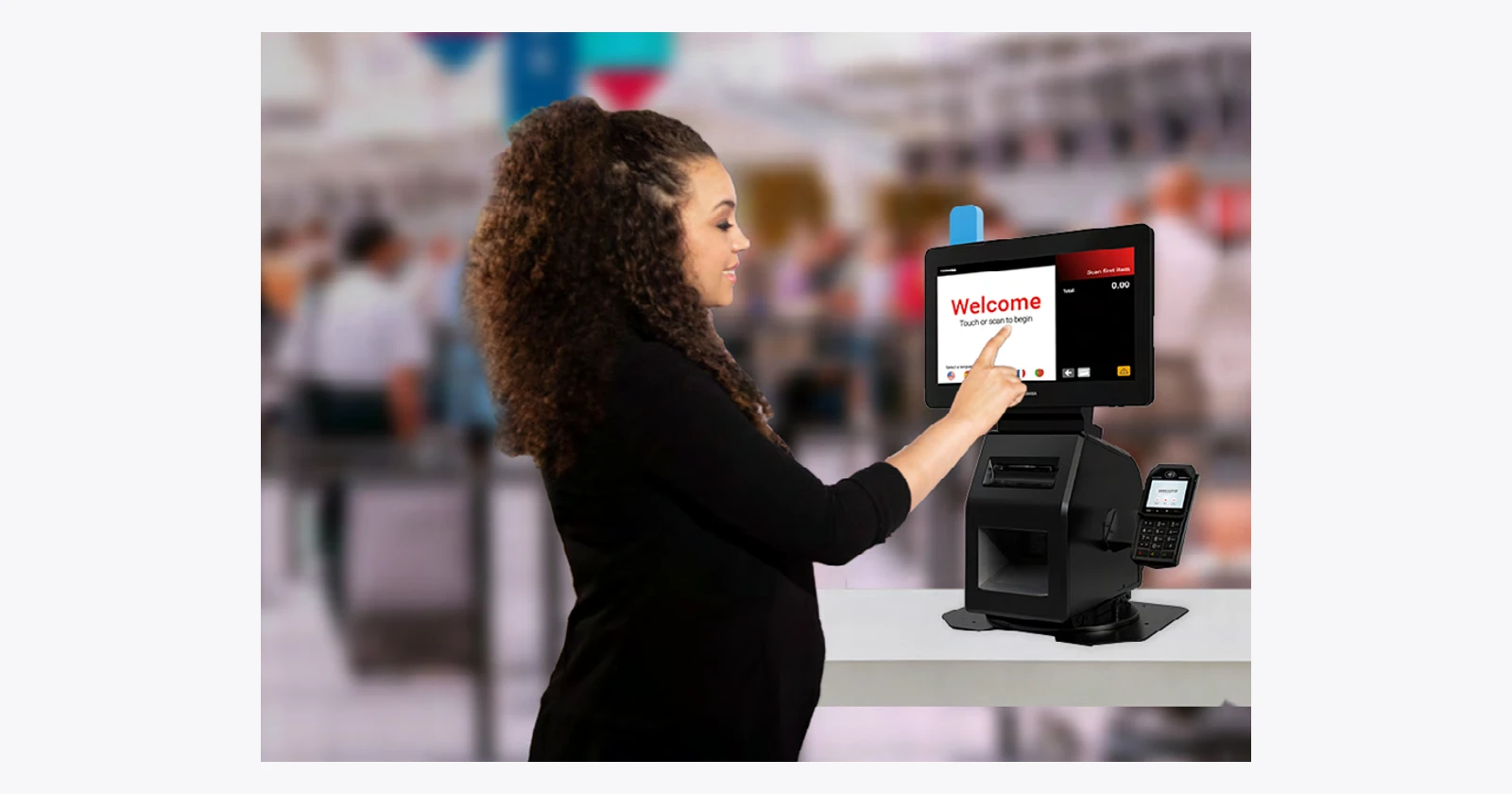
A queue of people waiting for a machine to ask for assistance is still a queue. Self-service can remove routine handling, but a stalled payment, an unfamiliar item or an unclear instruction can hand the work straight back to staff. The buying decision should account for those moments.
Toshiba offers more than one approach. Pro-X Hybrid Kiosk keeps a route between self-service and cashier assistance. MxP Vision Kiosk uses computer vision for a small-basket checkout journey. Neither approach should be judged only by the smoothest transaction in a demonstration.
First, which Toshiba are we talking about?
The products in this article come from Toshiba Global Commerce Solutions. Toshiba’s corporate material identifies the business as a wholly owned subsidiary of Toshiba Tec Corporation. That is the relevant retail self-service supplier for these systems; the broad Toshiba name alone does not specify a kiosk product or service arrangement. Official business description.
Both families appear in current official product listings. MxP Vision was featured in Toshiba’s NRF 2025 announcement; Pro-X is an established offering. This is selected current coverage, not a claim that both are new 2026 launches or that every configuration is stocked in every region.
Two routes through the transaction
| Approach | Where to evaluate it | What the pilot must prove |
|---|---|---|
| Pro-X Hybrid Kiosk | A compact checkout point with staff nearby | Customers and staff can switch roles without restarting the job |
| MxP Vision Kiosk | Small-basket purchases from a suitable item catalog | Recognition and correction work with the actual products and presentation |
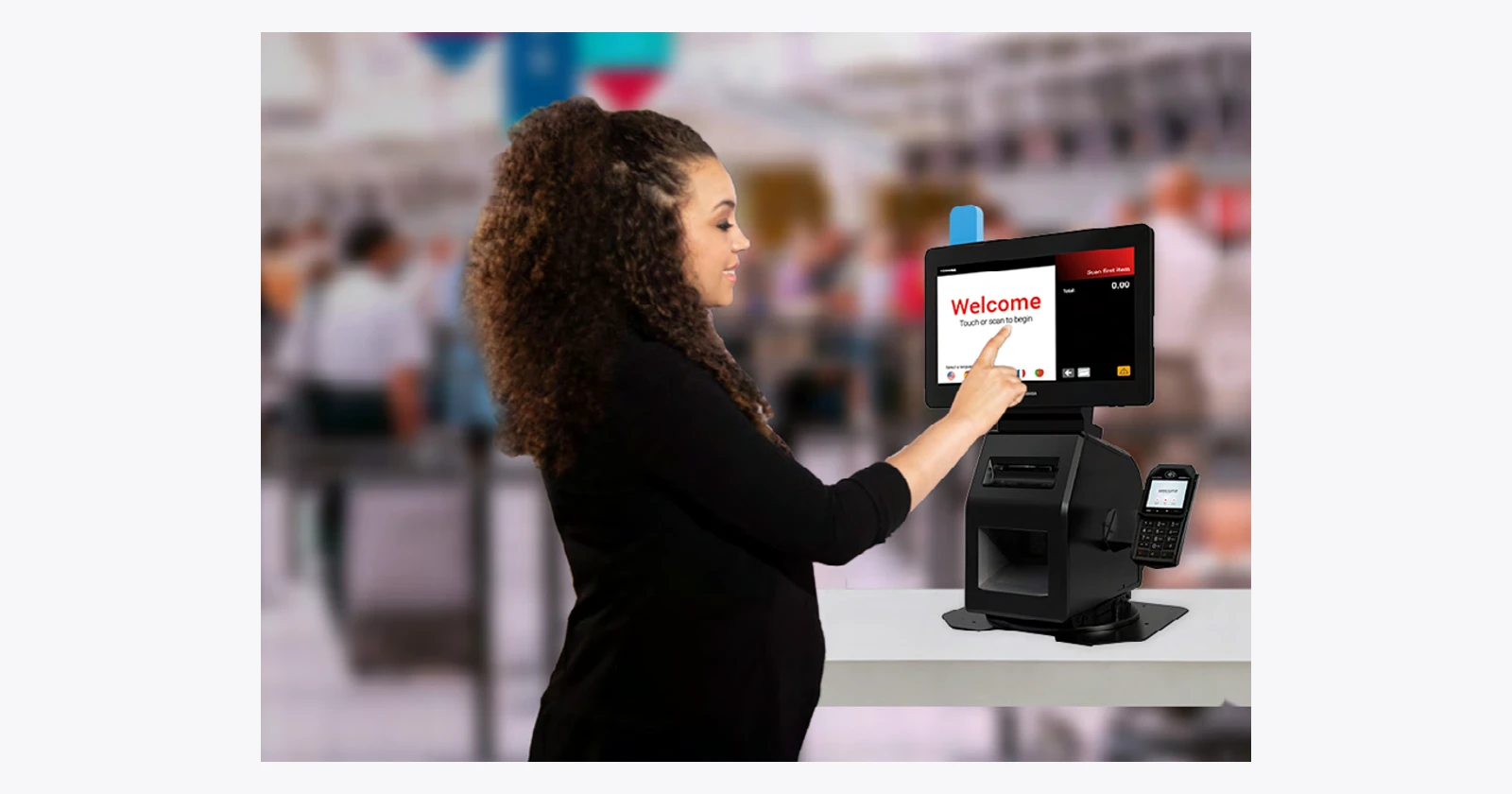
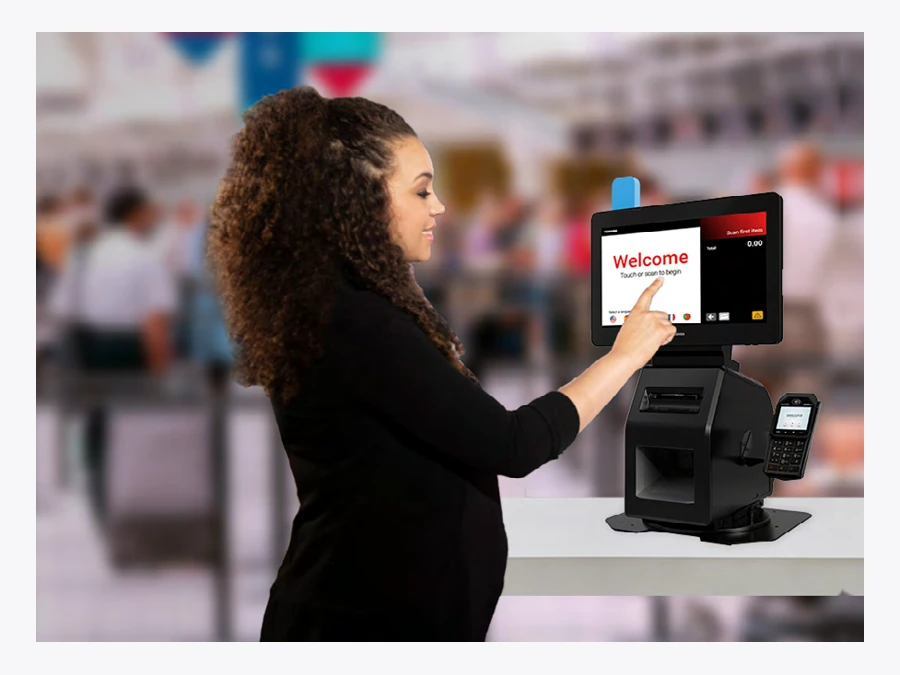
Pro-X’s physical flexibility is useful when an attendant needs to step in. Toshiba describes an optional rotating base that lets the same touchpoint face the customer or cashier. The technical guide also says to order the kiosk base and a supported all-in-one together. A photo of a finished unit does not mean every part arrives under one ordering code. Pro-X product information.
Watch an unfamiliar customer complete the proposed transaction. Then ask a staff member to resolve a realistic exception. Check whether the payment state and basket remain clear during the handover. If assistance means starting from the beginning, the hybrid design has not delivered its main operational benefit.
Vision checkout brings a catalog-management job
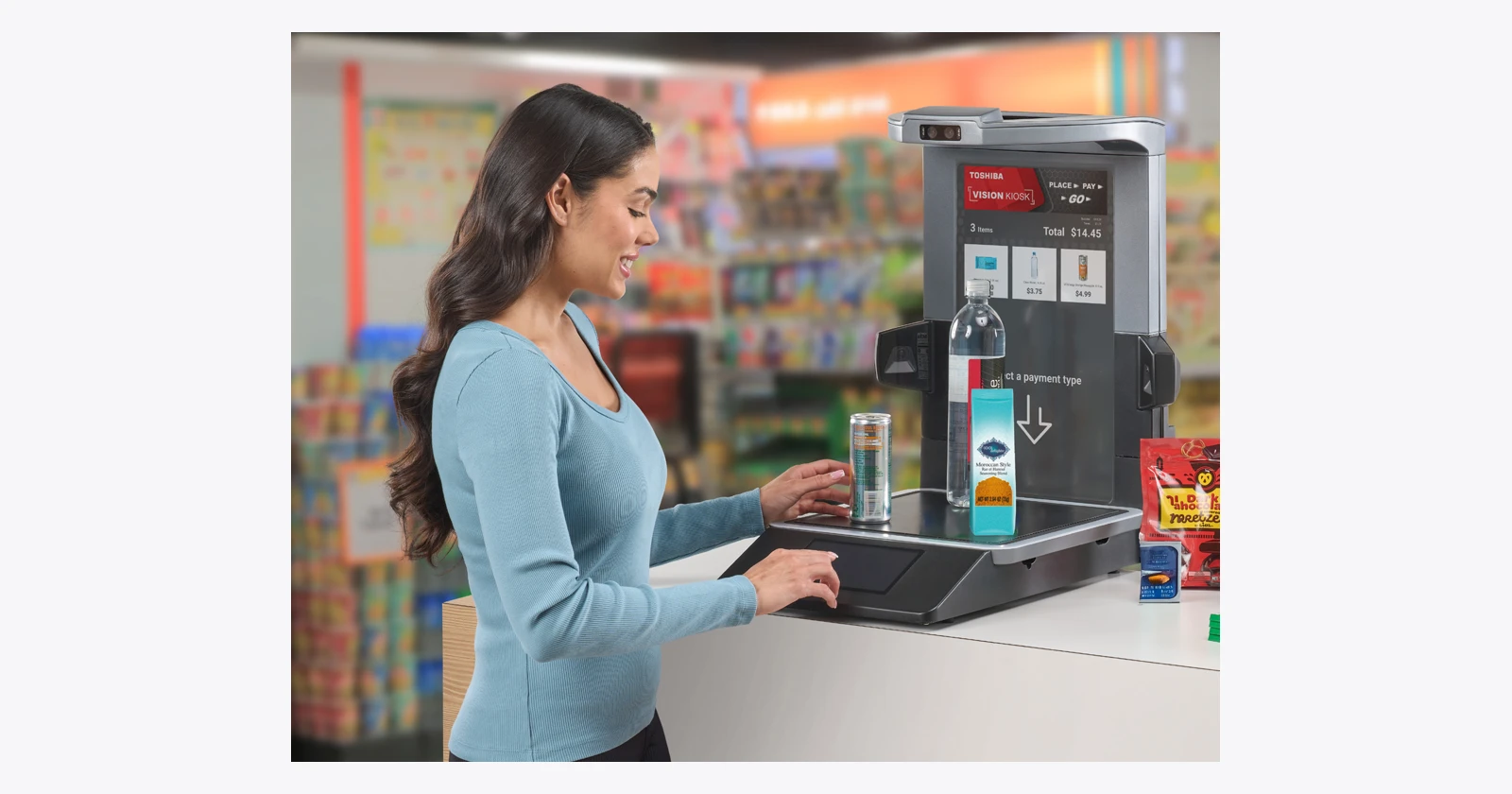
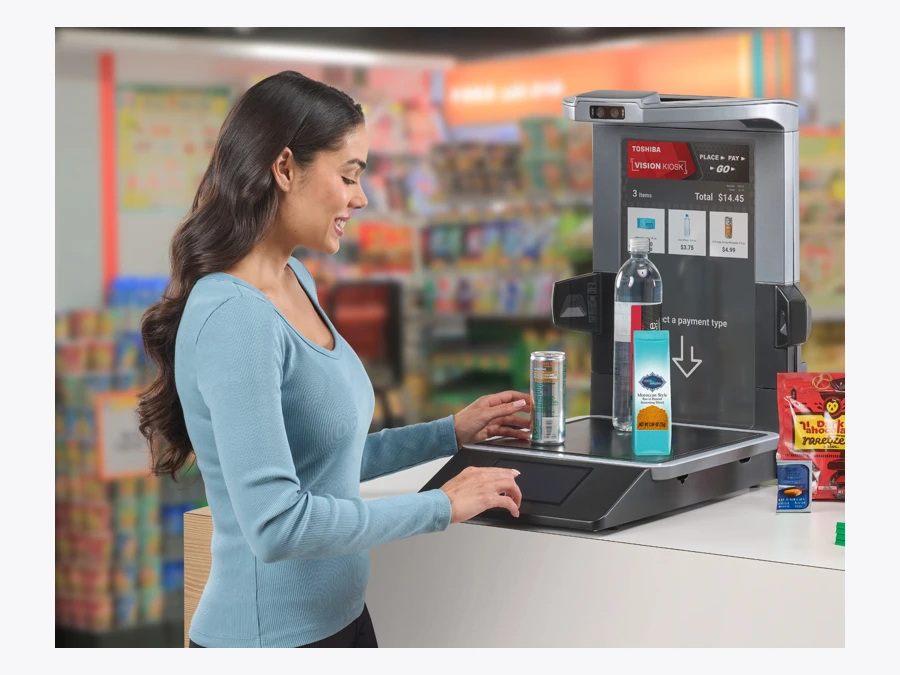
Toshiba positions MxP Vision around smaller baskets and computer-vision item recognition. Its public material also describes an item-enrolment function. That matters because a product range changes: packaging is revised, seasonal lines arrive and visually similar products can sit beside each other. MxP Vision product information.
Ask who maintains the recognition catalog and how new items are validated before they reach the shelf. Test similar packaging, partly obscured items and more than one product placed together. Include an ordinary correction path for an item that is not recognized. No universal item-recognition accuracy is independently established in this comparison.
There is also a configuration question to resolve. The product page describes a 13th-generation Intel processor, while its linked technical sheet names an 11th-generation processor. The catalog records the conflict. Obtain the actual bill of materials and software requirements instead of combining whichever figures look strongest from different documents.
Keep the software stack in the proposal
A kiosk contains devices that must work together: touch display, scanner, printer, payment equipment and status lights. Toshiba’s support material notes additional driver requirements for Pro-X peripherals. MxP Vision support specifies TCx Sky; an individual camera’s wider operating-system support does not establish that the complete kiosk runs the same alternatives. Self-service support reference.
Ask for supported versions, licenses, payment integration and responsibility for failures across the whole system. Keep older processor and operating-system entries in historical technical documents separate from a current support commitment. A public PDF is evidence of a configuration, not a promise that it is the right configuration to buy today.
An exception can consume the saving from several good transactions
Illustrative net capacity: 62.5 minutes per day. Suppose 500 daily transactions include 70% that remove 15 seconds of staff handling. That releases 87.5 minutes. If the remaining 30% each add ten seconds of recovery beyond the old process, subtract 25 minutes. The balance is 62.5 minutes daily, or 312.5 hours across 300 days, before costs. These are assumptions, not Toshiba test results or cash savings.
Use the same accounting in a trial. Include interventions, abandoned attempts, receipt problems and repeated transactions. Record what the attendant was doing when help was requested. A configuration can improve an average while still producing a frustrating peak-time queue.
Give customers a way to finish
Clear controls and available help belong in the design. The GOV.UK guidance on assisted digital support offers a useful general principle: support needs an operating model. Decide who responds, what they can see and how they complete the transaction without unnecessarily exposing customer information.
Optional identity or biometric features are separate decisions; they are not prerequisites for the basic comparison here. Specify the minimum data and functionality needed for the intended journey, and evaluate the full installed service. No accessibility, payment or privacy certification is asserted by this article.
The strongest proposal will show a complete purchase, a quick recovery and a practical support routine. Choose the system that handles your ordinary customers and awkward cases together. That is a better test of a self-service investment than an impressive screen followed by another request to wait.
Technical reference
Toshiba Global Commerce Solutions Pro-X Hybrid Kiosk · technical details
Toshiba Global Commerce Solutions Pro-X Hybrid Kiosk
Official product specifications
| Print or capture technology | Kiosk base with thermal printer and scanner options; DS7708 or Magellan3410VSI in technical guide |
|---|---|
| Media widths or sizes | 80mm-width KOP-3S01 thermal receipt printer in technical guide |
| OS or platform | Depends on selected TCx800/810/810E and supported application; historical CHEC/Windows10 LTSC/TCxSky entries need current validation |
| Display or controls | Separate TCx800/810/810E all-in-one; screen size depends on ordering code |
| Processor or memory | Depends on separate all-in-one; technical guide spans multiple generations |
| Power or battery | Low110–120VAC60Hz or high220–240VAC50Hz options |
| Accessories and options | Optional rotating base,transaction-awareness light,payment-device brackets;pinpad not included |
| Support and lifecycle notes | Currently marketed established family;exact regional orderability and software support require confirmation. |
Evaluate for: A compact touchpoint that can switch between customer self-service and staff assistance.
Before ordering: Order kiosk base and supported all-in-one together; confirm rotation option, peripherals, drivers and application.
Checked 18 October 2026. Vendor maxima and options are configuration dependent. Photograph is a family reference, not proof of included accessories or app compatibility.
Toshiba Global Commerce Solutions MxP Vision Kiosk · technical details
Toshiba Global Commerce Solutions MxP Vision Kiosk
Official product specifications
| Print or capture technology | Computer vision;multi-camera andsensor-fusion item identification;recognition catalog requires validation |
|---|---|
| OS or platform | TCxSky;support page says no separate Windows/Linux OS downloads for kiosk |
| Display or controls | 19.5-inch PCAP10-touch main display;secondary7-inch1280×600 in technical PDF |
| Processor or memory | Conflict:page says Intel13th generation;technical PDF names i7-1185G7E,32GBDDR4,512GBSSD;confirm exact BOM |
| Connectivity | Gigabit Ethernet;USB-C/USB2/USB3 and poweredUSB;optionalWi-Fi6E/Bluetooth5.2 per PDF |
| Environmental | Technical PDF listsIP53,IP52 with peripheral installed;configuration-specific |
| Power or battery | 180W supply in technical PDF |
| Accessories and options | Cameras/card reader;optional printer,hand scanner,pinpad andawareness light;service/software scope varies |
| Support and lifecycle notes | Featured NRF2025;currentlisting. No independent accuracy,shrink or speed result established. |
Evaluate for: Small-basket checkout with a defined and tested item catalog.
Before ordering: Validate recognition,exception path,catalog upkeep,payment and privacy choices;confirm conflicting processor sources.
Checked 18 October 2026. Vendor maxima and options are configuration dependent. Photograph is a family reference, not proof of included accessories or app compatibility.
Questions before you order
Which Toshiba business supplies these kiosks?
The researched products are from Toshiba Global Commerce Solutions, identified in Toshiba’s corporate material as a wholly owned subsidiary of Toshiba Tec Corporation.
Does Pro-X Hybrid Kiosk include the all-in-one computer automatically?
The technical guide says to order the kiosk base and a supported TCx800, TCx810 or TCx810E all-in-one together for a complete solution. Confirm the exact configuration.
Does vision checkout recognize every item without preparation?
No universal recognition claim is established here. Validate the intended catalog, item presentation, exceptions and ongoing item-enrolment process with the supplier.
Sources and scope
Checked 18 October 2026. Selected current listings; regional availability and exact part numbers require confirmation. Practical comparisons and illustrative calculations are our analysis. No independent hardware benchmark was performed.