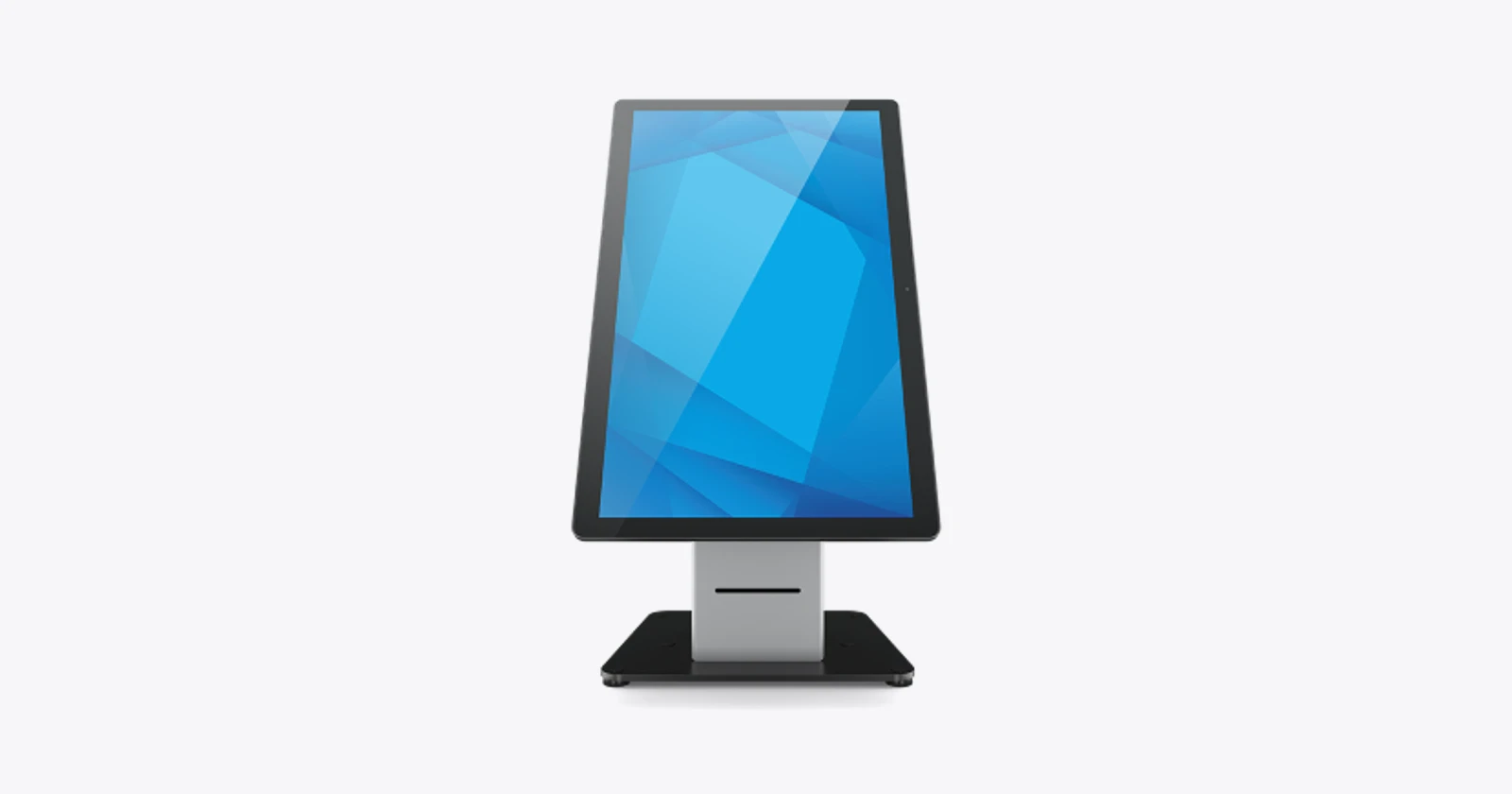
The screen is bright, the stand looks good and the queue is still there. A customer finishes entering details, then waits for a member of staff to find the booking. Another reaches the payment stage and discovers the kiosk cannot handle the request. The work has moved onto a screen, but the delay has stayed in the process.
Elo offers useful building blocks for self-service: touch computers, stands, peripheral connections and device-management tools. The purchasing challenge is to turn those components into a service that people can finish. A kiosk should have a clear job and a clear route to help.
A touch computer, a stand and a printer are different purchases
| Component | What it contributes | What still needs specifying |
|---|---|---|
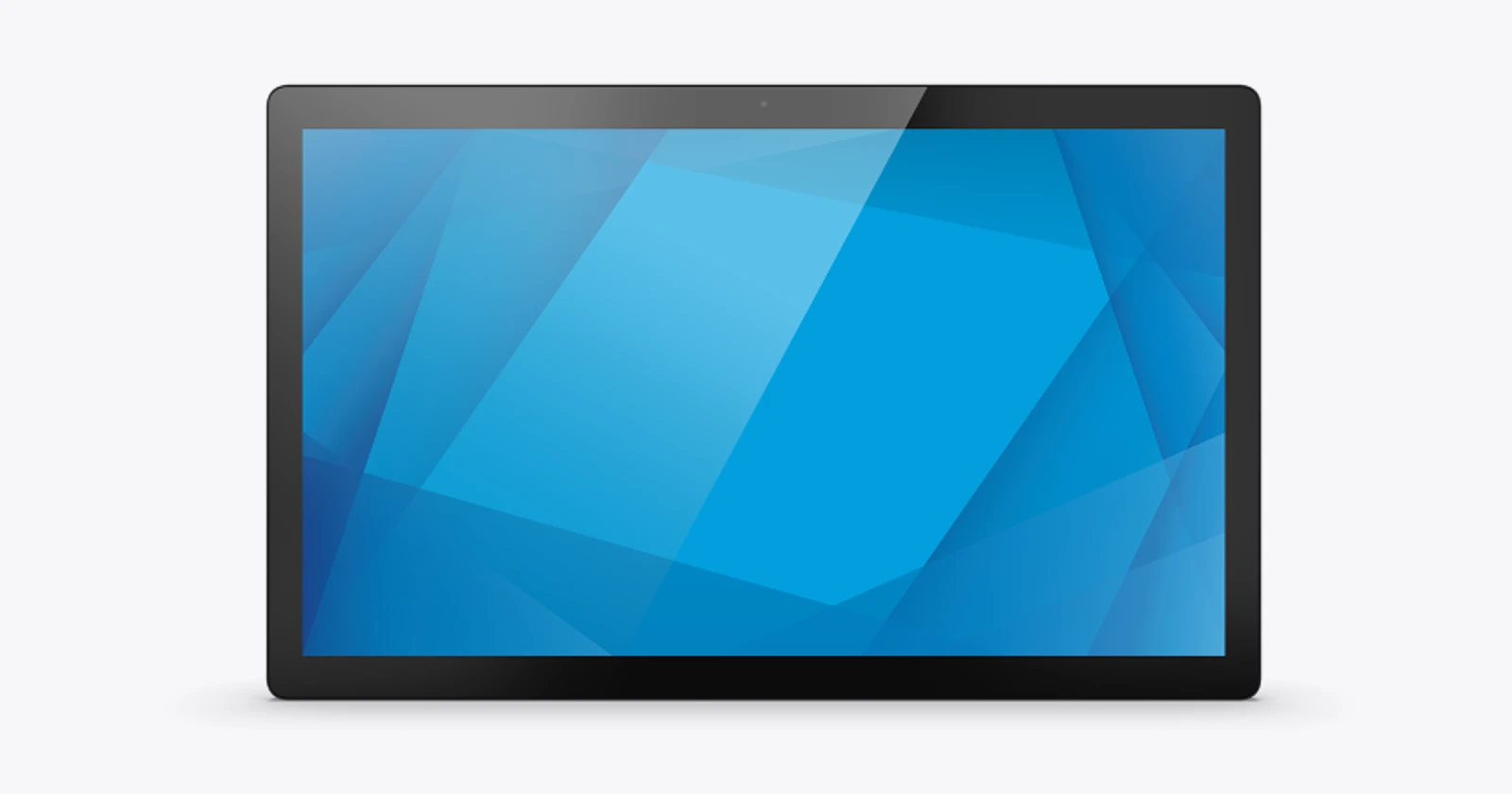
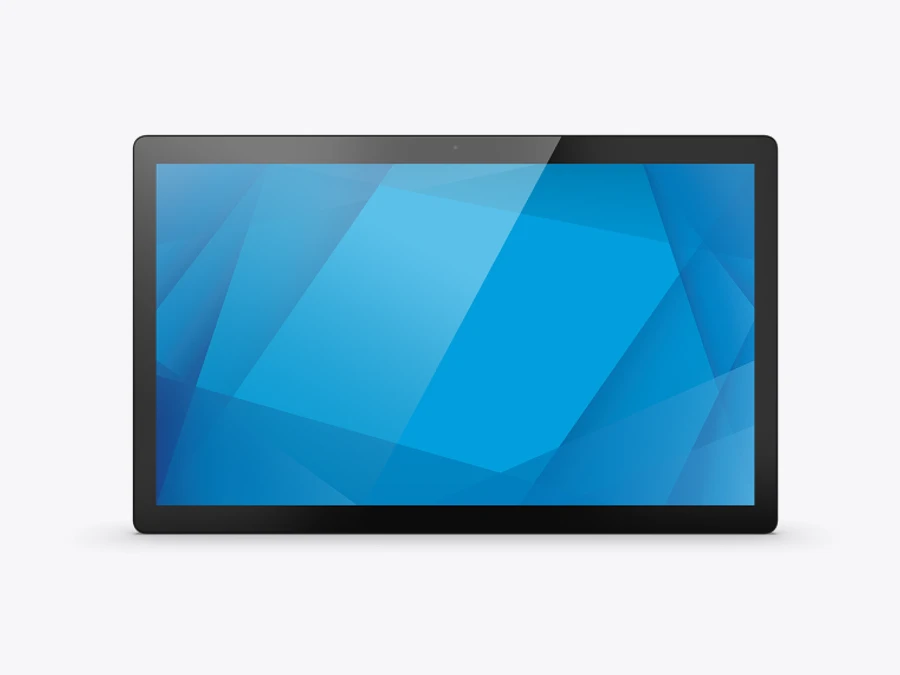
| 22-inch I-Series 5 for Android | Touch computer with Android and peripheral connections | Application, services, mount, payment and printing where required |
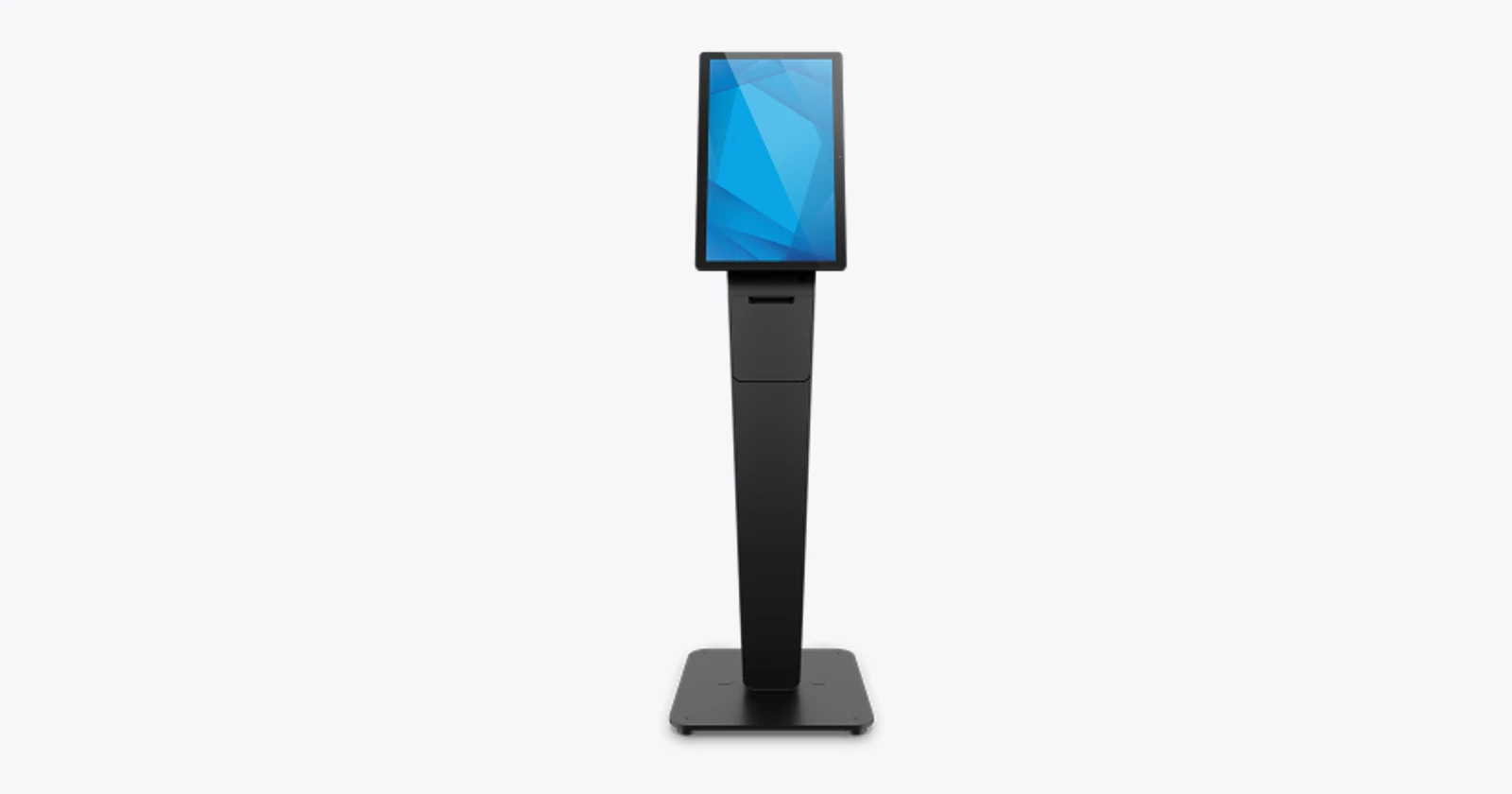
| Wallaby Pro | Physical stand and space for an integrated configuration | Compatible computer/display, peripherals, cables and software |
| Wallaby with Integrated Printer | Stand incorporating a thermal receipt printer | Compatible touch computer, payment device, application and services |
Elo introduced the I-Series 5 generation in May 2025. Its current 22-inch Android page lists a Qualcomm QCS6490 processor, Android 14 and management options. Those are a starting point for choosing a platform. They are not proof that a particular booking, payment or ordering application has been tested on the proposed configuration. Generation launch · Current product specification.
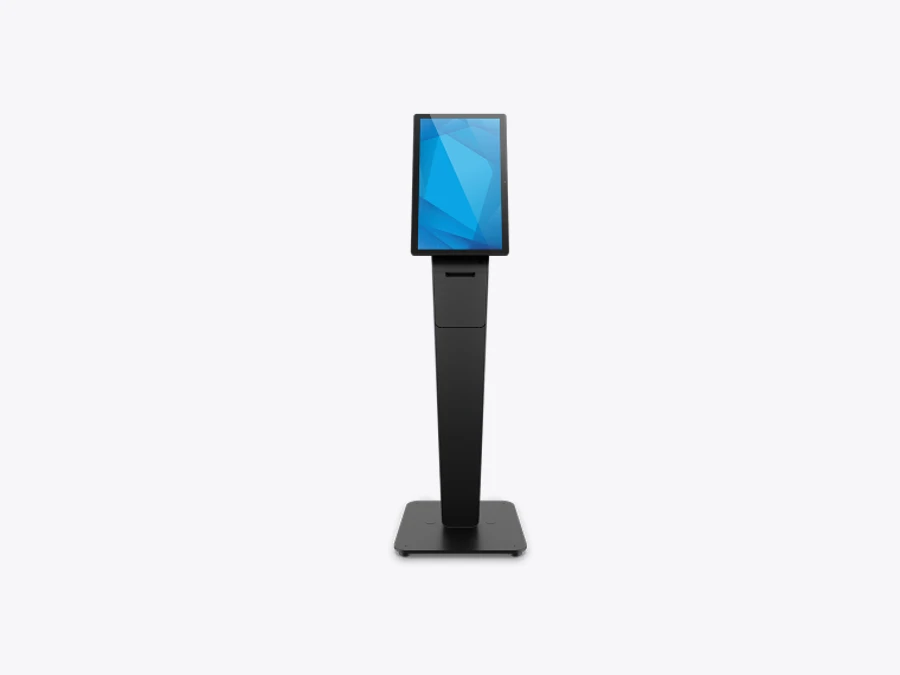
Wallaby Pro supports a physical kiosk arrangement, including countertop, floor and wall-mounted variants. The opened compatibility list names older I-Series generations. That is a reason to obtain an exact supported bill of materials, not to assume a newer computer will fit. A matching diagonal size alone does not establish mechanical, electrical or peripheral compatibility. Wallaby Pro reference.
Give the customer one useful transaction
A good first kiosk task is narrow enough to understand without training: collect a reservation, register arrival, order a familiar item or find a destination. Decide what success looks like before designing the welcome screen. Someone who enters details and then repeats them at a desk has not completed a useful self-service journey.
For a hotel check-in, that might mean finding the reservation and handing the verified next step to reception or another supported system. For activities, it might mean confirming a booking and showing where to go. For retail ordering, it might mean an accepted order reaching the team that fulfils it. Hardware does not establish those system connections by itself.
Show progress, give the person a way to correct mistakes and explain the final result plainly. Avoid asking for information the service already has unless there is a practical reason to confirm it. A map is useful when it helps somebody reach a real destination; an attractive map that cannot answer the immediate question adds another stop.
Make help part of self-service
Some visitors will need assistance, and some requests will be exceptions. The GOV.UK Service Manual treats support for people using online services as something to design and operate. That general principle applies here: give staff a defined way to help without making the customer restart the whole transaction.
Reach, viewing angle, glare and control placement all deserve a trial in the intended location. W3C’s target-size guidance explains why small, closely packed controls are difficult for some people to activate. Larger touchscreens do not automatically produce usable buttons. Test the actual interface with the people expected to use it.
This is a design checklist, not an accessibility certification. The installed equipment, application and site arrangement need their own assessment. Keep an assisted route available for people who cannot use the kiosk or simply have a request it does not support.
A receipt printer is also a service responsibility
The Wallaby variant with an integrated printer can make sense when a paper confirmation belongs in the journey. Elo lists a thermal receipt printer and cutting functions. Its presence creates routine work: replacing rolls, dealing with a jam and preventing a completed transaction from appearing to have failed when paper is unavailable. Integrated-printer stand.
Decide whether printing is essential before the transaction starts. Where a supported alternative is appropriate, explain how the person receives confirmation without paper. Preserve the order or booking state so an operator can help safely. Repeated tapping after an unclear result should not create multiple purchases or reservations.
Count completed journeys, not taps
Illustrative capacity: 81 minutes per day. If 180 daily visits include a 90% share of successfully completed kiosk journeys, and each removes 30 seconds of staff handling, that releases 81 minutes daily, or 405 hours over 300 days. This excludes exception work and all costs. It is not a customer result or an automatic staffing reduction.
Measure how many people complete the journey, how often staff intervene and where queues form afterwards. A faster order screen can overload preparation or collection. Compare the whole visit during a busy period and record abandonment as well as successful transactions.
Keep the kiosk useful after launch
Agree who manages the application, updates, remote access and replacement equipment. Confirm the commercial terms for EloView and OS support rather than treating a planned upgrade as an installed operating system. Keep unnecessary data off the unattended screen and clear the previous session before the next visitor starts.
The right kiosk earns its place by completing a useful task and giving people a sensible way forward when it cannot. That is what the pilot should prove before the same hardware is installed across every location.
Technical reference
Elo 22-inch I-Series 5 for Android · technical details
Elo 22-inch I-Series 5 for Android
Official product specifications
| Resolution | Display1920×1080 at60Hz |
|---|---|
| OS or platform | Android14 with GMS; Android16/18 upgrades planned with OS360 subscription, not guaranteed shipped OS |
| Display or controls | 21.5-inch actual diagonal; marketed22-inch;10-touch PCAP |
| Processor or memory | Qualcomm QCS6490;8 GB RAM;64 GB storage |
| Connectivity | Gigabit Ethernet,USB3,USB-C,four Edge Connect ports;802.11ax/Bluetooth5.2 |
| Print or capture technology | 8 MP autofocus camera; barcode reader/printer peripherals separate |
| Environmental | Operating0–40°C;20–80% RH |
| Dimensions and weight | 524.8×324.8×29.7mm;3.7kg unpackaged |
| Power or battery | AC100–240V;65W brick;optional90W;optional PoE module E669163 |
| Accessories and options | Scanner/payment mounts/stands;PoE module;EloView/OS360 service terms vary |
| Support and lifecycle notes | Generation introduced5May2025. Exact update/support terms require contract confirmation. |
Evaluate for: Managed Android information, ordering or check-in applications.
Before ordering: Confirm exact computer, mount, peripheral, power and software bill of materials.
Checked 18 October 2026. Vendor maxima and options are configuration dependent. Photograph is a family reference, not proof of included accessories or app compatibility.
Elo Wallaby Pro · technical details
Elo Wallaby Pro
Official product specifications
| Display or controls | Stand only;listed compatible portrait displays include22-inch Android I-Series4 and Windows I-Series2 |
|---|---|
| OS or platform | No built-in OS;depends on separately selected computer |
| Connectivity | Peripheral/cable integration;depends on selected computer |
| Environmental | 0–40°C;ECMG4 configuration0–35°C;20–80% RH |
| Dimensions and weight | Floor E989314+E989512:1448×480×450mm;42.9kg;counter E989127:738×300×277mm;18.5kg |
| Accessories and options | Wall mount,assist-button,printer brackets,payment cradles,computer and displays separate |
| Support and lifecycle notes | Page lists2-year warranty;check exact SKU/regional terms. I-Series5 fit not established by older compatibility list. |
Evaluate for: An integrated physical housing with separately specified display, computer and peripherals.
Before ordering: Confirm exact computer, mount, peripheral, power and software bill of materials. Published compatibility list names I-Series4; confirm I-Series5 fit in writing.
Checked 18 October 2026. Vendor maxima and options are configuration dependent. Photograph is a family reference, not proof of included accessories or app compatibility.
Elo Wallaby with Integrated Printer · technical details
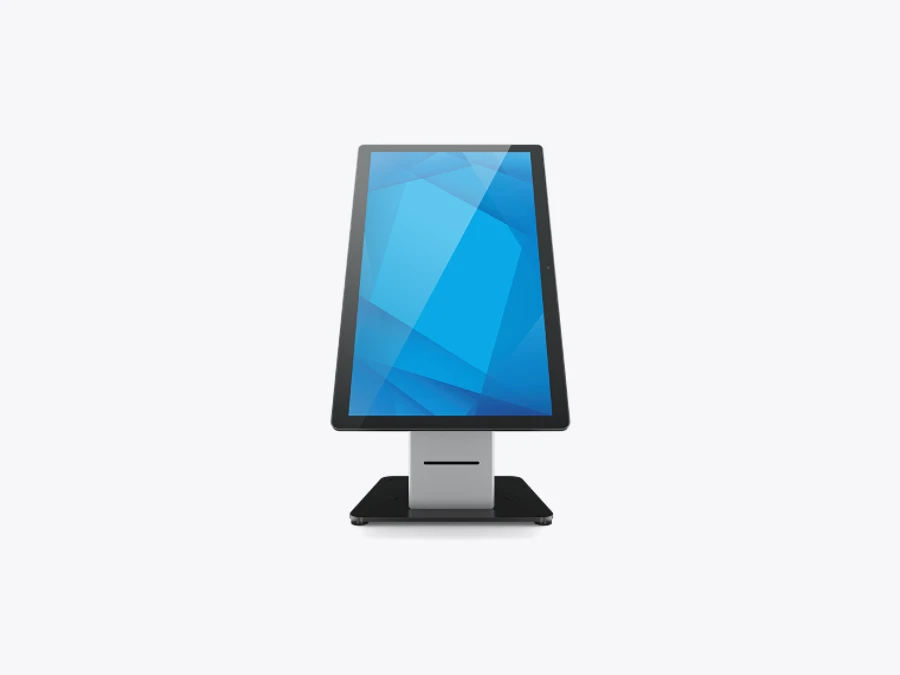
Elo Wallaby with Integrated Printer
Official product specifications
| Print or capture technology | Integrated thermal dot-line receipt printer |
|---|---|
| Vendor maximum speed | 250mm/s maximum printer speed |
| Print width | 80mm maximum |
| Media widths or sizes | Paper widths60/80/82.5mm;60–80GSM;80mm roll |
| Display or controls | Stand/display separate;page lists15/22-inch Android I-Series4;compatibility wording has an OS typo |
| OS or platform | Depends on separate touch computer |
| Dimensions and weight | Counter305×240×461mm,11.9kg;floor551×350×1212mm,31.6kg |
| Environmental | 0–40°C;20–80% RH |
| Power or battery | 24V/150W power brick listed in box |
| Accessories and options | Separate touch computer,payment device and application;full/partial cutting |
| Support and lifecycle notes | Page1-year warranty;PDF ordering codes differ from page;confirm exact supplied SKU. |
Evaluate for: A receipt-dependent workflow needing a printer housed in the stand.
Before ordering: Confirm exact computer, mount, peripheral, power and software bill of materials. Confirm display fit, printer interface and exact ordering code.
Checked 18 October 2026. Vendor maxima and options are configuration dependent. Photograph is a family reference, not proof of included accessories or app compatibility.
Questions before you order
Is Wallaby Pro a complete computer?
No. It is a stand and integration platform. Specify the display or touch computer, payment equipment, printer, software and services separately.
Can I assume I-Series5 fits every older Wallaby stand?
No. The opened Wallaby compatibility lists name older I-Series generations. Confirm the exact mounting kit and supported combination with Elo before ordering.
Does a kiosk remove the need for staff?
No. Staff assistance, exception handling and physical service remain part of the design. A kiosk can move routine steps while keeping help available.
Sources and scope
Checked 18 October 2026. Selected current listings; regional availability and exact part numbers require confirmation. Practical comparisons and illustrative calculations are our analysis. No independent hardware benchmark was performed.