The gym bag is packed and the class starts in five minutes. Nobody wants to queue at reception just to say "I'm here". A member holds a wristband or phone to a screen by the door, gets a green light, and walks in. That is what good self-service looks like: one clear job, done in seconds.
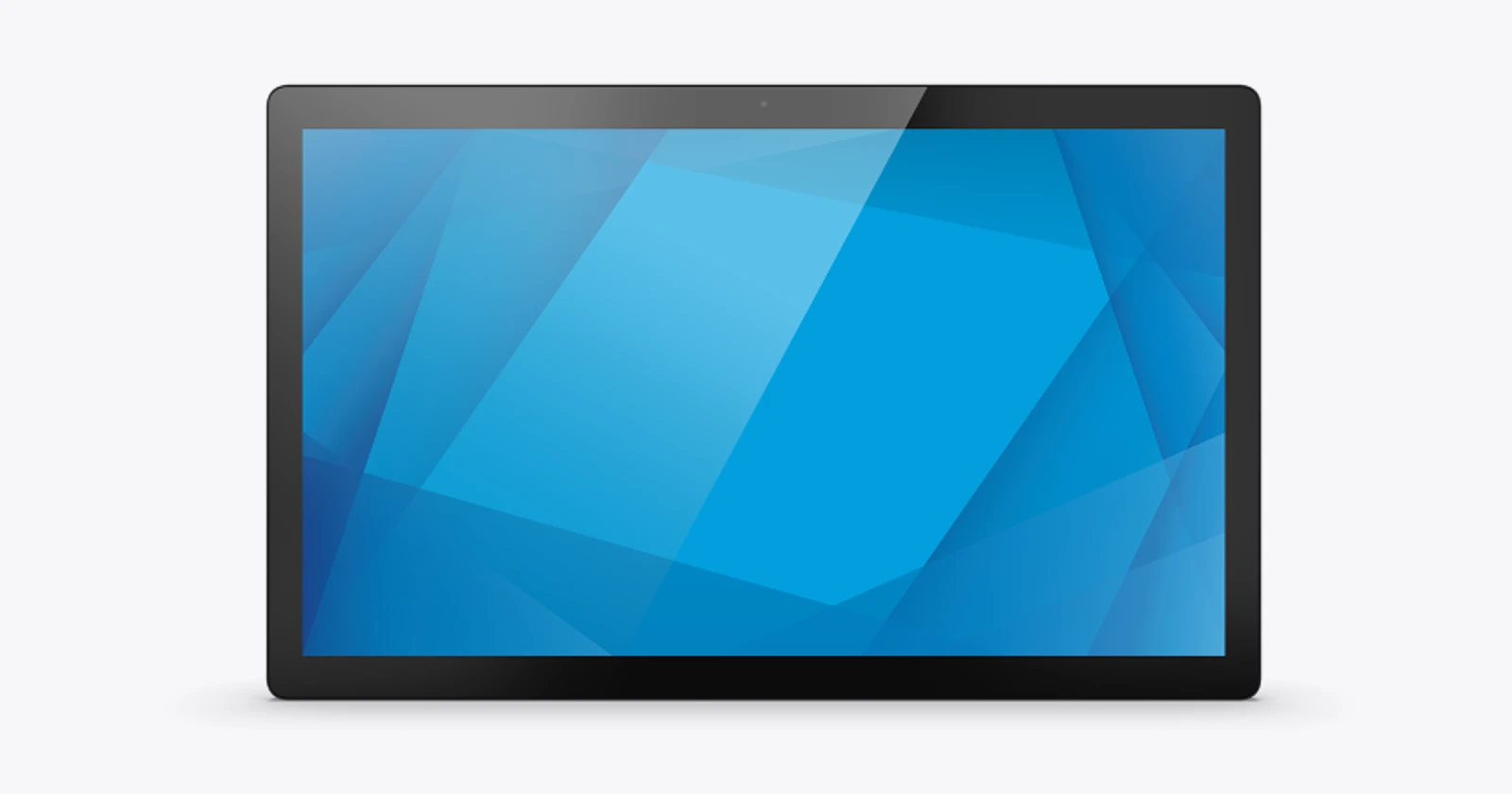
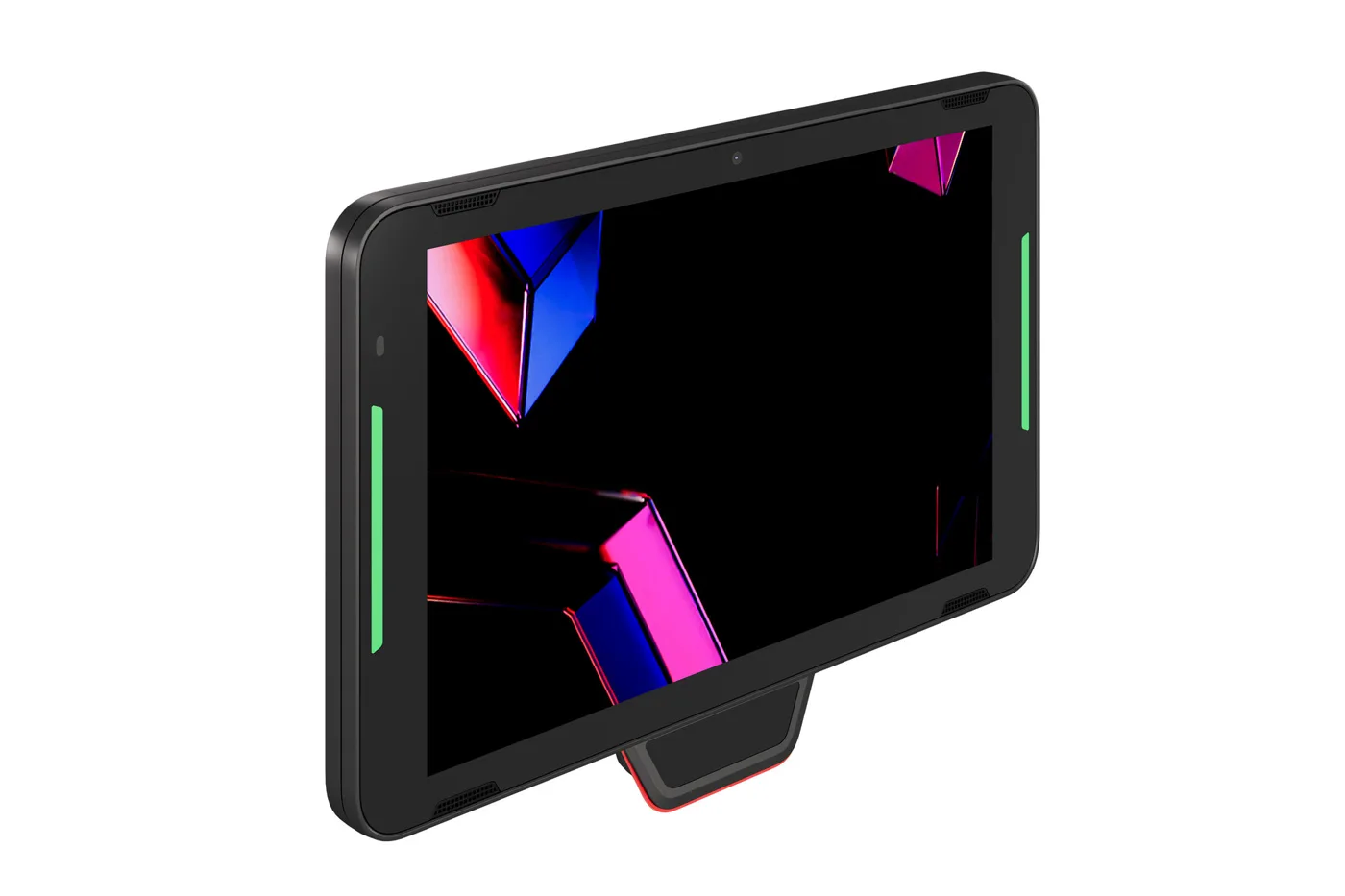
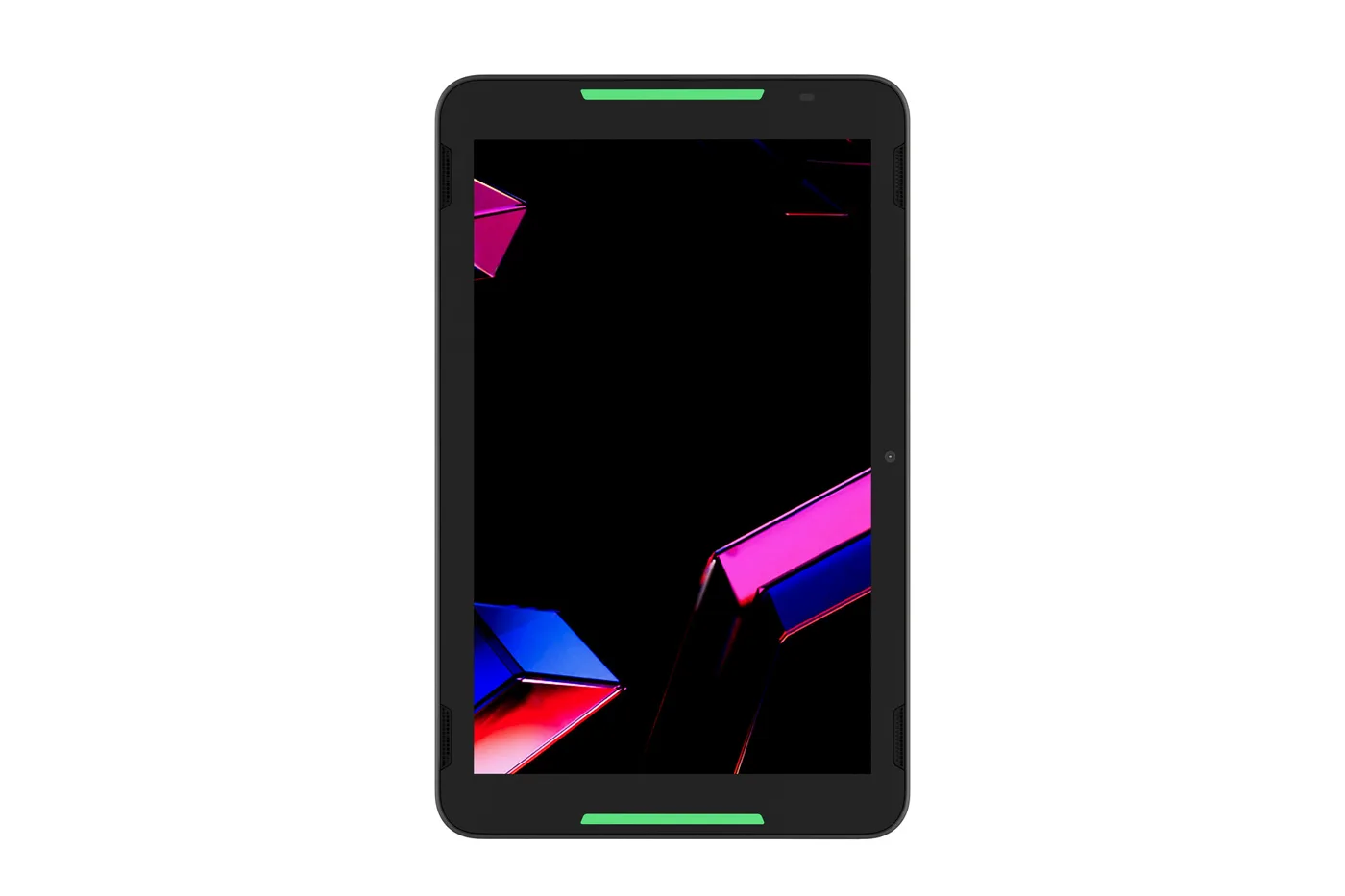
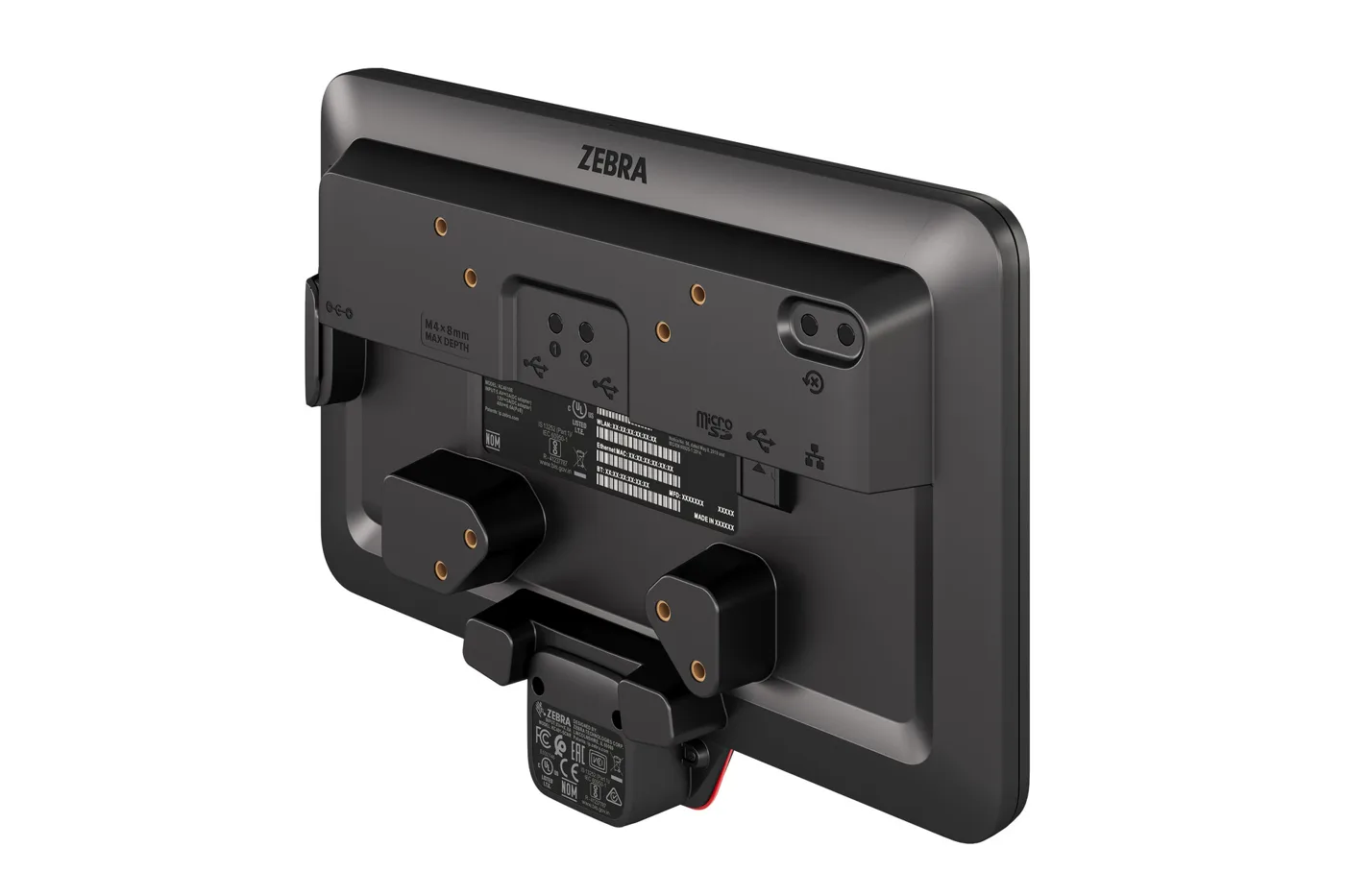
The Zebra KC401 is built for exactly that kind of job. It is a 10.1-inch Android kiosk that can scan barcodes and QR codes, read NFC cards and wallets, take contactless payments and call a colleague for help. It mounts on a wall, a pole, a counter or inside an existing kiosk cabinet, in portrait or landscape. You can see the full specifications on its KC401 device page.
What the KC401 is
| Part | KC401 |
|---|---|
| Display | 10.1-inch WXGA (1280 × 800) multi-touch, works with gloves; 9H glass |
| Operating system and processor | Android; Qualcomm Dragonwing Q-6690, up to 2.0 GHz |
| Memory | 6 GB RAM, 64 GB flash, microSD up to 2 TB |
| Scanning | Front camera scanning; optional SR500 1D/2D scan engine with 0°, -25° or +25° angle |
| NFC and payment | ISO 14443 A/B, Mifare, FeliCa, ISO 15693; contactless payment, Apple VAS and Google Smart Tap |
| Camera and audio | 5 MP front camera; stereo speakers, two microphones, VoIP with push-to-talk |
| Connectivity | Wi-Fi 7 (tri-band, 6 GHz), Bluetooth 6.0, Gigabit Ethernet |
| Power | PoE+ (30 W) over the network cable, or a Zebra power supply |
| Housing | IP65 sealing; 920 g without scanner; 0 °C to 40 °C |
| Mounting | VESA; walls, poles, counters, cabinetry; portrait or landscape |
Programmable multi-color LED light bars on the sides of the screen give a quick signal from a distance: green for "you're checked in", another color for "please wait". A help button can send an alert to the nearest worker's Zebra mobile computer, and the worker can call back to the kiosk by voice.
One terminal, many jobs
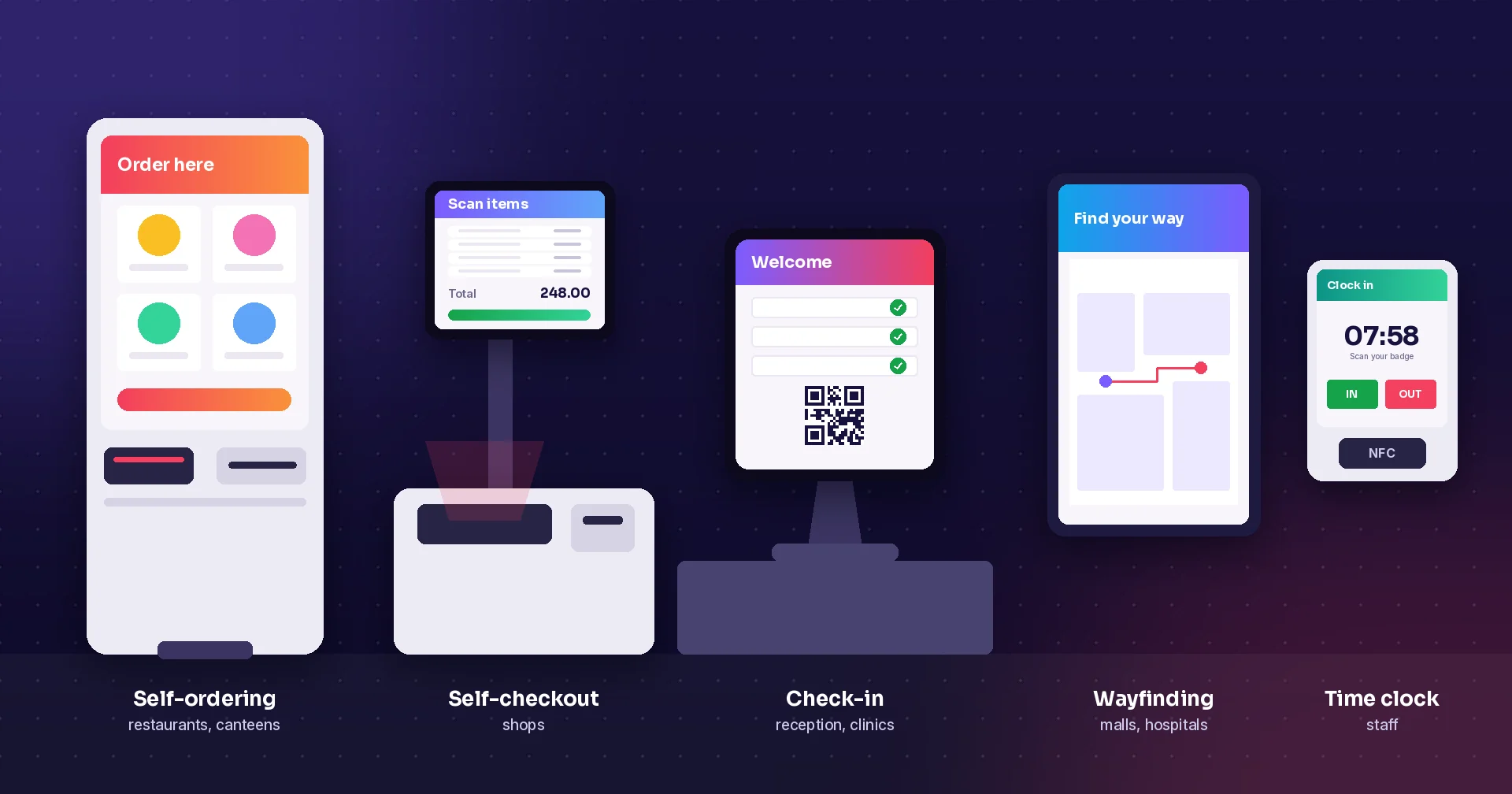
- Gyms, spas and clubs: members check in with a wristband, card or QR code, without stopping at reception.
- Retail: price and stock checks, loyalty and coupons, returns, and order pick-up.
- Healthcare: patient check-in, and a smart display outside patient rooms.
- Offices, warehouses and factories: staff clock in and out with a QR badge or employee ID, and badge-based access.
- Hotels and venues: guest check-in, ticket scanning and information screens.
The point is not the screen itself. It is the task behind it. A kiosk that only shows a form and then makes the customer wait for staff has moved the queue, not removed it. Before you choose hardware, decide which job the kiosk will finish on its own, and what happens when it cannot.
Easy to install, easy to upgrade
Two things make the KC401 easier to roll out than many kiosks. First, Power over Ethernet: one network cable carries both data and power, so you do not need a socket at every mounting point. With Wi-Fi 7 you can also skip the data cable where the network is good. Second, the VESA mount fits standard brackets and stands, in portrait or landscape.
If you already run Zebra CC6000 or CC600 kiosks, Zebra describes the KC401 as a drop-in replacement that uses the existing cabinetry, mounts and infrastructure. That makes it a straightforward upgrade for stores that already have price checkers on the wall.
Running your own self-service apps on the KC401
Because the KC401 runs Android, it runs the Raptool Client. That means the same apps you build in Raptool for phones and handheld scanners can also run on the kiosk, with access to its scanner, camera and NFC, online and offline. Typical Raptool apps for a kiosk like this:
- Raptool Kiosk: price checks, product information, ordering and self-service screens.
- Visitor management: visitors sign in, print or get a digital badge, and the host is notified.
- Time and attendance: staff clock in and out with a QR code or badge, linked to your other Raptool apps.
- Your own app: describe what the kiosk should do and the Raptool AI framework builds it; adjust it in Raptool Designer without code.
Raptool does not sell hardware. You buy the KC401 through a Zebra partner, and Raptool provides the software, hosting and integrations, for example to your ERP or membership system.
Questions before you order
What is the Zebra KC401?
A 10.1-inch Android kiosk computer for self-service tasks such as check-in, price checks, timekeeping, returns and contactless payment. It has an optional SR500 1D/2D scanner, NFC, a 5 MP front camera, Wi-Fi 7, Bluetooth 6.0, Gigabit Ethernet with PoE and an IP65-sealed housing.
Can the KC401 replace a Zebra CC6000?
Yes. Zebra describes the KC401 as a drop-in replacement for the CC6000 (and CC600) that uses existing cabinetry, mounts and infrastructure.
Does the KC401 need a separate power cable?
Not necessarily. It can be powered over Ethernet (PoE+, 30 W, IEEE 802.3at/bt Class 4 or greater), so one network cable can carry both data and power. Zebra power supplies are also available.
Can I run my own app on the KC401?
Yes. The KC401 runs Android, so Android apps such as the Raptool Client can run on it. Raptool kiosk, check-in and time and attendance apps run in the Raptool Client with access to the scanner, camera and NFC.
Tags
Planning self-service on the KC401? Tell us what the kiosk should do. Raptool builds the app, and we put you in touch with a Zebra partner for the hardware.
Talk to RaptoolSources: Zebra KC401 product page · Zebra KC401 specifications. Checked 22 October 2026.