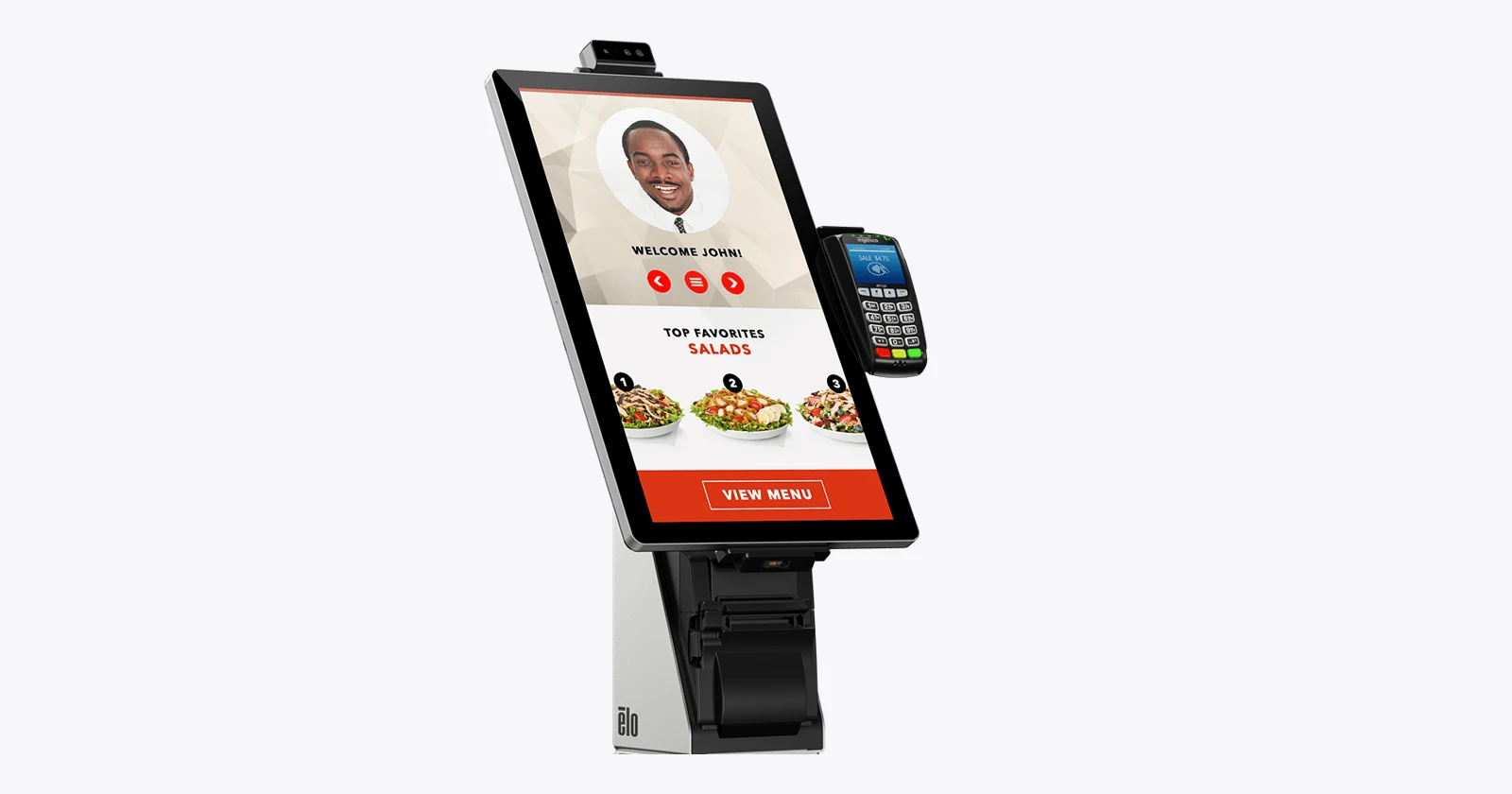
Choose the hardware around the task
An iPad in a secure mount can be a good starting point for visitor registration. A commercial Android panel adds installation and peripheral options. A Windows kiosk deserves attention when the project needs established Windows drivers or several wired devices. The right choice depends on the complete workflow, the space and the support team.
Raptool’s kiosk page lists Windows, Android and iOS support. Its visitor-management page describes QR entry, host notifications and print or digital badges. That platform support does not certify every hardware model, scanner, payment terminal or printer in this guide. Confirm the selected configuration with Raptool before procurement.
Specifications come from the linked manufacturers. Suitability comments are our assessment, not laboratory test results. Product photos may show optional accessories.
iPadOS, Android or Windows?
| Platform | Advantages | Disadvantages / checks | A useful starting point |
|---|---|---|---|
| iPadOS | Consistent tablet interface, built-in cameras and a wide choice of secure mounts. Apple supports supervised Single App Mode. | Mount, power and peripherals are separate decisions. Validate USB-C accessories and badge/payment integrations. Plan battery and charging service. | Visitor sign-in, assisted hotel registration and compact product lookup. |
| Android | Commercial panels offer different screen sizes, VESA mounting and, on selected devices, PoE or attached peripherals. Dedicated-device lock task mode supports controlled app access. | OS image, security updates, Google services and management differ by manufacturer and SKU. Consumer tablets and commercial panels have different support propositions. | Fixed reception terminals, retail barcode lookup and larger self-service screens. |
| Windows | A broad driver ecosystem and commercial systems with USB, serial and network interfaces. Useful when the project needs several wired accessories. | Check edition, licensing, update policy, recovery and driver support. Lockdown configuration must match the application type. | Hotel transactions, visitor badge printing and peripheral-heavy retail kiosks. |
For deployment details, see Apple Single App Mode, Android lock task mode and Microsoft’s kiosk configuration options. For a Windows desktop application, evaluate the appropriate shell or restricted experience rather than assuming every app can use Assigned Access.
A commercial Android panel is a different purchase from a tablet
Ask about the delivered Android version, the security-update end date, remote management, power, automatic restart and the accessory interfaces. PoE means a suitable Ethernet installation may carry power and data together; confirm the required standard, switch budget and any adapter. A larger screen helps only if the form remains readable and reachable.
Three ways to mount an iPad
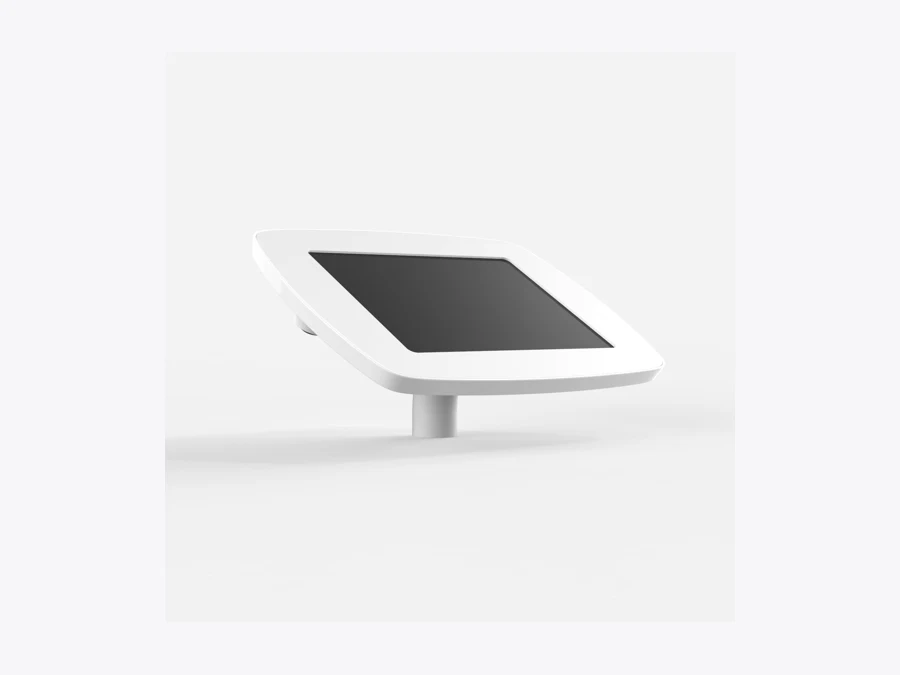
Counter mount: keep the guest close to staff
A desk mount suits a reception counter where someone can help with a failed check-in. Bouncepad’s secured desk enclosure routes the power cable internally. Check the exact tablet fit and camera opening, then allow room for any badge printer or external reader. A mounting accessory does not include the iPad unless the seller explicitly bundles it.
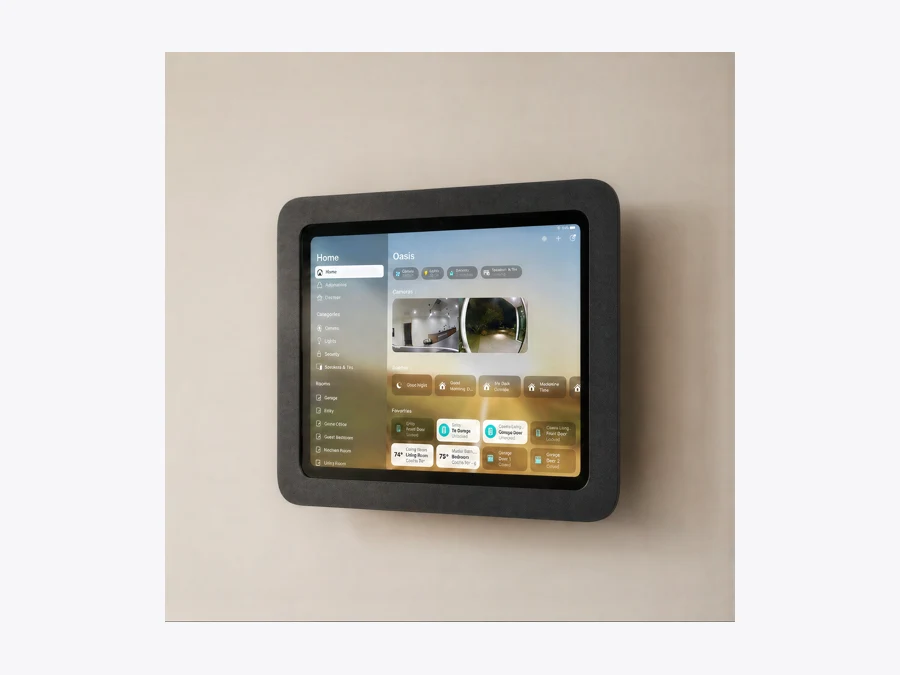
Wall mount: free the counter
Heckler’s OnWall mount supports iPad 10th and 11th generation models and has concealed space for an adapter. This is useful beside a reception desk or entrance, provided the screen remains reachable. Network cable routing, wall suitability and service access belong in the installation plan.
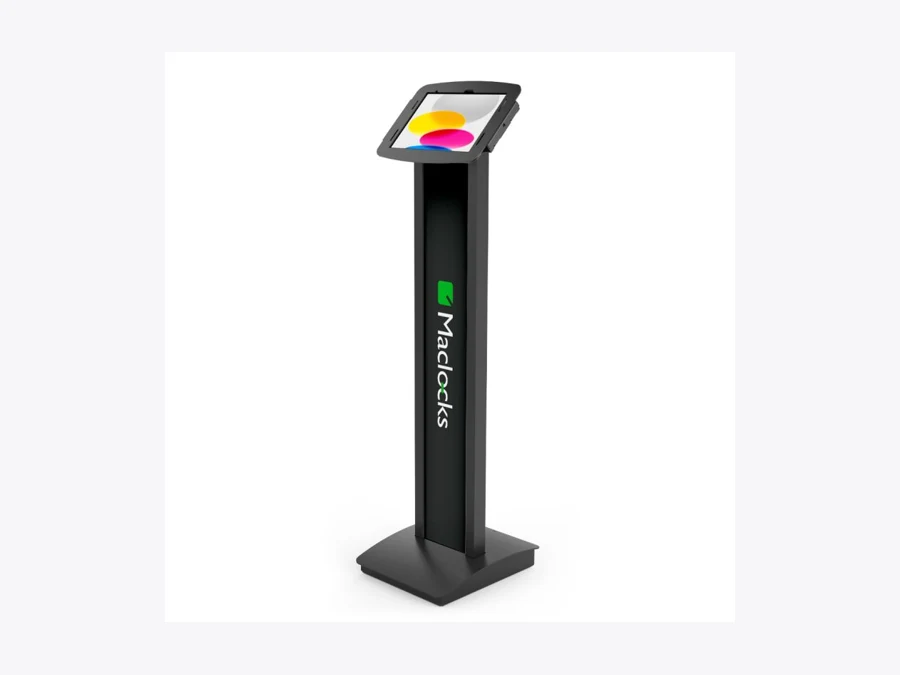
Floor stand: make the check-in point visible
A Compulocks BrandMe floor stand gives a tablet its own location and a panel for branding or instructions. It suits a lobby where there is no appropriate counter. Include floor space, anchoring, cable protection and the correct enclosure in the quote. Place it where customers can use it without blocking circulation.
For the shared iPad reference, Apple lists the iPad A16 with an 11-inch-class display, A16 chip and USB-C. Verify the exact model number when selecting a case, particularly if a mount photograph shows another iPad generation.
Match the setup to hotel, retail and visitor workflows
Hotel check-in
A mounted iPad can suit guest registration when reception staff complete the remaining steps. A Windows or commercial Android kiosk may suit a broader flow with external readers or printing, after integration testing.
Map booking lookup, identity verification, payment and room-key issue separately. PMS connections, identity devices and key encoders need explicit validation; an attractive touchscreen alone does not automate hotel check-in.
Product lookup and transactions
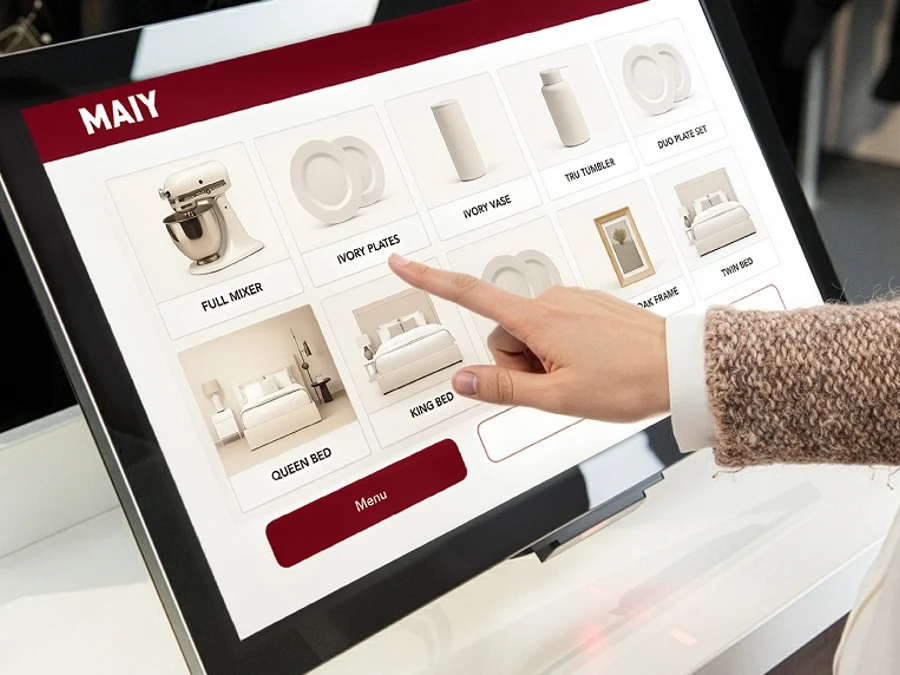
A compact Android panel or mounted iPad can provide barcode product information and price lookup. A larger Elo panel gives more space for an endless-aisle catalog.
Checkout adds a different set of requirements: approved payment integration, receipt handling, scanning, supervision and recovery after a failed transaction. Test the exact accessory and regional payment configuration.
Registration and badges
An iPad counter mount is a practical candidate for a supervised reception. A PoE panel can simplify a fixed wall installation. Windows is a candidate when badge-printer drivers or other existing peripherals lead the selection.
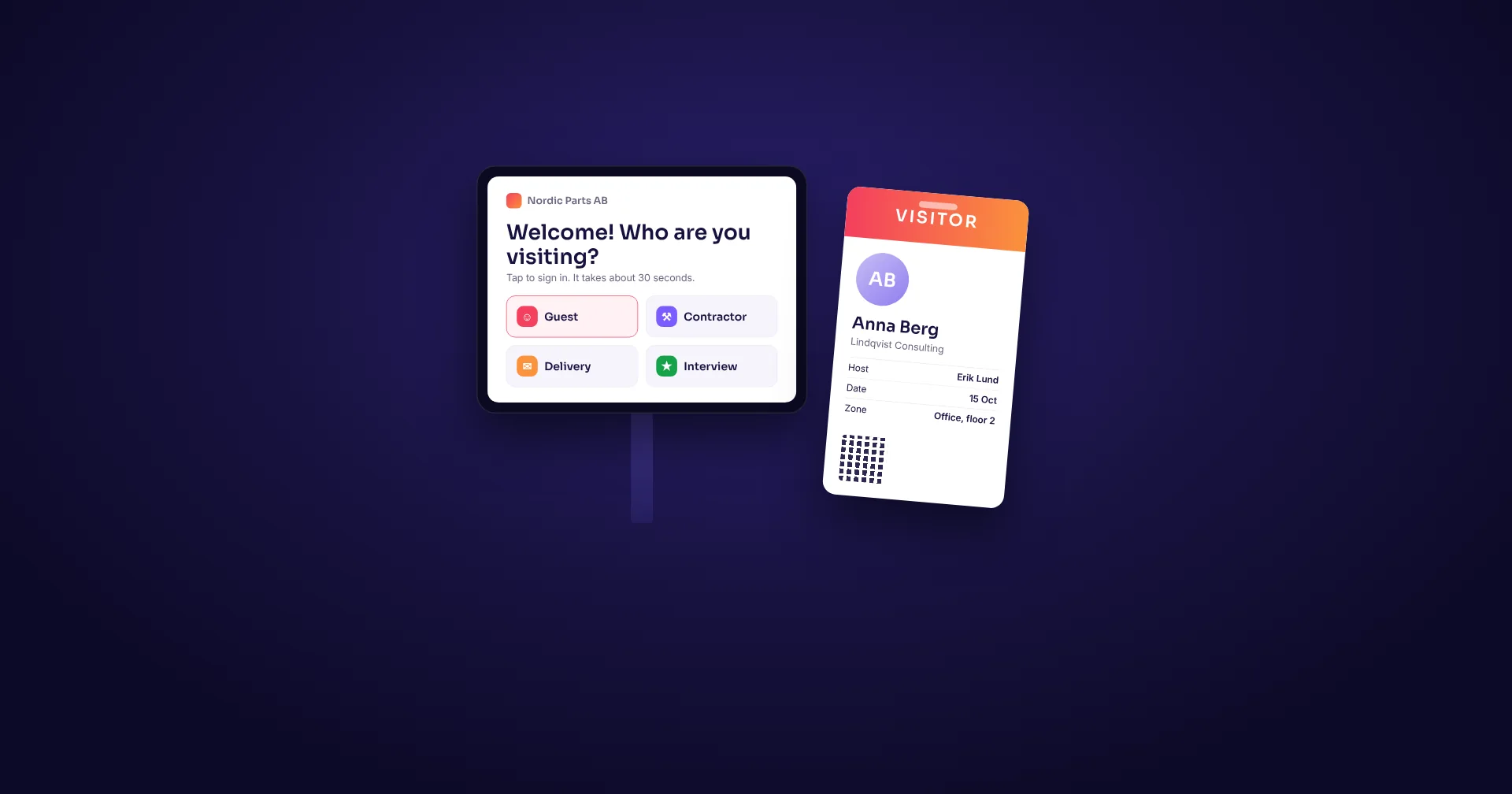
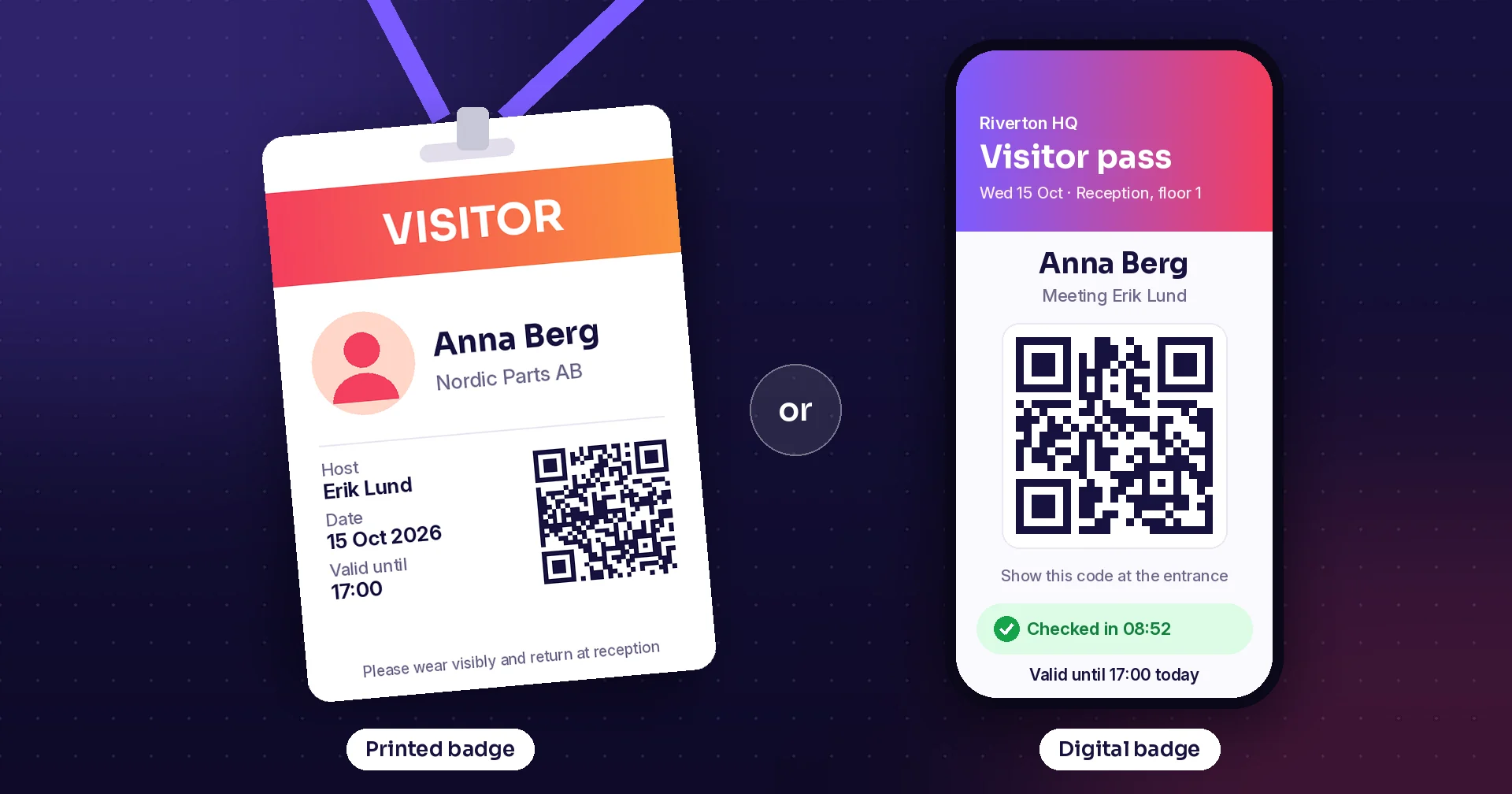
Test QR entry, camera visibility, host notification and printing in the installed position. Decide whether a digital badge removes the need for a printer in that particular visitor flow.
These are workflow recommendations. They do not imply that any listed model has been certified by Raptool or that a specific hotel/payment integration is included.
Compare the full three-year cost
Compare complete systems on the same basis: screen or tablet, enclosure, stand, power, networking, scanner, printer, payment equipment, software, installation and support. Include remote-management fees, replacement arrangements and the cost of staff attending failures.
An illustrative comparison: a €900 tablet-and-mount installation plus €15/month management costs €1,440 over three years. A €1,500 commercial setup plus €10/month management costs €1,860. If the first setup needs eight more support visits at €75, its total becomes €2,040. These are assumed figures, not product prices or measured reliability results.
Ask each supplier for an itemised quote, OS/security support dates and a replacement plan. A screen-only price cannot be compared fairly with a kiosk quote that includes a mount, scanner and printer.
Test one complete kiosk before ordering a fleet
Run the actual Raptool flow on the intended OS version with the selected accessories. Include an unreadable barcode, a print failure, a network interruption and a restart. Check accessibility, screen reach and customer privacy in the installed position. Use those results to approve the configuration and document its recovery procedure.
Tags
Plan your kiosk around the guest or customer journey. Discuss the workflow and hardware with Raptool.
Explore Raptool kiosksTechnical data and manufacturer information
Expand a model here, or open its product card above. Always specify the part number and installed OS when ordering.
iPad + Bouncepad Desk · iPadOS
iPadOS
iPad + Bouncepad Desk
Apple + Bouncepad · Manufacturer website
Apple supplies the iPad; Bouncepad supplies secured tablet enclosures and mounting systems.
| Tablet | iPad (A16), 11-inch class |
|---|---|
| Chip / display | A16; 2360 × 1640 |
| Connection | USB-C; Wi-Fi; cellular model optional |
| Mount | Secured desk mount; cable routed inside |
| Included | Mount and tablet are separate purchases |
Advantage
A tidy counter setup for supervised reception or a retail information desk.
Trade-off
Occupies counter space; printer and scanner connections need planning.
Candidate uses: Visitor reception; assisted hotel registration; retail lookup.
Check before ordering: Select the correct enclosure for the exact iPad model and test charging with all connected accessories.
Manufacturer product page · Specification source
Research checked 14 October 2026. Photos can show a different enclosure option or optional accessories. Raptool compatibility requires a configuration check.
iPad + Heckler OnWall · iPadOS
iPadOS
iPad + Heckler OnWall
Apple + Heckler · Manufacturer website
Apple supplies the iPad; Heckler supplies the steel mount and related installation accessories.
| Tablet | iPad 10th / 11th generation enclosure |
|---|---|
| Material | Powder-coated steel |
| Mount | Flush wall installation; concealed adapter space |
| Warranty | Mount: 2 years |
| Included | iPad, power/network adapter purchased separately |
Advantage
Leaves the counter free and gives the screen a fixed, visible position.
Trade-off
Wall work and cable routing are part of installation; less movable after fitting.
Candidate uses: Visitor sign-in; hotel lobby information; compact retail lookup.
Check before ordering: Verify mounting height, iPad model and power/network adapter fit before ordering.
Manufacturer product page · Specification source
Research checked 14 October 2026. Photos can show a different enclosure option or optional accessories. Raptool compatibility requires a configuration check.
iPad + Compulocks BrandMe · iPadOS
iPadOS
iPad + Compulocks BrandMe
Apple + Compulocks / Maclocks · Manufacturer website
Apple supplies the iPad; Compulocks, also branded Maclocks for Apple products, supplies security enclosures and stands.
| Tablet | Enclosure options include iPad 10th / A16 |
|---|---|
| Mount | Floor stand with brandable panel |
| Orientation | Portrait / landscape; enclosure-dependent |
| Accessories | Optional trays, stability and swivel accessories |
| Included | Choose stand + correct enclosure; tablet separate |
Advantage
Creates a visible check-in point without needing a reception counter.
Trade-off
Needs floor space and safe power routing; select enclosure and accessories separately.
Candidate uses: Hotel arrival point; visitor lobby; retail information.
Check before ordering: Confirm exact enclosure SKU, base fixing and whether the selected printer tray fits your device.
Manufacturer product page · Specification source
Research checked 14 October 2026. Photos can show a different enclosure option or optional accessories. Raptool compatibility requires a configuration check.
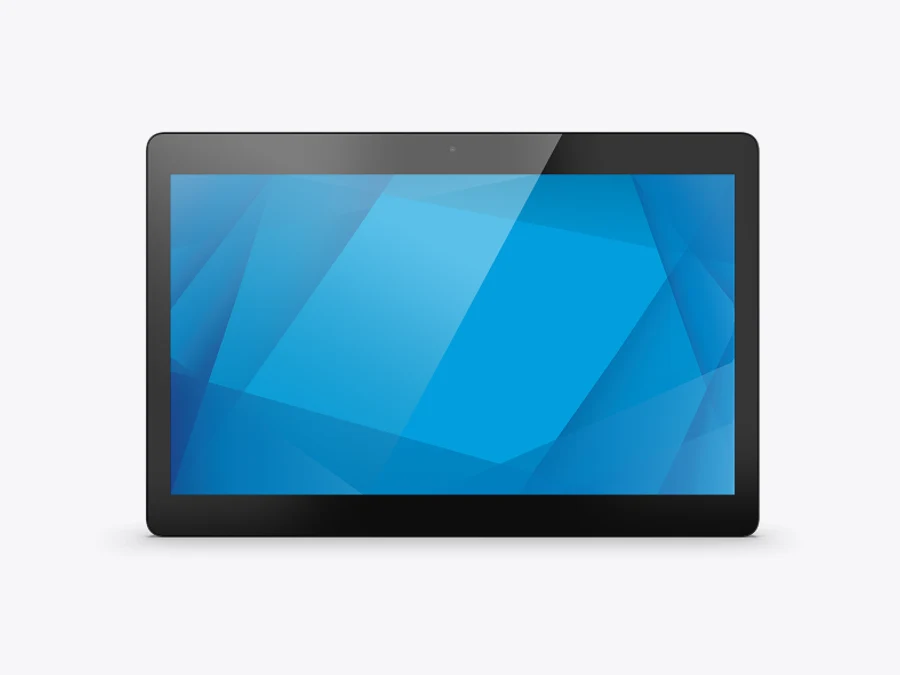
Elo I-Series 5, 15-inch · Android
Android
Elo I-Series 5, 15-inch
Elo Touch Solutions · Manufacturer website
Elo Touch Solutions supplies touch computers with configuration and peripheral choices.
Elo Touch Solutions supplies commercial touch computers and attached peripheral options.
Elo Touch Solutions supplies commercial touch computers and attached peripheral options.
| Display | 15.6-inch; 1920 × 1080 |
|---|---|
| Processor | Qualcomm Snapdragon QCS6490 |
| Memory / storage | 8 GB / 64 GB |
| OS | Android 14; upgrades depend on Elo programme |
| Integration | Edge Connect accessories; Wi-Fi; optional PoE |
Advantage
A commercial all-in-one with room for integrated kiosk peripherals.
Trade-off
Stand, scanner and other peripherals add to the system cost.
Candidate uses: Retail lookup / ordering; visitor sign-in; hotel registration.
Check before ordering: Verify OS image, device management, accessories and the exact Raptool workflow.
Manufacturer product page · Specification source
Research checked 14 October 2026. Photos can show a different enclosure option or optional accessories. Raptool compatibility requires a configuration check.
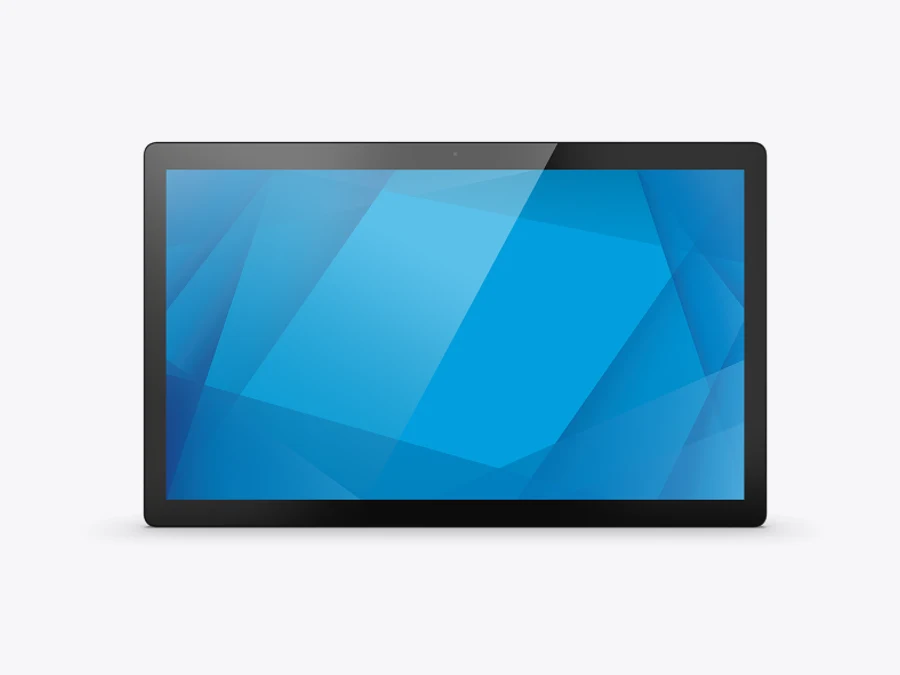
Elo I-Series 5, 22-inch · Android
Android
Elo I-Series 5, 22-inch
Elo Touch Solutions · Manufacturer website
Elo Touch Solutions supplies touch computers with configuration and peripheral choices.
Elo Touch Solutions supplies commercial touch computers and attached peripheral options.
Elo Touch Solutions supplies commercial touch computers and attached peripheral options.
| Display | 21.5-inch diagonal; 1920 × 1080 |
|---|---|
| Processor | Qualcomm Snapdragon QCS6490 |
| Memory / storage | 8 GB / 64 GB |
| OS | Android 14; subscription-dependent upgrade path |
| Touch | PCAP; 10-point touch |
Advantage
A larger interface can make product browsing and visible lobby workflows easier.
Trade-off
Takes more space than a compact panel; mounting and reach need attention.
Candidate uses: Endless aisle; larger visitor kiosk; hotel lobby.
Check before ordering: Trial the screen height and reach; confirm the current SKU, mount and OS-support terms.
Manufacturer product page · Specification source
Research checked 14 October 2026. Photos can show a different enclosure option or optional accessories. Raptool compatibility requires a configuration check.
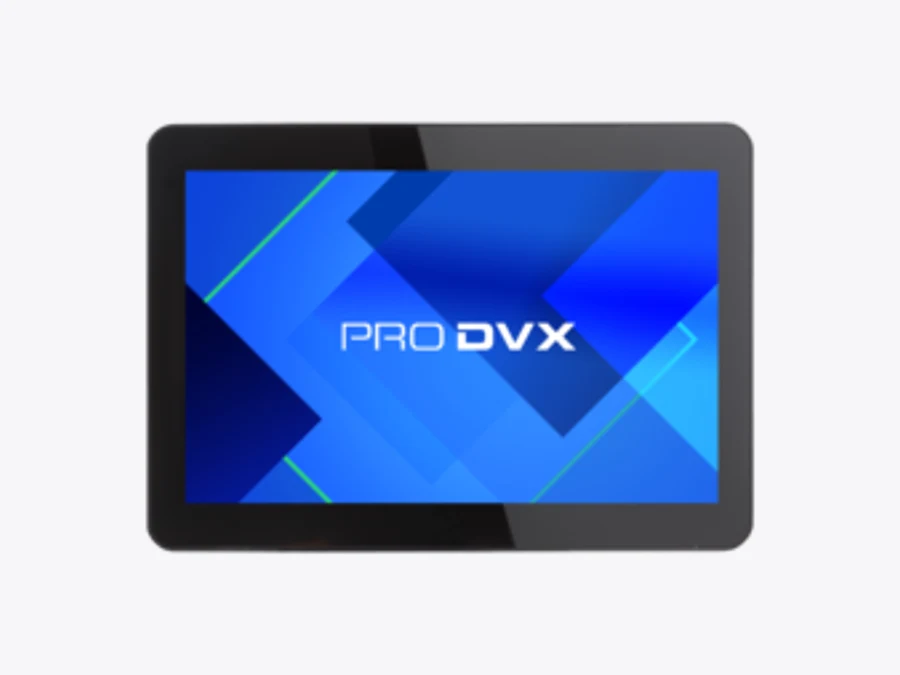
ProDVX APPC-10XP R23 · Android
Android
ProDVX APPC-10XP R23
ProDVX · Manufacturer website
ProDVX supplies integrated panel computers for fixed interactive installations.
| Variant | R23-7221; article code 5010610 |
|---|---|
| Display | 10.1-inch; 1280 × 800 |
| Processor | Rockchip RK3568; quad-core Cortex-A55 |
| Memory / storage | 4 GB / 16 GB |
| OS / power | Android 12 on cited sheet; PoE+ |
| Mount | VESA 75; peripheral options via USB / PoGo |
Advantage
Compact panel with one-cable power/network potential for fixed installations.
Trade-off
Smaller screen and an older stated OS image require a lifecycle check.
Candidate uses: Visitor sign-in; price lookup; fixed reception.
Check before ordering: Confirm current availability and security support: this comparison uses the specified R23 sheet, not another APPC model.
Manufacturer product page · Specification source
Research checked 14 October 2026. Photos can show a different enclosure option or optional accessories. Raptool compatibility requires a configuration check.
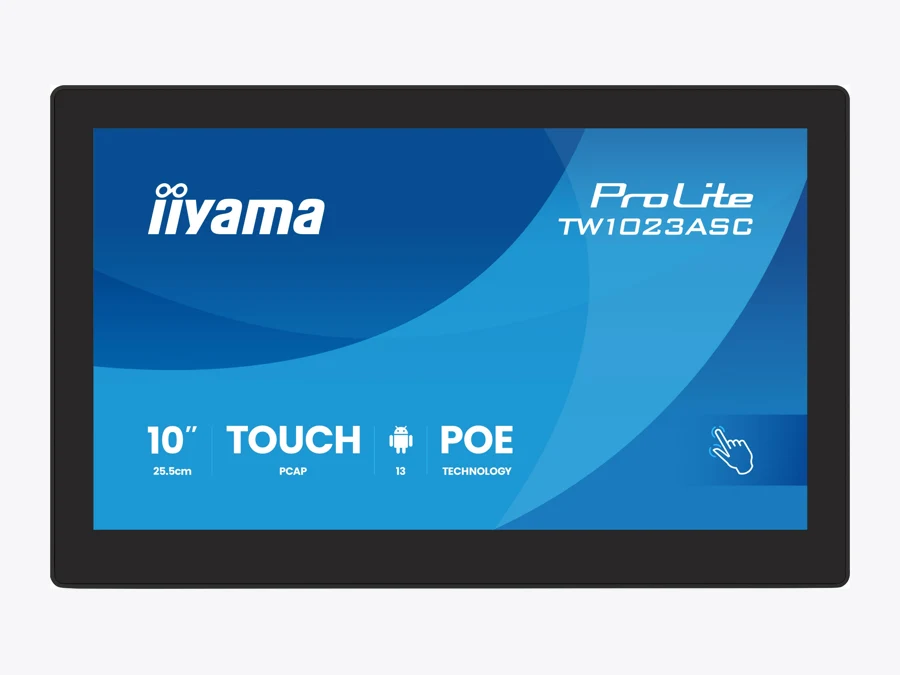
iiyama ProLite TW1023ASC-B3P · Android
Android
iiyama ProLite TW1023ASC-B3P
iiyama · Manufacturer website
iiyama supplies professional displays and Android touch panels, including the ProLite range.
| Display | 10.1-inch IPS; 1280 × 800 |
|---|---|
| Processor | Rockchip RK3568; quad-core A55 |
| Memory / storage | 4 GB / 32 GB eMMC |
| OS | Current global product page lists Android 16 |
| Connections | PoE (802.3at); USB; Wi-Fi; Bluetooth |
| Reception | 5 MP camera; microphone; speakers |
Advantage
Small panel combining touch, camera and wired installation options.
Trade-off
10.1-inch interface is less roomy for extensive forms or comparison grids.
Candidate uses: Visitor reception; information point; price checking.
Check before ordering: Earlier manuals list Android 13. Confirm delivered firmware and update support for the exact B3P unit.
Research checked 14 October 2026. Photos can show a different enclosure option or optional accessories. Raptool compatibility requires a configuration check.
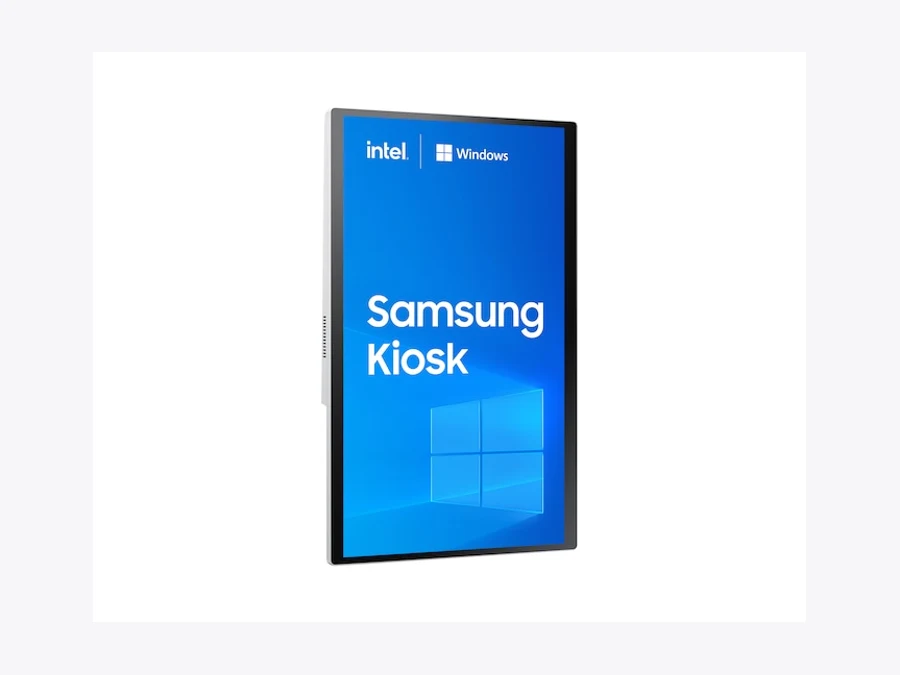
Samsung KMC-W, 24-inch i5 · Windows
Windows
Samsung KMC-W, 24-inch i5
Samsung · Manufacturer website
Samsung supplies commercial display and kiosk systems; this guide selects its Windows variant.
| SKU | LH24KMC5BGCXEN |
|---|---|
| Display | 24-inch class; Full HD |
| Compute | 11th-generation Intel Core i5 variant |
| OS | Windows 10 IoT Enterprise listed for this SKU |
| Installation | Counter, wall or floor configuration |
| Peripherals | Modular payment / printer configuration |
| Published duty cycle | 16 hours/day, 7 days/week; verify for a 24-hour lobby |
Advantage
A kiosk format designed around transaction hardware and a sizeable screen.
Trade-off
Windows lifecycle, regional accessories and payment integration need review.
Candidate uses: Retail transactions; hotel transaction kiosk.
Check before ordering: Choose the Windows KMC-W version, not the Tizen model, and verify OS servicing plus the payment provider’s approved configuration.
Research checked 14 October 2026. Photos can show a different enclosure option or optional accessories. Raptool compatibility requires a configuration check.
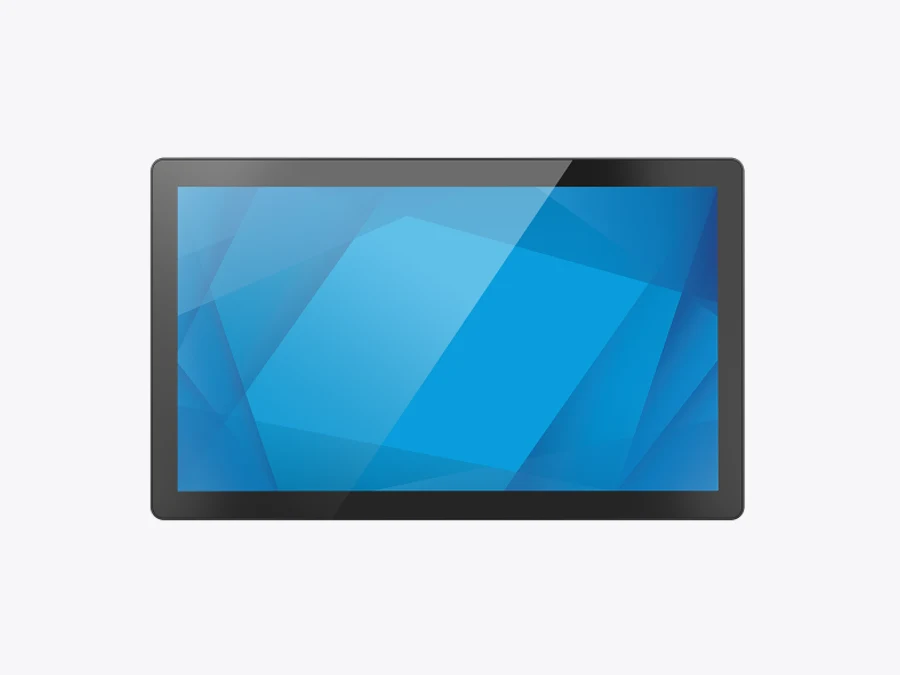
Elo I-Series 3 Intel, 22-inch · Windows
Windows
Elo I-Series 3 Intel, 22-inch
Elo Touch Solutions · Manufacturer website
Elo Touch Solutions supplies touch computers with configuration and peripheral choices.
Elo Touch Solutions supplies commercial touch computers and attached peripheral options.
Elo Touch Solutions supplies commercial touch computers and attached peripheral options.
| Display | 21.5-inch class; Full HD |
|---|---|
| OS options | Windows 10 / 11 IoT Enterprise LTSC; SKU-dependent |
| Compute | Celeron / Core configurations; specify SKU |
| Connections | Gigabit LAN; USB-C; USB 3.0; serial |
| Stand options | Powered USB / cash-drawer ports on with-stand variants |
Advantage
Broad connections help when the design includes multiple wired peripherals.
Trade-off
Configuration options make quote comparison harder; stand variants differ.
Candidate uses: Hotel check-in with peripherals; visitor badge printing; retail.
Check before ordering: Order by part number, not family name. Confirm the required driver and payment or key-encoder integration.
Research checked 14 October 2026. Photos can show a different enclosure option or optional accessories. Raptool compatibility requires a configuration check.
Advantech UTC-515J · Windows
Windows
Advantech UTC-515J
Advantech · Manufacturer website
Advantech supplies embedded and industrial computing products, including the UTC touch-computer range.
| Display | 15.6-inch; HD or FHD variant |
|---|---|
| Processor | Intel Celeron J6412 |
| Memory | 4 GB DDR4 listed; configuration-dependent |
| OS | Windows 10 / 11 IoT Enterprise options |
| Mount | VESA 100 × 100; side peripheral grooves |
| Touch | PCAP / resistive variants: specify part number |
Advantage
Panel-computer form with mounting and peripheral options for a fixed kiosk.
Trade-off
Requires careful selection of touch, storage, OS and peripheral configuration.
Candidate uses: Hotel service point; visitor badges; fixed retail kiosk.
Check before ordering: Request the complete current BOM and confirm lifecycle. Do not substitute a similarly named older UTC-515 generation.
Research checked 14 October 2026. Photos can show a different enclosure option or optional accessories. Raptool compatibility requires a configuration check.
Kiosk hardware questions answered
Which operating system is best for a Raptool kiosk?
Choose around the workflow. iPadOS is a candidate for a simple mounted reception tablet; a commercial Android panel offers dedicated installation and accessory options; Windows is a candidate when specific drivers or multiple wired peripherals matter. Confirm the complete configuration with Raptool.
Can an iPad be used for hotel check-in?
It can be a candidate for guest registration or an assisted workflow. PMS integration, identity verification, payments and room-key issue require separate checks. Do not infer support for those functions from the iPad or mount alone.
Does Raptool support Android and Windows as well as iPad?
Raptool’s kiosk and visitor-management pages list iOS, Android and Windows. That platform statement does not certify every device, OS image, printer or payment accessory.
Is a stand or enclosure included with the tablet?
Usually the tablet and mounting hardware are separate products. Check the supplier’s exact bundle, model number and accessories before comparing quotes.
What do the ten products in the slider represent?
Three iPad mounting configurations, four Android panels and three Windows systems. The first three use the same iPad reference with different installation choices; they are not three different tablets.