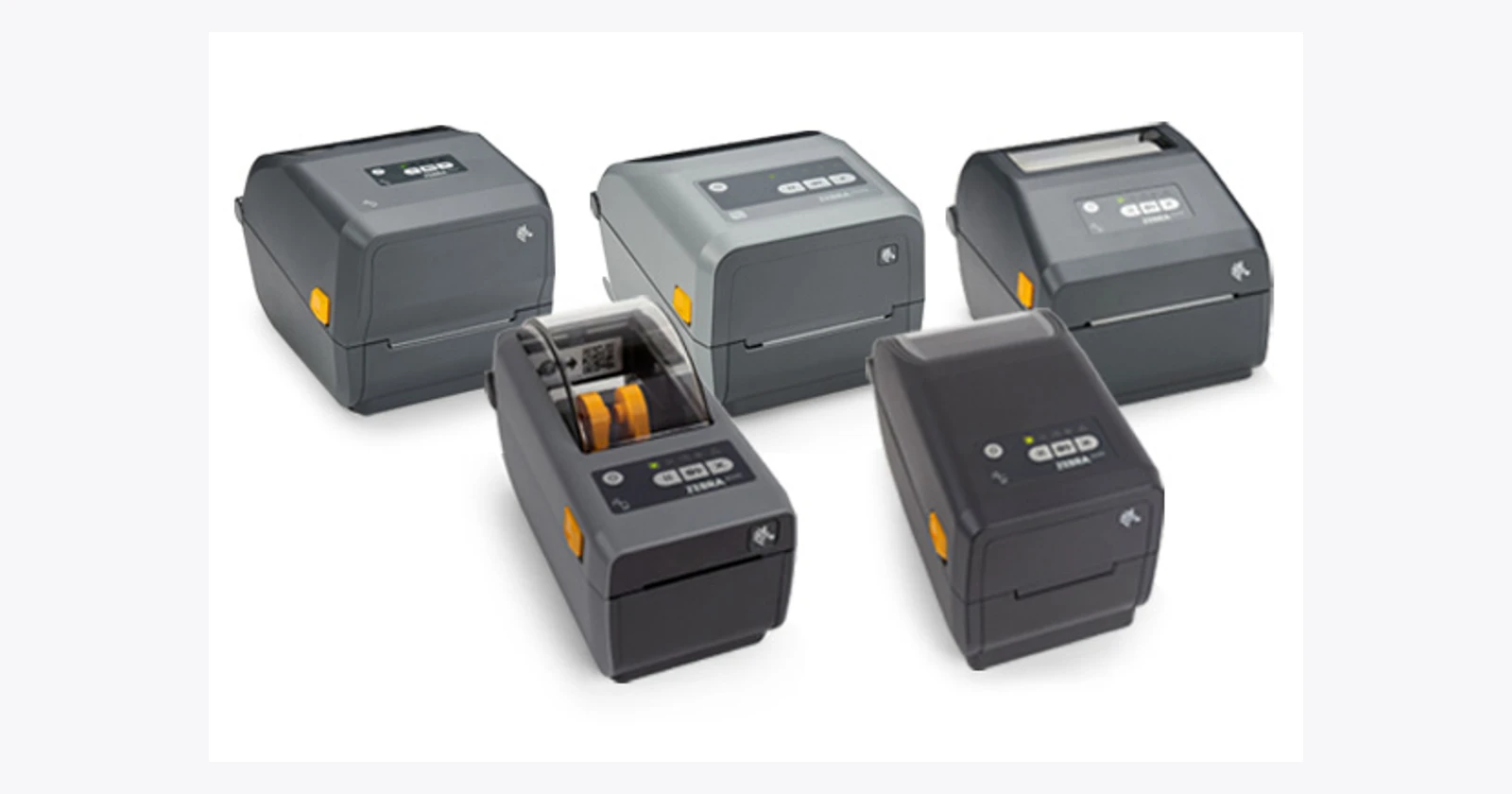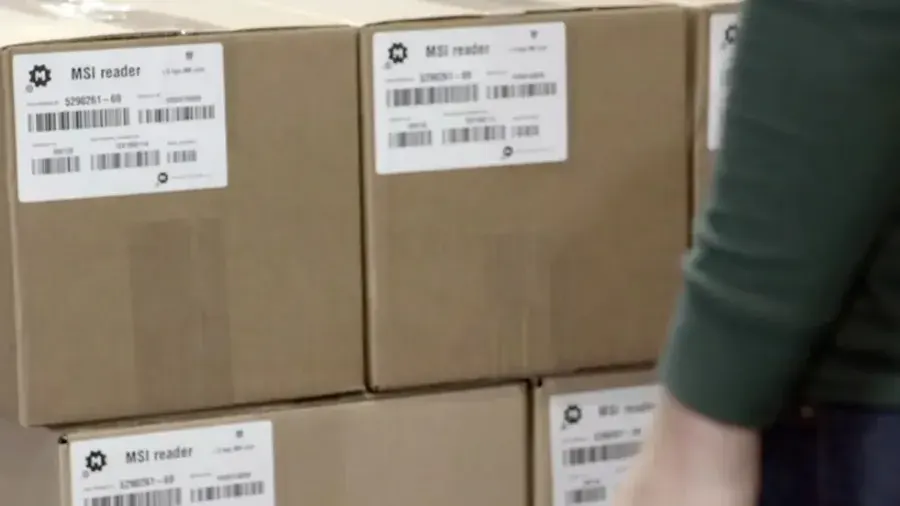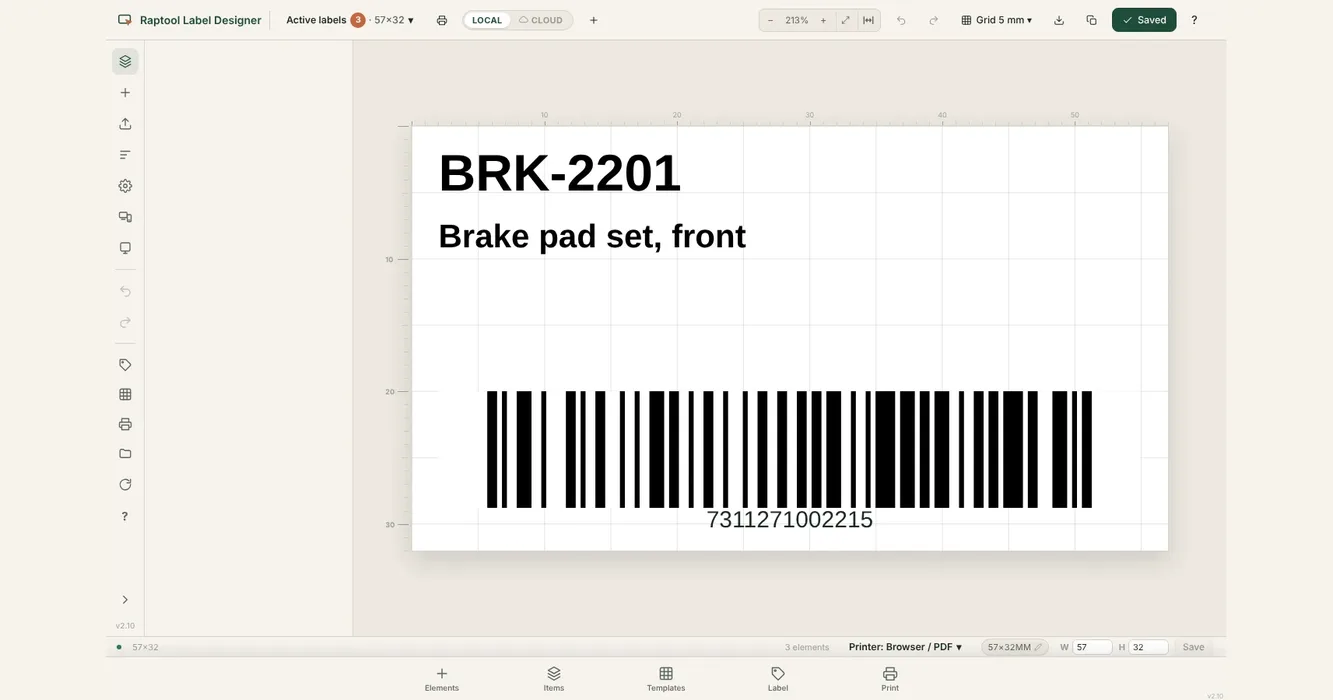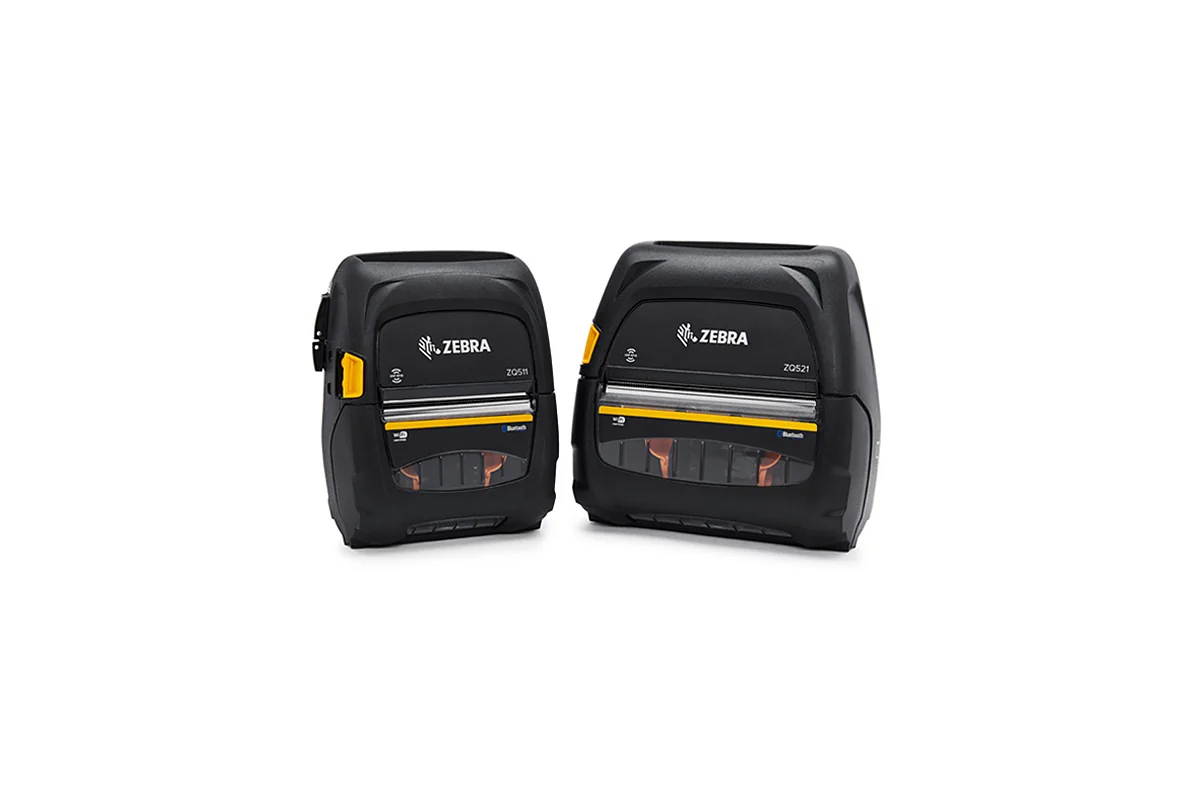
The product photograph shows the ZQ511/ZQ521 RFID family. Workplace photos illustrate the operating environment and do not show the proposed printer integration.
If a project brief says “Zebra ZQ511 RFID,” confirm the exact printer variant before ordering labels or planning an integration. A printed barcode and an encoded RFID tag are related parts of a label workflow, but they are not interchangeable functions.
The aim of the evaluation is a correct label attached to the correct goods, with a record the next reader or employee can use. This guide proposes a practical way to test that outcome without assuming that every ZQ511 configuration includes the same RFID capability.
Verify the RFID printer configuration
Zebra publishes both standard ZQ511/ZQ521 information and a dedicated RFID specification. Ask the hardware partner to identify the ordered RFID-capable configuration explicitly.
The standard specification includes a specific media note for ZQ511R/ZQ521R: black-mark RFID media is required and gap sensing is not supported. Confirm that requirement against the proposed media and current manufacturer documentation rather than selecting labels by roll size alone.
Keep the printer identifier, media reference, and agreed accessories in the pilot record. The wording on an informal quote is not sufficient evidence that the complete combination matches the intended encoding workflow.
Define what the label must represent
Decide whether the label identifies an individual item, a carton, a pallet, or another business object. Establish the owner of the identifier and how it links to the product or stock record.
Specify the visible information and the encoded information separately. Staff may need a human-readable description and a barcode, while the RFID process requires a defined tag value. Agree which values must match and how the system checks that relationship.
Include reprinting in the design. A damaged label needs a controlled replacement process so the next employee can understand which identifier remains valid. Ask the solution provider to demonstrate the exact behavior instead of treating reprint as an ordinary second copy.
Select media for the intended application
Ask the printer and media partners to approve the complete stock for the chosen printer configuration. Consider how the label is attached and how it will be read later. Keep the actual products and packaging in the trial.
Use more than a short bench test. Print and apply labels during a representative working period, then inspect their condition and readability where the goods are stored or handled. The right test is the lifecycle your operation expects from that label.
Record media changes as configuration changes. If a replacement roll uses a different construction or reference, ask which checks should be repeated. An apparently similar roll should not bypass the approval process simply because it fits the printer.
Test printing and encoding as separate results
Ask the demonstration team to show the printed output and the supported way to verify encoded data. A clear printed barcode does not by itself demonstrate that the RFID value is correct, and a successful tag read does not establish that the label belongs on the intended carton.
Include an unreadable tag or failed encoding scenario under the supported workflow. Staff need to know whether the label should be used, discarded, or investigated. Keep failed output physically distinct from labels ready to apply.
Check the corresponding business record after the label is accepted. Confirm what information is stored and when the printed or encoded identifier becomes associated with the goods. A label task should not finish while that relationship remains uncertain.
Use an end-to-end acceptance checklist
The table below proposes questions for the printer, media, app, and operational teams. It does not claim that a generic print connection provides RFID encoding or every verification control. Assign responsibility for each stage before the pilot.
| Stage | Question to answer | Evidence |
|---|---|---|
| Configuration | Is this the agreed RFID-capable printer? | Ordered model and partner confirmation |
| Media | Does the stock match printer requirements? | Approved media reference |
| Data | Which identifier is printed and encoded? | Documented label definition |
| Verification | How is the output checked? | Supported verification result |
| Recovery | What happens after failure or reprint? | Clear label and record status |
Plan mobile printing around the point of use
Decide why the printer needs to move. Printing near receiving or the goods may be useful, but staff still need a practical carrying, charging, and roll-replacement routine. Test the proposed accessories during the task.
Check how the app selects the intended printer. In a shared area, include another printer nearby and a replacement device. Ask staff to demonstrate the identification and connection process without relying on an undocumented pairing step.
Include a connection interruption and an uncertain print result. The recovery procedure should explain how staff check whether output was produced and how they resume without confusing valid and duplicate labels. Verify the final records as well as the paper output.
Keep deployment evidence with the workflow
Record the approved printer configuration, media, label template, encoding requirements, app version, and connection settings. Give the team a clear route to review changes to any of them.
Measure failed labels, rework, and time spent resolving exceptions in the pilot. Compare those results with your current process. Avoid borrowing an accuracy or speed figure from another operation with different products and media.
Agree who supports the printer, who supports the media, and who supports the software. A useful handover includes a known test label and a supported verification procedure so the responsible team can investigate a reported problem.
How Raptool fits
The Raptool website describes label tools, printing within its retail workflows, and RFID applications. Use these as starting points for defining the label data and the business task around it.
Barcode or receipt printing support does not establish RFID encoding support for a particular printer. Ask Raptool and the hardware partner to demonstrate the exact ZQ511 RFID configuration, media, template, encoding, and verification workflow. Raptool supplies software; hardware and media are supplied through partners.
FAQ
Is every ZQ511 an RFID printer?
Do not assume that from the base model name. Confirm the RFID-capable configuration and its manufacturer documentation.
Which RFID media does Zebra specify?
The standard ZQ511/ZQ521 specification notes black-mark RFID media for ZQ511R/ZQ521R and says gap sensing is not supported. Confirm the proposed media with the partner.
Does a printed barcode prove RFID encoding succeeded?
No. Check printed output and encoded data under the supported verification workflow, then confirm association with the intended goods.
Can any label-printing integration encode RFID?
Do not assume it can. Demonstrate printer-specific encoding, data handling, and recovery in the complete solution.
What should the pilot include?
Use actual media and goods, a failed-output scenario, a reprint, and a connection interruption. Inspect labels and the associated records.
Tags
Want to see how this could work in your warehouse? Book a demo and we will walk you through it.
Book a demo