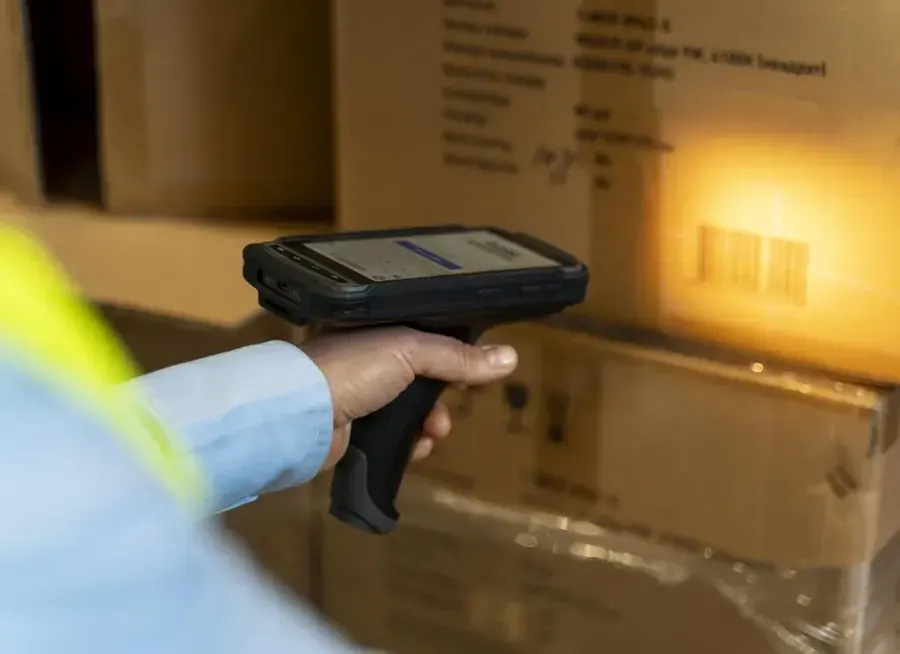
A worker finishes packing, turns to collect a label and finds that the roll is empty. Another walks back across receiving to print a replacement. A third gets the label immediately, but it belongs to the previous order. Buying a faster printer addresses only one of those delays.
The useful question is where printing interrupts the job. Zebra offers desktop and industrial choices, but a comparison should begin with the label, its destination and the person applying it. A printer that fits a packing desk can be a sensible purchase even when a larger industrial machine has a higher maximum speed.
A desk printer can be the right answer
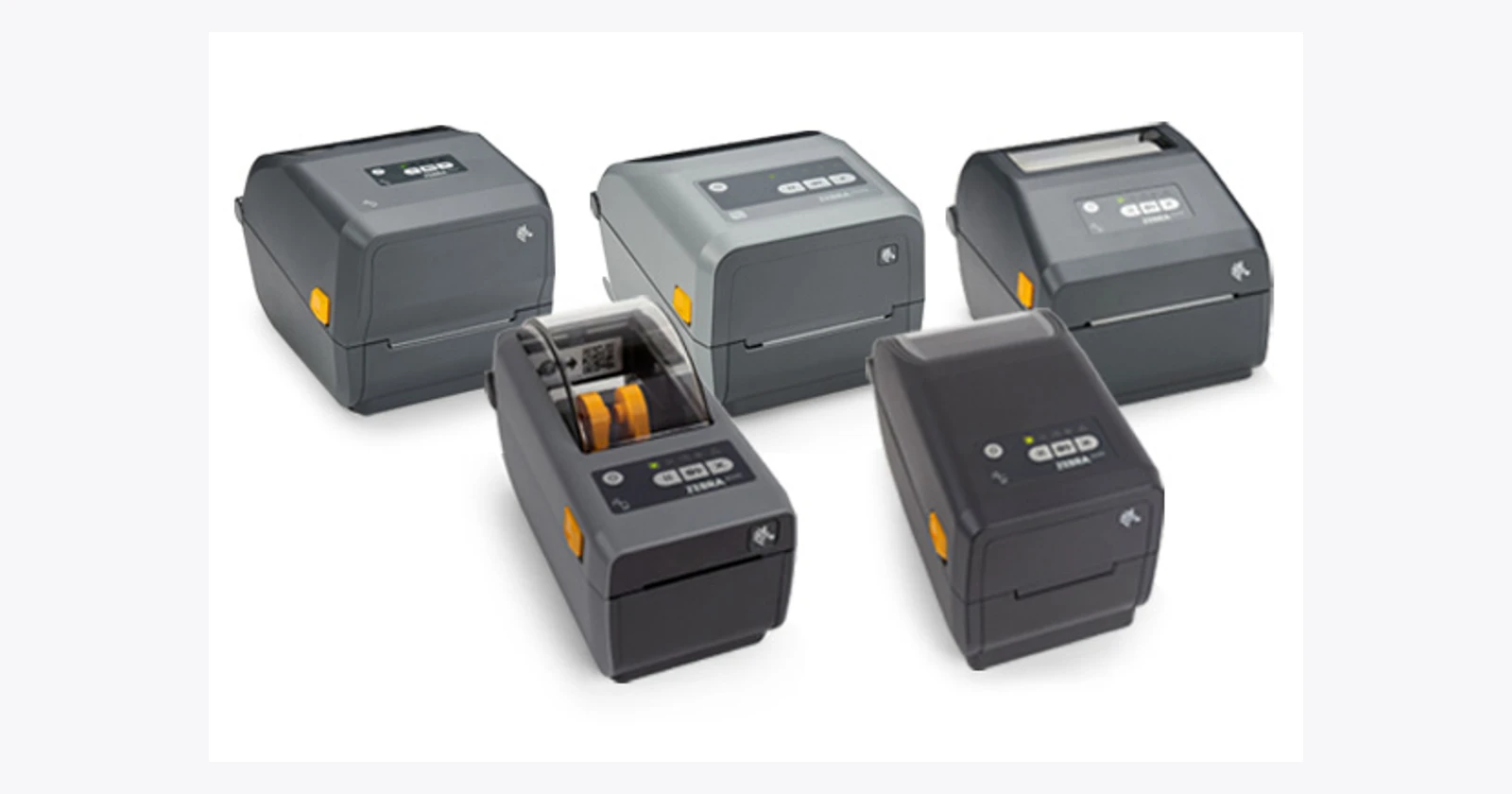
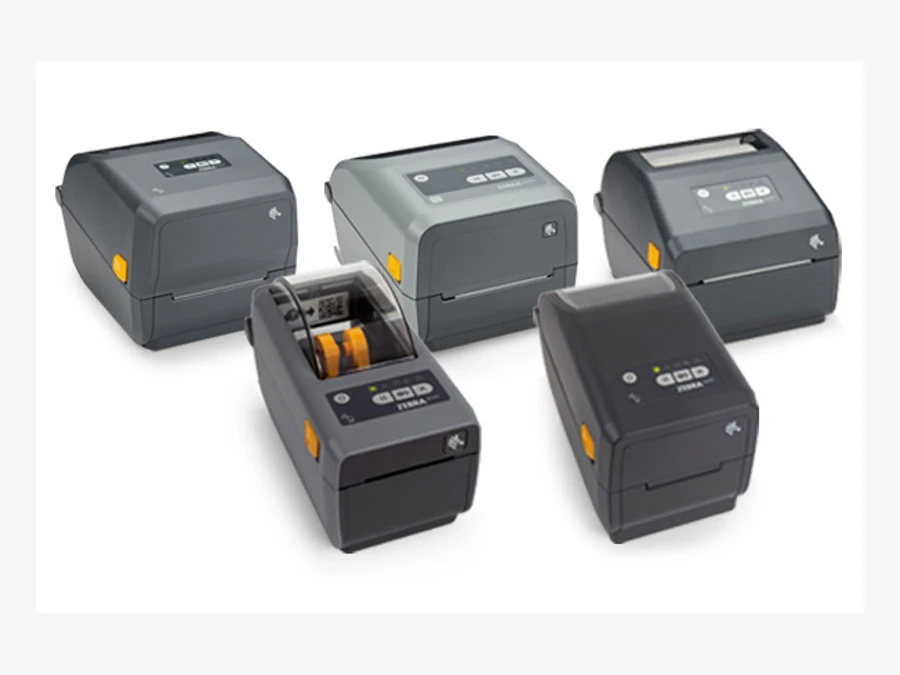
For a workstation that prints in batches between other tasks, evaluate the ZD421. Zebra lists direct thermal and thermal transfer configurations, with USB and optional network connections. Its included BLE connection is for the setup app; it should not be mistaken for a general Bluetooth printing connection. Confirm the ordering code and app connection before buying. Official ZD400 specification
The operating question is whether a compact printer keeps up through the busiest period without frequent intervention. Measure the time spent replacing supplies and sorting printed labels. A successful demonstration should include a roll change and a network reconnection, not just a single perfect label.
| Family | Evaluate when | Watch out for |
|---|---|---|
| ZD421 | Labels printed beside a desk or workstation | Print method, supply changes and optional radios |
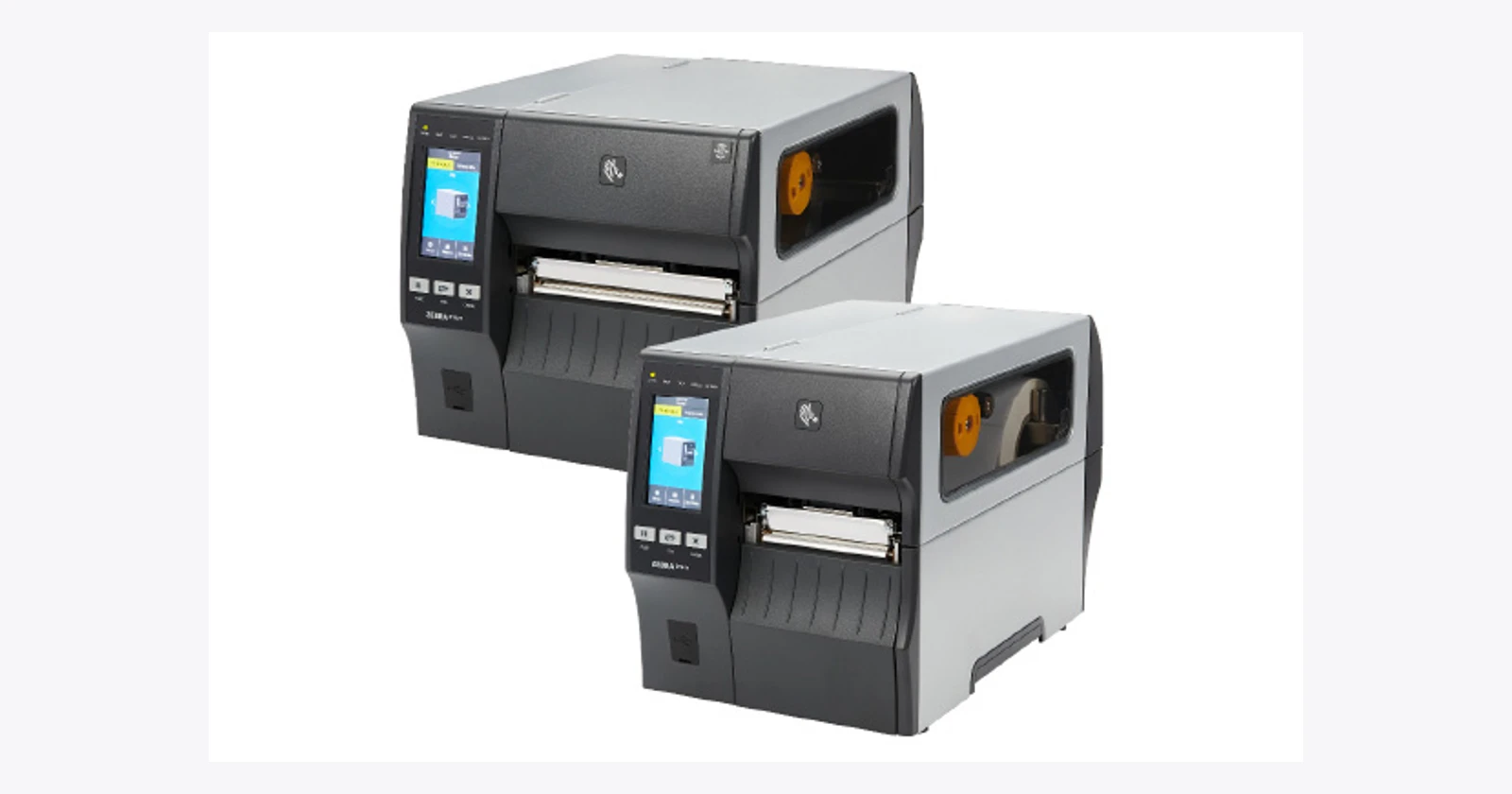
| ZT411 | A demanding industrial station needs more configuration options | Linerless and RFID require matching hardware/media |
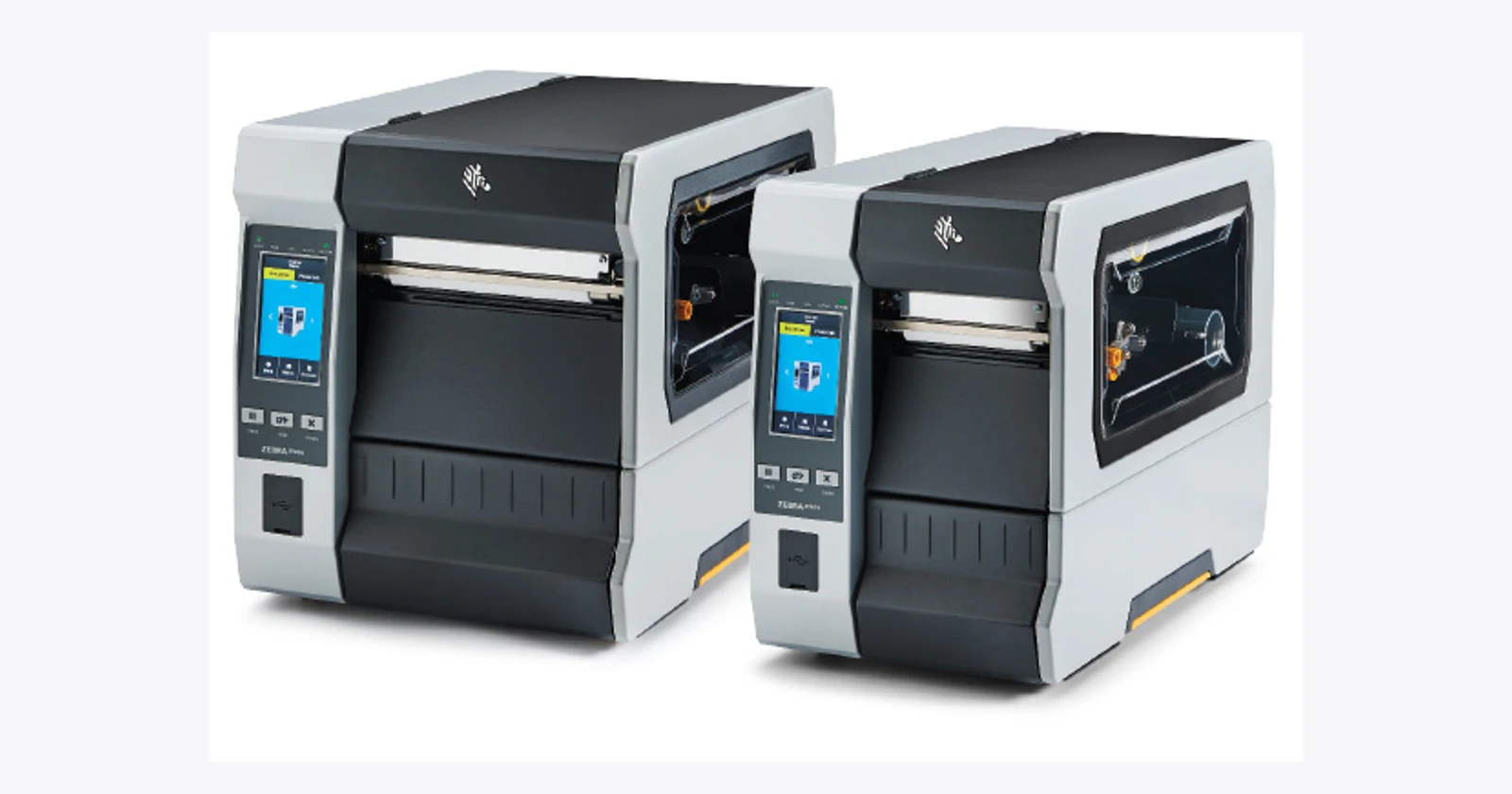
| ZT610 | Industrial production or specialized small labels | Micro-label option excludes RFID and cutter |
Industrial printing needs more than a headline speed
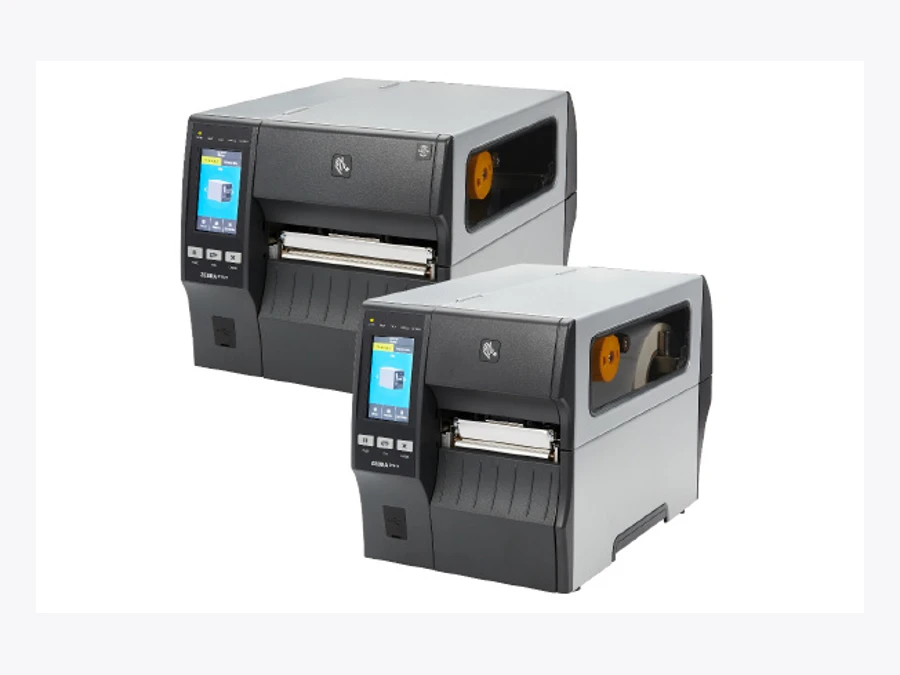
The ZT411 is an industrial alternative. Its current specification includes optional linerless capability. That requires the appropriate model or kit and suitable media; it is not a promise that any roll will work. The sheet gives inconsistent Bluetooth versions in different sections, so that detail remains a supplier confirmation item. Official ZT400 specification
Linerless printing deserves a practical trial. Removing the backing liner can simplify handling, but supply availability, adhesive behavior, cutting and maintenance still belong in the cost comparison. Count usable labels and interruptions over a shift rather than assuming that eliminating one material eliminates all waste.
Small labels need a separate decision
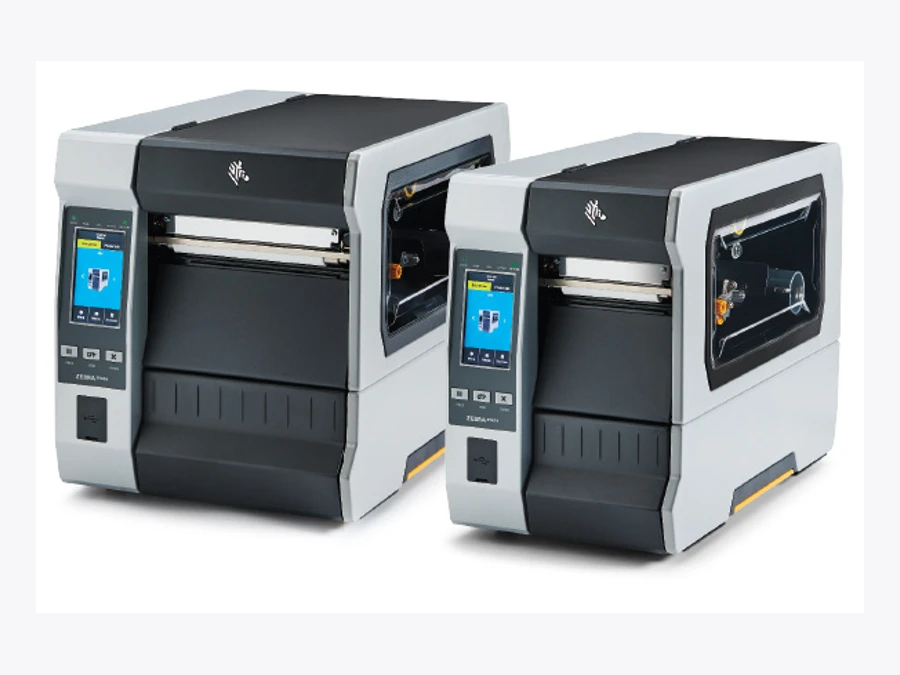
Zebra also lists a specialized ZT610 micro-label configuration. It is a distinct 600 dpi option, and the published configuration excludes RFID and a cutter. Do not combine those options into an imaginary printer that does everything. Official ZT600 specification
GS1’s barcode quality guidance highlights spacing, contrast and symbol position among the checks that affect reading. Before moving to a finer printhead, check the intended barcode size, media and downstream reading conditions. More dots do not correct the wrong product identifier or a label applied over a fold. Test the actual production artwork and inspect the result after normal handling.
Put the label beside the decision
Central printing is easy to supervise, but it can create walking and sorting. Printing at the point of application can remove those steps, while adding more devices and supplies to manage. The best arrangement depends on how often people print, how far they walk and whether labels can be mixed up.
For a pilot, record the complete interval from requesting a label to applying the correct one. Include unsuccessful prints, reprints and recovery time. Compare the same orders and people across the proposed arrangements. A maximum speed from a specification sheet is useful for shortlisting; it is not a warehouse productivity result.
What five seconds could mean
Here is an illustrative capacity calculation, not a customer result. If a revised print workflow removes five seconds from each of 600 daily jobs across 250 working days, it releases about 208 hours per year. At an assumed €30 per hour, that is €6,250 of capacity value, before equipment, software, supplies, integration and maintenance costs.
Those hours become cash savings only if an actual paid cost changes. A team that uses the time to finish earlier within its existing shift has gained capacity; it has not automatically reduced its wage bill. Do not add a separate overtime reduction to the same hours and count the benefit twice.
Keep the order and the label together
The software should know which job requested a label, what data went into it and whether a retry is safe. An interrupted connection can otherwise produce a delayed label at the moment someone has started the next order. Design a visible reprint process with the reason and order identity retained.
Ask the supplier to demonstrate your real template and data path, including a failed connection. Confirm printer languages, drivers or SDKs, network controls and the support responsibility for the complete system. No Raptool compatibility has been tested for the selected configurations in this article.
The buying decision can then be specific: a compact printer at each desk, an industrial printer serving a demanding station, or a specialist setup for small labels. Pay for the problem the trial actually reveals.
Technical reference
Zebra ZD421 · technical details
Zebra ZD421
Official product specifications
| Print or capture technology | Direct thermal or thermal transfer configurations |
|---|---|
| Resolution | 203 dpi; optional 300 dpi |
| Vendor maximum speed | 152 mm/s at 203 dpi; 102 mm/s at 300 dpi |
| Print width | 104 mm at 203 dpi; 106 mm at 300 dpi; cartridge 104 mm both |
| Media widths or sizes | 15–108 mm DT; 15–112 mm TT roll; 15–118 mm cartridge; roll OD up to 127 mm |
| Connectivity | USB/USB Host standard; optional Ethernet, serial, Wi-Fi/Bluetooth; included BLE setup only |
| OS or platform | Link-OS |
| Display or controls | Five status icons; three buttons |
| Processor or memory | 512 MB Flash; 256 MB SDRAM |
| Environmental | Operating 4.4–41 °C; humidity 10–90% non-condensing |
| Dimensions and weight | DT: 220.8×177.5×150.7 mm /1.35 kg; TT roll: 267×202×189 mm /2.05 kg; cartridge: 254×202×177 mm /2.3 kg |
| Power or battery | 100–240 VAC, 50–60 Hz; optional 2750 mAh battery |
| Accessories and options | Cutter; peeler; wireless kits; battery; healthcare variants |
| Support and lifecycle notes | Regional warranty/service terms; no end-of-support date established |
Evaluate for: Desk and workstation labelling.
Before ordering: Confirm exact print method, resolution, media, radio and installed options. Family image includes other models.
Checked 18 October 2026. Vendor maxima and options are configuration dependent. Photograph is a family reference, not proof of included accessories or app compatibility.
Zebra ZT411 · technical details
Zebra ZT411
Official product specifications
| Print or capture technology | Direct thermal and thermal transfer; linerless configurations qualified separately |
|---|---|
| Resolution | 203 dpi; optional 300 or 600 dpi |
| Vendor maximum speed | Up to 356 mm/s; not a guarantee at every dpi/media |
| Print width | 104 mm |
| Media widths or sizes | 25.4–114 mm tear/cutter; 25.4–108 mm peel/rewind; roll OD up to 203 mm |
| Connectivity | USB; serial; Ethernet; dual USB Host; Bluetooth version conflicts within sheet; optional Wi-Fi |
| OS or platform | Link-OS |
| Display or controls | 4.3-inch color touchscreen |
| Processor or memory | 256 MB SDRAM; 512 MB Flash |
| Environmental | TT operating 5–40 °C; DT 0–40 °C; humidity 20–85% non-condensing |
| Dimensions and weight | Base closed: 495×269×324 mm; 16.33 kg |
| Power or battery | 100–240 VAC, 50–60 Hz |
| Accessories and options | RFID; cutter; rewind; linerless model or upgrade kit; on-metal RFID excludes 600 dpi |
| Support and lifecycle notes | Confirm exact radio and installed options; no lifecycle end date established |
Evaluate for: Demanding industrial workstations.
Before ordering: Confirm exact print method, resolution, media, radio and installed options. Family image includes other models.
Checked 18 October 2026. Vendor maxima and options are configuration dependent. Photograph is a family reference, not proof of included accessories or app compatibility.
Zebra ZT610 · technical details
Zebra ZT610
Official product specifications
| Print or capture technology | Direct thermal and thermal transfer |
|---|---|
| Resolution | 203 dpi; optional 300/600 dpi; distinct 600 dpi micro-label configuration |
| Vendor maximum speed | Up to 356 mm/s; not a guarantee at every dpi/media |
| Print width | 104 mm |
| Media widths or sizes | Standard 20–114 mm; micro-label model 12–114 mm; roll OD up to 203 mm |
| Connectivity | USB; serial; Gigabit Ethernet; Bluetooth; optional Wi-Fi |
| OS or platform | Link-OS |
| Display or controls | 4.3-inch color touchscreen |
| Processor or memory | 1 GB RAM; 2 GB Flash |
| Environmental | TT operating 5–40 °C; DT 0–40 °C; humidity 20–85% non-condensing |
| Dimensions and weight | Closed: 505×268.2×395.68 mm; 22.7 kg |
| Power or battery | 90–265 VAC, 47–63 Hz; rated 250 W |
| Accessories and options | Cutter; rewind; RFID; micro-label option excludes cutter/RFID |
| Support and lifecycle notes | No confirmed launch date or lifecycle end date; family photo not exact configuration |
Evaluate for: Industrial production and specialized small-label configurations.
Before ordering: Confirm exact print method, resolution, media, radio and installed options. Family image includes other models.
Checked 18 October 2026. Vendor maxima and options are configuration dependent. Photograph is a family reference, not proof of included accessories or app compatibility.
Questions before you order
Are these new Zebra printers released in 2026?
No. They are established families in current official listings, including configuration options described by the current sheets. This is not a complete launch roundup.
Does the ZD421’s included BLE connection print labels?
Zebra qualifies its included BLE connection as being for the printer setup mobile app only. Confirm the radio option and app printing route for the exact ordering code.
Does the ZT610 micro-label option support RFID and a cutter?
The current specification excludes cutter and RFID support for the specialized micro-label configuration. Do not combine features from different configurations.
Sources and scope
Checked 18 October 2026. Selected current listings; regional availability and exact part numbers require confirmation. Practical comparisons and illustrative calculations are our analysis. No independent hardware benchmark was performed.