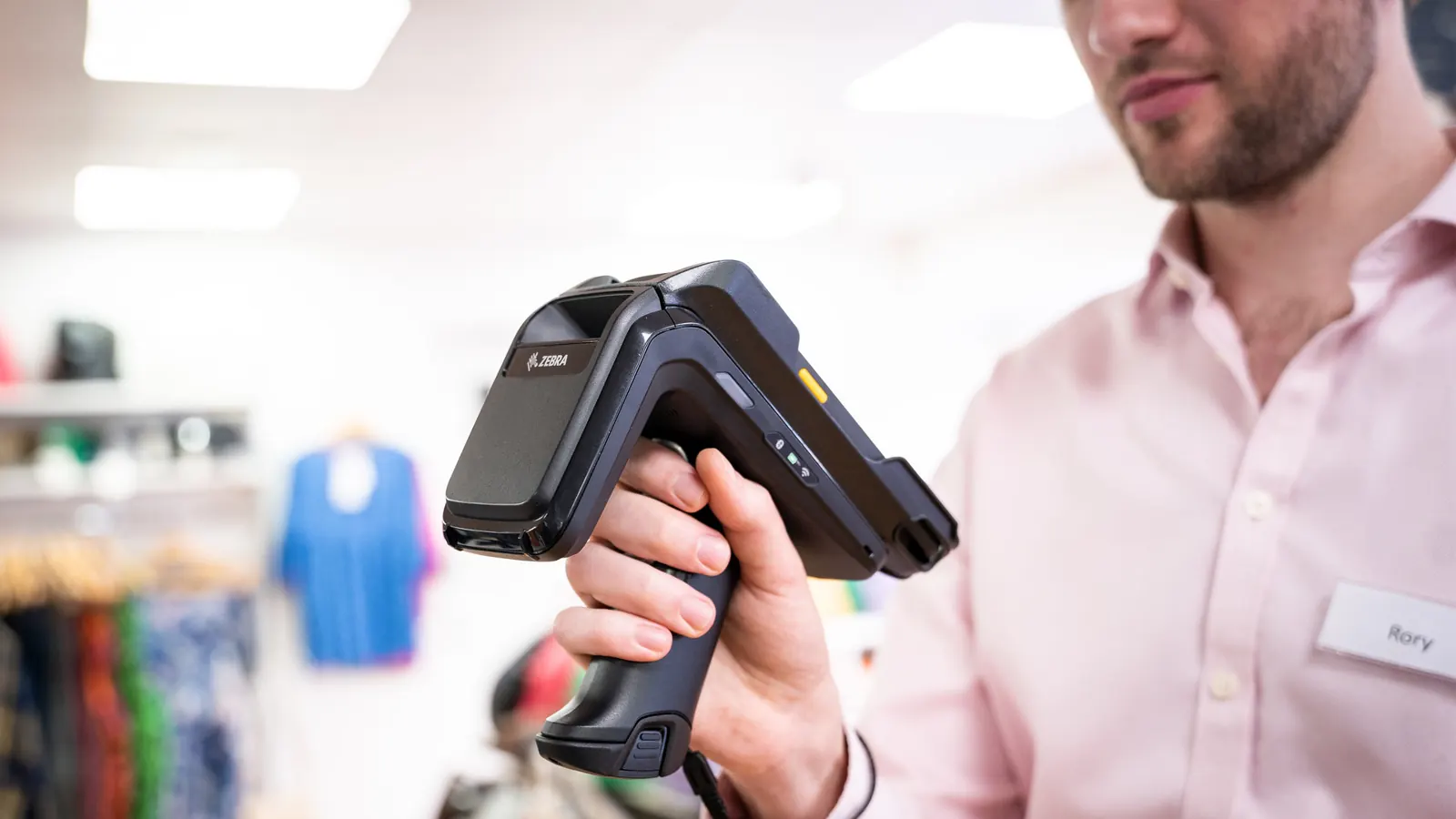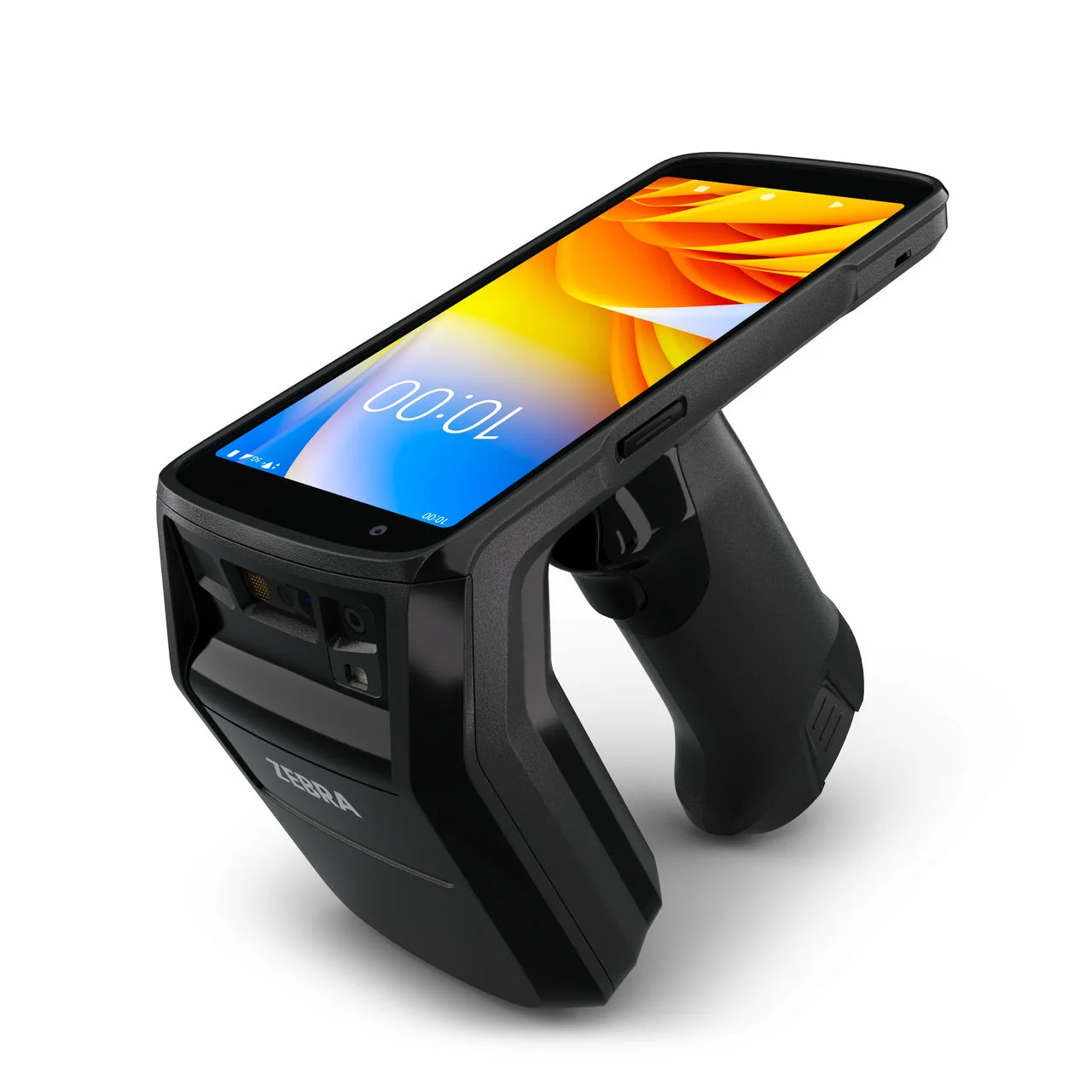
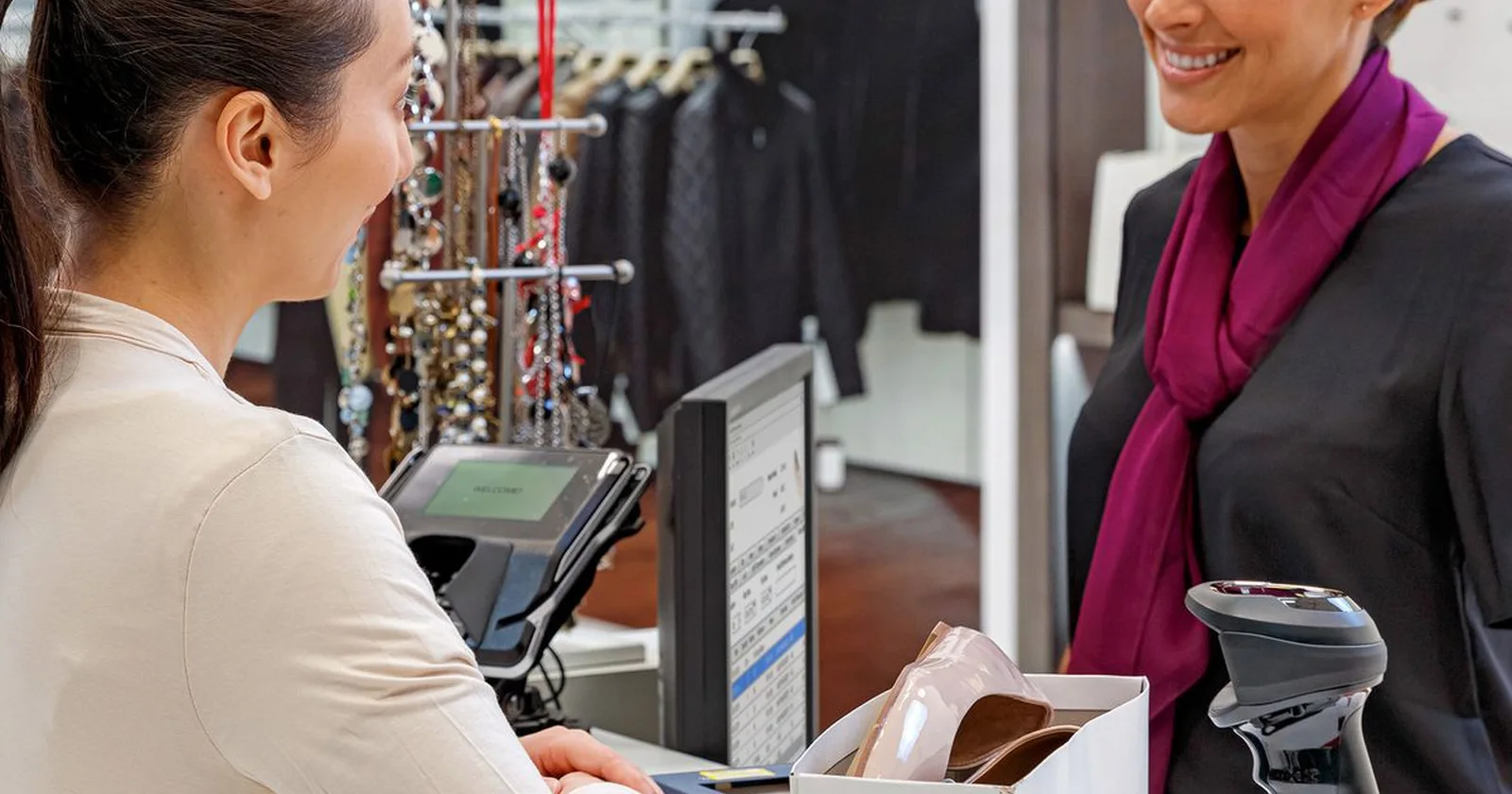
Product photograph identifies the model described. Workplace photos illustrate the tasks and do not establish model-specific software compatibility.
The Zebra TC22R search is about an integrated handheld RFID reader, not simply another way to scan the same barcode task. Before arranging a demonstration, decide what the team wants to count, which goods are tagged, and how a count result becomes a reviewed stock record.
This article focuses on a practical pilot for a store or stockroom. It does not promise a tag-read rate or a savings percentage. The useful outcome is evidence that the selected reader, tags, app, and counting procedure work together in your own environment.
Confirm the reader and the counting method
Zebra's TC22R Quick Start Guide identifies it as an integrated handheld RFID reader and includes instructions for its internal imager, RFID tag decoding, batteries, and charging accessories. Use the exact model and guide when preparing the trial.
Separate barcode and RFID tasks in the discussion. Barcode confirmation may remain useful for a specific item or an exception, while the RFID count uses the tags assigned to the relevant goods. Agree which method staff use at each step.
Ask the hardware partner to confirm the regional reader configuration, appropriate tags, and intended accessories. The model name alone does not tell you how your goods have been encoded or how the application will interpret the results.
Define which stock belongs in the pilot
Choose a physical area and a product group that staff can verify independently. Write down the count boundary, the expected tagging condition, and any goods intentionally excluded. Keep the first trial small enough to investigate every unexplained result.
Identify goods close to the boundary. A neighboring shelf, another room, or a return awaiting review can complicate the interpretation of a read. Test those situations deliberately rather than assuming a wall or shelf label defines the reader's scope.
Decide how the app associates a read with a product and location. An identifier needs a useful business record behind it. Confirm how duplicate observations, unknown tags, and goods with more than one relevant label are handled.
Check the tags before judging the count
Inspect representative tags and their attachment to products. Include the packaging and storage positions used in ordinary work. A demonstration with a few convenient samples does not establish the behavior of the whole stockroom.
Agree who owns tag creation and the link to the item record. If goods arrive already tagged, ask how those identifiers enter your system. If your team applies tags, include that process in the pilot and inspect the resulting records.
Keep damaged or missing tags visible as exceptions. Staff need a way to identify the item and decide the next action. Do not let a fast-looking read session hide stock that was never represented by a usable tag.
Establish a repeatable counting routine
Choose a route and explain how the counter begins and ends the session. Ask more than one employee to follow the same instructions. Compare the observed results and investigate differences before setting a target for speed.
Define what happens to stock movements during the count. Receiving, customer orders, and transfers need an agreed interpretation so the physical check and the system comparison refer to the same scope and time.
Include a deliberate interruption. Pause the count, change employees, and resume under the proposed workflow. Check whether the session remains understandable and whether the app clearly distinguishes completed, pending, and discarded work.
Review results before changing stock
Treat tag observations, a count result, and an approved stock adjustment as separate stages. Decide who reviews differences and what evidence they need. The application should support the operating policy you agree, rather than leaving employees to invent one.
Investigate a known missing item and a known unexpected item during the pilot. Ask staff to show how they verify the situation with a physical check or another supported method. Keep the explanation connected to the count record where the workflow allows it.
Check the resulting business-system quantities after approval. A reader demonstration is incomplete if the team only sees a list of reads and never follows the result into the stock record that colleagues rely on.
Use a pilot scorecard
The table below is a suggested acceptance checklist. It describes questions for your complete RFID solution, not hardware guarantees. Give each question an owner and a decision before expanding the trial to another department.
| Pilot area | What to demonstrate | Evidence to retain |
|---|---|---|
| Tag scope | Read included and nearby excluded goods | Agreed boundary and exceptions |
| Product mapping | Resolve known and unknown identifiers | Correct item association |
| Counting | Repeat a defined route | Reviewed result and differences |
| Approval | Post an accepted count | Correct stock record |
| Handover | Resume interrupted work | Clear session status |
Plan charging, handover, and support
Use the intended charging accessories and storage arrangement during the test. Agree who checks the battery before the shift and where the reader waits between sessions. Include a low-battery or unavailable-device scenario in the handover discussion.
Record the reader configuration, app version, tag assumptions, and counting instructions used in the accepted pilot. That gives the next department a concrete setup to reproduce. A change to one part should trigger the relevant checks again.
Measure verified results and unresolved exceptions alongside session time. A faster session is useful only if the scope is understood and the differences can be reviewed. Compare with your own baseline rather than copying a manufacturer's demonstration result.
How Raptool fits
The Raptool site describes RFID workflows and Retail stock-counting apps. Use those software discussions to define the count scope, product records, exception route, and review process your operation needs.
Validate the proposed Raptool app and reader connection on the exact TC22R configuration. An RFID capability elsewhere in a software platform does not by itself prove support for every reader and workflow. Raptool supplies software; the hardware partner supplies and supports the agreed equipment.
FAQ
Is the TC22R an RFID device?
Zebra identifies it as an integrated handheld RFID reader. Its guide also covers scanning with an internal imager.
Will RFID replace every barcode task?
Define the methods around your workflow. Barcode checks may remain useful for individual items, exceptions, or other tasks.
What should be counted first?
Choose a bounded area and a manageable tagged product group whose results can be checked independently.
Does reading tags automatically adjust inventory?
That depends on the configured application. Agree how observations become a count result and who approves stock changes.
Is Raptool TC22R compatibility assumed?
No. Demonstrate the exact reader connection, app behavior, and stock-record outcome before rollout.
Tags
Want to see how this could work in your stores? Book a demo and we will walk you through it.
Book a demo