

Count the shelf, the stockroom and the right variant.
A store can have the right product in the building and still disappoint a customer. The size they want might be in the stockroom, a return might still be waiting for inspection, or the stock record might include something sold an hour ago. A useful stocktake establishes what is physically there and where it belongs.
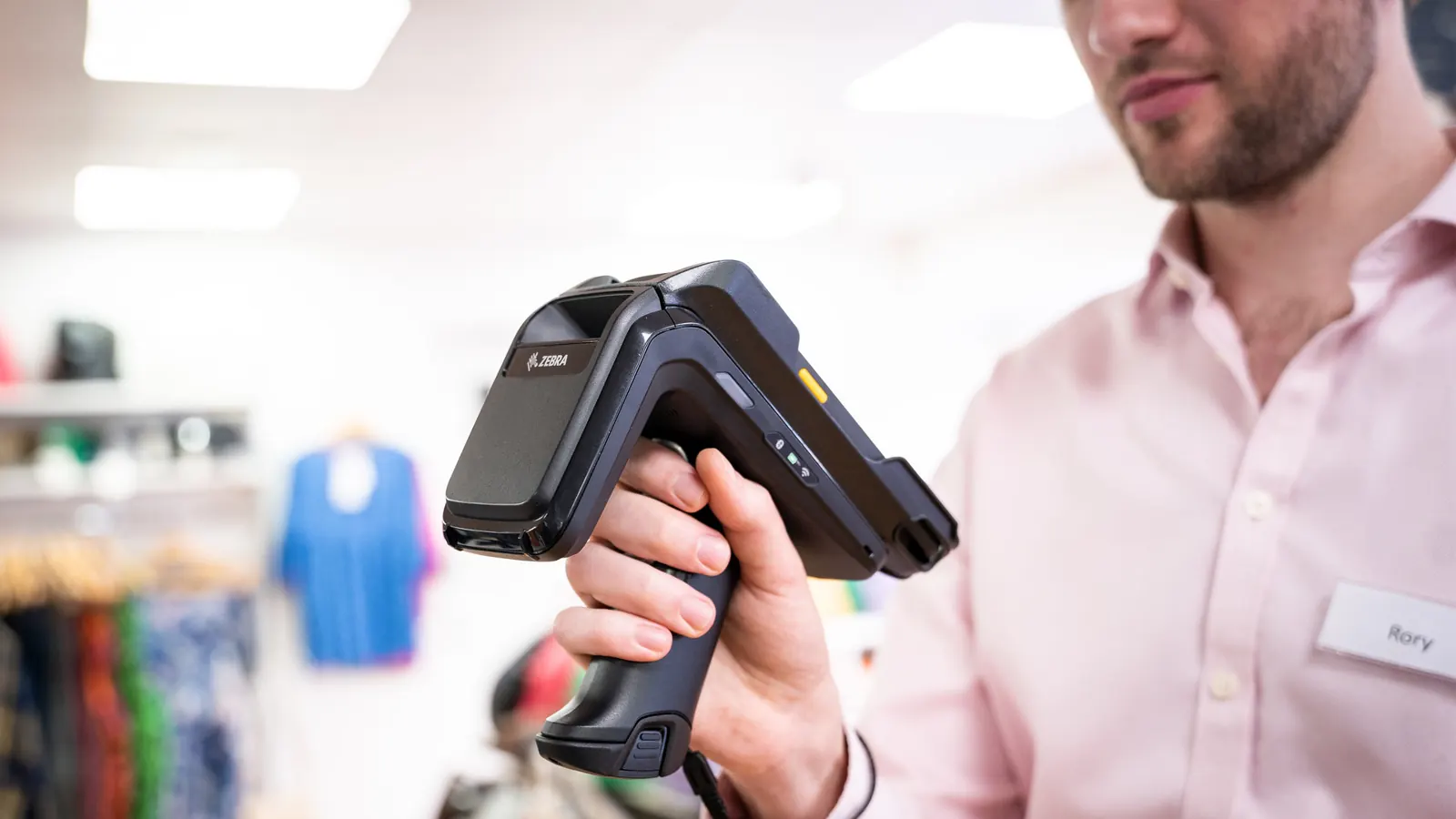
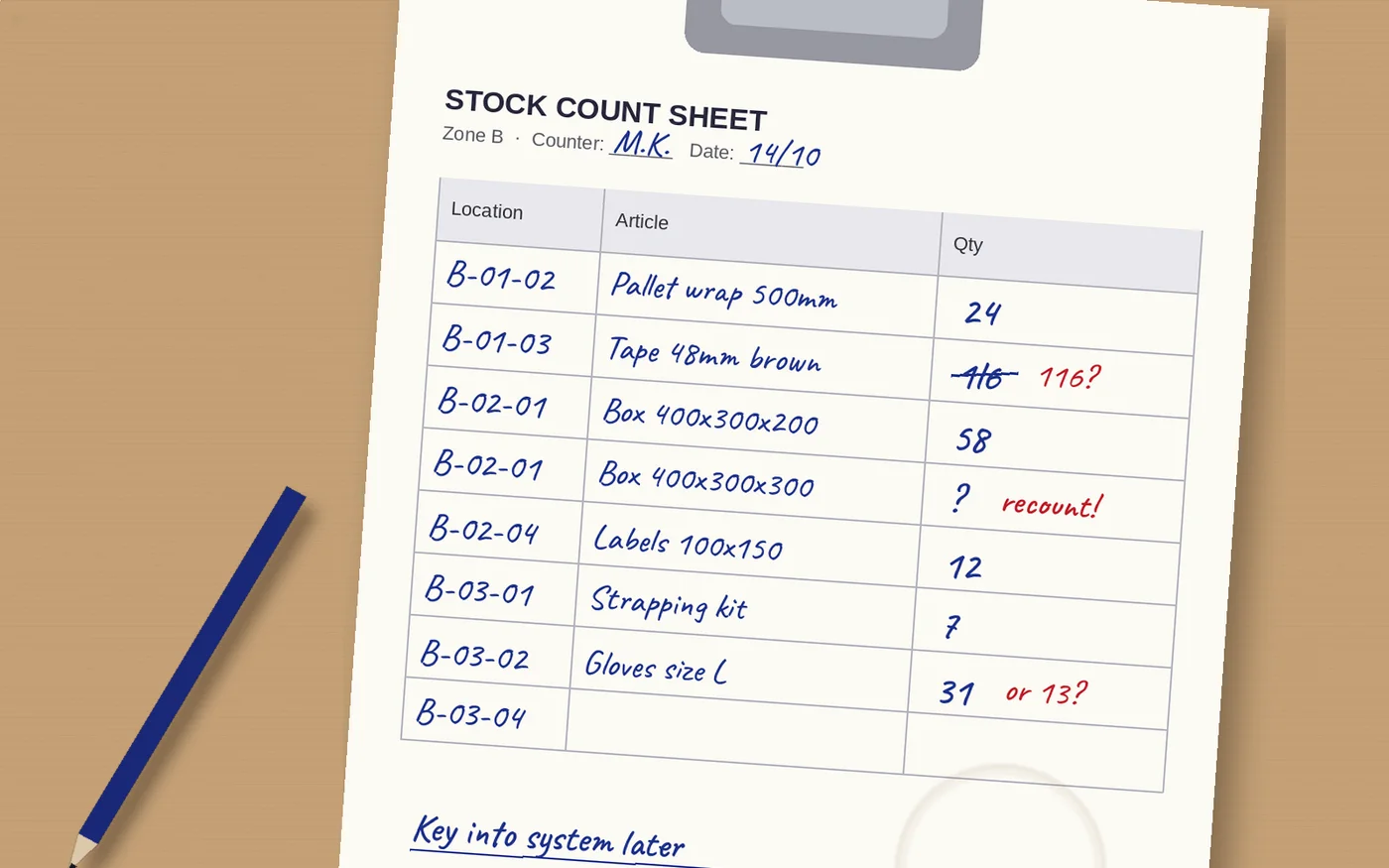
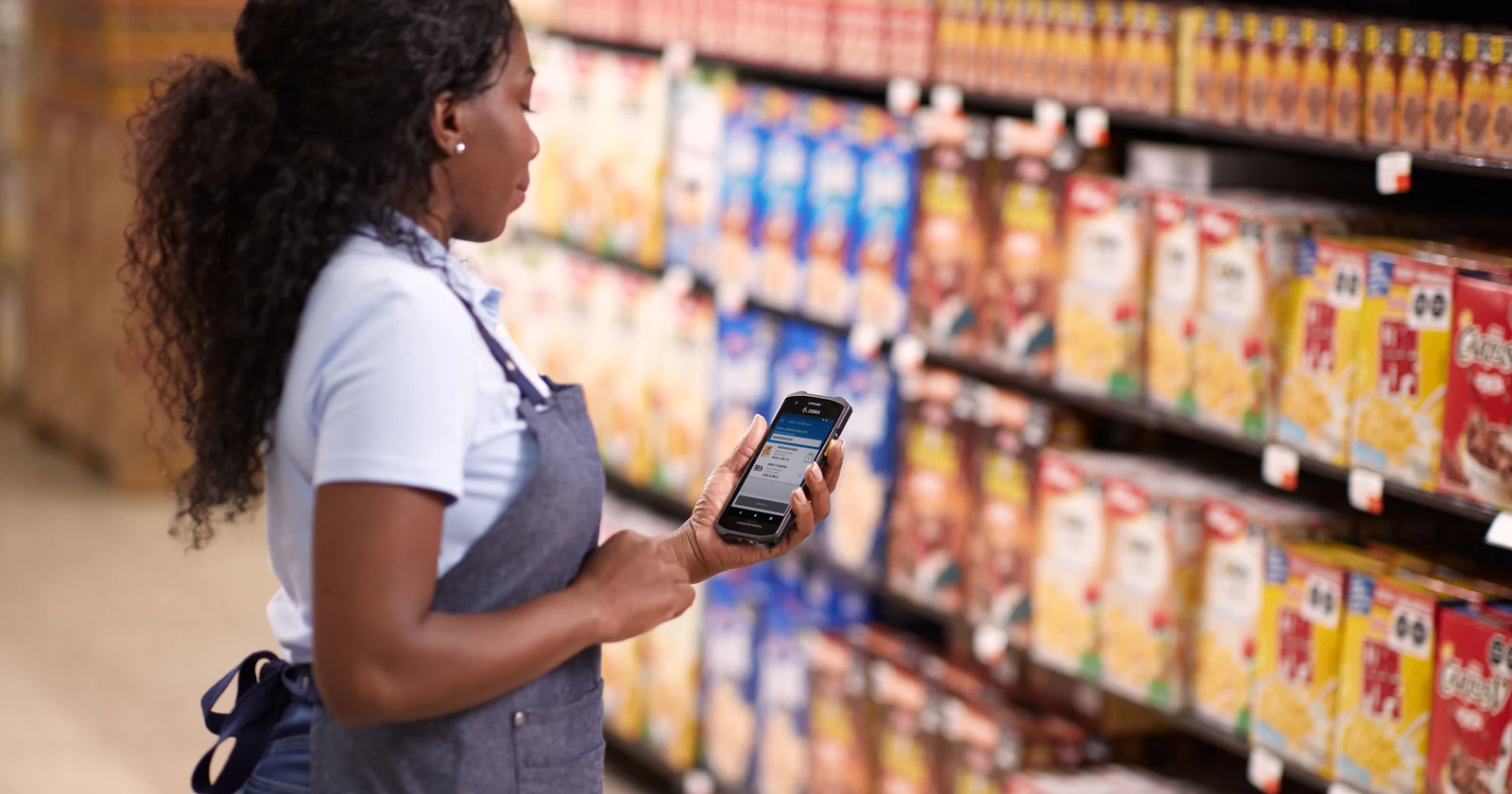
With paper sheets, staff read product codes, write quantities and later enter the results into a spreadsheet or stock system. A barcode app can identify the product at the shelf and record the observed quantity there. The time saved usually comes from less searching, clearer identification and less re-entry; staff still have to count the goods.
Retail barcode stocktaking vs paper lists
| Store task | Pen and paper | Barcode counting app |
|---|---|---|
| Find the exact variant | Read descriptions and distinguish similar size or color codes. | Scan the barcode and check the mapped product, size and color. |
| Record the quantity | Write the physical count on the correct line. | Enter the count in the app with the correct unit and zone. |
| Cover all locations | Distribute and collect sheets for sales floor, stockroom and other areas. | Assign zones and completion states in the configured workflow. |
| Get results into the system | Type completed sheets into a spreadsheet or stock system. | Export or synchronise the captured results using the chosen connection. |
| Resolve a discrepancy | Trace the sheet, handwritten number and person who counted. | Review the recorded count and supporting identifiers; use configured recount and approval rules. |
| Investment | Low equipment cost; recurring printing, handling and transcription. | Device, software, setup and training costs; potential reduction in administration. |
Paper can be practical for a small, infrequent count or as a controlled fallback. An app is more useful when a store has many variants, several counting areas or recurring counts. Its value depends on how well product codes, locations and stock updates are managed.
One shelf, two ways to record the count
Take a black T-shirt in size M. The sales-floor record says 24 pieces, but a worker finds 22. Select a method to follow the same observation through to review.
Scan the variant. Record 22 pieces.
- Select the store and sales-floor zone or scan its location label.
- Scan the garment tag and check that it maps to black, size M.
- Count the physical units and enter 22 pieces. Keep any stockroom count separate.
- Submit the result, or retain it locally until the agreed offline upload.
- Review the difference against the balance at the count time. Recount and approve any adjustment under the store’s procedure.
Illustrative workflow to configure; this is not a live Raptool screen.
Find the line. Write 22. Enter it later.
- Find the sales-floor sheet and the line for the black T-shirt in size M.
- Count the pieces and write 22 clearly on that line.
- Return the sheet and type the result into the spreadsheet or stock system.
- Check the entered figure and reconcile sales or movements around the count time.
- Investigate the difference and retain the recount and adjustment records.
Keep sheet versions, zone ownership and completed lines under control.
Scanning identifies the product. People still count the stock.
A barcode check can distinguish size M from size L if the product master maps each code correctly. It cannot tell how many shirts are behind the first one. Staff must count and enter the quantity, or deliberately scan each piece in an increment mode. Define how accidental repeat scans and products with damaged tags are handled.
Check pack quantities too. A tray of six jars and one jar may have different codes and units. The app should make the selected unit clear. A missing barcode needs an approved search or exception route, not a guess at the nearest-looking product.
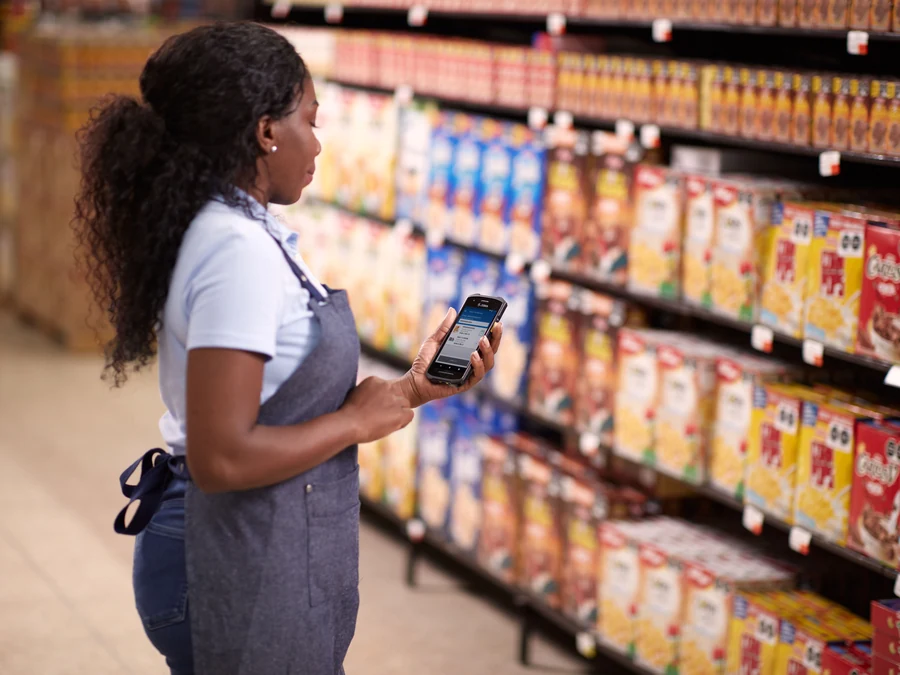

Count the sales floor and stockroom without overlap
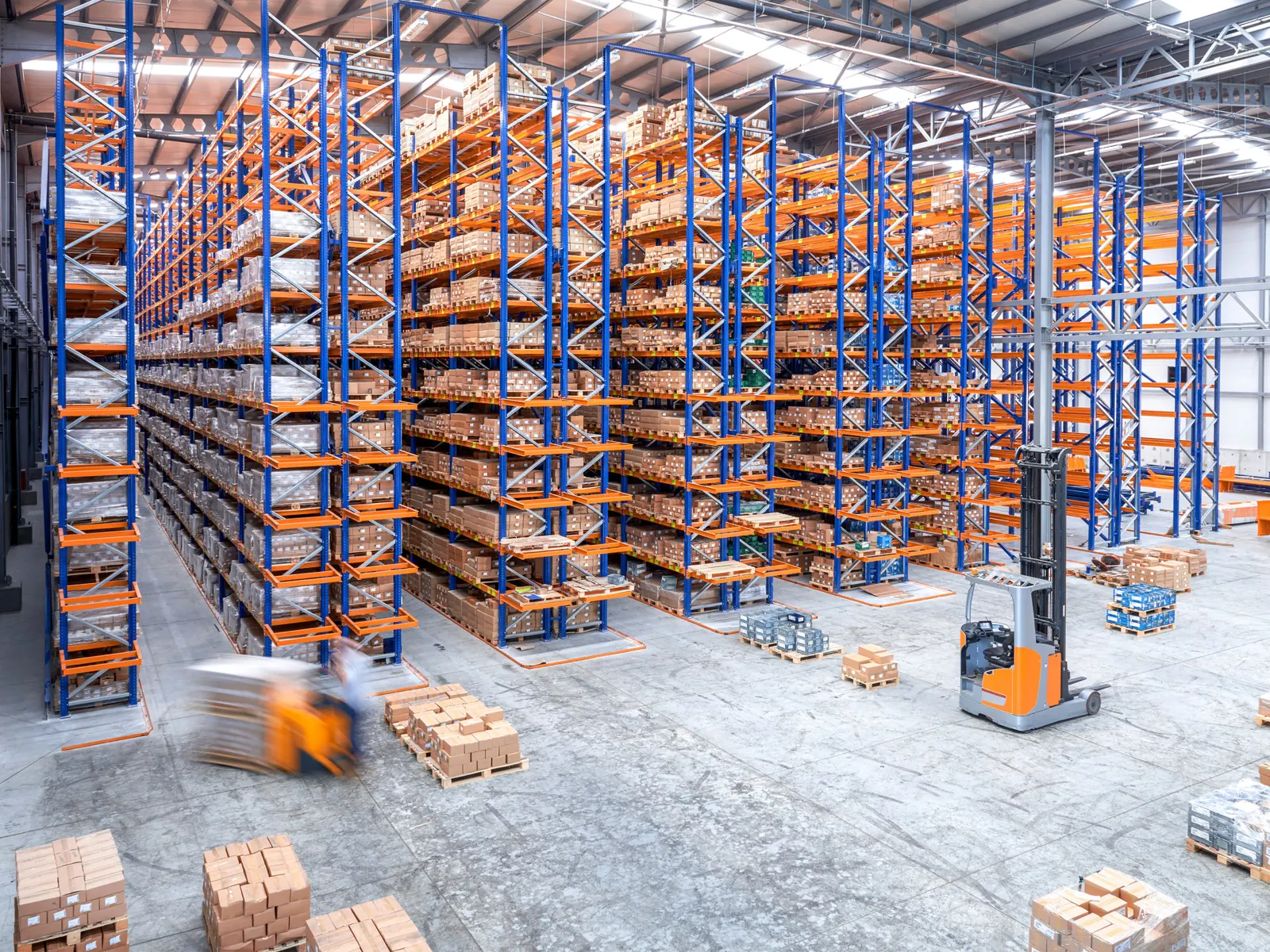
Assign a clear owner to each area: display shelves, promotional ends, stockroom racks, fitting-room returns and customer collection storage. Decide which stock belongs in the count and how saleable, damaged and quarantined goods are classified. A customer’s reserved pickup bag may still be physically present even though those units are unavailable for sale.
Record zero quantities explicitly where required. A blank line can mean nobody counted it; it should not silently become an empty shelf. Include unexpected products found in a zone, rather than only confirming items already on the list.
Move a product between the stockroom and sales floor during counting and it can be missed in both areas or counted twice. Temporarily control a small zone, or reconcile transfers against the count timestamps. Use the same principle for checkout sales, returns and online-order picks. An app does not automatically freeze those movements.
Count smaller sections between full stocktakes
Regular section counts can target problem categories, fast-moving items or locations that often produce discrepancies. Give staff a manageable assignment and compare the approved results over time. As one example of a documented control process, Microsoft’s cycle-counting guidance separates count assignment, mobile entry and review of differences. Its specific settings belong to Dynamics 365; use the principle to plan your own store workflow.
A blind count can hide the expected figure until the worker has recorded the observation. Configure that if it suits the procedure, then review discrepancies separately. A shortage alone does not identify theft: check movements, unit conversions, damaged goods and earlier recording errors before assigning a cause.
What could retailers save?
800 hours / €20,000 a year
Eight stores, each completing 3,000 item-location counts per quarter. Saving 30 seconds per count line frees 800 hours across the group, valued at €25/hour before costs.
Assume 90 seconds per line using paper and later entry, compared with 60 seconds in the app: 33.3% less process time. Both methods include the same 35 seconds for handling and physically counting the goods. The remaining time covers identification and recording. A SKU counted in two zones is two lines, and each repeated count is a new observation.
| Task | Paper | App |
|---|---|---|
| Identify the product and count line | 15 | 10 |
| Handle and physically count stock | 35 | 35 |
| Record at the shelf | 15 | 15 |
| Later transcription | 25 | 0 |
| Total | 90 | 60 |
Try your own counting costs
Change the assumptions. Results show capacity value, not guaranteed cash savings.
33.3% less time per count line. €15,200 after annual running costs; €9,200 in year one after running and upfront costs.
Across the example group, 96,000 annual count lines × 30 seconds ÷ 3,600 = 800 hours. At assumed annual running costs of €4,800, capacity value after recurring costs is €15,200. Subtract an assumed €6,000 upfront investment and first-year capacity value is €9,200. These are hypothetical budgets, not Raptool or hardware price quotes.
Cash savings require avoiding paid work such as overtime or temporary labor. Using the released hours to help customers creates capacity; it does not automatically reduce payroll. The calculation includes transcription, so do not add that saving again. No extra revenue, shrink reduction or fewer shop closures is assumed.
Two starting points with Raptool Retail
Raptool’s retail page describes a simple stocktaking app: import an item list from Excel, count on a phone, tablet or barcode device, and export the result as Excel or CSV. It documents online and offline operation. This can suit a store that wants to replace handwritten sheets before building a wider connection.
The same page describes customized retail and POS-connected solutions. For a connected project, agree product identifiers, variants, store and zone codes, count timestamps and the review-to-adjustment process. Offline collection still needs an upload and conflict procedure; it is not a shared live balance before synchronisation. Confirm blind-count, recount and approval behavior in your selected setup.
Try one department first
Choose a representative section and run the paper and app procedures with the same product mix and controls. Include a missing tag, a similar variant, an empty shelf, a return, a pack conversion and a sale or replenishment during counting. Measure preparation, physical counting, entry and reconciliation through to an approved result. Check repeated submissions and any offline upload.
Then compare time per approved line, recount effort and staff feedback. Keep physical on-hand quantities distinct from stock available to sell or reserved for collection. That gives the store a useful result to act on after the count.
Retail stocktaking questions answered
Can Raptool be used for retail stocktaking?
Yes. Raptool’s retail page describes a stocktaking app with item-list import, counting on a phone, tablet or barcode device, online or offline operation, and Excel/CSV result export. Confirm the setup and connection for your stores.
Does a product scan count every unit on the shelf?
No. It identifies the product or pack. Staff must count and enter the quantity, or deliberately scan each unit in a configured increment mode. Repeated scans need a duplicate-control procedure.
Should the shop floor and stockroom be counted separately?
Yes, where the stock system and count plan use those zones. Record each product’s observed quantity by zone, then reconcile without counting stock in transit twice.
Can staff count while a store stays open?
Yes, with a defined movement-control procedure. Record or reconcile sales, returns, replenishment and online-order picks around the count time; freeze a small zone temporarily where appropriate.
Is offline counting possible?
Raptool’s retail page describes offline stocktaking. Define how count tasks are assigned, results are uploaded and conflicting or repeated submissions are handled. Offline records are not live shared balances before synchronisation.
How much time could a retail counting app save?
The hypothetical example assumes eight stores, 3,000 item-location counts per store per quarter, and a reduction from 90 to 60 seconds per line. That frees 800 hours a year, valued at €20,000 at €25/hour before costs. This is capacity, not a measured customer result or automatic payroll saving.
Tags
Count stock where your store team works. Plan a retail stocktaking app and the result review with Raptool.
Explore Raptool Retail