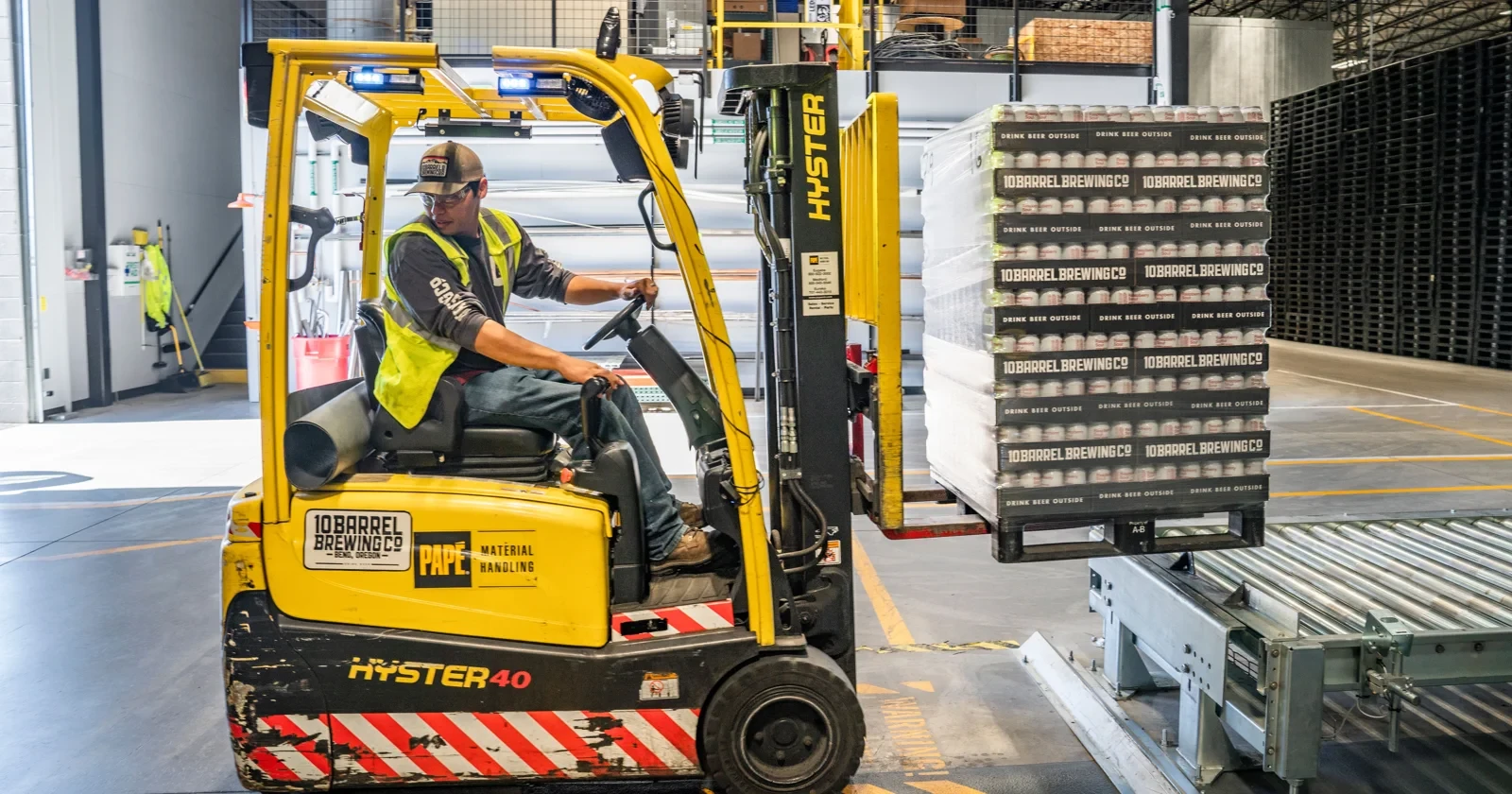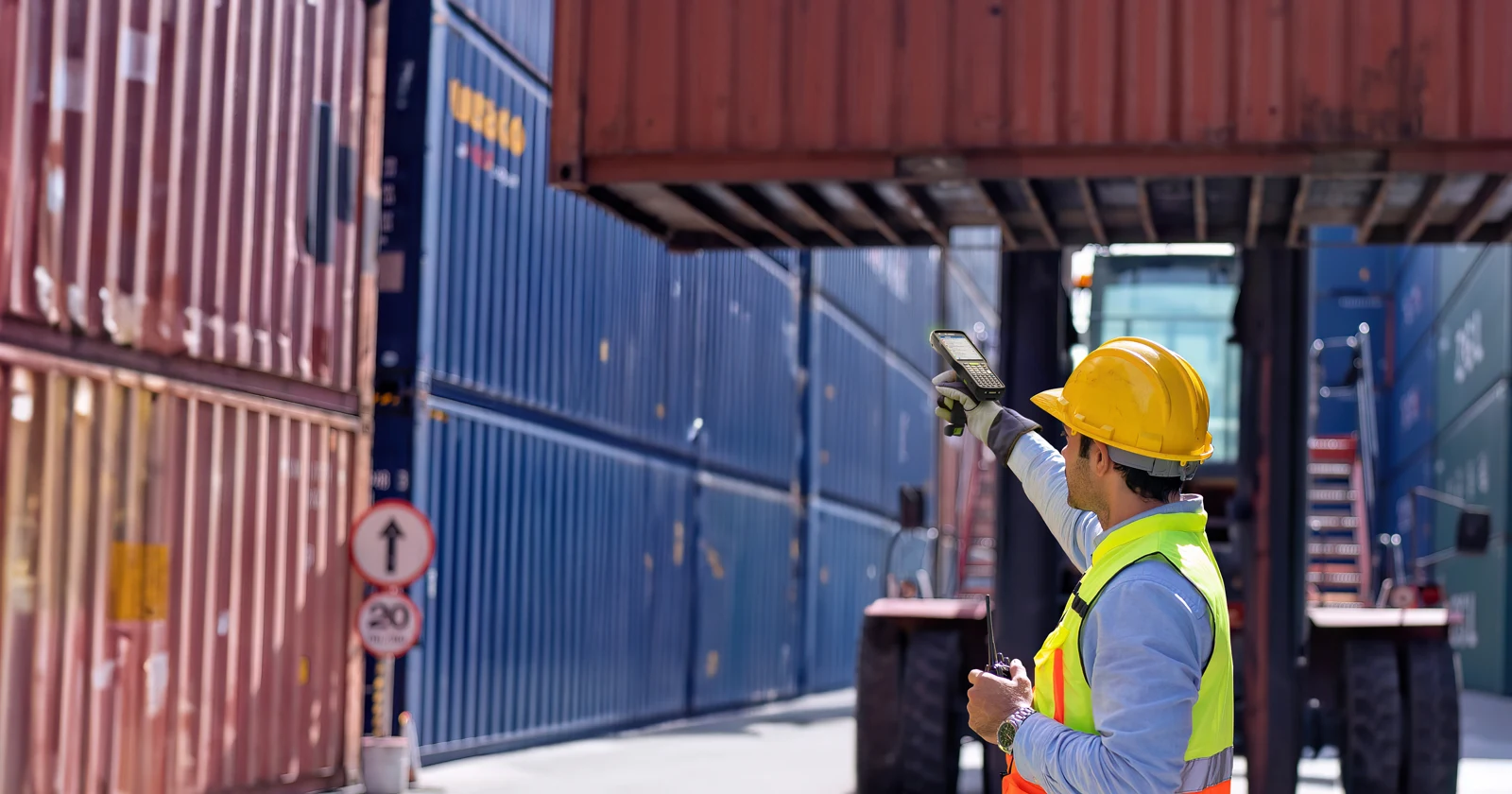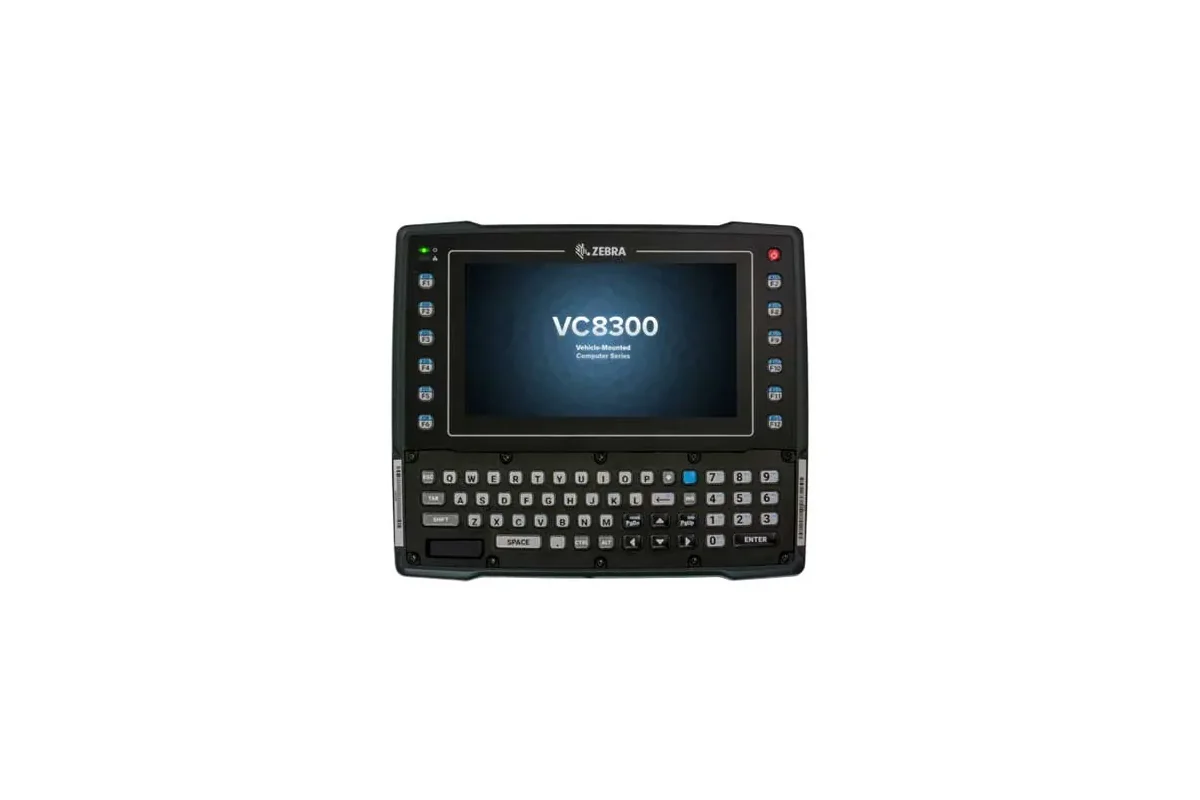

Product photograph: Zebra VC8300. Workplace photos are illustrative and are not installation examples.
A warehouse vehicle-mount device is a workstation: screen, mounting, power, scanning, connectivity, and app all need to fit the job. Start by describing the transaction the employee completes while the vehicle is stopped, then work with the hardware and installation partners to evaluate the complete arrangement.
This guide focuses on the operational choice between a dedicated vehicle terminal and another mounted device. It does not provide vehicle installation instructions. Have the responsible specialists review mounting, electrical integration, operator visibility, and the site's operating requirements before a pilot.
Define the job before comparing screens
Choose the actual workflow: finding a replenishment task, confirming a pallet move, or reviewing a location before placing goods. Write down what information the employee needs and what must be confirmed before the transaction closes.
Identify which steps require a scan and which require touch or keyed entry. A larger display may help with information, but the task still needs a practical way to identify the goods and location. Treat the scanner as part of the workstation.
Include the handoff away from the vehicle. If an employee must leave the workstation for part of the task, decide how the work continues and how another device finds the same record. Avoid choosing hardware before resolving that process.
Compare dedicated and removable approaches
Zebra's VC8300 is one example of a purpose-built vehicle-mount computer. Use its manufacturer information to identify the exact model and the accessories the partner proposes. Do not assume that a similar-looking mount or a previous terminal's cables are suitable.
A rugged tablet with an approved vehicle dock is another approach to evaluate when the job needs a removable screen. Confirm the complete tablet-and-dock configuration with its manufacturer and the installation partner rather than treating a desktop stand as equivalent.
Compare both approaches using the same transaction. The useful decision is which arrangement supports the required work, handoff, and support routine. It is not a general contest over which device category has the most features.
Review the mounting and power arrangement early
Give the installer the proposed device, vehicle details, accessories, and intended position. Ask for the appropriate assessment before staff trial the workstation. The operations team should confirm that the resulting arrangement fits the job without making its own installation assumptions.
Include entry, exit, visibility, and routine handling in the review with the responsible people. A screen positioned conveniently for reading may still create another operational problem. Resolve the full arrangement before accepting the pilot.
Ask how the workstation behaves when vehicle power changes. Confirm the supported sequence for shutdown, restart, and continued task access. Record the agreed behavior without assuming every terminal or dock preserves the same session state.
Test screen interaction and scanning together
Use the lighting and working conditions the terminal will actually encounter. Ask the employee to read the next task and complete the required confirmation while stopped under the site's procedure. Note awkward interaction and repeated attempts.
Test real product and location labels at the intended working positions. A scanner specification does not establish whether the entire sequence is comfortable and understandable. Include the connection between scanner and mounted terminal in the trial.
Give error messages the same attention as successful work. A wrong location, missing pallet identifier, or quantity discrepancy should lead to a clear next action. Employees should not need to leave an unresolved transaction simply to clear the display.
Compare the complete workstation
The table below provides suggested questions for the pilot team. These are operational requirements, not claims that a terminal automatically supplies every function. Allocate each decision to the hardware partner, installer, app owner, or warehouse lead as appropriate.
| Area | What to demonstrate | Responsible review |
|---|---|---|
| Work task | Complete a pallet or replenishment transaction | Warehouse lead |
| Mount and power | Approved arrangement and restart sequence | Installation specialist |
| Scanning | Actual labels through the chosen connection | Hardware and app teams |
| Connectivity | Submit work across operational zones | Network and app teams |
| Support | Replace or recover the workstation | Named service owners |
Walk the network route with representative work
Test the areas where the vehicle workstation is expected to operate. Include transitions between work zones and the points where tasks are normally submitted. Inspect the final transaction, not only the connection indicator.
Ask what the application shows when a submission is delayed. Staff need to know whether to wait, continue under an agreed procedure, or request help. Confirm how the system prevents confusion when the same task is revisited.
Demonstrate recovery after an app or workstation restart. Find the pending task and inspect its status in the connected WMS. The workstation should return to a controlled state rather than depending on someone to remember what happened before the interruption.
Prepare the support routine
Agree who checks the terminal, scanner, mounts, and connections as part of routine readiness. Route hardware and installation issues to the responsible specialists, and keep app and record problems assigned to a named software owner.
Record the accepted combination of model, mounting, power arrangement, scanner, OS build, and app settings. A replacement needs to match the relevant parts of that configuration or trigger a review. Keep the evidence accessible to the people arranging service.
Measure completed tasks, corrections, interruptions, and employee feedback through the pilot. Compare representative routes and jobs with your current process. Use the findings to decide whether to expand, adjust the screen flow, or choose a different workstation arrangement.
How Raptool fits
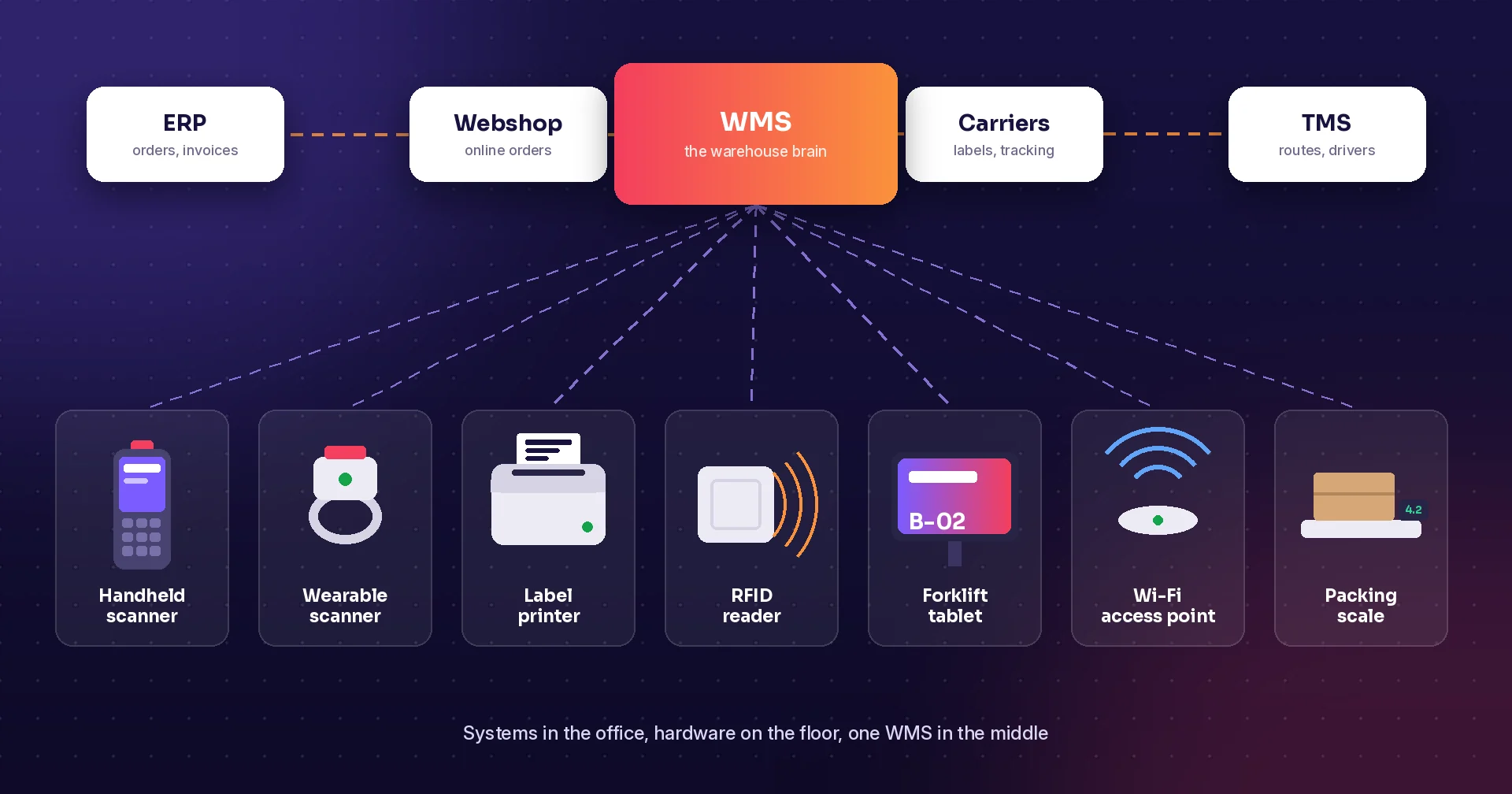
Raptool WMS describes stock moves, pallet identifiers, replenishment, picking, and other warehouse workflows. Use those business tasks to establish what information and confirmations the vehicle workstation should provide.
Ask Raptool to validate the Client, screen layout, scanner connection, and integration on the exact device and OS configuration. Test reconnection and restart behavior alongside normal work. Raptool supplies software; hardware partners and installation specialists provide the agreed equipment and vehicle integration.
FAQ
Is a vehicle terminal the same as a fixed scanner?
No. The terminal displays and runs the work; a scanner captures identifiers. A complete workstation may use both.
Can we use a rugged tablet instead?
Evaluate a tablet with the manufacturer-approved dock and a reviewed installation arrangement. Test it against the same workflow as a dedicated terminal.
Can we reuse old mounting and cables?
Have the hardware and installation partners verify compatibility for the exact configuration. Do not infer it from appearance.
What should be tested after a restart?
Confirm task access, pending transaction status, scanner reconnection, and the resulting records in the business system.
Does Raptool provide vehicle installation?
Raptool provides software. Confirm equipment and installation responsibilities with the relevant partners and specialists.
Tags
Want to see how this could work in your warehouse? Book a demo and we will walk you through it.
Book a demo