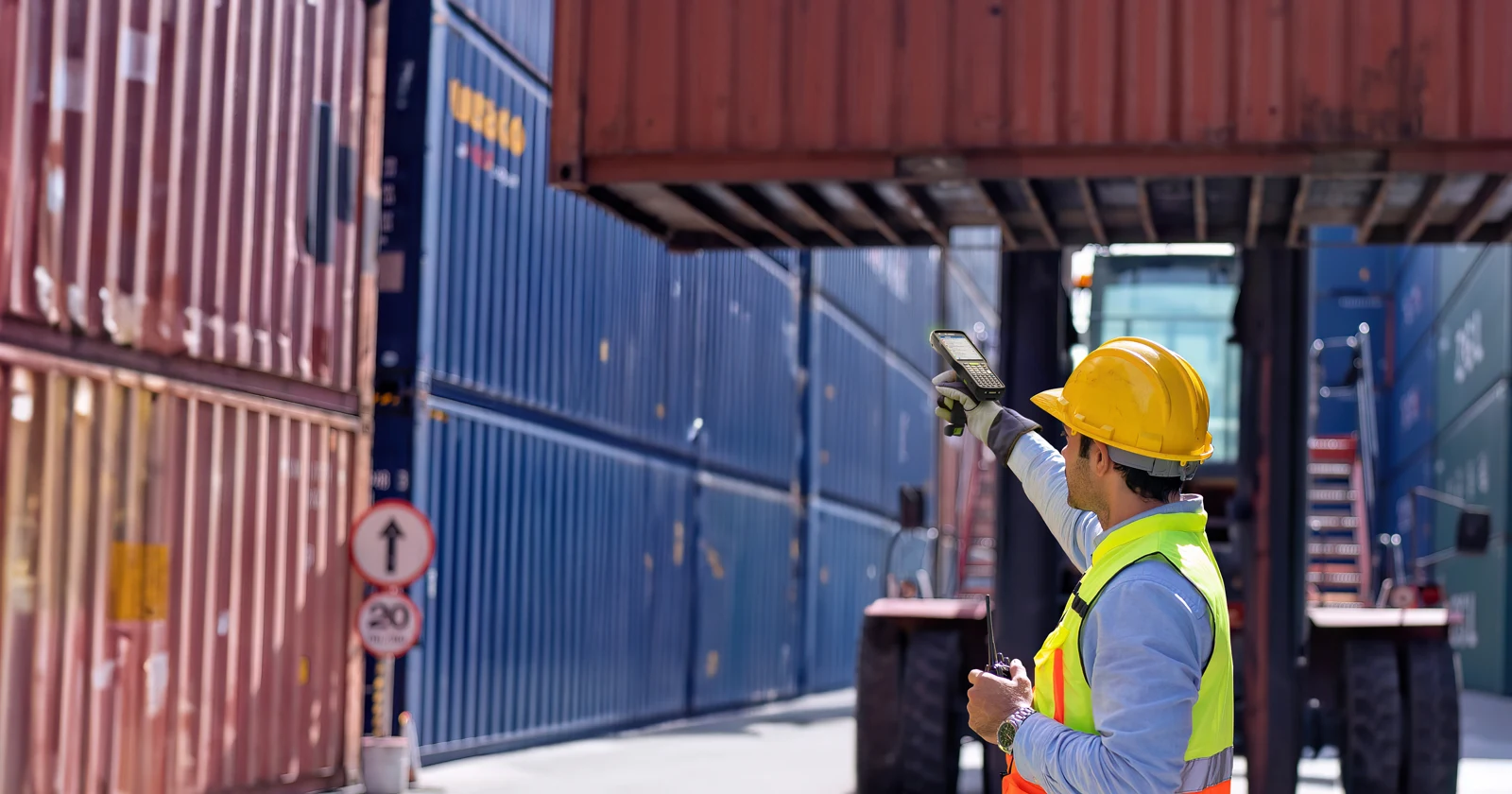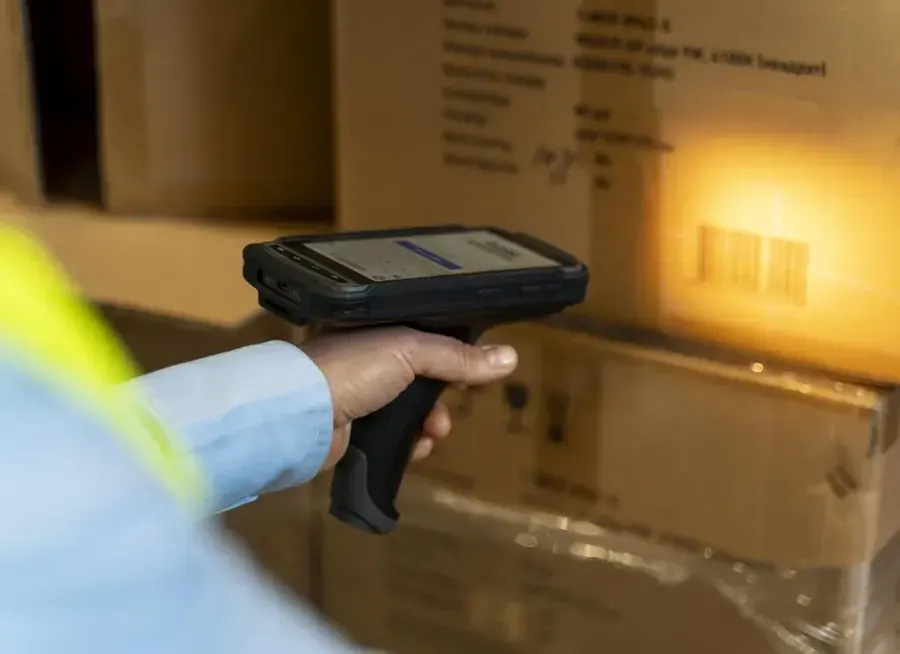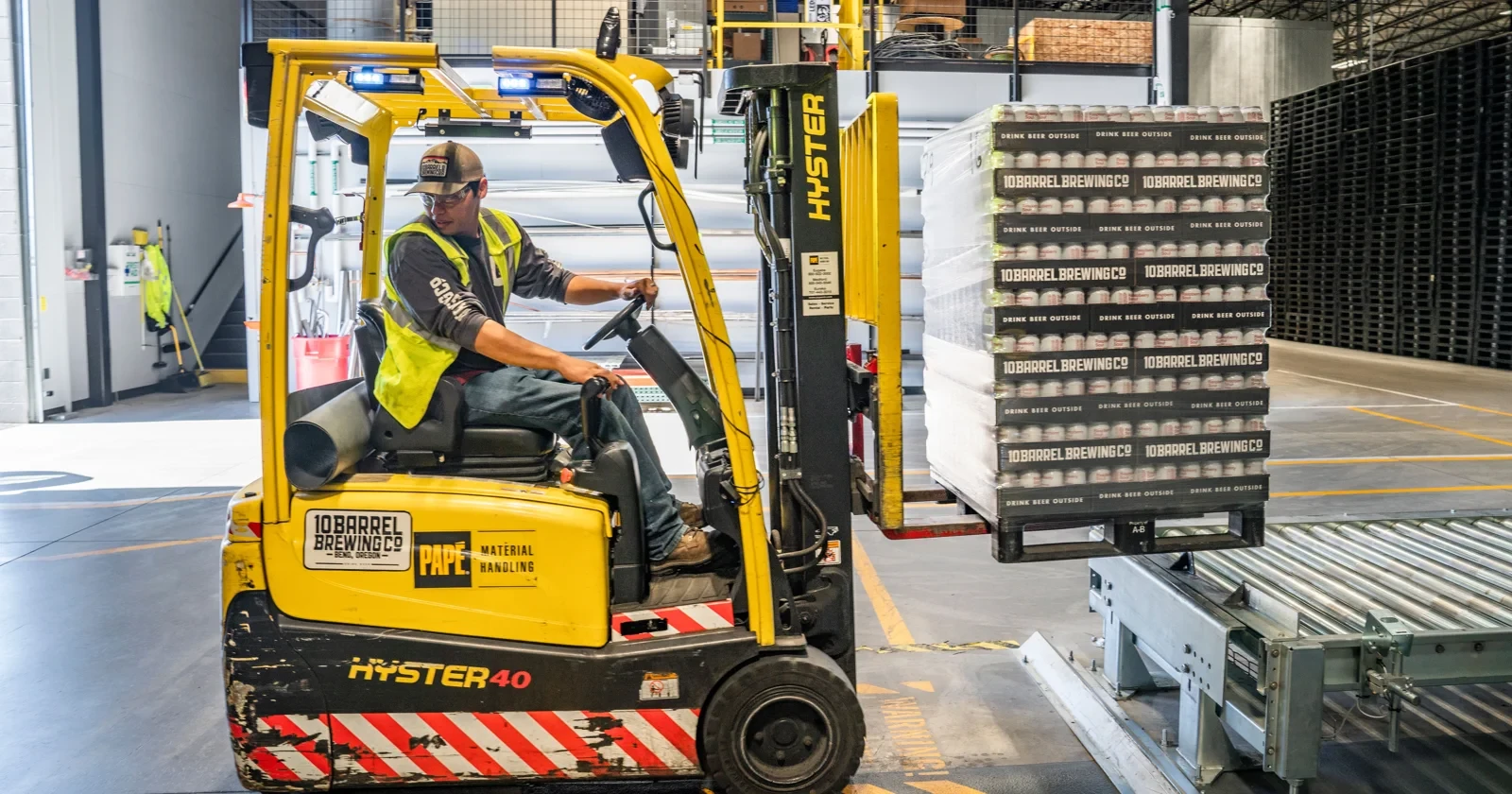
The driver reaches for a scanner, finds the pallet label, gets a read and puts the scanner back. Then the next pallet arrives. When that routine repeats throughout the shift, the handling around the barcode can become more expensive than the reading itself.
A fixed industrial scanner mounted on the forklift can remove a separate scanning action when the label enters a controlled reading area. It is a strong option for repetitive pallet movements with predictable labels. For mixed loads, hidden labels or occasional scanning, a rugged handheld may remain the more useful choice.
Which scanning setup fits the work?
| Approach | Good fit | Main trade-off |
|---|---|---|
| Fixed scanner mounted on the truck | Repeated pallet pickup or transfer where labels enter a predictable view. | Needs engineered mounting, power, triggering and reliable association with the load. |
| Extended-range handheld | Variable label positions, mixed tasks and exception handling. | The operator still aims and handles it, but can choose the intended label. |
| Wearable scanner | Frequent scans during on-foot case picking or other approved hands-on work. | Still needs deliberate aiming and a suitable app; it does not automate pallet identification. |
| Dock-door or portal scanner | Loads passing a controlled common point. | Identifies a crossing; does not by itself confirm every pickup or storage location. |
| RFID reader setup | Operations with suitable tags and a validated read zone. | Requires tagging, zone control and handling of unwanted or repeated tag reads. |
These are workflow comparisons, not measured rankings. The useful decision is where identification needs to happen, how often it happens and whether a person must intervene. Download the Excel comparison and editable scenario · Hardware data CSV.
Where a truck-mounted scanner earns a trial
Repeated movement of consistently labelled pallets
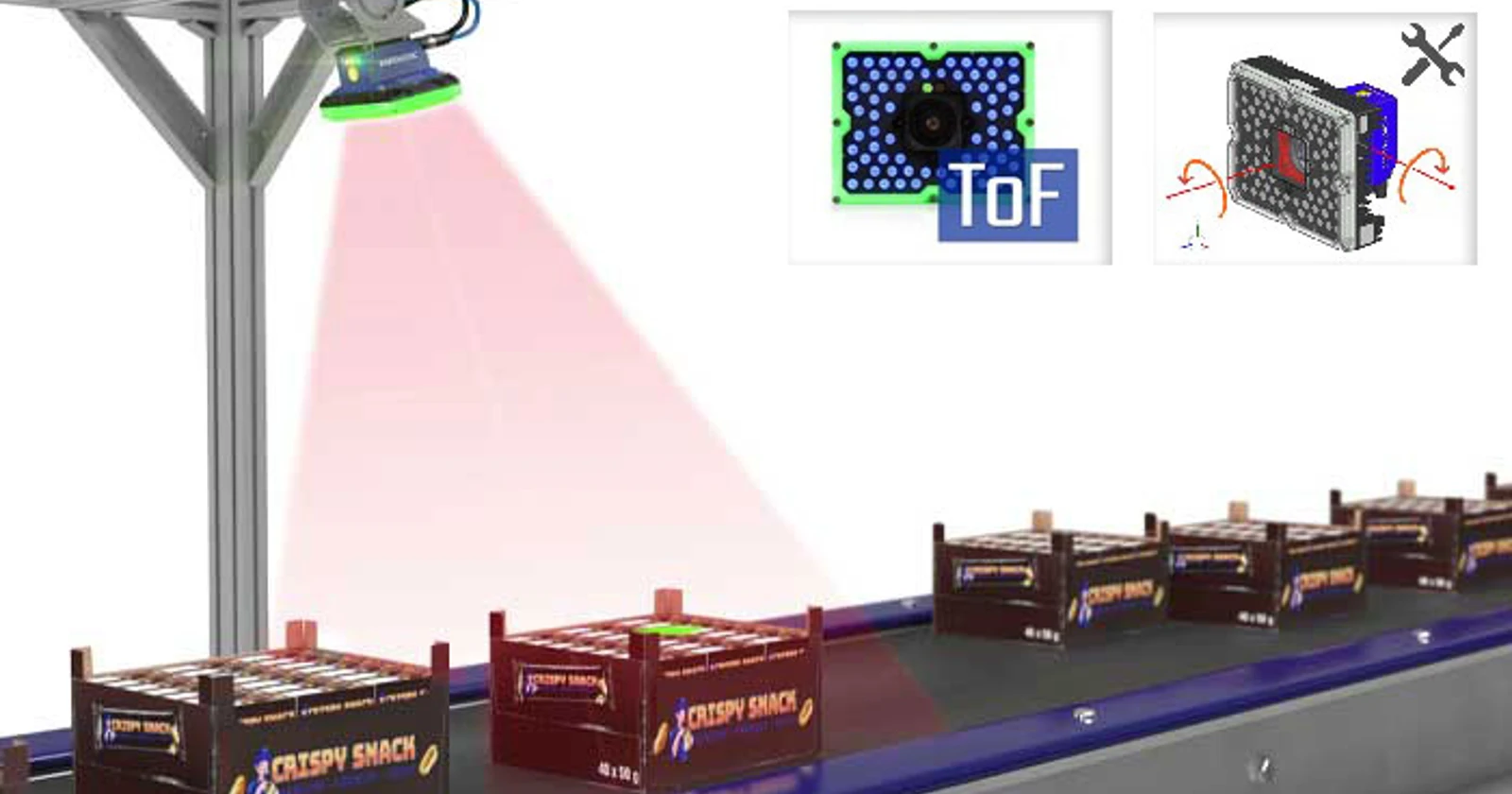
Start with a flow where pallet labels face the approaching truck and sit within a reasonably consistent height and distance. A scanner mounted to an appropriate part of the truck can read as the pallet enters the configured zone. That can remove reaching for a handheld and returning it to its holder.
Datalogic explicitly describes a Matrix 320 installation between the forks alongside a vehicle terminal and a manual scanner. This is a useful example of automatic capture with an exception tool retained, rather than a claim that every pallet can be read from every angle. Datalogic’s forklift application.
Put-away and replenishment with frequent confirmation
If each move includes a pallet confirmation, repeated scanner handling can become a worthwhile target. Measure the actual manual sequence first. An extended-range handheld may already let the driver scan from the seat, so do not count a dismount as a saving if it does not happen today.
The truck-mounted reader can identify the load, but the system still needs a reliable destination. A pallet barcode does not establish which rack location received it. Keep location identification and completion of the move explicit in the application.
Repetitive loading with clear load-to-order checks
Automatic pallet capture can support a loading check when the application knows the assigned shipment and expected pallet IDs. The benefit comes from checking the captured identity against that task and handling a mismatch before confirming the move.
A fixed dock-door reader may be a better investment when many trucks use a small number of controlled exits. Zebra includes both forklift and dock-door scanning among FS42 applications. Compare coverage of the process before fitting a reader to every truck. Zebra FS42 applications.
When a handheld is still the better answer
Automatic capture becomes harder when labels face away, sit behind opaque wrapping, move between several positions or belong to several load units in the same view. A handheld lets the operator select a target. A fixed reader needs optics and software rules that make that selection correctly.
SICK’s industrial-truck guide makes the same practical distinction: fixed readers for automatic identification, and handhelds where varying load carriers have codes distributed on different sides. Its CLV65x example is a 1D barcode solution; the guide separately lists image-based readers for 2D codes. Do not buy a 1D reader for a required QR or Data Matrix workflow. SICK industrial-truck identification guide.
Low scan volume is another reason to keep the setup simple. A mounting project, cables, power conversion and integration may cost more than the handling it removes. A reliable manual scan may also be preferable when staff inspect damage, relabel mixed stock or resolve a receiving discrepancy at the same time.
“Fixed” means fixed to the truck, not fixed in the warehouse
The mounting position determines what the reader can see. A reader on the moving carriage has a different relationship to the pallet from a reader fixed inside the cab. Lift height, mast structure, tilt, side shift and the shape of the load can change or obstruct the view.
Ask the truck supplier and integrator to approve the proposed installation. Review sight lines, clearance, cable movement, vibration, impacts, cleaning and the actual electrical supply. The scanner’s stated power input is not permission to connect it directly to any truck battery. Zebra’s installation guidance separately addresses mounting, power sources, grounding and connector requirements. FS42 installation guidance.
A mount should protect the reader while leaving its window clean and its reading area usable. Agree how a damaged bracket or shifted camera will be detected and corrected. An IP rating alone does not validate the complete truck installation.
Keep manual screen interaction and exception scans within the site’s approved operating procedure. The aim is to remove unnecessary handling without asking the driver to correct a form or chase a read while manoeuvring. The identification system described here is not a collision-protection system.
Hardware worth discussing with an integrator
Datalogic Matrix 320
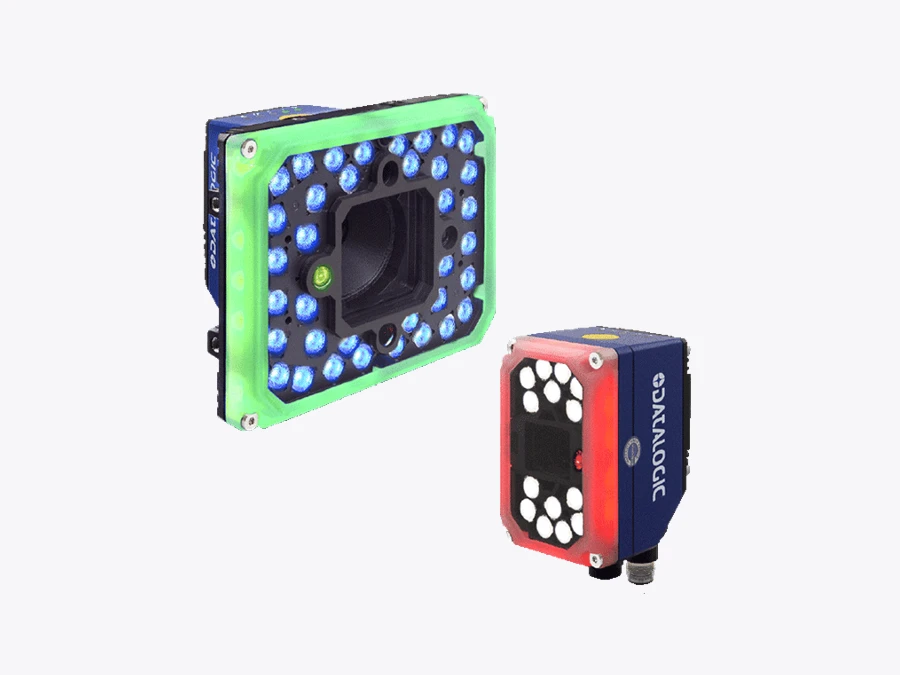
The Matrix 320 family offers image-based reading with 2MP and 5MP options, plus choices of lenses, illumination and filters. Datalogic describes distance sensing and configurable distance limits for hands-free applications. Those controls can help define a reading zone, but they do not replace the business rule that selects the correct pallet ID. Matrix 320 product details.
Use the exact proposed configuration in the trial. A wide field of view may cover a variable label position, but it can also include a second pallet or several carton labels. Review both successful reads and the labels that should have been ignored.
Zebra FS42
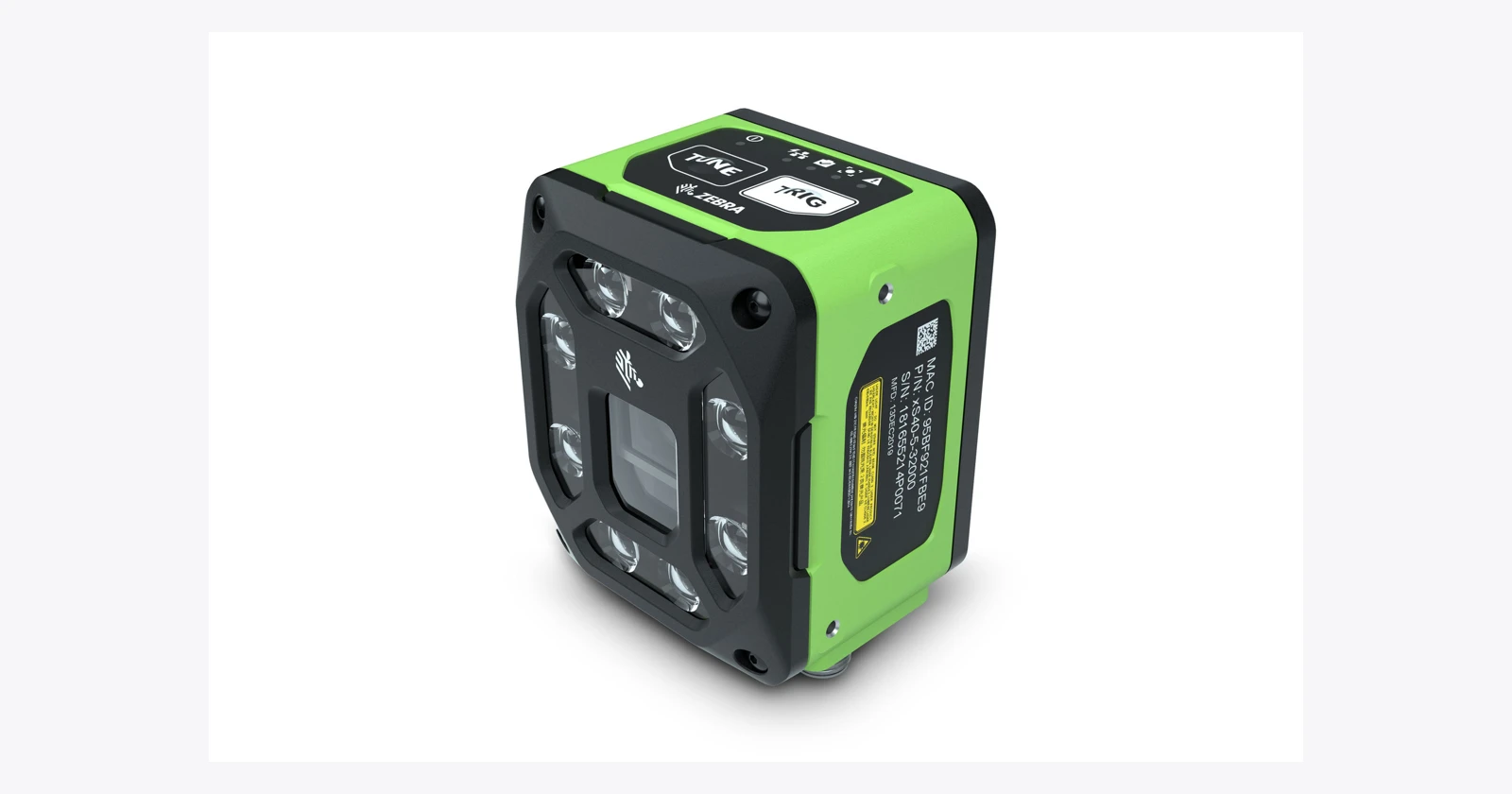
The FS42 is a fixed industrial imager with 2MP and 5MP models. Zebra lists Aurora Focus configuration software and communication protocols including TCP/IP and RS-232, alongside industrial-network options. Choose the optical, lighting, interface and license configuration for the task. A software upgrade path is not a promise that every OCR or machine-vision feature is included. FS42 published specification.
Its forklift application listing supports putting it on the shortlist; it does not approve a particular bracket, truck model or WMS connection. The vendor’s FS42 page uses shared FS4x product imagery, which is labelled as such in this package.
SICK CLV65x
SICK identifies the CLV65x autofocus barcode-scanner family in its industrial-truck guidance. It is worth evaluating for a 1D-label process where the working distance varies. For 2D requirements, investigate an appropriate image-based reader instead. The exact family member, scan geometry and interfaces need confirmation. SICK’s forklift reader examples.
The comparison file retains this family as a research reference. No verified standalone CLV65x photo was downloaded, so it is covered in text rather than represented by another device’s picture.
Zebra DS3678-XR as the manual alternative
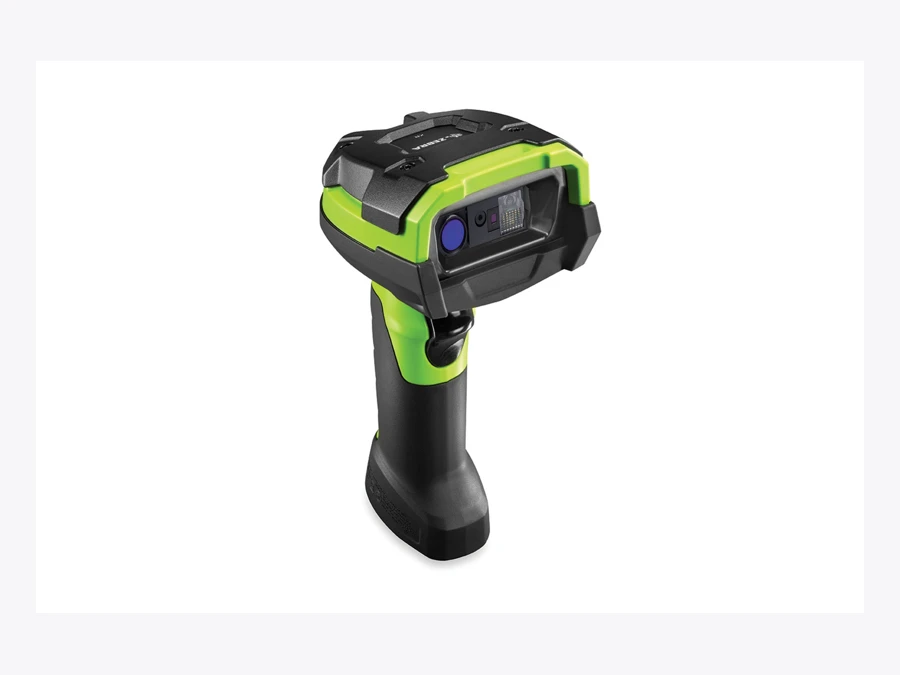
Zebra’s current reference guide lists the cordless DS3678-XR with an extended-range SE58 imager and a green aimer. That makes it a relevant manual alternative to test against automatic capture. The guide distinguishes the cordless DS3678 from corded DS3608 configurations. Zebra scanner configurations.
Do not compare only the decoder speed. Compare reaching, aiming, reading the correct label and confirming the transaction, with the same accuracy and operating requirements for both setups.
A barcode read is not yet a completed pallet move
A fixed reader can repeatedly see the same pallet and may also see labels on nearby goods. The application needs to turn those observations into one valid business event. Here is an illustrative sequence to agree with the integrator:
- Start a capture window at the intended pickup or transfer stage, using an approved trigger or operator action.
- Identify the relevant pallet code and reject unrelated carton or neighbouring-load codes.
- Match the pallet against the assigned task and handle mismatches visibly.
- Confirm the pickup or transfer state using the agreed process. Seeing a label alone does not prove that the forks carry it.
- Associate the destination separately and send one transaction to the business system.
- Display acceptance or a clear exception. Retain a manual fallback for a missed read or lost connection.
This is proposed integration logic, not a description of functions included in every reader. For a Raptool project, demonstrate the actual scanner output, truck terminal, trigger and WMS/ERP transaction together. Neither a decoded barcode nor a green light proves that the inventory record has been updated.
Pilot the awkward pallets as well as the easy ones
Include the normal variation: different label heights, shrink wrap, faded printing, nearby labels, load types and lighting. Test the truck positions and permitted movements used in the real process, plus cleaning and maintenance over ordinary shifts.
Record complete transfer time, automatic acceptance rate, wrong-load acceptance, exceptions, duplicate events and recovery time. Keep wrong reads separate from no-reads. A system that reads more labels but accepts the wrong one has not improved the operation.
Agree the acceptance criteria before the demonstration. Keep a handheld fallback and measure how often it is needed. If the exceptions consume the time saved on normal moves, revisit label placement or keep the manual approach for that flow.
The efficiency case must include the missed reads
Count the whole transfer, including recovery.
Assume 400 transfers a day over 250 working days. On 90% of transfers, automatic capture removes 8 seconds of manual scanner handling. On the remaining 10%, recovery adds 15 seconds beyond the existing manual process. The average saving is 5.7 seconds per transfer, or about 158 labor-hours annually. At €30 an hour, that represents €4,750 of labor capacity before costs.
The calculation is 90% × 8 seconds − 10% × 15 seconds. These are assumptions, not vendor results. The baseline already includes the normal manual scan; exception recovery is an additional penalty. No travel-time or lifting-speed improvement is assumed.
Capacity does not automatically reduce payroll. For a separate cash example, suppose an operation can demonstrate that the change removes 120 paid overtime hours at €35 per hour. That is €4,200 in avoided annual cost. With €1,200 in recurring costs, the annual net saving is €3,000; a €9,000 installed investment has a simple payback of 36 months. First-year net cash is −€6,000 after the investment. All figures are illustrative, exclude tax and financing, and require the assumed paid hours to disappear. Do not add this cash figure to the capacity value for the same time.
Include the reader, optics, lighting, brackets, power conversion, cables, terminal changes, integration, testing, maintenance and truck downtime in the quotation. Prices here are scenario inputs, not equipment quotes.
For high-volume pallet flows with a controlled reading zone, fixed scanning deserves a practical trial. For mixed tasks and unpredictable labels, a handheld can remain the better tool. The winning setup is the one that completes the correct move with less intervention across an ordinary shift.
Family reference and configuration checks
Datalogic Matrix 320 · technical details
Datalogic Matrix 320
Official product and configuration details
| Role to evaluate | Repeated pallet identification with engineered truck mounting |
|---|---|
| Published configuration notes | 2MP/5MP family; lens, lighting and filter options; distance sensing described. Datalogic explicitly discusses forklift mounting. |
| Before ordering | Quote the exact optics, illumination and trigger. Wide views may include unwanted labels. |
Advantage to evaluate: Repeated pallet identification with engineered truck mounting.
Trade-off: Quote the exact optics, illumination and trigger. Wide views may include unwanted labels.
Checked 16 October 2026. Family photograph, not certification of the pictured options or business-app compatibility. See the manufacturer’s current part-number list for complete specifications.
Zebra FS42 · technical details
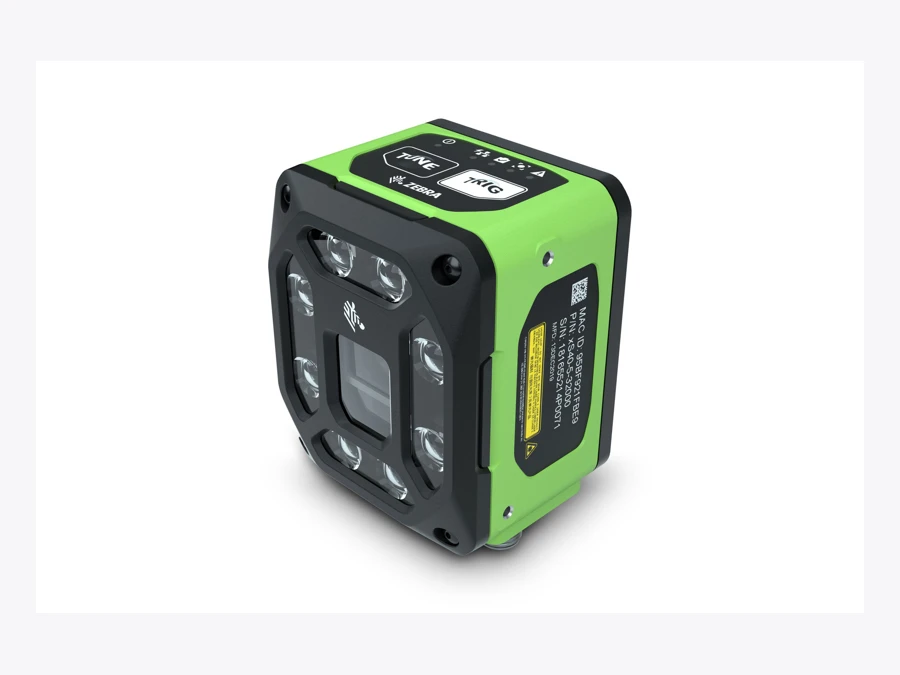
Zebra FS42
Official product and configuration details
| Role to evaluate | Forklift or controlled dock-door capture |
|---|---|
| Published configuration notes | 2MP/5MP models; Aurora Focus; TCP/IP and RS-232 among published protocols. |
| Before ordering | Validate truck power, bracket, optics, interfaces and licenses. Vendor FS42 page uses shared FS4x-family imagery. |
Advantage to evaluate: Forklift or controlled dock-door capture.
Trade-off: Validate truck power, bracket, optics, interfaces and licenses. Vendor FS42 page uses shared FS4x-family imagery.
Checked 16 October 2026. Family photograph, not certification of the pictured options or business-app compatibility. See the manufacturer’s current part-number list for complete specifications.
Zebra DS3678-XR · technical details
Zebra DS3678-XR
Official product and configuration details
| Role to evaluate | Variable labels, manual confirmation and exception recovery |
|---|---|
| Published configuration notes | Extended-range SE58 imager; green aimer; cordless configuration in DS36X8 guide. |
| Before ordering | Manual aiming remains required. Photo is the DS3600-XR family image; confirm cordless SKU and accessories. |
Advantage to evaluate: Variable labels, manual confirmation and exception recovery.
Trade-off: Manual aiming remains required. Photo is the DS3600-XR family image; confirm cordless SKU and accessories.
Checked 16 October 2026. Family photograph, not certification of the pictured options or business-app compatibility. See the manufacturer’s current part-number list for complete specifications.
Questions before you order
When should a forklift use a fixed-mounted barcode scanner?
Consider it for repeated pallet moves where the intended label reliably enters a controlled reading zone and the application can associate the read with the correct task. Test the complete transfer, including exceptions.
Can a fixed scanner replace every handheld scan?
No. Hidden labels, variable load carriers, mixed codes and exception work can still need manual aiming. Keep a suitable fallback and measure its use.
Does scanning a pallet automatically confirm its storage location?
No. Load identity, pickup state, destination and business-system acceptance are separate parts of the workflow. A barcode read alone does not confirm the completed move.
Are the savings figures measured results or equipment prices?
No. The article and editable workbook use clearly labelled assumptions. Saved capacity is separate from cash savings, and all equipment and integration costs require actual quotations.
Sources and scope
Research checked 16 October 2026. Manufacturer claims are attributed; proposed task comparisons and the capacity example are our analysis. No independent device benchmark was performed.