
A self-service store needs more than a screen beside the exit. Customers must understand how to begin, identify products, review a basket, pay, and get help. Staff need a clear way to resolve problems and keep products, prices, and receipts consistent with the rest of the business.
Start with that complete journey before choosing terminals. This guide covers practical hardware approaches and how Raptool kiosk and retail software can form part of the solution. A staffed store with self-checkout and a fully unattended store need different operating arrangements; agree which experience you are building.
Choose the service model first
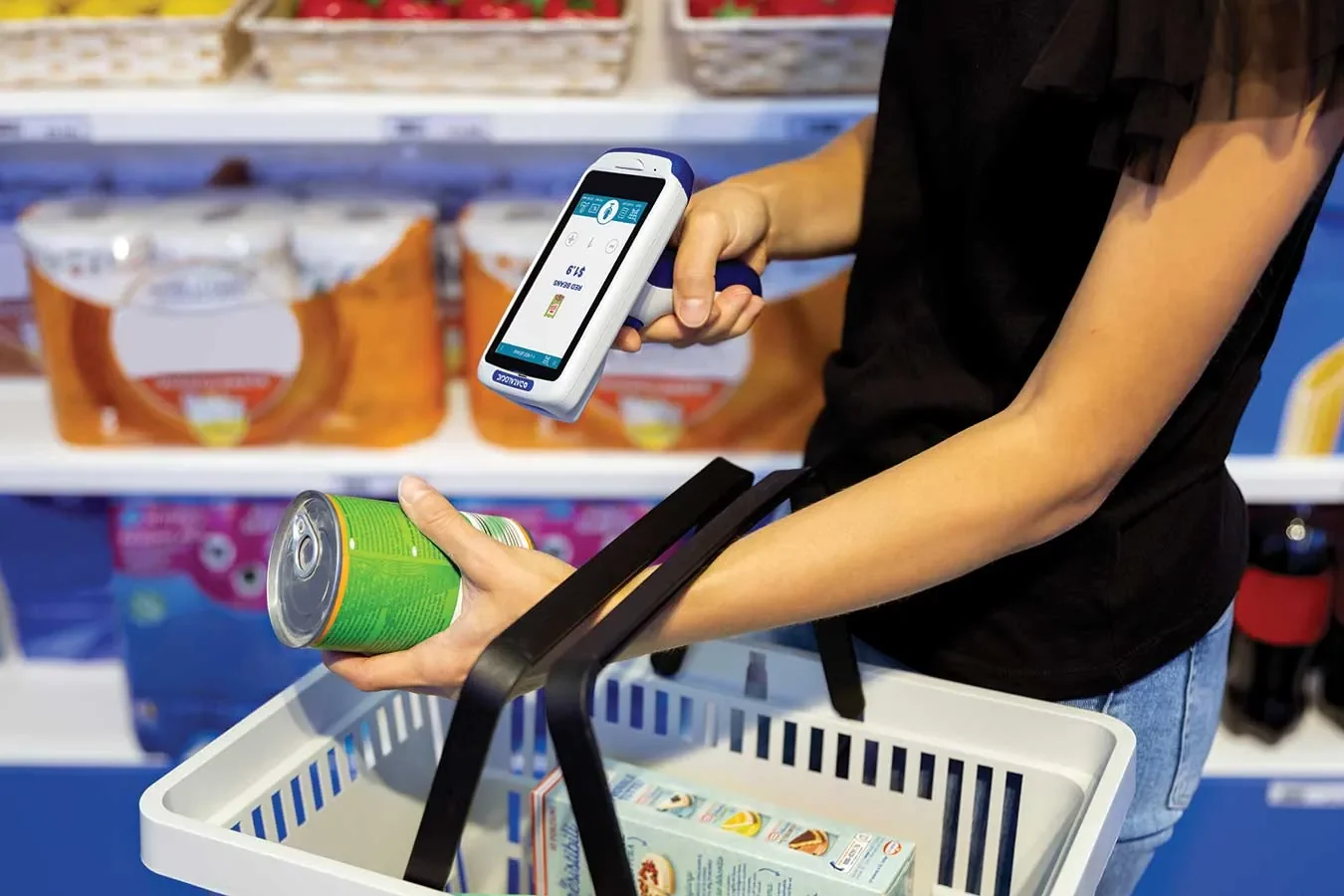
Decide whether customers scan at a fixed terminal, carry a self-scanning device, or use a customer app. You might also need a product-information kiosk that helps shoppers without taking payment. Give each screen a clear purpose so customers know whether they are browsing or checking out.
Map the ordinary purchase and the awkward cases. Include an unknown barcode, a removed item, a canceled basket, a payment decline, and a customer who needs assistance. Decide who owns each exception and what the customer sees while it is resolved.
If the store will be unattended, define support, access, and incident procedures separately. Do not assume that installing self-checkout also supplies entry control, age checks, or every loss-prevention function your operating model requires. Demonstrate each necessary function before opening the store.
Compare complete hardware setups
A counter-mounted tablet can be a useful pilot format when employees are nearby. Check the stand, power, scanner connection, and payment-device position together. A tablet placed on a counter is not yet a complete checkout terminal.
Elo's I-Series 5 Android range is presented for applications including self-service and point of sale. Use it as one example of a commercial touch platform, then confirm the exact screen, mounting arrangement, operating system, and peripheral combination with a hardware partner.
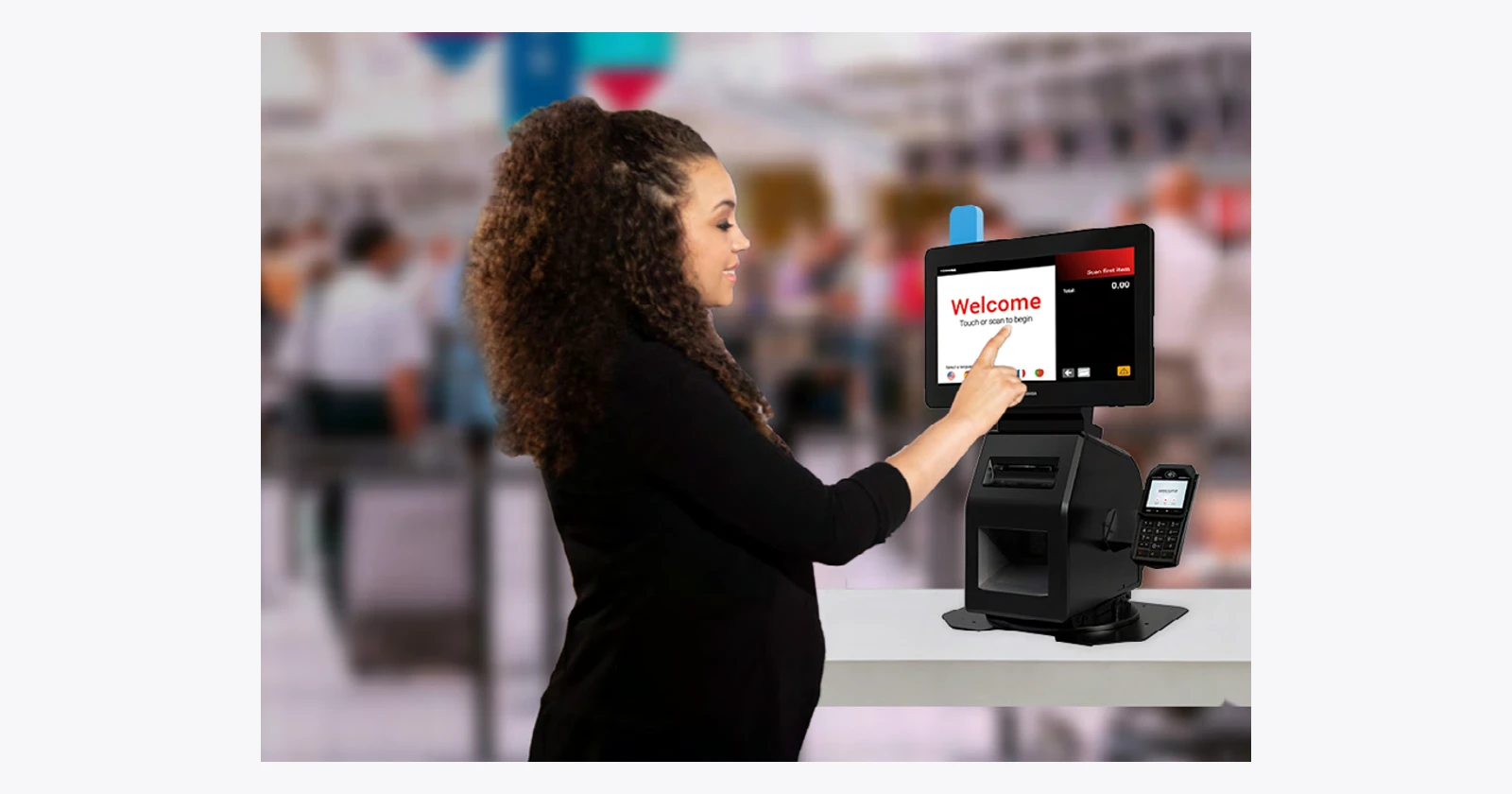
Toshiba's Pro-X Hybrid Kiosk offers a countertop approach that can switch between customer and cashier interaction. Toshiba lists CHEC and Windows-based POS applications in its product information. That does not establish an out-of-the-box Raptool installation: validate the proposed Windows configuration, interfaces, and app workflow explicitly.
Make scanning easy to understand
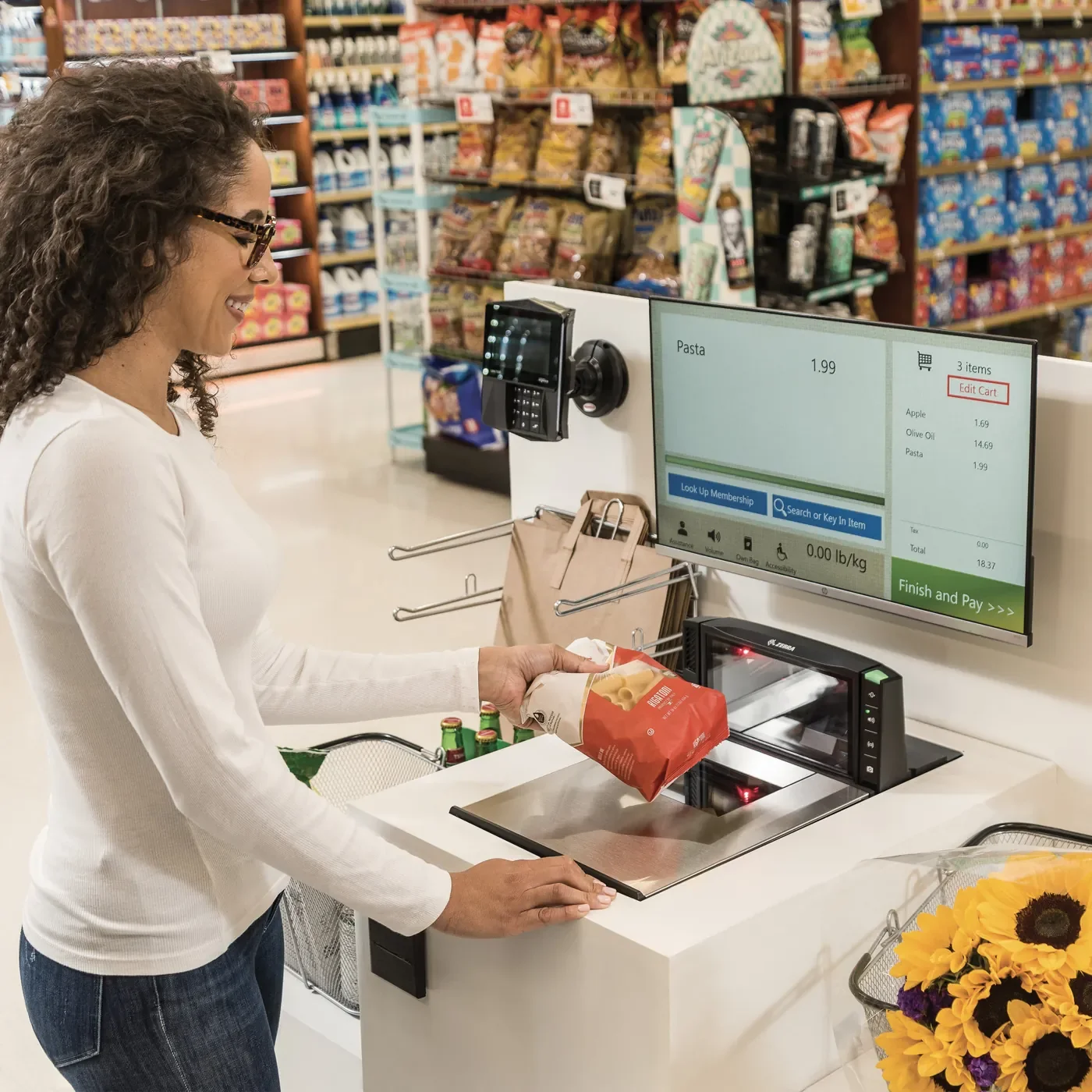
Choose a scanner around the products customers actually handle. Present a small pack, a shiny wrapper, a large carton, and a damaged label during the trial. Check whether a shopper can understand where to place the barcode without a staff explanation.
Decide how customers add several identical items and how the system prevents an accidental repeated addition. Agree the quantity and unit rules before testing multipacks. Show the item description and price clearly enough that the shopper can notice a mismatch.
Provide an understandable response when the code is unknown. That might be an assistance request or another controlled workflow. Avoid a dead-end error that leaves the customer unsure whether the item was added, rejected, or charged.
Treat payment as a separate integration
Agree which system owns the sale and how the payment result returns to it. Test approval, decline, cancellation, and an interrupted connection. Staff should be able to distinguish a completed payment from a basket that still needs attention.
Check receipt delivery and reprinting with the chosen printer or digital-receipt process. A printer problem after successful payment should have a defined recovery path. Test the exact device and connection rather than assuming that support for printing covers every model.
Offline app operation and payment authorization are separate questions. Raptool describes native kiosk apps with offline capability, but payment behavior depends on the selected payment solution and configuration. Agree what the store permits during an outage and how transactions are reconciled afterward.
Compare options around the customer journey
The table below compares deployment approaches, not guaranteed bundles. A complete solution includes the chosen peripherals, operating system, app, payment setup, and support arrangement. Ask partners to quote that complete configuration so two proposals can be compared fairly.
| Approach | A practical role | What to validate |
|---|---|---|
| Tablet on a counter | A supervised pilot close to staff | Stand, scanner, payment connection, and power |
| Elo Android touch platform | A dedicated self-service station | Exact model, mounting, peripherals, and app deployment |
| Toshiba Pro-X hybrid format | A customer/cashier checkout position | Windows configuration and integration scope |
| Customer self-scanning | Scan while shopping | Basket reconciliation, payment, and assistance |
Keep the store operation behind the terminal connected
Name the owner of product identifiers, prices, promotions, and stock records. Decide when updates reach the kiosk and how employees discover a failed update. Include a price change during the pilot so the checkout and the source system can be checked together.
Plan the everyday maintenance routine. Someone needs to replenish receipt paper, inspect the scanner window, check cables, and confirm that the station is ready for customers. Assign the task to a role rather than assuming it will happen between other jobs.
Keep customer assistance visible. A useful help function needs a recipient and an expected next action. Test it from the customer's position and from the employee's side, including what happens when the usual employee is unavailable.
Pilot one complete purchase before ordering a fleet
Test ordinary shoppers as well as experienced employees. Ask them to complete the purchase without coaching, then note where they hesitate. Improve the instructions and screen flow before adding more terminals.
Measure completed purchases, requests for assistance, scan corrections, and unresolved transactions. Compare similar shopping periods rather than promising a fixed queue reduction. Include hardware, installation, integration, payment arrangements, training, and support in the business case.
How Raptool fits
Raptool kiosk software describes branded kiosk apps, barcode and QR reading, NFC-reader connections, printing, and integration with payment, POS, or ERP systems. The site presents floor-standing, wall-mounted, and counter setups, with hardware selection supported by partners.
Raptool Retail also describes customer self-scanning devices and a shopping-and-payment app. Use a demo to decide which approach fits your store and confirm the exact supported configuration. Raptool supplies software; its partners supply hardware. Bring a real basket and the exception scenarios to the discussion.
FAQ
Is self-checkout the same as an unattended store?
No. Self-checkout describes how a customer completes a purchase. An unattended store also needs operating arrangements for access, assistance, exceptions, and incidents.
Can Raptool work with a payment terminal?
The kiosk page describes integration with a payment solution. Confirm the provider, device, interfaces, and transaction-recovery behavior for the proposed setup.
Does offline kiosk operation mean payment works offline?
Do not assume it does. Confirm payment authorization and reconciliation behavior with the selected payment solution and store policy.
Which terminal should we buy?
Choose after testing the complete purchase journey. Compare the screen, mounting, scanner, payment device, receipt process, and support together.
Does Raptool sell self-checkout hardware?
Raptool is a software company. Hardware is supplied through its partners, with the proposed configuration confirmed for your project.
Tags
Want to see how this could work in your stores? Book a demo and we will walk you through it.
Book a demo