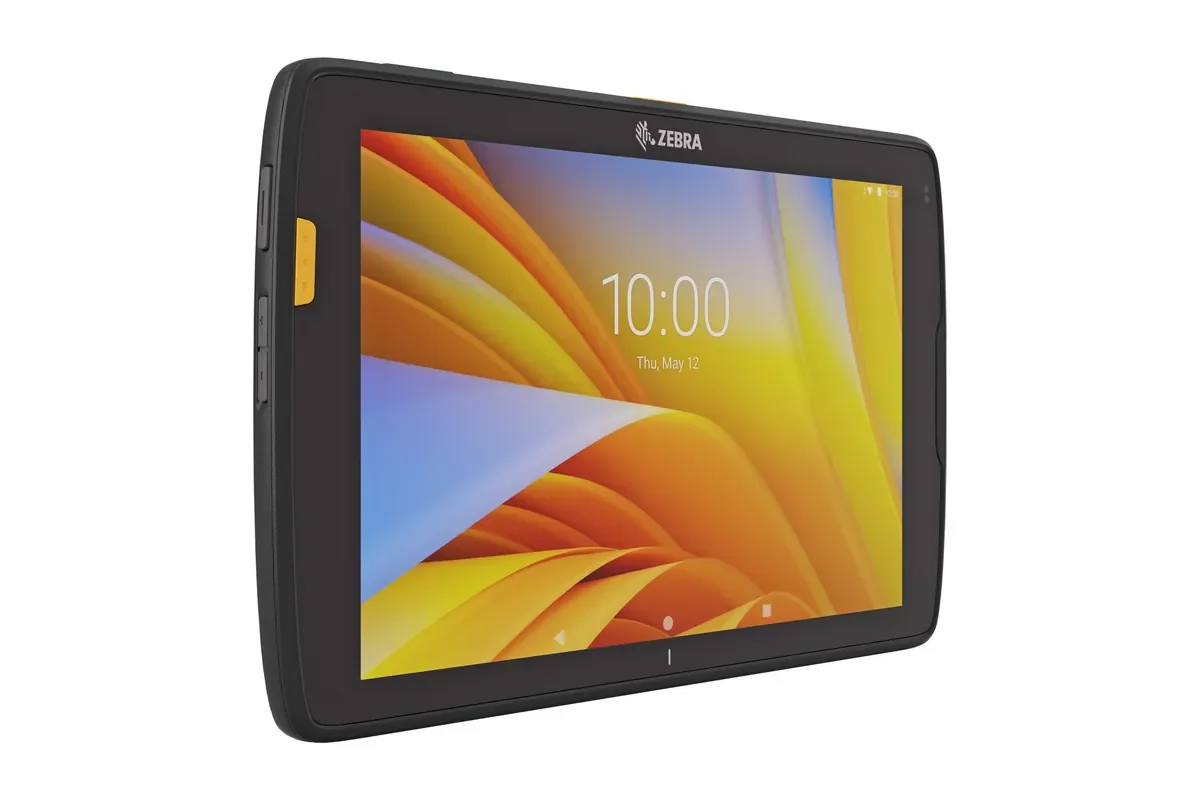
The Zebra ET40 photograph illustrates a standard commercial tablet for comparison; it is not an ODM prototype or a Raptool-manufactured device.
A rugged tablet ODM project should begin with a job that an ordinary device cannot perform well. Perhaps staff need a particular connector, a different mounting arrangement, or an integrated scanning function. Write down the operational need before discussing the shape of the housing or the position of a logo.
For operations managers, the important question is how the proposed hardware, accessories, operating system, and business app will work together. This guide proposes a way to evaluate that complete setup. It does not assign a minimum order quantity, development price, or delivery schedule to an ODM program.
Understand what the manufacturer is offering
ODM means original design manufacturer. In a rugged-tablet discussion, ask the supplier to explain which parts of the design and manufacturing service are included and which changes require a separate project. Do not assume that branding, component selection, and a new mechanical design are equivalent requests.
MSI's rugged-tablet ODM service, for example, describes design and manufacturing capabilities alongside mechanical, electronic, software/API, validation, and field-application engineering. This illustrates the range of disciplines involved; it does not establish the scope of another supplier's offer.
Ask for a written boundary between standard configuration and custom development. Identify who supplies the operating-system image, who supports device interfaces, and who owns future changes. The commercial agreement should match the technical responsibilities discussed in the demonstration.
Prove that the job needs custom hardware
List the tasks staff will perform and the reason a standard tablet is inadequate. Use observable requirements: entering quantities with gloves, connecting a scanner, docking on a cart, or using the screen under a particular lighting condition.
Compare the proposed custom device with a commercial tablet and the relevant accessories. A different stand or a redesigned app screen may address the problem without changing the tablet hardware. Conversely, an essential physical interface may justify a custom platform.
Keep the comparison focused on the complete workflow. Ask staff to receive an item, find a location, and confirm a task on both proposed setups. Record where the standard approach fails rather than relying on a general impression that custom equipment will be better.
Define the interface between scanning and the app
Ask how scan data reaches the business application. The answer should identify the supported method, the information delivered, and how the app distinguishes a successful read from a canceled or failed task.
Test your actual labels. Include a long identifier, a barcode that represents a carton, and a code with data fields your process needs. Agree which system interprets the unit and quantity. A scanner that reads a label is not automatically completing the receiving transaction.
Document the interface for any additional reader or peripheral. If the tablet includes NFC, RFID, a camera, or a specialized port, confirm the driver and application support for the exact hardware and OS image. Avoid assuming that every module appears to the app in the same way.
Make operating-system responsibility explicit
Confirm the OS edition, build, update process, and support arrangement for the proposed device. Ask the manufacturer which components of the image can change and how those changes are communicated to the app owner.
Use a pilot image that represents the intended production setup. An engineering sample with different drivers or permissions may not demonstrate the behavior of the final device. Record differences so they can be retested before acceptance.
Agree how updates reach deployed tablets and how a problem is recovered. Staff need to know whether the device remains usable during the update, which settings survive, and who investigates a failed deployment. Test the process on a small group before extending it to the fleet.
Compare the proposal as a complete system
Use the table below in a supplier workshop. It lists project decisions rather than universal ODM features. Assign an owner to every open question so hardware and application teams do not each assume the other has resolved it.
| Project area | Evidence to request | Decision owner |
|---|---|---|
| Hardware requirement | A task the standard setup cannot meet | Operations and hardware partner |
| Scanner interface | Successful reads in the intended app | Device supplier and app owner |
| OS image | Documented build and update route | Manufacturer |
| Accessories | Tested production dock and mounting setup | Hardware partner |
| Acceptance | Completed tasks and exception recovery | Operations lead |
Include the accessories in the prototype
Test the charger, dock, case, strap, scanner attachment, and any cart or vehicle mount that belongs to the real job. Confirm that staff can connect, remove, and carry the device as intended.
Check where the tablet waits between tasks. A device that works well on a bench still needs a practical charging and storage routine. Ask employees to demonstrate the shift handover, including a low battery or an unavailable charging position.
Review spare parts and replacement arrangements with the hardware partner. Confirm what happens if a dock or cable changes during the program. Keep compatibility evidence with the approved configuration rather than assuming that an accessory with the same connector is interchangeable.
Accept the workflow, not just the prototype
Define acceptance around completed tasks and recoverable exceptions. Include normal work, a wrong item, a damaged barcode, an interrupted connection, and an app restart. Inspect the resulting records in the connected business system.
Keep a configuration list for the accepted sample. Include the model identifier, relevant modules, accessories, OS build, app version, and settings. That list gives the production batch and a later replacement something concrete to match.
Measure handling effort and corrections alongside task time. Ask the team what remains difficult after a full shift. A prototype review should reveal operational limitations before the business commits to a larger rollout.
How Raptool fits
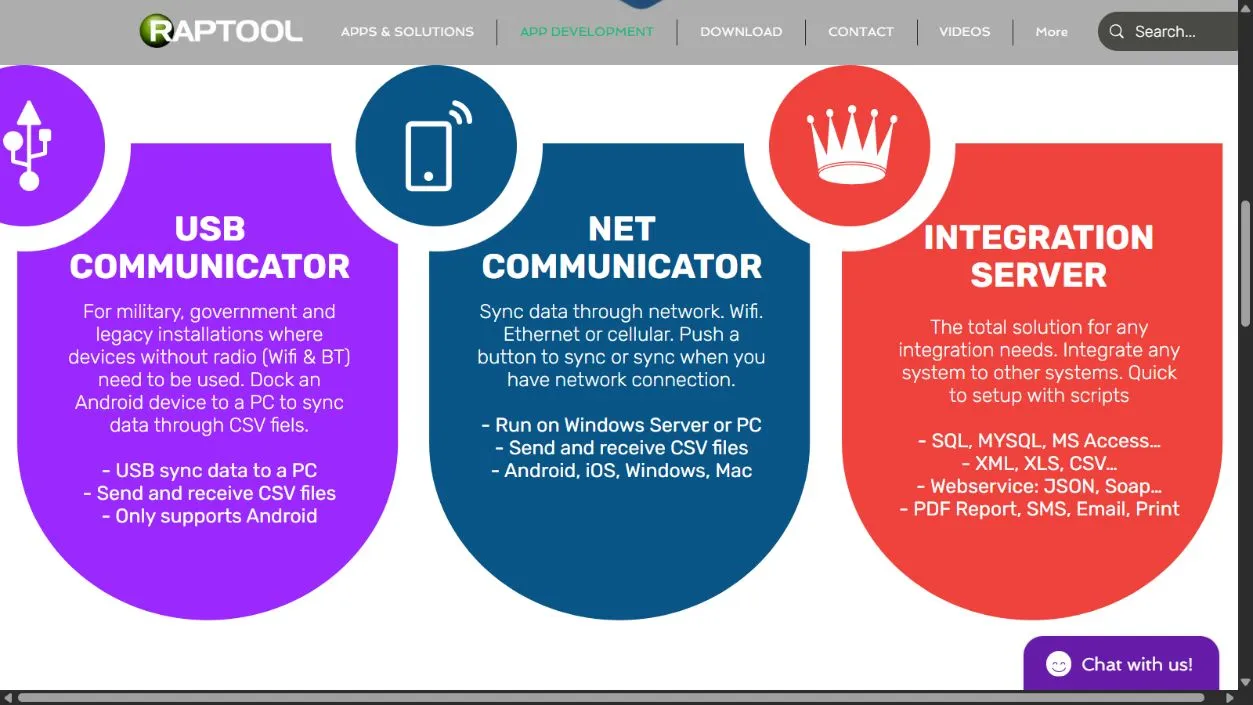
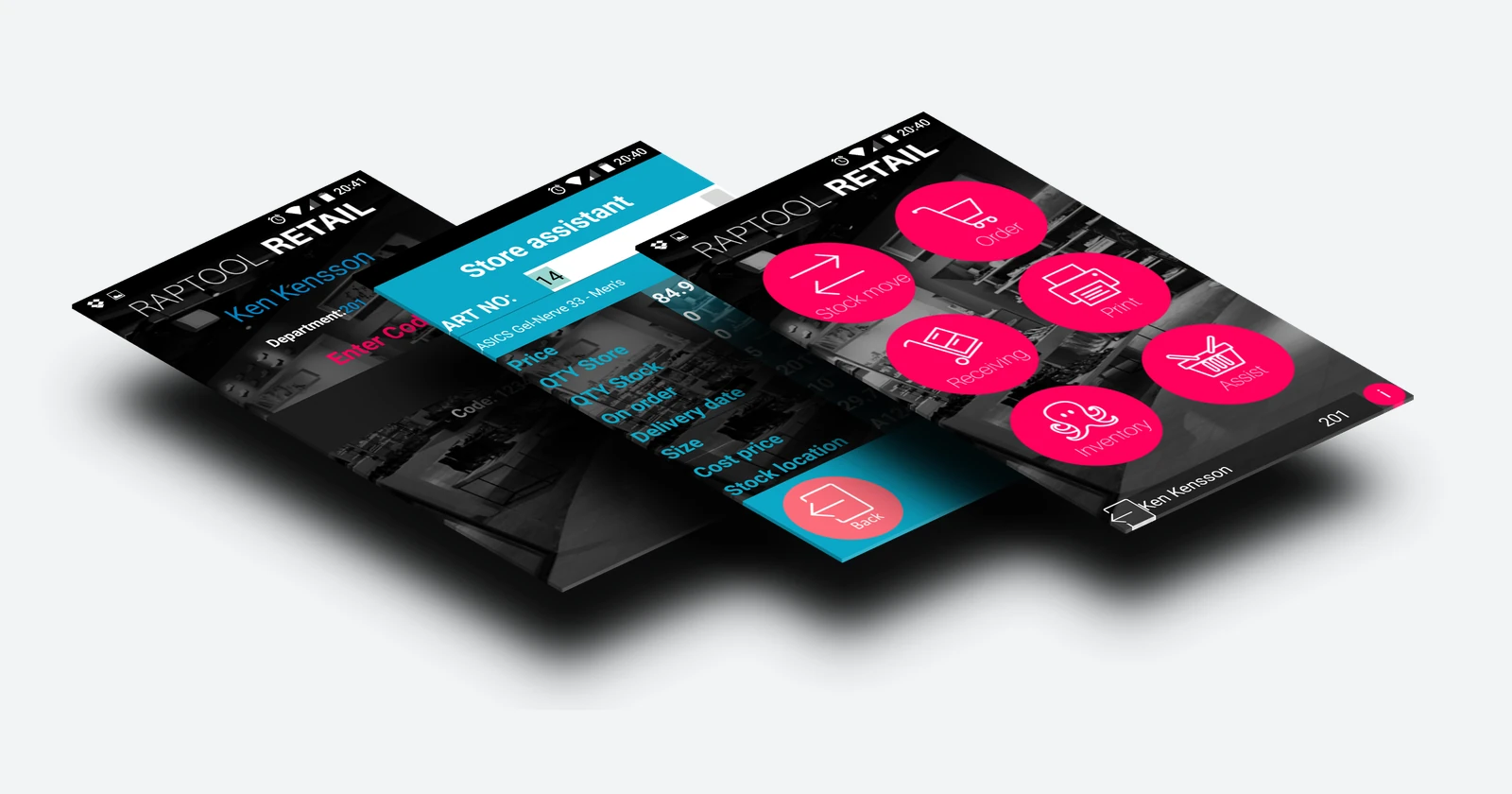
The Raptool website describes a native Client and scanning apps and app customization through Raptool Designer. Use that software discussion to establish the business screens, validation, and connected records your tablet workflow requires.
Compatibility with a custom ODM tablet must be demonstrated on the proposed device and OS image. Confirm every scanner and peripheral interface rather than treating an OS label as proof of full support. Raptool supplies software; the hardware partner and manufacturer remain responsible for the agreed device design and hardware service.
FAQ
What does ODM mean?
ODM means original design manufacturer. Ask the supplier to define the design and manufacturing work included in its particular offer.
Does custom branding require a new tablet design?
Do not assume it does. Ask which changes can be made to an existing platform and which require additional engineering.
Can Raptool run on any custom tablet?
Compatibility must be tested on the exact device, operating system, and interfaces. A familiar OS name does not establish support for every integrated module.
What should be in a prototype test?
Include the real accessories, representative tasks, difficult labels, connection interruptions, and shift handover. Inspect the resulting business records.
Who supplies the hardware?
The manufacturer and hardware partner supply the device under the agreed project. Raptool provides the software and the configured business workflow.
Tags
Want to see how this could work in your warehouse? Book a demo and we will walk you through it.
Book a demo