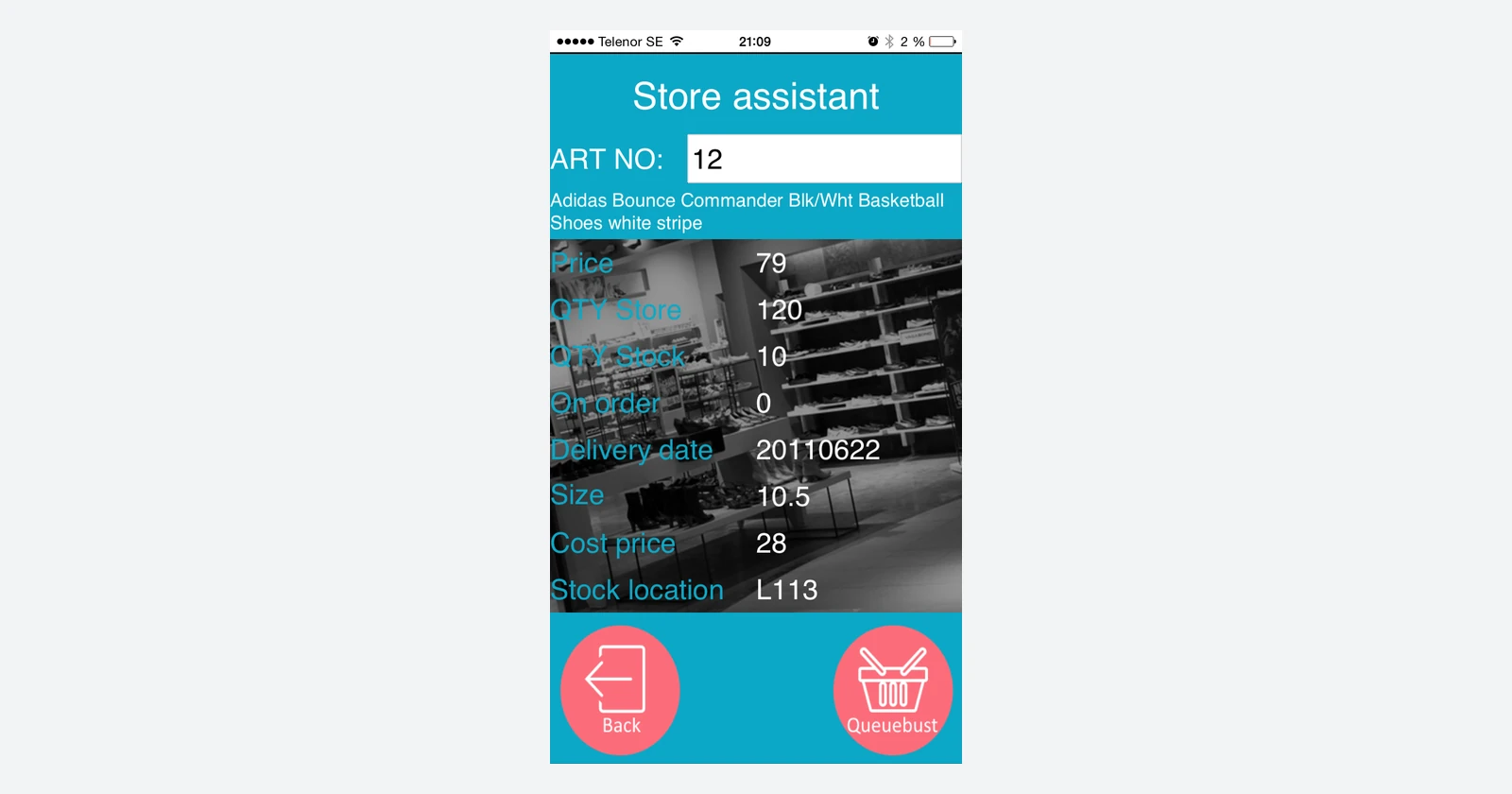
Build the app around the job your team needs to do.
A stock counter needs a clear way to identify an item and enter a quantity. A shop assistant needs the right product information while talking to a customer. A service worker needs a simple record of the work completed. Those jobs are useful starting points for a business app: define the task, then decide what the screen should ask and what should happen next.
Raptool Designer is described as a PC-based visual tool that adds application functions through icons, without requiring programming skills for that approach. Its published examples include service, retail logistics and sales-assistance apps. The aim is to spend less effort constructing an interface and more effort making the workflow fit the business.
Designer builds it. Client runs it. Integration connects it.
Designer
Define the screens, functions and behavior for the task.
Client
Run the app design on the team’s mobile devices.
Data connection
Exchange the required records with the business system.
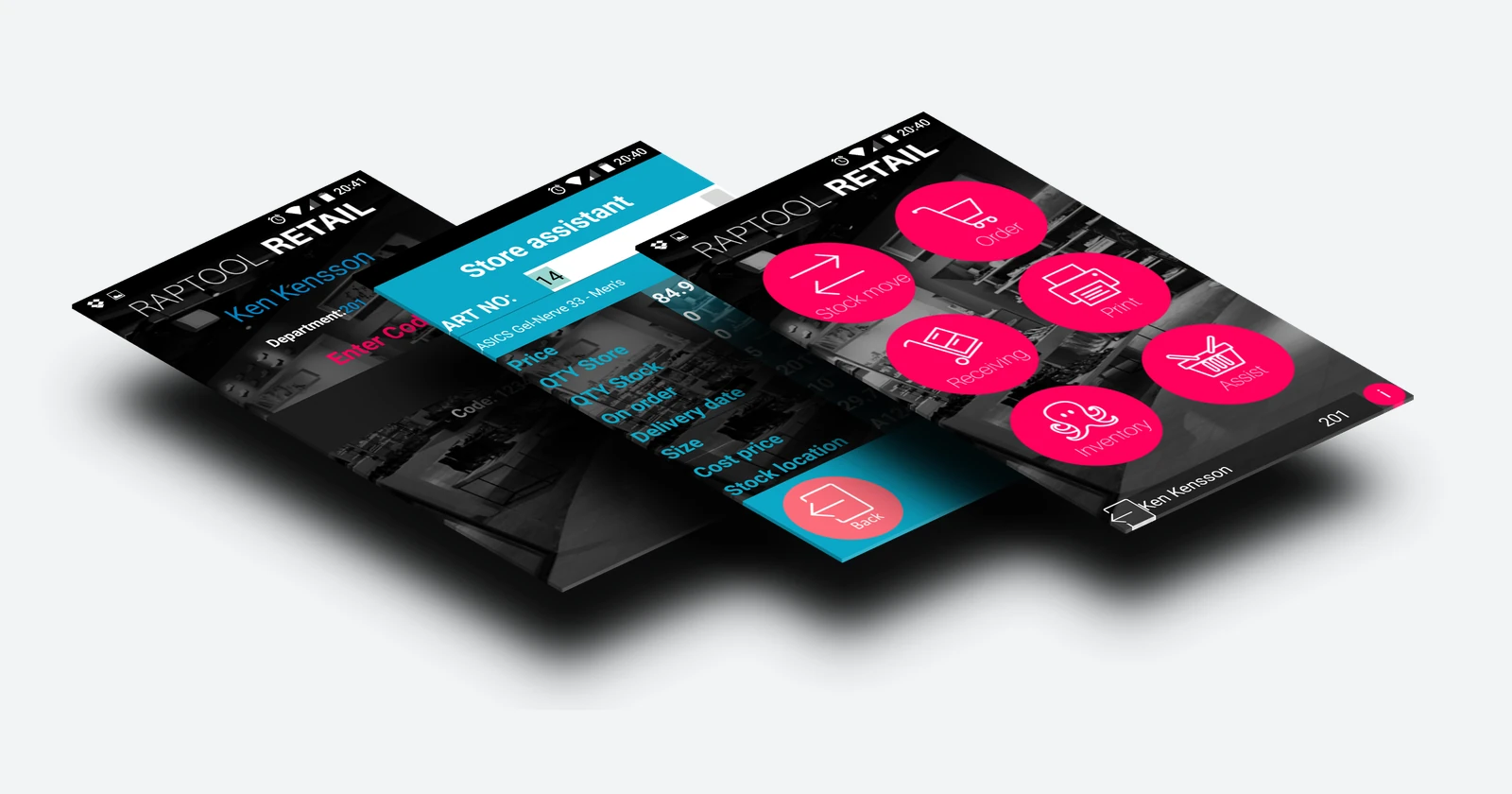
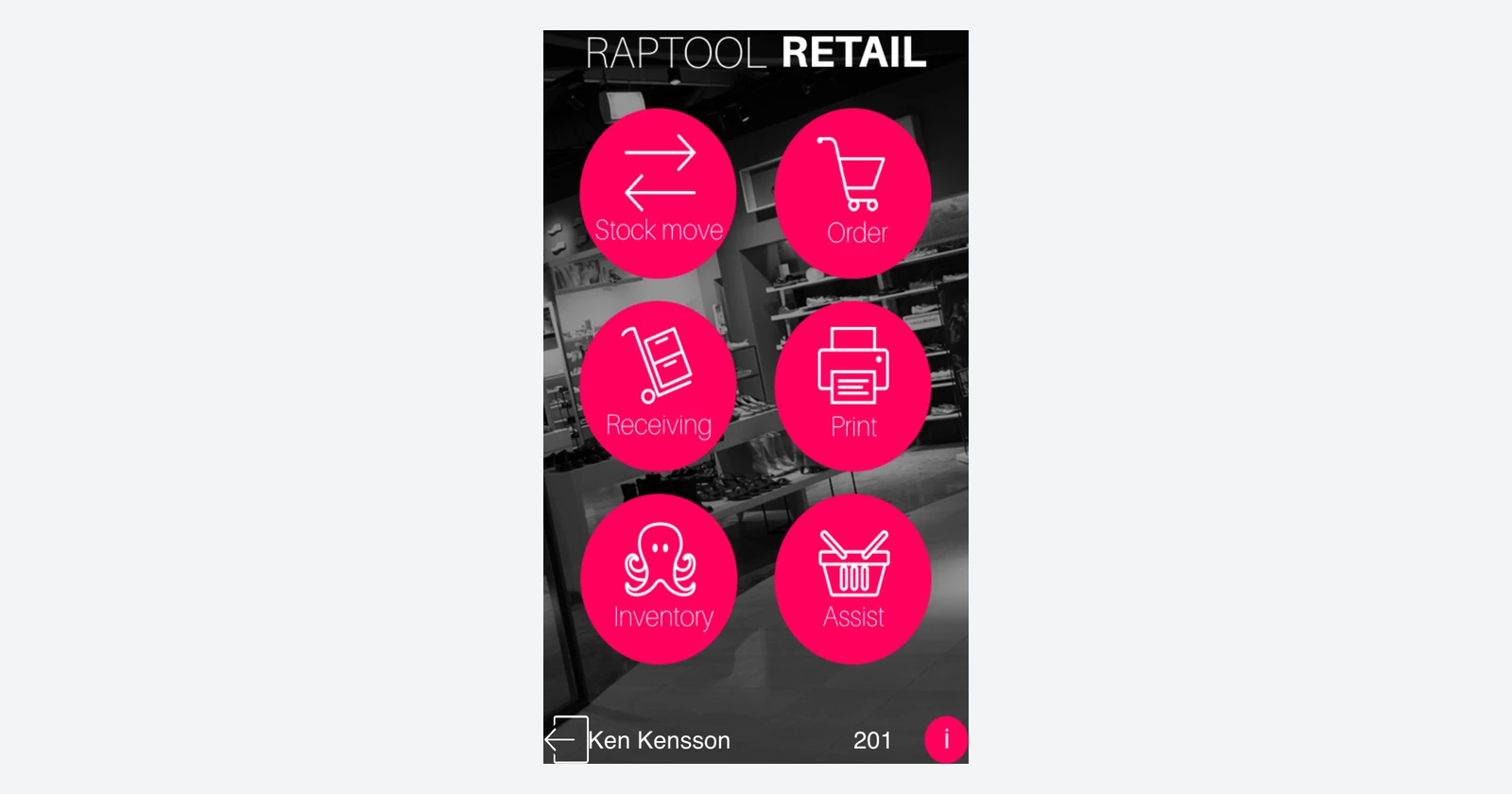
Raptool’s getting-started guide describes creating an app design, distributing it and using Client to run it. Its pages list native clients across iOS, Android and Windows. Check the supported Client version and operating system for the devices you plan to use; older product imagery is an example of the approach, not a current compatibility list.
Start with one complete workflow
1. Write down the task and its exceptions
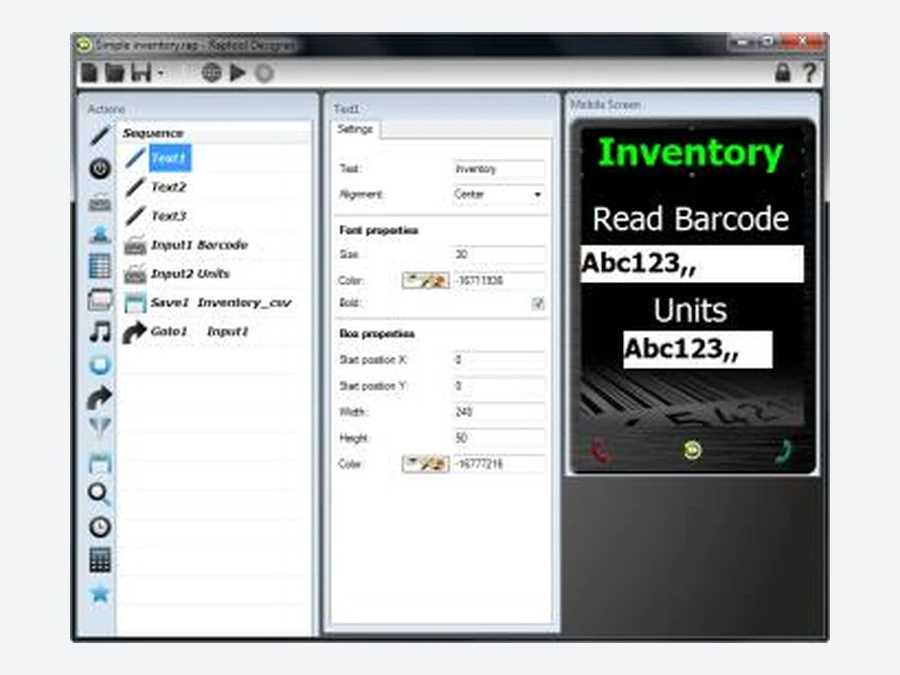
Take stock counting as an example. Decide who counts, which location they are working in, how the item is identified and which unit the quantity represents. Specify what happens when a barcode is unreadable or an unexpected product is found. Those decisions become the brief for the app.
2. Add the screens and functions
The Raptool software-suite brochure illustrates adding functions, positioning elements and changing their settings. It describes screens, buttons, database searches and saves, calculations and barcode input. Use the available functions to build the agreed steps; confirm their behavior in the current Designer release.
3. Test on the actual device
Check the screen at working distance, the barcode input and the steps needed to correct a mistake. A form that looks comfortable on a PC can be awkward on a small scanner. Try an ordinary record, a missing value, a repeated submission and an exception before extending the design.
4. Connect and review the result
Decide which system owns each record and what an accepted submission means. For a count, entering a quantity may create a result for review rather than immediately changing stock. For a service job, completing a form may record work without closing the customer’s case. Make those transitions explicit.

Three practical places to start
Select a task to see a proposed brief. These are planning examples, not live applications or promises that every function is preconfigured.
Identify the item and record the count
Proposed inputs: location, product, unit and observed quantity. Show the mapped item clearly, allow an exception and send the count to the agreed review process. Test a wrong product, a case-to-piece conversion and an empty location.
Explore Raptool WMSBring product information to the customer
Proposed task: identify the product, show relevant information and help the employee answer the customer’s question. Decide where prices and availability come from, how current they are and what happens when the connection is unavailable.
Explore Raptool RetailRecord the work while it is being done
Proposed inputs: job reference, work completed and the agreed time or parts information. Define incomplete jobs, corrections and the approval step. Check that a repeated upload cannot create a second record for the same work.
View Raptool’s app examplesPlan the data connection separately
Raptool’s integration page describes file exchange, database connections and web-service interfaces, including CSV, SQL and JSON. It also describes scripts for Integration Server. Visual app building can reduce screen-development work, but the connection still needs field mapping, credentials, ownership rules and testing.
Start with the smallest useful exchange: the records the app needs and the results it must return. Define how failures are reported and retried. Confirm any offline requirements for the chosen Client and data setup rather than assuming that every design can work without a connection.
Where the time and money can go
A visual builder is most useful when it removes repeated interface work or makes changes easier to implement. It does not remove the need to understand the task, check the data or test the result. Compare the same scope, devices and acceptance criteria.
40 hours / €3,000 of project capacity
Assume a complete project takes 120 hours through a conventional development route and 80 hours with the visual approach. At €75/hour, the 40-hour difference represents €3,000 before any difference in platform fees.
| Work | Conventional route | Visual approach |
|---|---|---|
| Requirements and workflow design | 20 h | 20 h |
| Interface and behavior implementation | 60 h | 20 h |
| Connection and data mapping | 20 h | 20 h |
| Testing and rollout | 20 h | 20 h |
| Total | 120 h | 80 h |
That is 33.3% less total effort under these assumptions. Only the interface-implementation estimate changes. If the visual route adds an assumed €1,000 in first-year fees compared with the alternative, first-year project value becomes €2,000. These are hypothetical budgets, not Raptool prices. Internal hours create capacity; cash savings depend on avoided invoices or paid work.
Build a small app, then decide how to extend it
Choose a workflow with a clear owner and a result you can check. Gather representative product or job data, pick the target device and agree the acceptance tests. After the pilot, measure how much work the app saves and how reliably it handles exceptions before adding more screens or locations.
Raptool advertises a free Designer download request. Confirm Client, hosting, integration and support costs for production separately. An editor’s download price is only one part of the project budget.
Raptool Designer questions answered
What is Raptool Designer?
Raptool describes Designer as a PC-based tool for building mobile business applications by adding functions through icons, without programming skills for that app-building approach.
How is Designer different from Raptool Client?
Designer creates the app design. Client runs that design on the user’s device. Data connections are a separate part of the solution.
What kinds of applications suit it?
Practical candidates include stock counting, store logistics, sales assistance, service work and structured data capture. Scope the fields, steps, exception handling and connection before building.
Is Raptool Designer free?
Raptool advertises a free Designer download through its request page. Confirm the Client, hosting, integration, support and deployment costs for the actual project; a free editor does not establish a free production solution.
Does no-code mean no integration work?
No. Screen building can use the visual tool, while connections still require mapping, authentication and testing. Raptool’s Integration Server page describes scripts and interfaces such as SQL, files and web services.
How much development cost can it save?
The article’s hypothetical example compares 120 hours with 80 hours for the same complete project. At €75/hour, 40 hours represents €3,000 before any difference in platform fees. It is an assumption, not a measured Raptool result.
Tags
Start with the business task you want to improve. Explore Raptool Designer and plan the first app.
Request free Designer