NO-CODE APP DEVELOPMENT · SPEED WITH RESPONSIBILITY
Moving a button onto a screen can take seconds. Deciding what that button is allowed to do can take much longer.
No-code development deserves attention from businesses that are tired of waiting for every small process improvement. Forms, inspections and repetitive data collection can be good candidates for visual development. The benefit is being able to spend more effort on the workflow and less on writing routine code.
That does not remove the need to understand the data, test the result or look after the app once people rely on it.
Start with a process people repeat
A no-code tool is a plausible choice when the work can be expressed through supported screens, rules and connections. A stock check needs to identify an item, record a quantity and send the result somewhere useful. A service visit might need an assigned job, a checklist, photographs and an agreed completion step.
Describe that work before choosing the tool. Include the exceptions: a damaged barcode, a missing record, an interrupted connection and a correction after submission. A simple business process can contain awkward conditions that the first demonstration never touches.
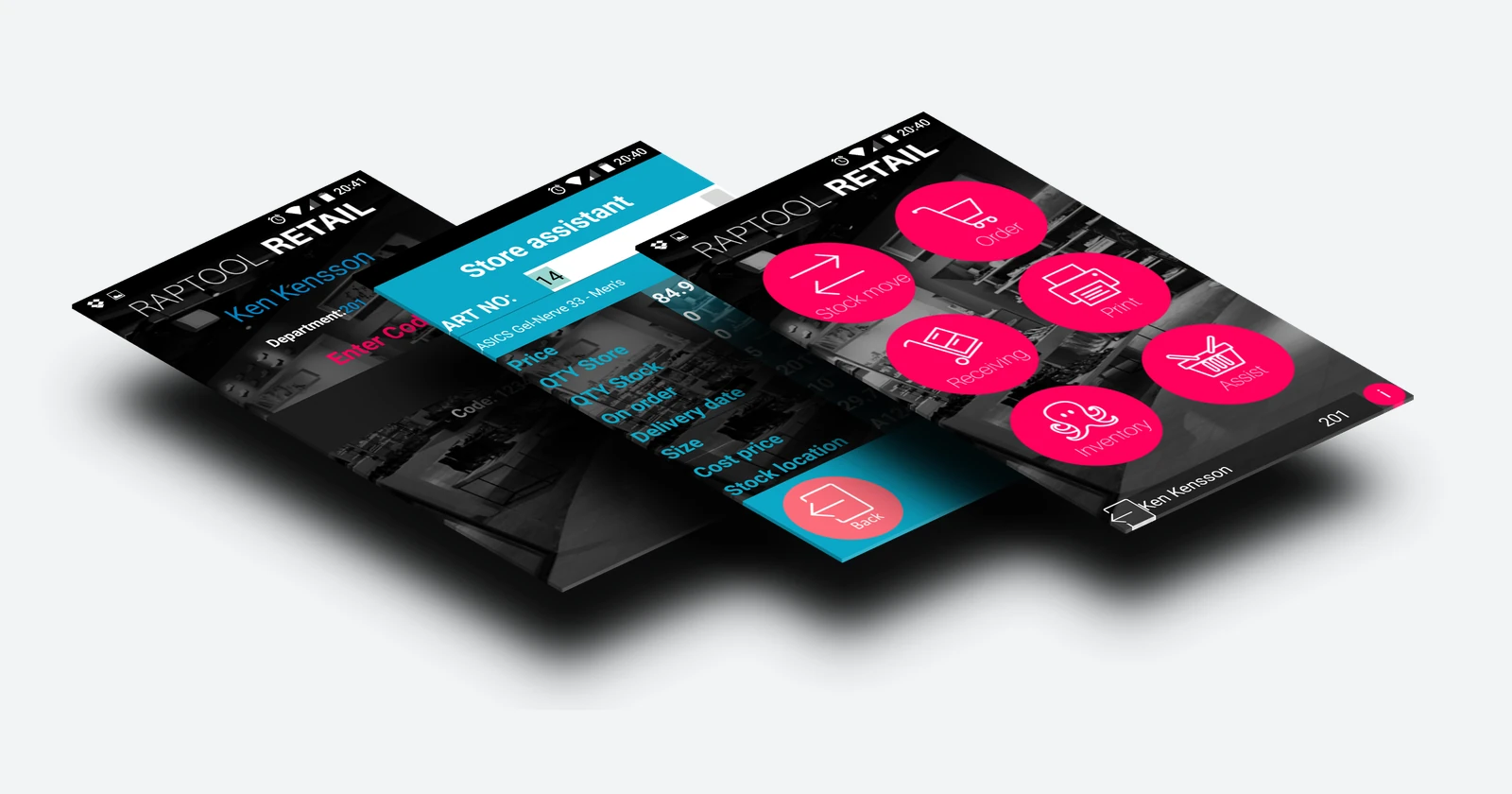
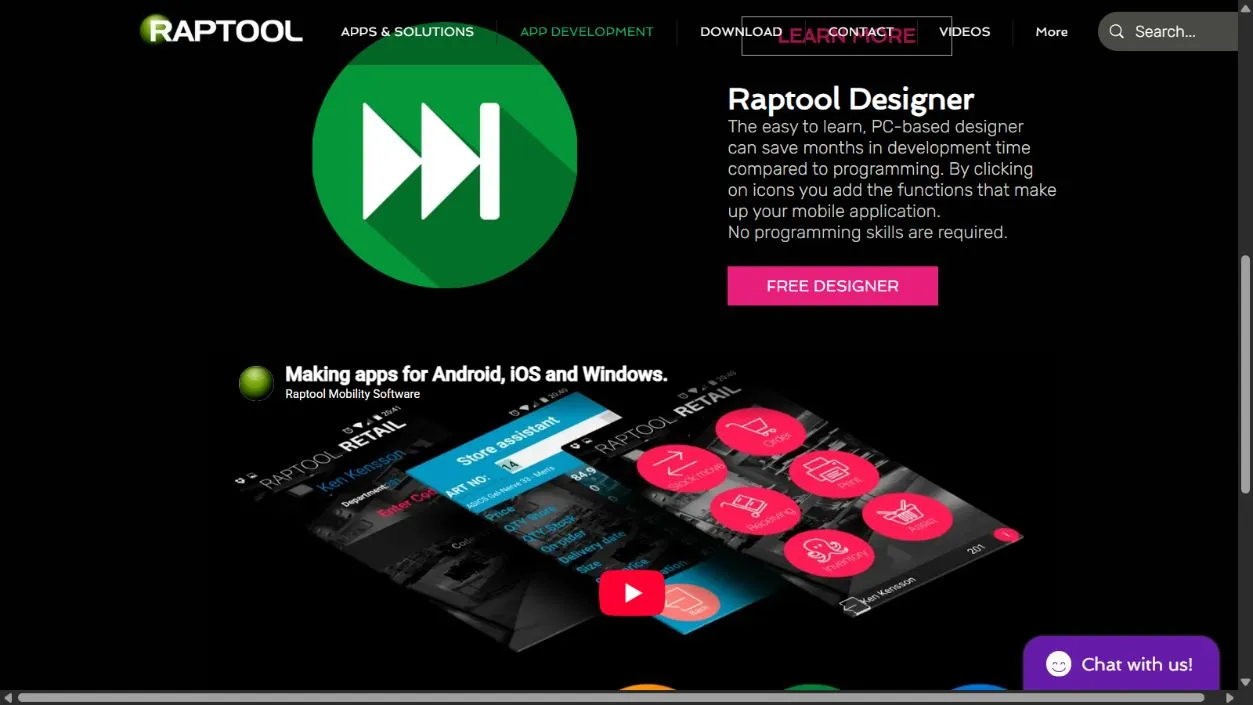
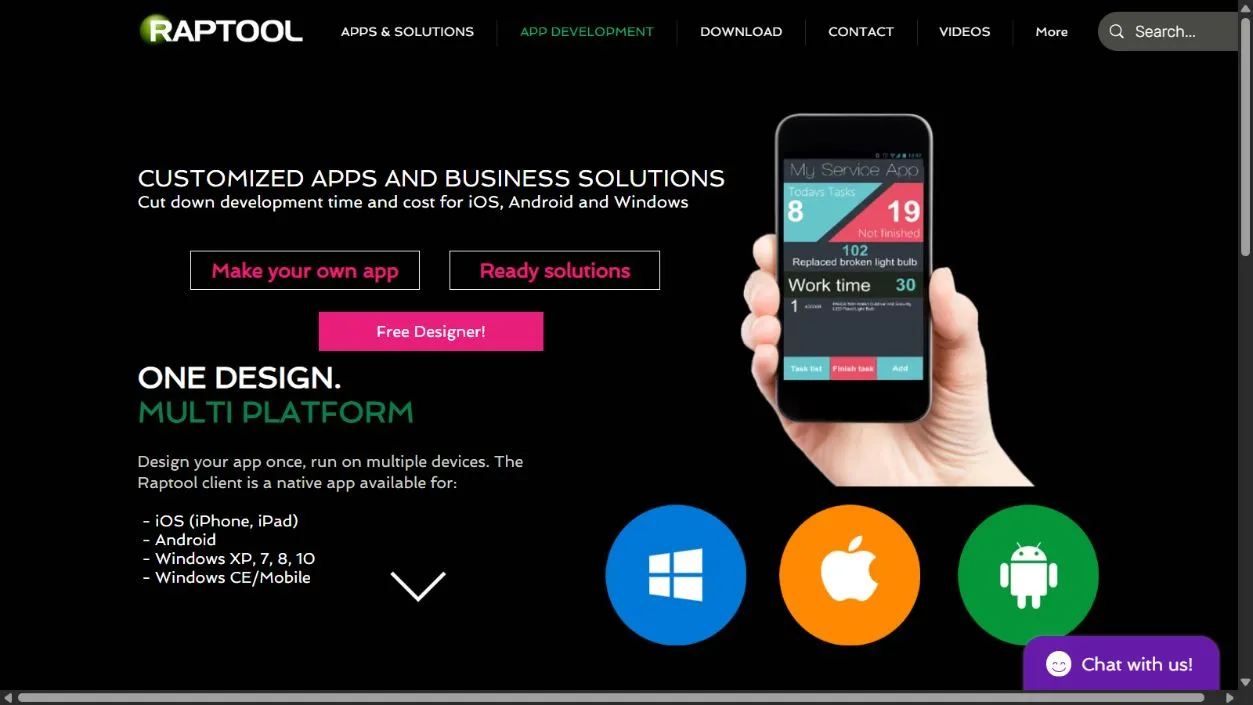
Raptool describes Designer as a PC-based tool that adds app functions through icons. Its product overview separates the app design from the Client that runs it, with integration and storage components available. Confirm the current versions and components needed for your devices.
Make the conversation about the work
A visual builder can let the person who knows the process contribute directly. The team can try a different field order, change a label or walk through the form with an operator. That feedback is valuable before a screen becomes the standard way of doing a job.
Reuse can also matter. When the platform already handles a required input or connection, the team may have less routine implementation to maintain. The useful comparison is with the complete alternative, including building and supporting those same capabilities.
| Likely advantage | Condition | Trial task |
|---|---|---|
| Faster workflow changes | The required behavior fits supported functions. | Change a rule and retest existing work. |
| More business-user input | Users understand what the rules and data mean. | Watch an operator complete a real job. |
| Reuse across devices | The runtime supports the actual models and OS versions. | Test scanning, printing and connectivity on-site. |
| Less custom infrastructure | The commercial and technical platform limits fit. | Check production costs, data access and recovery. |
The limits often live outside the screen
Connecting a form to an old business system may still require careful mapping, credentials and error handling. Clarify which system owns each value. Test what happens when a submission is sent twice, a record changes elsewhere or a connection fails halfway through an update.
Realistic data volumes are essential. For example, Microsoft's Power Apps documentation explains how nondelegable queries can process only a limited set of records. That is a Power Apps design constraint, not a stated Raptool limit. It illustrates why a small sample can conceal a production problem.
Highly unusual interfaces or specialized computation may be a poor fit for a particular builder. Ask to see the hardest requirement working before paying for the easiest screens. Be willing to use a different tool for the part the platform handles badly.
Someone still has to own the app
A visual rule can make the wrong decision just as a coded rule can. Separate testing from live work, restrict who can publish and keep enough information to restore a previous working version. Microsoft's governance guidance covers environments, access and monitoring for its platform. Those topics also make a useful set of questions for any builder.
Ask what you can export, whether the app requires the vendor's runtime and what happens when the original maker leaves. Budget for licenses, connectors, storage, support and future changes. A free design tool does not establish that the complete production setup costs nothing.
Compare the complete implementation
Assume a coded route needs 100 implementation hours plus 40 hours for testing and integration. A visual route needs 35 implementation hours plus the same 40 hours: 140 − 75 = 65 hours.
At an assumed €60 an hour, the difference is €3,900 of implementation effort before platform fees. The figures are invented for the calculation; actual results depend on fit, and neither route may skip quality checks.
Make the pilot include an awkward day
Build one complete workflow with a small user group. Use the intended device, real network conditions and representative records. Demonstrate access, integration, correction and recovery. Agree who approves a change and who answers when the app stops working.
Measure the effort to change the app as well as the effort to build it. A tool earns its place when the team can keep improving a dependable workflow at a sensible total cost. No-code can shorten the distance between an operational problem and a useful app. The business still needs to know where it is going.
Questions behind the decision
Does no-code remove the need for technical work?
It can reduce routine coding when the platform fits the workflow. Data design, permissions, integration, testing and support still need ownership.
When is a no-code builder a sensible option?
When supported functions fit a repeatable business workflow and the required devices, data volumes and integrations work in a realistic trial.
Is a free designer the same as a free production app?
No. Verify runtime, user, integration, storage and support charges for the complete setup. This article does not quote Raptool production pricing.
Sources and scope
Research checked October 2026. Sources are linked beside factual claims. Worked scenarios are illustrative, not customer results or supplier quotes. Screenshots show published platform material; device photos are catalog references, not compatibility certification.