AI APP DEVELOPMENT · PROS, CONS AND THE WORK AFTER THE DEMO
The app looks finished. Then somebody asks whether two people can edit the same order, what happens without a connection, and who can see the customer data.
AI can make app development more accessible and help experienced developers get through useful work. It can also produce a convincing first version before the difficult decisions have been made. The sensible question is how much dependable software you can deliver and maintain for the effort invested.
The first draft can arrive much sooner
AI assistance can help turn a clear description into a prototype, suggest routine code, explain an unfamiliar component and draft tests or documentation for review. A working example also gives users something concrete to respond to. It is easier to notice a missing step in an actual workflow than in a long description of one.
That is especially useful when the team can recognize a good result. A developer who understands the data and the surrounding system can reject a poor suggestion quickly. A business user may know exactly how an inspection should work, while still needing technical help to make the resulting app dependable.
AI assistance and visual app builders can also be used together. Let the technology help with a bounded task, then judge the result against the business requirement. The method used to generate the screen does not decide whether the screen is useful.
The productivity headline needs its small print
In a GitHub experiment published in 2022, 95 professional developers were assigned a JavaScript HTTP-server task. GitHub reported that the Copilot group completed it 55% faster. That is supplier research on a specific coding task, not a 55% reduction in the cost of a complete app.
METR's early-2025 study found that 16 experienced open-source developers took 19% longer with the AI tools studied across 246 tasks in familiar repositories. Its February 2026 update suggested the effect was changing, but said selection and measurement problems made the newer estimates unreliable. The older slowdown should not be presented as a verdict on every current tool.
Different tasks, tools and developers produce different results. Measure a completed change in your environment, including review, corrections and release. The time taken to generate code is only one part of that measure.
A good-looking screen can hide expensive assumptions
| Potential benefit | What can go wrong | What to check |
|---|---|---|
| A quick prototype | Example data makes incomplete behavior look convincing. | Run real tasks with realistic volumes and exceptions. |
| Less repetitive coding | The output uses the wrong assumption or dependency. | Review the change and verify the behavior independently. |
| Help with unfamiliar work | The team cannot judge whether the answer is correct. | Give a qualified person ownership of the design and review. |
| More experiments | Unowned prototypes become essential business systems. | Set release, support and maintenance requirements before rollout. |
Agree what information may go into the tool, how access is controlled and where customer records belong. Keep secrets out of prompts and test material. Check dependencies, permissions and failure handling. NIST's Secure Software Development Framework treats software security as work throughout development. AI-generated code still needs that work.
Maintenance deserves attention before launch. Someone must understand the application well enough to change it after the original prompt no longer describes it. Keep source or design files, decisions, tests and deployment instructions available to that person. A generated test that repeats a generated mistake will not discover the mistake.
Count the corrections as well as the quick start
Twelve hours of drafting saved can become five hours overall
Suppose a change previously took 40 hours. AI assistance removes 12 hours of drafting but adds seven hours of review and correction: 40 − 12 + 7 = 35 hours.
The five-hour difference is worth €300 of capacity at an assumed €60 hourly cost. An assumed €40 tool cost leaves €260 of net economic value, before any other added costs. Payroll cash falls only if spending is avoided.
Use actual observed time for your decision. Include rejected suggestions, debugging and the handover. Protect the same acceptance criteria on both sides of the comparison; a faster change that does less work is a different result.
Choose something you can judge
Start with a bounded workflow, representative data and a named owner. An internal request form or inspection flow can expose useful lessons, provided the team can test it safely and keep a fallback. Try an invalid entry, a lost connection and an unauthorized user as well as the successful path.
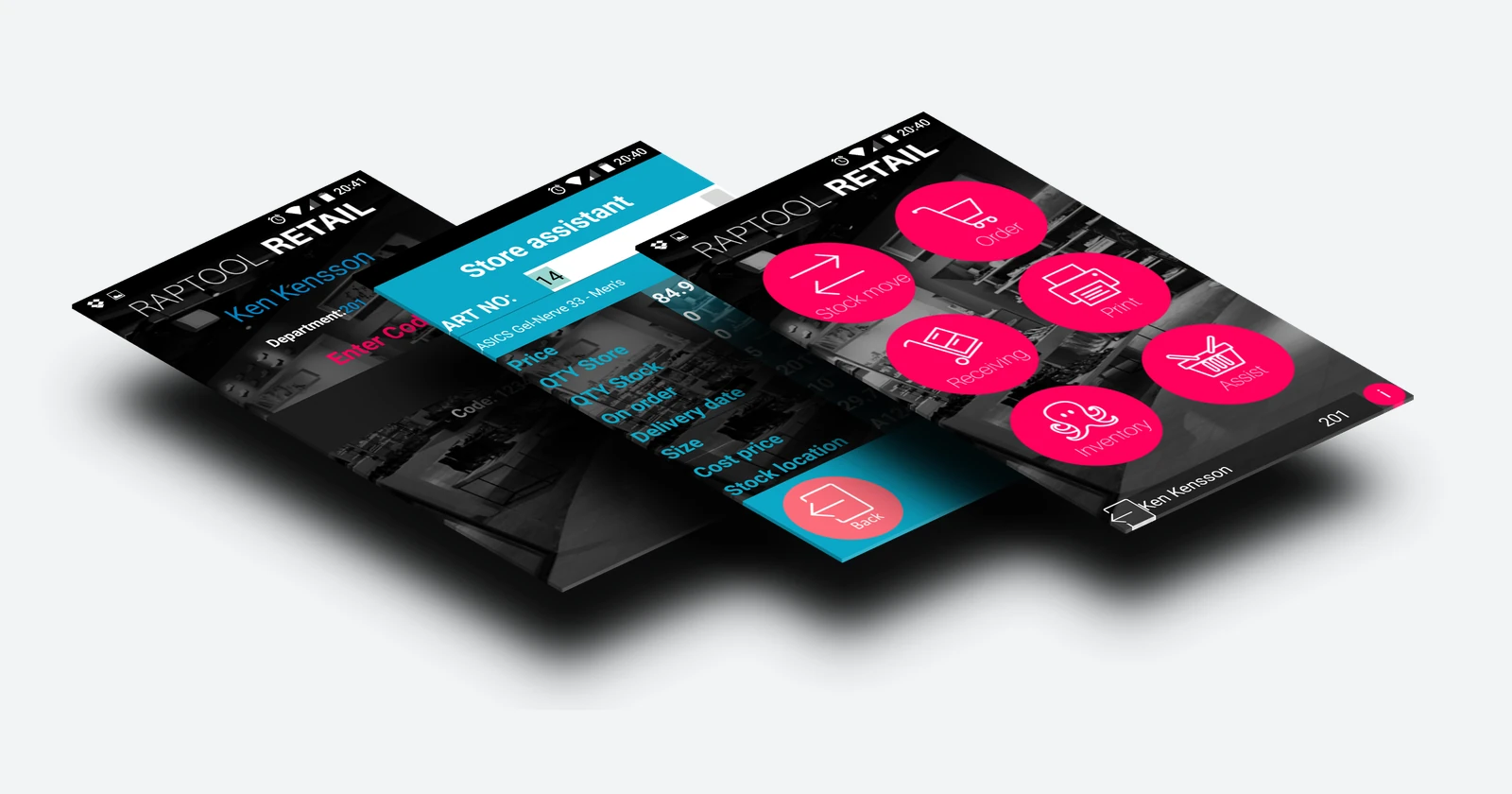
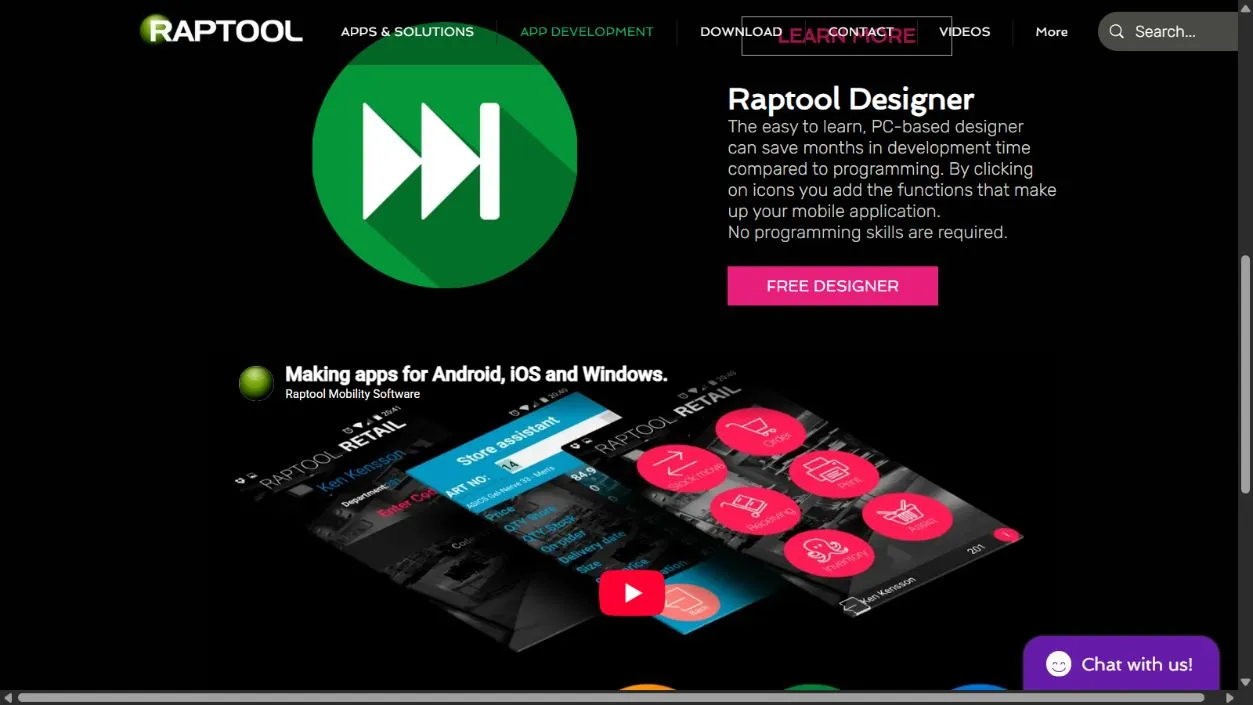
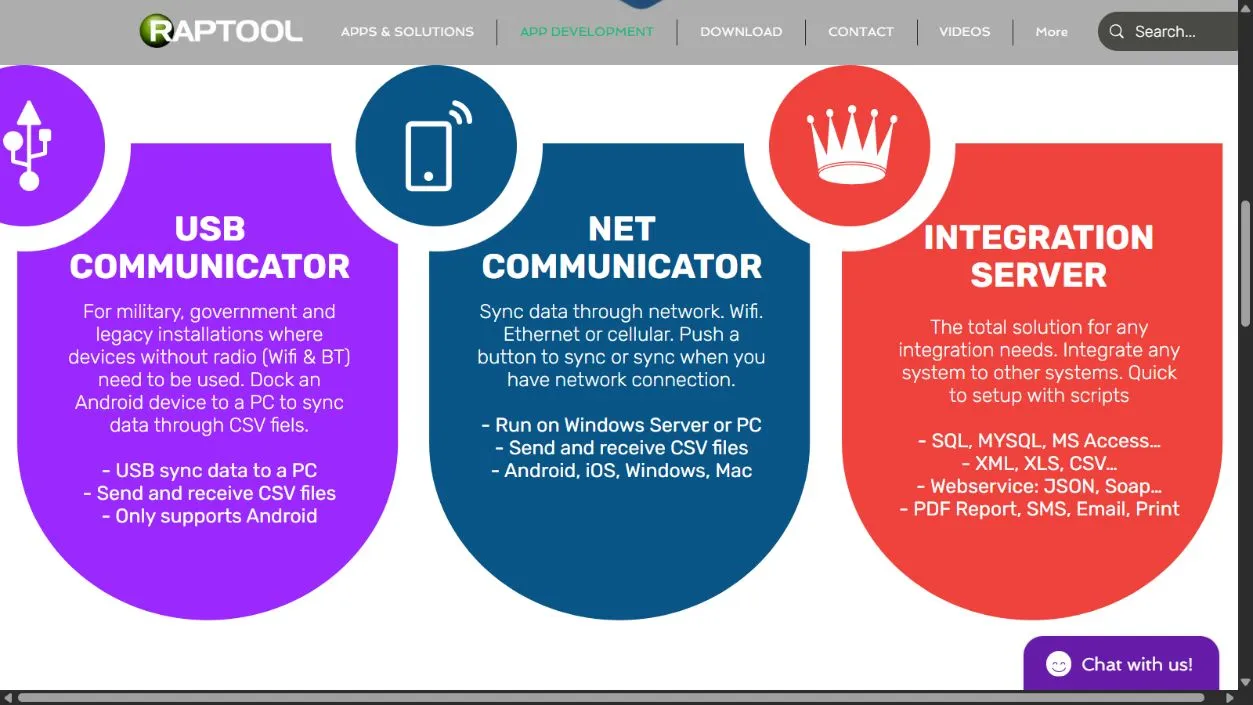
Raptool Designer offers a visual approach to business apps. It is another route to consider when the workflow fits its available functions. The screenshots here show published business-app examples, not proof that Raptool generated them with AI.
AI is useful when the finished work is better, cheaper or available sooner after the necessary checks. Treat the first working demo as evidence that an approach deserves testing. Production readiness needs its own evidence.
Questions behind the decision
Does AI automatically make app development faster?
No universal speedup is established here. Results depend on the task, tools and team. Measure review, correction, testing and release as part of the complete change.
What are the advantages of AI app development?
It can help with prototypes, routine code, explanations and draft tests or documentation. People who understand the requirement still need to judge the result.
Are the screenshots examples of Raptool AI-generated apps?
No. They show published Raptool visual app and integration material for context. The article makes no claim that Raptool generated those examples with AI.
Sources and scope
Research checked October 2026. Sources are linked beside factual claims. Worked scenarios are illustrative, not customer results or supplier quotes. Screenshots show published platform material; device photos are catalog references, not compatibility certification.