AI CODING VERSUS NO-CODE BUILDERS · A SEPARATE DECISION
One tool turns a description into code. Another lets you assemble a workflow visually. Both can make a demo arrive quickly. Neither tells you who will maintain it next year.
AI-assisted coding and no-code development are approaches that can overlap. A visual platform may include AI, and a developer may use AI while extending a platform. The useful comparison is the responsibility each approach leaves with your business.
Look at what you have to operate
With AI-assisted coding, the team may produce ordinary source code and choose its frameworks, hosting and dependencies. That can provide flexibility, but somebody must understand and maintain those choices. Having code available does not automatically make the application portable or easy to hand over.
A no-code builder usually supplies a set of functions and a way to configure them. The resulting app depends on the platform's design model and whatever runtime it requires. That can reduce the amount the team builds itself, while introducing commercial and technical limits to verify.
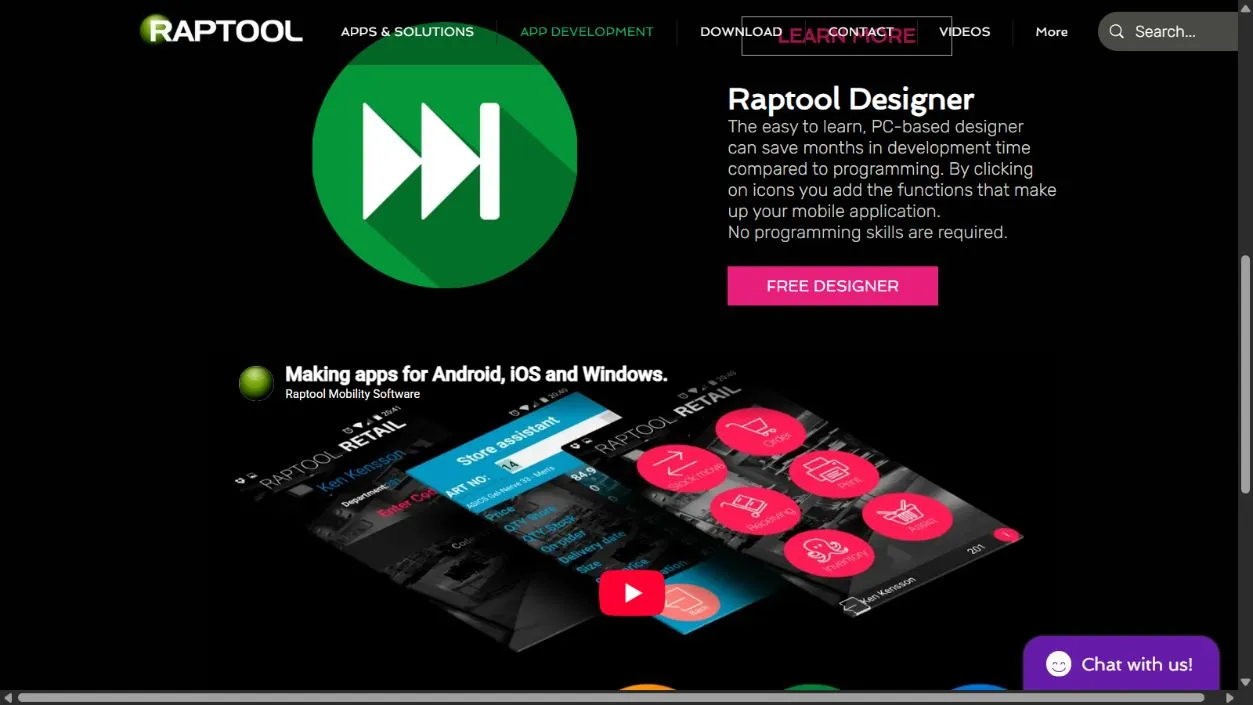
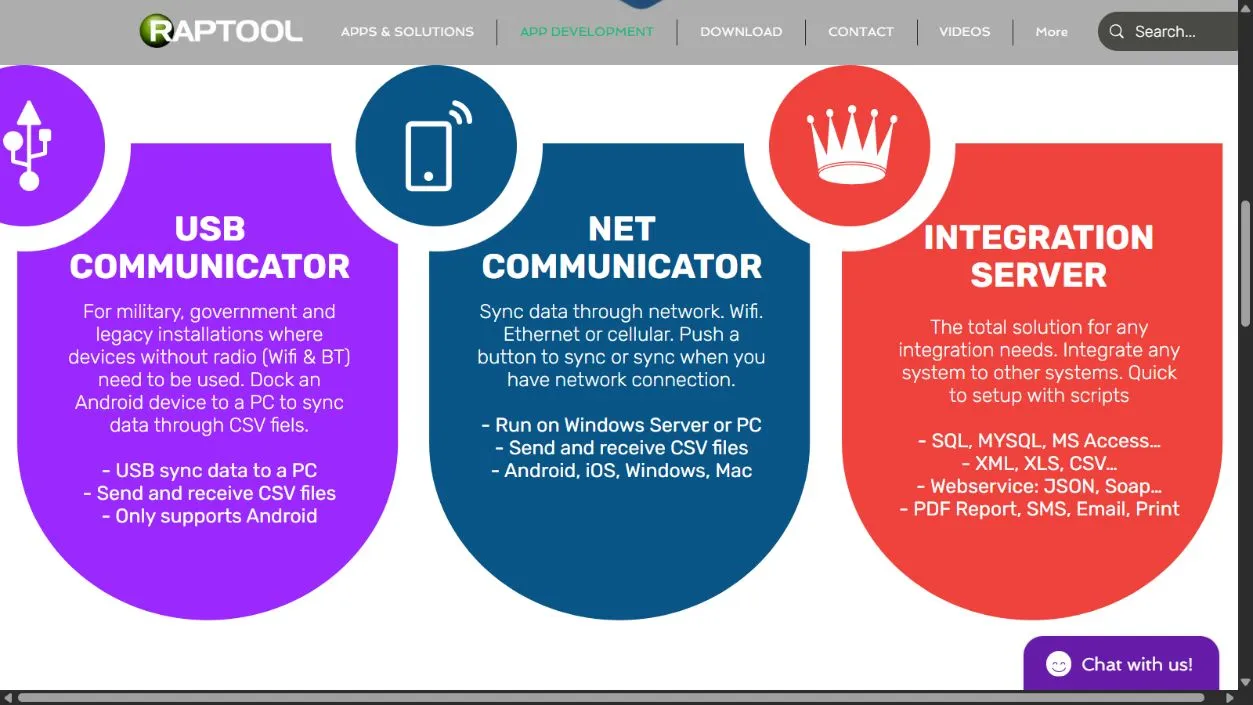
Raptool Designer is a visual business-app example. Its product description distinguishes the design file from the Client that runs it. That runtime relationship belongs in the evaluation alongside the convenience of building the workflow.
Choose around the parts that are difficult
| Question | AI-assisted coding | No-code builder |
|---|---|---|
| Does the workflow fit? | Can implement unusual behavior if the team can verify it. | Can be efficient when supported functions match the job. |
| Who checks the result? | People who understand the code, data and system. | People who understand the rules, data and platform. |
| What must be maintained? | The application and its chosen stack and dependencies. | The design, connections and supported platform configuration. |
| What limits need testing? | Generated assumptions, integration, security and operability. | Platform functions, scale, export, runtime and licensing. |
| Can you combine them? | Possibly, where the platform supports extensions and the team can maintain the connection. | |
A specialized interface or unusual computation may favor custom code. A repeatable data-collection workflow may fit a visual builder. Treat these as starting points for a trial. A platform that misses one essential requirement can cost more effort than its convenient standard screens save.
AI output needs review; visual rules need review too. In both cases, check a user who should be denied access, invalid data and an interrupted connection. Assess the complete workflow rather than the number of clicks required to create its first screen.
Both routes can create dependence
Custom code can depend on a hosting provider, framework or a developer who never documented the release process. A visual app can depend on a vendor runtime and configuration that only its maker understands. Describe those dependencies explicitly.
Ask what you can export and whether another person can make and release a change. Check backups, version recovery and the ability to move data. A code download that cannot be built is a poor exit plan. A data export without its relationships can be equally disappointing.
Microsoft's Power Platform governance guidance discusses access, environments and monitoring. NIST's software-development framework addresses security throughout development. They describe different scopes, but both reinforce the need to manage an app beyond its initial creation.
Agree who owns support and approves releases. Neither route should produce an essential business application that nobody is responsible for operating.
Count a complete change in both systems
A faster first draft can lose its advantage
Assume an AI-coded change takes eight hours to draft and twelve to review and prepare for release: 20 hours. A visual implementation takes twelve hours to configure and six to validate: 18 hours.
The two-hour difference is worth €120 at an assumed €60 an hour, before tool fees. If an unsupported platform requirement adds ten hours of work, the visual route becomes 28 hours. These figures illustrate how to compare; they establish no product advantage.
Include tool subscriptions, platform licenses, hosting and future changes. Keep the acceptance criteria the same. A prototype without real authentication or a live data connection is not comparable with a release that includes them.
Research does not supply a universal AI speedup to insert into that calculation. METR's 2026 productivity update explains why changing adoption and selection effects made its newer estimates difficult to interpret. Use your own observed result for the decision.
Prove the requirement most likely to break the plan
Give both approaches the same bounded job and realistic data. Include the unusual rule, the difficult integration or the required offline behavior. Watch the intended users complete the workflow, then ask another maintainer to make a small change.
Choose the route that meets the required behavior with an acceptable total cost and a support arrangement you can sustain. Sometimes that will be AI-assisted code, sometimes a visual platform, and sometimes a small extension around an existing application. The first demo should open that discussion rather than close it.
Questions behind the decision
Are AI coding and no-code mutually exclusive?
No. Visual platforms may include AI and developers may use AI to create supported extensions. Check who owns and maintains the resulting components.
Which approach is cheaper?
There is no universal winner. Compare the same completed workflow, including review, testing, platform fees, hosting, integration and later changes.
How should a team compare the tools?
Use a bounded job with realistic data and the hardest required behavior. Watch users complete it and ask another maintainer to make and release a small change.
Sources and scope
Research checked October 2026. Sources are linked beside factual claims. Worked scenarios are illustrative, not customer results or supplier quotes. Screenshots show published platform material; device photos are catalog references, not compatibility certification.