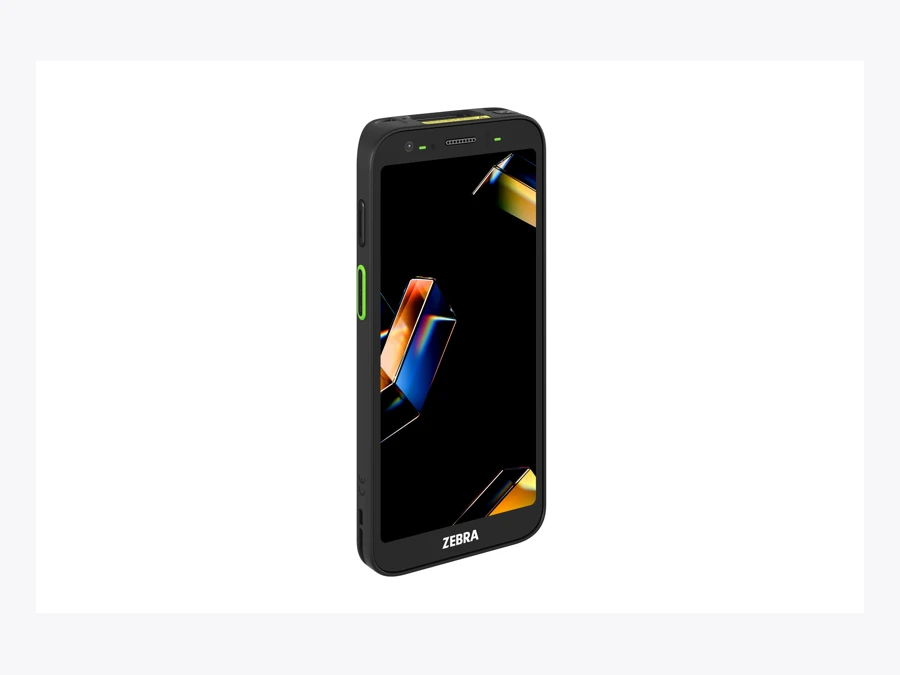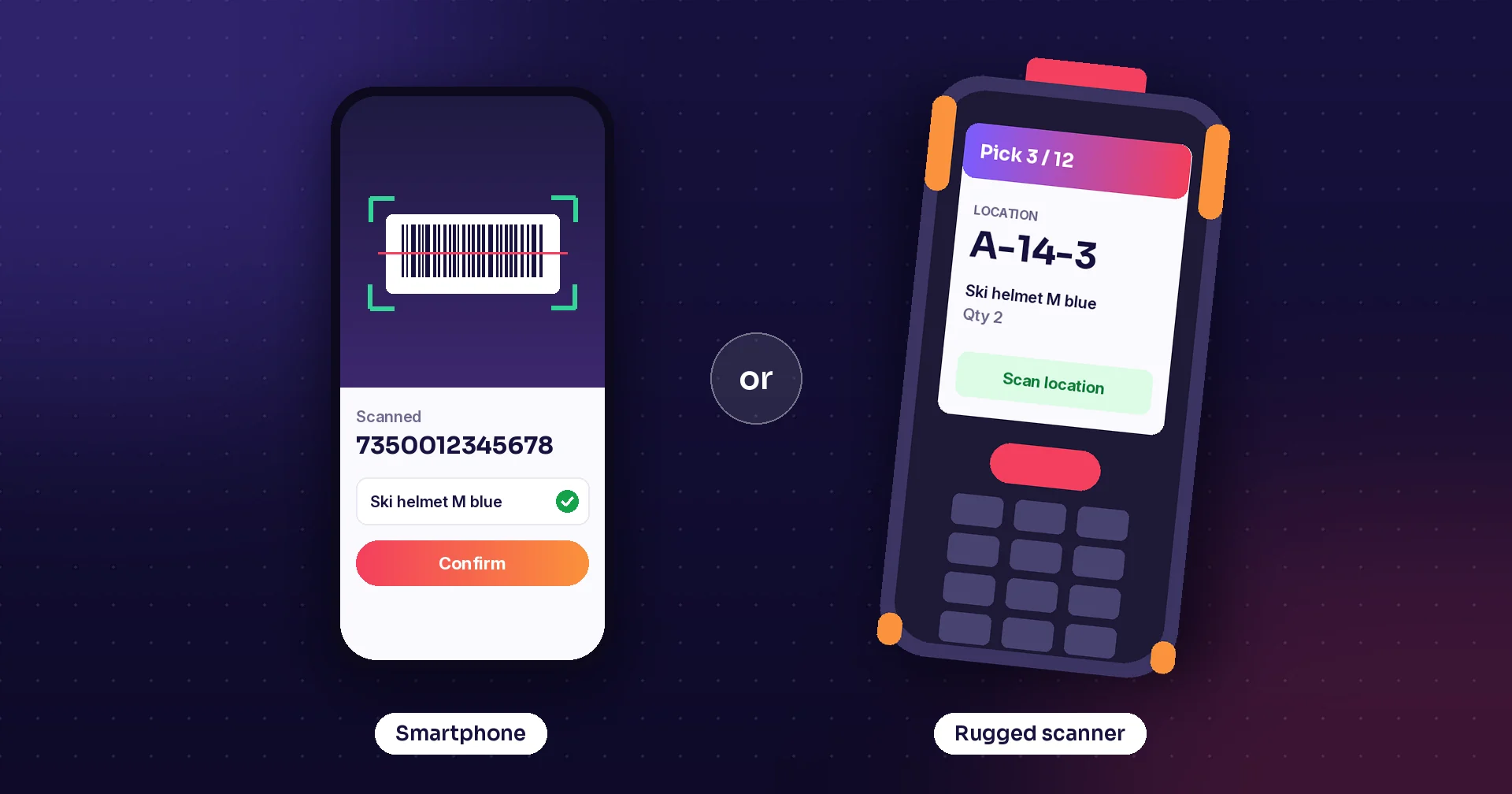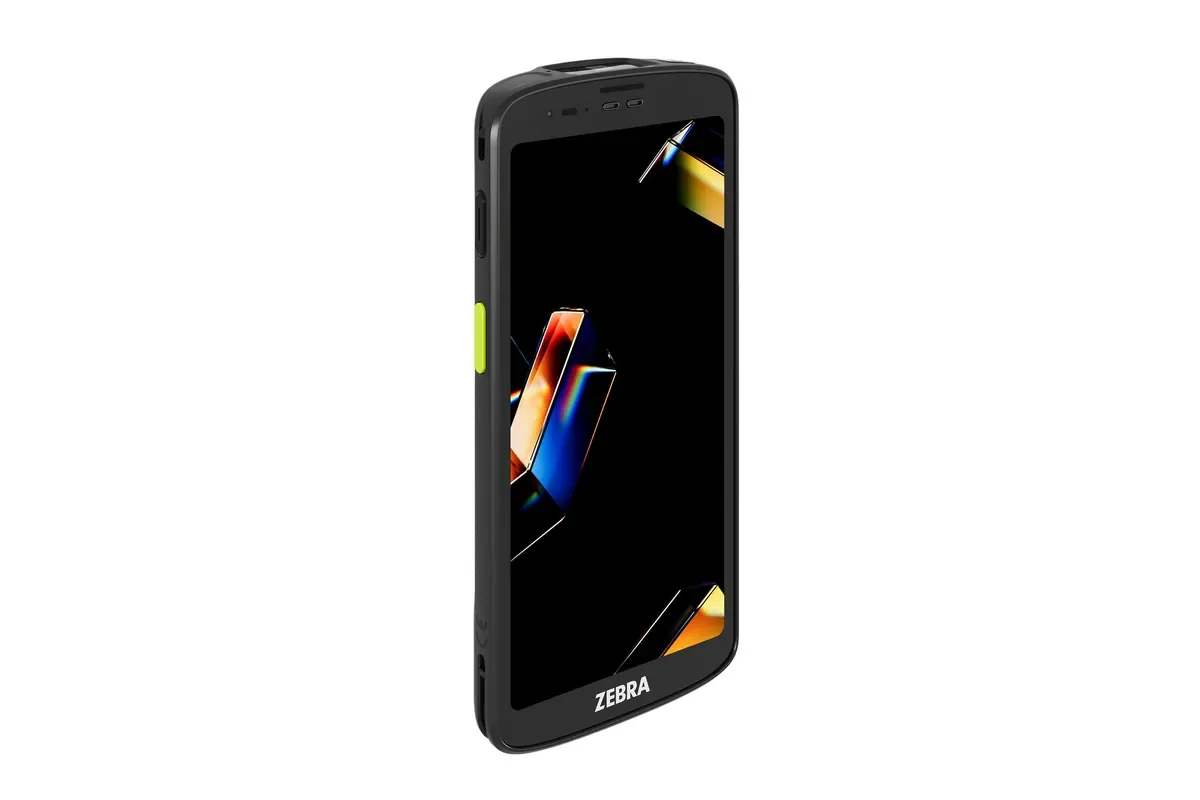
Product photograph identifies the model described. Workplace photos illustrate the tasks and do not establish model-specific software compatibility.
A search for Zebra TC201 should lead to a practical question: which tasks will employees complete with it, and what must the proposed configuration support? A product name is useful for a shortlist, but the pilot needs the actual device, app, accessories, and working environment.
Use this guide to prepare a retail or warehouse demonstration. It concentrates on choosing and validating the workflow rather than repeating a long specification list. Confirm the orderable model and regional options with the hardware partner before committing to a fleet.
Start with Zebra's model information
Zebra's TC201 page lists a six-inch display, Android, Wi-Fi 7, and 5G connectivity. It presents the device for work including inventory management, picking and packing, order processing, and assisted selling.
Those published categories help frame a demonstration. They do not specify your business screens, ERP connection, or every option on a partner quote. Ask for the exact configuration and refer to the manufacturer's supported-version information for the operating system.
Identify which capabilities the task actually needs. A counter employee checking a price and a receiver moving between buildings may have different connectivity and handling requirements. Keep those differences visible when comparing device quantities and accessories.
Build the retail trial around a customer question
Choose a product with similar variants and ask an employee to find the relevant stock information. The task should establish the correct item, location, and next action, not merely display a successful barcode read.
Include a customer request that needs another store's stock or a substitute product. Agree which system owns that information and how recent the displayed figure is. A mobile answer is useful when staff understand what they can promise from it.
If the proposed app creates an order, follow the record into the POS or ERP during the demonstration. Check the customer and delivery details and include a canceled request. Confirm how staff know whether the order was accepted or still needs attention.
Make the warehouse task equally concrete
Use a receipt or picking task with real product and location labels. Ask the employee to scan the wrong item or location deliberately so the team can see the configured response. Inspect the final transaction as well as the on-screen feedback.
Test quantity entry in the units your operation uses. A carton and an individual item need an agreed interpretation. Staff should be able to correct an entry before completing the task and understand when a stock update occurs.
Include an interrupted handoff. If a task is paused while goods are on a cart, another employee needs enough information to continue it. Use this scenario to evaluate task status, permissions, and the clarity of the app screens.
Treat connectivity as part of the application test
Walk the actual route between working areas while using representative tasks. Confirm the network the device is expected to use and how the proposed configuration is managed. A radio feature alone does not establish coverage across the site.
If the workflow uses cellular service, ask the partner to confirm the regional device and service arrangement. Test the transition the business actually expects rather than assuming every site uses the same setup.
Separate local app access from successful synchronization. Ask what the employee sees if a record cannot be submitted and which actions remain available without a connection. Demonstrate recovery before considering the pilot complete.
Compare requirements across the two environments
The table below is a suggested evaluation checklist, not a claim that every function is supplied by the TC201 itself. Several decisions belong to the app, the business system, or the network rather than the handheld hardware.
| Work area | A task to demonstrate | What to inspect |
|---|---|---|
| Retail assistance | Find the correct variant and stock | Source, location, and availability meaning |
| Receiving | Receive and place goods | Quantity unit and posted record |
| Picking | Confirm item and destination | Wrong-code handling and correction |
| Connectivity | Submit work after an interruption | Pending state and recovery |
| Deployment | Prepare a replacement device | Matching app and settings |
Include handling and accessories in the decision
Give employees the proposed case, carrying arrangement, and charging setup. Ask them to perform the ordinary sequence through a representative period of work. A comfortable short demonstration does not answer every question about a shift.
Check how the screen behaves in the actual lighting and how staff scan while carrying products or moving a cart. Record the situations that require repeated attempts or awkward handling. Use those observations to refine the configuration and app layout.
Review battery and charging responsibilities with the partner. Confirm which accessories belong to the selected model and how devices are prepared for the next shift. Keep an approved list so later purchases match the tested setup.
Plan deployment and support before scaling
Record the app version, OS build, scanner settings, network profile, and user permissions used by the pilot. Test the same combination on more than one device so the result is repeatable.
Define how updates are reviewed and who receives an issue reported by staff. Include a device replacement in the test: the replacement should receive the correct app and settings without relying on an employee to remember them.
Compare completed tasks, corrections, and unresolved errors with the current process. Avoid assuming that buying a newer handheld automatically improves an unclear workflow. Use the pilot to identify which part of the complete setup produced a useful change.
How Raptool fits
Raptool Retail describes mobile stock lookup, customer assistance, receiving, web-order picking, and labels. Raptool WMS describes receiving, stock moves, picking, packing, shipping, and counts. These are useful scenarios for the software demonstration.
Ask Raptool to validate the Client, scanner integration, app behavior, and business-system connection on the exact TC201 configuration. Model-specific compatibility should be demonstrated rather than inferred from the brand name. Raptool provides software, and hardware is supplied through its partners.
FAQ
Are TC201 Zebra and Zebra TC201 different devices?
They are two word orders for the same model search. Use the full manufacturer model and the partner part number when comparing configurations.
Which TC201 specifications should we use?
Use Zebra's current product and configuration information, then confirm the orderable regional model with the hardware partner.
Does 5G remove the need for a network test?
No. Test the actual site, service, configuration, and application behavior across the routes employees use.
Can we assume an existing app works unchanged?
Validate scanning, screen layout, permissions, connected records, and interruption recovery on the exact device and OS build.
How does Raptool fit?
Use Retail or WMS tasks to define the app workflow, then demonstrate the Client and connections on the proposed TC201 configuration.
Tags
Want to see how this could work in your stores? Book a demo and we will walk you through it.
Book a demo