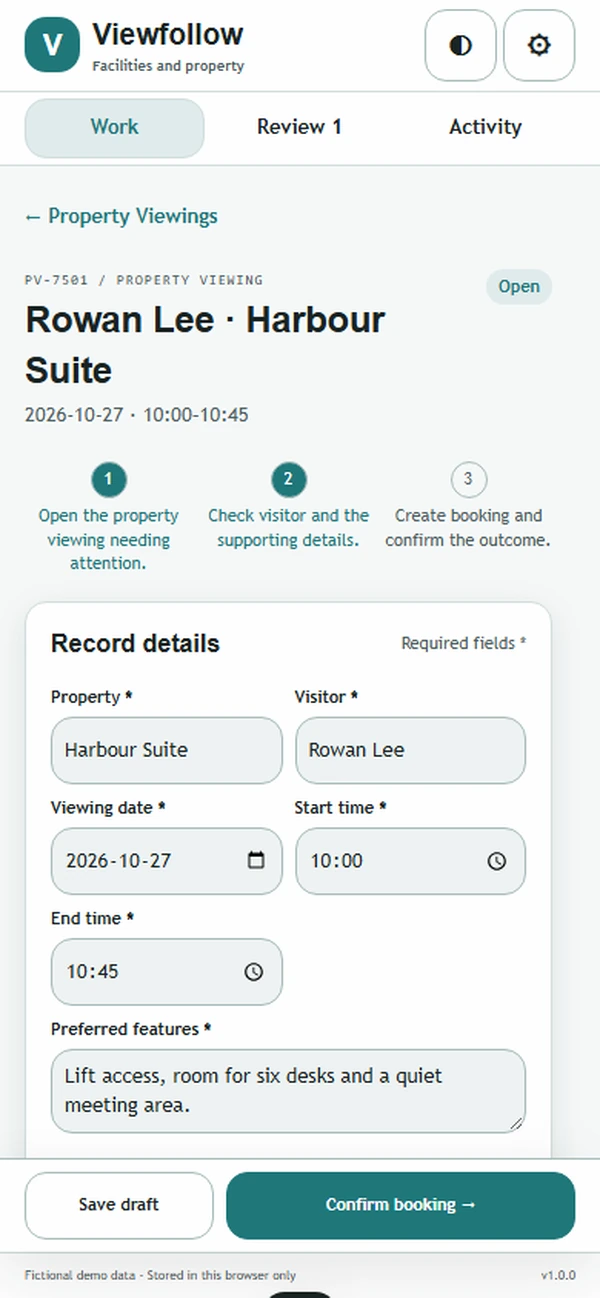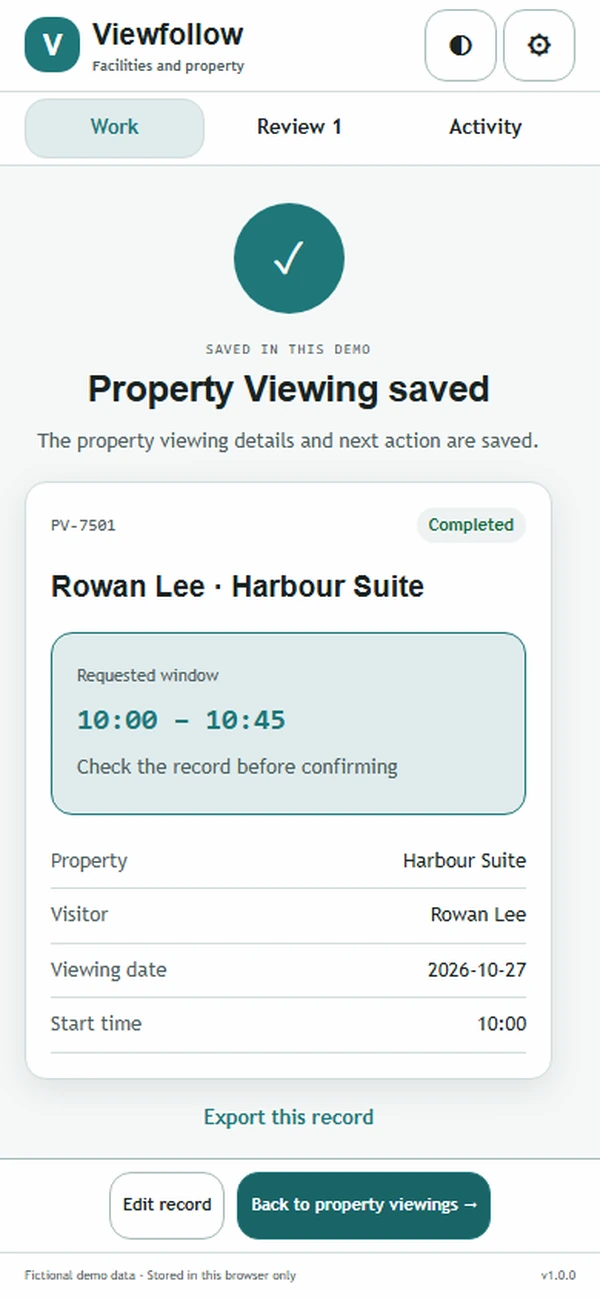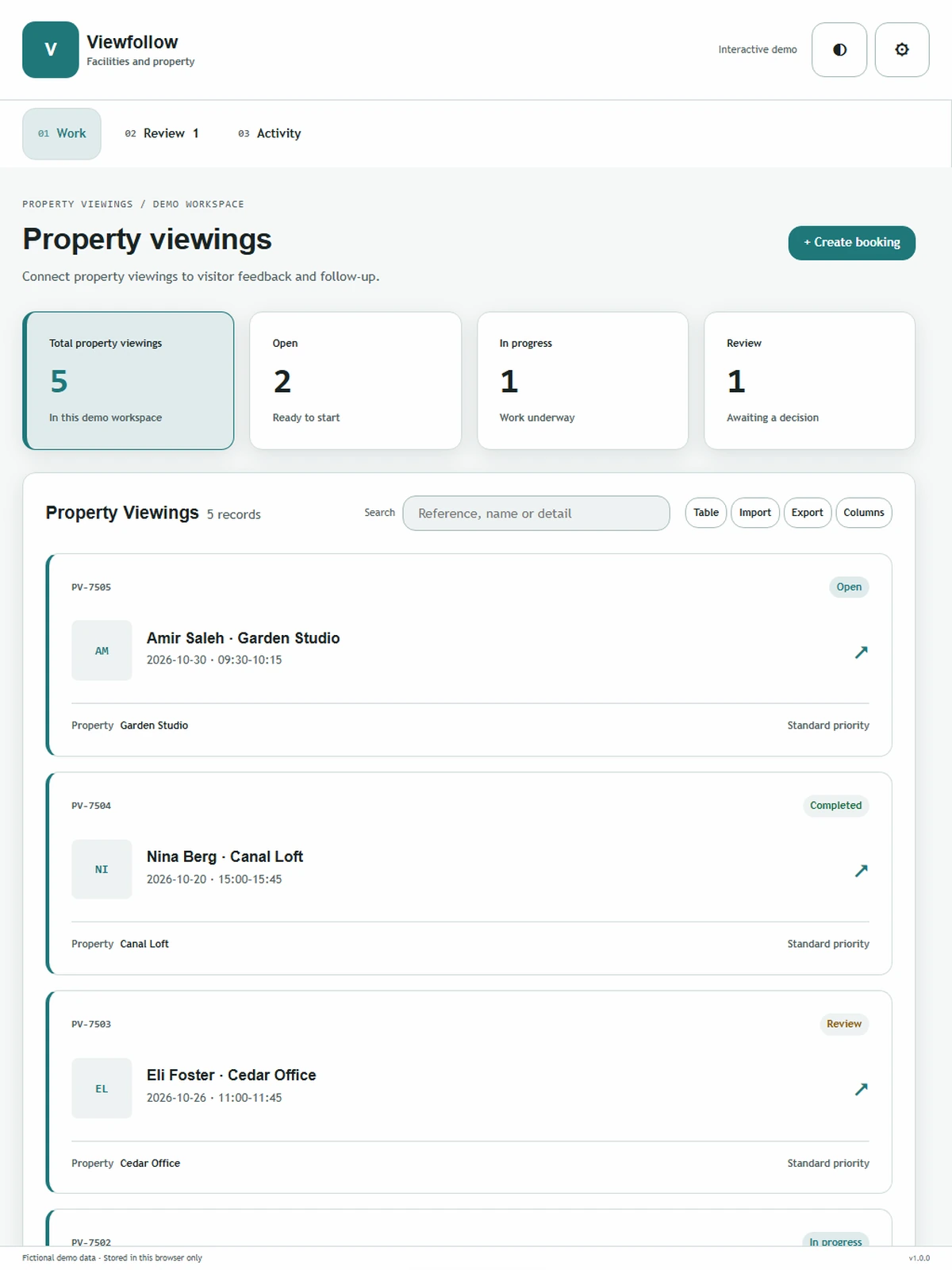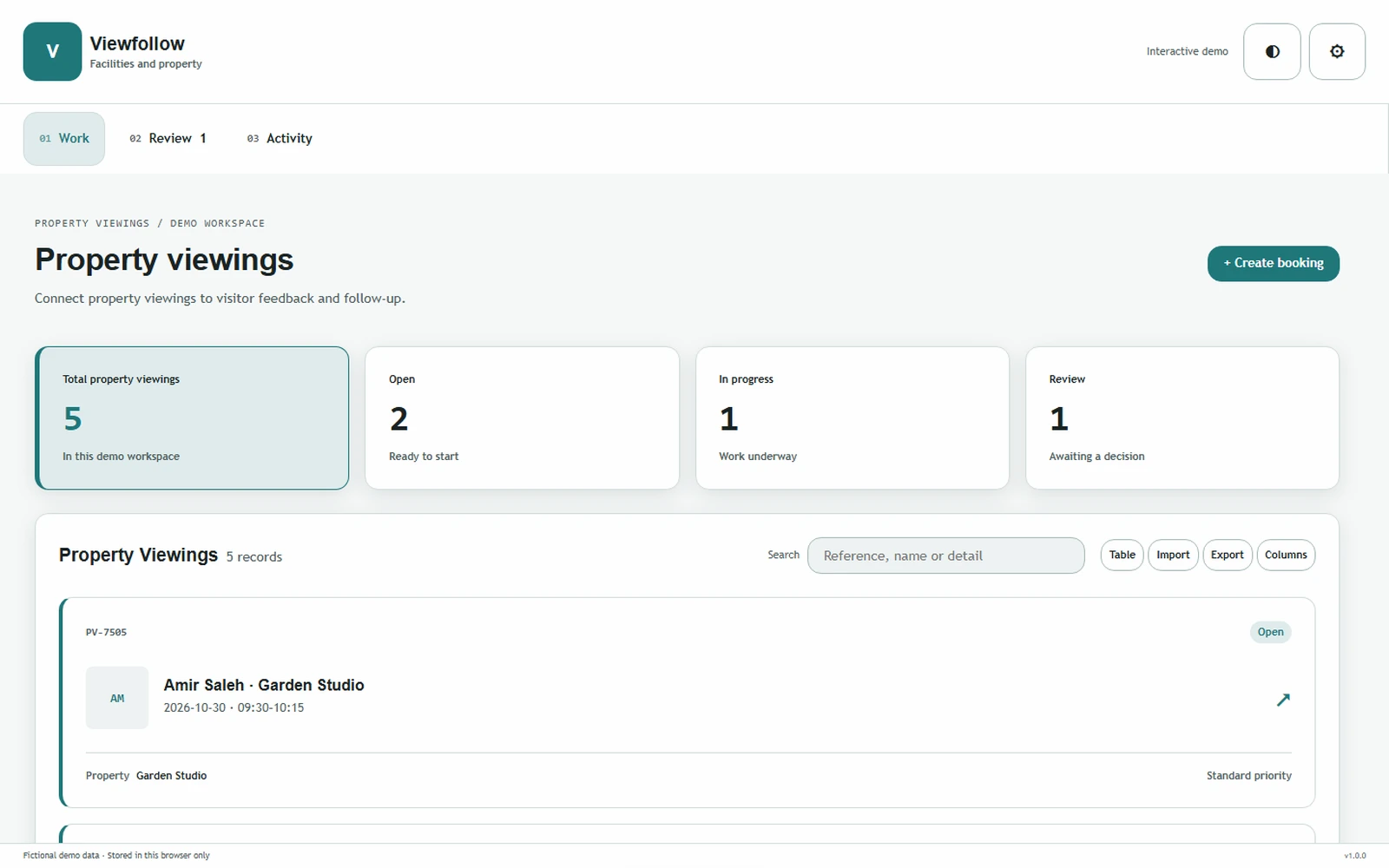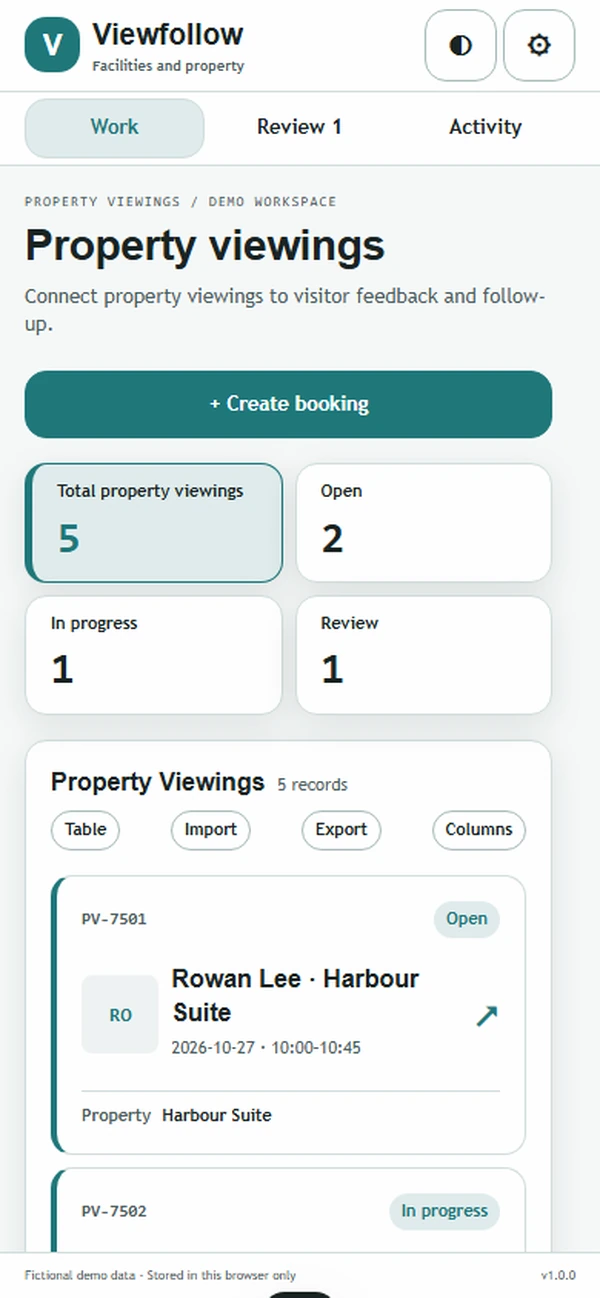
Connect property viewings to visitor feedback and follow-up.
Facilities and propertyConnect property viewings to visitor feedback and follow-up.
Facilities and propertyAbout the app
Connect property viewings to visitor feedback and follow-up.
Interest in a property should not disappear when the viewing ends. Viewfollow connects the appointment with what the visitor was looking for and the questions raised on site, helping leasing agents arrange a relevant follow-up and keep each available property's conversations in a usable shared record.
What it does
- Viewing calendar: Schedule appointments against the actual property and agent, giving the team a clear reference when a visitor changes the time or asks for access details.
- Visitor preferences: Record the person's stated space, timing and practical requirements, helping the agent focus the conversation without repeatedly collecting the same information.
- Feedback capture: Keep the visitor's comments linked to the viewed property, allowing the agent to distinguish a question about this space from a general search preference.
- Follow-up tasks: Assign the next contact with a date and purpose, making it easier for another agent to continue the conversation when the original host is unavailable.
- Question history: Preserve answers and documents shared after the viewing, giving the team a clear account of which practical details have already been explained to the visitor.
Why people love it
PV-247 records a viewing of Harbour Suite for Rowan Lee, with three preferences and two follow-up questions. The agent can prepare the next conversation around those questions while keeping the visit tied to the same property.
Build a similar app with Raptool
The AI framework turns a description into a working app, you customize it in the Designer, Raptool Hub hosts it, and the Raptool Client runs it on Android, iOS, Web, Mac and Windows. Have an idea like this? Describe it, and Raptool builds it.
Screens
5 screens