Balance gross and tare weights in a clear incoming-load ticket. Waste and environmental operations.
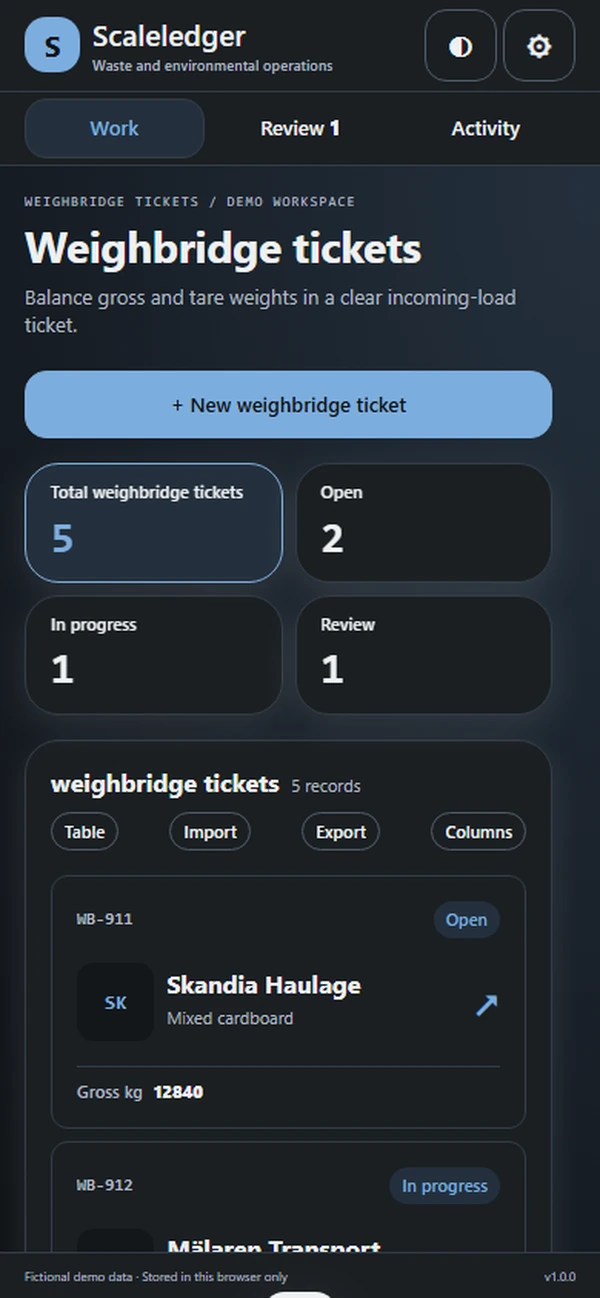
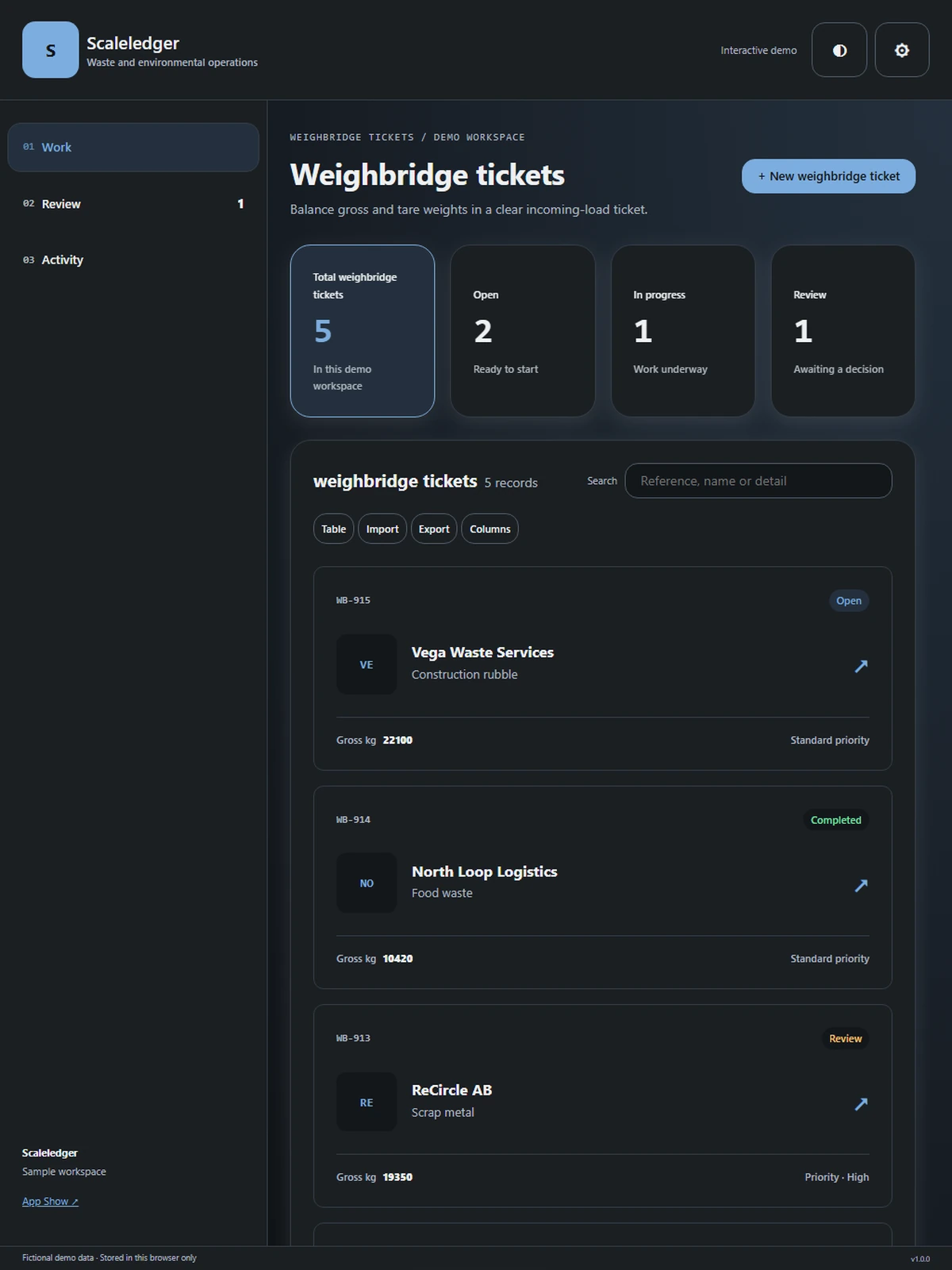
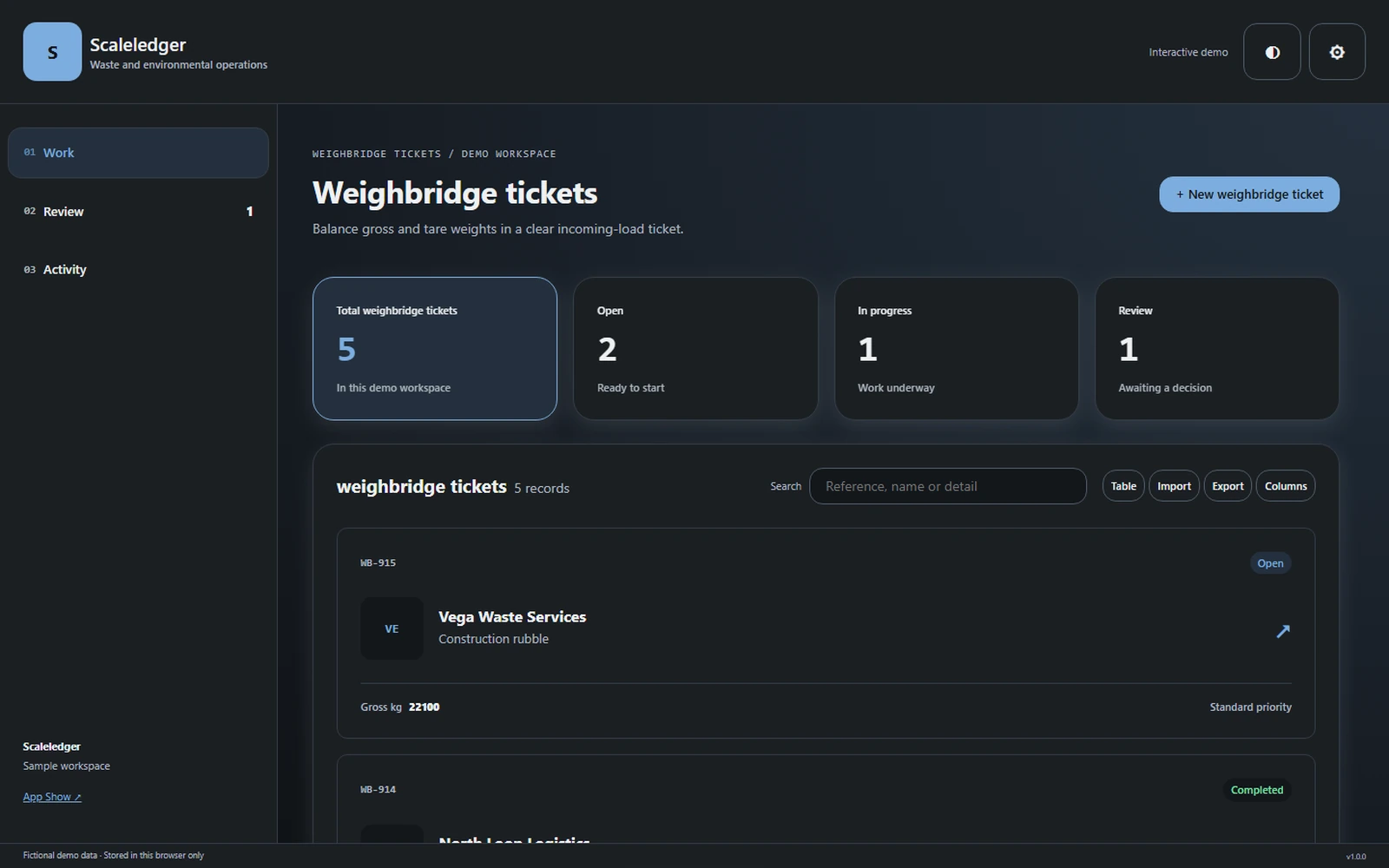
Balance gross and tare weights in a clear incoming-load ticket.
Waste and environmental operationsAbout the app
Balance gross and tare weights in a clear incoming-load ticket.
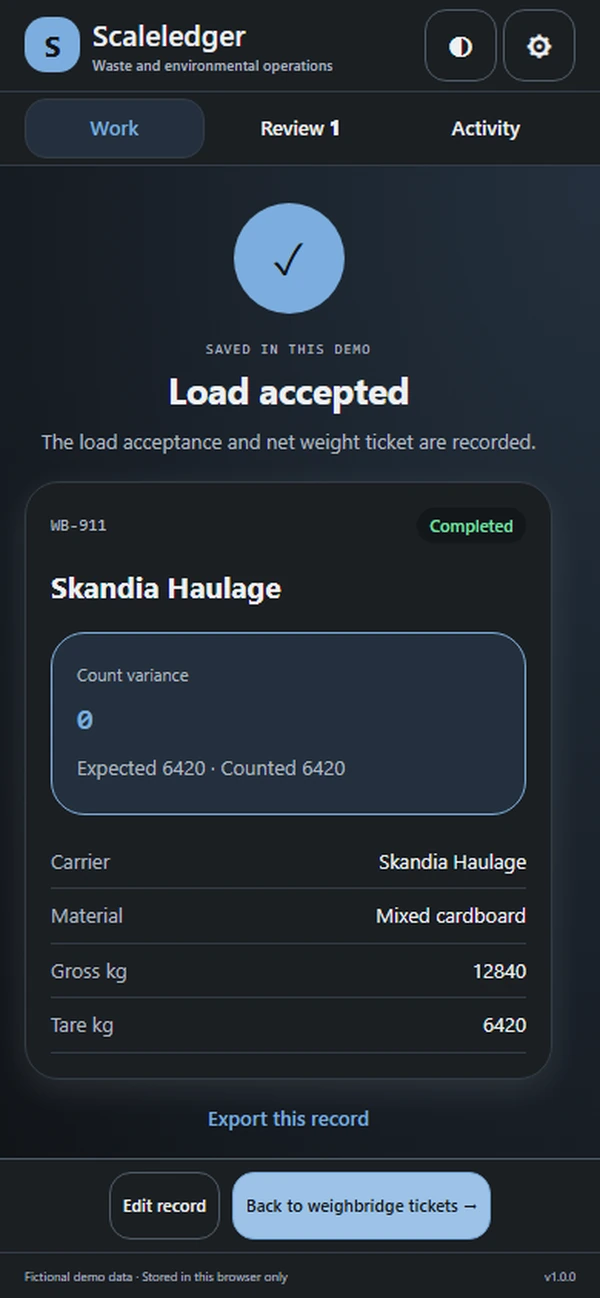
A receiving ticket should explain both the load and the weight behind it. Scaleledger brings vehicle identity, carrier details, waste classification, acceptance documents, and weighbridge readings into one arrival record. Operators can distinguish a measured load from an accepted receipt, while rejected loads keep their reason attached to the same case instead of disappearing from the receiving history.
What it does
- Identify vehicle and carrier at arrival, giving the operator a consistent reference before weighing, classification review, or an acceptance decision begins.
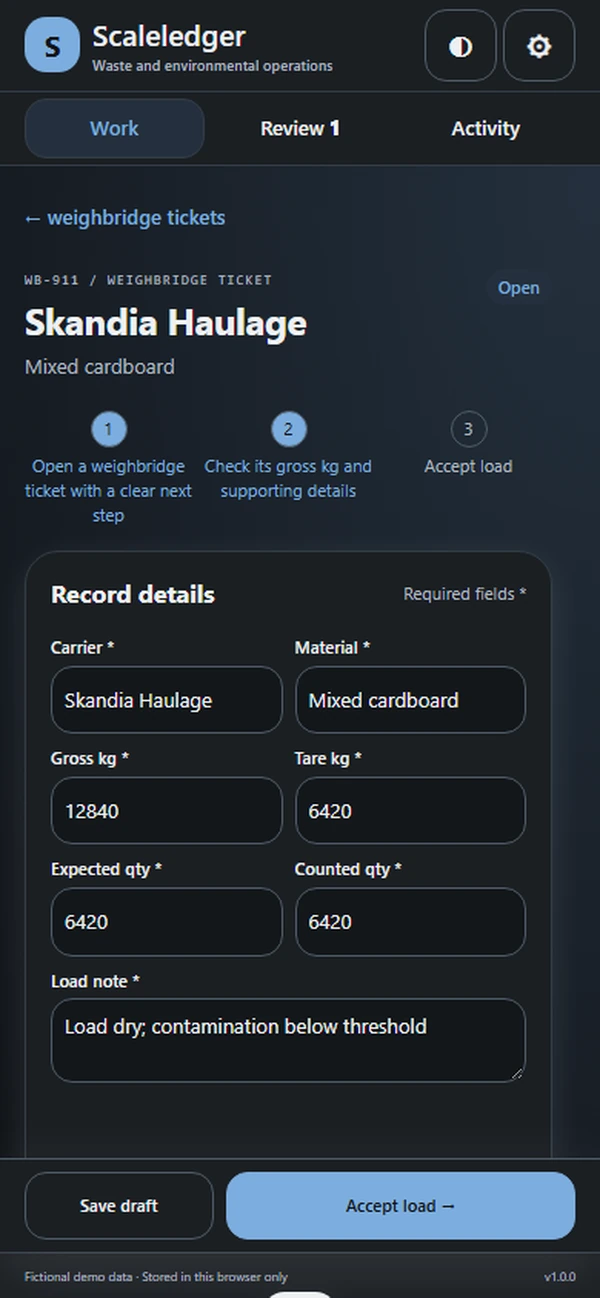
- Capture gross and tare readings separately with calculated net weight, showing the arithmetic behind the incoming load's measured quantity and ticket.
- Record declared stream and observed load description together, preserving the classification context when a receiving reviewer asks for more information.
- Check acceptance-document references within the arrival record, keeping missing paperwork visible beside the load instead of separated from its weigh ticket.
- Issue a receipt after acceptance or preserve a rejection reason, retaining an understandable outcome for every incoming vehicle in the receiving history.
Why people love it
Scaleledger makes receiving records easier to reconcile and explain. The team can follow a load from arrival through measured quantity to the decision that actually authorized its receipt or rejection.
Build a similar app with Raptool
The AI framework turns a description into a working app, you customize it in the Designer, Raptool Hub hosts it, and the Raptool Client runs it on Android, iOS, Web, Mac and Windows. Have an idea like this? Describe it, and Raptool builds it.
Screens
5 screens