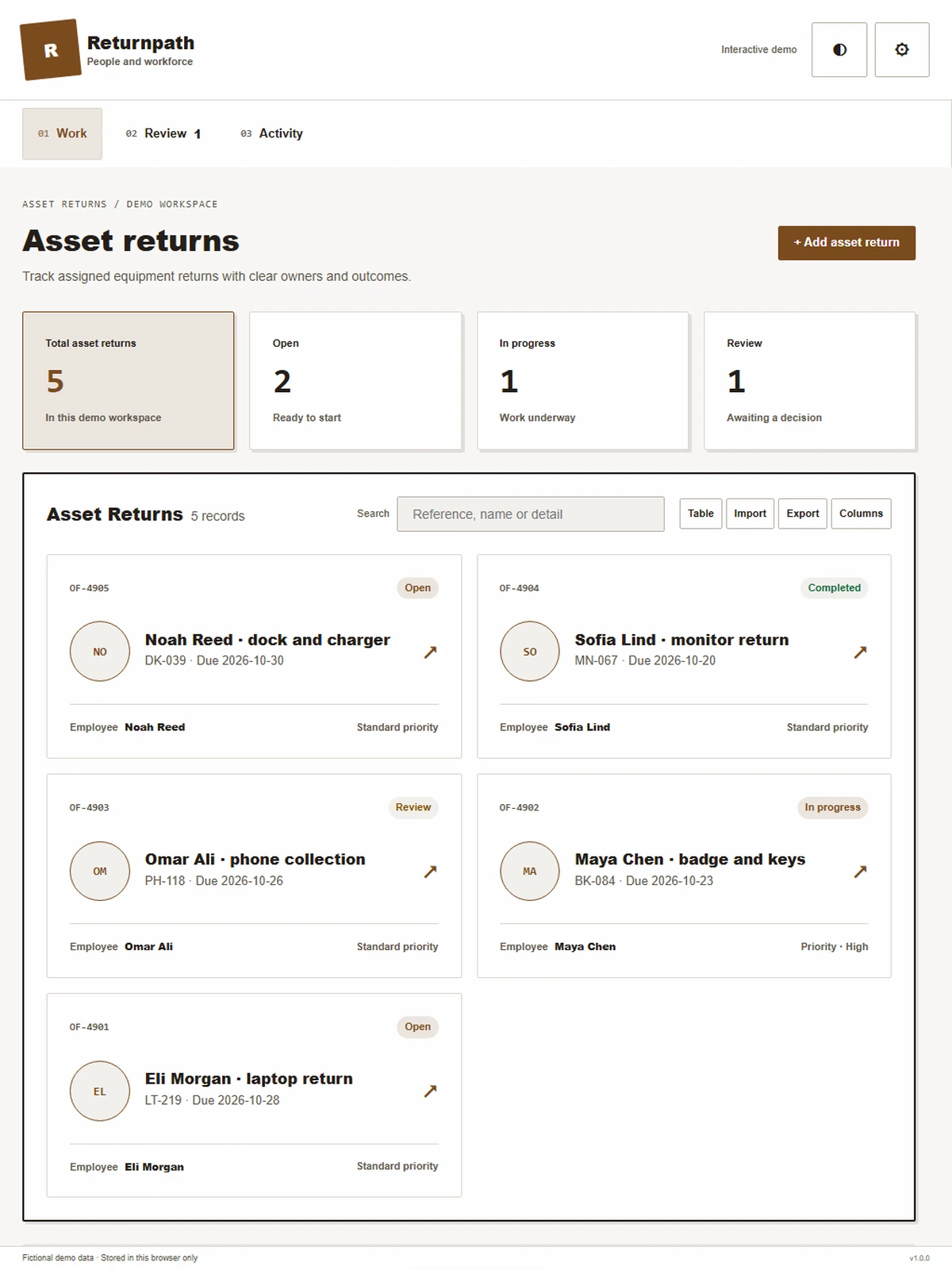
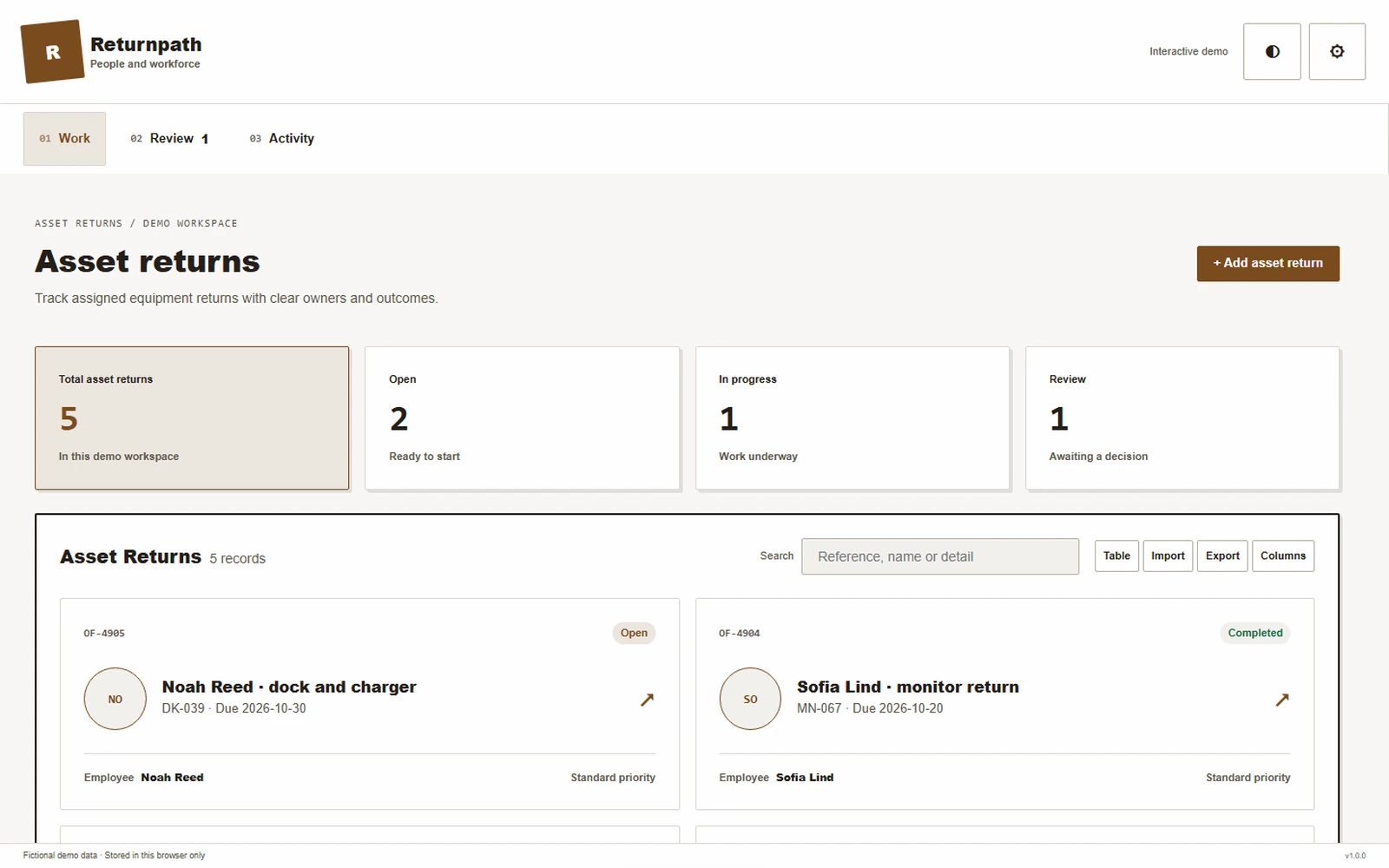
Track assigned equipment returns with clear owners and outcomes.
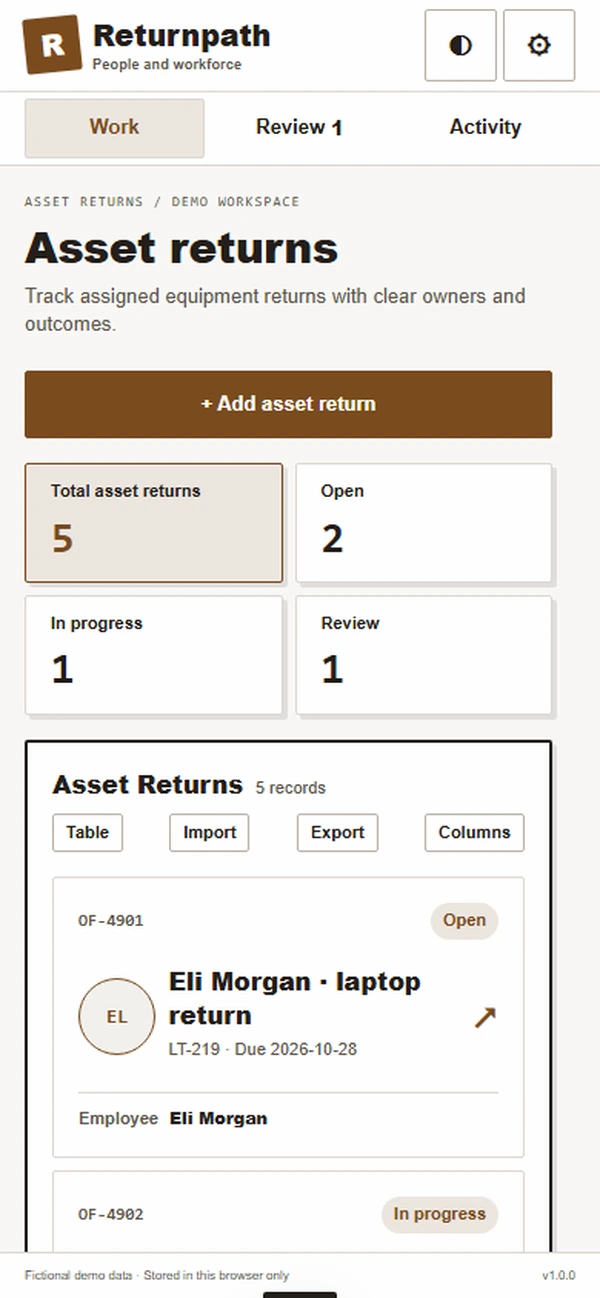
Track assigned equipment returns with clear owners and outcomes.
People and workforceAbout the app
Track assigned equipment returns with clear owners and outcomes.
A departure checklist is easier to close when every item has a documented return path. Returnpath connects the employee's assigned equipment with shipping, receipt and exception decisions, helping HR and IT follow the outstanding items without asking the departing employee to reconstruct the company's asset register.
What it does
- Assigned inventory: Start from the employee's recorded assets, giving HR and the employee a concrete list to confirm before return arrangements are made.
- Team return tasks: Assign equipment steps to the relevant asset owners, making it clear which team must arrange collection or verify receipt of each item.
- Shipping status: Link return labels and courier evidence to individual assets, helping coordinators distinguish an item awaiting shipment from one already received at the destination.
- Receipt checks: Scan returned equipment and record condition, allowing the asset team to confirm the actual item instead of treating a parcel delivery alone as proof of return.
- Exception approvals: Route a missing or retained item to an authorized reviewer with a reason, preserving the decision needed before the departure record can be completed.
Why people love it
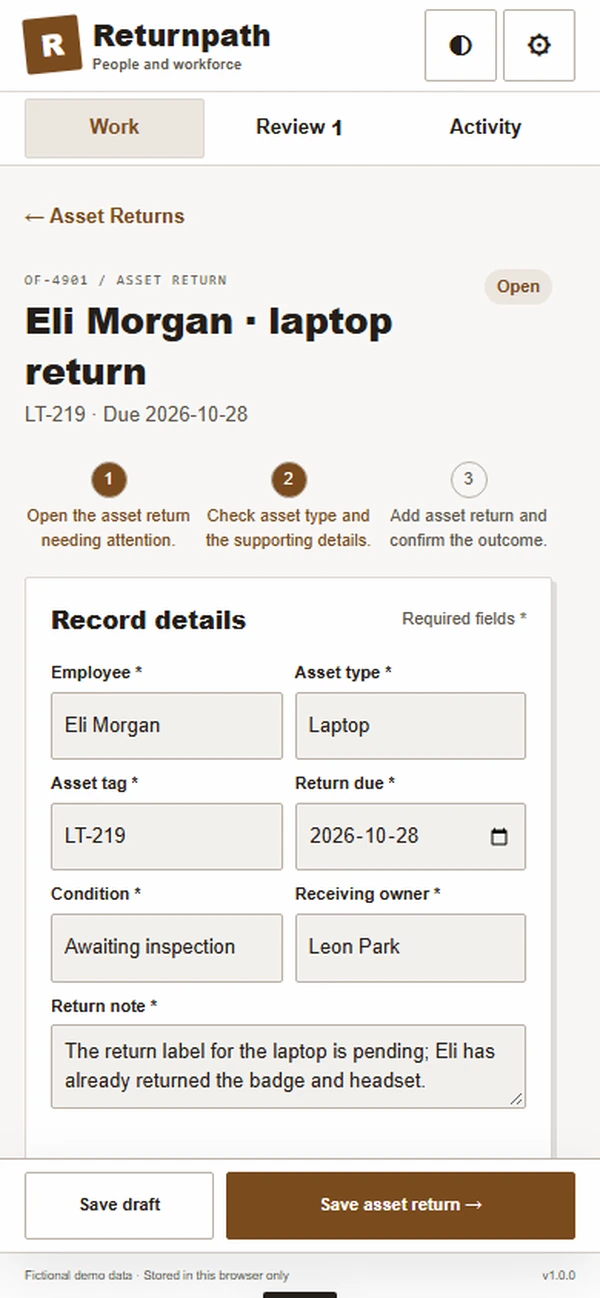
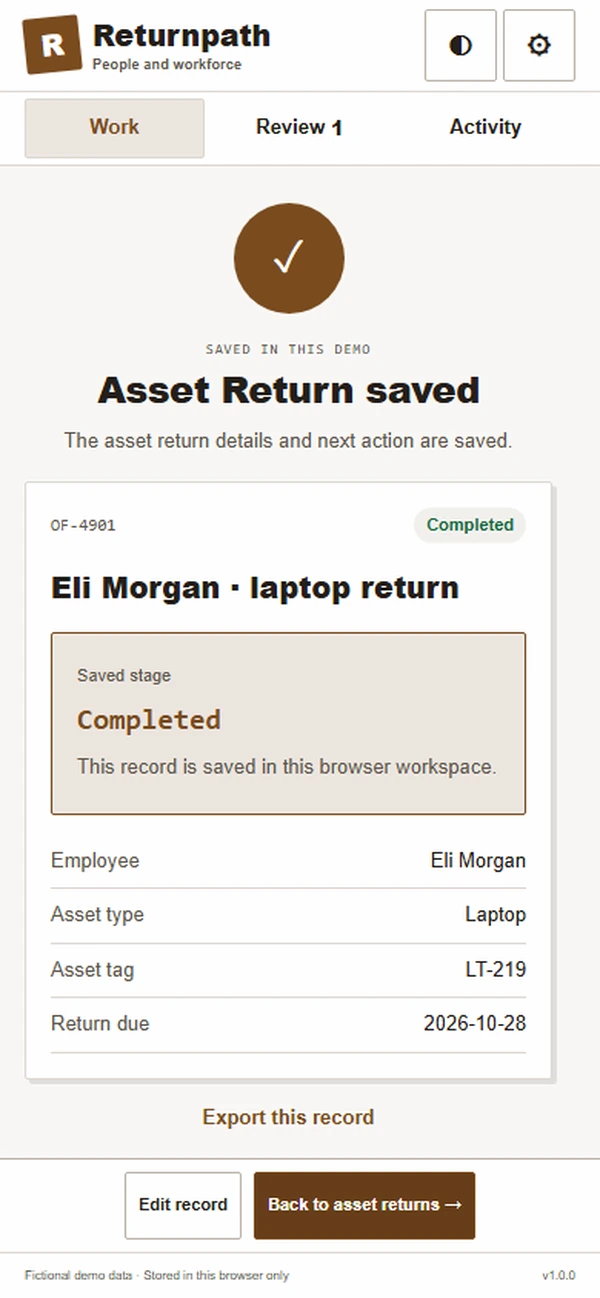
OF-219 lists four assets assigned to Eli Morgan, with two received and one return label pending. The coordinator can follow up on each remaining item using its own return status and responsible asset team.
Build a similar app with Raptool
The AI framework turns a description into a working app, you customize it in the Designer, Raptool Hub hosts it, and the Raptool Client runs it on Android, iOS, Web, Mac and Windows. Have an idea like this? Describe it, and Raptool builds it.
Screens
5 screens