Move near-expiry stock to the right pick location in time.
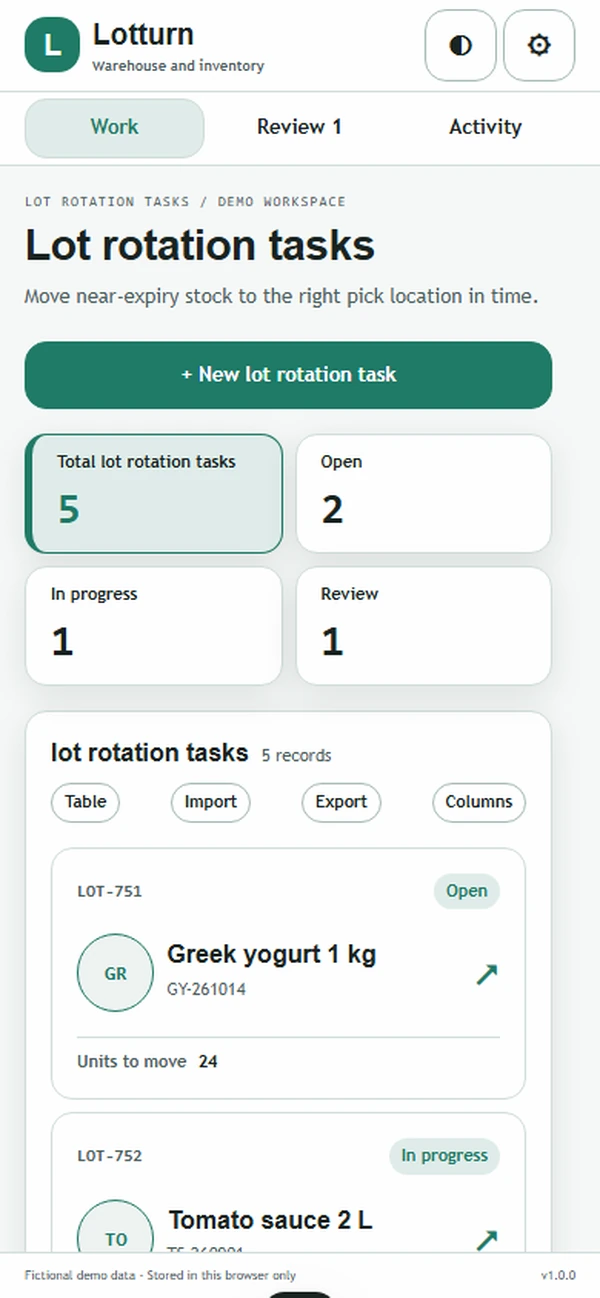
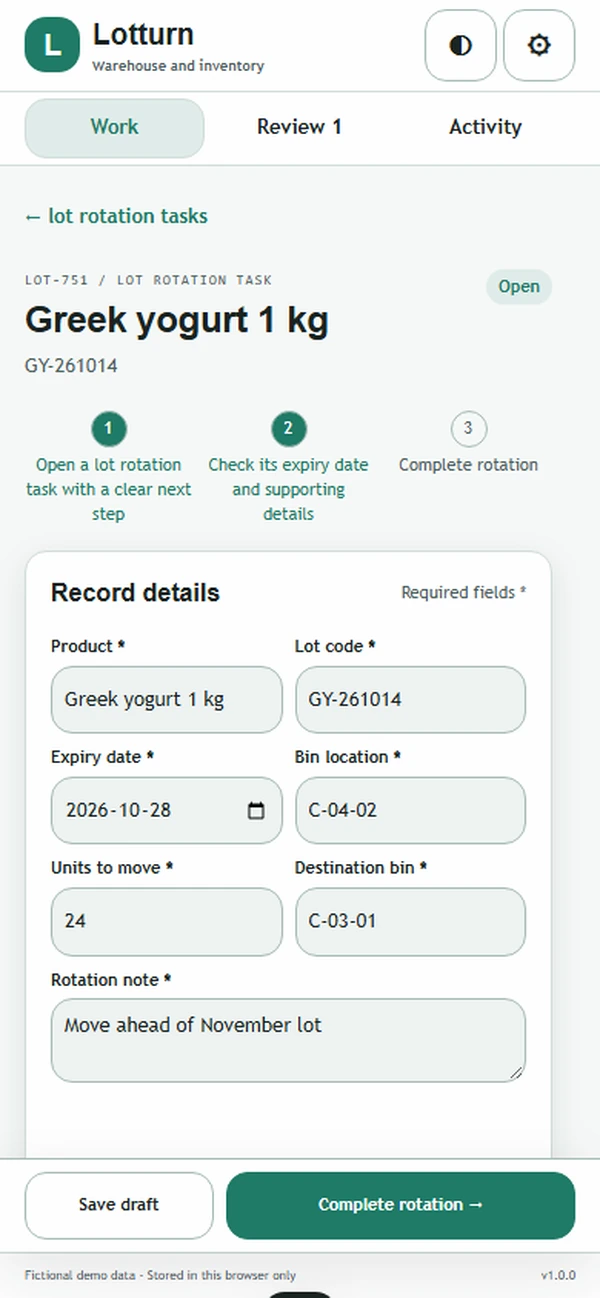
Move near-expiry stock to the right pick location in time.
Warehouse and inventoryAbout the app
Move near-expiry stock to the right pick location in time.
Expiry risk needs to be understood where the stock actually sits. Lotturn connects product lots, dates, and locations so warehouse teams can identify usable stock that should move first. Rotation, hold, and disposition actions remain attached to the affected lot, giving supervisors a clear place to document the decision rather than leaving the date warning as an unanswered alert.
What it does
- Register lot, date, quantity, and location together so staff can identify the physical stock behind an approaching expiry warning.
- Sort usable stock by approaching expiry, helping the warehouse choose an earlier lot before selecting later-dated inventory for routine picking.
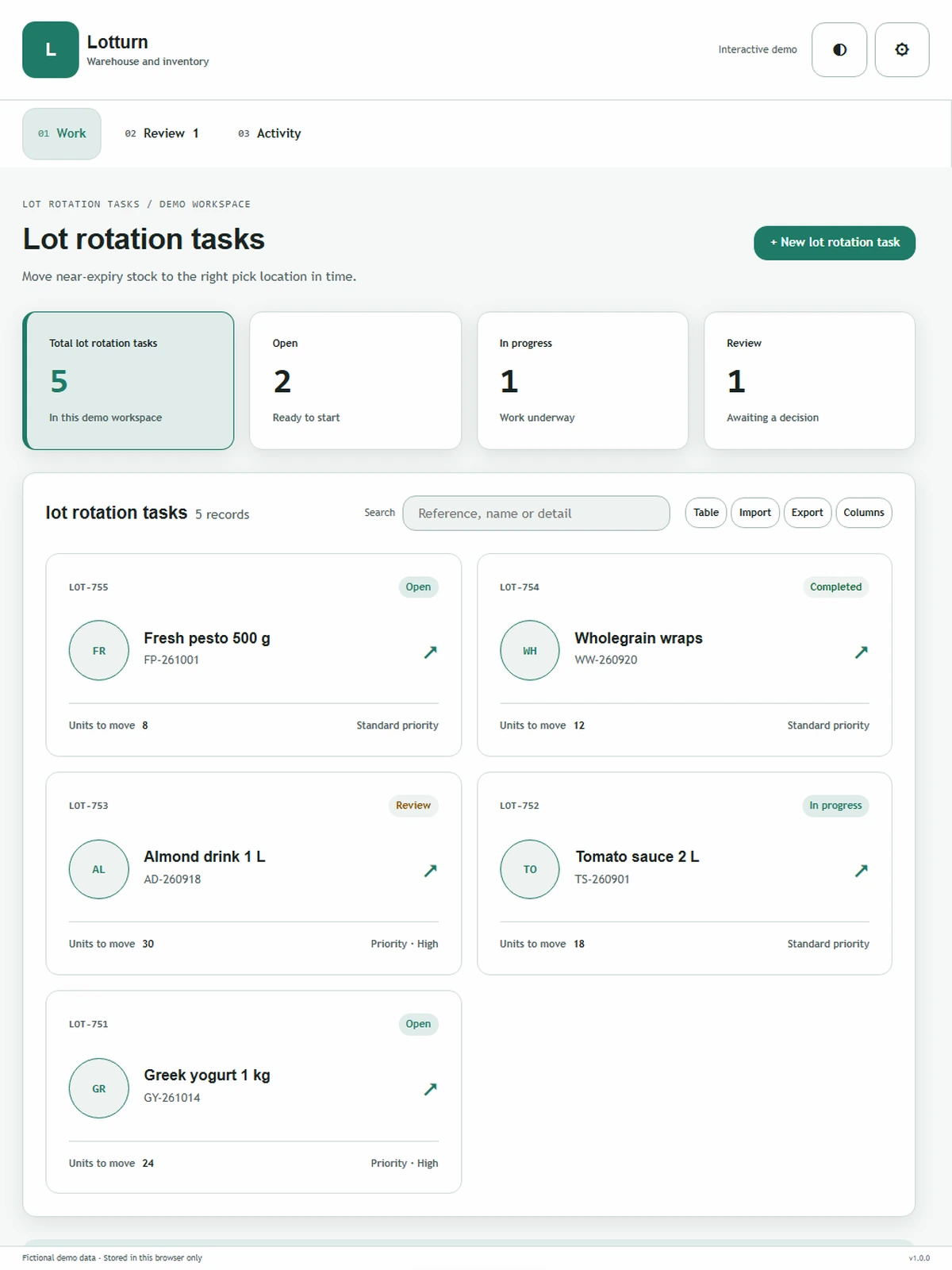
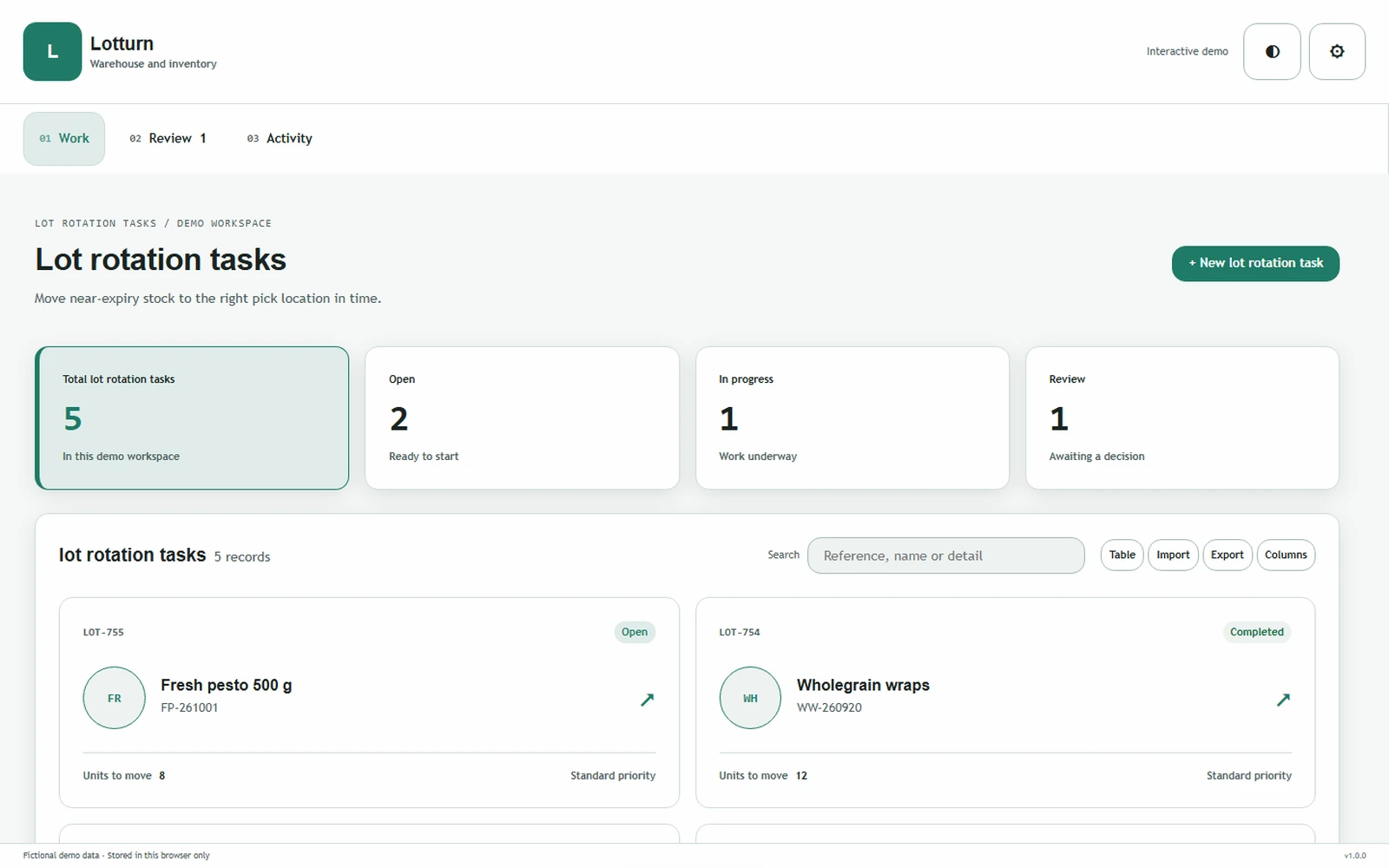
- Assign rotation tasks with an operator and locations, turning a date warning into a movement the warehouse crew can actually complete.
- Separate holds and disposition reviews from routine rotation, keeping stock with unresolved quality or usability questions visible to the supervisor.
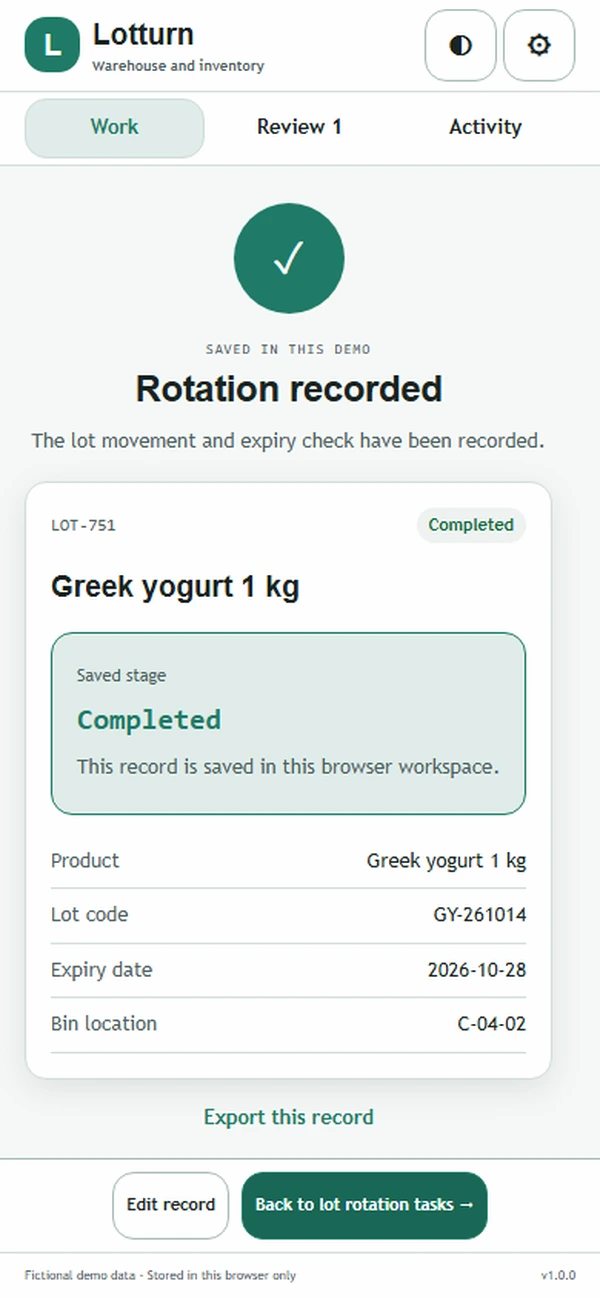
- Preserve decision reasons and completion evidence on the lot, giving colleagues a clear account of what happened after the warning.
Why people love it
Lotturn helps teams act on dates while preserving stock context. Operators receive a usable movement task, and supervisors can explain whether a lot was rotated, held, or given another disposition.
Build a similar app with Raptool
The AI framework turns a description into a working app, you customize it in the Designer, Raptool Hub hosts it, and the Raptool Client runs it on Android, iOS, Web, Mac and Windows. Have an idea like this? Describe it, and Raptool builds it.
Screens
5 screens