See every accepted order at a glance and move tickets from queued to ready. Restaurant kitchens.
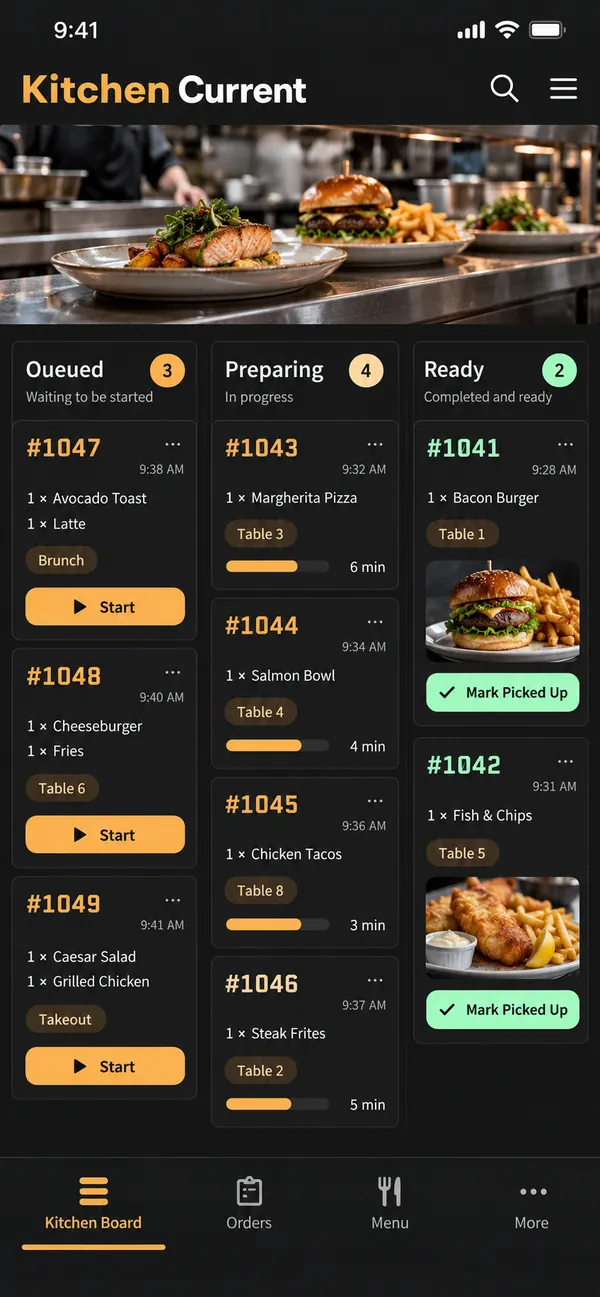
See every accepted order at a glance and move tickets from queued to ready.
Restaurant kitchensAbout the app
See every accepted order at a glance and move tickets from queued to ready.
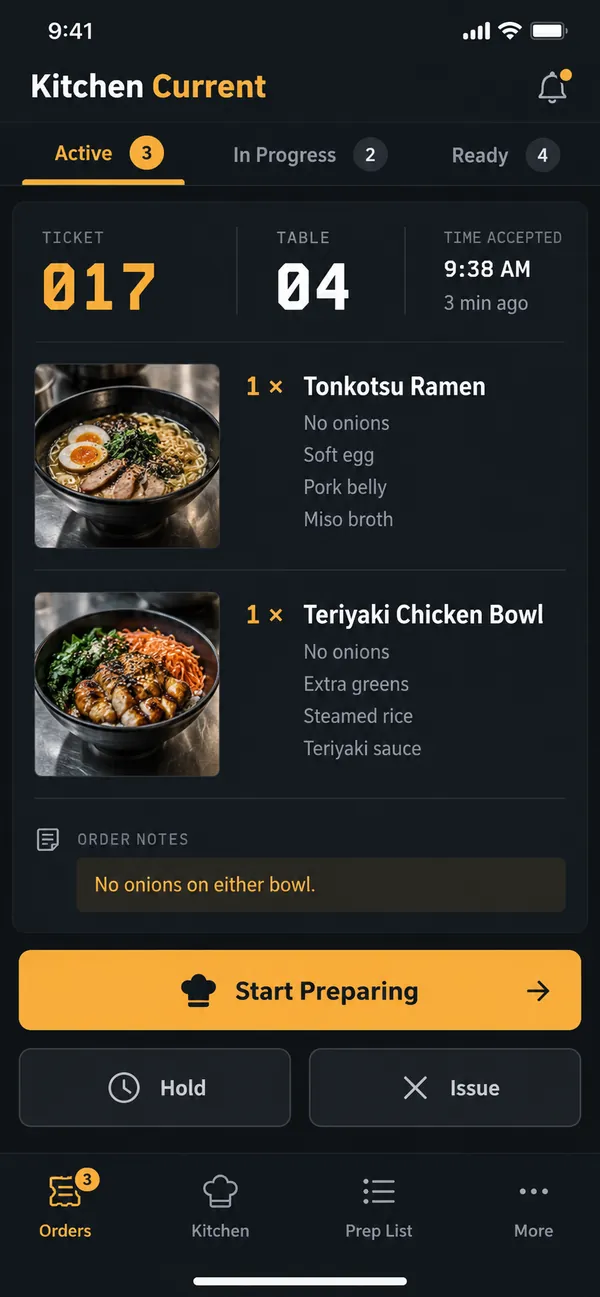
Paper tickets get lost and are hard to prioritize when it is busy. Kitchen Current shows every accepted order in one clear flow. Notes and allergies stand out on each ticket, so the team sees what matters before cooking. The screen replaces the rail of paper and keeps the order of work clear.
What it does
- Order view: see accepted orders by table or pickup code.
- Clear notes: view item notes clearly.
- Preparing status: move a ticket from queued to preparing.
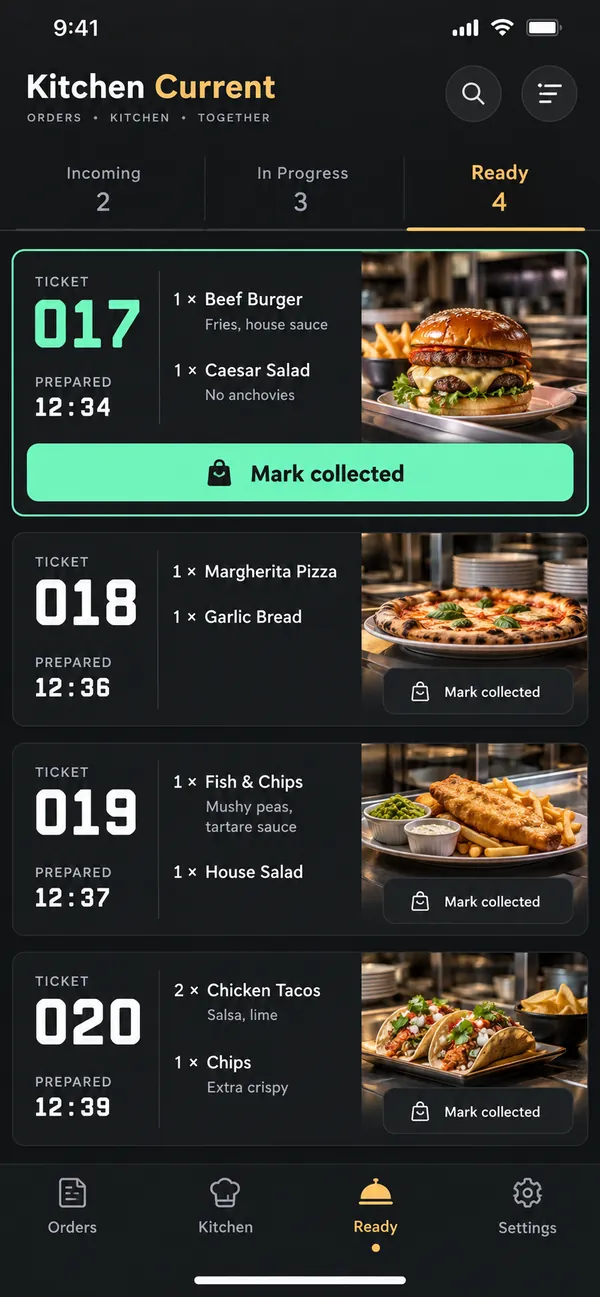
- Ready tickets: mark completed tickets ready.
- Recent tickets: review recently completed tickets.
Why people love it
The kitchen always knows what is next. Kitchen Current keeps the rush under control and every order on track. Cooks stay focused, plates leave on time and the pass stays organized.
Build a similar app with Raptool
The AI framework turns a description into a working app, you customize it in the Designer, Raptool Hub hosts it, and the Raptool Client runs it on Android, iOS, Web, Mac and Windows. Have an idea like this? Describe it, and Raptool builds it.
Screens
3 screens