Coordinate utility locate requests and clearance evidence before excavation crews begin work near buried services on each site. Utility Locate Request Board.
Coordinate utility locate requests and clearance evidence before excavation crews begin work near buried services on each site.
Utility Locate Request BoardAbout the app
Coordinate utility locate requests and clearance evidence before excavation crews begin work near buried services on each site.
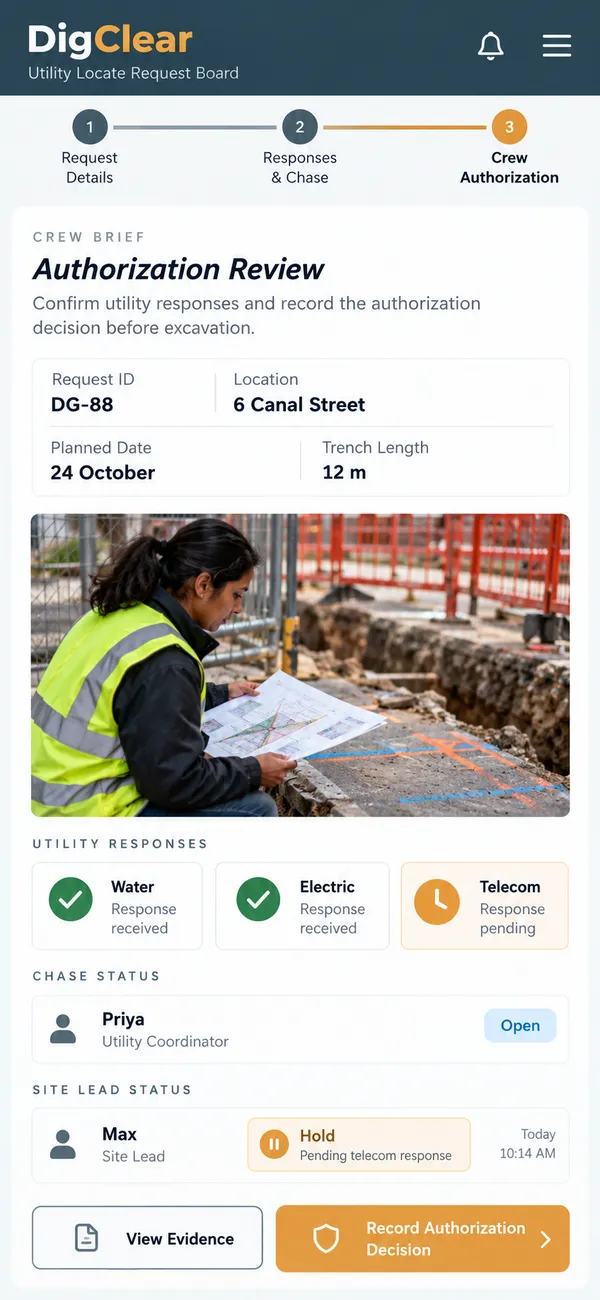
Excavation planning gets harder when utility responses arrive in different formats and the crew cannot tell what is still missing. DigClear helps coordinators assemble locate requests, document received responses and track clearance actions, while leaving excavation authorization explicitly with the responsible person reviewing the evidence.
What it does
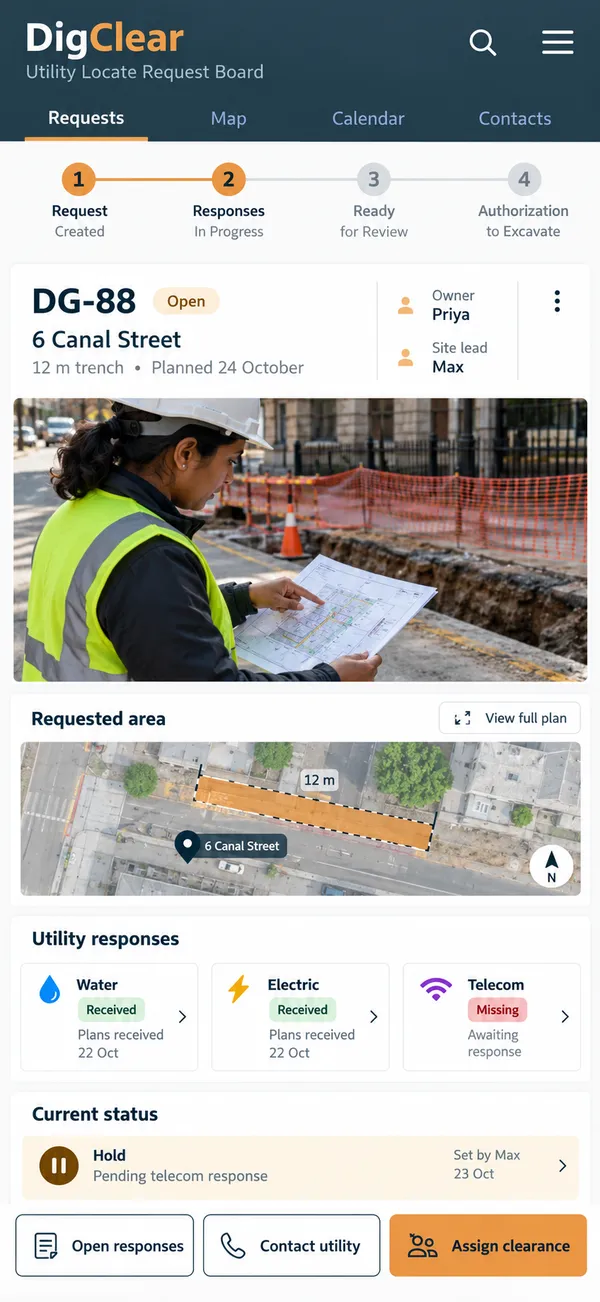
- Defined dig area: Describe proposed excavation areas with plans and dates, giving utilities and site reviewers a consistent reference for the location being requested.
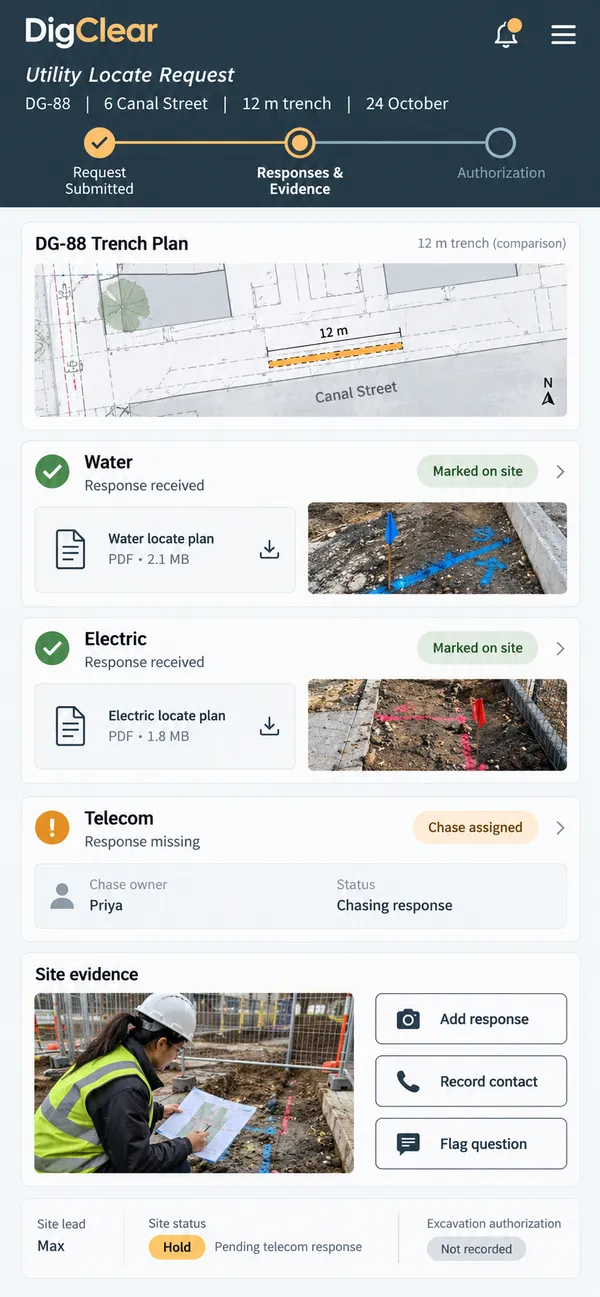
- Utility responses: Track expected utility responses separately so coordinators can chase missing information before the planned dig date and responsible site review occur.
- Marking evidence: Store marking photographs and response documents against requests, making the collected evidence easier for the responsible site reviewer to inspect together.
- Clearance ownership: Assign clearance questions to named owners, keeping unresolved issues visible instead of implying that submitting a locate request authorizes excavation work.
- Recorded authorization: Display responsible reviewers' recorded dig decisions and conditions so crews can see current authorization alongside the supporting location and briefing details.
Why people love it
DigClear makes preparation easier to coordinate and easier to explain. The office can chase a specific missing response, the reviewer can inspect the assembled evidence, and the site crew receives a recorded authorization status that remains connected to its conditions and supporting information.
Build a similar app with Raptool
The AI framework turns a description into a working app, you customize it in the Designer, Raptool Hub hosts it, and the Raptool Client runs it on Android, iOS, Web, Mac and Windows. Have an idea like this? Describe it, and Raptool builds it.
Screens
3 screens