Find available desks for office days and release changed bookings. Facilities and property.
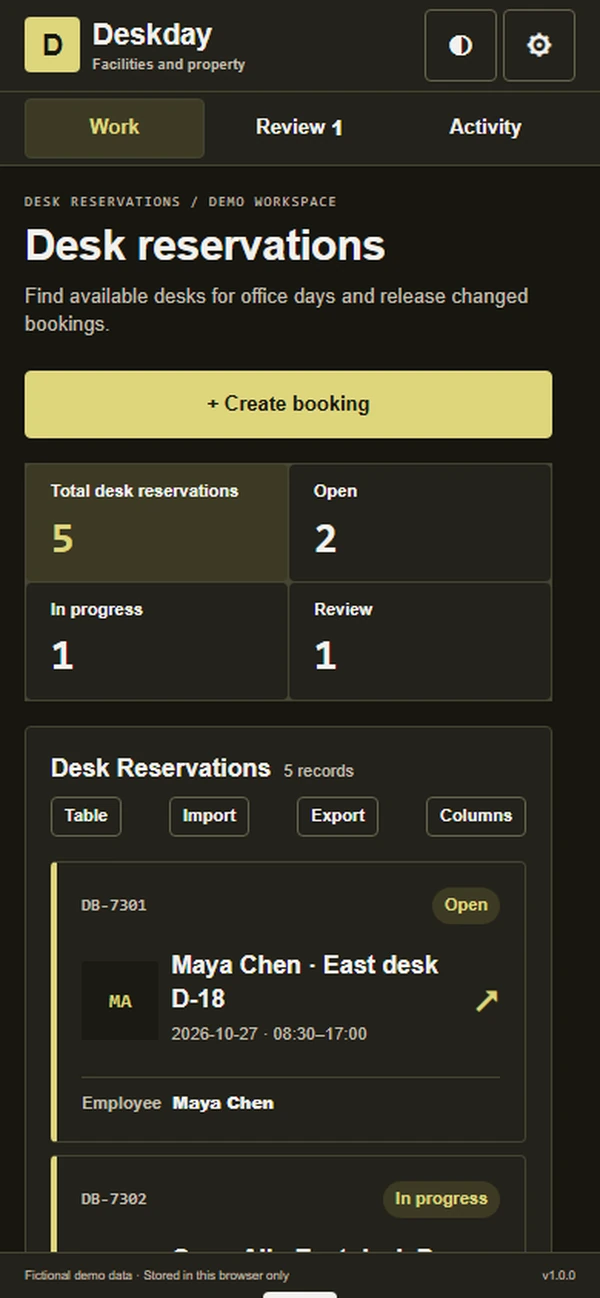
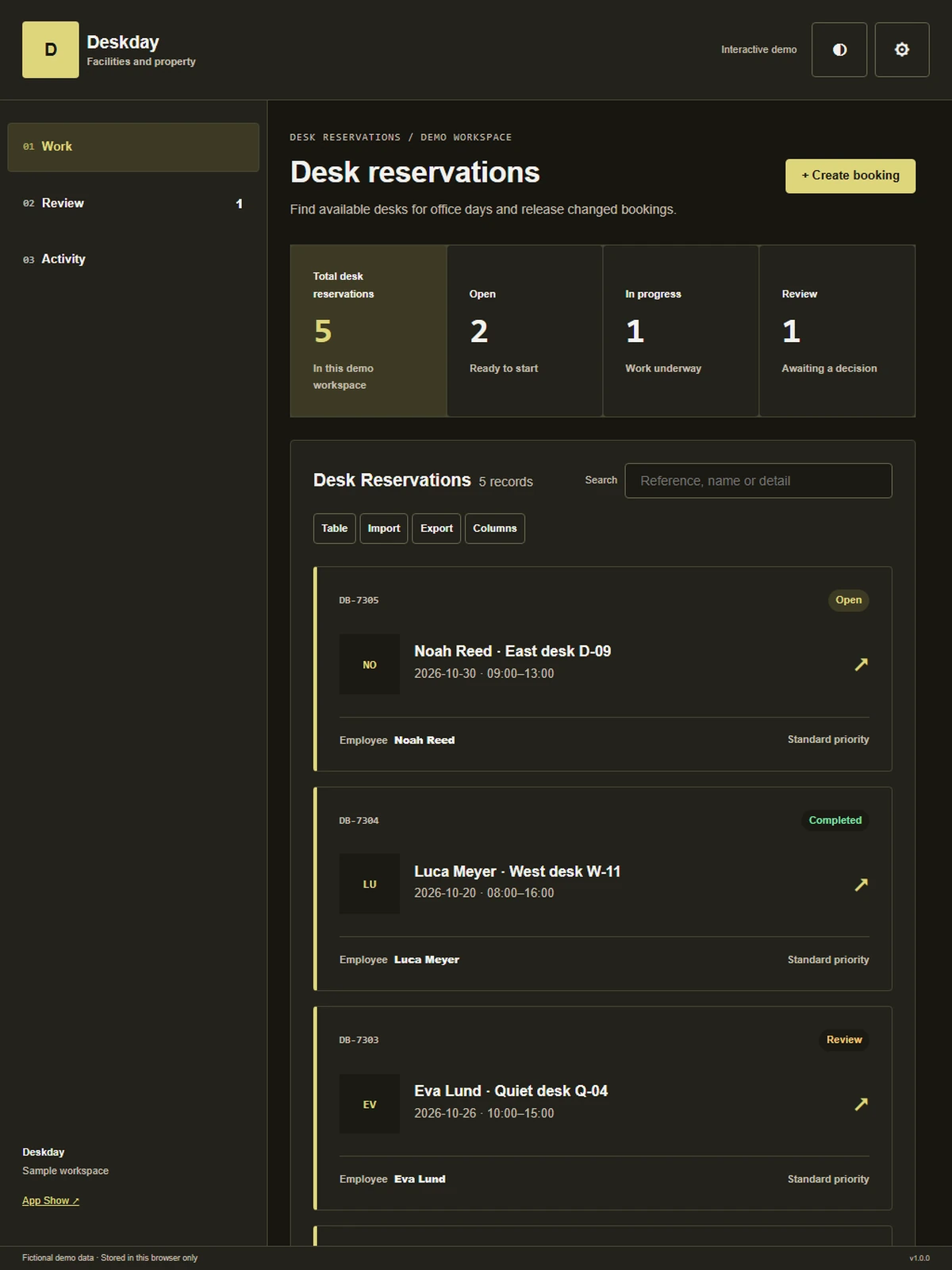
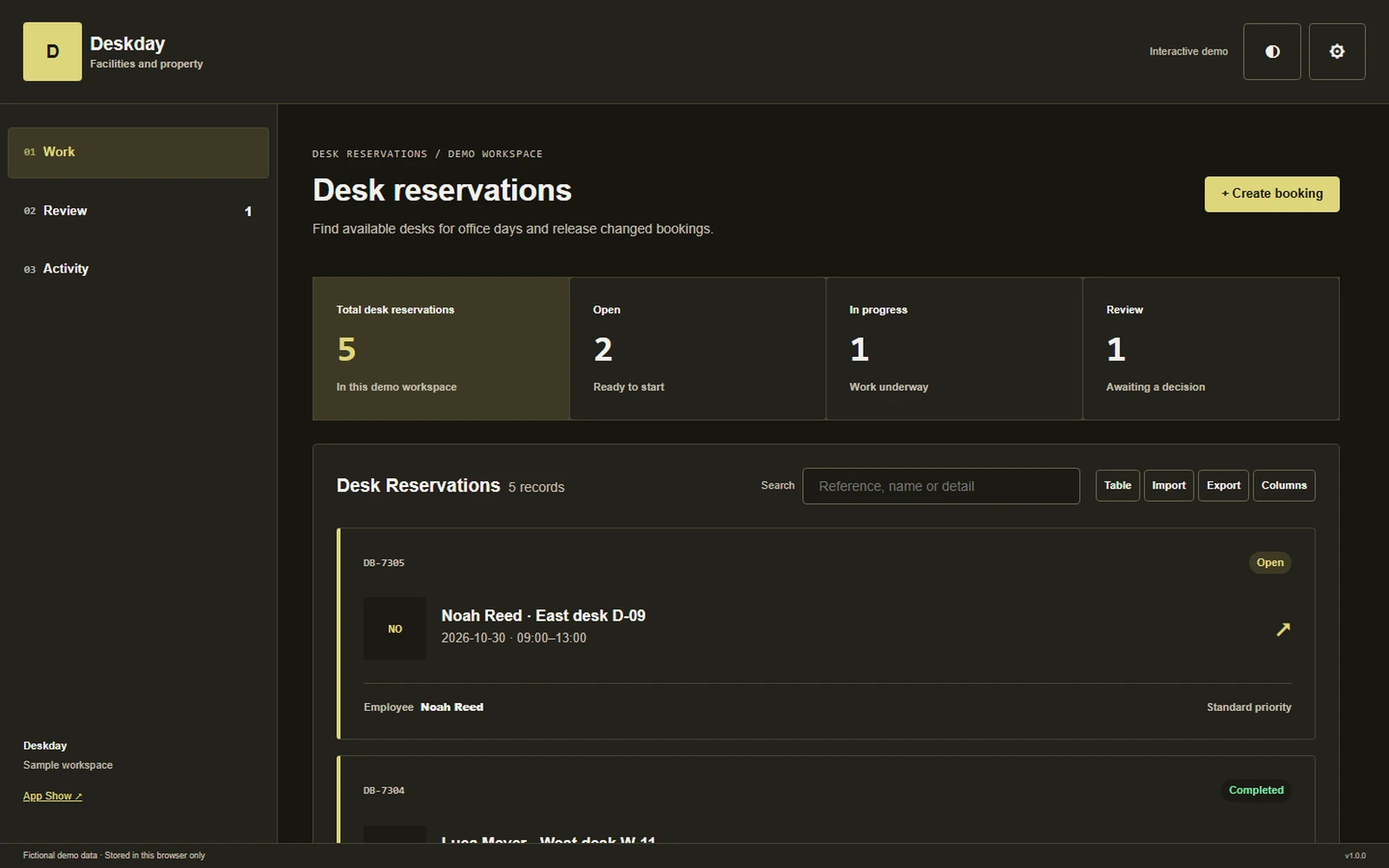
Find available desks for office days and release changed bookings.
Facilities and propertyAbout the app
Find available desks for office days and release changed bookings.
Hybrid work becomes easier to coordinate when a desk reservation reflects the day someone actually intends to attend. Deskday connects the floor map with booking limits and check-in, helping employees choose an appropriate place to work and giving office managers a clear record when unused reservations need follow-up or release.
What it does
- Desk map: Show available desks and zones on the floor plan, helping employees choose a practical location before committing to their next day in the office.
- Booking limits: Display the organization's configured reservation rules during booking, allowing staff to understand whether their selected date and duration can be requested.
- Attendance check-in: Link a QR arrival confirmation to the reservation, giving office managers a recorded signal of use rather than relying only on the original booking.
- Unused release: Apply the configured no-show release process with visible status, helping space become available again while allowing the manager to review a disputed or missing check-in.
- Plan changes: Let employees cancel or update a desk reservation, keeping the office-day plan current and making the released place visible to colleagues arranging their attendance.
Why people love it
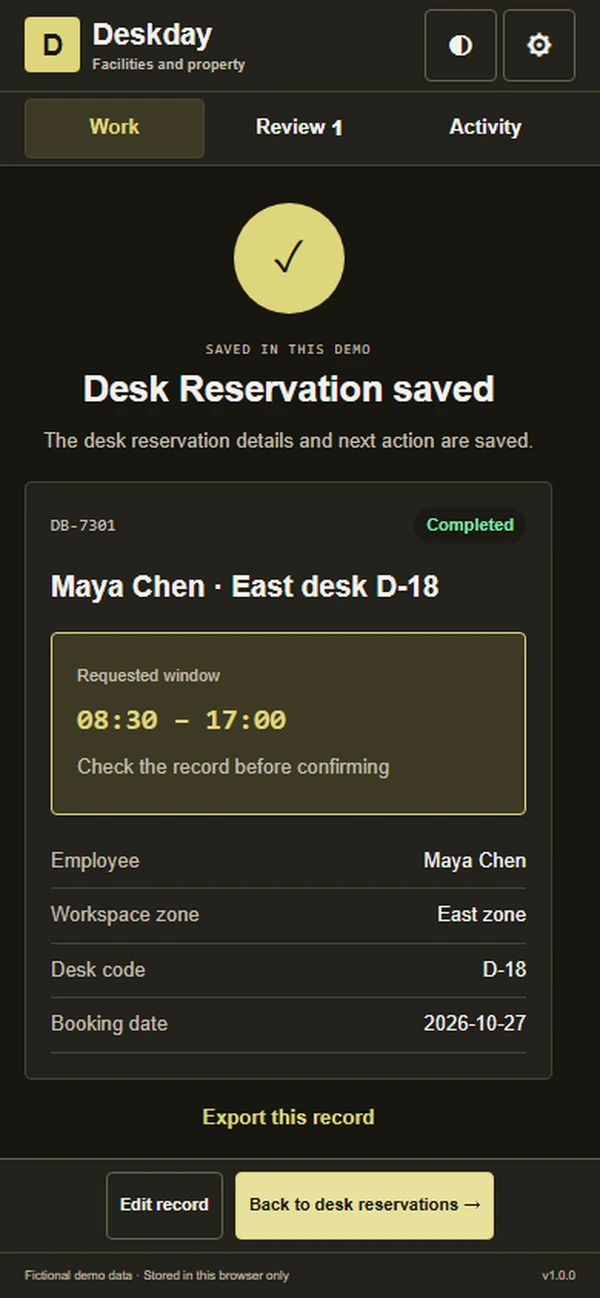
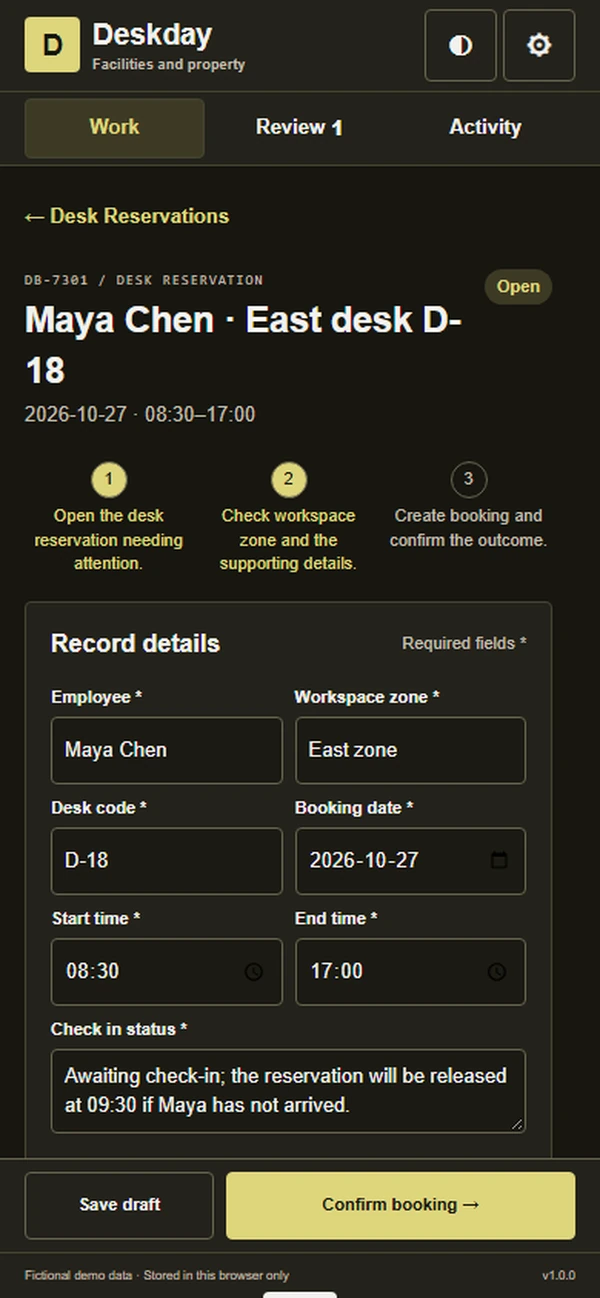
DB-541 reserves desk D-18 in the East zone for Maya Chen on Tuesday, with check-in still pending. The employee and office manager can verify attendance against the 09:30 release rule before changing availability.
Build a similar app with Raptool
The AI framework turns a description into a working app, you customize it in the Designer, Raptool Hub hosts it, and the Raptool Client runs it on Android, iOS, Web, Mac and Windows. Have an idea like this? Describe it, and Raptool builds it.
Screens
5 screens