Keep a shared service job organized from setup to the final walkthrough. Field crews.
Keep a shared service job organized from setup to the final walkthrough.
Field crewsAbout the app
Keep a shared service job organized from setup to the final walkthrough.
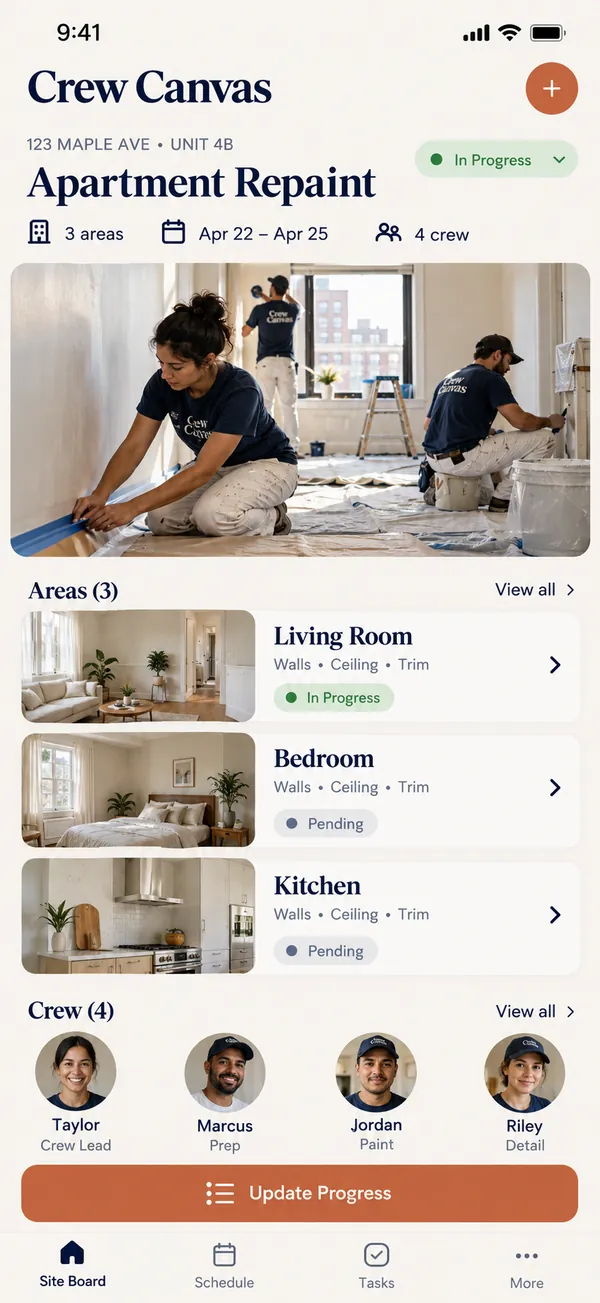
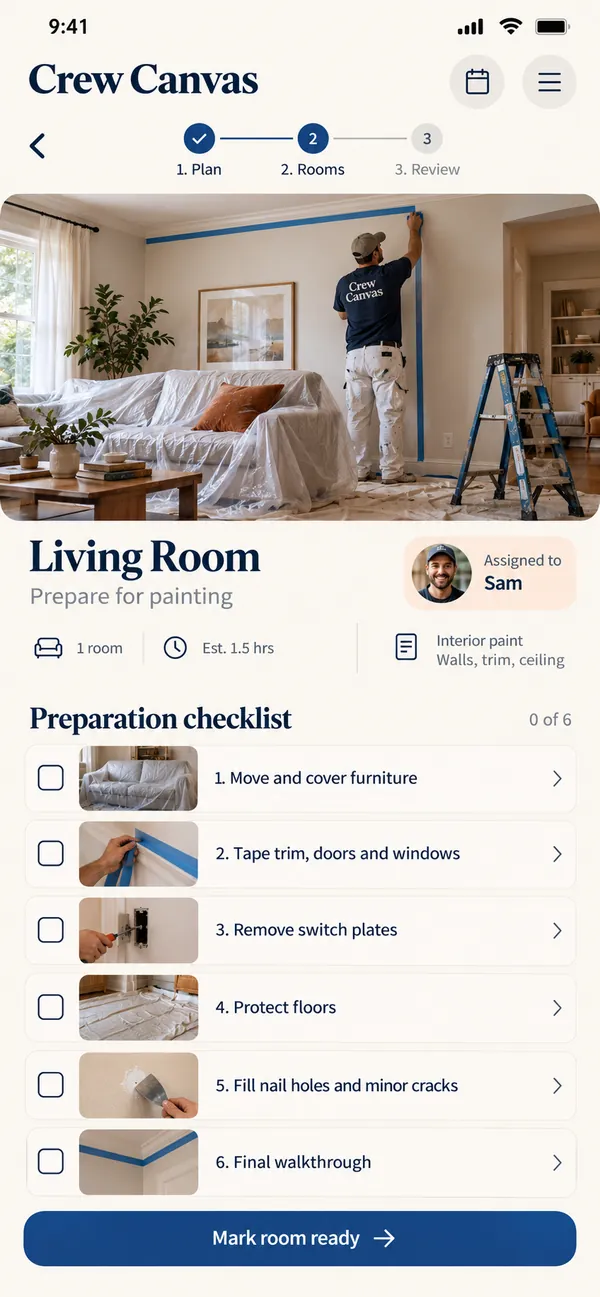
When several people work on the same job, the details can disappear between conversations. Crew Canvas gives the crew one place for work areas, assigned tasks and progress photos. Help everyone see their part in the job and give the supervisor a clear view of what needs attention.
What it does
- Break up the work: create areas or work packages that match how the crew will handle the site.
- Give each task an owner: assign a teammate and a planned completion time so responsibility stays visible.
- Show real progress: add a photo and short note when a task reaches a useful milestone.
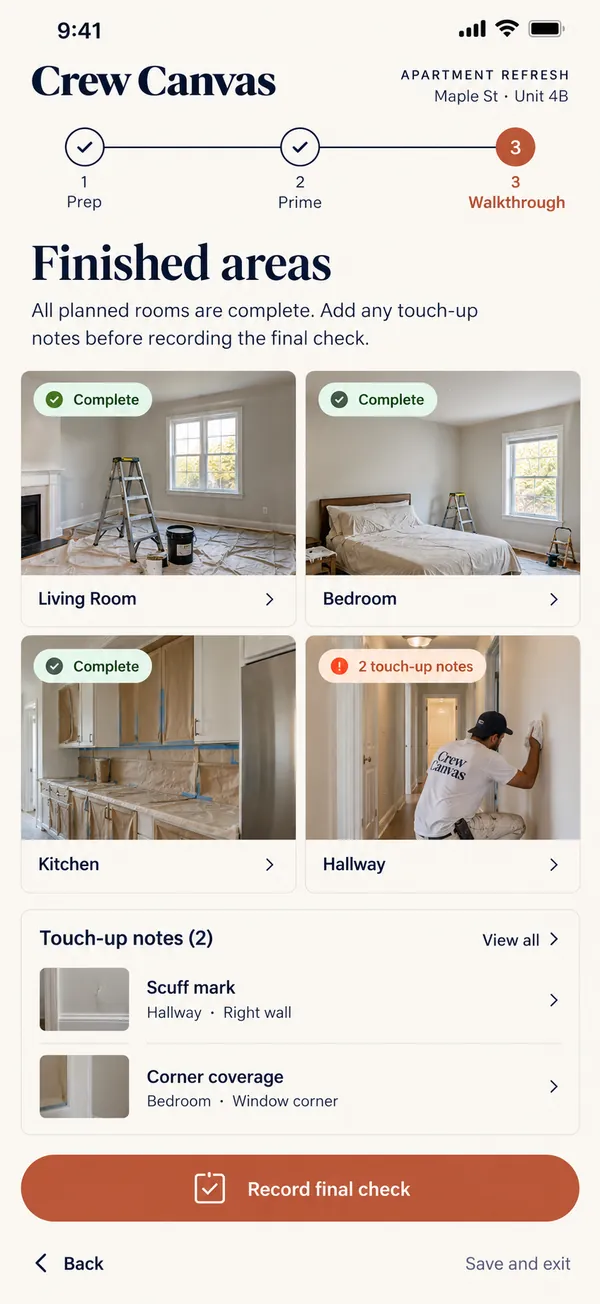
- Flag what blocks the crew: keep access questions, missing supplies and customer decisions attached to the affected task.
- Prepare the walkthrough: review finished work and open notes before the supervisor records the final site check.
Why people love it
Crew Canvas is designed for painting, installation and other multi-person service jobs. It turns a shared worksite into a readable plan, with room for the changes that happen during the day. Give the crew a clearer way to coordinate and the customer a more considered final handover.
Build a similar app with Raptool
The AI framework turns a description into a working app, you customize it in the Designer, Raptool Hub hosts it, and the Raptool Client runs it on Android, iOS, Web, Mac and Windows. Have an idea like this? Describe it, and Raptool builds it.
Screens
3 screens