Handheld scanner apps
Zebra & Honeywell handheld barcode scanner apps
Raptool apps run natively on the handhelds your team carries: Zebra and Honeywell devices, Datalogic and Newland scanners, and ordinary phones and tablets. Receive, pick, count and check in by scanning, online or offline.
- Zebra Technologies partner
- Android, iOS, Windows and Mac
- Works online and offline
- Scanner, camera, RFID and printers
What it does
Scan once, update everything
The Raptool Client is the app shell every Raptool app runs in. Install it once on the handheld and your apps get the scanner, the camera, the printer and the RFID reader, online or offline.
Your team captures data once, at the source. No paper lists, no retyping and no waiting for someone to update the sheet. Read why barcode scanning beats paper.
- Built-in scanners and camera scanning
- Photos and scans inside your app
- Label and receipt printing on the spot
- Keep working offline, sync when you are back
On the handheld
Everyday work, guided by the scanner
A few of the tasks Raptool apps run on a handheld scanner.
Goods receiving
Scan the delivery in on the handheld against the purchase order, or without an order, and post it to a shelf.
Picking
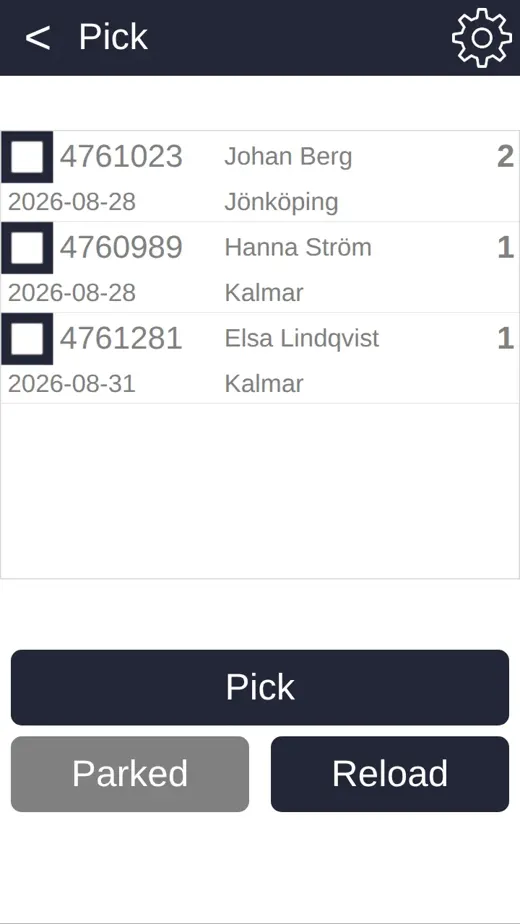
Every pick line gets its own screen, and the handheld rejects a wrong location code.
Stock counts
Count with barcode scanning. Differences adjust the stock level and are logged.
Batch, serial and best-before
Track batch numbers, serial numbers and best-before dates as you scan.
Batch control →Supported devices
Runs on the devices your team carries
The Raptool Client is a native app for Android, iOS, Windows and Mac. Mix phones, tablets and rugged scanners on the same floor. Raptool is a Zebra Technologies partner and also works with Honeywell, Datalogic and Newland devices.
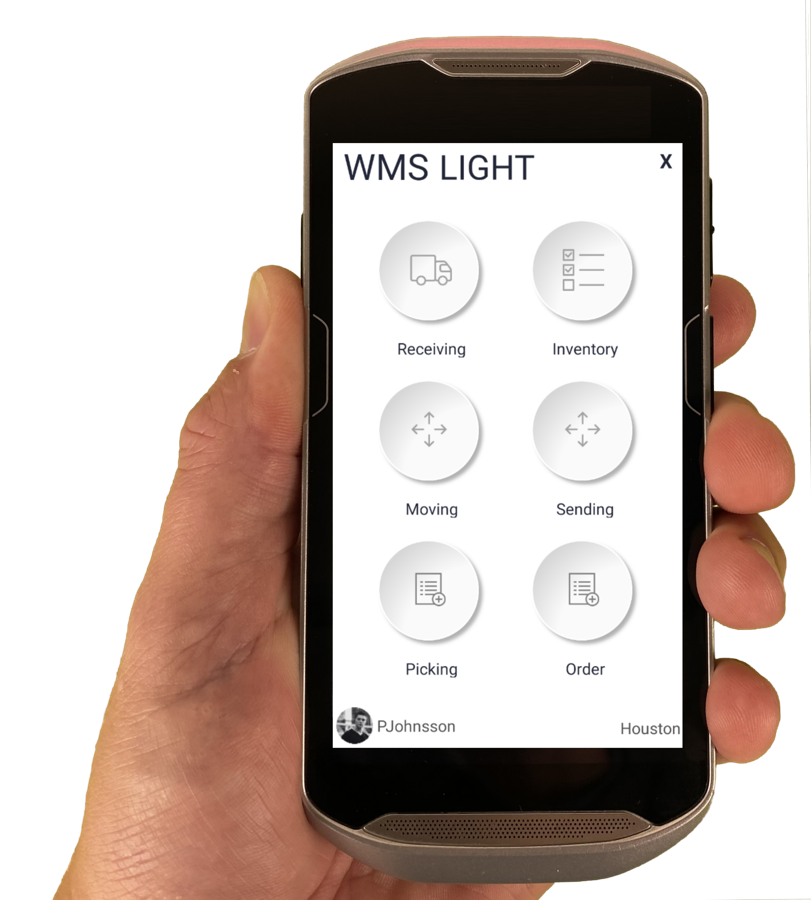 Zebra handhelds
Purpose-built devices we recommend for the warehouse floor.
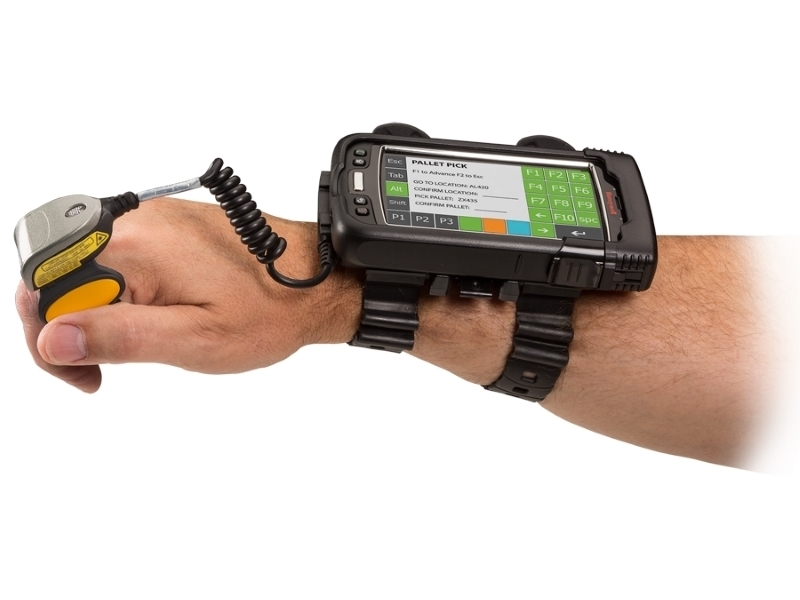 Honeywell wearables
Voice picking keeps your hands free.
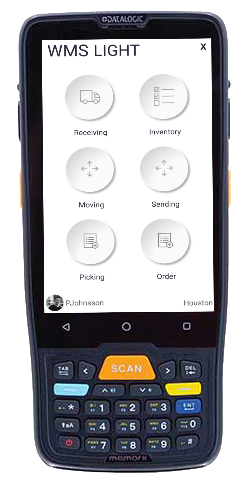 Datalogic scanners
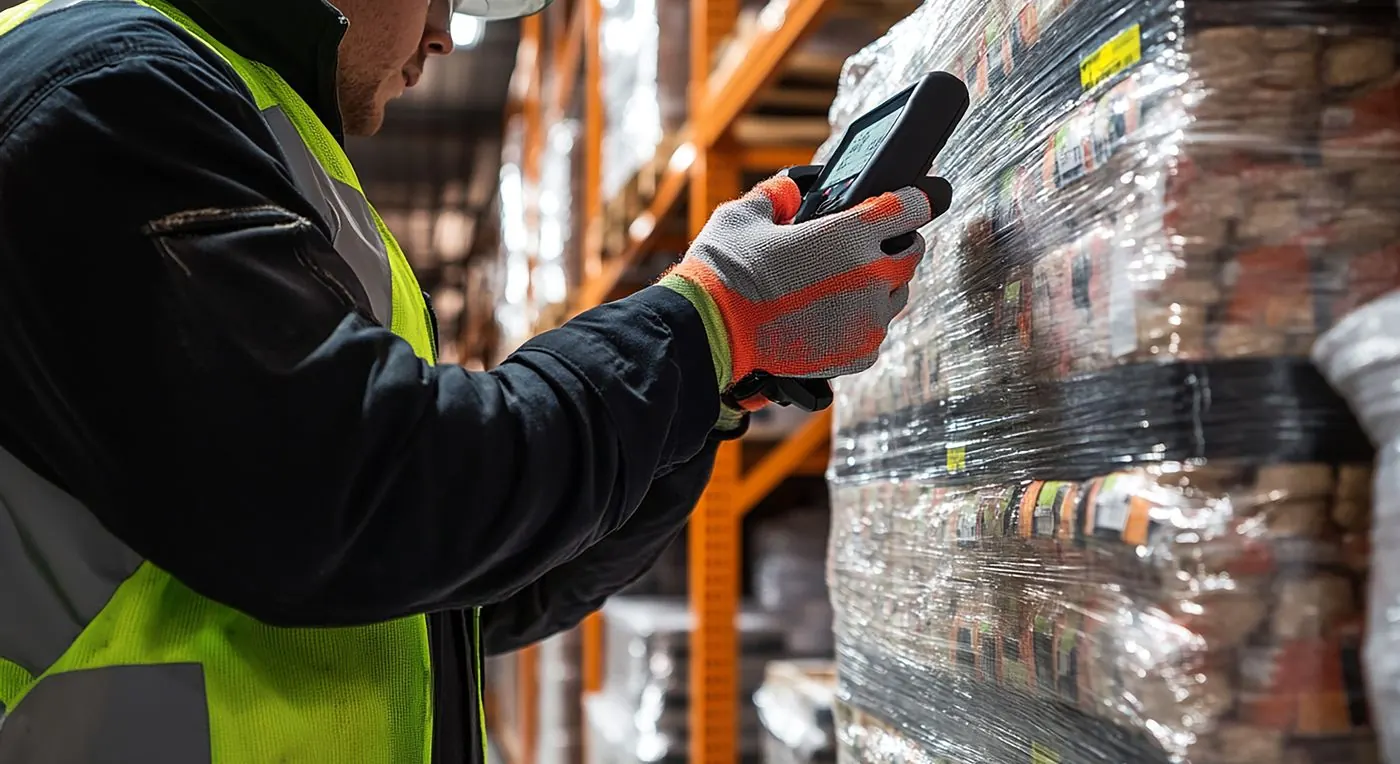
Scan barcodes with a rugged scanner, or with the camera on any Android or iOS smartphone.
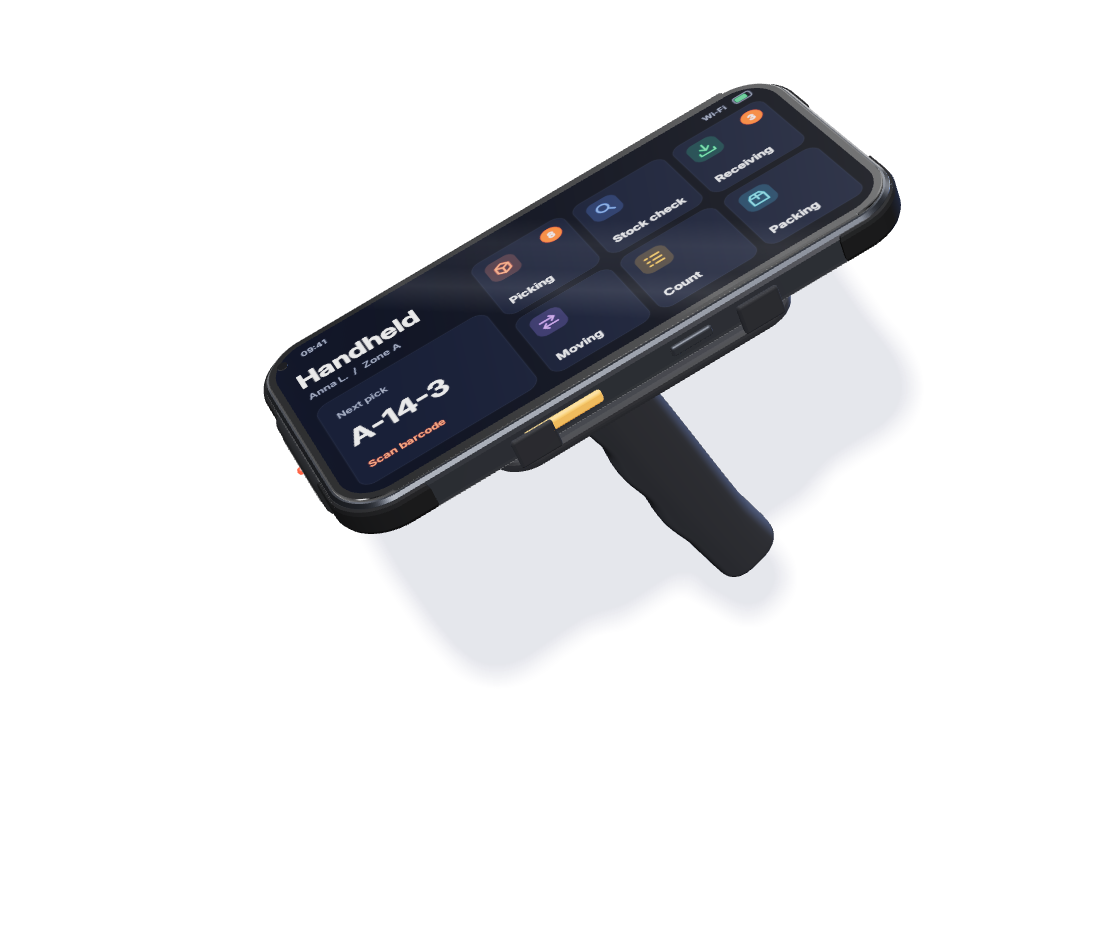 Ring and handheld scanners
Wearable ring scanners and handhelds for fast, hands-on scanning.
Choosing hardware
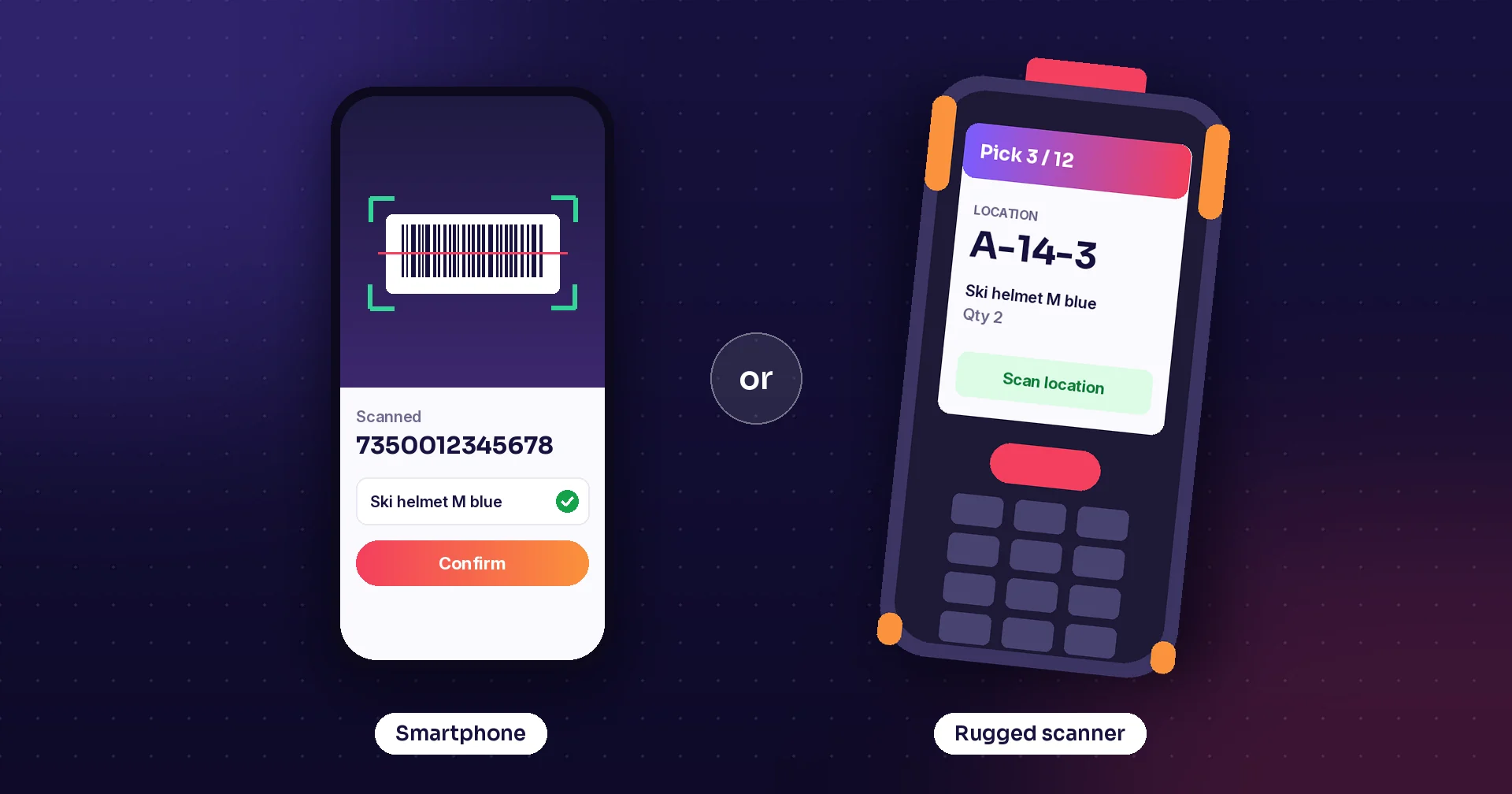
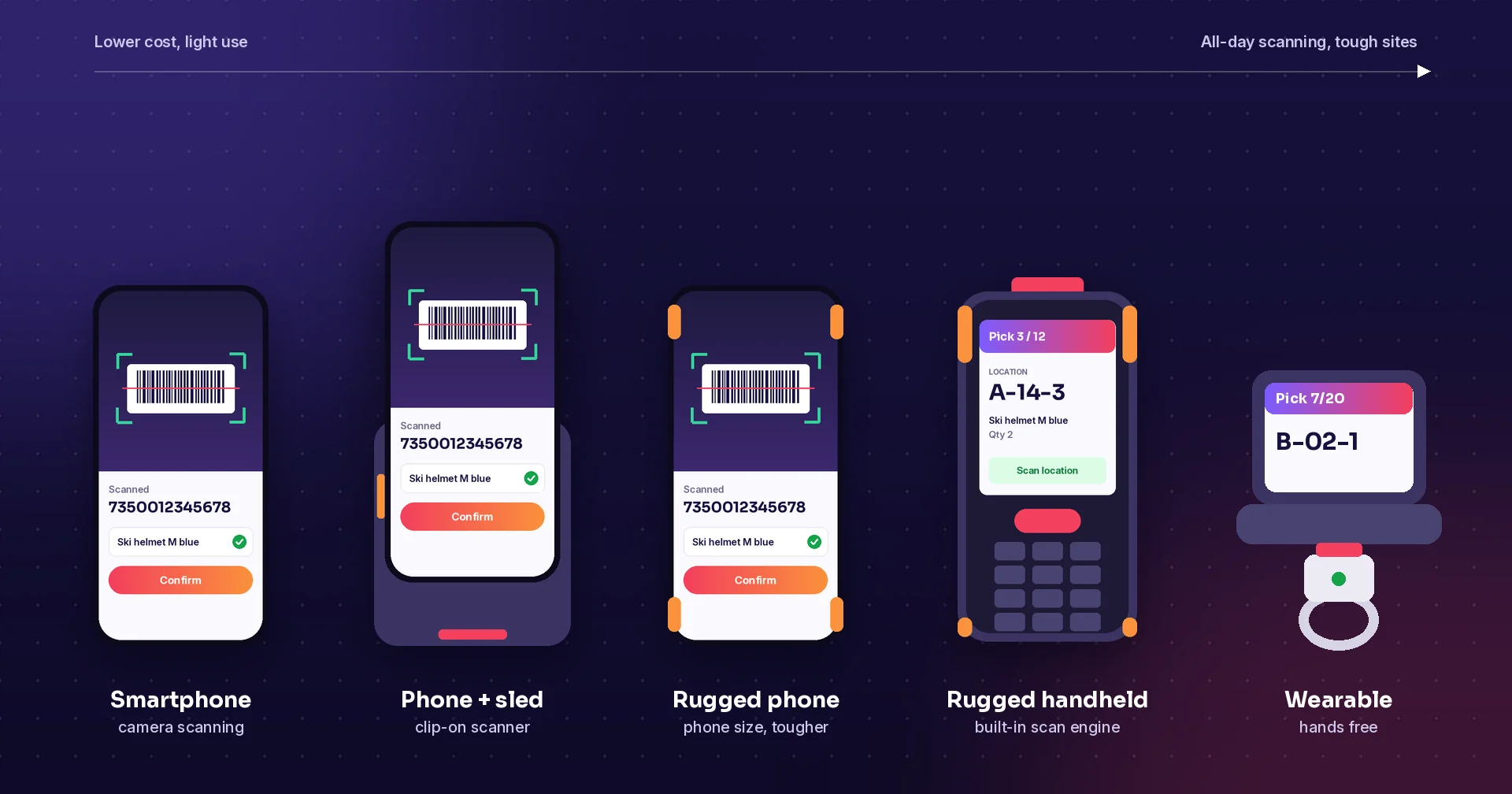
Smartphone or rugged handheld?
A modern smartphone camera reads most barcodes and QR codes, which is a good, cheap start for light scanning. A purpose-built handheld from makers such as Zebra, Honeywell, Datalogic or Newland is designed for all-day scanning, with a dedicated scan engine that reads damaged, small or distant barcodes.
The steps in between
Phones with a scanner sled, rugged phones and wearable ring scanners fill the gap. Because the same Raptool app runs on all of them, you can start with the devices you have.
Raptool apps
Apps that run on your handhelds
Ready-to-go Raptool solutions that use the scanner, or build your own.
Warehouse (WMS)
Receive, pick, pack and count with scanners. The handheld shows one pick line at a time.
Raptool WMS →Retail
Count on a phone, tablet or barcode device, online or offline, and restock from your mobile device.
Raptool Retail →Ticket scanning
Fast entry checks with phones, tablets or scanner kiosks, online or offline.
Ticket scanning →Fortnox add-ons
Mobile stock counting, picking and goods receiving with barcode scanning, booked in Fortnox.
Raptool for Fortnox →Build your own
Use the camera, barcode scanners, RFID readers and printers from your own screens in Raptool Designer.
Raptool Designer →How it works
From box to first scan
Install the Raptool Client
Download the Raptool Client from Play Store, App Store or our download page.
Log in
One Raptool Account sign-in for all your Raptool apps.
Start scanning
Your apps use the scanner, camera, RFID reader and printer, online or offline. The Integration Server connects the work to ERPs such as SAP, Microsoft Dynamics, Fortnox and Visma.
From the blog
More on scanning and devices
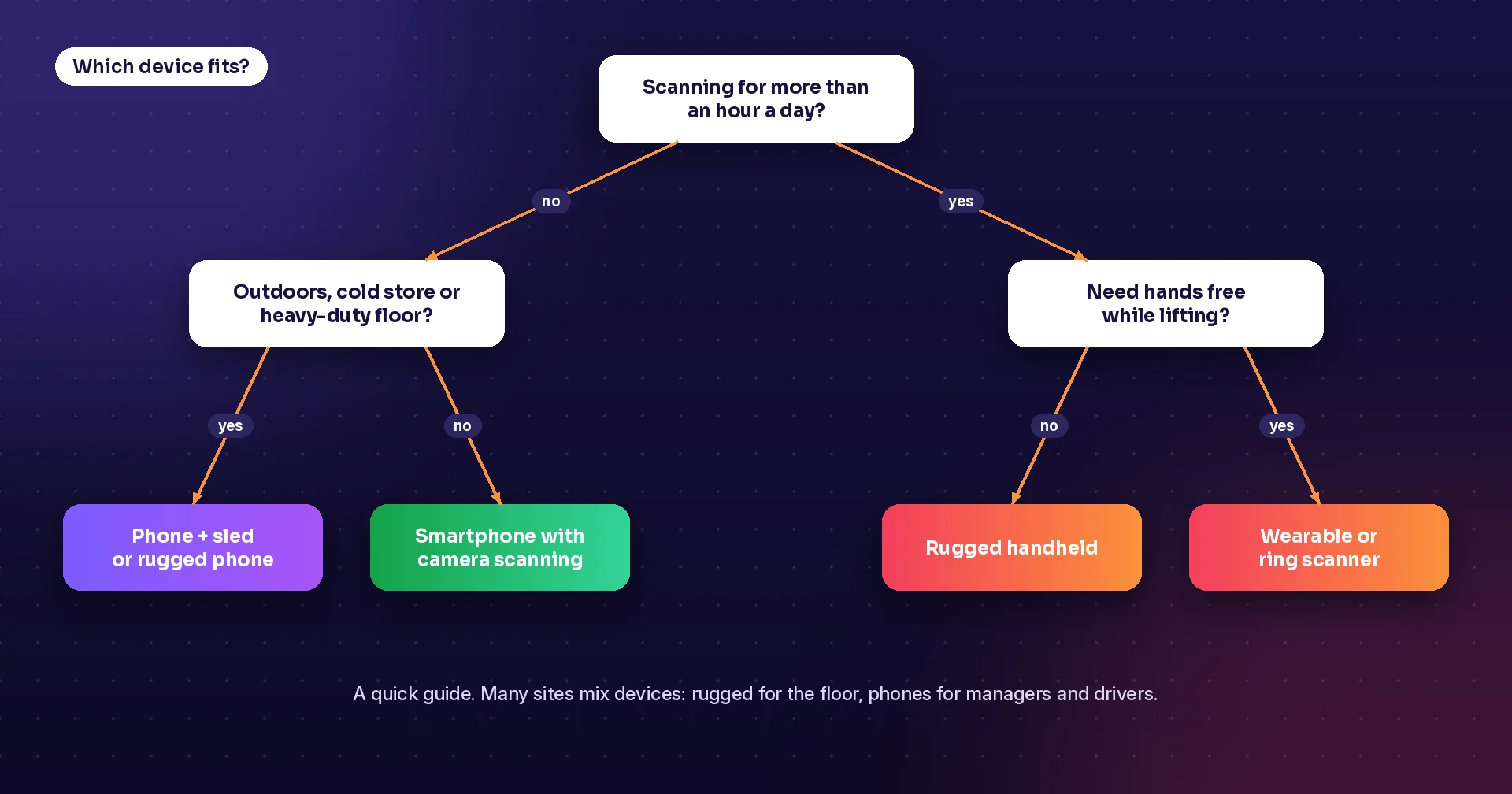
Rugged scanner or smartphone?
How to choose devices for warehouse and field work.
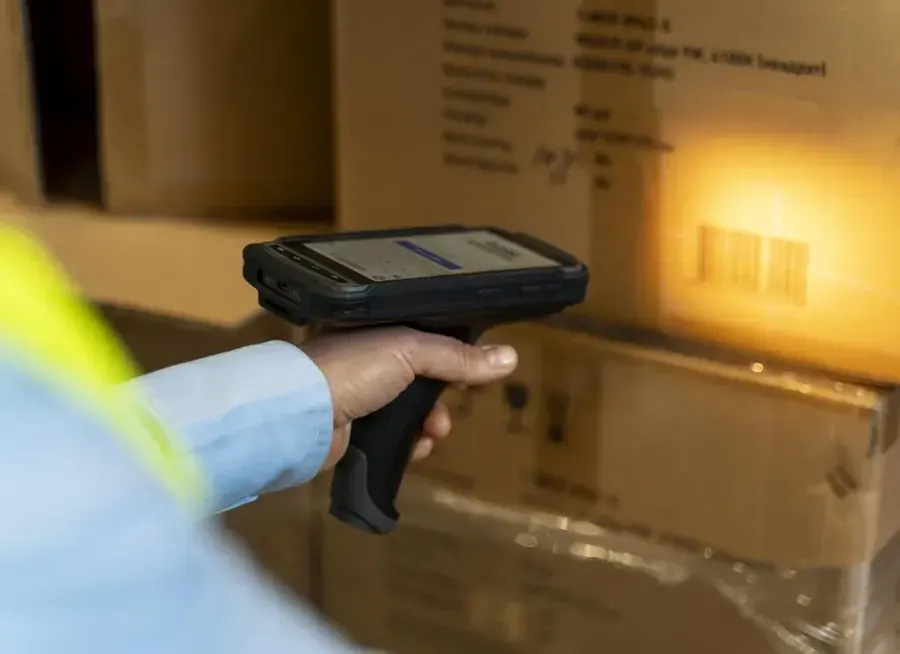
Why barcode scanning beats paper
Scanning cuts errors and updates stock as you work.
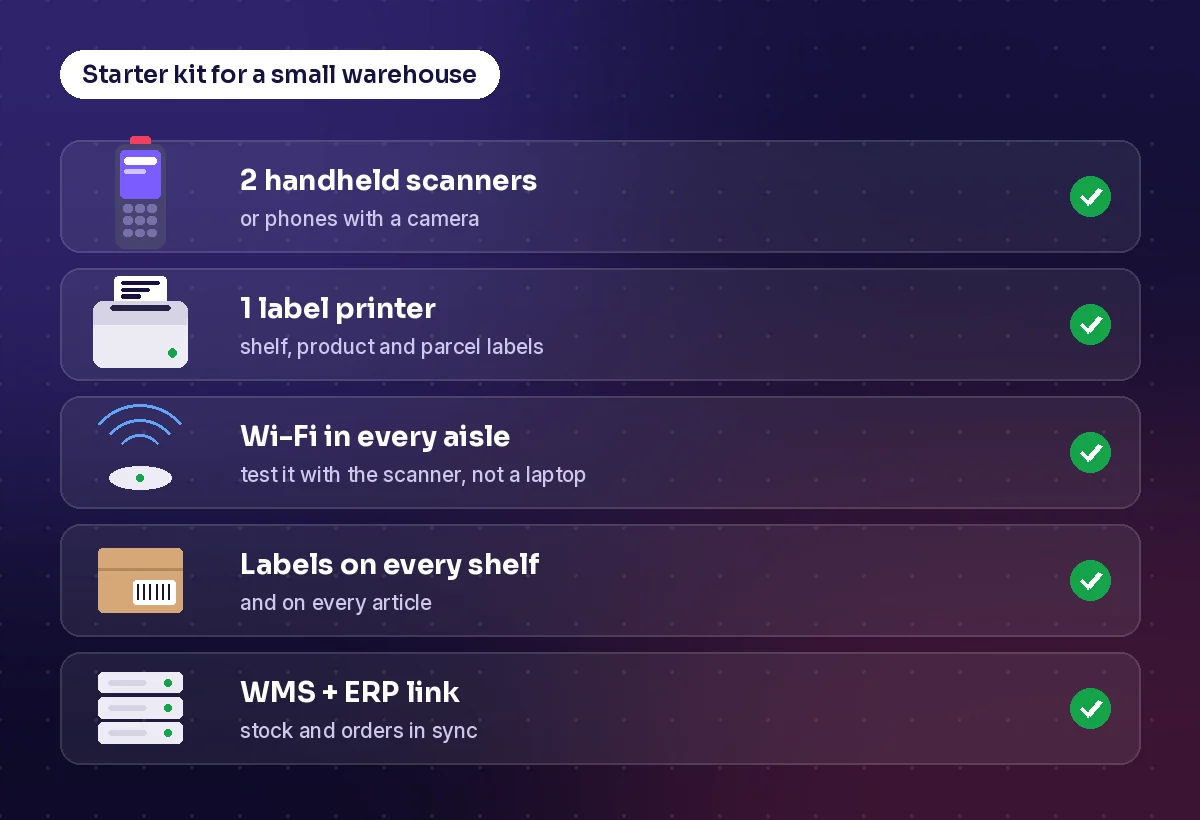
Warehouse systems and hardware
The complete checklist, with a starter kit for small warehouses.
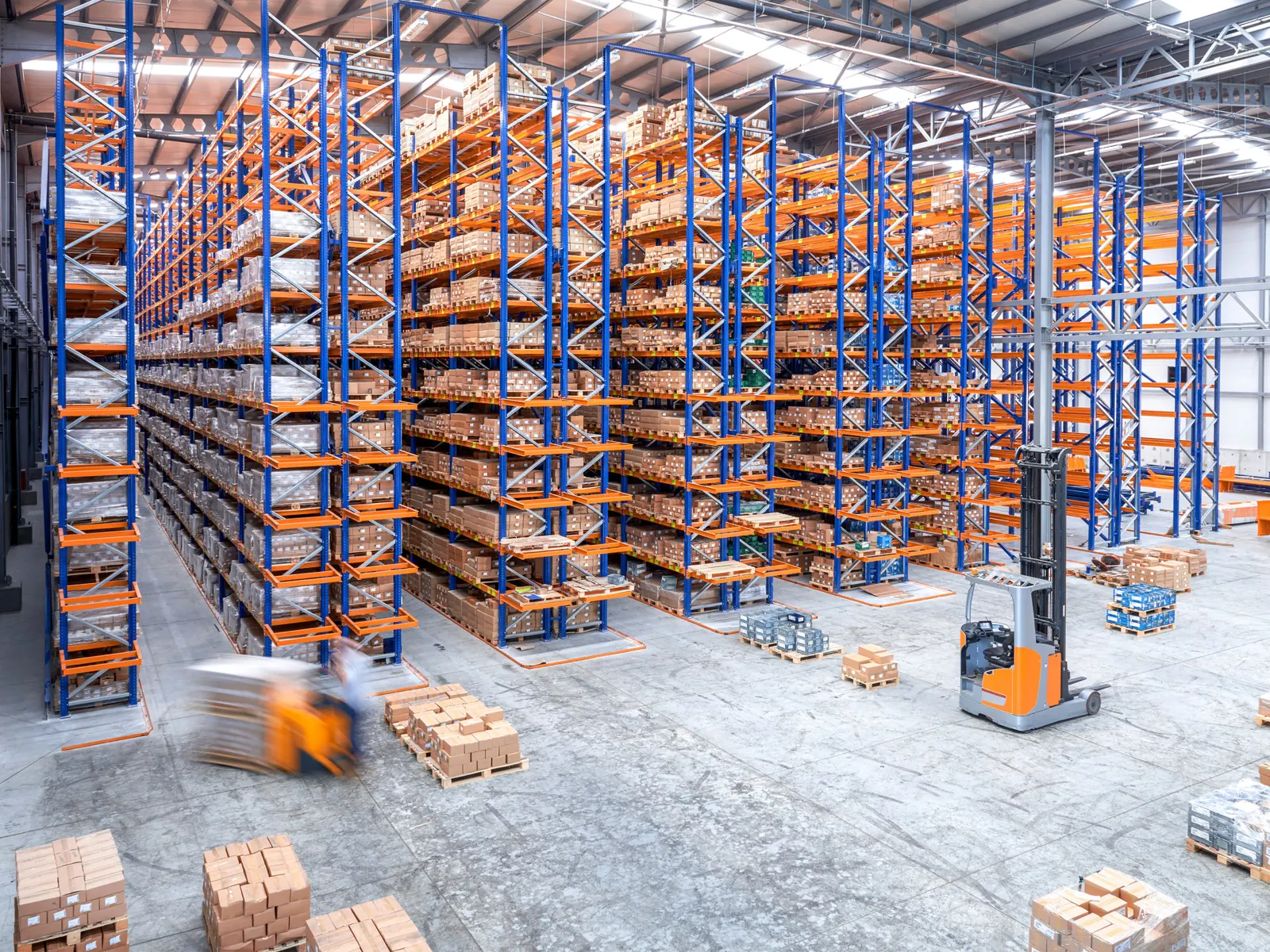
Offline mode
Keep scanning when Wi-Fi drops.
Why RFID belongs in your warehouse
Read many items at once, without line of sight.
Stock counts: paper vs scanning
Compare speed, errors, cost and control.
FAQ
Handheld scanner apps: common questions
Which handheld barcode scanners do Raptool apps work with?
Raptool is a Zebra Technologies partner and recommends Zebra handhelds for the warehouse floor. Raptool also works with Honeywell, Datalogic and Newland devices. The Raptool Client runs natively on Android, iOS, Windows and Mac, so the same app also runs on phones, tablets and laptops.
Do we need rugged scanners, or can we use smartphones?
Both work. Staff can scan with the camera on any Android or iOS phone, or with a rugged scanner, and you can mix them on the same floor. Smartphones are a good start for light and occasional scanning; all-day scanning, drops, cold and gloves are where rugged devices earn their price. Read Rugged scanner or smartphone?
Do the scanner apps work without Wi-Fi?
Yes. The Raptool Client works online and offline. Staff keep scanning when the network drops, and the work syncs when the device is back in range. Read more in Offline mode: keep scanning when Wi-Fi drops.
Can the same handheld also read RFID tags and print labels?
Yes. The Raptool Client gives your apps access to barcode scanners, the camera, RFID readers and label and receipt printers. See RFID warehouse tracking and the Label Designer.
Can we build our own scanner app?
Yes. Build it without code in Raptool Designer, or describe the app in plain words in the AI Development Framework and Raptool builds it. Your screens can use the camera, barcode scanners, RFID readers and label or receipt printers.
Talk to us about your scanners
Tell us which devices you use and how you work, and we will show Raptool on your hardware. Or call us on +46 8-410 808 88.