

Overview
Every business with stock has to count it. Many still do it the old way: print a sheet, walk the shelves, write the numbers down, then type them into the system. It feels cheap and simple. But the real cost hides in the hours spent and the errors that slip through. Barcode scanning does the same job in one step, with the system checking each count as it happens. Here is how the two methods compare, step by step.
How a paper count works
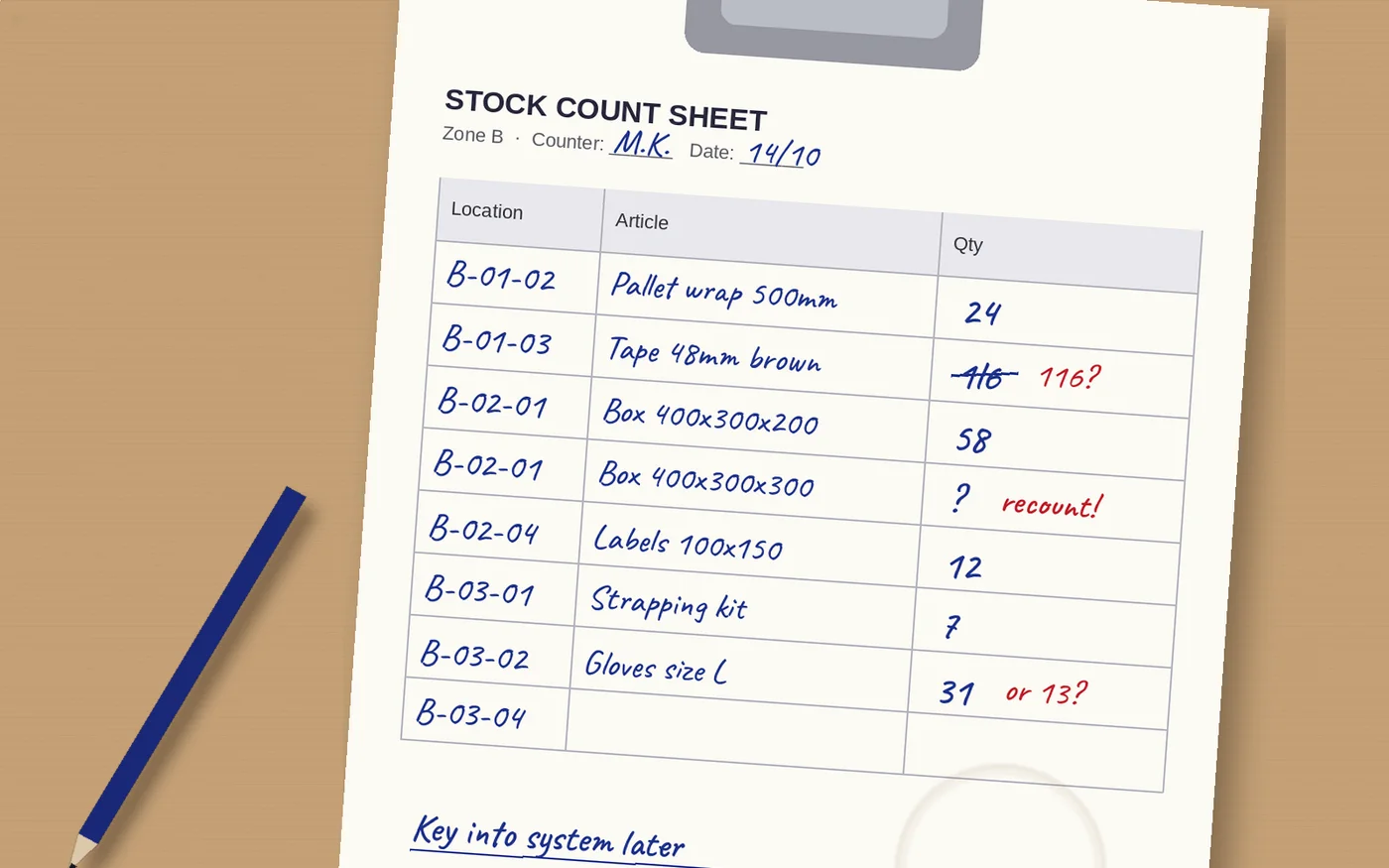
A paper count has three stages. First someone prints count sheets and splits the warehouse between counters. Then the team walks the shelves and writes a quantity next to each line. Finally someone collects the sheets and keys every number into the system, often days later. Each stage depends on a person reading and writing correctly.
That is where things go wrong. A 1 looks like a 7. A count is written on the wrong line. A shelf is skipped because the sheet was folded. An item sits on a shelf that is not on the sheet at all, so nobody counts it. And when the numbers are finally typed in, every figure gets a second chance to be mistyped.
How a scanned count works
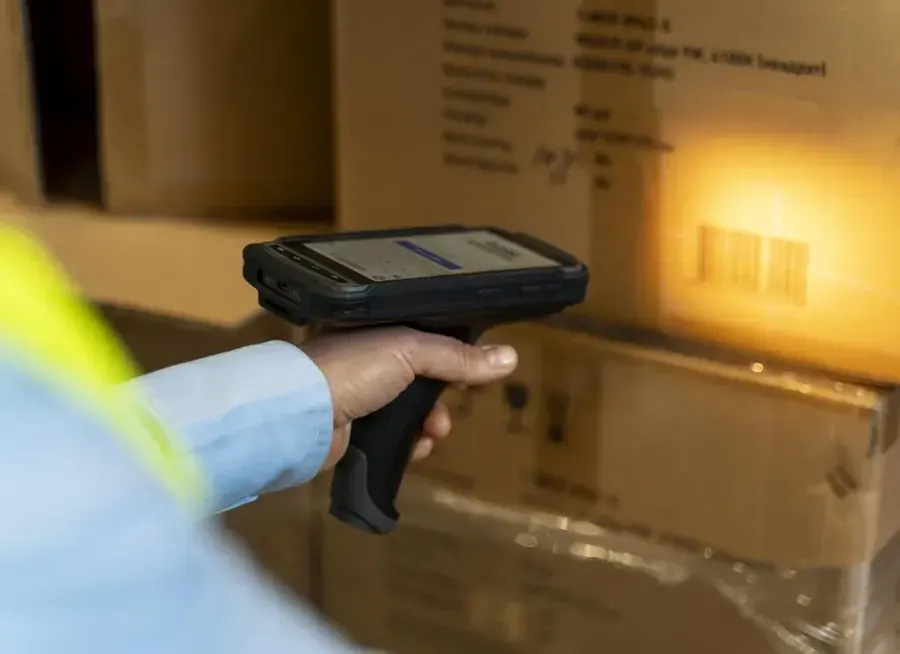
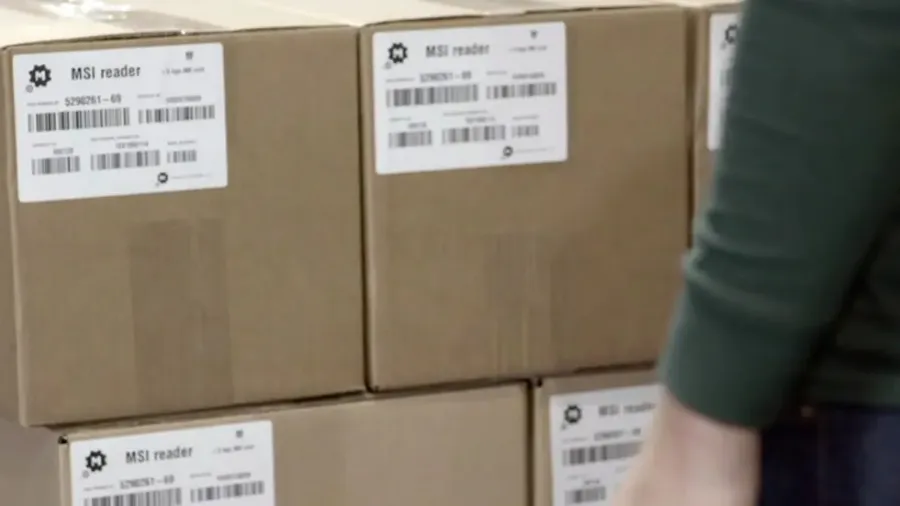
With scanning, the counter scans the shelf label, scans the item and enters or scans the quantity. The system records it at once. There is no sheet to print, no handwriting to read and nothing to type later. The count is in the system the moment the counter walks away from the shelf.
The scanner also checks the work. If the counter is at the wrong shelf, the system says so. If an item turns up that should not be there, it is recorded where it was found. If a count is far from what the system expected, the counter can be asked to count again while still standing at the shelf.
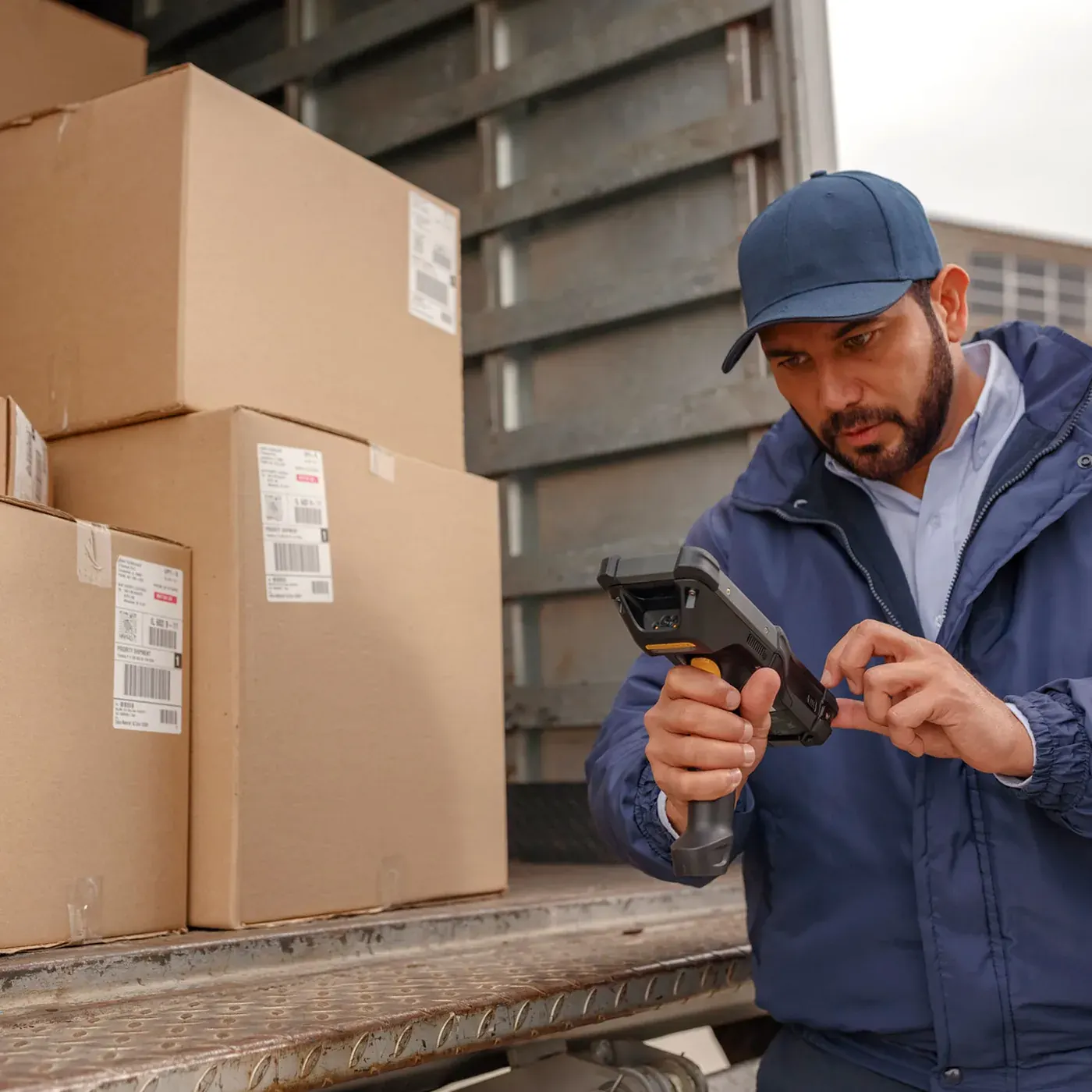

Side by side
| Pen and paper | Barcode scanning | |
|---|---|---|
| Preparation | Print and hand out sheets, plan who counts where | Create the count in the system and assign it to the team |
| Counting | Find the line on the sheet, write the number by hand | Scan the shelf, scan the item, enter the quantity |
| Errors | Misread handwriting, wrong line, skipped shelves, typing errors | The scan reads the code exactly; wrong shelf or item is flagged at once |
| Getting data in | Someone types every line in later, often days later | Nothing to type; counts reach the system as they happen |
| Differences | Found after the event, when nobody remembers the shelf | Found while the counter is still at the shelf, with a recount there and then |
| Business as usual | Often needs the warehouse closed for the count | Count one zone at a time while the rest keeps working |
| Audit trail | Paper sheets in a folder | Who counted what, where and when, stored in the system |
Why paper counts drift
Wrong stock records are more common than most people think. In a study of nearly 240,000 items across 37 stores of one retailer, DeHoratius and Raman found that more than 65 percent of inventory records did not match what was actually on the shelf. A count is meant to fix that. But if the count itself is error-prone, the fix is only partial.
Checking does not save paper counts either. In a controlled study of data entry, Barchard and Pace found that people who checked typed data by eye did not do significantly better than people who did not check at all. Typing it in twice was far more accurate. A scanner removes the typing step altogether, so there is far less to check.
When paper still makes sense
Paper is not always wrong. For a very small stockroom with a handful of products, a printed list can be enough. It also works as a backup if devices fail. But once you have more than a few shelves, several counters or a count that has to be trusted by your accountant, the hidden costs of paper add up quickly. The time spent typing and chasing differences alone often pays for the scanners.
Count more often, not just once a year
The biggest gain from scanning is not a faster year-end count. It is that counting becomes easy enough to do all year. Instead of closing the warehouse for one big count, you count a small part every week. Fast-moving items get counted often, slow ones less. Mistakes are found within days instead of months, and the year-end count becomes a check rather than a crisis.
- Cycle counts: a slice of the warehouse at a time, on a rolling plan
- Spot counts: one shelf or item, right away, when something looks wrong
- ABC counts: count fast movers more often than slow ones
- Zero checks: confirm that shelves the system thinks are empty really are
How Raptool helps
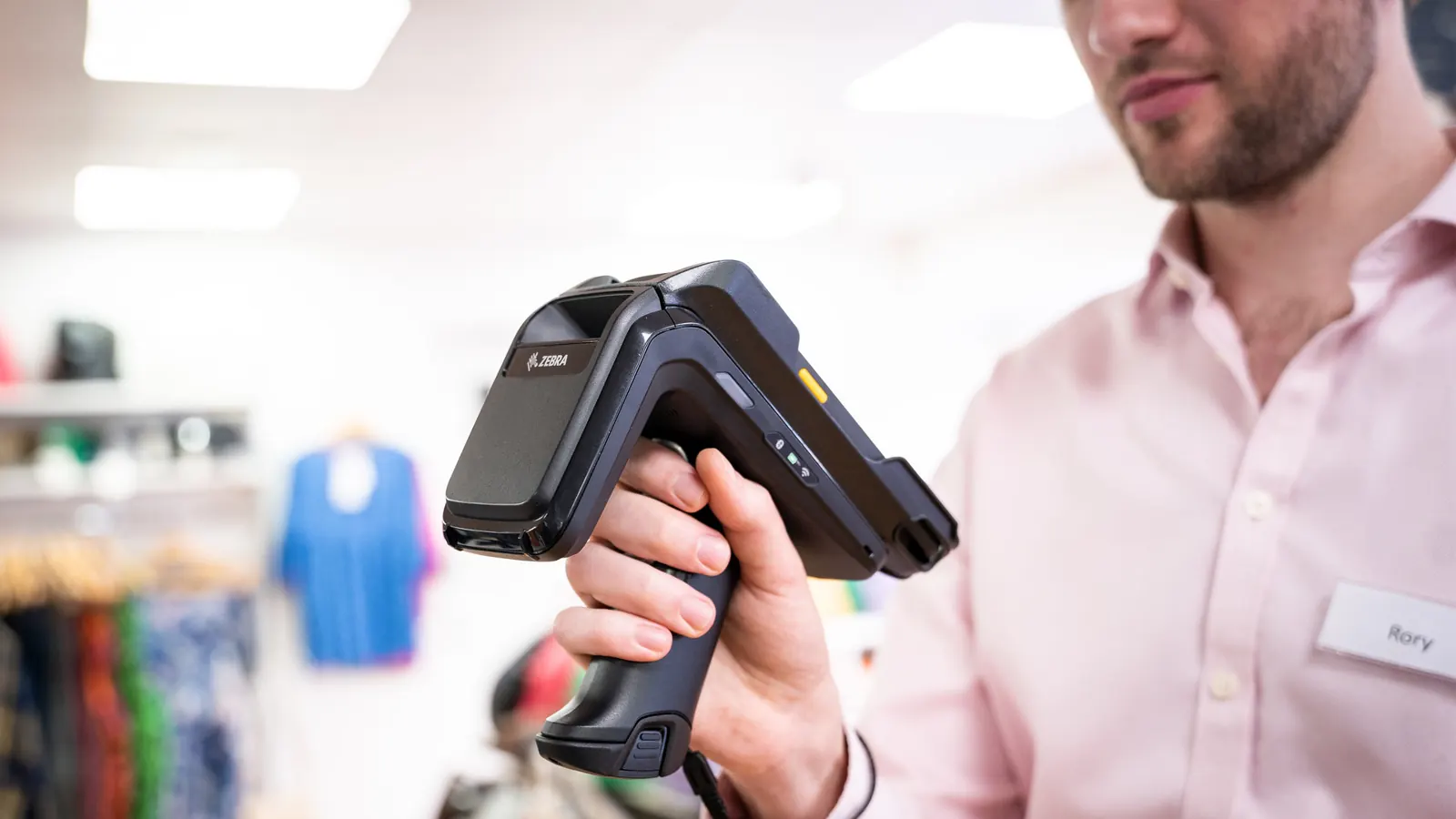
Raptool WMS runs stock counts on mobile scanners. You can set up a full count, a physical inventory, a rolling cycle count, a spot count or a zero check, and choose what to count: the whole warehouse, a location range, a zone, an article group, an ABC class, or whatever has not been counted for a while. Blind counts hide the expected quantity so the counter counts what is really there. Directed counts make sure the shelf is scanned before a figure is entered. Differences inside a limit you set can be approved automatically, and the rest go for recount or review. Raptool Client runs on Zebra, Honeywell, Datalogic and Newland devices, as well as Android and iOS phones, and works offline when the signal drops. Approved counts sync to your ERP, such as Fortnox, Visma, SAP or Microsoft Dynamics.
Key takeaways
- Paper counts have three error-prone steps; scanning has one
- Typing counts in later adds new errors, and checking by eye does not catch them
- Scanning flags the wrong shelf or item while the counter is still there
- Easy counting means you can count a little every week instead of once a year
- Start with one zone and compare the result with your last paper count
Sources: DeHoratius and Raman, “Inventory Record Inaccuracy: An Empirical Analysis”, Management Science (2008), summarised in Chicago Booth Review; Barchard and Pace, “Preventing human error: The impact of data entry methods on data accuracy and statistical results”, Computers in Human Behavior (2011).
Tags
Still counting on paper? Book a demo and we will show you a scanned stock count from start to finish.
Book a demo