
Overview
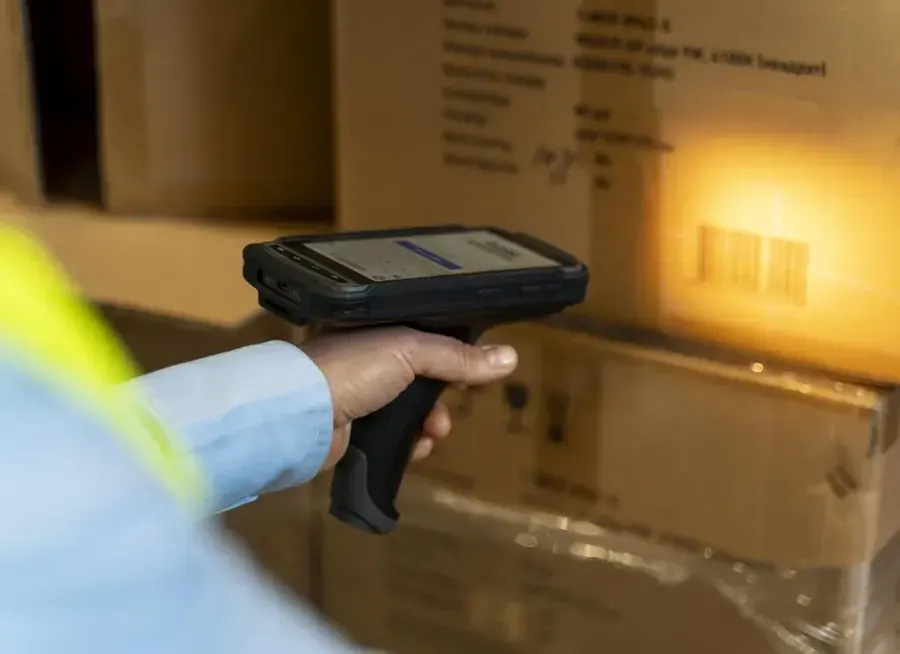
Offline mode means your warehouse app keeps working when the Wi-Fi does not. Every warehouse has places where the signal drops: deep in the racking, inside the cold store, out in the yard or at the far end of the dock. If the scanner app stops there, so does your team. They wait, walk back to find a signal, or write things on paper and type them in later. An offline-ready warehouse app lets them keep scanning, and the work is not lost. This guide explains where Wi-Fi fails, what offline mode should do, and what to check before you choose an app.
Where warehouse Wi-Fi fails
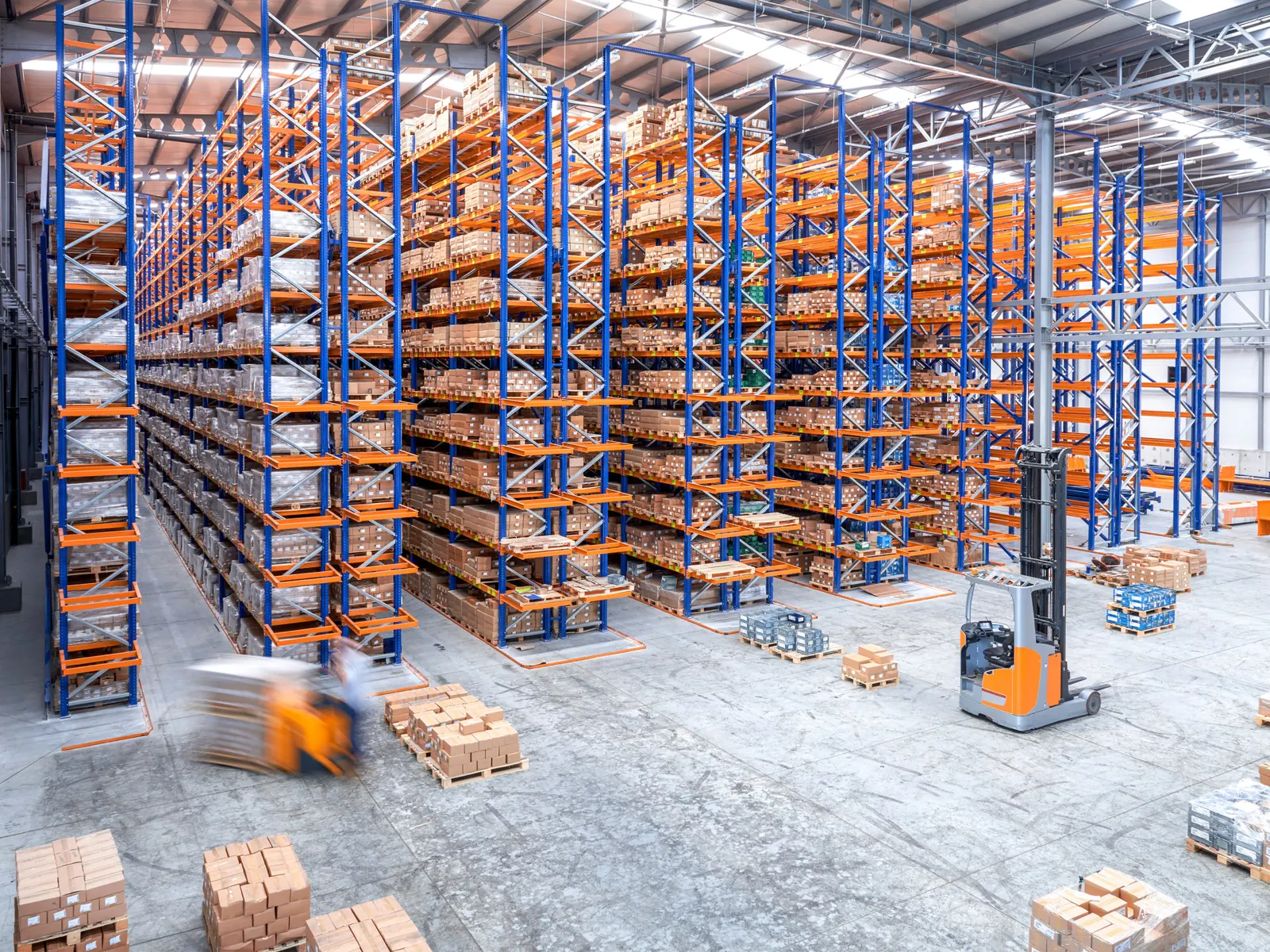
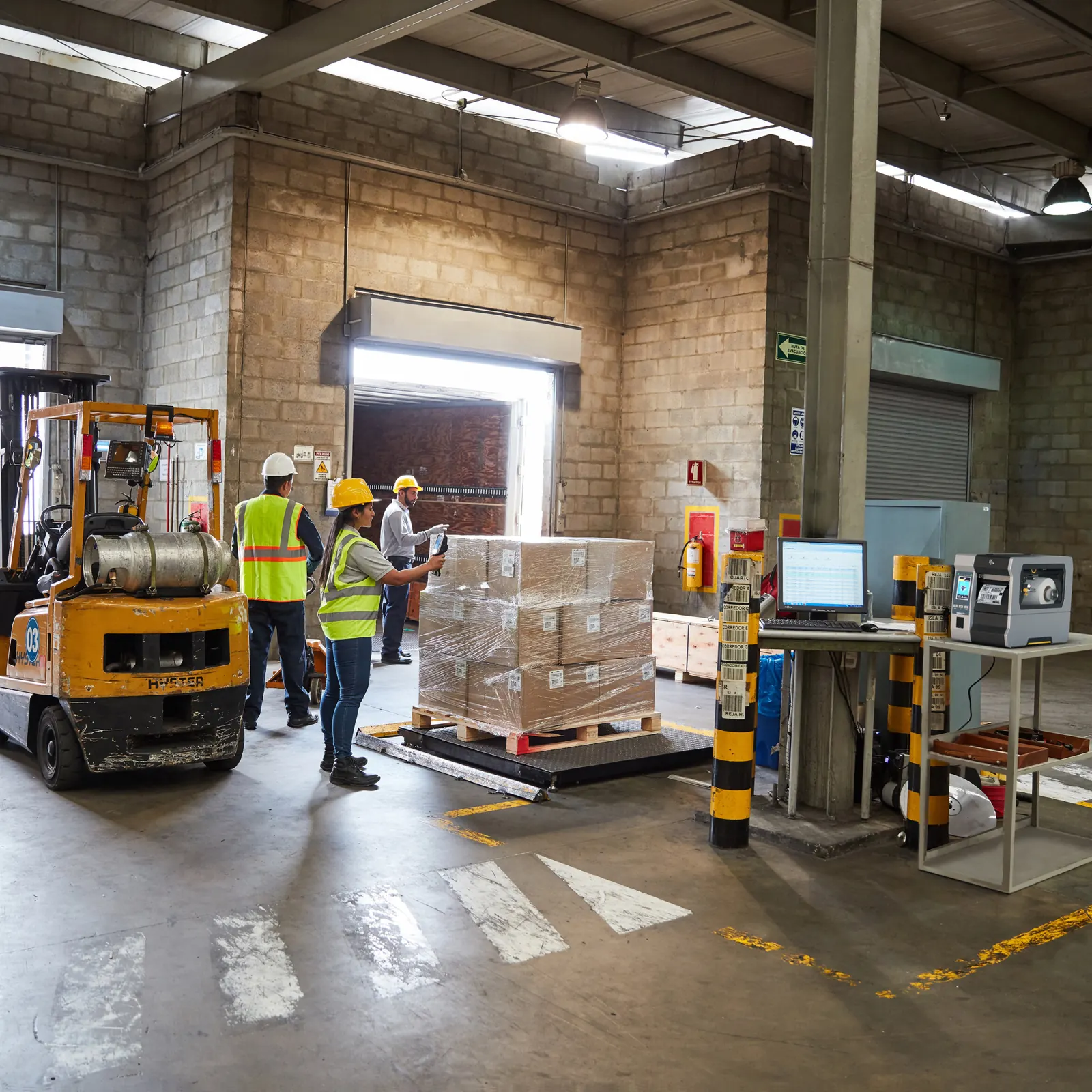
Wi-Fi does not like warehouses. Metal racking and full pallets block and reflect the signal. Cold stores have thick insulated walls and doors that stay shut. Liquids, metal goods and stacked stock all change how far the signal reaches, so coverage that was fine on an empty floor gets worse as the shelves fill up. Outside, the yard and the trucks are often beyond reach. Even a well-planned network has short drops when a device moves from one access point to the next.
What a dropped connection really costs
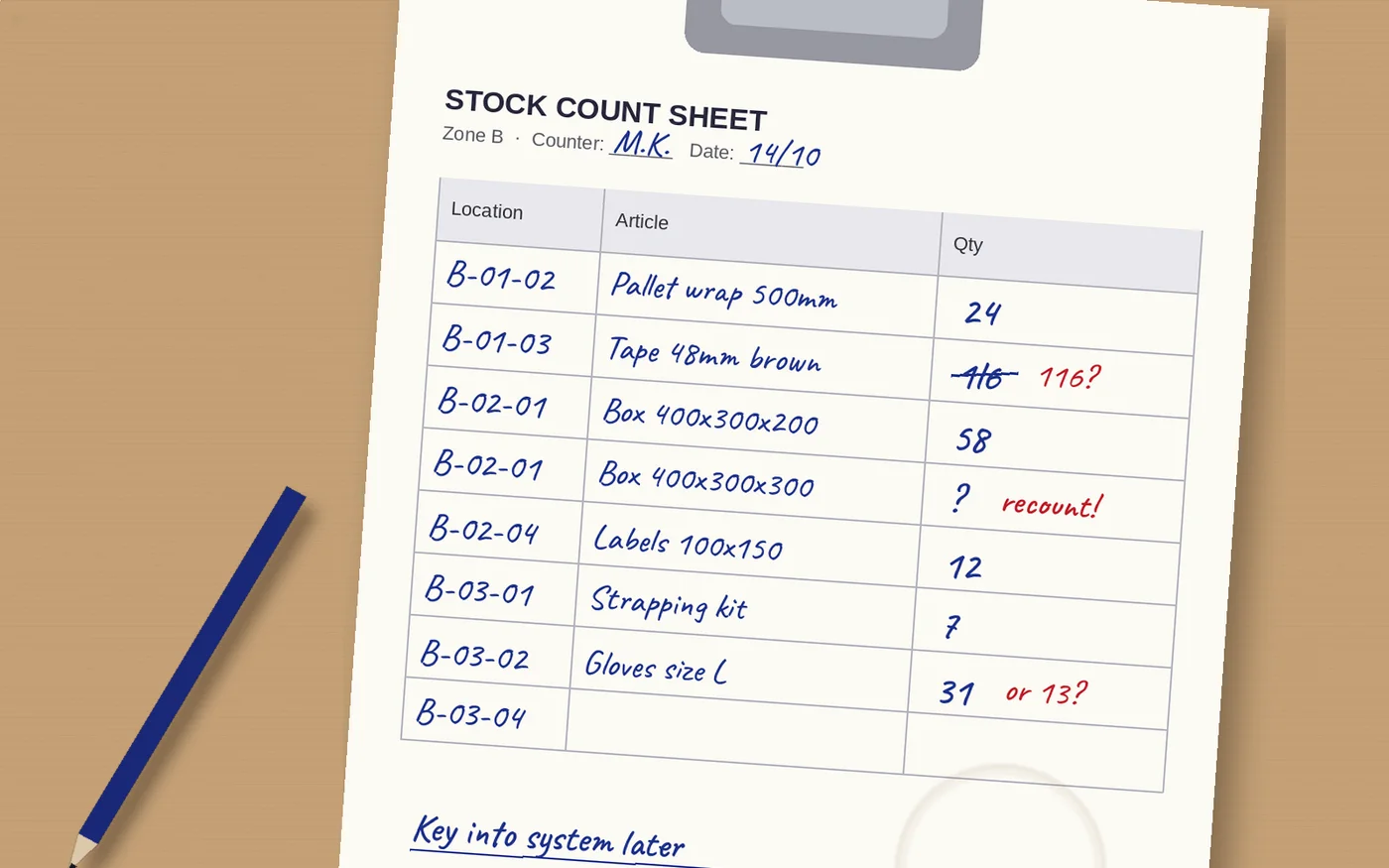
One frozen screen is a small thing. Many of them add up. A picker who loses the connection at the back of an aisle waits or walks back to the main aisle. A receiver at the dock cannot confirm a delivery while the driver is waiting. Some staff start writing quantities on paper to save time, and every number typed in later is a chance for an error. Worst of all is a scan that looks saved but never reached the system, because then your stock figures are quietly wrong.

What good offline mode does
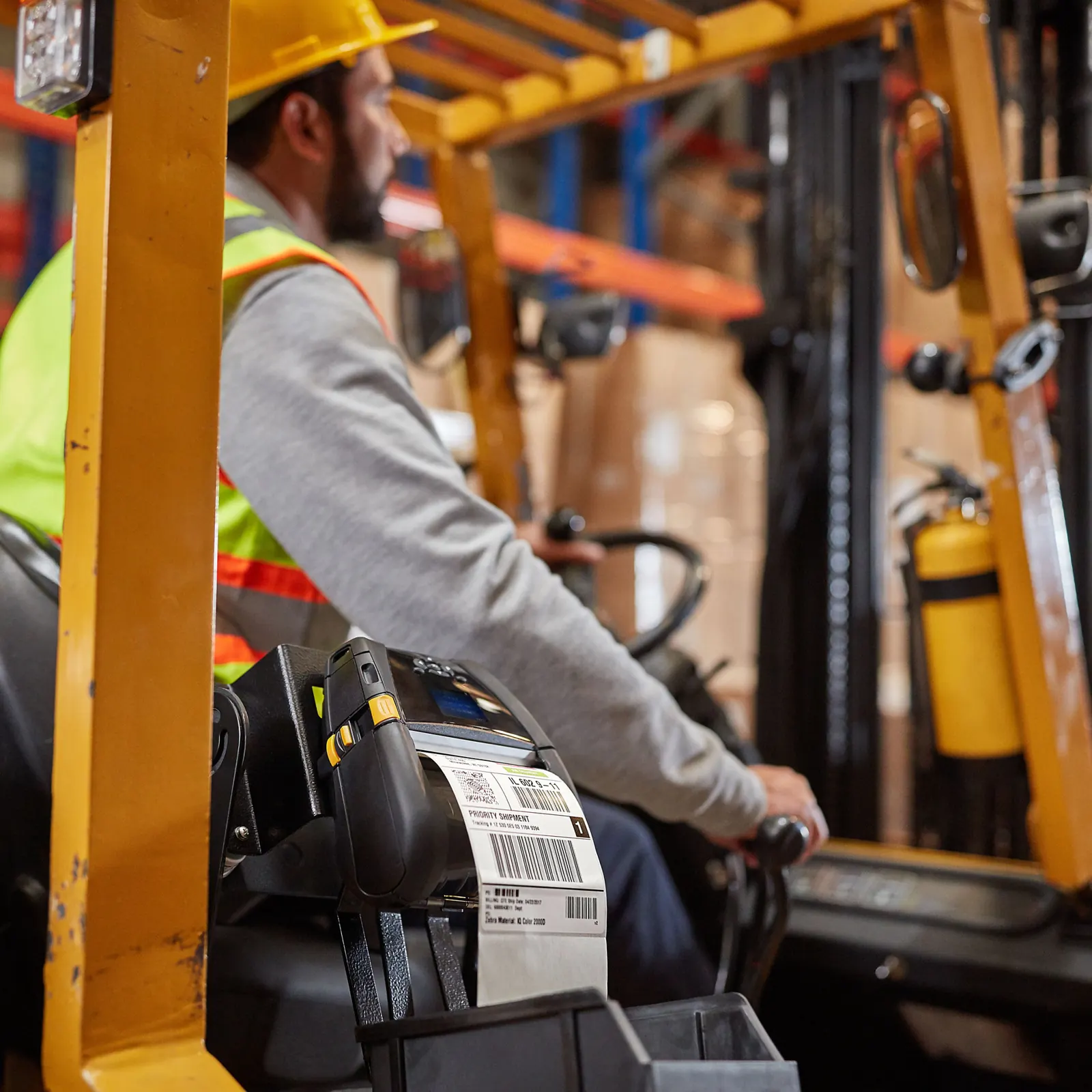
- Lets staff keep scanning and confirming work with no signal
- Stores every scan safely on the device until the connection returns
- Sends the work on its own when the device is back in range
- Shows clearly what has synced and what is still waiting
- Keeps lookups that matter, such as item data and pick lists, on the device
Real app or browser page?
Many warehouse tools run in a web browser. That is easy to roll out, but a browser page usually needs the network for every step, so it stops when the signal stops. A real app installed on the device can keep data locally, respond instantly and carry on offline. It also gets full access to the scanner, camera, RFID reader and printer, instead of working around browser limits.
| Browser-based scanning | Offline-ready app | |
|---|---|---|
| No Wi-Fi | Stops or shows an error | Keeps working |
| Speed | Waits for the network on each step | Instant on the device |
| Data safety | A scan can be lost in a drop | Stored on the device, sent later |
| Hardware access | Limited by the browser | Full access to scanner, RFID and printer |
| Best fit | Office tasks with stable Wi-Fi | Warehouse floor, cold store, yard, vans |
Questions to ask before you choose
Ask the supplier to show offline mode on a real device, not on a slide. Walk into your worst dead zone and scan. Check what happens to a scan made offline, how you can see what is still waiting to sync, and how long the device can work without a connection. Ask which tasks work offline, because some apps only cover a few. And check that the app runs on the devices you already have. Not sure which devices to buy? Read rugged scanner or smartphone. For the full list of hardware and systems to plan, see our warehouse systems and hardware checklist.
How Raptool handles it
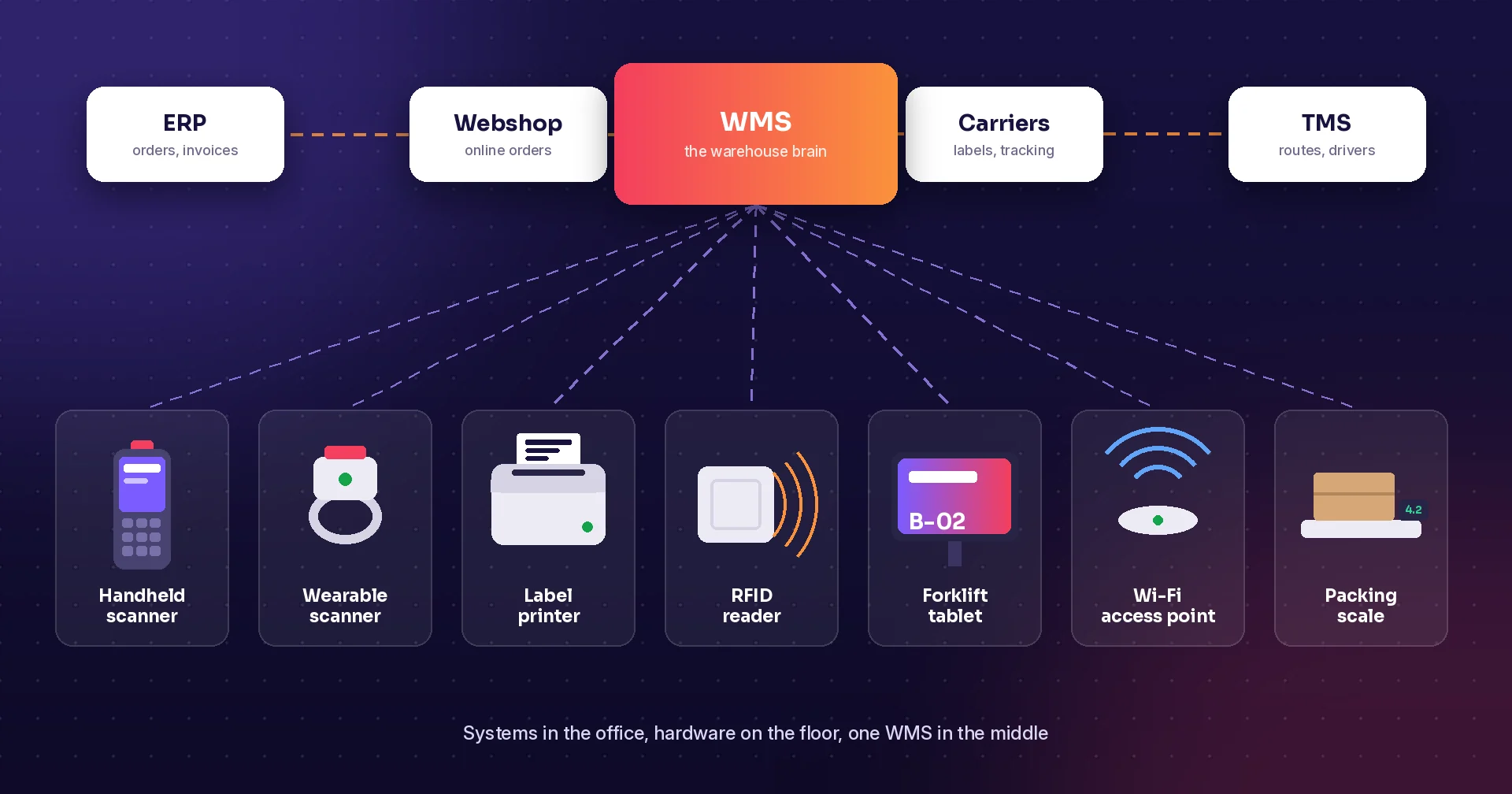
Raptool Client runs natively on Android, iOS, Windows and Mac. It works online and offline, and it gives Raptool apps full access to barcode scanners, the camera, RFID readers and label and receipt printers. Raptool WMS covers receiving, put-away, picking, packing and shipping across multiple warehouses and bins. Raptool is a Zebra Technologies partner and also works with Honeywell, Datalogic and Newland devices, and the Integration Server connects your work to ERPs such as SAP, Microsoft Dynamics, Fortnox and Visma. Read more on the Raptool WMS page, or see why barcode scanning beats paper.
Key benefits
- Keep scanning in racking, cold stores and yards
- Stop losing work when the signal drops
- Cut paper notes and typing errors
- Respond instantly on the device
- Use the scanners you already own
Frequently asked questions
What is offline mode in a warehouse app?
Offline mode means the app keeps working without a network connection. Staff can scan and confirm work, the data is stored on the device, and it is sent to the system when the connection returns.
Why does Wi-Fi drop in warehouses?
Metal racking, full pallets, liquids and insulated cold-store walls block or reflect Wi-Fi signals. Yards and trucks are often out of range, and devices can lose the signal briefly when they move between access points.
Can a browser-based WMS work offline?
Usually not well. Most browser pages need the network for every step. A native app installed on the device can store data locally and keep working without Wi-Fi.
Does Raptool work offline?
Yes. Raptool Client runs natively on Android, iOS, Windows and Mac and works both online and offline, with full access to scanners, RFID readers and printers.
Tags
Have a dead zone that slows your team down? Book a demo and we will show offline scanning on a real device.
Book a demo