
Most businesses run on checklists: the morning vehicle check, the fire extinguisher round, the cleaning round, the store opening routine. Many of them still live on paper on a clipboard or in a binder. Paper works, but it hides problems until someone reads the sheet, and that is often too late.
This post compares paper checklists with checklist apps for inspections and routine checks. It looks at what each does well, where paper breaks down, and how to move one checklist at a time without disrupting the work.
What paper does well
Paper is cheap, needs no training and never runs out of battery. Anyone can pick up a pen and tick a box. For a small team with one or two simple routines, a well-designed paper form can be good enough.
Paper also forces a fixed order. Everyone sees the same questions in the same sequence, and a printed form is easy to change with a word processor. These are strengths worth keeping when you move to an app: the same clear steps, in the same order, with no extra effort for the person doing the check.
Where paper breaks down
The problems with paper show up after the check is done, not during it.
Late information. A crack in a windshield or a broken emergency light is written on a sheet that stays in the van or on the wall. The office learns about it when the sheet is collected, if it is collected at all.
Missing checks. It is hard to see which checks were never done. An empty slot on a sheet in a binder does not raise any alarm.
Weak evidence. A tick shows that someone wrote a mark, not what they saw. Damage is described in words, and photos, if any, sit on someone's personal phone.
No follow-up. A fault on paper does not create a task. Someone has to read the sheet, understand the note, and pass it on to whoever fixes it.
Hard to report. To see trends, someone must type the sheets into a spreadsheet. That rarely happens, so recurring problems stay hidden.
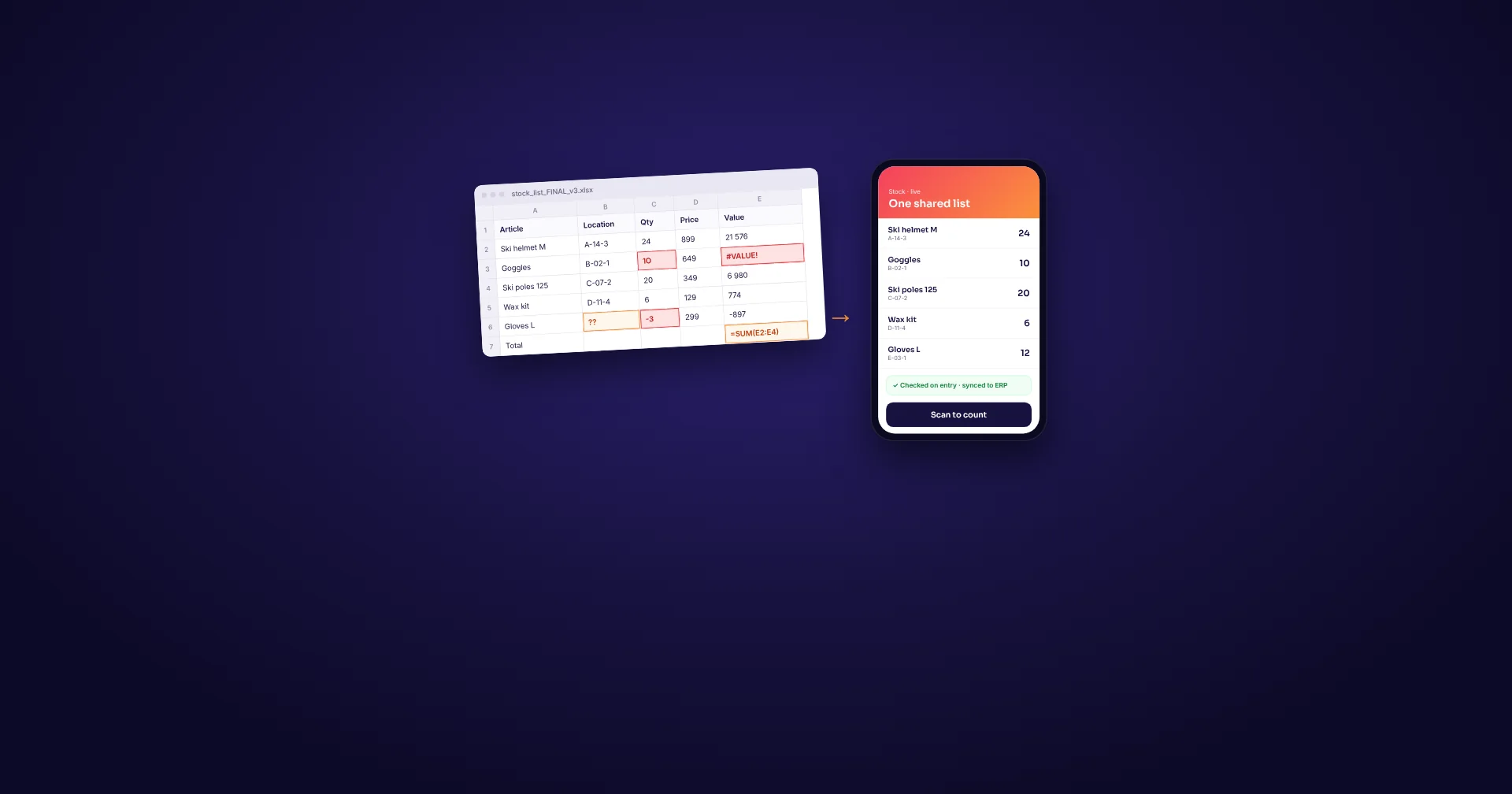
Paper and app side by side
| Area | Paper checklist | Checklist app |
|---|---|---|
| When the office knows | When the sheet is collected | When the check is sent |
| Proof of the check | Ticks and handwriting | Who, when, photos, notes and signature saved with the check |
| Faults | A note someone must pass on | Can be turned into a task for the right person |
| Missed checks | Hard to spot | Easier to see which checks are not done |
| Changes to the form | Reprint and replace every copy | Publish once, every device gets it |
| Reports and trends | Manual typing into a spreadsheet | Saved results that can be exported or integrated |
| Cost to start | Very low | Software and a device per user or per station |
What a good inspection checklist contains
Moving to an app is a good moment to clean up the form. Go through each question and ask what the answer is used for. If nobody acts on a question, remove it. A shorter checklist is more likely to be done properly.
Match each question to the right answer type. Use a check box for "done or not done", yes or no for a condition, a number for readings such as tire pressure or temperature, a photo where proof or damage matters, and a free-text note only where you really need words. Ask for a signature at the end when someone must stand behind the result.
Fill in what you already know. The vehicle, room, building or piece of equipment should be selected or filled in automatically, not typed. This saves time and makes reports far more reliable.
Design for the fault, not just the tick
The value of an inspection is in what happens when something is wrong. Decide for each question what a "not OK" answer should trigger. A broken light in a van might need a task for the workshop. A missing fire extinguisher might need the facilities manager, and a cleaning issue in a hotel room might hold the room back from being reported ready.
Ask for a photo and a short note whenever an item fails. Agree on who receives the fault, how quickly it should be handled and how it is closed. Without this, a digital checklist is just a faster way to collect problems nobody fixes.
Roll it out one checklist at a time
Pick one checklist that is done often, has a clear owner and has a real cost when it is missed. Daily vehicle checks, cleaning rounds and safety equipment rounds are good candidates.
Run the app and the paper form side by side for a short pilot with a few people. Ask them what was slower, what was confusing and what was missing. Fix the form, then switch fully to the app and remove the paper copies so there is only one way to do the check.
Check where the work happens. If staff do checks in basements, parking garages, yards or vehicles with poor coverage, the app must keep working without a connection and send the results when the device is back online.
When the first checklist runs smoothly, add the next. Teams that start with one routine tend to come back with a list of others they want to move.
How Raptool fits
Raptool Check Lists turns paper checklists for buildings, cleaning, vehicles, safety equipment and stores into an app. Staff report from their phone, tablet or computer on Windows, Android, iOS and Mac, with photos, notes and signatures, and the office sees the result live. Every completed checklist is saved with who did it, when, photos, notes and a signature, and results can be exported or integrated with your systems. In the vehicle example on the Check Lists page, a fault found in the daily check turns straight into a ToDo for the workshop.
You can start from a ready checklist or build your own in Raptool Designer by dragging in check boxes, yes or no questions, numbers, photos and signatures, with no code. Raptool can also build the checklist for you. Like every Raptool app, it works offline. For hotels, the housekeeping example combines room status, the cleaning checklist, minibar and damage reports in one app, as shown on the hotel page.
FAQ
Is a checklist app better than paper for small teams?
Paper can be enough for one or two simple routines. An app pays off when faults need fast follow-up, when you need proof of who checked what and when, or when someone spends time typing paper sheets into a spreadsheet.
Which checklists should I move first?
Start with a checklist that is done often, has a clear owner and has a real cost when it is missed, such as daily vehicle checks, cleaning rounds or safety equipment rounds.
Can staff complete checklists without a network connection?
Raptool apps work offline, so a checklist can be filled in where coverage is poor and sent when the device is back online.
Can we add photos and signatures to a checklist?
Yes. Raptool Check Lists supports photos, notes and signatures, and every completed checklist is saved with who did it and when.
Do we need a developer to build a checklist?
No. You can build a checklist in Raptool Designer by dragging in check boxes, yes or no questions, numbers, photos and signatures, or ask Raptool to build it for you.
Tags
Want to see how this could work in your business? Book a demo and we will walk you through it.
Book a demo