
A minimum stock setting is easy to enter and easy to forget. Before changing it, decide which decision it is meant to support: ordering from a supplier, moving stock to a pick location, or flagging an item for review. Those decisions need different information.
Use this guide to establish a small, repeatable planning review. It offers a practical method for discussing settings with operations and purchasing staff. It does not prescribe a universal formula or promise that a particular minimum will prevent every shortage.
Agree what your stock figures mean
Write down the difference between physically present stock and stock your team can use for new demand. Decide how reservations, inspection holds, damaged goods, and unconfirmed receipts appear in your planning process. Check those meanings against the actual business system.
Ask a planner to explain one item from its stock record through to a proposed order. If two people use different balances for the same decision, resolve that disagreement first. Changing the threshold while leaving the underlying quantity unclear makes later results harder to evaluate.
Keep the units visible. Purchasing by carton and selling by individual unit requires a clear conversion in your process. Test a product with that pattern before applying the same planning settings to a larger group.
Separate warehouse supply from pick-face supply
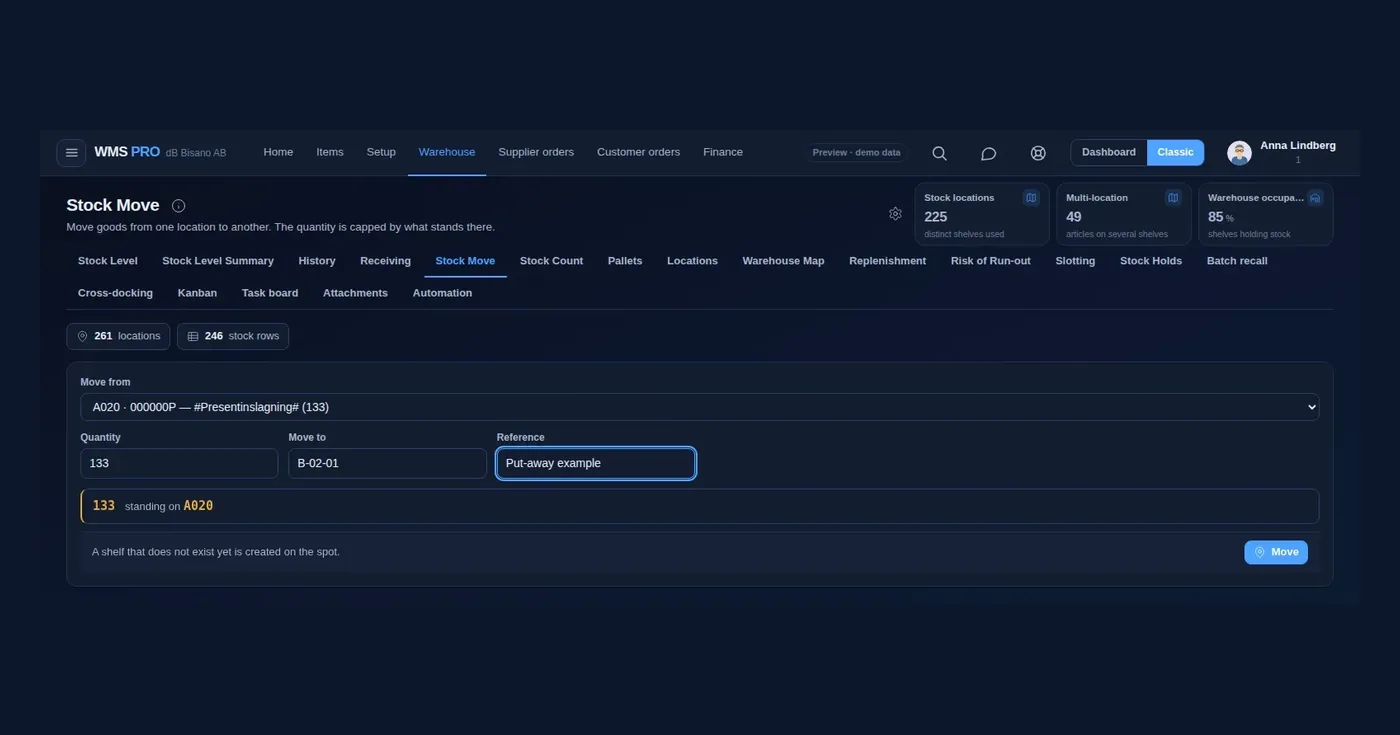
An empty picking shelf does not always mean the warehouse needs another supplier delivery. Check whether suitable stock is available in bulk storage. Define who creates the internal move and who confirms that the goods reached the picking location.
Treat a pick-location minimum as a separate operating decision from the article's purchasing threshold. The picking location has its own space constraints and work rhythm. Discuss how frequently your team can refill it and how urgent tasks are identified.
For a training example, use an item with stock in bulk and none at the pick face. Ask staff to show the expected internal action. Then remove the bulk stock from the example and discuss when purchasing becomes responsible for the next step.
Check supplier timing with actual records
Review the time between ordering and usable stock becoming available. Your process may include supplier preparation, transportation, receiving, and inspection. Be explicit about which parts your system's lead-time setting represents and which parts need separate attention.
Look at recent deliveries and discuss unusual cases. A one-time disruption and a repeated delay may justify different decisions. Avoid silently replacing a planning input with the fastest delivery someone remembers or an old number copied from another product.
Consider supplier ordering constraints during the review. Your supplier may have agreed pack sizes, minimum quantities, or order schedules. Verify those terms from your own purchasing records rather than assuming the software can order any quantity at any time.
Review demand and open supply together
Before creating a new order, check the supply already expected. Decide how open purchase orders, partially received orders, and delayed deliveries appear in the planner's view. Define who resolves an expected delivery that is no longer reliable.
Discuss temporary demand changes separately from routine trading. A promotion or a new customer order can require an explicit planning decision. Give temporary settings an owner and a review date so they do not become permanent simply because nobody revisits them.
Use a manageable set of products for the first review. Include a steady seller, an item with irregular orders, and an item with a long supplier turnaround. The point is to expose differences in your planning needs before applying one rule widely.
Route each warning to the right person
Agree what a warning means before turning it into a purchasing task. This table is a suggested conversation guide. Your configured system may use different names or statuses, so confirm the actual behavior during a demonstration.
| Situation | Review first | Possible next action |
|---|---|---|
| Total stock below minimum | Availability and open supply | Review a supplier order |
| Pick location low, bulk available | Source stock and space | Review an internal move |
| Balance looks high, goods missing | Locations and unresolved transactions | Investigate the stock record |
| Promotion changes demand | Timing, expected demand, and supply | Approve a temporary planning change |
Investigate repeated overrides
Record why a planner changes a suggested order or ignores a warning. Useful reasons might include an upcoming delivery, a discontinued product, a known record discrepancy, or a temporary customer requirement. Choose reasons that your team can apply consistently.
Review repeated overrides with the people who set item data and purchasing rules. A setting may need adjustment, but the real issue could also be an unclosed purchase order or an incorrect unit conversion. Investigate the record before changing the threshold.
Keep a simple history of approved planning changes. Note what changed, why, and when you will review the result. Compare shortages, excess stock concerns, and emergency purchasing against your own baseline rather than relying on savings estimates from another operation.
Pilot the complete decision
Walk one item through a below-minimum warning, a planner's review, order creation, receiving, and availability for picking. Include a partial delivery and an existing open order. Check that each responsible person can explain the next action.
Start with reviewable suggestions if that suits your purchasing policy. Confirm who can submit orders and what happens if the same planning run is repeated. Automation needs clearly agreed inputs and responsibilities as well as a working connection between systems.
How Raptool fits
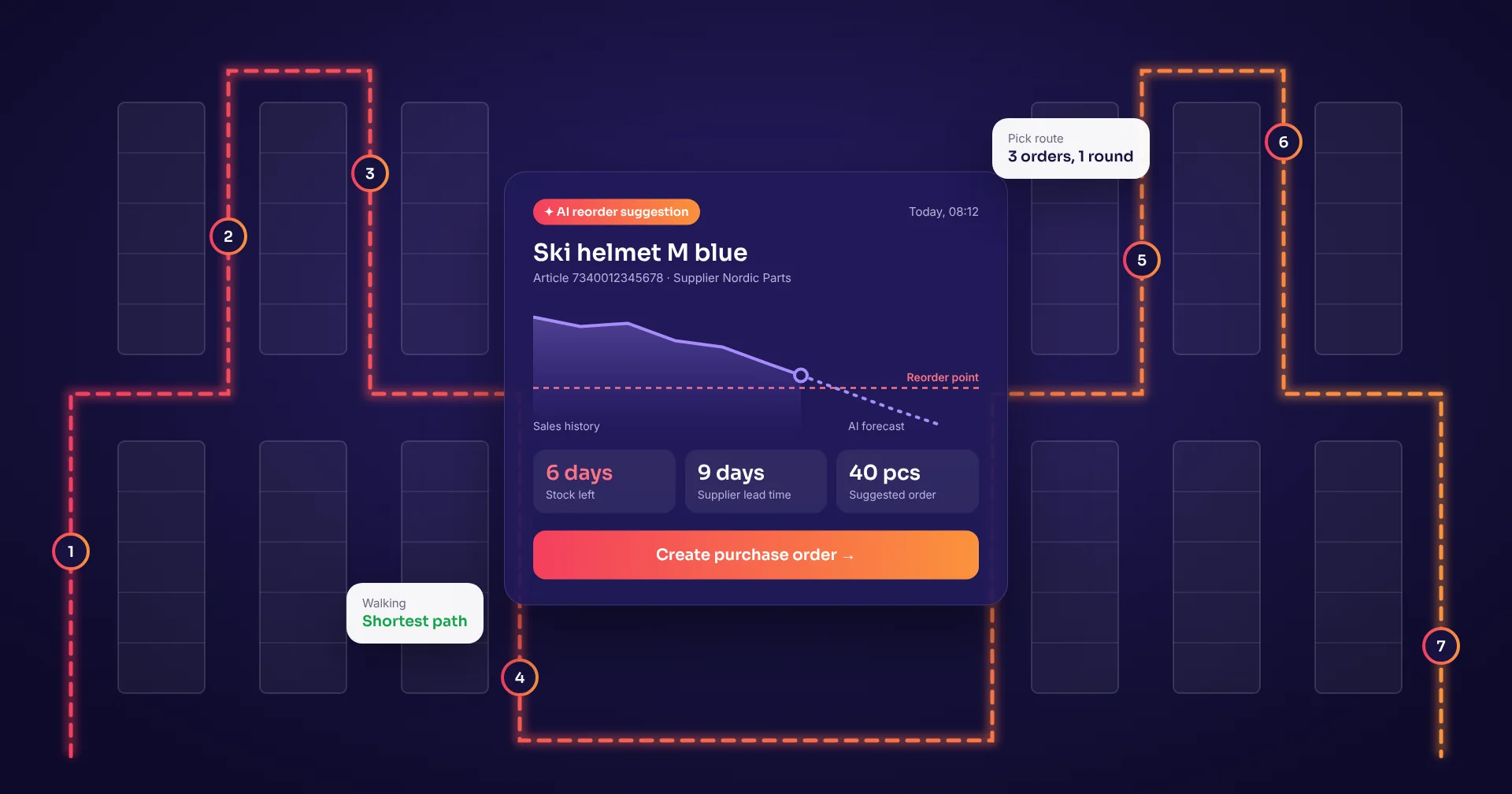
Raptool WMS describes an article minimum and a separate pick-face minimum. Its Critical Stock workflow lists articles below their minimum, while Risk of Run-out compares days of cover with lead time and suggests what to order.
The same page describes supplier-order creation and replenishment from bulk storage. Use these functions as demonstration requirements: ask to see an item needing a purchase, another needing an internal move, and an item with supply already on order.
Confirm the data sources, approval rules, and calculation behavior for your proposed setup. Explore the relevant Fortnox, Visma, or SAP connection if your business uses one of those systems. The planning routine should remain understandable to the people responsible for stock.
FAQ
Is a minimum stock level the same as an order quantity?
A minimum is a threshold used by your planning rules. The quantity to order also depends on your chosen policy, available stock, open supply, and purchasing constraints.
What is the difference between purchasing and pick-face replenishment?
Purchasing brings additional goods into the business. Pick-face replenishment moves existing goods from another location into a picking location.
Does Raptool support separate pick-face minimums?
The Raptool WMS page describes a minimum per article and a separate minimum for the pick face. Demonstrate those settings with your own locations and products.
Can Raptool suggest purchasing actions?
Raptool WMS describes Critical Stock and Risk of Run-out workflows, including supplier-order creation and suggested orders. Confirm the calculations, approvals, and system connections for your setup.
How often should we review minimums?
Choose a review interval suited to your product range and supply patterns. Also review products when promotions, delivery timing, or other important planning inputs change.
Tags
Want to see how this could work in your warehouse? Book a demo and we will walk you through it.
Book a demo