
A stock count is easier to plan when the team knows exactly what is being counted, when the comparison is made, and who reviews a difference. For a growing warehouse, a cycle counting schedule should fit the working week rather than become another unfinished list.
This guide focuses on building that schedule and reviewing the results. It offers a practical operating approach for small and mid-size teams. Set the final rules around your products, business requirements, and actual warehouse system; no single frequency or approval threshold suits every operation.
Begin with a count scope you can finish
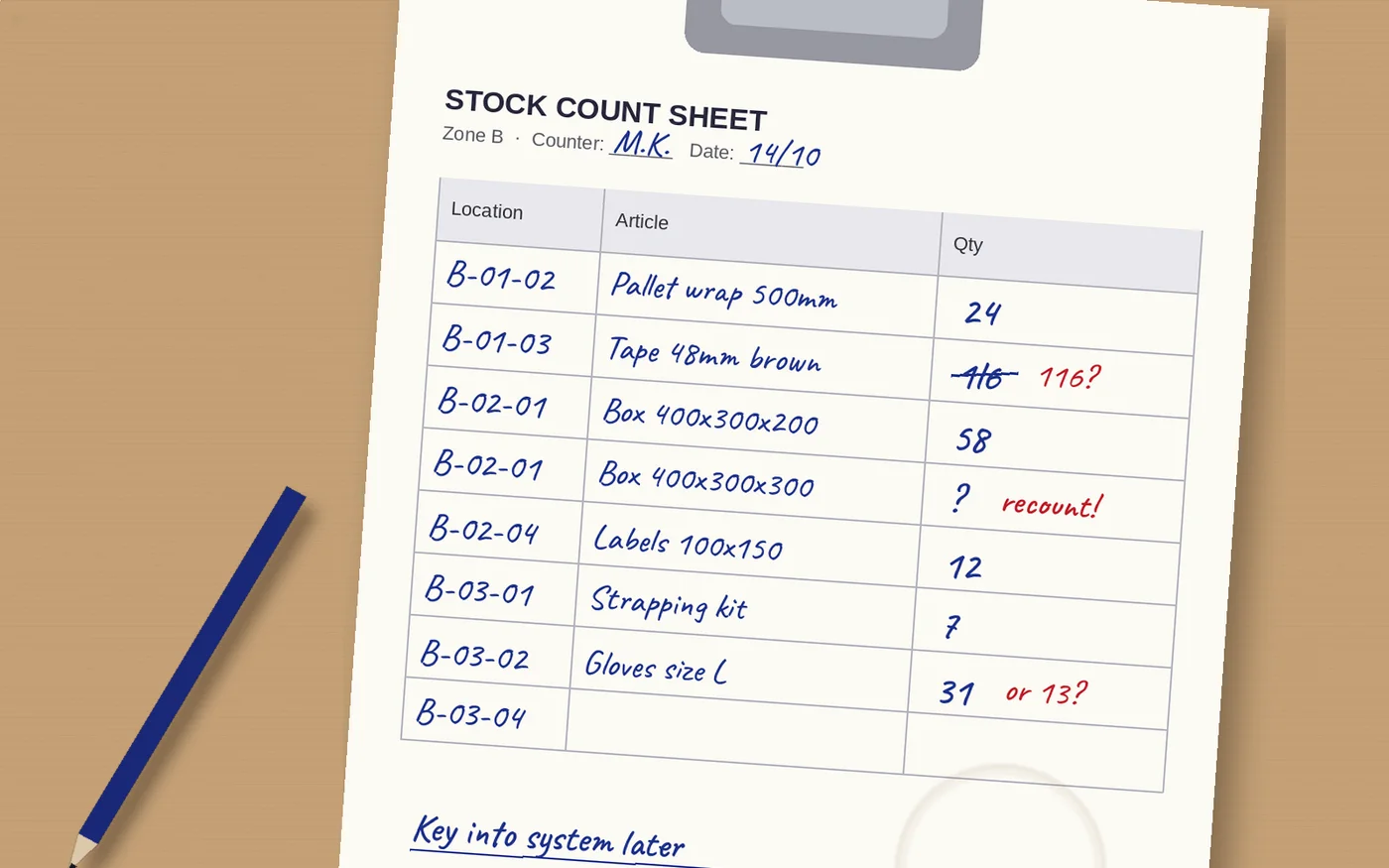
Choose a manageable location range or item group for the first session. Make the boundaries visible to the counter and the reviewer. A task described as “count the back shelves” needs more definition before its result can support a stock adjustment.
Decide how the scope handles goods in temporary places. Receiving areas, inspection holds, carts, and packing stations may contain inventory that is still part of your records. Agree whether those locations belong in this count or another clearly identified session.
Estimate the effort with a trial count, including preparation and review. Use the result to decide what your team can complete alongside normal work. Avoid filling the calendar with more counting than the reviewers can resolve.
Group inventory for a reason
Discuss which items or locations need attention more often. Your team might consider movement frequency, operational importance, or a history of unexplained differences. Document why a group receives its chosen frequency instead of copying another warehouse's calendar.
If your operation uses ABC classes, confirm what those classes mean in your own system. Classification by value and classification by movement answer different questions. Make sure the people preparing the schedule understand the data behind the label.
Leave room for unscheduled checks. A missing item during picking or a doubtful location balance may justify a targeted review before the next routine count. Keep those checks visible so they inform the schedule rather than disappearing as isolated corrections.
Agree how stock movements affect the count
Define the moment at which the system balance and physical quantity should match. A receipt or pick during counting can complicate the comparison if staff do not know how it is recorded. Ask the system supplier to demonstrate the exact timing behavior.
Choose a workable movement rule for the pilot. Your operation may pause activity in the count scope, use a controlled cutoff, or rely on a supported counting workflow. Verify the method in your configured system instead of assuming that a live balance resolves every timing issue.
Test an in-progress transfer as well. If goods are between locations, decide where the counter should expect to find them and which record the reviewer checks. The physical handoff and the transaction status need an agreed interpretation.
Prepare counters for awkward locations
Show staff how to identify the location and the product before entering a quantity. Include mixed cartons, similar variants, and partial packs in the trial. Agree the counting unit and make any required conversion clear.
Define what to do when an item has no readable identifier or is found in an unexpected location. Staff need a route to record the issue without guessing the item or moving it somewhere else simply to finish the task.
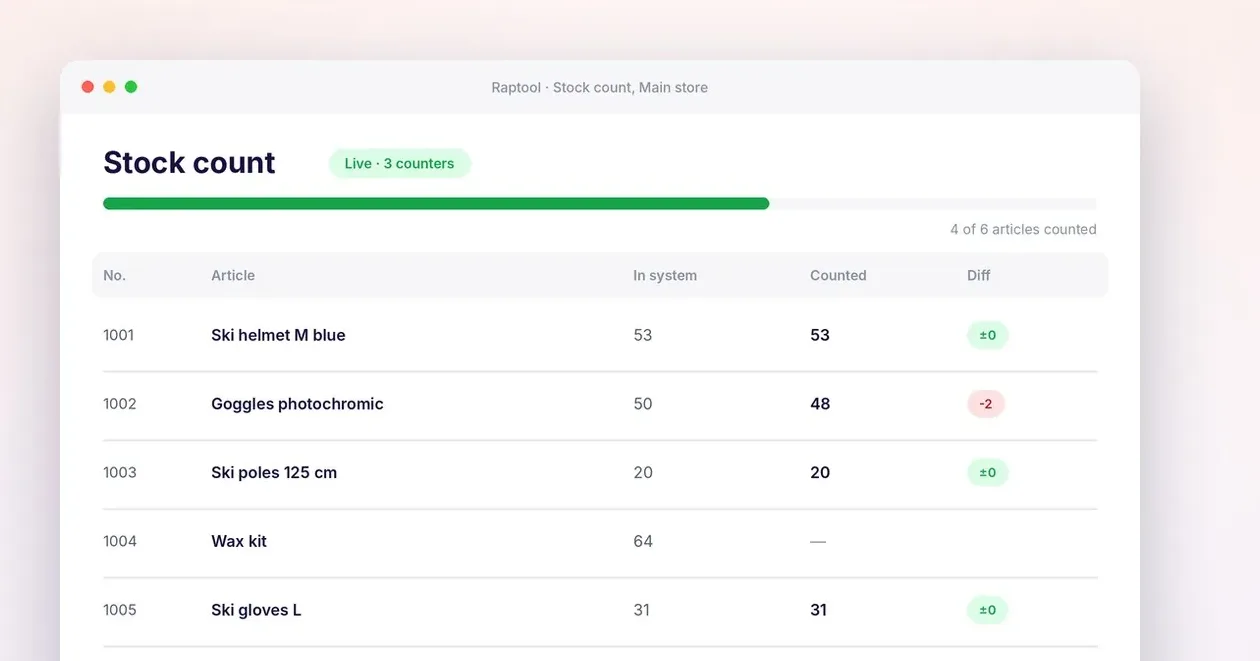
If you use blind counts, explain that the expected quantity is deliberately hidden. Give counters enough product and location information to perform the task while keeping the comparison for the review step. Test what happens when someone needs to correct an entry.
Turn the schedule into a working checklist
Use the table below to assign responsibility before the pilot. These are suggested planning decisions, not a statement that every counting application handles them automatically. Record the agreed rules where both counters and reviewers can find them.
| Decision | Define before the count | Suggested owner |
|---|---|---|
| Scope | Locations or items included in this session | Stock control lead |
| Movement | How receipts and picks are handled during counting | Warehouse supervisor |
| Recount | Which differences need another check | Count reviewer |
| Adjustment | Who can approve a stock change | Authorized stock owner |
| Follow-up | How repeated differences are investigated | Process owner |
Separate a recount from an adjustment
Decide which results need another physical check and who performs it. A recount is a chance to verify the observation, not a request to keep counting until the number matches the system. Make that distinction clear during training.
Before approving an adjustment, inspect relevant receipts, picks, and transfers around the count. A timing issue or a transaction recorded against the wrong location may need a different correction from an unexplained physical shortage.
Assign adjustment permissions deliberately. Keep a record of the count result, review decision, and reason for the change using the controls your setup provides. Staff should understand when a count is submitted and when the stock balance actually changes.
Use differences to improve the next cycle
Group recurring issues by a cause your team can investigate: unit confusion, unclear location labels, unfinished moves, or unidentified stock, for example. Treat these as starting questions rather than automatically assigning blame.
Review both the schedule and the unresolved results. A department may need more frequent checks, but it may also need clearer receiving or transfer procedures. More counting does not replace correcting the workflow that creates the differences.
Track sessions completed, results awaiting review, and repeated corrections in your own operation. Use those observations to adjust the next cycle. Keep the schedule small enough that investigation remains part of the work instead of becoming a backlog.
How Raptool fits
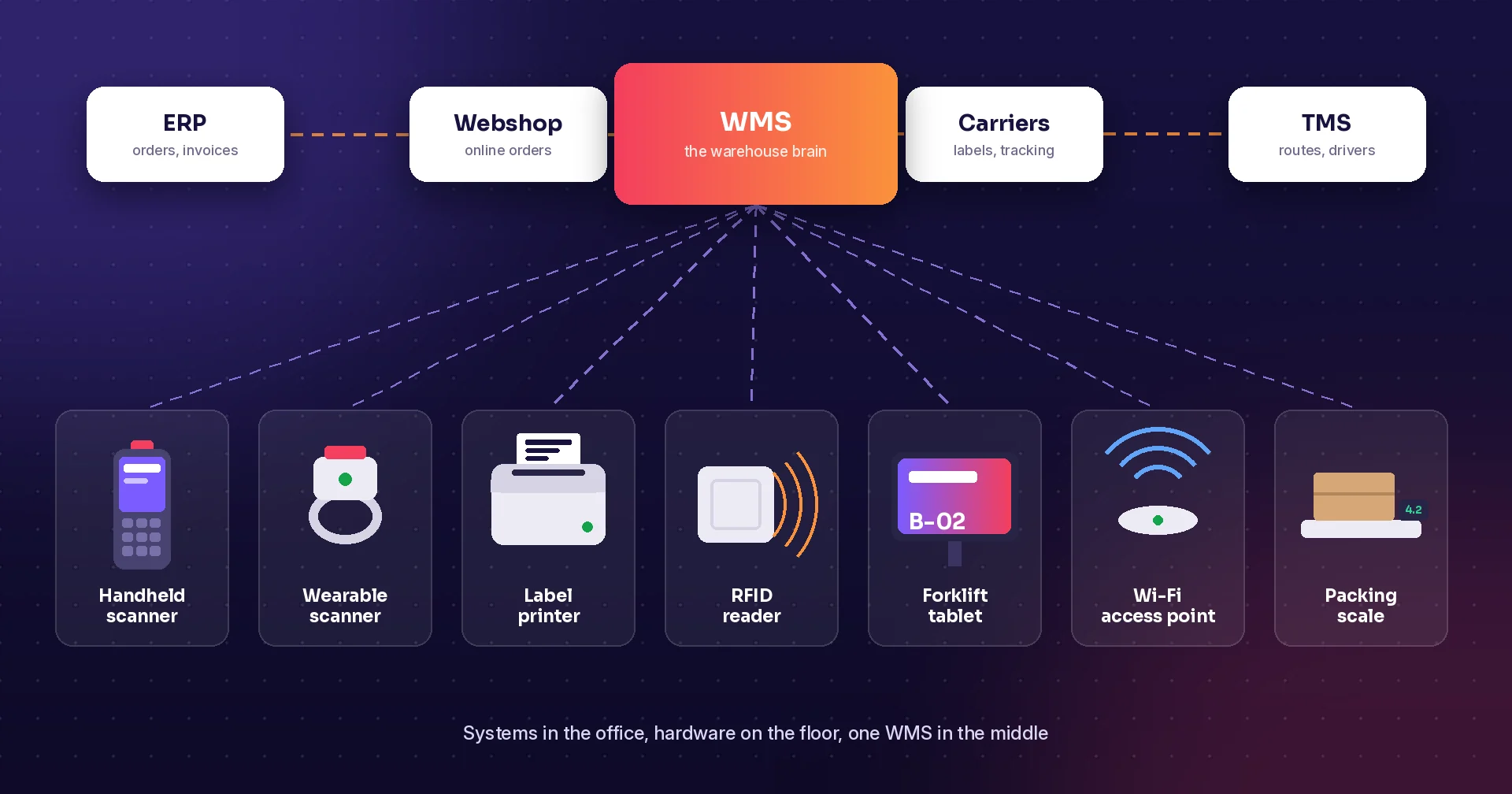
Raptool WMS describes full counts, cycle counts, spot counts, and zero checks. The WMS page also lists blind counting and count scopes by warehouse, location range, zone, article range, or ABC class.
It describes reviewing differences before they change stock and logging stock adjustments. Use a demonstration to verify who can count, review, and approve in your proposed setup. Include a stock movement during the count and inspect the resulting records.
Bring a sample location list and a realistic counting session to the discussion. Review handheld scanner apps around the tasks your counters perform, then confirm the schedule and approval rules before extending the routine across the warehouse.
FAQ
What is a cycle count?
A cycle count checks a defined portion of inventory as part of a recurring schedule. Set the scope and review process so the result can be compared with the correct stock records.
Should every item be counted equally often?
Choose frequencies based on your business needs, product movement, and discrepancy history. Review the grouping when those conditions change rather than treating the first schedule as permanent.
What is a blind count?
A blind count hides the expected system quantity from the person counting. Raptool WMS describes this option; agree how the reviewer sees and resolves differences afterward.
Can warehouse work continue during a count?
That depends on your process and system configuration. Test how receipts, picks, and transfers are handled so the physical count and system balance use a consistent cutoff.
Does Raptool support cycle counting?
The Raptool WMS page describes full, cycle, spot, and zero-check counts, with count scoping and review of differences. Confirm the schedule, permissions, and movement rules in your proposed setup.
Tags
Want to see how this could work in your warehouse? Book a demo and we will walk you through it.
Book a demo