

A customer asks for an update on a quote. The salesperson remembers the conversation, a colleague has the latest email, and the warehouse knows whether the goods are available. Before comparing CRM tools, decide how your team will bring those pieces together and who owns the next reply.
CRM stands for customer relationship management. For a growing retailer, wholesaler, or operations business, a useful evaluation starts with ordinary work: keeping customer records understandable, following up when promised, and handing confirmed business to the people who fulfill it.
Start with the customer journey you actually manage
In its guide to CRM tools for sales, monday.com highlights customer data, pipeline visibility, automation, integration, and adoption. Use those categories as a starting checklist, then test the details against your own business.
Write down one typical journey from an inquiry to a completed order. Include the conversations, approvals, and operational questions along the way. Then choose a second journey that is more awkward: a repeat customer changing quantities, for example, or a prospect asking for an item that is unavailable.
For each step, name the person responsible and the information they need. This gives a software demonstration a concrete purpose. A team should be able to explain what improved in the workflow, rather than simply noting that a dashboard looks useful.
Make ownership and the next action visible
Define the minimum useful customer record for your business. A company name and a contact may be enough to start, but staff also need to know who is responsible and what happens next. Keep required fields limited to information that someone actually uses.
Set a rule for recording the outcome of a conversation. For example, a note might state what the customer requested, what was promised, and when the account owner will respond. The example is a working convention for your team, not a universal CRM template.
Test cover for absences. Ask another employee to open the record and continue the task without a separate briefing. If the information is too vague to act on, improve the recording rule before adding more automated reminders.
Define sales stages with observable decisions
Choose stages that reflect your selling process and explain what allows an opportunity to move forward. A quote being sent and a customer accepting that quote are different events. Agree which record or confirmation supports each change.
Separate an opportunity's stage from its next activity. An opportunity can remain under review while a follow-up call becomes overdue. Ask how your shortlisted tools show both facts so a manager can spot neglected work without guessing from the stage alone.
Keep reporting tied to agreed definitions. Decide which amounts, dates, and statuses belong in a forecast and who reviews them. Avoid treating every open opportunity as guaranteed future revenue simply because it appears in the pipeline.
Plan the handoff from sales to operations
Write a short definition of ready for order processing. Depending on your operation, it may include an agreed product, quantity, price, delivery details, and any approval your business requires. Confirm who checks that information before the warehouse receives work.
If sales staff consult stock information, establish what they may promise. Physical stock, stock already committed, and stock expected from a supplier need clear meanings in your process. Demonstrate the exact figure your proposed connection exposes and how recently it was updated.
Decide which team owns exceptions after the handoff. A delayed item should lead to a named person updating the customer and a visible next action. Keep the sales record and the operational order connected through an agreed reference where the chosen systems support it.
Compare tools using real tasks
Use the table below as a demonstration checklist. These are proposed evaluation requirements, not a claim that every CRM includes the same functions. Give each shortlisted supplier the same scenarios so your team can compare the results consistently.
| Need | What to demonstrate | Question for your team |
|---|---|---|
| Customer ownership | Assign an account and show its next action | Who covers an absent colleague? |
| Sales progress | Move a real opportunity through agreed stages | What evidence allows a stage change? |
| Mobile follow-up | Find a customer and record a meeting outcome | Can staff finish the task on their device? |
| Order handoff | Pass an approved sale into the order process | Who confirms acceptance and resolves errors? |
| Operational visibility | Show the source and timing of stock information | Which availability figure may sales promise? |
Check connections and automation in detail
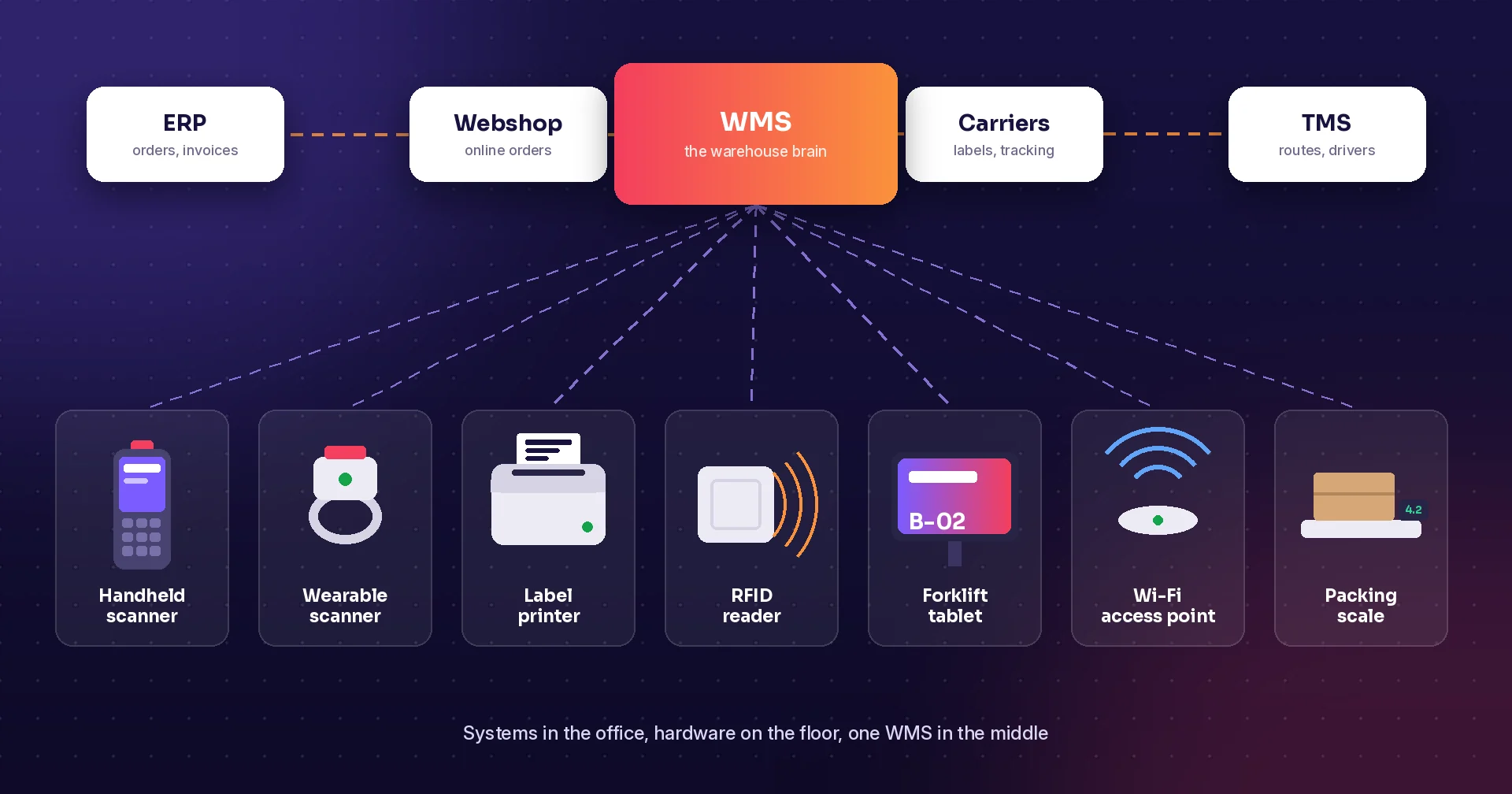
List the information each connected system should own. Customer details, selling prices, order status, and product availability may originate in different places. Decide which updates are read-only, which can be written back, and who resolves a conflict.
Test a failed update as well as a successful one. Ask where the error appears, who receives responsibility, and how the record is recovered without creating a duplicate customer or order. A connector name alone does not explain those behaviors.
Start automation with a clearly defined trigger and outcome. A follow-up task after a meeting is an example to evaluate. More complex actions, such as submitting an order or sending a customer message, need agreed permissions and review rules in your actual setup.
Pilot mobile work and everyday use
Ask staff to complete a real follow-up on the devices they carry. Check customer search, note entry, and access to the relevant task. If offline use is a requirement, demonstrate which actions work without a connection and what happens when devices reconnect.
Review migration before importing a full customer list. Agree how duplicates, inactive accounts, and incomplete records will be handled. Select a small representative sample and inspect the results with the employees who will use those records.
Include implementation, setup, migration, training, and ongoing administration in your cost review. During the pilot, record missed follow-ups, incomplete handoffs, and corrections. Compare the results with your own starting point before deciding how broadly to roll out the workflow.
How Raptool fits
Raptool's website includes CRM demonstration screens with customer records, owner and status actions, notes, and quick activity logging. Its mobile CRM demonstration includes Today, Customers, Pipeline, and To Do views. Use those demos to discuss your requirements and confirm which functions belong in your proposed production setup.
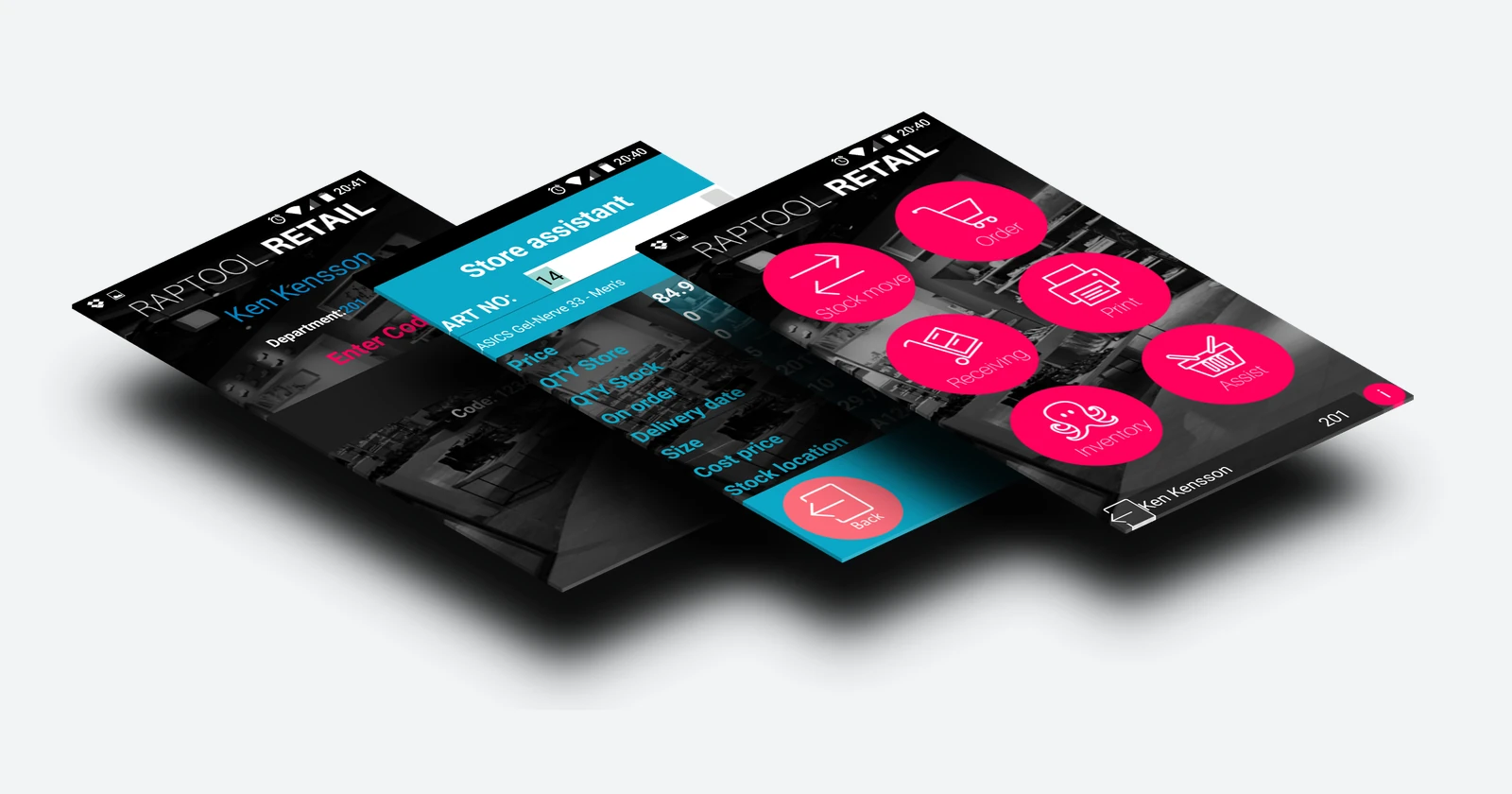
For the operational side, Raptool WMS describes receiving, picking, packing, and shipping workflows. Raptool Retail describes mobile stock lookup and customer assistance. Identify which information sales staff need from those workflows before defining any connection.
Explore Raptool Designer when discussing app customization. Ask Raptool to demonstrate the complete customer-to-order scenario, including permissions, data ownership, and exception handling. Confirm the scope of any CRM connection explicitly; the reference website does not establish a ready-made monday CRM integration.
FAQ
What does CRM mean?
CRM stands for customer relationship management. CRM software helps teams organize customer records, sales activity, and follow-up work; the exact features vary by product and setup.
Do we need a CRM if we already use an ERP?
Start by listing the work your current ERP handles and the customer follow-up tasks that remain difficult. Decide whether you need another tool, a better workflow, or a change to an existing system.
Does a CRM replace warehouse software?
Evaluate the tasks separately. Customer follow-ups and opportunities need different controls from receiving, picking, and shipping, even when the systems exchange information.
Does Raptool integrate with monday CRM?
The website reference used for this article does not establish a ready-made monday CRM integration. Confirm the required connection, scope, and behavior with Raptool before including it in your plan.
What should we ask to see in a CRM demo?
Use a real customer scenario: assign an owner, record a conversation, schedule the next action, and hand an approved sale to operations. Include a missing item or delayed order so you can inspect exception handling.
Tags
Want to see how this could work for your team? Book a demo and we will walk you through it.
Book a demo