

A picked order still has several decisions ahead of it. Someone must confirm the goods, choose packaging, record the parcels, create the shipment, and hand it to the carrier. Write those handoffs down before adding another packing station or changing your shipping software.
This checklist is a practical starting point for small and mid-size warehouses. Adapt it to your products and carrier arrangements. The examples are operating suggestions, not claims that one procedure suits every business or that software alone guarantees an accurate shipment.
Give each packing station a clear starting point
Decide which order status allows work to begin. The packer should be able to identify the order and the goods assigned to it without guessing from an open carton or a handwritten name. Keep different orders physically separated until the packing process brings them together deliberately.
Check the station setup with the people who use it. They need access to the order record, suitable packaging, a working scale where required, and the correct printer. Decide where unfinished orders wait when a shift ends or an exception interrupts packing.
Use a simple handover rule. If a colleague takes over, the order record and the physical goods should tell the same story. Avoid a procedure that depends on remembering which carton was checked before lunch.
Verify the goods before closing the carton
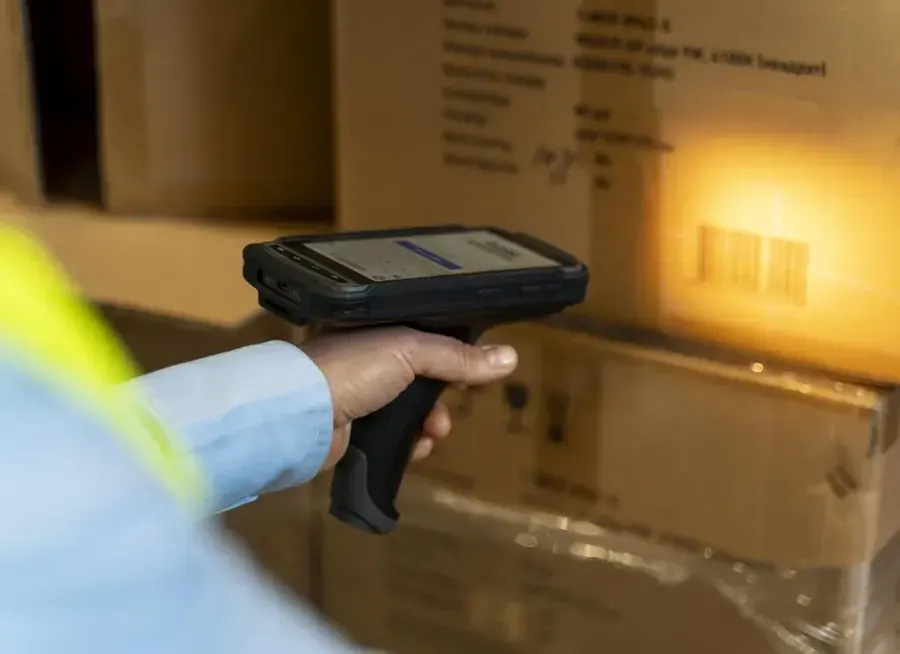
Agree which checks the packer performs. Product identity, quantity, and visible condition are separate questions. Where scanning is part of the workflow, demonstrate what is being scanned and which record the software compares it against.
Include similar variants in training. Two items may share packaging while differing in size, color, or quantity per pack. Decide how staff identify a missing item, an extra item, or an item assigned to another order. Keep the order open while the discrepancy is resolved.
Define any additional checks for your own products. Fragile goods, mixed cartons, and customer-specific packing instructions may need different handling. Keep those instructions visible at the station instead of relying on the packer's familiarity with a particular customer.
Record the parcels that actually exist
Choose the packaging after checking the order's contents. Then record the parcel details required by your shipping process. If one order becomes two parcels, the system and the person printing labels both need to recognize that change.
Use actual measurements where your carrier process requires them. A default parcel type may be a useful starting value, but staff need a clear way to correct it when the packed order differs. Agree who maintains packaging definitions as your range changes.
Test a split shipment during the pilot. Check whether all parcels remain connected to the order and how staff identify them while they wait for collection. A process that works for a single carton may need another confirmation for several similar parcels.
Match the label to the parcel
Define when a carrier booking is created and when its label is printed. Place the label on the correct parcel before starting the next shipment, or establish another controlled sequence that keeps matching clear during busy periods.
Test printer interruptions, reprints, and canceled bookings. Ask the team to show what happens when a label is unreadable or an address needs correction after booking. Confirm which action updates an existing record and which action creates a new shipment.
Keep parcels awaiting resolution away from the ready-for-collection area. A printed label should not hide an unresolved contents check or an incomplete second parcel. The final dispatch check should follow your own definition of ready to leave.
Review the four handoffs
Use this table to discuss responsibility with picking, packing, and dispatch staff. It is a proposed review checklist rather than a list of default software controls. Assign one owner for exceptions at each handoff so a problem does not simply move to the next station.
| Handoff | Question to answer | Suggested evidence |
|---|---|---|
| Picking to packing | Are these the right goods for this order? | Order and item confirmation |
| Packing to booking | What parcels will actually ship? | Parcel count, type, and weight |
| Booking to dispatch | Does each parcel have the right label? | Matching parcel and carrier record |
| Exception to resolution | Who owns the next action? | Named owner and visible status |
Test recovery as well as normal work
Pilot the routine with a normal order, multiple parcels, a missing item, a damaged item, and an interrupted label print. Include a handover between employees. Inspect the resulting order and shipment records after each scenario, not just the messages shown on the screen.
Record packing corrections, label reprints, and orders waiting for a decision. Review the reasons before setting speed targets. A packaging shortage, a bad address, and a picking error all delay dispatch, but each needs a different fix.
If you use a sample pack audit, document how orders are selected and what happens when a check fails. Decide whether related orders need review. Build an escalation route that staff can follow without inventing a new policy during the carrier collection window.
How Raptool fits
Raptool WMS describes packing picked orders into parcels with a type and weight, followed by shipping with a label and tracking number. Its order flow includes a Packed status between Picked and Shipped, which provides a useful structure for discussing your handoffs.
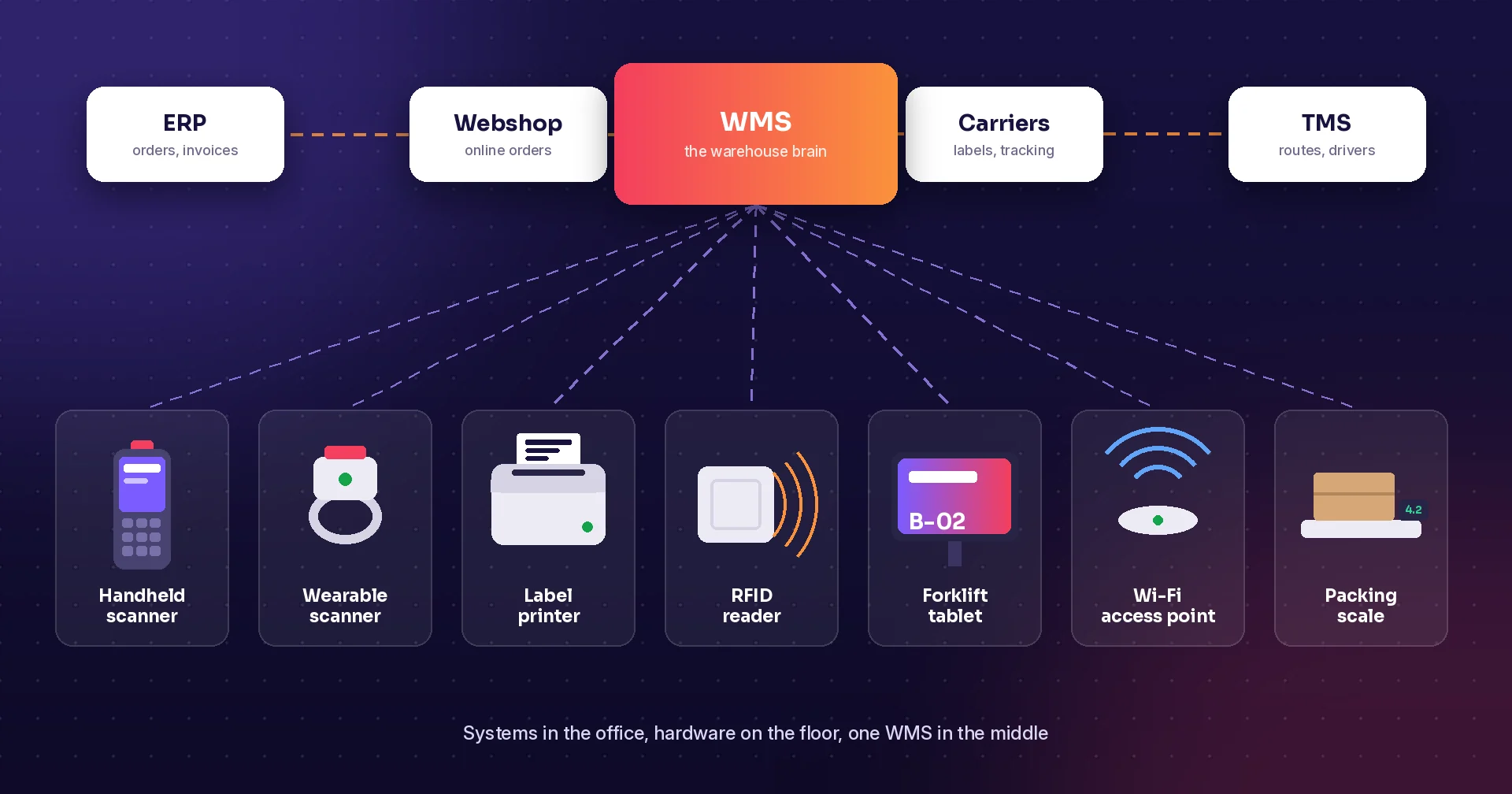
The WMS page also describes carrier booking and label creation through nShift or Shipmondo, along with a pack audit that rechecks a sample of packed orders. Confirm your chosen carriers, service options, printers, and audit rules in the proposed setup.
Ask for a demonstration using one of your real order patterns, including an exception. Review label design needs separately if your operation requires additional product or internal labels. Raptool supplies software; arrange any new hardware through its partners.
FAQ
What is the difference between packed and shipped?
Packed means the order has completed your packing step. Define shipped around your dispatch procedure so a printed label does not automatically imply carrier collection.
Can Raptool record parcel types and weights?
Raptool WMS describes packing picked orders into parcels with a type and weight. Confirm the parcel setup and required fields in your demonstration.
Which carrier connections should we test?
Test the carriers and shipping services your business actually uses. Raptool WMS describes carrier booking and label creation through nShift or Shipmondo; confirm the proposed configuration.
Should we check every packed order?
Choose a checking policy based on your products, order risks, and customer requirements. If you use a sample audit, define its selection rules and what happens when it finds a problem.
What happens if a label does not print?
Keep the parcel in a clear exception state while checking the booking record. Test reprinting and recovery without accidentally creating another shipment.
Tags
Want to see how this could work in your warehouse? Book a demo and we will walk you through it.
Book a demo