
Bring the webshop order to the person picking it
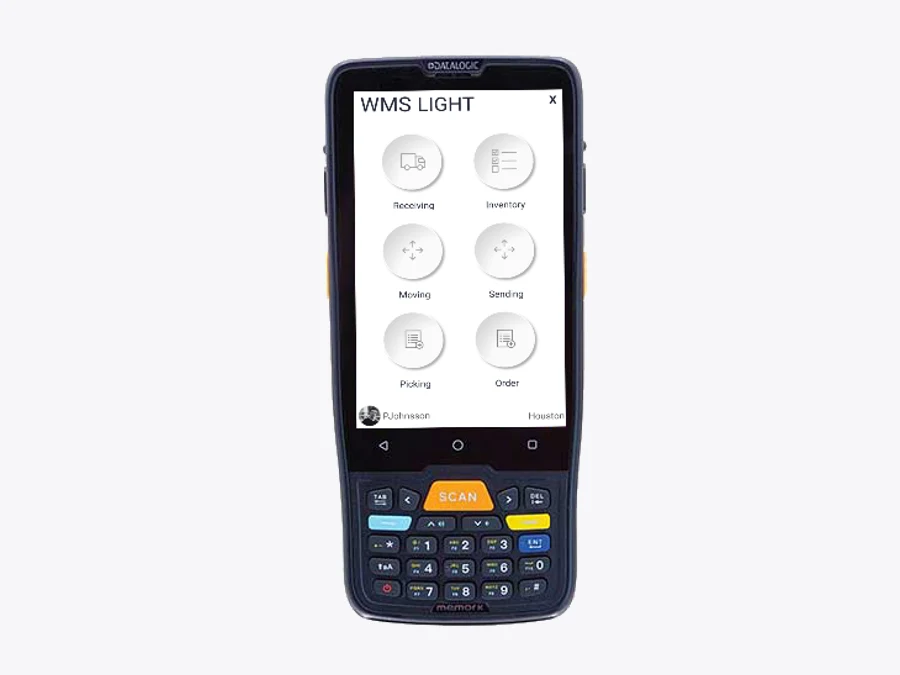
A Shopify or WooCommerce order needs a clear destination before somebody starts collecting products. It may belong in a warehouse shipping queue, a store pickup queue or a store packing queue. A configured Raptool WMS mobile workflow can carry that assignment to the picker, show the required items and quantities, and use barcode checks during the job.
Raptool WMS documents native Android, iOS, Windows and Mac apps, barcode scanning and configurable warehouse workflows. Its integration page describes connecting systems through web services, SQL, JSON and file exchange. This guide describes a workflow to configure with Raptool; confirm the available webshop connector, exact fields and status updates for your installation.
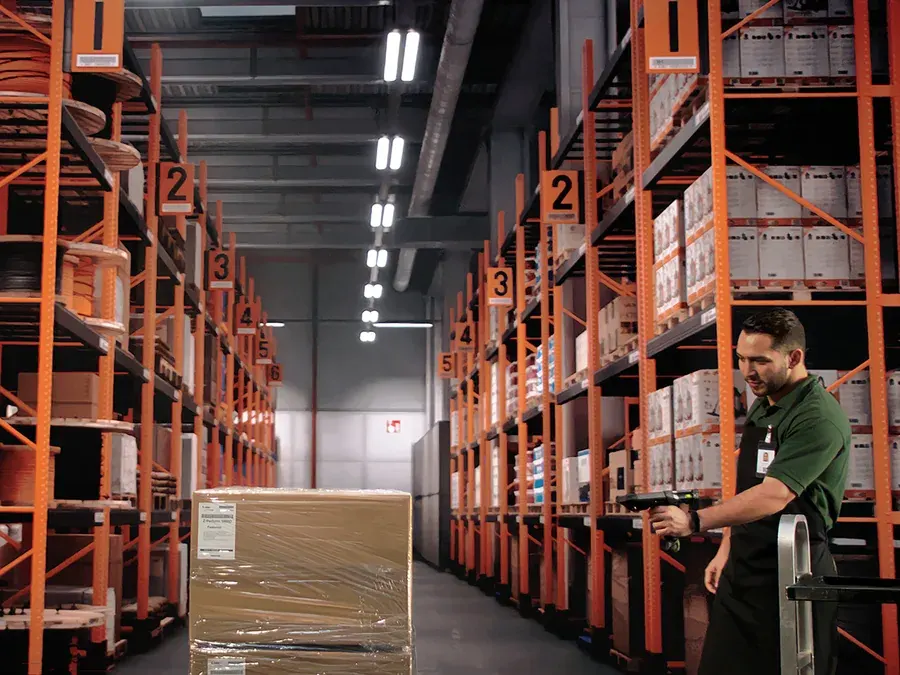
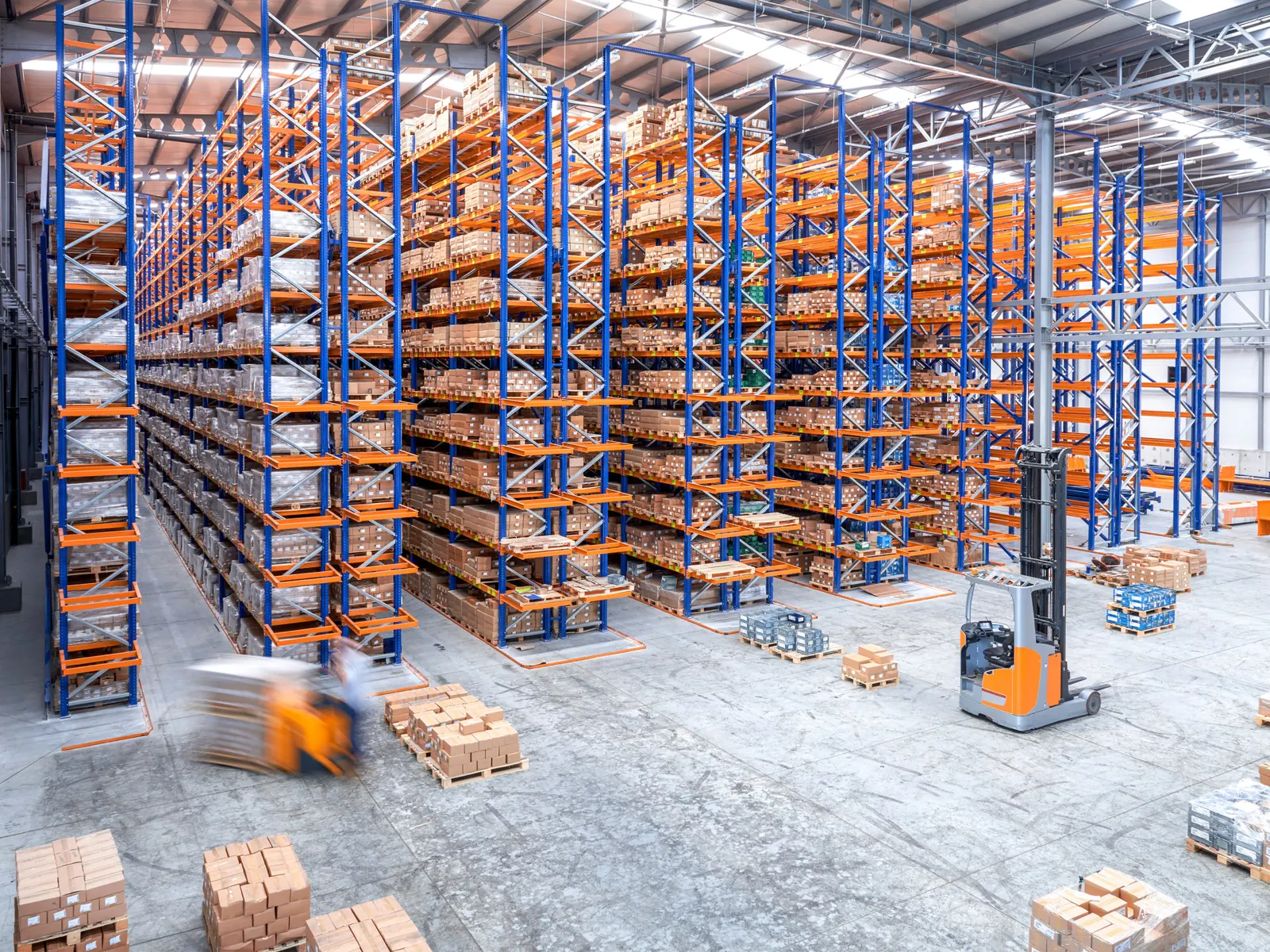
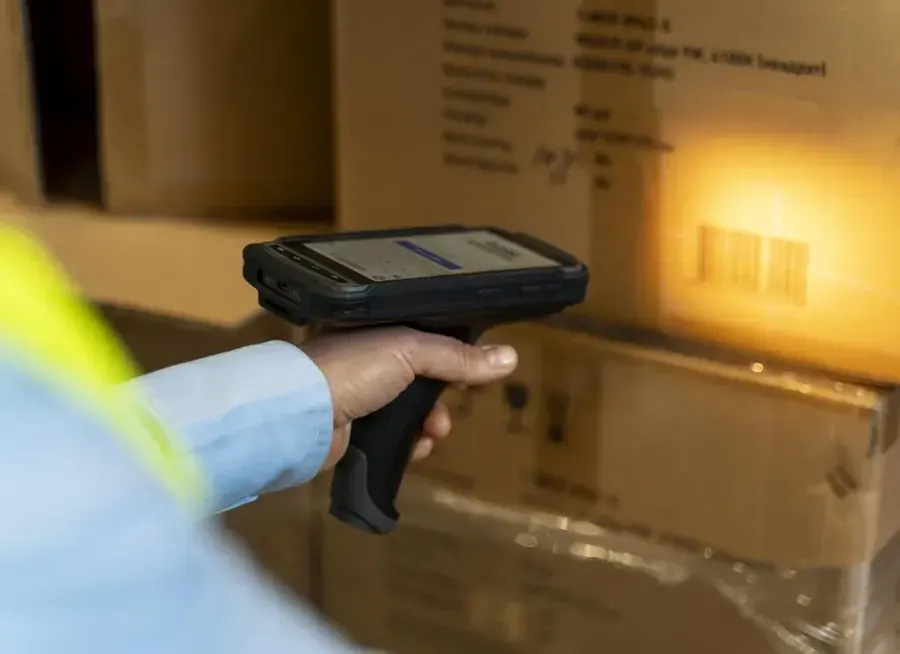
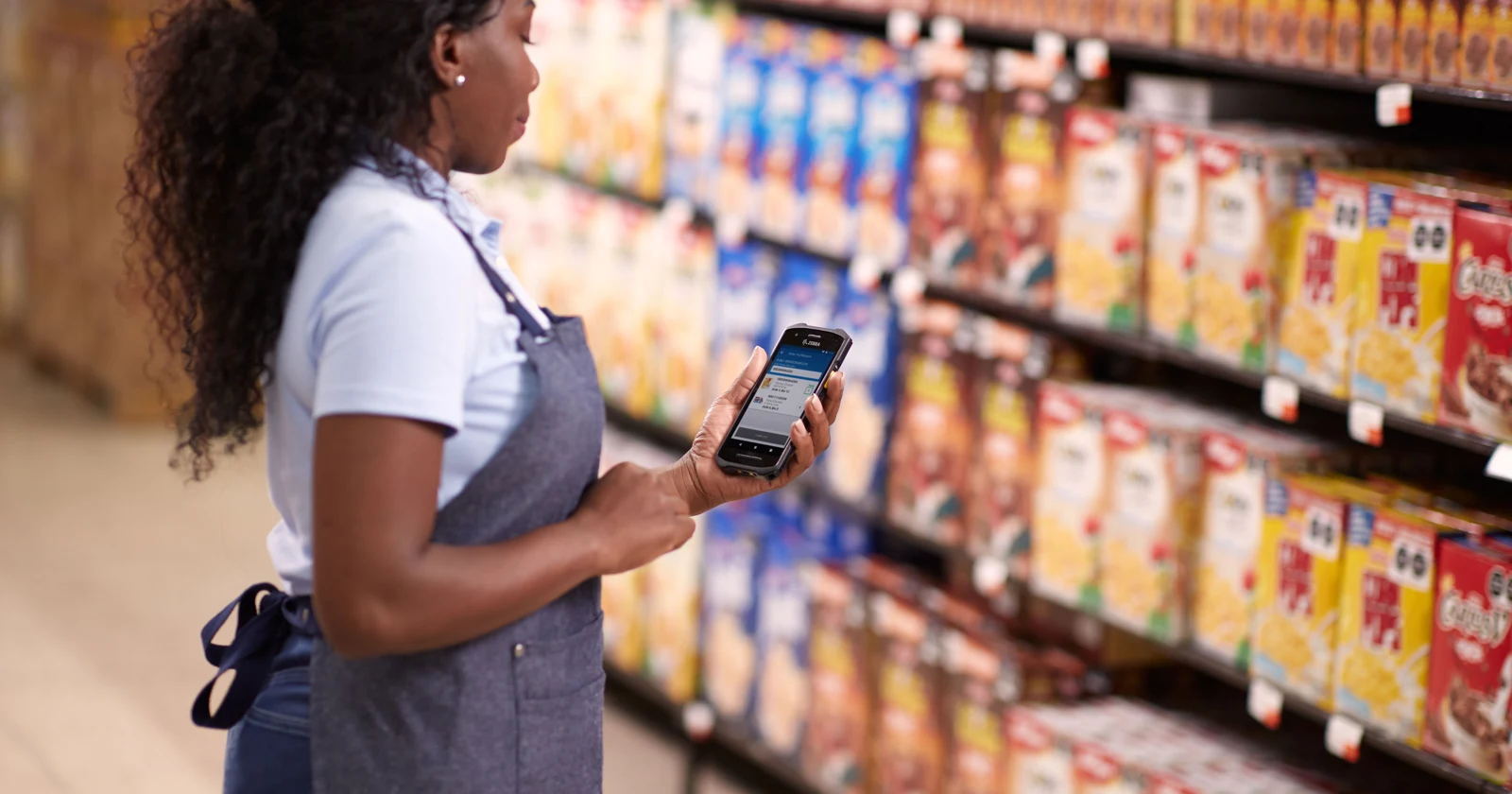
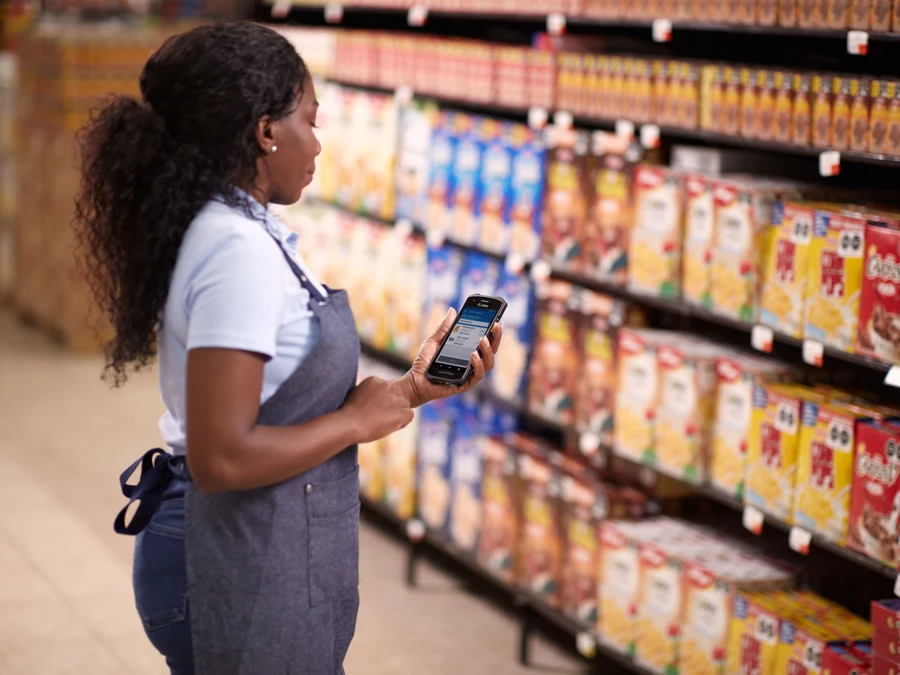
Research checked 14 October 2026. Platform features are sourced below; examples describe a proposed connected workflow, not a tested Shopify/Raptool deployment. Photographs illustrate warehouse and store tasks. The Raptool device image comes from its published WMS page.
Shopify, WooCommerce and four other webshop options
The storefront takes the order and the customer’s delivery choice. The WMS organizes physical work. Compare how each platform expresses locations, stock and completion states, because that information needs to travel with the order.
| Platform | Documented pickup approach | What to check for mobile picking |
|---|---|---|
| Shopify | Pickup configured by location; documented inventory/location fulfillment. | Assigned location, split orders, pickup readiness and collection updates. |
| WooCommerce | Checkout Blocks Local Pickup with configured locations; legacy pickup differs. | Checkout type, location-stock extensions and the chosen ready/collected states. |
| BigCommerce | Documented BOPIS integration flow with a selected pickup location. | Storefront implementation, consignment data and the required interfaces. |
| Adobe Commerce | In-store delivery using configured inventory sources. | Source/location mapping and exact edition/version. Verify Magento Open Source separately. |
| PrestaShop | In-store Pickup delivery carrier in official help. | Location stock, routing and collection confirmation beyond the delivery method. |
| Shopware 6 | Third-party pickup extensions such as StorePickup. | Extension configuration plus separate order, payment and delivery states. |
Open the platform cards for the relevant documentation and configuration checks. This shortlist compares platform workflows; it does not claim that every platform has a prebuilt Raptool integration.
One mobile picking approach, three outcomes
Select a route to see the work involved. These are workflow illustrations; the states and controls must be configured in the connected systems.
Pick, pack and hand over to the carrier
- Import the eligible order and its assigned warehouse.
- Create a location-specific pick job with variants and quantities.
- Scan the item and the required location; record shortages as exceptions.
- Confirm the picked goods at packing and produce the agreed shipping documents.
- Return the shipment confirmation and tracking through the integration.
Picked is an internal milestone; shipped follows the agreed dispatch event.
Pick, stage and wait for the customer
- Carry the customer’s selected pickup store with the order.
- Reserve the required stock using the agreed stock rules.
- Pick and check the items in the store with the mobile app.
- Stage the complete order in a labelled pickup location and trigger readiness.
- Verify the collection reference and record customer handover separately.
Ready for pickup and collected are different events.
Use the store as the fulfillment location
- Assign the order to an eligible store with stock and shipping capacity.
- Give the store team its own picking and dispatch queue.
- Pick from the shop floor or stockroom and confirm the quantities.
- Pack at the store’s dispatch point and label from the correct origin.
- Record carrier handover and send shipment/tracking information back.
Store fulfillment needs packing space, carrier service and a reliable pickup schedule.
From a Shopify order to a Raptool pick job
1. Preserve the assigned location
Shopify’s location fulfillment documentation explains how inventory and routing affect assignment. A whole order may be assigned to one location or split across locations. The connection should preserve that assignment rather than sending the full order to every store.
For example, order 1048 contains a jacket and two shirts. If all three units are assigned to Warehouse A, the picker there gets that job. If one line belongs to Store B, create the corresponding store work and keep each location’s quantities distinct. Picking one part must not complete the other location’s work.
2. Put the correct variants on the mobile job
Transfer the order reference, product variant, quantity, delivery route and location. Map product identities consistently between the webshop and WMS; a shirt in size M must not be substituted for size L because the descriptions look similar. Map barcodes to the intended unit or pack quantity.
3. Check during picking and handle shortages
Configure the Raptool form to show the job, item and quantity and validate the scan against the expected line. Include bin checks where the warehouse uses bin locations. If an item is missing or damaged, record an exception for review rather than quietly completing it.
4. Return the physical outcome
The integration needs to send the right completion event for the chosen route. A packed shipment needs the agreed dispatch/tracking update. A pickup order needs readiness followed by collection. A repeated message should update the existing job or transaction, not create a second pick.
Pick in store for customer collection
In Shopify’s pickup workflow, the pickup location and readiness/collection milestones matter. Carry the selected store and the promised preparation time into the connected job. Give staff a clear way to distinguish pickup work from orders that need a parcel.
After picking, move the order to a labelled staging shelf or counter area and record where it is stored. Send the ready notification only when the order is complete and physically available at the pickup store. If goods must first transfer from another location, that transfer is part of preparation.
At collection, verify the agreed order reference, hand over the correct bags and record the collection event. Define what happens to uncollected orders, cancellations and expired reservations. A readiness notification should never be treated as proof that the customer received the products.
Send webshop orders from a store
A store may have stock that the warehouse lacks, or be a useful fulfillment origin for the order. The routing policy must also consider stock protection for walk-in customers, the staff available to pick, packing capacity and carrier cut-off times.
Configure the store as an eligible fulfillment location and pass its assignment to the mobile queue. Pick from the appropriate sales-floor or stockroom locations. Keep packed orders separate from customer collection bags and from products awaiting replenishment.
Ship-from-store is complete when the defined dispatch event happens, with shipment data returned to the webshop. Use the correct origin for shipping labels and make split parcels visible. This is a different flow from selling at a store POS and asking another location to ship the order.
Use the same physical workflow with WooCommerce
WooCommerce’s enhanced Local Pickup is tied to Checkout Blocks and configured locations; its legacy shipping method has different rules. Identify which checkout and extensions the shop uses before building the order connection.
Map the selected delivery method and pickup location into the mobile job. Then map internal picking, readiness, dispatch and handover events back to the appropriate webshop states. WooCommerce’s order-status documentation distinguishes those platform states, but any extra ready-to-collect stage and related emails need a deliberate configuration.
Keep payment eligibility separate from physical work. Decide which paid, authorized or reviewed orders may enter the queue, according to the business’s payment and fraud policy. The presence of an order alone is not permission to release goods.
Configure the connection around stock and exceptions
Decide which system owns available stock, reservations and completed movements. Webshops may already reduce or reserve stock when an order is placed. If the WMS deducts the same units again through a second update, the two systems can report a false shortage.
Agree how stock available for online orders differs from physical stock, and how store POS sales share it. Test the last available unit being sold online and in store at nearly the same time. Define the response to cancellations, edited quantities, returns, partial picks and location reassignment.
Give each store access to its own jobs and the customer information needed for fulfillment. Define what happens when the connection is unavailable and how delayed updates are reconciled. Include a clear owner for an order that is blocked, short or past its pickup promise.
Ready, collected and shipped must stay distinct
Use the webshop’s delivery choice to select the physical workflow. Then confirm completion from the actual handover event for that route. This avoids telling a customer an order is finished while it is still waiting on a shelf.
What could mobile picking save?
Measure printing, re-entry, repeated status checks, walking and correction time in the existing flow. Barcode checks can reduce specific mistakes when the validation is configured; no fixed improvement percentage is assumed here.
90 seconds per order = 600 hours/year
At 100 orders per working day and 240 working days, removing 90 seconds of printing/re-entry/status handling per order frees 600 hours. At an assumed €30/hour, that is €18,000/year of labor capacity before system costs.
If the project adds an assumed €6,000 annual running cost and €8,000 upfront cost, annual capacity value after running costs is €12,000. Simple payback is eight months if that value consistently becomes avoided paid work. These are hypothetical project budgets, not Raptool or webshop prices. Reassigning staff creates capacity; it does not by itself reduce payroll.
Do not add this to a separate scan-time estimate if both count the same task. Measure complete-order time, successful fulfillments, picking corrections and missed pickup promises together.
Pilot one store and one delivery route first
Start with a small set of products and an agreed order flow. Test an ordinary order, the wrong variant, a shortage, a cancellation after picking, a split order, a duplicate message and an unavailable connection. Compare the webshop, WMS and physical stock after each case.
For store pickup, verify readiness and collection separately. For store shipping, verify the origin, parcel and tracking. Use the results to approve the mapping before adding more locations.
Tags
Connect the webshop order to the right warehouse or store task. Plan the mobile picking workflow with Raptool.
Explore Raptool WMSPlatform information and official sources
Compare the exact configuration. Expand a model below or click its slider card.
Shopify · Pickup · location fulfillment

Pickup · location fulfillment
Shopify
Shopify · Platform website
Platform documentation describes the published setup. Your installed version and extensions determine the available workflow.
| Pickup | Configured per eligible location |
|---|---|
| Stock / routing | Locations, inventory and order routing settings |
| Pickup milestones | Ready for pickup; picked up |
| Mobile picking connection | Agree the Raptool order/location/status mapping |
| Scope | Plan, checkout and configuration conditions apply |
Advantage
Pickup and fulfillment locations have documented platform workflows.
Trade-off
Location setup and split fulfillments need explicit handling in the connected WMS.
Candidate workflows: Warehouse shipping; configured pickup; store fulfillment
Configuration check: Do not assume the nearest store is chosen automatically or that a native Raptool connector is included.
Official source · Official documentation
Sources checked 14 October 2026. Platform name cards are original typographic illustrations, not official logos. Confirm the connection and status mapping with Raptool.
WooCommerce · Pickup · checkout blocks

Pickup · checkout blocks
WooCommerce
WooCommerce · Platform website
Platform documentation describes the published setup. Your installed version and extensions determine the available workflow.
| Pickup | Enhanced Local Pickup with Checkout Blocks |
|---|---|
| Locations | One or more configured pickup locations |
| Order status | Order statuses and related emails require mapped rules |
| Stock routing | Validate location stock and reservation setup separately |
| Mobile picking connection | Agree WooCommerce variant, order and delivery-method mapping |
Advantage
Flexible pickup configuration in the WordPress shop workflow.
Trade-off
Pickup, location stock and ready/collected states are separate configuration decisions.
Candidate workflows: Warehouse shipping; store pickup with the chosen setup
Configuration check: Identify Blocks vs legacy checkout and the installed extensions before defining the integration.
Official source · Official documentation
Sources checked 14 October 2026. Platform name cards are original typographic illustrations, not official logos. Confirm the connection and status mapping with Raptool.
BigCommerce · BOPIS · integration flow

BOPIS · integration flow
BigCommerce
BigCommerce · Platform website
Platform documentation describes the published setup. Your installed version and extensions determine the available workflow.
| Pickup | Documented buy-online/pickup flow |
|---|---|
| Routing data | Selected pickup location / pickup consignment |
| Storefront | The cited developer flow uses custom theme work |
| Integration | Cart and Checkout API interactions in the documented flow |
| Scope | Confirm your plan, storefront and implementation |
Advantage
Documented pickup data gives a connection a defined fulfillment destination.
Trade-off
The cited developer flow needs implementation work; it is not a universal one-click switch.
Candidate workflows: Warehouse fulfillment; implemented pickup and store flows
Configuration check: Confirm order, location, inventory and status interfaces with the integration team.
Sources checked 14 October 2026. Platform name cards are original typographic illustrations, not official logos. Confirm the connection and status mapping with Raptool.
Adobe Commerce · Pickup · inventory sources

Pickup · inventory sources
Adobe Commerce
Adobe Commerce · Platform website
Platform documentation describes the published setup. Your installed version and extensions determine the available workflow.
| Pickup | In-store delivery method selects a pickup source |
|---|---|
| Location setup | Non-default stock and source prerequisites |
| Location search | Distance/radius configuration |
| Integration | Map sources and order lines to WMS locations |
| Scope | Cited functionality is Adobe Commerce; verify Magento Open Source separately |
Advantage
Source-based inventory can structure a multi-location fulfillment design.
Trade-off
Source and distance setup adds implementation detail to the project.
Candidate workflows: Larger warehouse/store operations with a configured source model
Configuration check: Check exact edition/version; do not transfer Adobe Commerce claims to every Magento installation.
Sources checked 14 October 2026. Platform name cards are original typographic illustrations, not official logos. Confirm the connection and status mapping with Raptool.
PrestaShop · Pickup · delivery carrier

Pickup · delivery carrier
PrestaShop
PrestaShop · Platform website
Platform documentation describes the published setup. Your installed version and extensions determine the available workflow.
| Pickup | Enable the In-store Pickup carrier |
|---|---|
| Customer promise | Configure the stated delivery time |
| Time slots | Cited guidance describes pickup without slot selection |
| Stock routing | Multi-location allocation requires separate verification |
| Mobile picking connection | Map the delivery method and configured completion states |
Advantage
Pickup is described as a configured delivery method in official help.
Trade-off
That method alone does not establish multi-store stock routing or collection confirmation.
Candidate workflows: Shipping; configured shop pickup
Configuration check: Verify version, modules, location inventory and notification rules.
Sources checked 14 October 2026. Platform name cards are original typographic illustrations, not official logos. Confirm the connection and status mapping with Raptool.
Shopware 6 · Pickup · extension option
Pickup · extension option
Shopware 6
Shopware 6 · Platform website
Platform documentation describes the published setup. Your installed version and extensions determine the available workflow.
| Core states | Order, payment and delivery states are distinct |
|---|---|
| Order creation | Order creation is not proof of payment |
| Pickup example | StorePickup by Net Inventors is a third-party extension |
| Routing / stock | Confirm the installed setup and extension features |
| Mobile picking connection | Map eligibility, delivery choice and state transitions |
Advantage
Separate payment and delivery states help define which jobs may be picked.
Trade-off
The cited click-and-collect option is extension-dependent rather than a core guarantee.
Candidate workflows: Warehouse shipping; pickup via verified extension setup
Configuration check: Confirm extension version, license, locations and the exact ready/collected mapping.
Official source · Official documentation
Sources checked 14 October 2026. Platform name cards are original typographic illustrations, not official logos. Confirm the connection and status mapping with Raptool.
Webshop picking questions answered
Can Raptool WMS be used to pick Shopify orders?
A connected workflow can be configured to bring eligible orders, assigned locations, variants and quantities into Raptool picking jobs and return the agreed outcomes. Confirm the available connector and mapping for your installation; this guide does not establish a ready-made Shopify connector.
What is the difference between pickup and ship from store?
For pickup, staff pick and stage the goods, mark them ready and record customer collection separately. For ship from store, staff pick, pack and dispatch a parcel from that store and return shipment/tracking information.
Does ready for pickup mean the customer has collected?
No. Readiness means the complete order is available at the selected store. Collection is a separate handover event.
Can WooCommerce orders use the same mobile workflow?
The physical picking flow can be similar, but the connection must map the installed WooCommerce checkout, delivery method, product identities and statuses. Enhanced Local Pickup uses Checkout Blocks; legacy pickup and extensions have different configuration requirements.
Which other webshop platforms does the guide compare?
BigCommerce, Adobe Commerce, PrestaShop and Shopware 6. Their documented pickup approaches and configuration caveats are compared alongside Shopify and WooCommerce; native Raptool integration is not claimed for all platforms.
What must stay aligned between webshop and WMS?
Order lines, product variants, quantities, assigned location, delivery route, reservations and completion states. Define stock ownership to avoid deducting the same order twice.
How much time does the savings example assume?
The hypothetical example removes 90 seconds per order across 100 daily orders and 240 working days, freeing 600 hours/year. At €30/hour that is €18,000 of capacity before system costs, not a measured result or automatic payroll saving.