A label printer can be too small for the job without being too slow. The required information gets squeezed into a template, text becomes harder to read and people add a second label to fit the rest. At that point, comparing print speed misses the purchasing decision that matters.
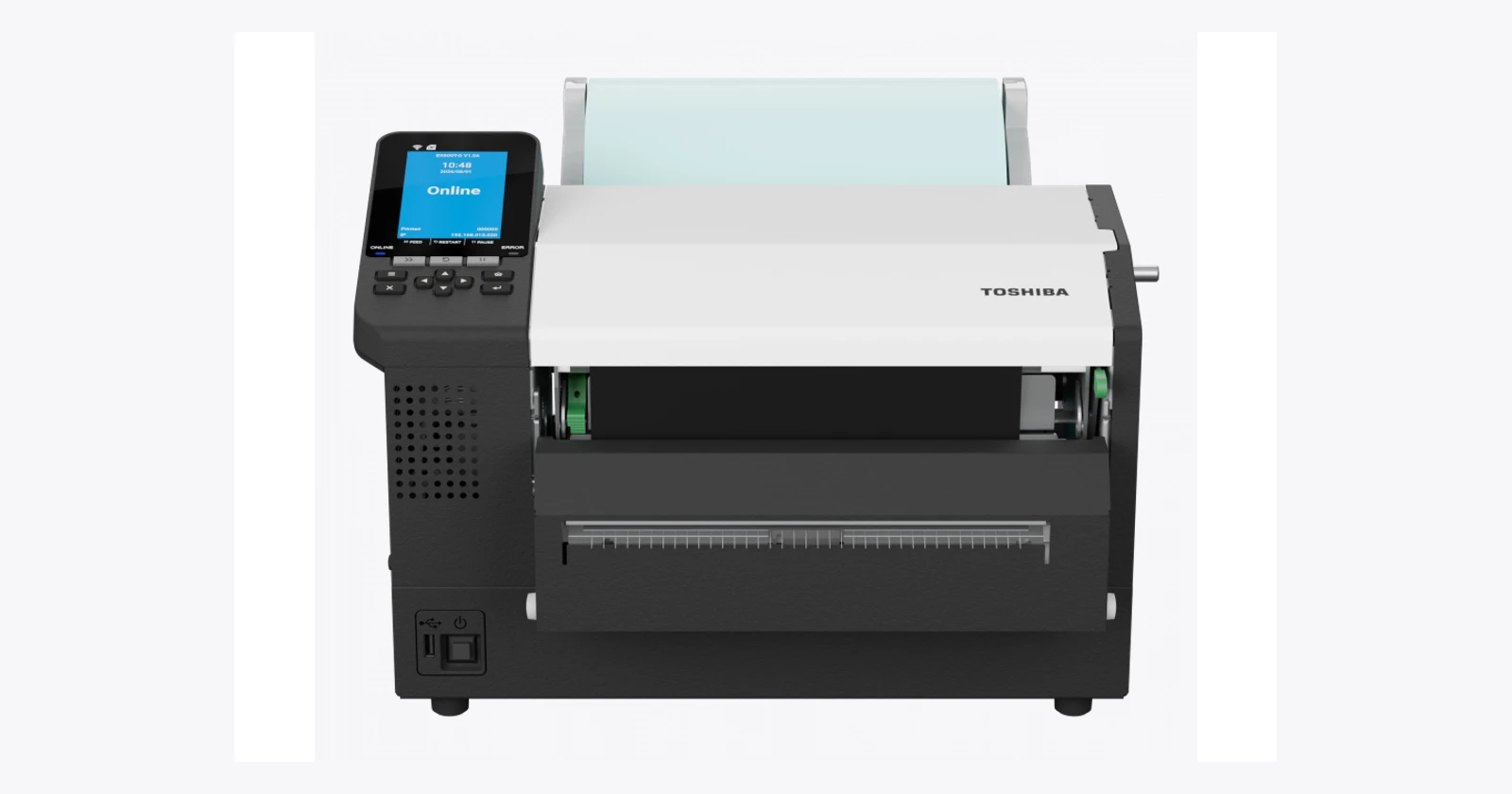
Toshiba’s range gives buyers several routes: compact desktop printing, an industrial station with more processing and integration options, and wider industrial output. The right choice starts with the label that must survive the process, then works backwards to the machine and software.
The recent addition is width, not magic
Toshiba’s European news listing dates the BX820T release to 7 May 2026. The wide-format printer extends the BX range beyond the four-inch and six-inch families. BX410T was introduced in November 2024, while BV410T is an established desktop alternative. Those dates matter: a currently advertised product should not automatically become a “new 2026 printer” in a comparison. Toshiba European news · BX410T introduction.
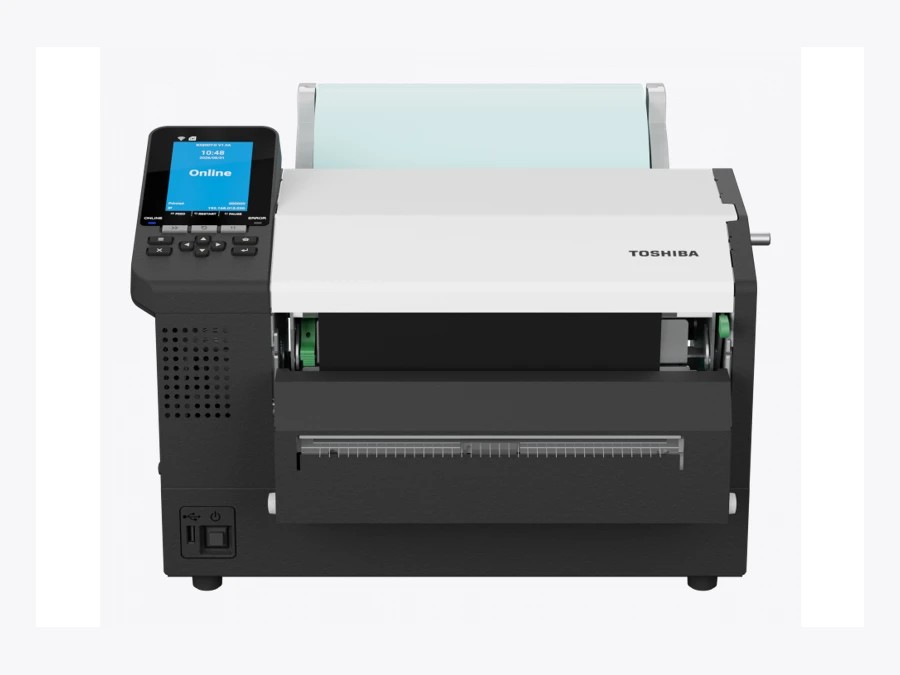
The BX820T’s published print width is 216.8 mm. That deserves a place on the shortlist when the required layout genuinely needs the space. It does not mean every shipping station benefits from a larger printer. Check available desk space, supply handling, the label specification and the information people must read at a glance. BX820T specifications.
Choose the job before the generation
| Family | Role to evaluate | Important qualification |
|---|---|---|
| BV410T | Compact desktop label station | Resolution affects maximum speed and print width |
| BX410T | Industrial four-inch printing with A-BRID | Near-edge head, supplies and optional modules need matching |
| BX820T | Wider industrial labels | More width does not guarantee more completed jobs per hour |
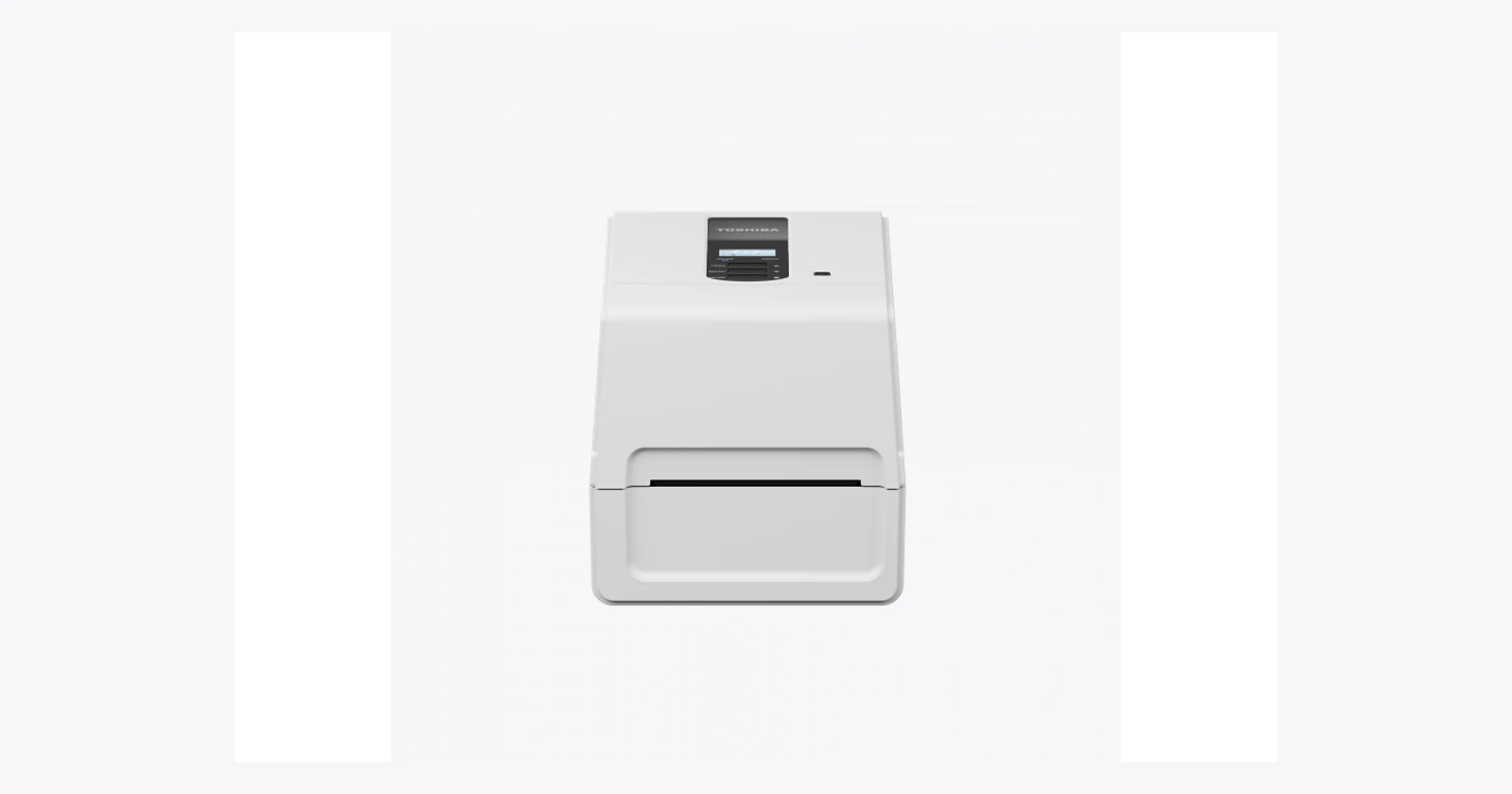
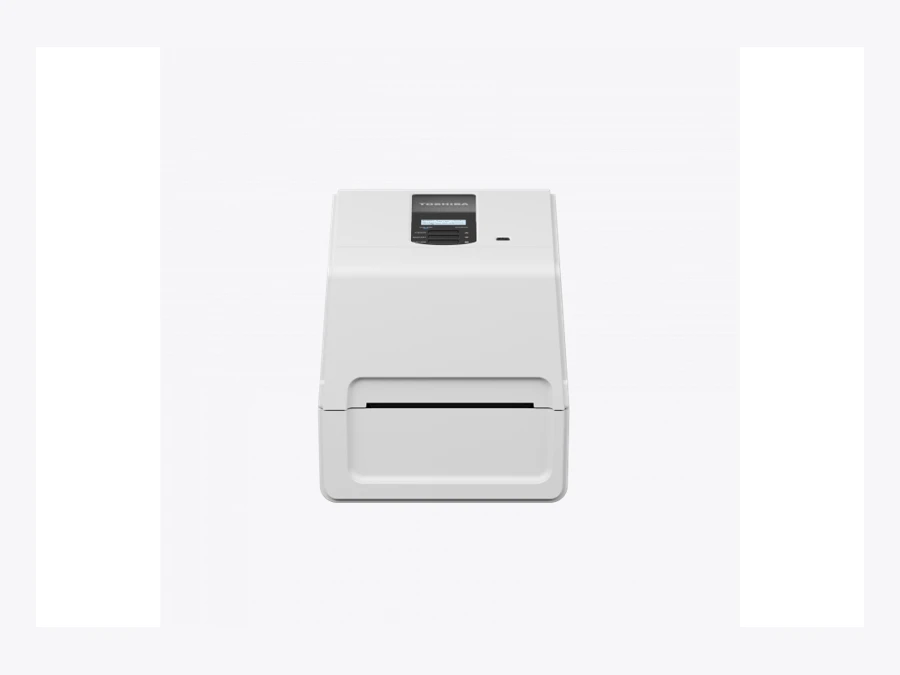
For a desk already at the point where labels are applied, BV410T can be the more practical starting point. Toshiba lists thermal transfer and direct thermal methods, with different resolution versions and accessory choices. Confirm the actual output needed before adding industrial capability. Also include how easily the person at that desk can replace a roll or identify an error. BV410T specifications.
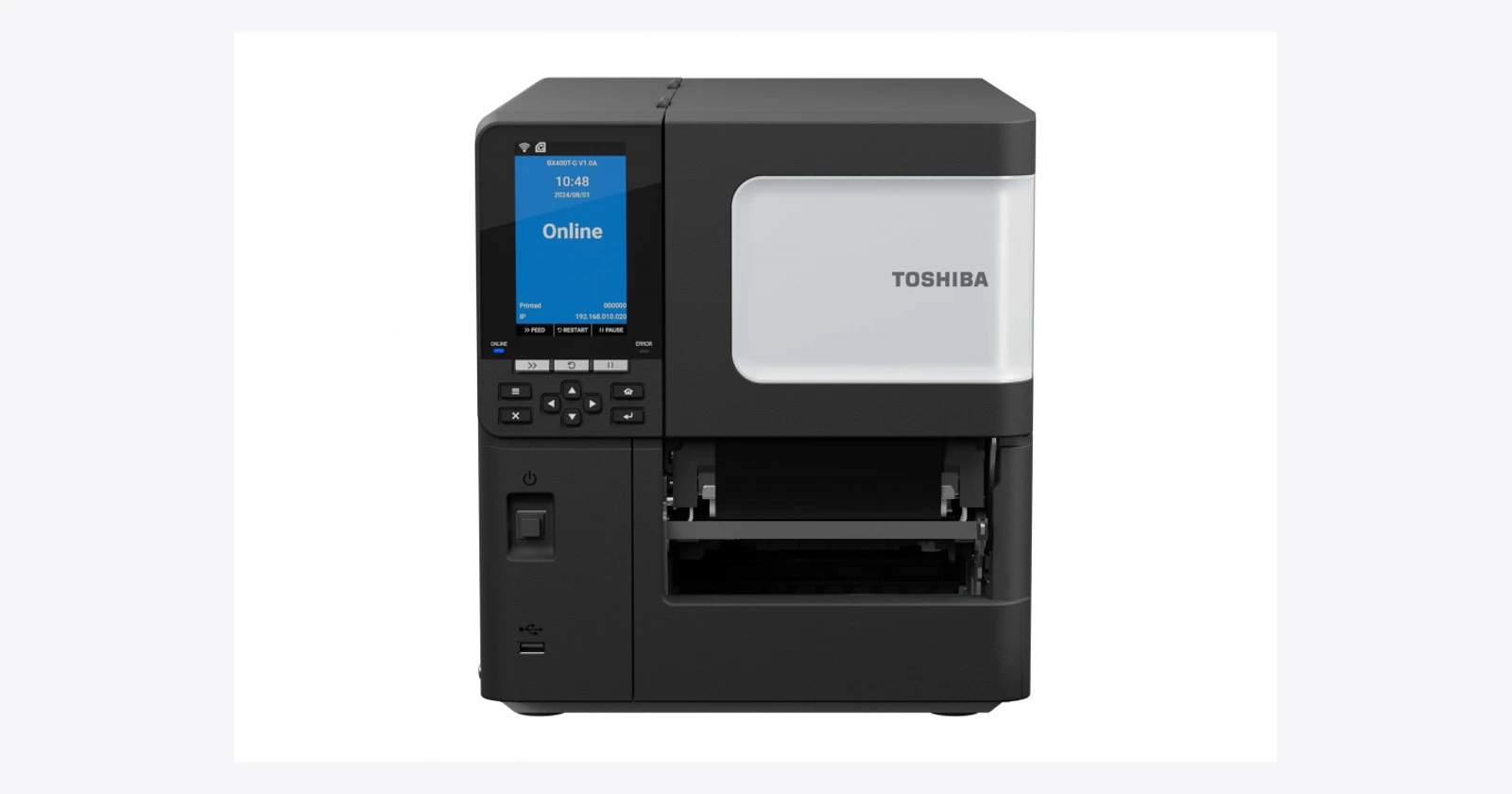
BX410T adds the A-BRID platform and industrial configuration choices. Its near-edge printhead makes media and ribbon selection part of the proposal, rather than an afterthought. An existing box of supplies should not be assumed suitable simply because its labels are the right width. Ask for samples printed with the proposed combination. BX410T specifications.
Direct PDF printing is useful when the PDF is right
The BX pages describe direct PDF printing with rotation and scaling, printer-language detection and embedded applications. Those tools can simplify a suitable integration. They do not establish that a label generated by your existing system will print correctly without testing.
Take the busiest and most awkward templates to the demonstration. Include long product names, international characters, variable data and barcodes near layout boundaries. Check what automatic scaling does to the final symbol dimensions. A document that looks acceptable on a laptop can produce a label that fails in the receiving process.
The integration also needs a clear answer to a mundane question: did that job print already? When a connection drops, a blind retry can create duplicate labels. Keep job identifiers and reprint reasons visible. Define how an operator disposes of an obsolete label and how the system prevents it from being applied later.
Remote management still needs an owner
Toshiba lists device-management connections for selected models, including e-BRIDGE CloudConnect on the BX pages. Evaluate what the proposed service actually covers: configuration, visibility, updates, access controls and incident response. Connectivity and commercial service terms need confirmation for the intended installation.
Give printer support a place in the operational plan. Someone should know which firmware is approved, where templates are stored and how to restore a replacement unit. Keeping one station running through a failure can be more valuable than a small improvement in its best-case print speed.
Measure the delay around the label
Illustrative capacity: about 139 hours a year. Saving two seconds on 1,000 jobs per day across 250 days releases 138.9 hours. At an assumed €30 per hour, that is about €4,167 of capacity value before costs. It is not a Toshiba performance claim or a cash saving.
The two seconds must come from a measured change: less sorting, a shorter wait or a simpler operator step. Include supplies, accessories, installation, integration, maintenance and support in the cost comparison. A benefit that exists only during a perfect demonstration is a weak basis for replacing a working fleet.
When wider output is the reason for buying, use a different acceptance test. Can one correct label replace the awkward layout? Does it fit the item and remain readable after handling? Does it satisfy the customer’s actual label requirement? Do not invent a labor saving just because the new machine is larger.
Buy a tested configuration
GS1’s barcode guidance points to contrast, symbol spacing and placement among common quality checks. Put those checks beside the printer trial. Test finished labels in the downstream workflow, rather than judging only a freshly printed sample.
Ask the proposal to name the printer, resolution, interfaces, accessories, supplies and support arrangement. Optional RFID, a cutter or a wireless module should never be silently inherited from another model’s specification. A tested combination gives the team a dependable way to create the right label; the model name alone does not.
Technical reference
Toshiba Tec BV410T · technical details
Toshiba Tec BV410T
Official product specifications
| Print or capture technology | Thermal transfer / direct thermal |
|---|---|
| Connectivity | USB and Ethernet; optional serial/Bluetooth; confirm exact radio and regional SKU |
| Environmental | Operating 5–40 °C /25–85% RH non-condensing |
| Power or battery | AC100–240 V, 50/60 Hz |
| Support and lifecycle notes | Current official listing; exact service end date not established |
| Resolution | 203 dpi GS02 or 300 dpi TS02 |
| Vendor maximum speed | 7 ips GS02; 5 ips TS02 |
| Print width | 108 mm GS02;105.7 mm TS02 |
| Media widths or sizes | Backing width 25.4–118 mm; standard roll OD max127 mm; optional stand max214 mm |
| Display or controls | LCD; two LEDs; three keys |
| Processor or memory | 128 MB FROM;128 MB SRAM |
| Dimensions and weight | W200×D267×H198.3 mm;2.9 kg |
| Accessories and options | RFID, full/partial cutter, peel-off, Bluetooth/serial, external stand |
| OS or platform | TPCL /Basic Command Interpreter; no A-BRID claim |
Evaluate for: Compact fixed label stations.
Before ordering: Confirm exact part number, media/ribbon compatibility, installed options and application output. Photographs may include optional accessories.
Checked 18 October 2026. Vendor maxima and options are configuration dependent. Photograph is a family reference, not proof of included accessories or app compatibility.
Toshiba Tec BX410T · technical details
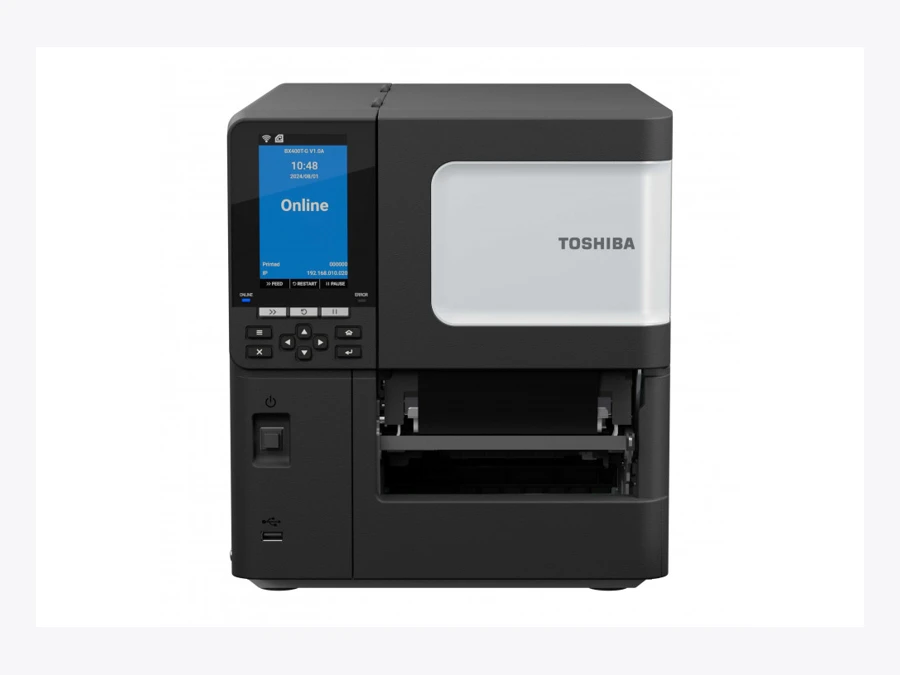
Toshiba Tec BX410T
Official product specifications
| Print or capture technology | Thermal transfer / direct thermal |
|---|---|
| Connectivity | USB,USB Host,Gigabit Ethernet; optional RS-232,WLAN/Bluetooth and I/O |
| Environmental | Operating 5–40 °C /25–85% RH non-condensing |
| Power or battery | AC100–240 V, 50/60 Hz |
| Support and lifecycle notes | Current official listing; exact service end date not established |
| OS or platform | A-BRID: Linux-based system plus real-time print engine |
| Processor or memory | Dual-core 1 GHz;1 GB RAM;8 GB ROM |
| Display or controls | Color LCD;two LEDs;11 keys |
| Resolution | 203 dpi GS02;305 dpi TS02 |
| Vendor maximum speed | 14 ips /356 mm/s |
| Print width | 104 mm |
| Media widths or sizes | Backing width30–120 mm;mode-specific lengths |
| Dimensions and weight | W278×D460×H310 mm;17 kg |
| Accessories and options | Disc/rotary cutter,peel-off,ribbon-save module,HF/UHF RFID,wireless kit |
Evaluate for: Industrial printing with near-edge printhead and configuration options.
Before ordering: Confirm exact part number, media/ribbon compatibility, installed options and application output. Photographs may include optional accessories.
Checked 18 October 2026. Vendor maxima and options are configuration dependent. Photograph is a family reference, not proof of included accessories or app compatibility.
Toshiba Tec BX820T · technical details
Toshiba Tec BX820T
Official product specifications
| Print or capture technology | Thermal transfer / direct thermal |
|---|---|
| Connectivity | USB,USB Host,Gigabit Ethernet; optional RS-232,WLAN/Bluetooth and I/O |
| Environmental | Operating 5–40 °C /25–85% RH non-condensing |
| Power or battery | AC100–240 V, 50/60 Hz |
| Support and lifecycle notes | Current official listing; exact service end date not established |
| OS or platform | A-BRID: Linux-based system plus real-time print engine |
| Processor or memory | Dual-core 1 GHz;1 GB RAM;8 GB ROM |
| Display or controls | Color LCD;two LEDs;11 keys |
| Resolution | 300 dpi |
| Vendor maximum speed | 6 ips /152.4 mm/s |
| Print width | 216.8 mm |
| Media widths or sizes | Backing width100–242 mm;batch print length13–1366 mm |
| Dimensions and weight | W403×D432×H276 mm;14.4 kg (16.2 kg with media holder) |
| Accessories and options | Swing cutter,serial,wireless,I/O,RTC |
Evaluate for: Applications requiring a genuinely wider label format.
Before ordering: Confirm exact part number, media/ribbon compatibility, installed options and application output. Photographs may include optional accessories.
Checked 18 October 2026. Vendor maxima and options are configuration dependent. Photograph is a family reference, not proof of included accessories or app compatibility.
Questions before you order
Which model is the recent release here?
Toshiba’s European news listing dates the BX820T release to 7 May 2026. BX410T was introduced in November 2024; BV410T is an established desktop alternative.
Does A-BRID remove all integration work?
No. The BX models offer direct PDF printing, emulation and embedded-app capabilities, but your templates, data, fonts, recovery process and interfaces still need testing.
Does every Toshiba printer include RFID?
No. RFID is model- and configuration-dependent. The BX820T option list used here does not establish an RFID configuration. Confirm an exact supported ordering code.
Sources and scope
Checked 18 October 2026. Selected current listings; regional availability and exact part numbers require confirmation. Practical comparisons and illustrative calculations are our analysis. No independent hardware benchmark was performed.