

Keep the warehouse moving without a second round of typing.
A picker marks a shortage on a printed list. A receiver writes a quantity on a delivery note. A stock counter enters figures in a spreadsheet, then someone else transfers them to SAP. Each handover creates work and leaves a period when the office cannot see the result.
A useful mobile workflow brings the task and its recording step together. Scan the item, check the relevant bin, enter the quantity and send the agreed result back through the business process. The benefit comes from removing repeated work while keeping the stock records reliable.
Raptool WMS describes mobile picking, receiving and stocktaking. Its integration listing names SAP among systems its partners work with. Confirm the exact SAP product, release, connector and supported actions for your installation; the listing does not establish a certified connector for every SAP setup.
Start with the SAP system you actually use
| Environment | What to identify | What to avoid assuming |
|---|---|---|
| SAP Business One | Version, deployment, warehouse setup and the supported integration interface. | That a Business One connection also supports S/4HANA or EWM. |
| SAP S/4HANA | Edition, release and the inventory or warehouse process in use. | That every installation uses the same warehouse documents or APIs. |
| SAP EWM | Warehouse tasks, existing mobile processes and ownership of confirmations. | That another WMS should independently control the same movement. |
SAP documents a Service Layer API for Business One. That is evidence of an interface for that product, not proof of a particular Raptool mapping or an interface for every other SAP product.
SAP EWM already covers warehouse execution processes. If you use it, review the tools and workflows already available before adding another system. A Raptool mobile task should solve a defined gap and return its result through the agreed process.
Where mobile recording can replace repeated work
| Method | Useful qualities | Work that remains |
|---|---|---|
| Pen and paper | Simple to start and easy to carry. | Interpret notes, enter results and reconcile missing or unclear entries. |
| Spreadsheet | Familiar structure for lists and review. | Control versions, validate item codes and transfer approved results. |
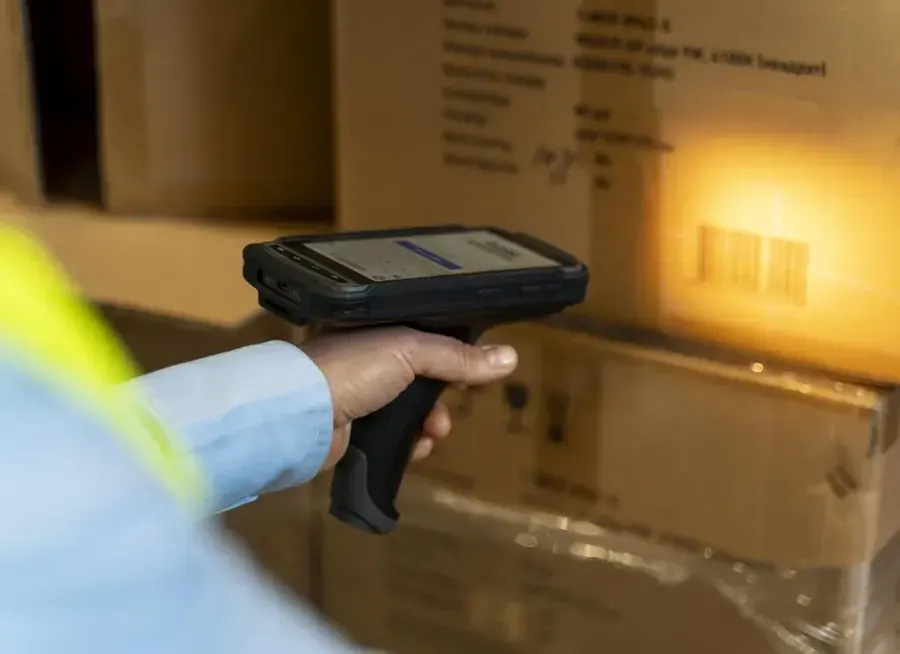
| Configured mobile barcode workflow | Identify the item and capture the result at the work point. | Count or handle the goods, resolve exceptions and review failed updates. |
A barcode is useful because it can identify a product consistently. The app must still map it to the correct SAP material or item, unit and task. A case barcode and a piece barcode may refer to different quantities; make that conversion explicit.
Keep manual entry available through an agreed exception route when a label is missing. Test wrong-item scans, unreadable labels and quantities that exceed the task. These are workflow requirements to configure and verify, not automatic properties of every scanner.
Three mobile warehouse workflows to scope
Select an example. These are proposed process designs, not a live SAP connection or a claim that every action is preconfigured.
Check the pick beside the goods
- Open the assigned task from the agreed SAP process.
- Show the item, source bin, required unit and quantity.
- Scan the item and record the quantity actually picked.
- Submit the result through the agreed confirmation step.
Define a shortage, split quantity and substituted item separately. Confirming a physical pick must have a clearly agreed relationship to packing, dispatch and any goods-issue posting.
Record what arrived and where it goes
- Open the expected inbound reference.
- Identify the item and check the unit or pack.
- Record accepted quantities and damage or shortages.
- Complete the configured receipt and put-away steps.
Receipt, inspection and placement in the final bin can be different events. Decide which one the worker is reporting and when stock becomes available for the next task.
Capture the physical count, then review it
- Select the assigned warehouse, bin and count reference.
- Scan the item and physically count the units.
- Record the observation, unit and count time.
- Review differences and authorize any adjustment through the agreed SAP process.
Keep uncounted lines distinct from confirmed zero quantities. Decide how receipts and picks during the count period are treated before comparing the result with the recorded balance.


Give each stock movement one clear owner
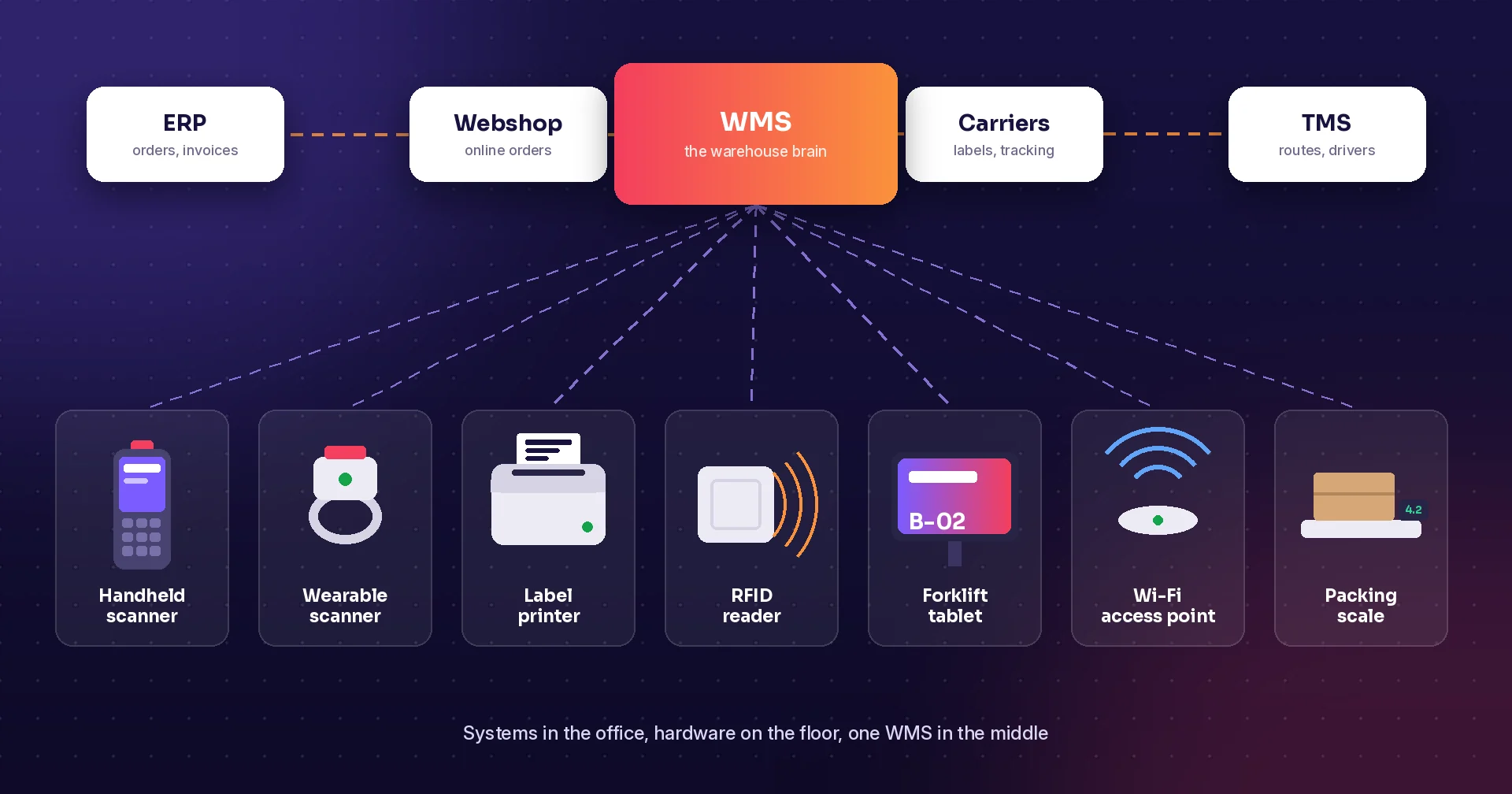
Raptool’s integration page describes file, database and web-service interfaces. For an SAP project, select the supported business interface with the implementation partner. The presence of a database connection is not a reason to write directly to SAP stock tables.
Agree which system releases work, which screen captures the result and which process posts the stock movement. Where EWM controls the warehouse task, preserve that ownership. Keep the mobile confirmation and its resulting SAP record traceable without letting two systems independently post the same event.
Plan for failures as part of normal work. Staff need to know whether a submission was accepted, is waiting or needs correction. Repeating a message after a lost connection must not create a second receipt or adjustment. If offline work is required, test the selected app’s synchronisation and conflict handling for that exact process.
What could two minutes less administration save?
480 hours / 216,000 SEK per year
Assume two minutes less handwriting, later entry and routine status chasing per order, across 60 orders a day and 240 working days. At 450 SEK per hour, that represents 216,000 SEK in annual labor capacity before costs.
| Calculation | Example |
|---|---|
| Orders per year | 60 × 240 = 14,400 |
| Time released | 14,400 × 2 minutes ÷ 60 = 480 hours |
| Gross annual capacity value | 480 × 450 SEK = 216,000 SEK |
| Assumed annual running costs | 30,000 SEK |
| Annual value after running costs | 186,000 SEK |
| Assumed upfront costs | 36,000 SEK |
| First-year value after both costs | 150,000 SEK |
These are assumptions, not Raptool or SAP prices. Build the actual budget around devices, licenses, integration, support, training and rollout. The example assumes no faster walking, fewer errors or extra sales, and counts each removed task once.
Released time creates capacity. It becomes cash savings when it avoids paid work, overtime or outside costs. Measure the full process before and after the pilot to establish which benefit your business achieves.
Start with a process you can verify from end to end
Choose one warehouse area and one receiving, picking or counting task. Record the current preparation, shelf work, office entry and correction time. Include the people who resolve exceptions, not only the person holding the scanner.
In a suitable test environment, try a normal task, a wrong item, a partial quantity, a repeated submission and an interrupted connection. Compare the mobile result with the expected SAP records and physical-stock outcome. Agree acceptance criteria before expanding the workflow to more users or locations.
Raptool and SAP questions answered
Does Raptool support SAP integration?
Raptool lists SAP among systems its integration partners work with and documents integration tools. The public listing does not specify the SAP product, release, connector or certification. Confirm those details for your installation.
Is SAP Business One the same as S/4HANA or EWM?
No. Business One and S/4HANA are distinct ERP products. EWM is SAP Extended Warehouse Management. Identify the installed ERP and warehouse solution before choosing documents, interfaces and completion actions.
Should we add a second WMS if we already use EWM?
Start by reviewing what the existing EWM workflow and mobile tools already provide. Consider a Raptool task only where it solves an agreed gap, with clear ownership so two systems do not both control the same stock movement.
Can a barcode scan automatically count shelf stock?
A product or pack barcode identifies the item. Staff must still count the units and enter the observed quantity, or use a deliberately configured per-unit scan mode. Differences need the agreed review and adjustment process.
Can every SAP installation use the same connection?
No. Interfaces, permissions, documents and available operations depend on the SAP product, release, deployment and configured process. A Business One Service Layer reference does not establish support for an S/4HANA or EWM workflow.
How much could less administration save?
The hypothetical example removes two minutes of administration per order across 60 orders a day and 240 working days. It releases 480 hours, valued at 216,000 SEK per year before costs at 450 SEK/hour. It is not a measured customer result or automatic payroll saving.
Tags
Bring your SAP product and warehouse process to the discussion. Scope a mobile pilot with Raptool.
Explore Raptool WMS