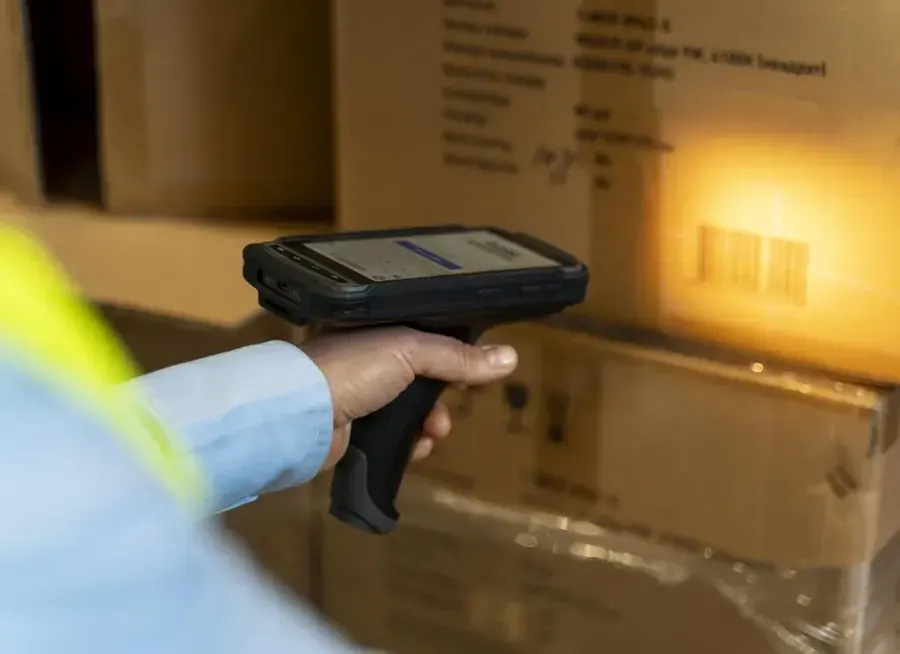


Bring SAP Business One warehouse work onto a mobile device.
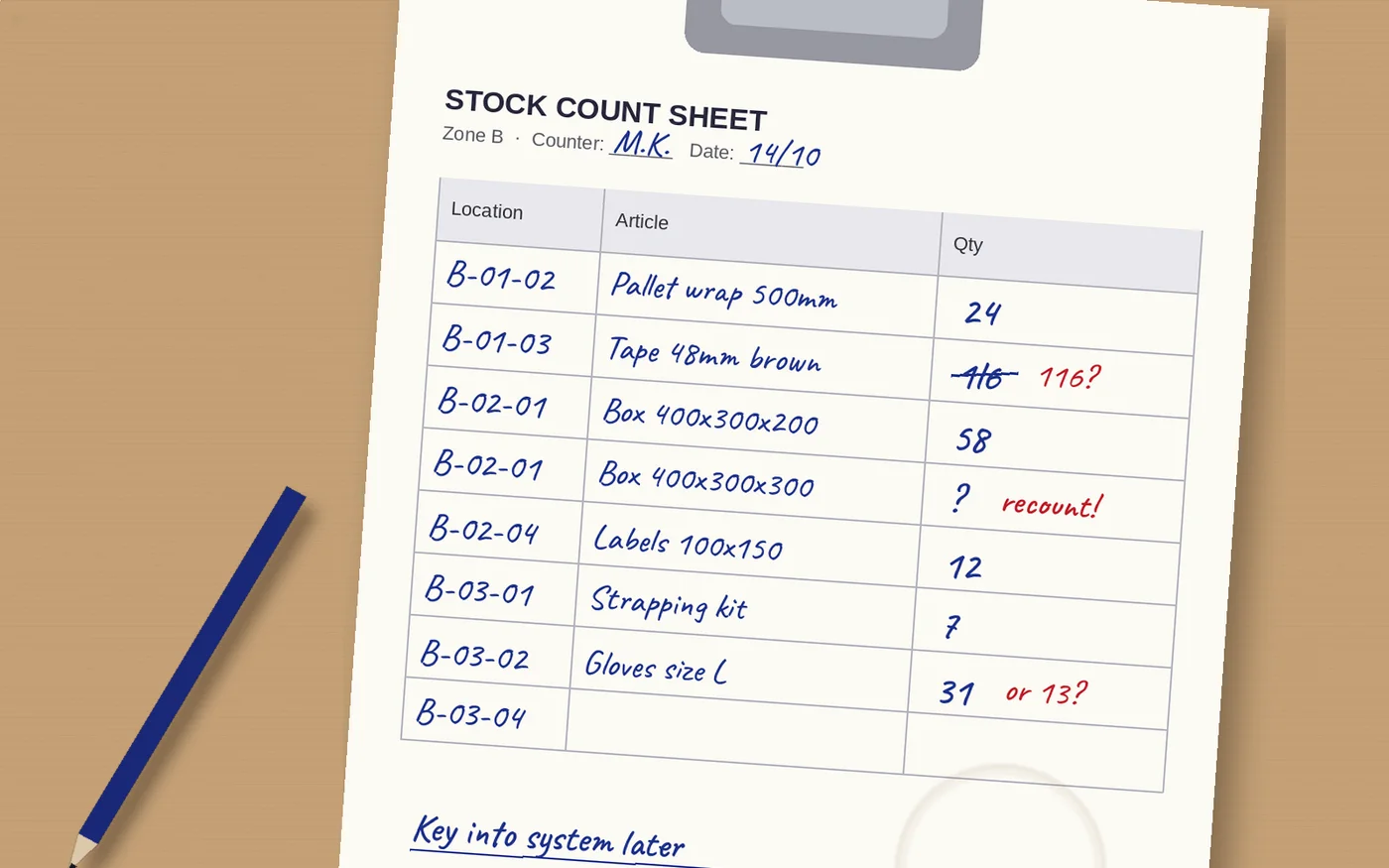
A delivery arrives, a sales order needs picking and the next stock count is due. SAP Business One holds the business records, but the person beside the goods may still work from a printed list. The opportunity is to capture the result there, without asking someone to type the same information again later.
Raptool WMS describes mobile picking, receiving and stocktaking. This article focuses on how to scope those tasks around SAP Business One: its pick lists, purchasing receipts, bin allocations and inventory-counting process.
Raptool’s public integration listing names SAP among systems its partners work with. Confirm the Business One connector, supported release and document actions for your installation before rollout. The general SAP listing does not establish a certified, ready-made Business One connection.
Four jobs that benefit from recording at the shelf
| Job | At the mobile device | Business One process to agree |
|---|---|---|
| Order picking | Identify the product and enter the quantity picked. | Pick-list updates and the later delivery-document step. |
| Goods receiving | Check arriving products, quantities and exceptions. | Goods Receipt PO, base purchase documents and bin allocations. |
| Bin movements | Identify the source, destination and quantity moved. | The appropriate transfer process and its warehouse/bin records. |
| Stocktaking | Scan the item and record the physical count. | Inventory Counting, review and Inventory Posting. |
Each task needs a clear finish. A saved observation, an updated pick list and a posted inventory adjustment have different consequences. Make that distinction visible to the worker instead of giving every action the same “Done” button.
Explore three Business One workflow examples
Select an example. These are briefs for a configured solution, not a live connection or a promise that every action is preconfigured.
From pick list to checked quantities
- Open the assigned pick-list work.
- Show the item, bin, required unit and quantity.
- Scan the mapped product and record what was picked.
- Return the accepted result to the agreed pick-list process.
SAP’s Pick Pack and Production Manager documentation distinguishes picked work from the creation of a delivery document. Agree who creates that delivery and when; do not treat a shelf scan as proof that goods have left the warehouse.
Check incoming goods against the purchasing reference
- Open the expected purchase reference.
- Scan the product and check the pack or unit.
- Record the accepted quantity, destination bin and exceptions.
- Submit through the configured Goods Receipt PO process.
A Goods Receipt PO belongs to the purchasing flow. SAP’s Goods Receipt PO guidance covers this purchasing receipt. Agree partial receipts, any base-document links and bin allocations; do not substitute a standalone inventory Goods Receipt simply because its name sounds similar.
Record the count before posting a difference
- Open the assigned count reference and bin.
- Scan the item and physically count the units.
- Record the observed quantity against the correct unit and count time.
- Review the difference before the authorized Inventory Posting step.
SAP’s Inventory Counting guidance separates recording the count from posting the adjustment. A barcode identifies the item; it does not measure the quantity on the shelf.


Get the item, unit and bin mapping right
Start with a small set of representative items. One item might have a piece barcode and a different carton barcode. Decide what each scan means and how quantities are converted before the app submits a result.
SAP’s bin-location documentation explains that enabling bins requires bin recording for inventory receipts and issues. Check which warehouses use bins and make the destination or source selection part of the task where required.
For batch- or serial-managed items, agree the additional identifiers and the point at which staff capture them. Test the complete transaction with realistic stock data. A successful item scan alone does not prove that every required field is present.
Connect through the supported Business One interface
SAP publishes a Business One Service Layer API. Raptool’s integration tools describe web-service and other data exchanges. These establish available integration approaches; they do not show which interface a particular Raptool project uses.
Confirm the supported operations for pick lists, purchasing receipts, bin allocations and count records. Agree permissions, license requirements and which system owns each stock transaction. An accepted message should be traceable to its mobile task and Business One document.
Test repeated submissions and interrupted connections. A retry must not create a second receipt or adjustment. Give staff a clear accepted, waiting or needs-attention status. If offline work matters, validate collection, synchronisation and conflict handling for the chosen setup.
Compare paper, spreadsheets and mobile counting fairly
Paper can be a practical starting point for a small count. A spreadsheet makes lists easier to organize. Both still need a controlled route into the inventory records, and someone must resolve unreadable notes, inconsistent units or duplicate versions.
A configured mobile workflow can identify the item and capture the observation together. The worker still has to count. Keep an uncounted line separate from a confirmed zero, and agree how stock movements are controlled during the count. Include recounts and office review in the comparison.
What could 30 seconds less handling per count line save?
400 hours / 180,000 SEK per year
Assume the business records 1,000 item-and-bin count lines a week over 48 counting weeks. Saving 30 seconds per line in transcription and routine reconciliation releases 400 hours a year. At 450 SEK per hour, that is 180,000 SEK in labor capacity before costs.
| Calculation | Example |
|---|---|
| Count lines per year | 1,000 × 48 = 48,000 |
| Time released | 48,000 × 30 seconds ÷ 3,600 = 400 hours |
| Gross annual capacity value | 400 × 450 SEK = 180,000 SEK |
| Assumed annual running costs | 30,000 SEK |
| Annual value after running costs | 150,000 SEK |
| Assumed upfront costs | 36,000 SEK |
| First-year value after both costs | 114,000 SEK |
A count line means one recorded item-and-bin observation, not one unit of stock. The example does not assume faster physical counting or add separate error savings. Measure the full process once so the same removed work is not counted twice.
These are hypothetical budgets, not Raptool or SAP prices. Include devices, licenses, integration, training, support and rollout in the real project cost. Released hours create capacity; cash savings require avoided paid work, overtime or outside costs.
Prove one complete Business One workflow
Choose one warehouse area and a small product set. In a suitable test environment, include a normal transaction, a wrong item, a partial quantity, a repeated message and an interrupted connection. Add a case-to-piece example and the bins or tracking identifiers the real process requires.
Compare the mobile result with the expected Business One documents and physical-stock outcome. Measure preparation, work at the shelf, entry and corrections before and after the pilot. Extend the solution once the team can verify both the time saved and the records created.
Raptool and SAP Business One questions answered
Does Raptool have a ready-made SAP Business One connector?
Raptool publicly names SAP among systems its integration partners work with, but that listing does not establish a specific Business One connector, supported release or certification. Confirm the exact connection and operations with Raptool.
Can a mobile workflow update pick lists?
Pick-list handling is a useful workflow to scope for the project. Confirm the supported read and update actions, quantities and bin allocations. Business One distinguishes picking work from the later delivery-document step.
What is the difference between a Goods Receipt PO and a Goods Receipt?
Goods Receipt PO is part of the purchasing flow and can be based on a purchase order. A standalone inventory Goods Receipt serves a different process. Use the document that matches the business event and agreed accounting treatment.
Does entering a stock count change inventory immediately?
SAP Business One distinguishes Inventory Counting from Inventory Posting. Recording an observation is separate from posting the stock adjustment. Define review and approval in the configured mobile workflow.
Can we use warehouse bin locations?
SAP Business One supports bin locations. Where bins are enabled, receipts and issues require the relevant bin allocations. Map the mobile source or destination to the correct warehouse and bin.
How much could mobile counting save?
The hypothetical example removes 30 seconds of handling per count line across 1,000 lines a week and 48 weeks. It releases 400 hours, valued at 180,000 SEK before costs at 450 SEK/hour. This is a calculation, not a measured customer result.
Tags
Choose one Business One warehouse task and scope the mobile workflow with Raptool.
Explore Raptool WMS